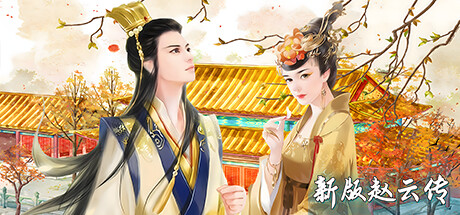
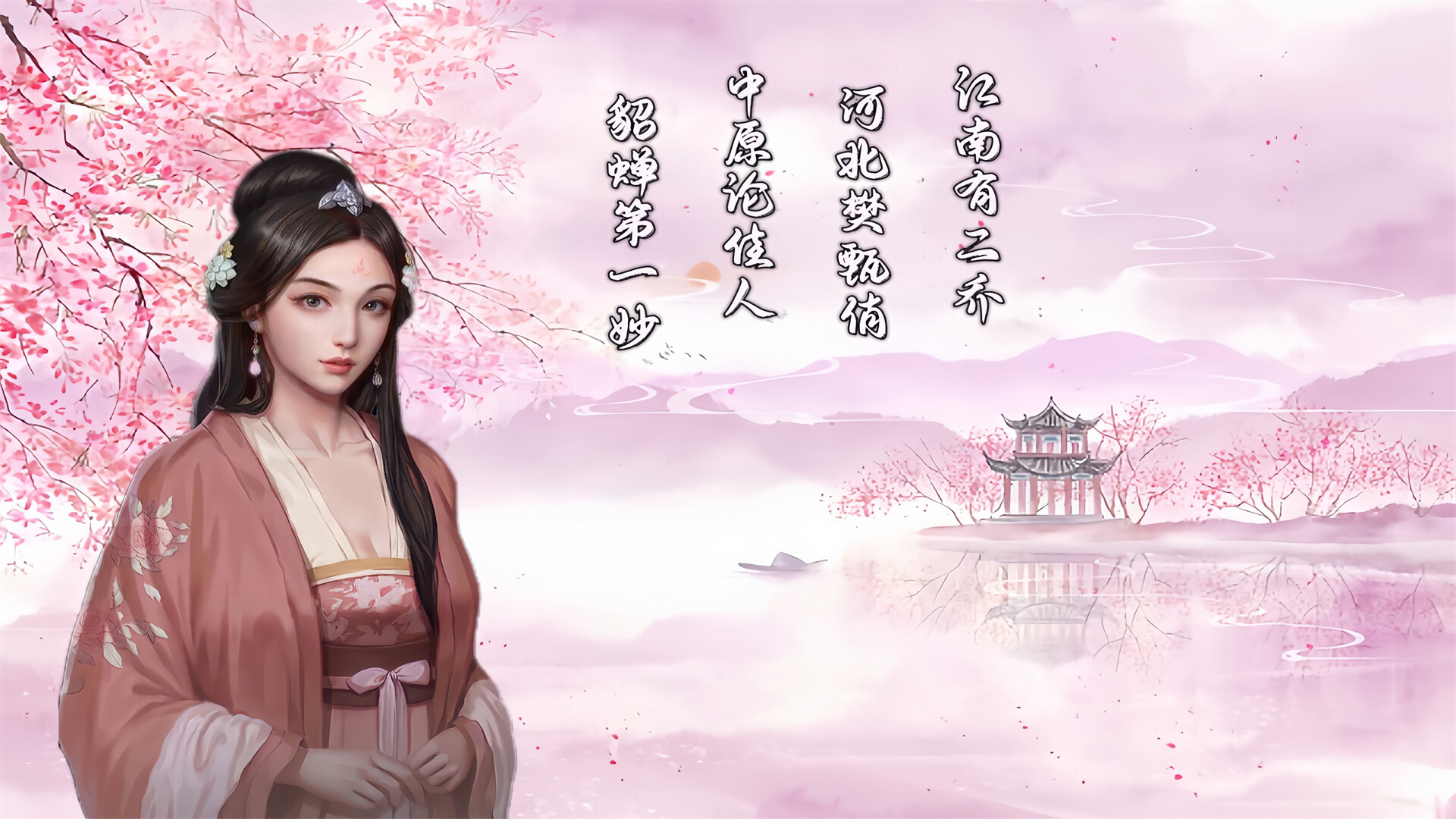
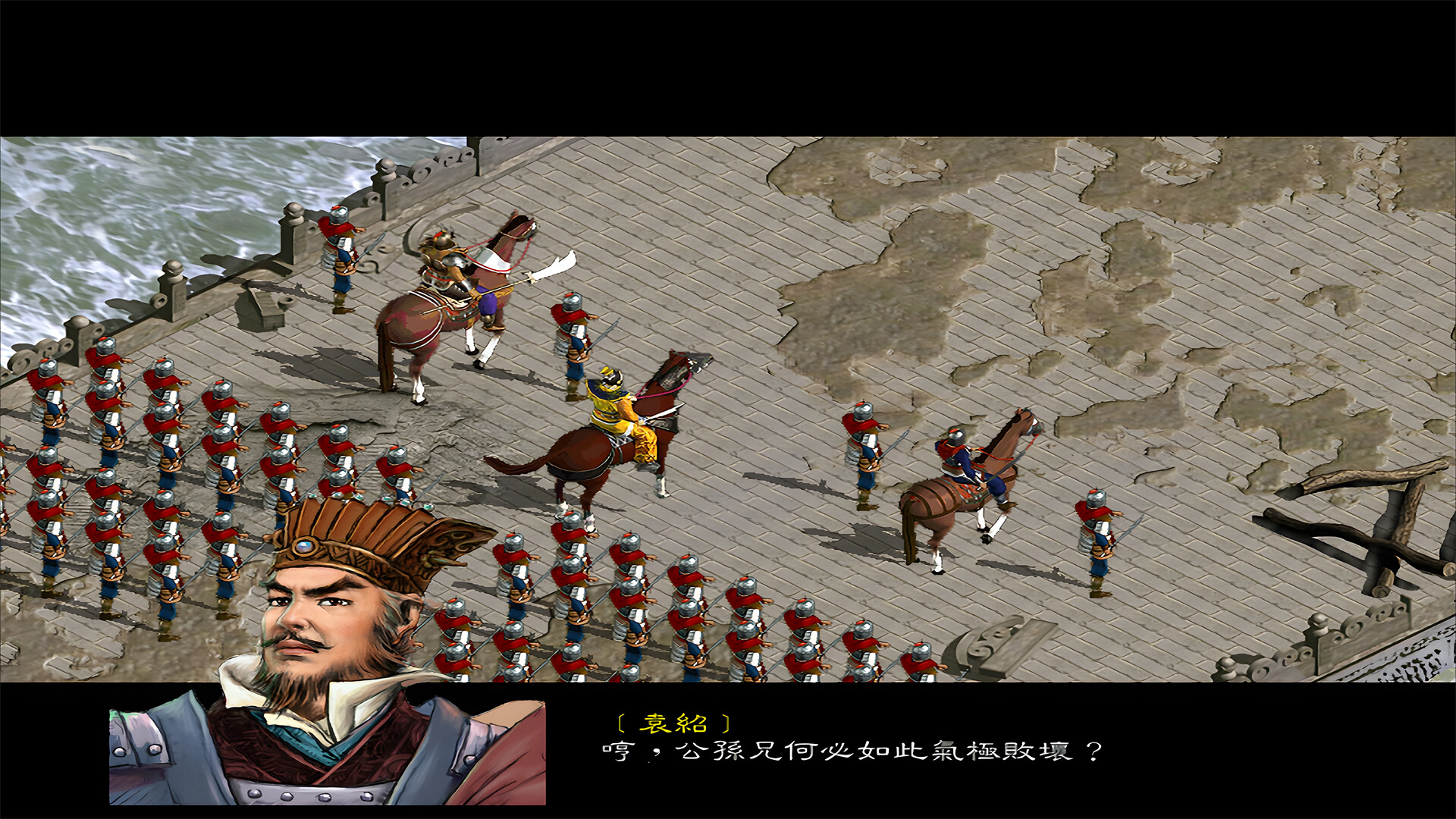
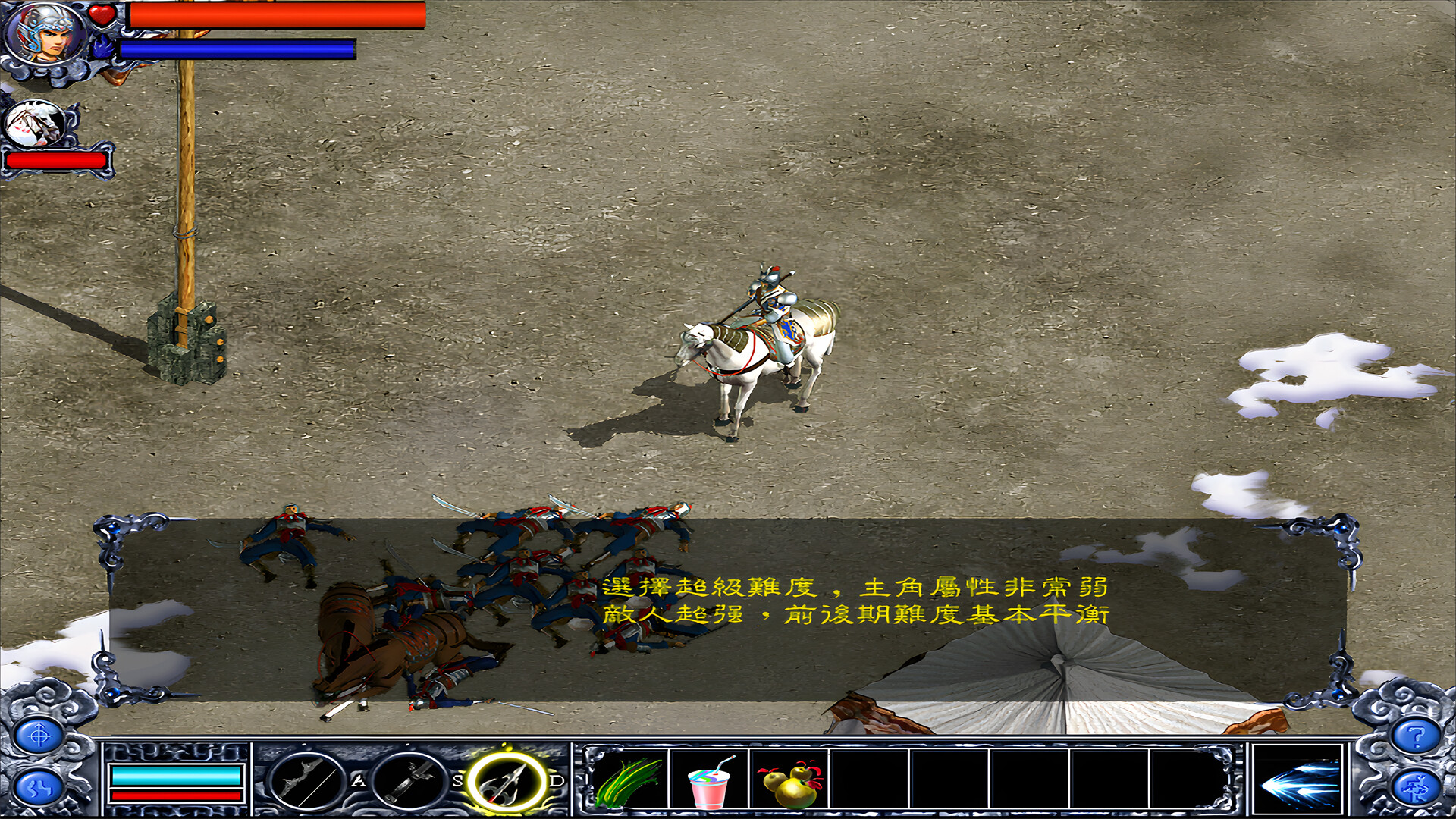
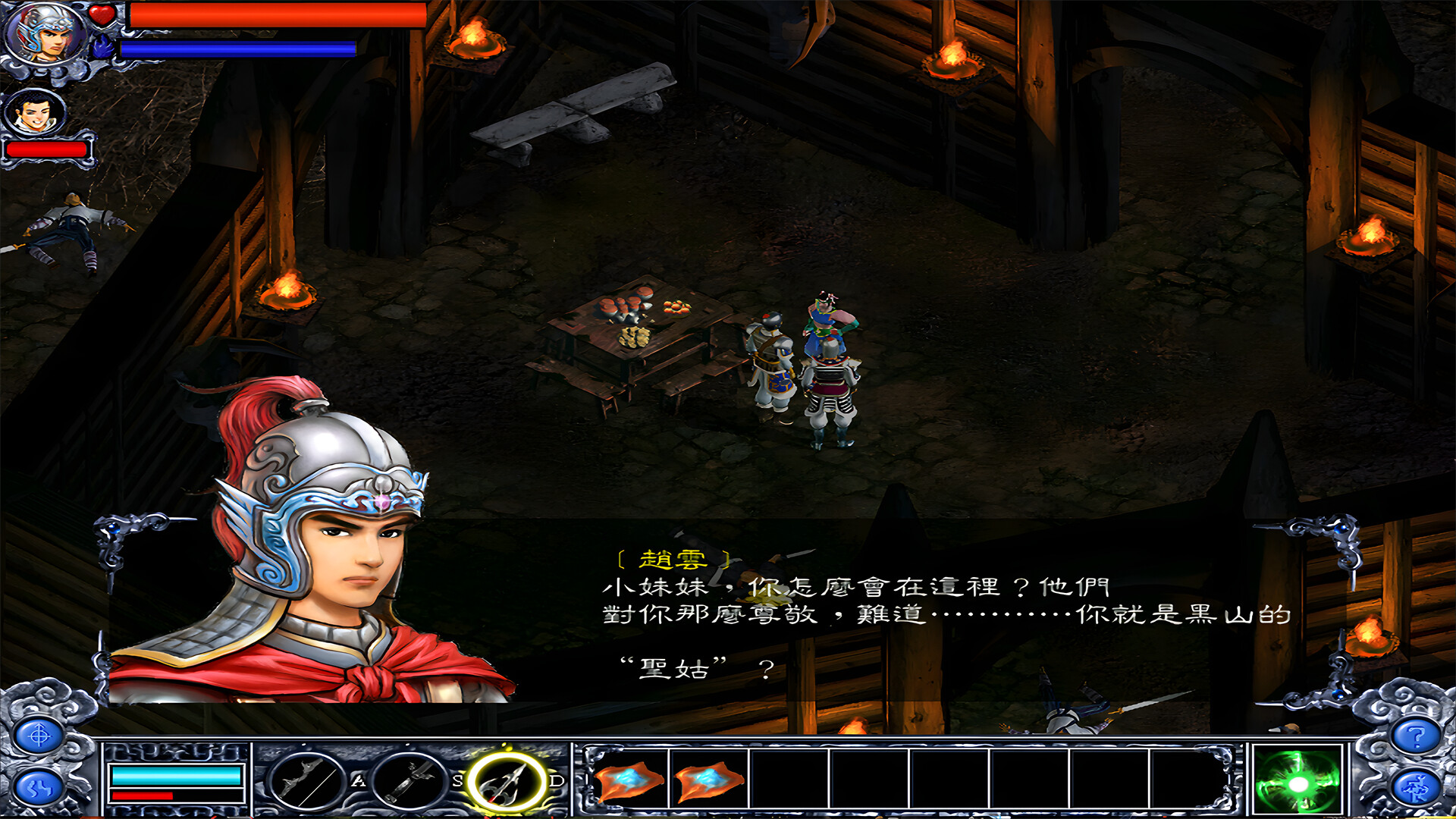
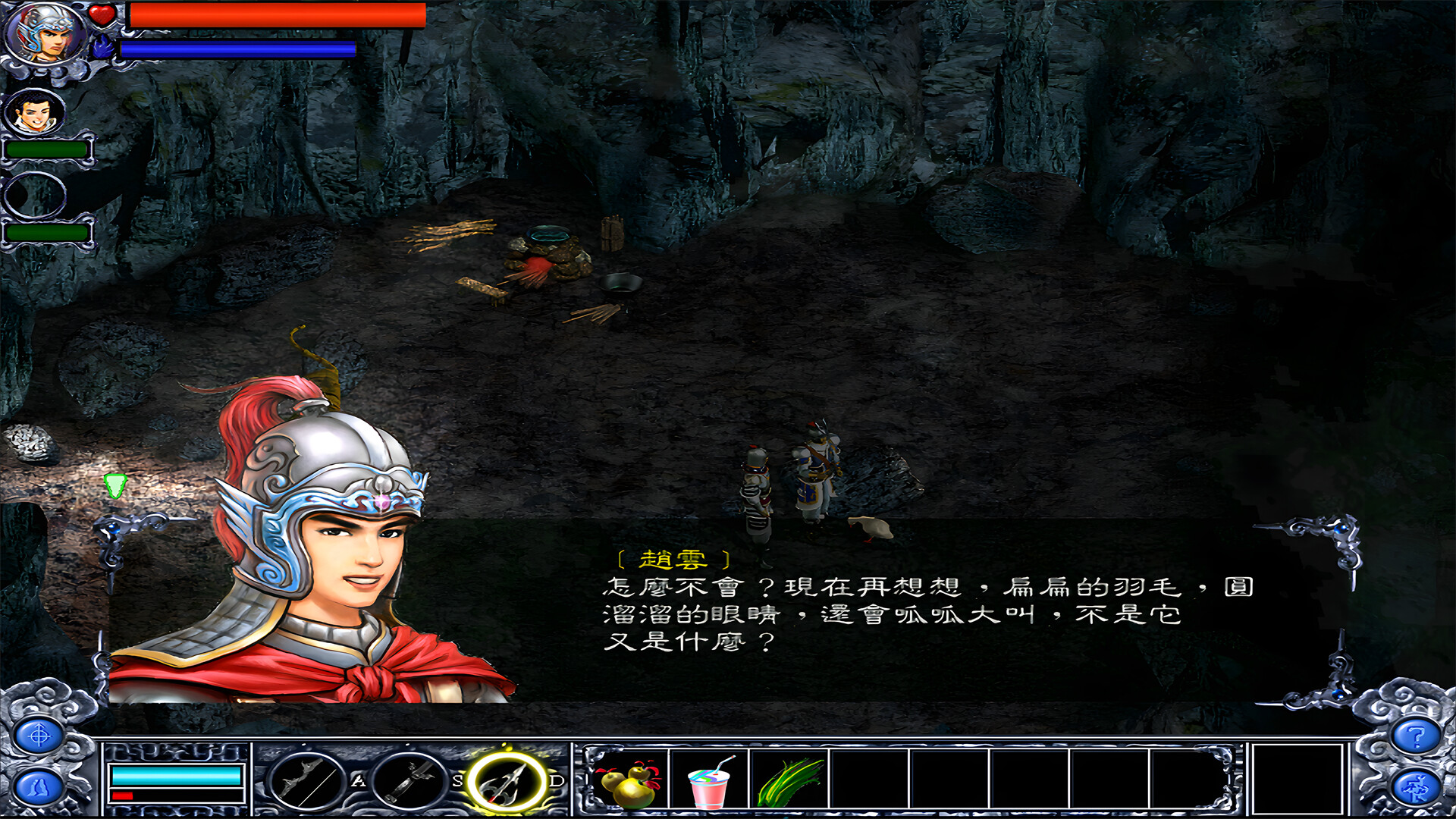
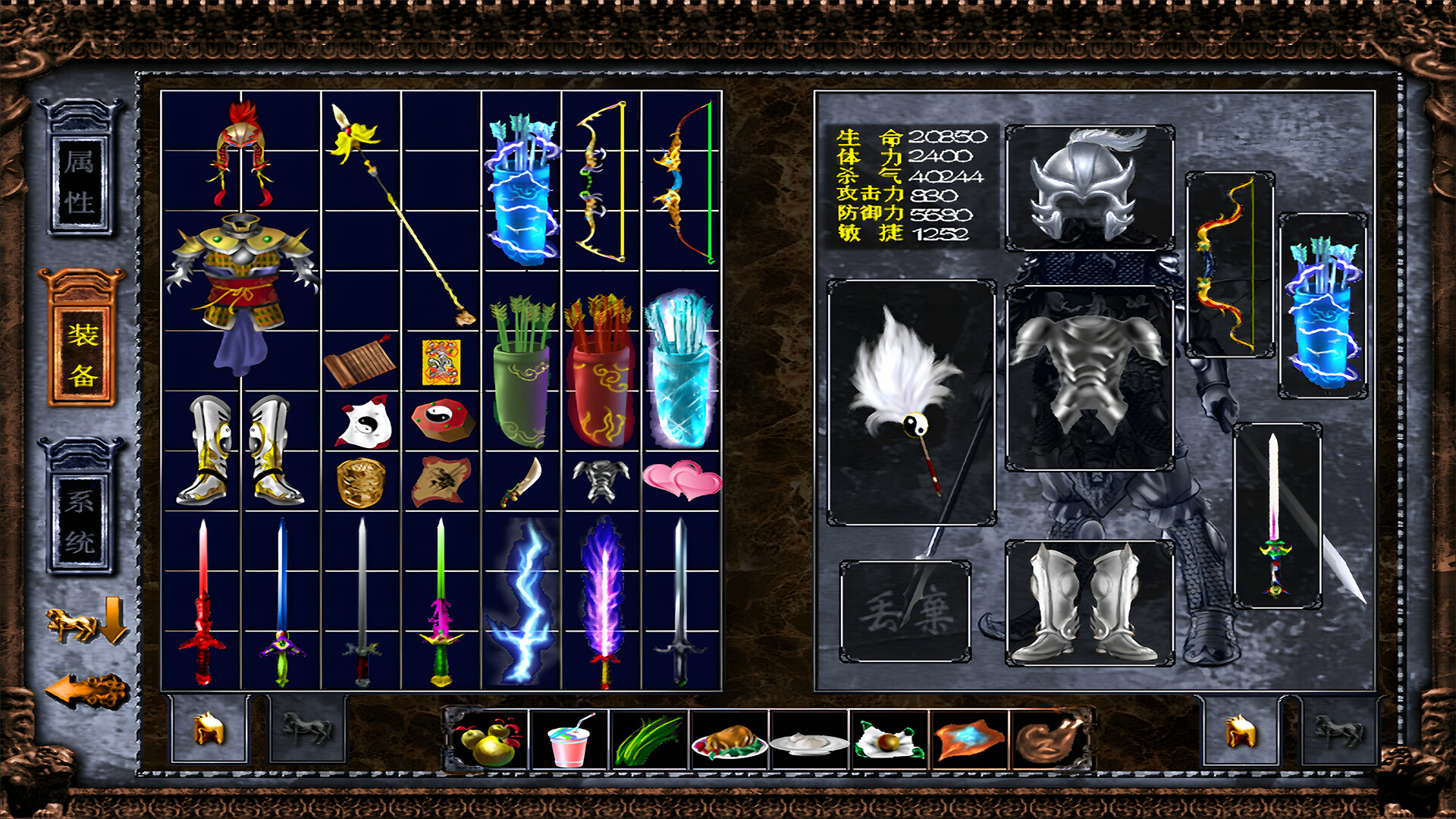
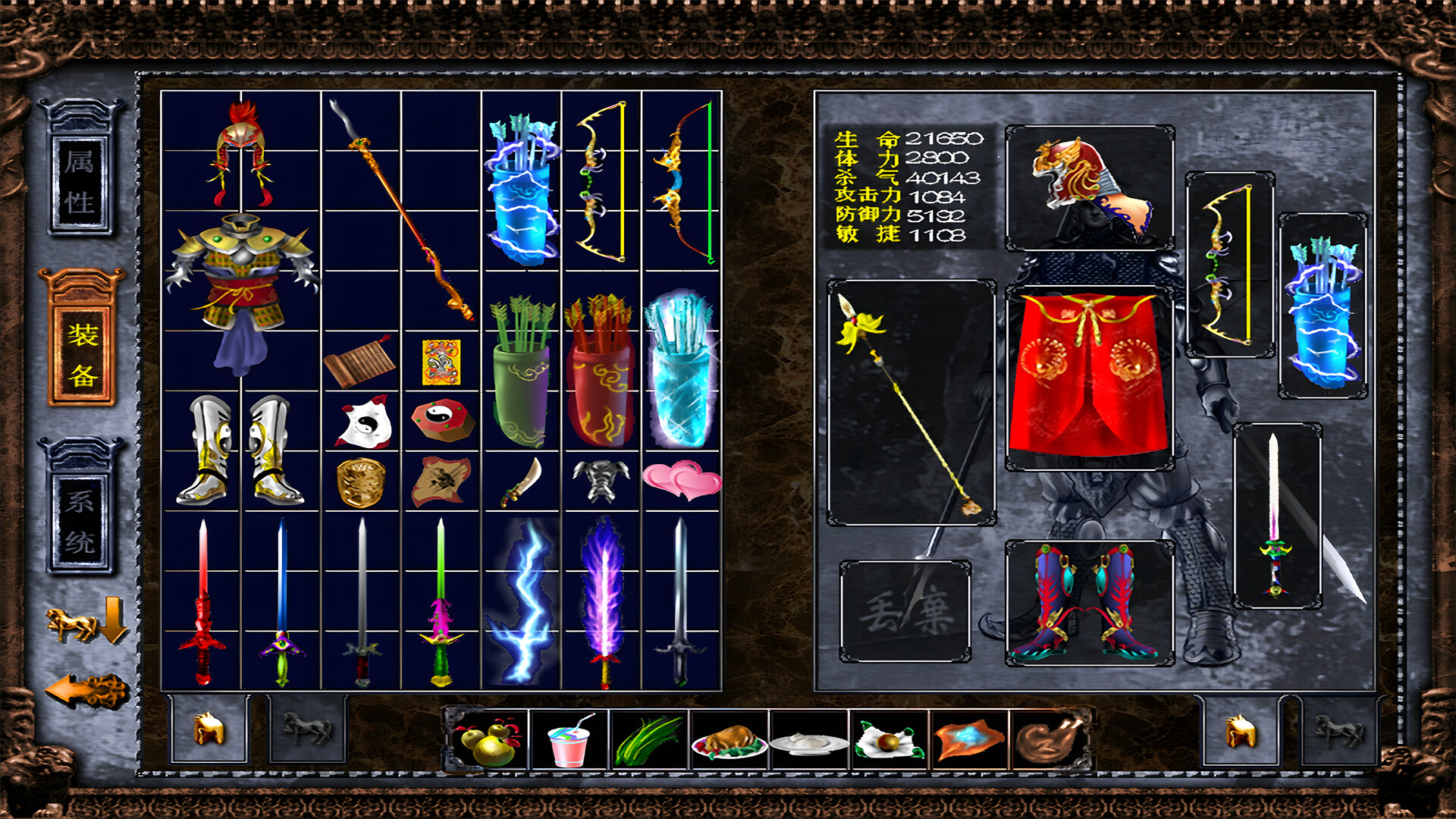
New ZhaoYun positions itself as a player-driven experience where you shape the game rather than follow its preset path. While details remain sparse, the emphasis on personal creation suggests sandbox or customization mechanics that appeal to those who want agency over their gameplay rather than scripted progression.
About this game
Our Zhao Yun will take you to a brand new world, truly realizing that people play games instead of playing games with people. Our main focus is on making my own game! I hope the new version will bring you more fun!
Players, last 57 days
Peak 2 · Low 0
Daily peak concurrent players, sampled once a night from Steam.
What players are saying
▼ Not recommended0 hrs
Cannot Open Game, Cannot contact developer because forum is locked, and QQ is not available outside of China, so no solutions
The Windows 10 / 11 Home Chinese version system is experiencing numerous issues, such as inability to open games, various strange behaviors in games, repeated launches, and other related problems. If your computer system is Windows 10 / 11 Home Chinese version and you see this message, please contact us promptly at QQ: 1352935065. We will assist you in resolving any game-related issues specific to this system. Thank you!
The Windows 11 Home Chinese version system is experiencing numerous issues, such as inability to open games, various strange behaviors in games, repeated launches, and other related problems. If your computer system is Windows 11 Home Chinese version and you see this message, please contact us promptly at QQ: 1352935065. We will assist you in resolving any game-related issues specific to this system. Thank you!
The updated content is as follows: 1 : Fixed an issue where some players may crash in full screen mode of the game 2 : The game's ability to modify graphics quality has received some new features! Now you can customize your game graphics by using the image quality configuration function at the bottom of the startup menu! This time it can be considered as improving this feature, there may have been some issues before 3: A better solution has been obtained regarding the issue of game resolution If you have a 2K, 4K, or 8K monitor and exit the game, do you find that the desktop icon has become smaller? This is normal because the game automatically sets the picture quality based on your desktop resolution and zoom, so this situation may occur The automatic setting of game graphics is to adapt to display devices with 1920 * 1080 resolution and lower resolution as much as possible So players with 2K or higher resolution monitors can exit the game and select the "Restore Desktop Zoom" option in the startup menu to restore the settings what? Can't find this startup item? Please open the image quality configuration function in the startup option and customize the desktop zoom function here! We have no choice but to redefine the game in this way, as we want to preserve the original art style while also maintaining high graphics quality and refresh rate Thank you for your support and understanding, Wishing you a happy life and enjoyable gaming! 4: The game strategy has been improved, and now it seems even more perfect than before! Perhaps compared to game feature updates, this is nothing, But the improvement of game strategy can enable more friends to directly solve some difficult and unfamiliar problems! For novice novices, it is also a way to relieve stress! Don't worry about any more problems! Do you seem to have a better answer? Considering the issue of some players experiencing lag? We would like to make a special note here! You should carefully choose high-quality images...
Posts come from Steam's official announcements feed.