
▼ Not recommended
6 hrs
5/10
Where's the panhandle? Where's the panhandle??!!!
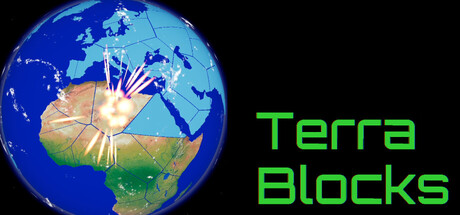
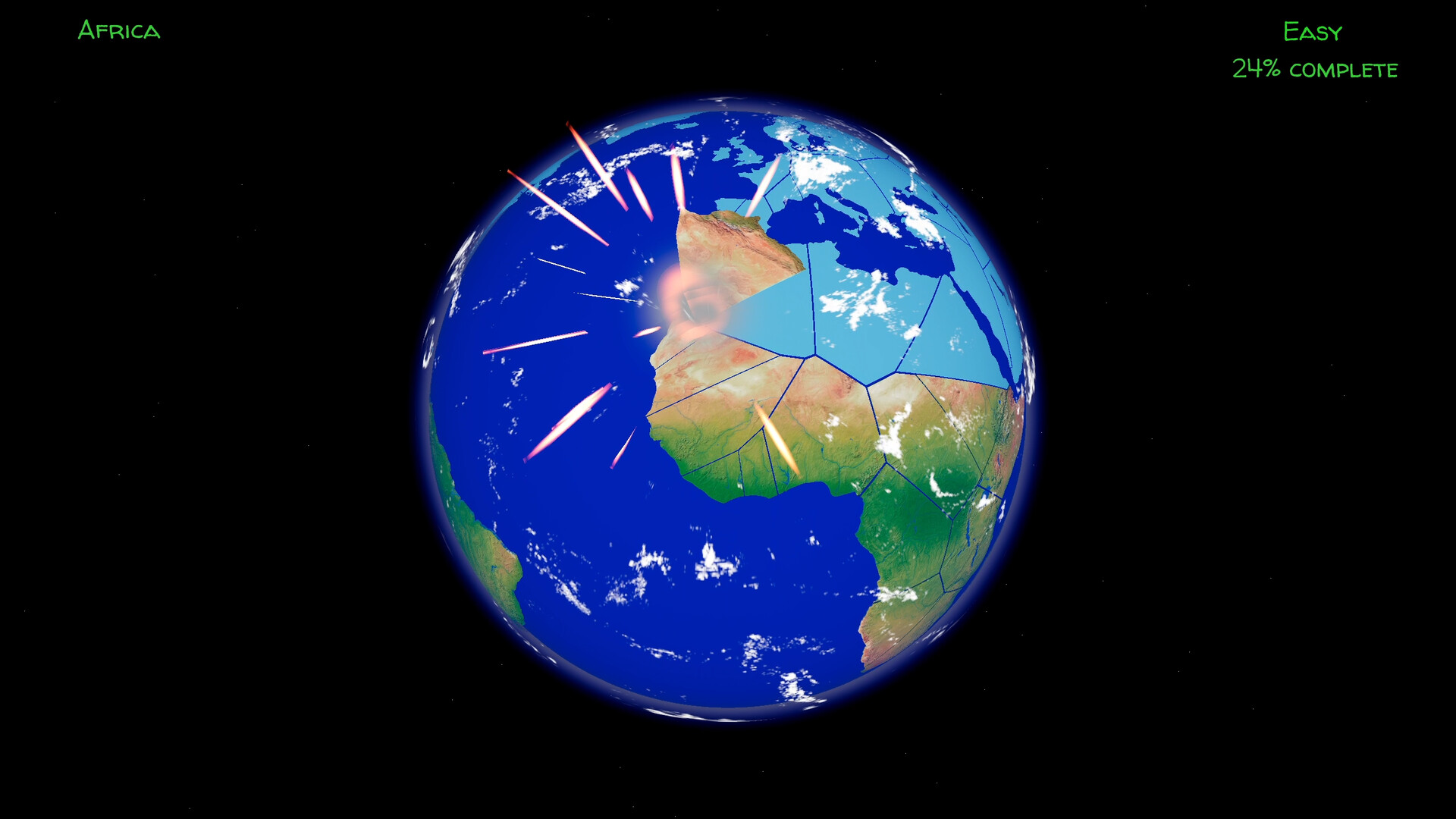
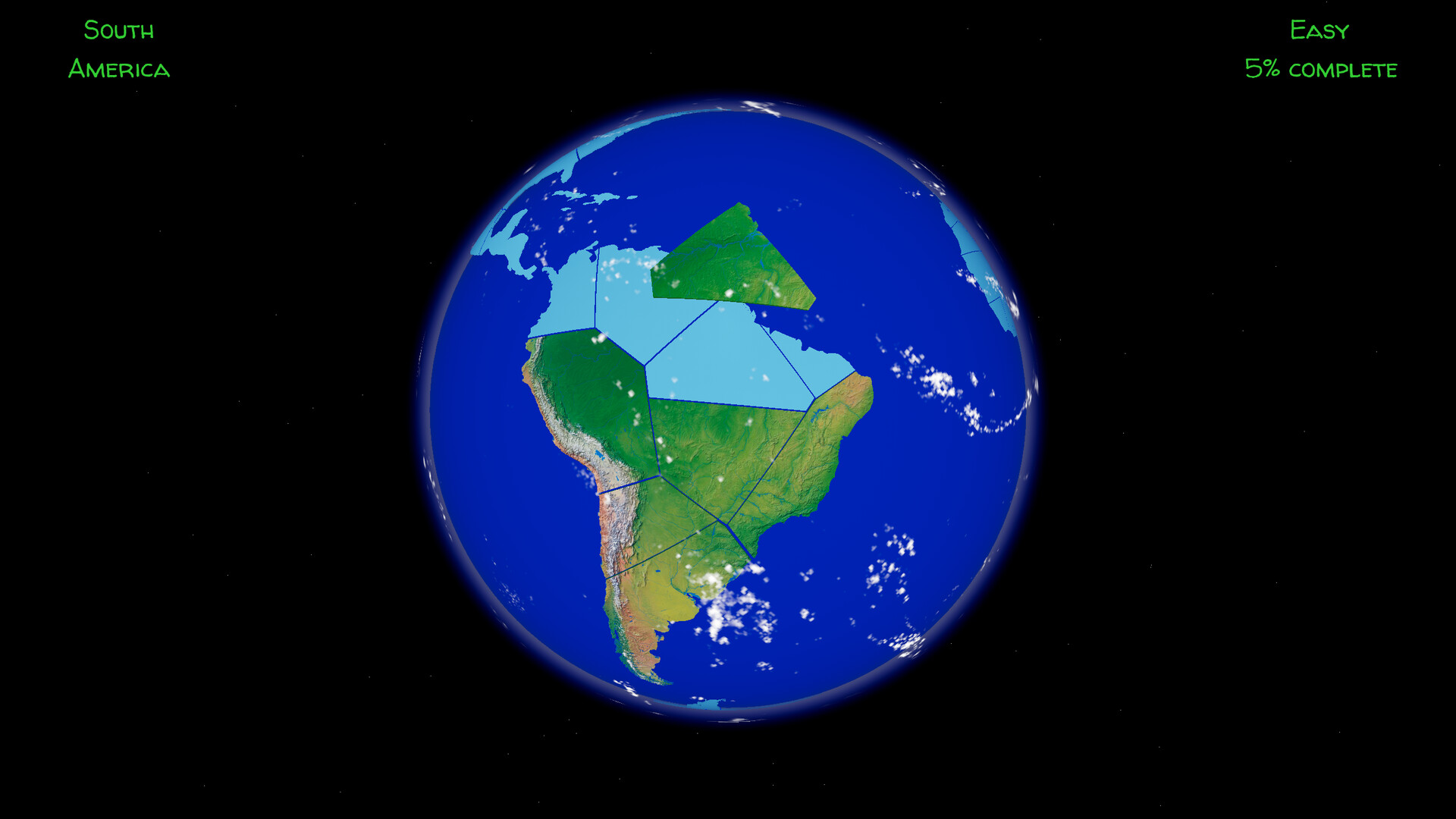
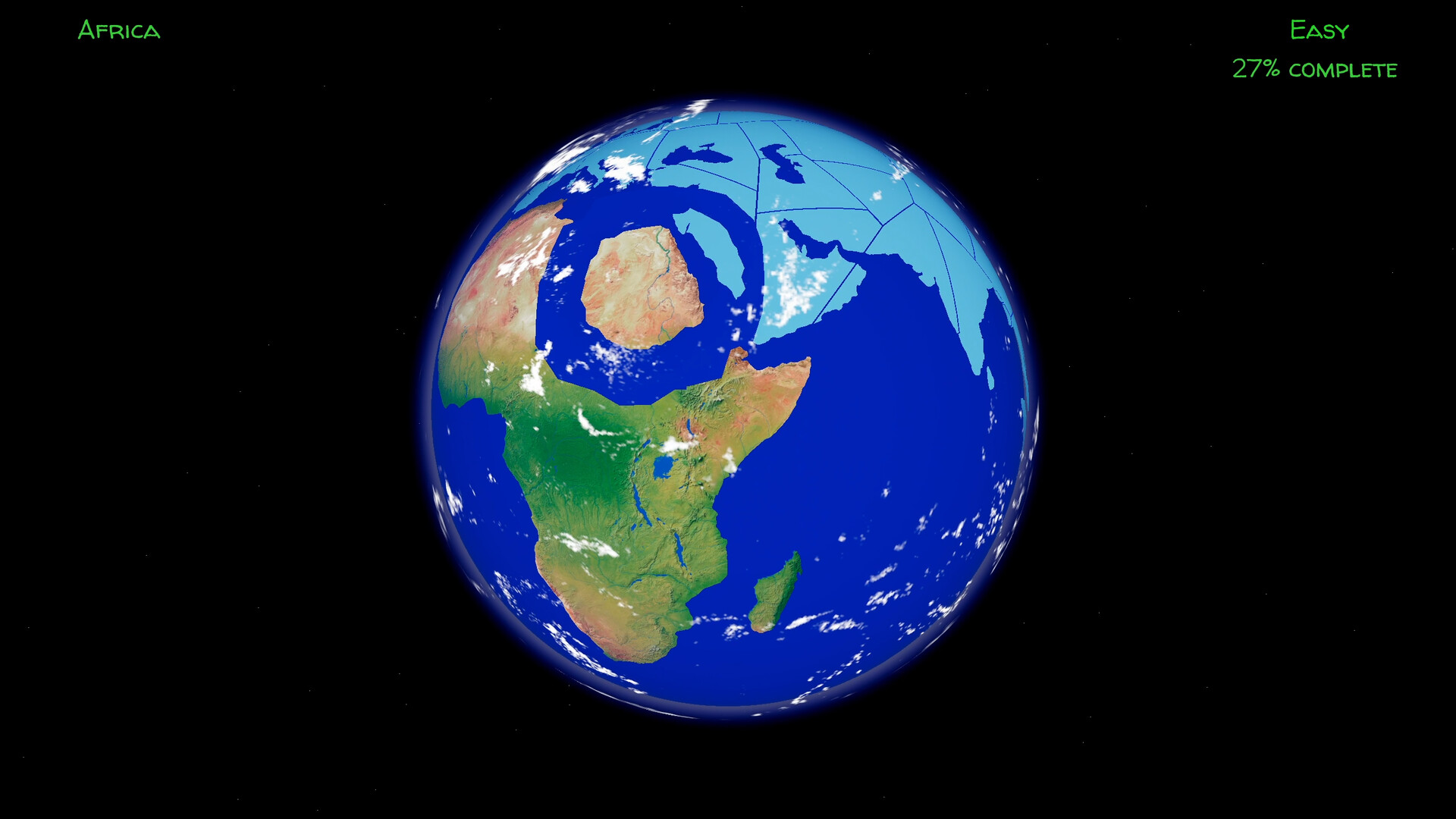
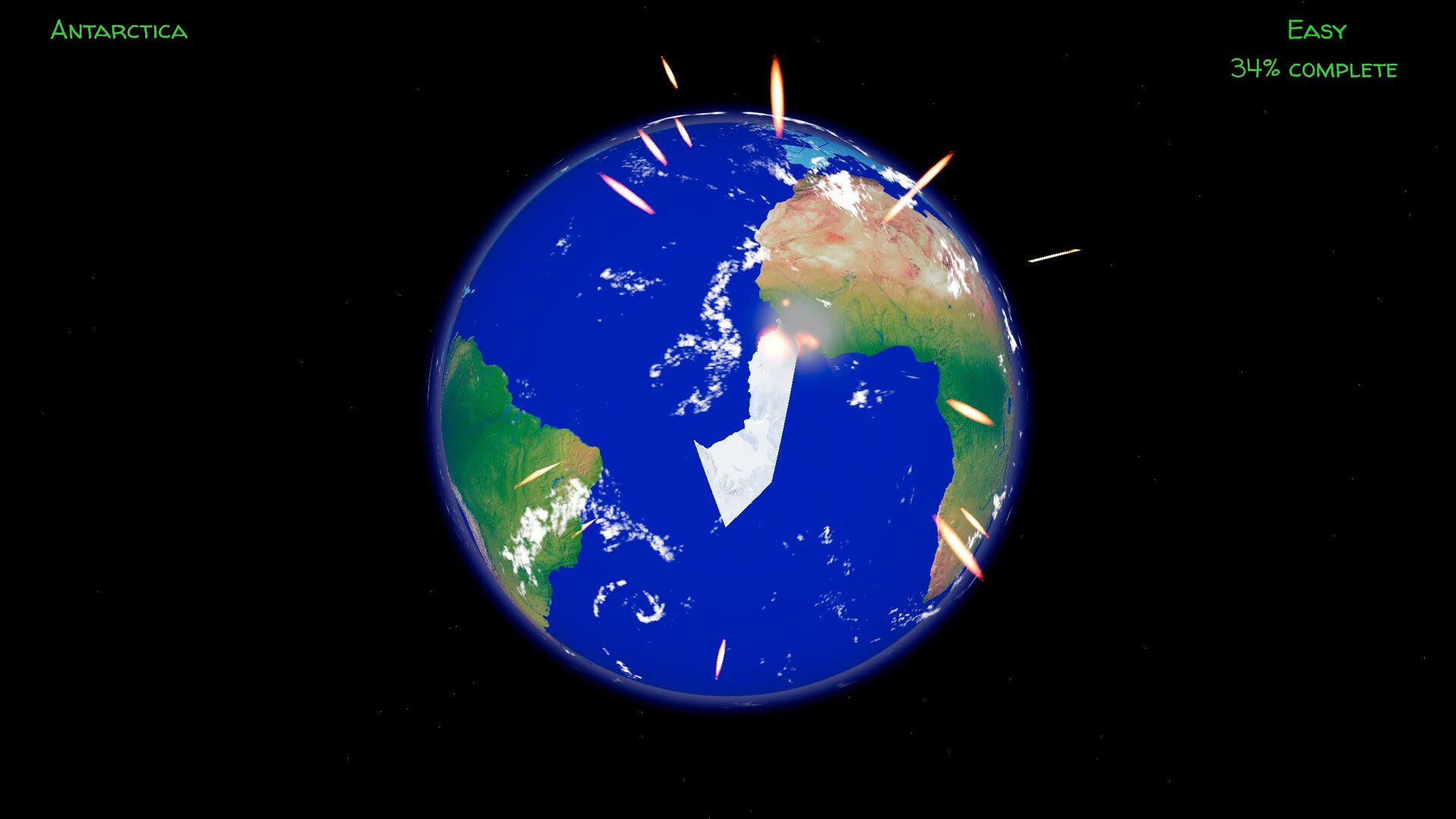
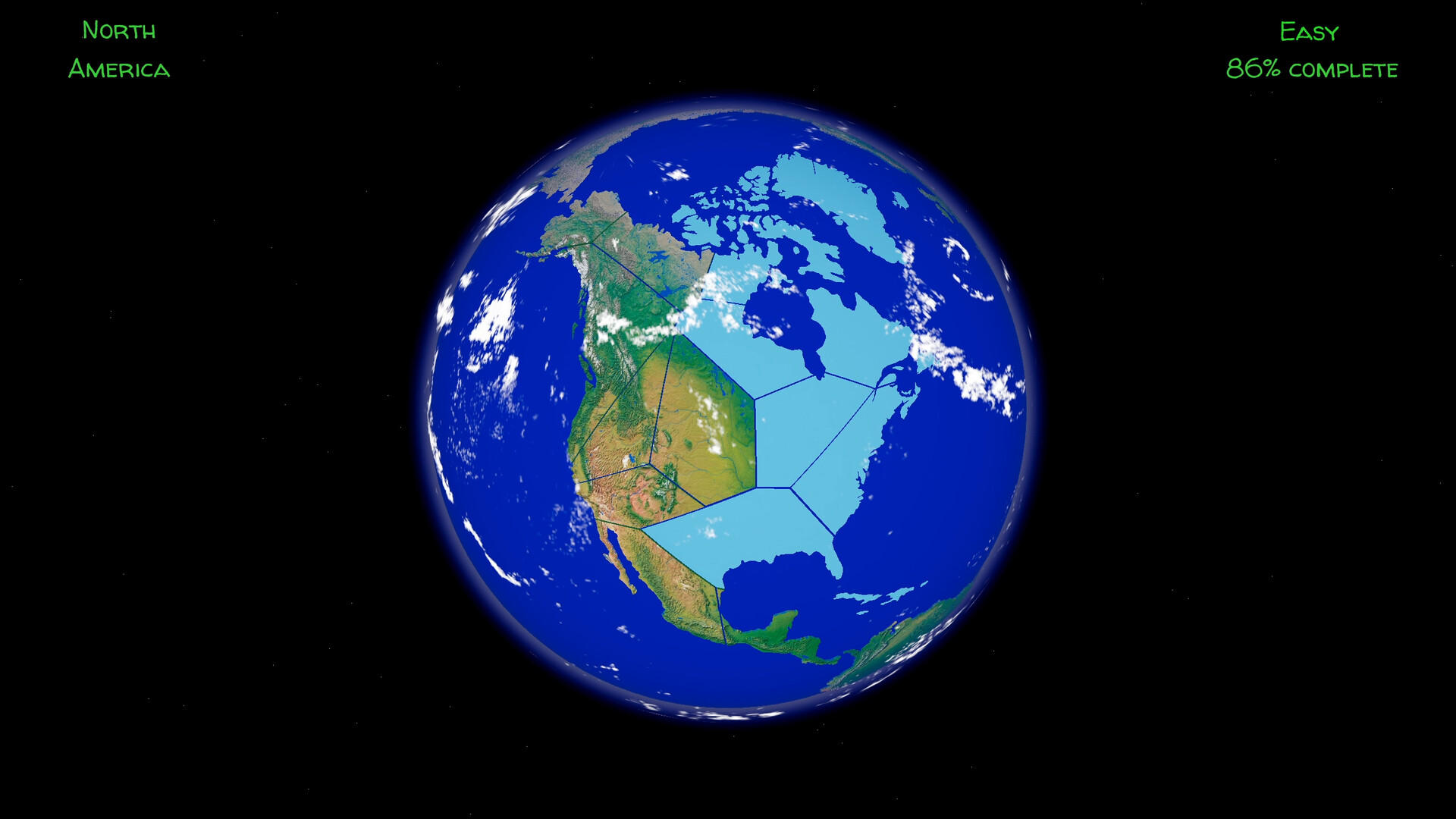
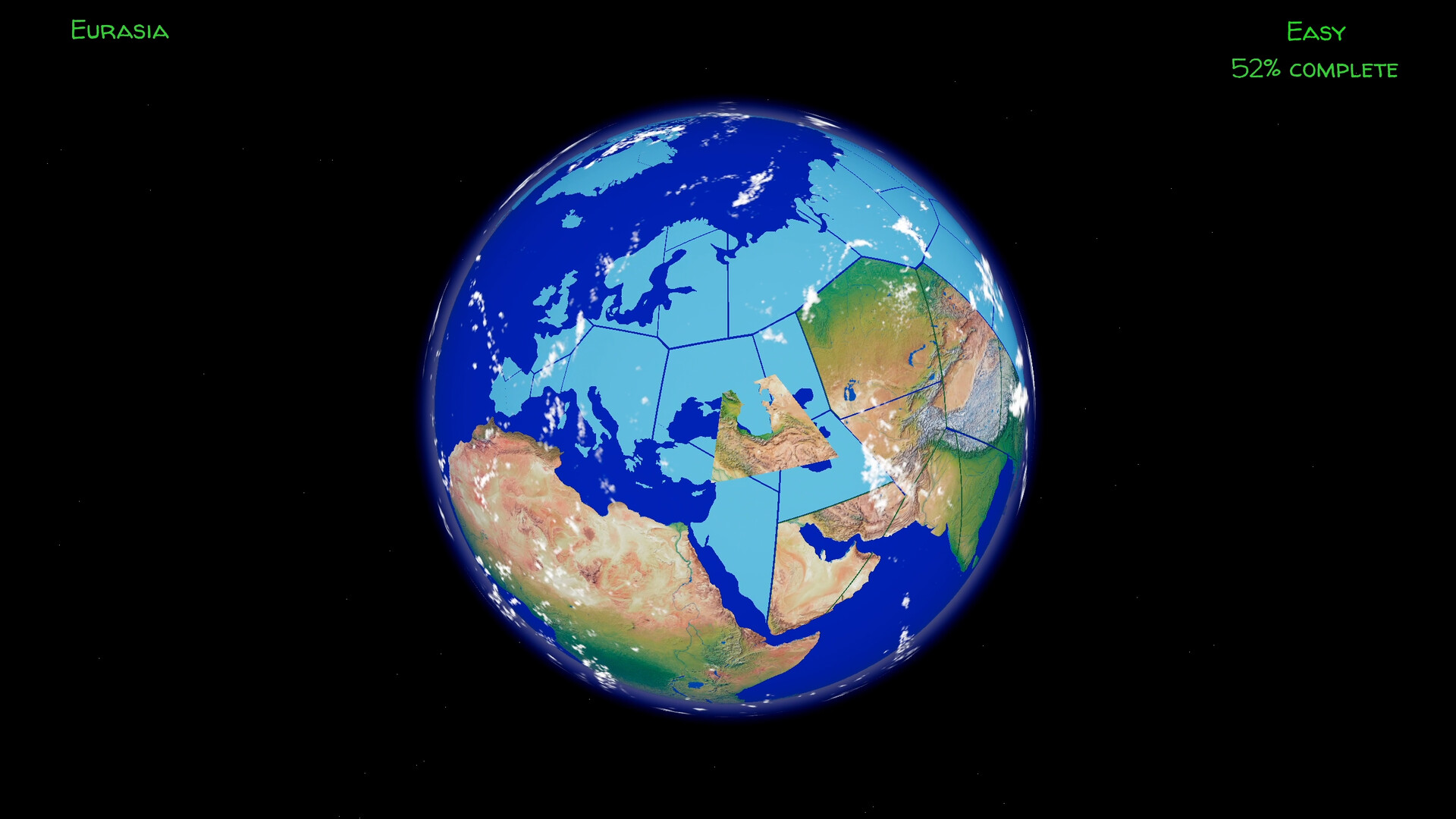
What is it: An educational jigsaw puzzle about our planet. The puzzle pieces are split up continents, and you have to slide them around the globe until they click in the right place. It starts simple, with a few levels that can be done in under a minute, with a few big pieces of one continent, but then it gets harder and harder, with smaller pieces, then with multiple continents, then whole hemispheres, and finally the entire earth.
By default, the game starts in challenge mode, where there's a timer that counts down the allocated time for finishing the puzzle. That is doable for the first few easy levels, but I found that it's almost impossible to beat the challenges in the later levels, and usually not because of how hard the puzzles are, I could easily solve them all in under 5 minutes in real life, but because of the clunky controls. Well, they're not entirely clunky by accident, they mostly add realism. Each piece of land has mass, so moving is not as simple as click and drag, you have to push on it using directional keys + rotation, and as in reality, mass means inertia. A big piece takes a while to get moving, and then it coasts on its own for a bit, while a small piece zooms away as soon as you hit a key. And if there are other pieces in the way, you may be able to push through if the mass ahead isn't overwhelming, but more likely than not you'll have to first clear a path between where the piece is and where it's supposed to be, or navigate around the other pieces. Which I didn't mind that much, and is still fine, but not when you have a ticking clock.
But there are other issues that make the game unintentionally clunky and I really hated:
Despite all this, the game is effective as an educational tool. When you're under pressure, you can't just treat this as a generic jigsaw, you'll have to learn to recognize every piece of the Earth by any of its features: that's the Yellow sea coast, that's the Florida panhandle, that's the Nile river, the wide Himalayas versus the thin Andes, the big lakes, the gray northern ridges, spot when New Zealand is hiding in the Atlantic, etc.
How hard is it: In challenge mode, very hard, but as a generic jigsaw with the timer off, well, it's a jigsaw, how hard is that for you?
How long is it: 20 unique levels, which I finished in a little over an hour, then I don't know how many more levels of the entire Earth cut up into different shapes, I did 8 already, with 20-30 minutes per level, and they keep on coming up. Levels are unlocked and revealed in order.
Quality: Basic. The game works, but it lacks many features. Clunky controls, No cloud saving, no achievements. Non-rebindable controls. A resolution picker and a volume slider, and a few settings that make the game more accessible: disabling the timer, the clouds and the smoke effects. No app logo, uses the default Godot logo.
Worth the price: It's a bit expensive for what it offers.
Most positive aspect for me: Effective at teaching how the planet looks like.
Most negative aspect for me: Clunky controls. Did I say clunky controls already? Yes, clunky controls.
What would make it better:
Make the pieces not slide over another and get stuck. Make the pieces more easily slide next to each other. Add cloud saves and achievements. Slightly increase the allowed time for challenges. Remove the useless "Press any key" start screen. Add support for redefining control keys. Add more game modes, e.g. geopolitical maps (although that invites controversy with what countries are or aren't recognized), moon and mars maps, partial flat maps e.g. states of the USA and Canada or Europe countries, just tectonic plates outlines without the colored 3D relief... Add support for controllers and the Steam Deck. Show and unlock all levels from the start.
Where's the panhandle? Where's the panhandle??!!!
What is it: An educational jigsaw puzzle about our planet. The puzzle pieces are split up continents, and you have to slide them around the globe until they click in the right place. It starts simple, with a few levels that can be done in under a minute, with a few big pieces of one continent, but then it gets harder and harder, with smaller pieces, then with multiple continents, then whole hemispheres, and finally the entire earth.
By default, the game starts in challenge mode, where there's a timer that counts down the allocated time for finishing the puzzle. That is doable for the first few easy levels, but I found that it's almost impossible to beat the challenges in the later levels, and usually not because of how hard the puzzles are, I could easily solve them all in under 5 minutes in real life, but because of the clunky controls. Well, they're not entirely clunky by accident, they mostly add realism. Each piece of land has mass, so moving is not as simple as click and drag, you have to push on it using directional keys + rotation, and as in reality, mass means inertia. A big piece takes a while to get moving, and then it coasts on its own for a bit, while a small piece zooms away as soon as you hit a key. And if there are other pieces in the way, you may be able to push through if the mass ahead isn't overwhelming, but more likely than not you'll have to first clear a path between where the piece is and where it's supposed to be, or navigate around the other pieces. Which I didn't mind that much, and is still fine, but not when you have a ticking clock.
But there are other issues that make the game unintentionally clunky and I really hated:
- Sometimes pieces get on top of each other by accident, and they get stuck, you can only move the piece that's underneath, and that may involve removing a piece from its place, and sometimes that involves removing a whole bunch of pieces just to get one unstuck
- Worse, when you complete a whole continent, it gets locked in place, or on the easier levels when you just have to do one part of the planet they start already locked, so if a piece gets stuck on a locked piece of land, you're out of luck
- Sometimes pieces refuse to move into place if there are other pieces already in place and it's a tight, but still possible fit; there seems to be some padding around some pieces that means they can't pass each other too closely, and it's so frustrating when you just have a tiny bit of distance to push a piece in and it refuses to slide in, and you have to undo half a continent
- Worse, on one of the levels a part of Asia was cut in such a way that 3 pieces were almost mutually exclusive in fitting in, whichever two pieces I put in first, the third one refused to slide in, I had to dismantle the whole thing and try to wiggle them all together until they all fit; and it was just 3 pieces, it seems reasonable that they would have a lot of room to slide in with large obtuse angles!
- Pieces start spread around randomly, and it is possible to get a big piece of Africa in the Pacific with no way to move it between Antarctica and South America / Australia back into its place
- It's both too eager to keep the north-south orientation, and failing at doing that job properly: moving pieces over a pole, or trying to move the Earth near it suddenly jerks the planet around; yet, simply by rotating it while looking for a piece gets it tilted
- If the piece you're trying to move away to make room for another one gets snapped into place, you cannot unsnap it unless you first select another piece and then select this one again
- Controls require both mouse and keyboard, you use the mouse to select and deselect pieces or rotate the planet, and the keyboard to move the selected piece, if there is one
- You don't know if a piece is selected or not, you'll just find out when trying to use the keyboard
- By default there are clouds and smoke obstructing the view, but they are easily disabled
- For those that use non-QUERTY layouts, the controls are non rebindable
Despite all this, the game is effective as an educational tool. When you're under pressure, you can't just treat this as a generic jigsaw, you'll have to learn to recognize every piece of the Earth by any of its features: that's the Yellow sea coast, that's the Florida panhandle, that's the Nile river, the wide Himalayas versus the thin Andes, the big lakes, the gray northern ridges, spot when New Zealand is hiding in the Atlantic, etc.
How hard is it: In challenge mode, very hard, but as a generic jigsaw with the timer off, well, it's a jigsaw, how hard is that for you?
How long is it: 20 unique levels, which I finished in a little over an hour, then I don't know how many more levels of the entire Earth cut up into different shapes, I did 8 already, with 20-30 minutes per level, and they keep on coming up. Levels are unlocked and revealed in order.
Quality: Basic. The game works, but it lacks many features. Clunky controls, No cloud saving, no achievements. Non-rebindable controls. A resolution picker and a volume slider, and a few settings that make the game more accessible: disabling the timer, the clouds and the smoke effects. No app logo, uses the default Godot logo.
Worth the price: It's a bit expensive for what it offers.
Most positive aspect for me: Effective at teaching how the planet looks like.
Most negative aspect for me: Clunky controls. Did I say clunky controls already? Yes, clunky controls.
What would make it better:
Make the pieces not slide over another and get stuck. Make the pieces more easily slide next to each other. Add cloud saves and achievements. Slightly increase the allowed time for challenges. Remove the useless "Press any key" start screen. Add support for redefining control keys. Add more game modes, e.g. geopolitical maps (although that invites controversy with what countries are or aren't recognized), moon and mars maps, partial flat maps e.g. states of the USA and Canada or Europe countries, just tectonic plates outlines without the colored 3D relief... Add support for controllers and the Steam Deck. Show and unlock all levels from the start.
For more puzzle game reviews, news and everything puzzle-related, follow Puzzle Lovers and check out our Steam group.
8 found helpful
Steam ↗