▼ Not recommended
1 hrs
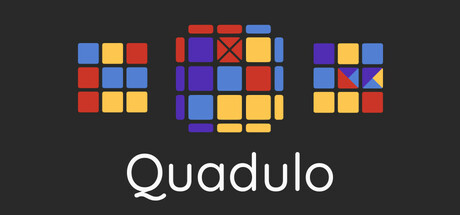
I'm sorry, this seemed like a fun idea when I bought it, but it's just not.
I've been solving cubes of all sizes for years, and I've played and mastered numbers of puzzle games, but here, to get all the achievements? Either I finally got skillchecked or there wasn't enough thought put behind designing this game.
I see the inspiration with the original Rubik's cube, but that's all, an inspiration, the faces don't rotate, only the layers.
Feels like it's designed in a way where the "intended" way to beat it is to keep half-randomly guessing what's the next move, and undoing it if it was the wrong one (hence the whole "set mark" and "go to mark" system), which does not in any way make for a good puzzle game.
Pros:
- Original concept, I'll give you that
- Fitting music
Cons:
- Horrible, horrible achievements, I cannot stress this enough, "solve over 1 hour" is just letting the game run in the background for an hour, fun. They're also very exploitable and they only check if you CLICK on the initial moves, you can already have it open when starting a new game and it'll still count. I've already explained my issues with sub 1 minute above, not feasible.
- Flimsy UI, it's hard to rotate the layer you want every time, I kept clicking on the wrong ones. It's a bit better when using numbers on keyboard, but you can't press "10" or "16" can you?
PS. Feel free to prove me I got skillchecked by showing me how to solve these, at the moment I'm thoroughly convinced that there's no solid way to solve
0 found helpful
Steam ↗