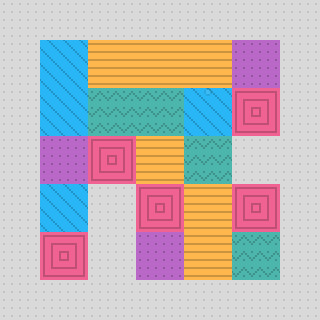
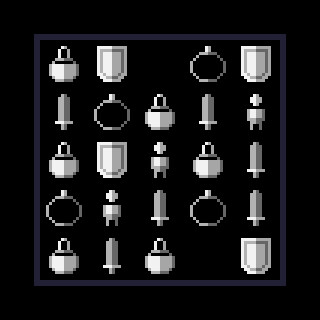
Desktop Blocks merges match-three gameplay with idle mechanics, letting you drop blocks into a grid while offline progress builds resources for upgrades and cosmetics. The minimalist design sits unobtrusively in your corner, making it ideal for players seeking low-stress engagement between other tasks. Casual audiences and completionists hunting skins will find steady progression without grinding.
About this game
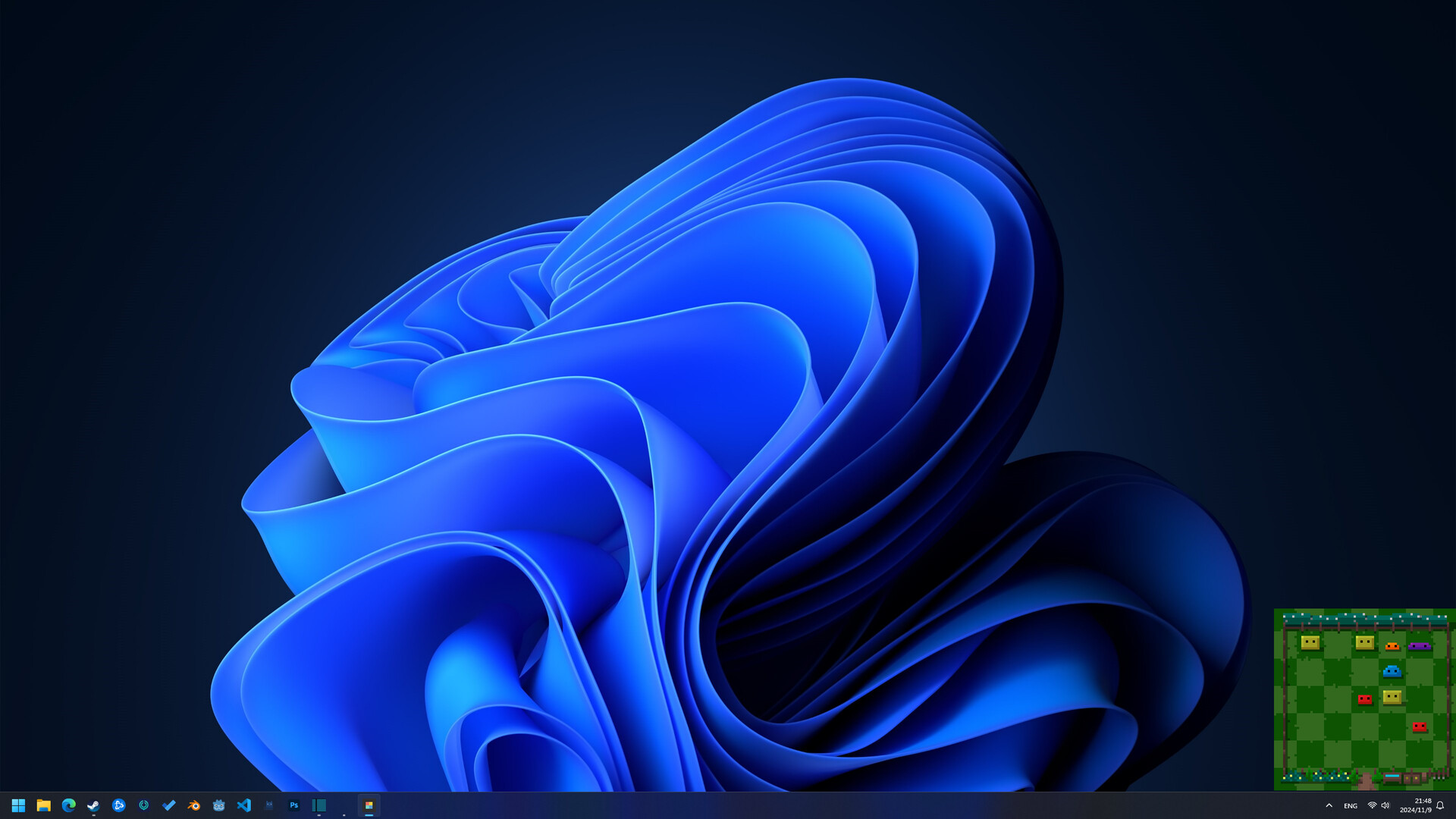
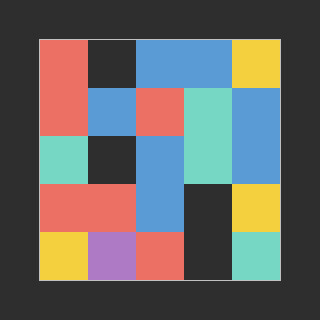
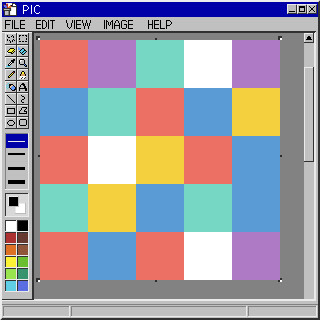
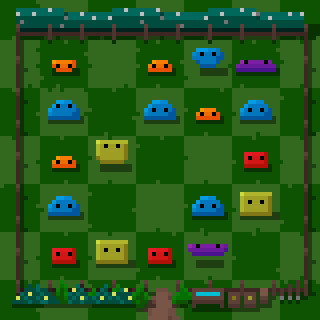
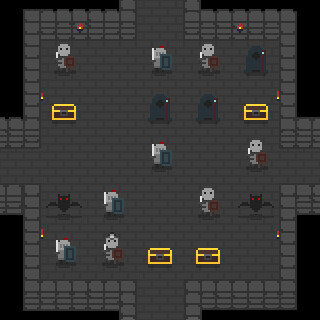
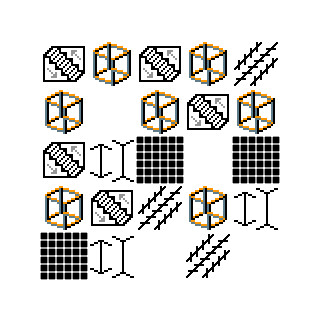
Desktop Blocks is a relaxing desktop game that combines match and idle mechanics. Play in the corner of your screen and aim for a high score. Even when you're busy, the game will passively generate resources over time, which you can use to upgrade your gameplay or unlock custom skins.
Players, last 75 days
Peak 1 · Low 0
Daily peak concurrent players, sampled once a night from Steam.
We’ve Got an Update! This update introduces the festive "Christmas" skin, along with adjustments to volume settings and some bug fixes. We hope this update makes your gaming experience even smoother! New Skin Christmas The festive "Christmas" skin is here! Dress up in the holiday spirit and enjoy the festive atmosphere. {STEAM_CLAN_IMAGE}/45245671/c83d3da8106516e97efb64b4873facc4bad4bba3.gif Gameplay The maximum capacity for dots has been increased, so now you can store more of your overflowing dots! Animations The animation speed of the "Geometry" skin has been slightly increased for a smoother experience. Music Relaxing Background Music. We’ve added some relaxing background music. Initially, music wasn’t part of this desktop game’s design as we didn’t want to distract players. However, if you’d like to enjoy some calming tunes while playing, you can now turn on background music. If it feels distracting, you can always mute it. Settings New options for "Master Volume" and "Music Volume" have been added to the settings menu. 午睡猫猫工作室 {STEAM_CLAN_IMAGE}/45245671/caef75b7cf76cb0d77893a09bc774dc078ab1b84.png{STEAM_CLAN_IMAGE}/45245671/ccf6700327d9f1d356cfb0d58bfd3b56b6c1748d.png{STEAM_CLAN_IMAGE}/45245671/6fdeb865f4a89a0fd0326685a43e5902e080746e.png{STEAM_CLAN_IMAGE}/45245671/e0a7961b66d1db40af738a185ff9668706a5647e.png{STEAM_CLAN_IMAGE}/45245671/95c0758d440116b3f32b900aa2db543f58e88d34.png{STEAM_CLAN_IMAGE}/45245671/11c54b48eb253d7b516a403277930c83283330c4.png{STEAM_CLAN_IMAGE}/45245671/9c7d6f2929614e003bbc039f4d891d3bfee76276.png{STEAM_CLAN_IMAGE}/45245671/4b72ae09f8f2ebc878f9cfa150cd9d8d597e36f7.png
We’ve released a small update aimed at improving the user experience in Desktop Blocks and fixing some known issues. We hope this update makes your gaming experience even smoother! Setting A new feature has been added in the settings to select the "monitor for the window." Now, with multiple monitors, you can move the window to another monitor. Added "Show Window Border" feature: You can now find "Show Window Border" in the Settings menu. With the window border enabled, you can freely drag the window around. Bug Fixes Fixed an issue where the "Hide Background" setting would not work in certain cases. 午睡猫猫工作室 {STEAM_CLAN_IMAGE}/45245671/caef75b7cf76cb0d77893a09bc774dc078ab1b84.png{STEAM_CLAN_IMAGE}/45245671/ccf6700327d9f1d356cfb0d58bfd3b56b6c1748d.png{STEAM_CLAN_IMAGE}/45245671/6fdeb865f4a89a0fd0326685a43e5902e080746e.png{STEAM_CLAN_IMAGE}/45245671/e0a7961b66d1db40af738a185ff9668706a5647e.png{STEAM_CLAN_IMAGE}/45245671/95c0758d440116b3f32b900aa2db543f58e88d34.png{STEAM_CLAN_IMAGE}/45245671/11c54b48eb253d7b516a403277930c83283330c4.png{STEAM_CLAN_IMAGE}/45245671/9c7d6f2929614e003bbc039f4d891d3bfee76276.png{STEAM_CLAN_IMAGE}/45245671/4b72ae09f8f2ebc878f9cfa150cd9d8d597e36f7.png
We've brought a small update aimed at improving the user experience in Desktop Blocks and fixing a few known issues. We hope this update makes your gameplay smoother! Gameplay Adjusted the color saturation of the “Pop Art” skin to reduce visual strain and make colors softer. It’s now easier on the eyes! UI Added a new key function: Press the V key to reset window settings. Accidentally changed settings? No problem—pressing V will restore them to default so the kitties can spot the blocks on the screen again. Added a score display for block elimination to make clearing blocks feel more rewarding! Improved the menu layout to make each section clearer and easier to navigate. Bug Fixes Fixed an issue where restoring window settings would sometimes not reset the game’s transparency correctly. Nap Kitty Studio {STEAM_CLAN_IMAGE}/45245671/caef75b7cf76cb0d77893a09bc774dc078ab1b84.png{STEAM_CLAN_IMAGE}/45245671/ccf6700327d9f1d356cfb0d58bfd3b56b6c1748d.png{STEAM_CLAN_IMAGE}/45245671/6fdeb865f4a89a0fd0326685a43e5902e080746e.png{STEAM_CLAN_IMAGE}/45245671/e0a7961b66d1db40af738a185ff9668706a5647e.png{STEAM_CLAN_IMAGE}/45245671/95c0758d440116b3f32b900aa2db543f58e88d34.png{STEAM_CLAN_IMAGE}/45245671/11c54b48eb253d7b516a403277930c83283330c4.png{STEAM_CLAN_IMAGE}/45245671/9c7d6f2929614e003bbc039f4d891d3bfee76276.png{STEAM_CLAN_IMAGE}/45245671/4b72ae09f8f2ebc878f9cfa150cd9d8d597e36f7.png
Posts come from Steam's official announcements feed.