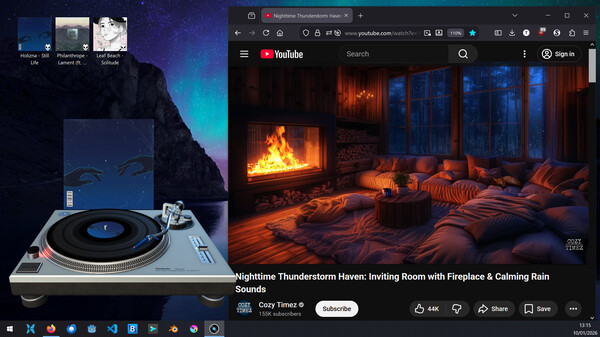
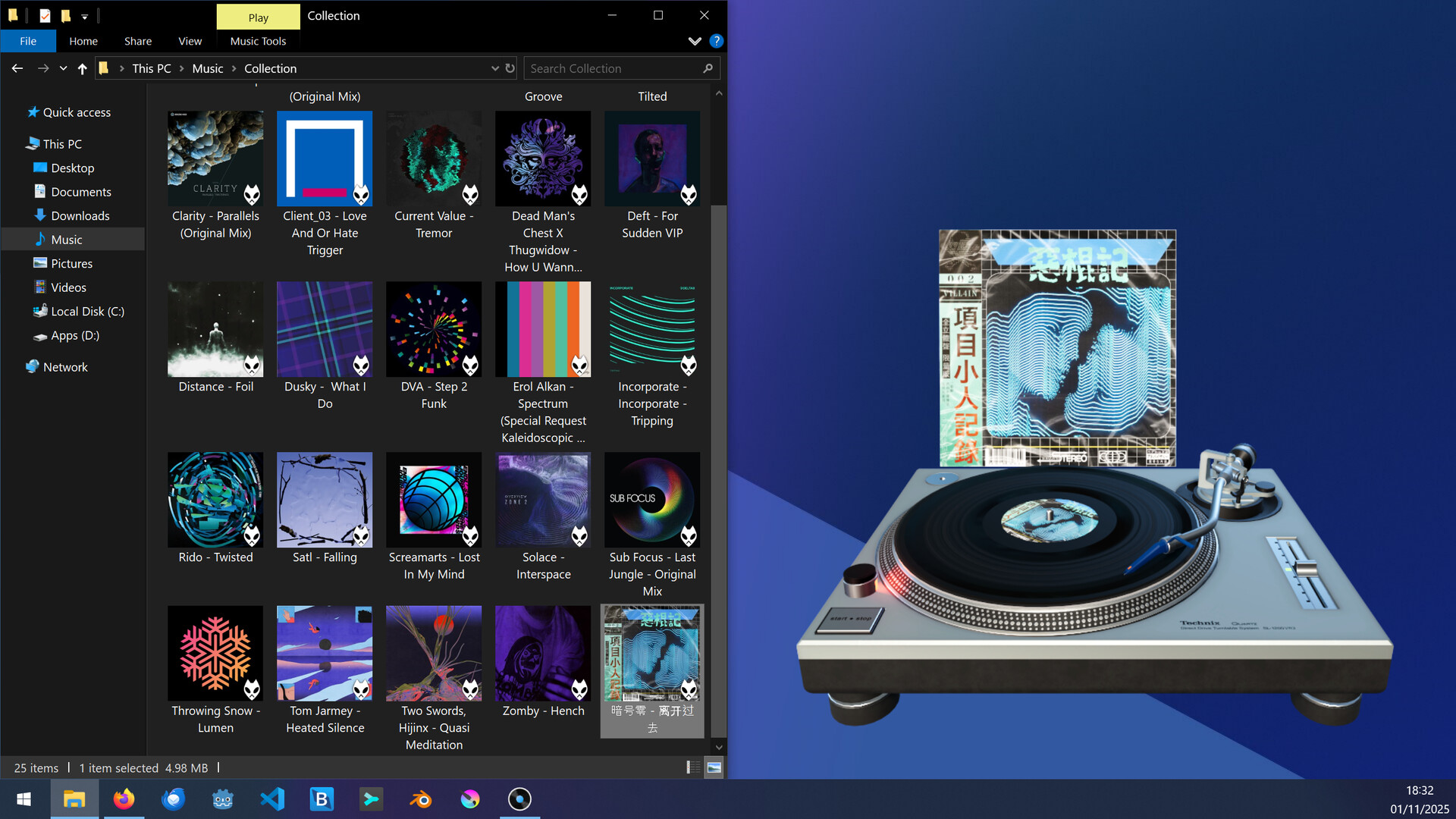
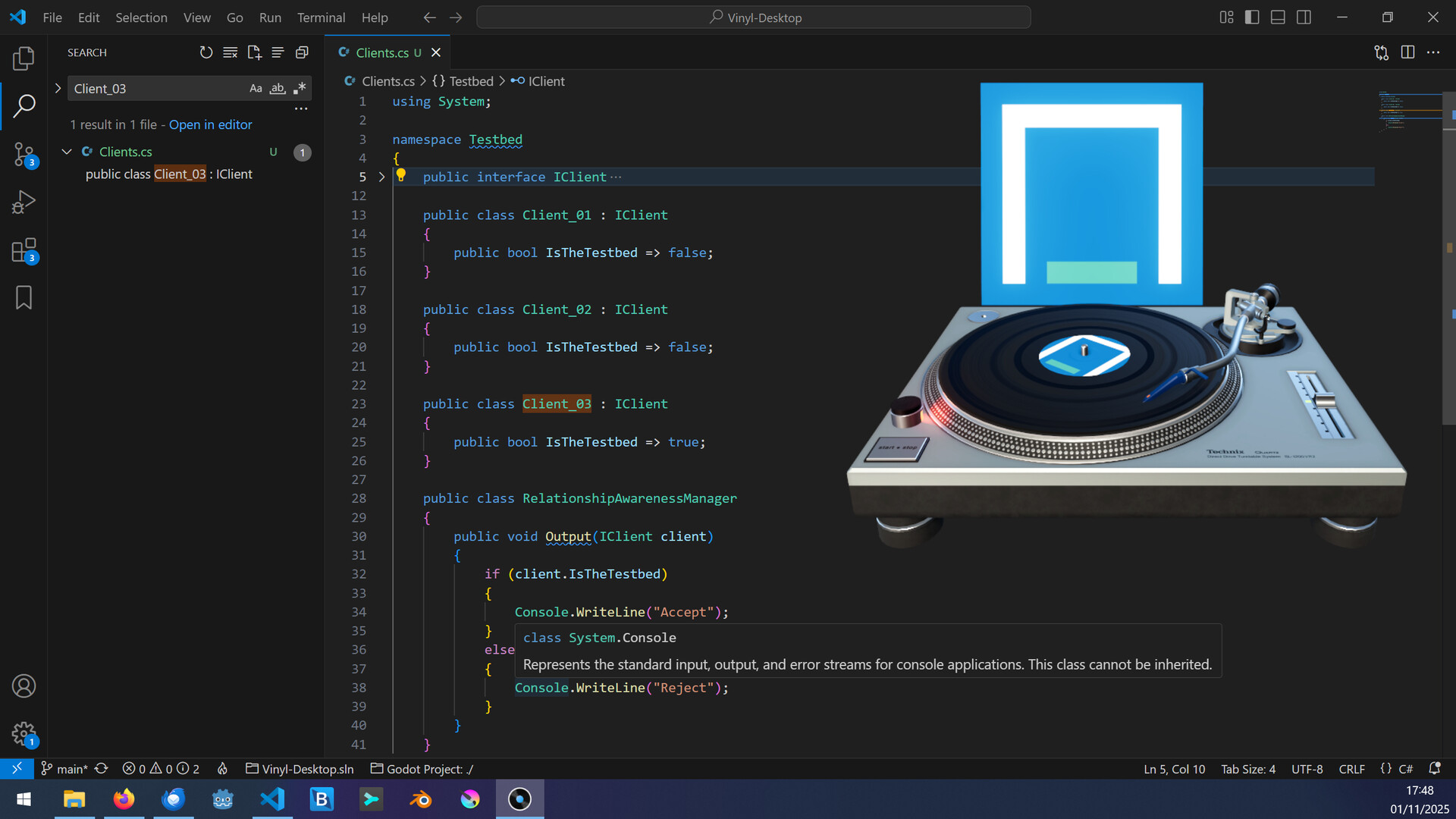
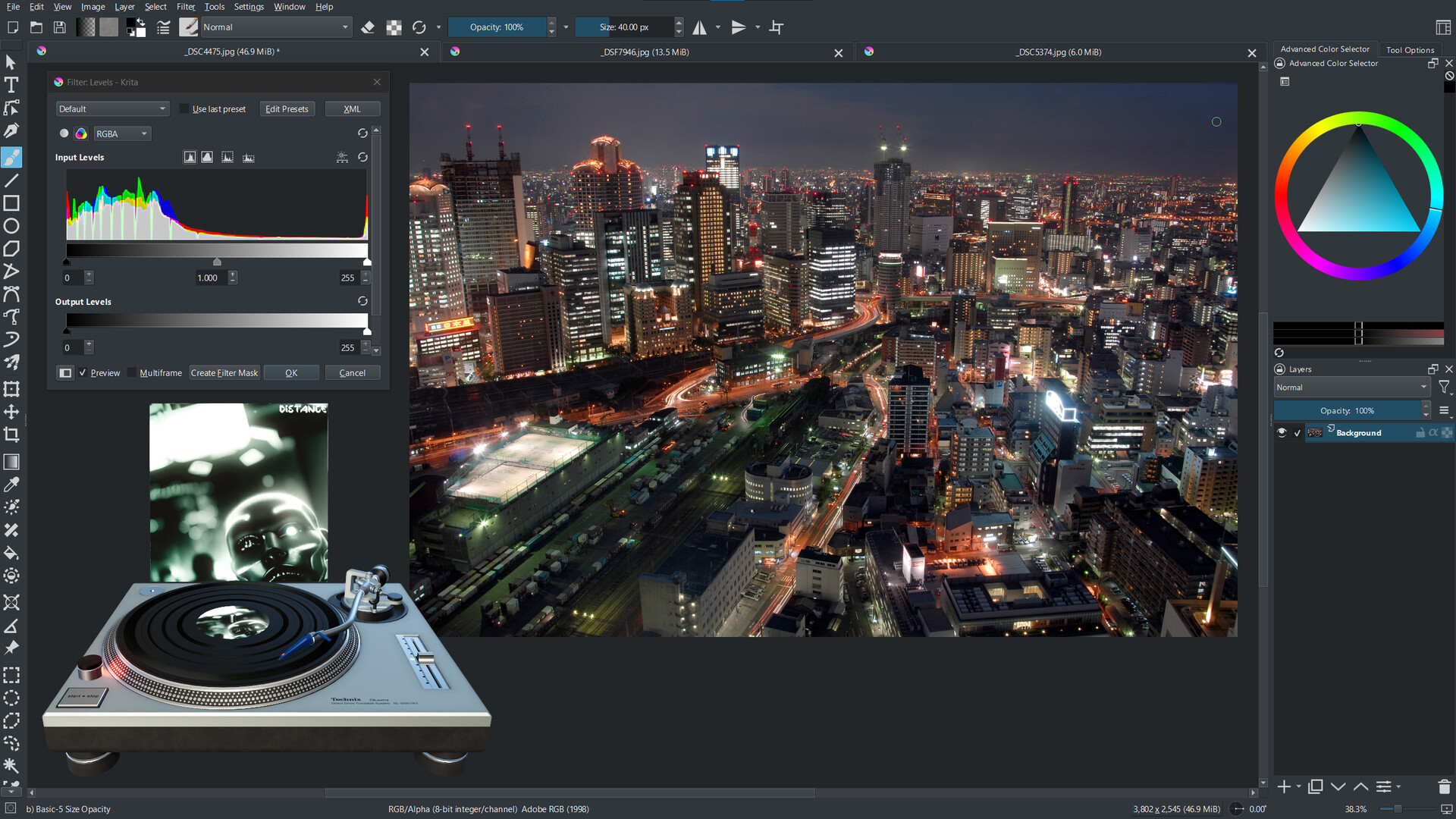
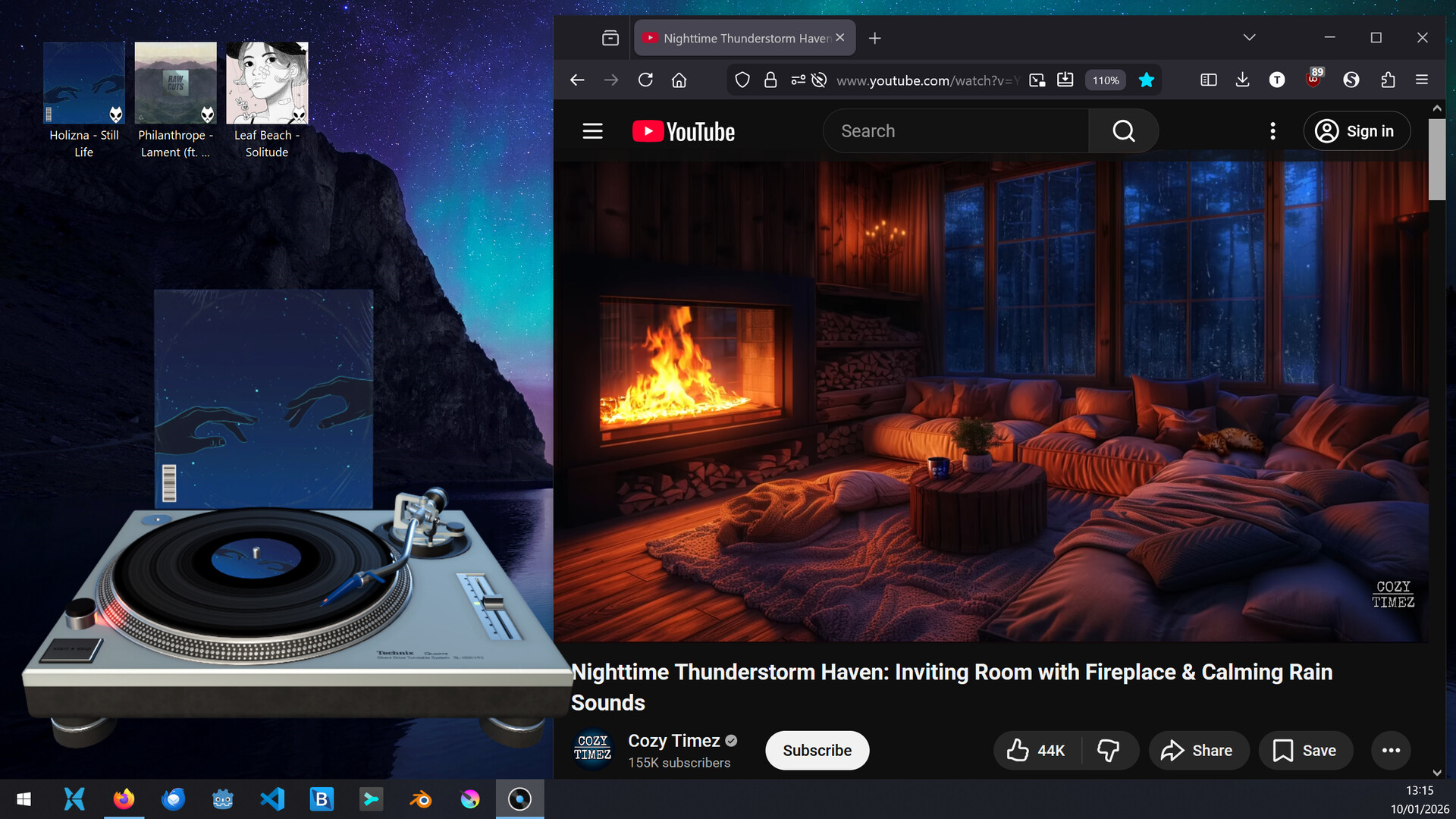
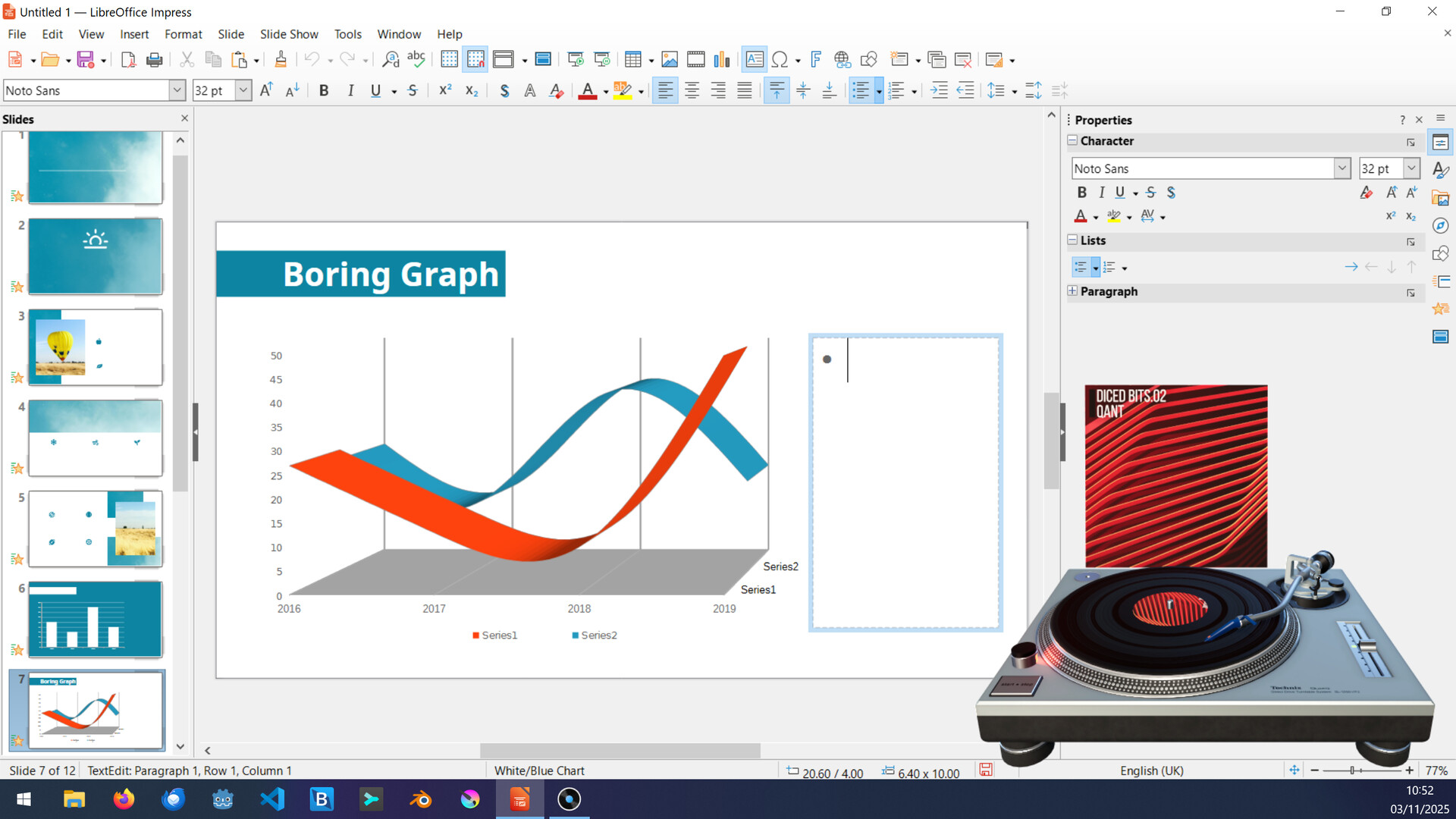
Vinyl Desktop transforms your music library into a functional turntable interface right on your desktop. Drag audio files onto the virtual record player to queue up tracks and enjoy the tactile, nostalgic ritual of vinyl without the physical limitations—perfect for music enthusiasts who want to rediscover their collection while working or gaming.
About this game
An easy-to-use audio player that accurately simulates a vinyl turntable right on your desktop. Simply drag and drop audio files onto the turntable to load them as records and start rediscovering your music collection in a unique way, while using other applications or just chilling!
Players, last 30 days
Peak 3 · Low 0
Daily peak concurrent players, sampled once a night from Steam.
What players are saying
▲ Recommended1 hrs
Added this to my wishlist the second I read about it on r/vinyl. It's such a fun idea, and it lets me get my record fix even when I'm listening digitally while working or gaming. Would love to see other turntable styles/customization added, but the current functionality is so great, and the attention to the little details is outstanding.
Loving this cause I am too lazy to change my real vinyl every 3 - 5 minutes! LOL I was dreaming of creating such a program so thanks for this desktop mate !!!!!
To celebrate this year's Fête de la Musique, Vinyl Desktop will be available at a 35% discount for only 24 hours on the 21st of June!So if you are still on the fence about purchasing it, this is the perfect excuses to grab a copy and rediscover some of your favorite tracks.
Release Notes: New Features and ImprovementsAdded phono preamp next to turntable with volume control and clipping indicatorAdded keyboard shortcut to load next queued track (Shift + N)Added "Up to Eleven" achievementImproved built-in documentation by adding animated images Bug FixesFixed next vinyl record being loaded while the current one is grabbed Notes:Controlling VolumeThe volume of the turntable can be controlled using the rotary knob on the phone preamp next to it.Click and hold the Left Mouse Button and move the mouse up or down to increase / decrease the volume, or scroll the mouse wheel up / down while hovering the mouse over the knob. The volume control can be moved to the other side of the turntable or hidden, using the Volume Control setting in the menu.The red indicator light on the preamp illuminates when the output volume exceeds 0 dB and is digitally clipping.To avoid audio distortion in the output signal it is recommended to lower the volume until the red clipping indicator light stops illuminating.
Release Notes: New Features and ImprovementsAdded Record Label Tooltip that shows artist and title of current track playingAdded Russian translationsImproved other translationsNotes:Displaying which track is currently playingTo see the artist and title of the track that is currently playing, simply hover the mouse over the vinyl record's label, and a small popup will appear.This feature can be disabled by unchecking Enable Record Label Tooltip in the menu.
Posts come from Steam's official announcements feed.