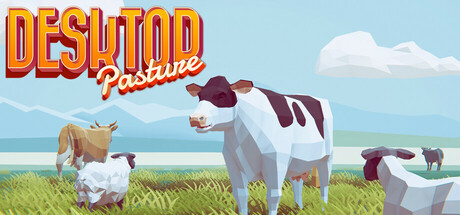
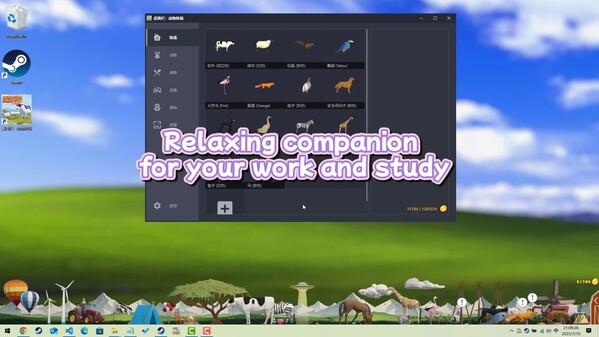
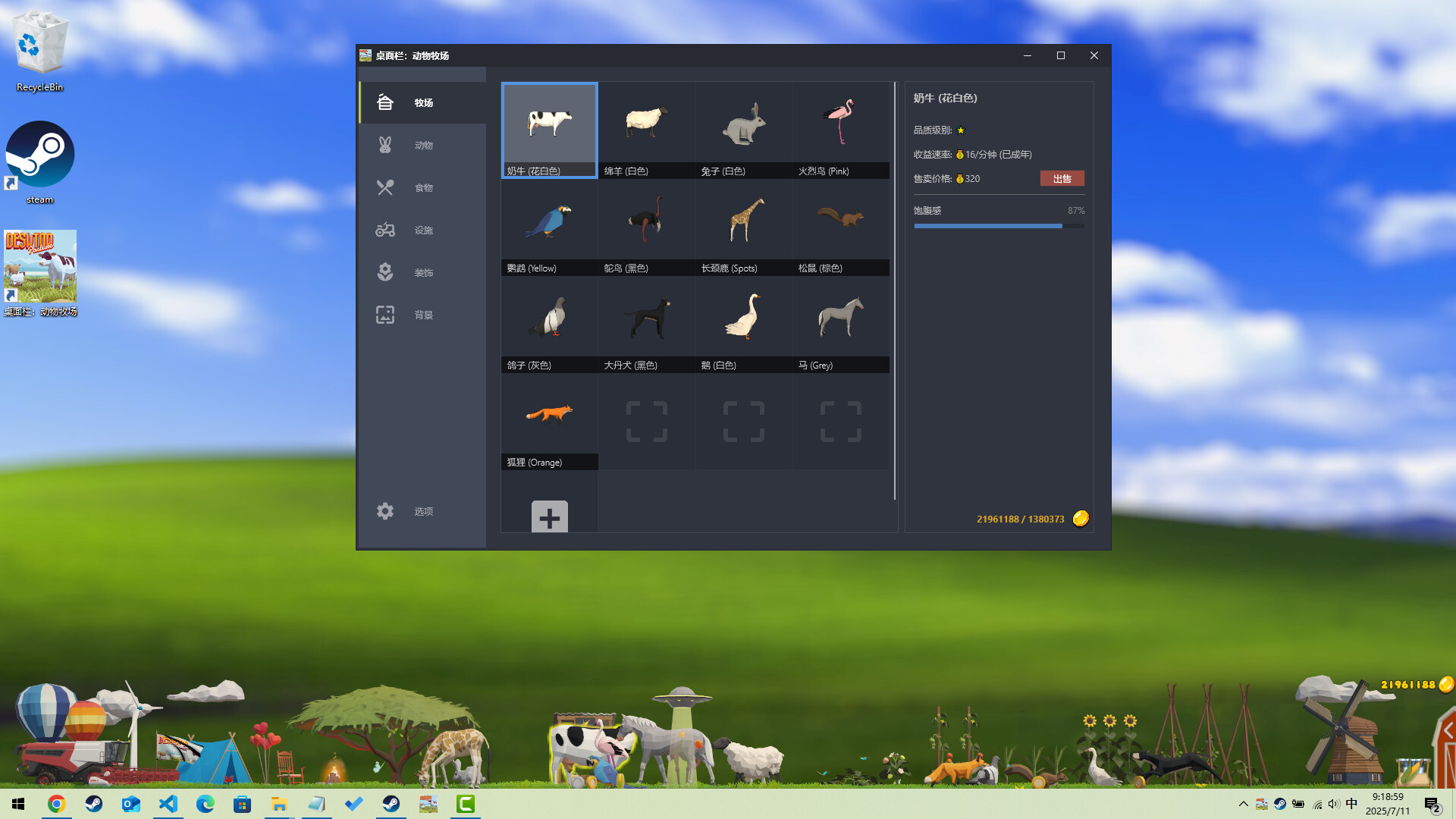
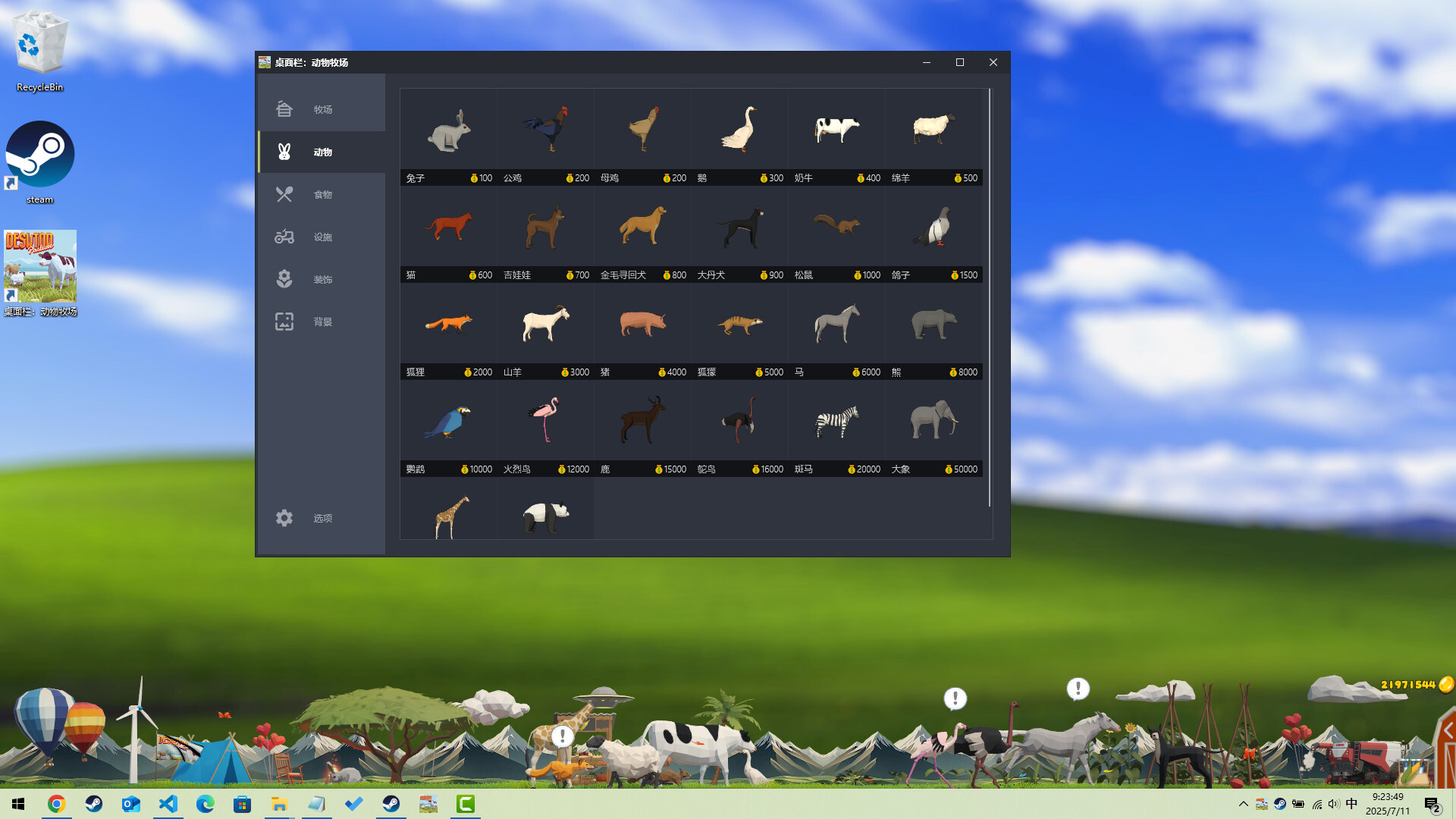
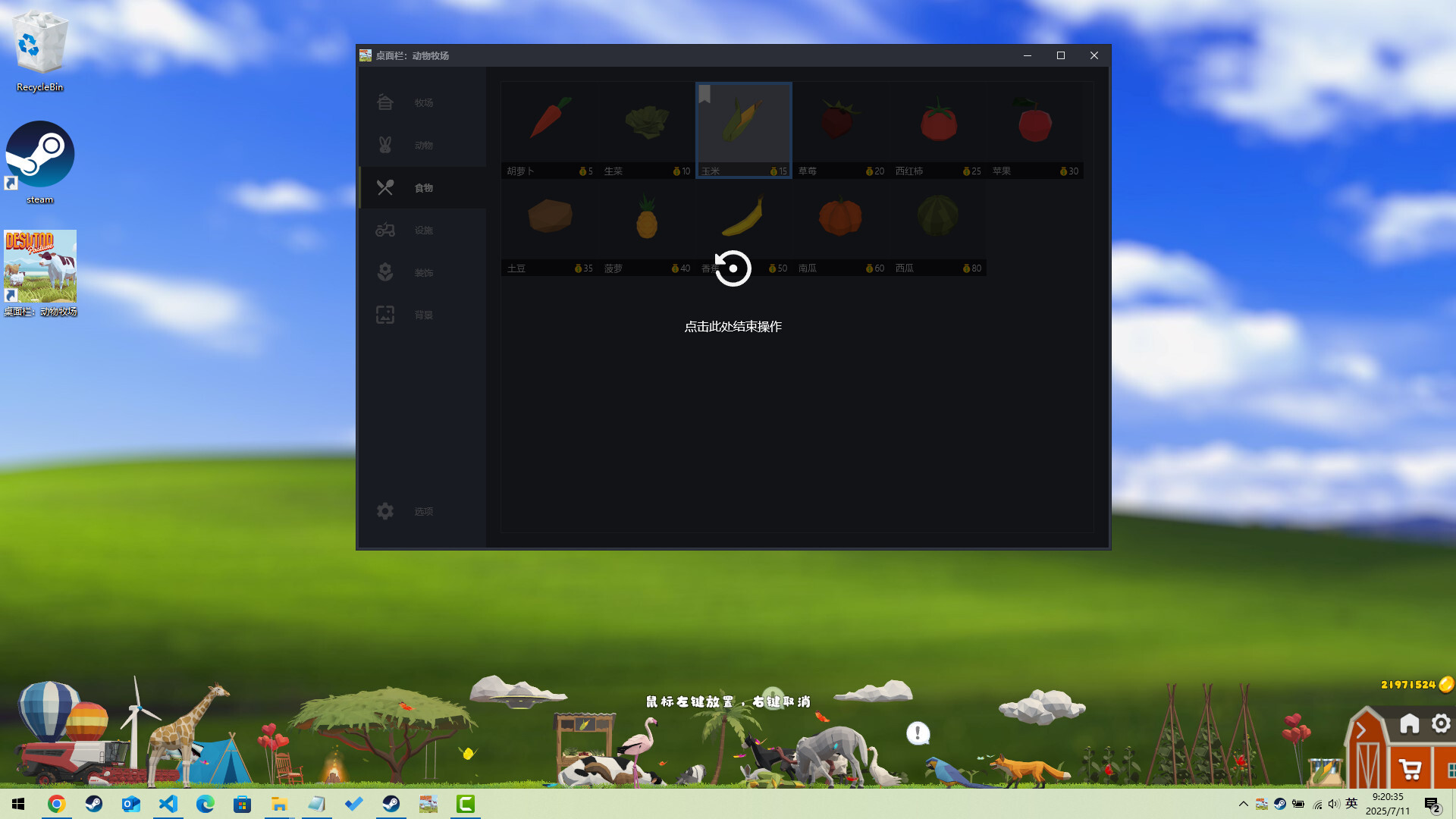
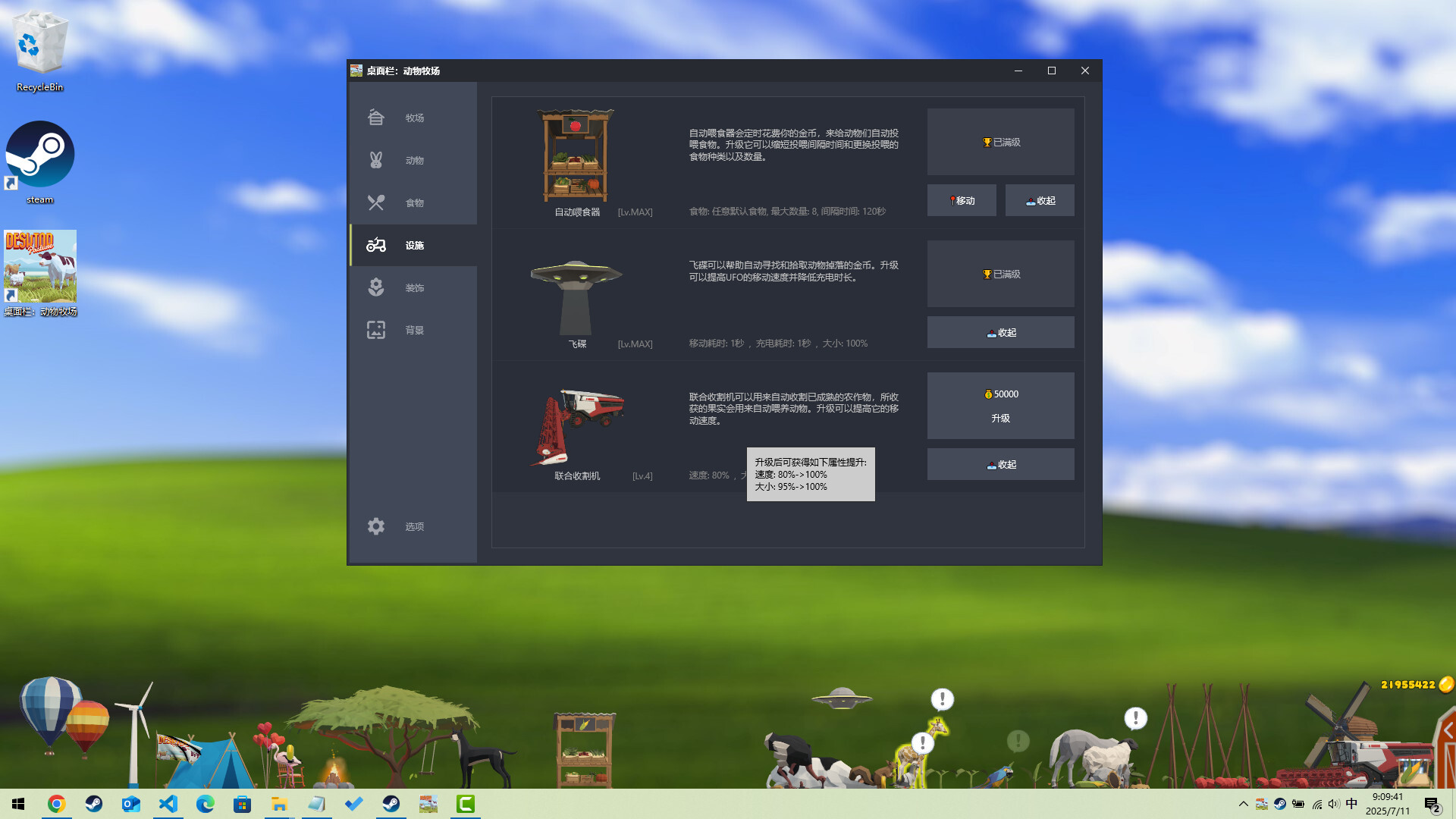
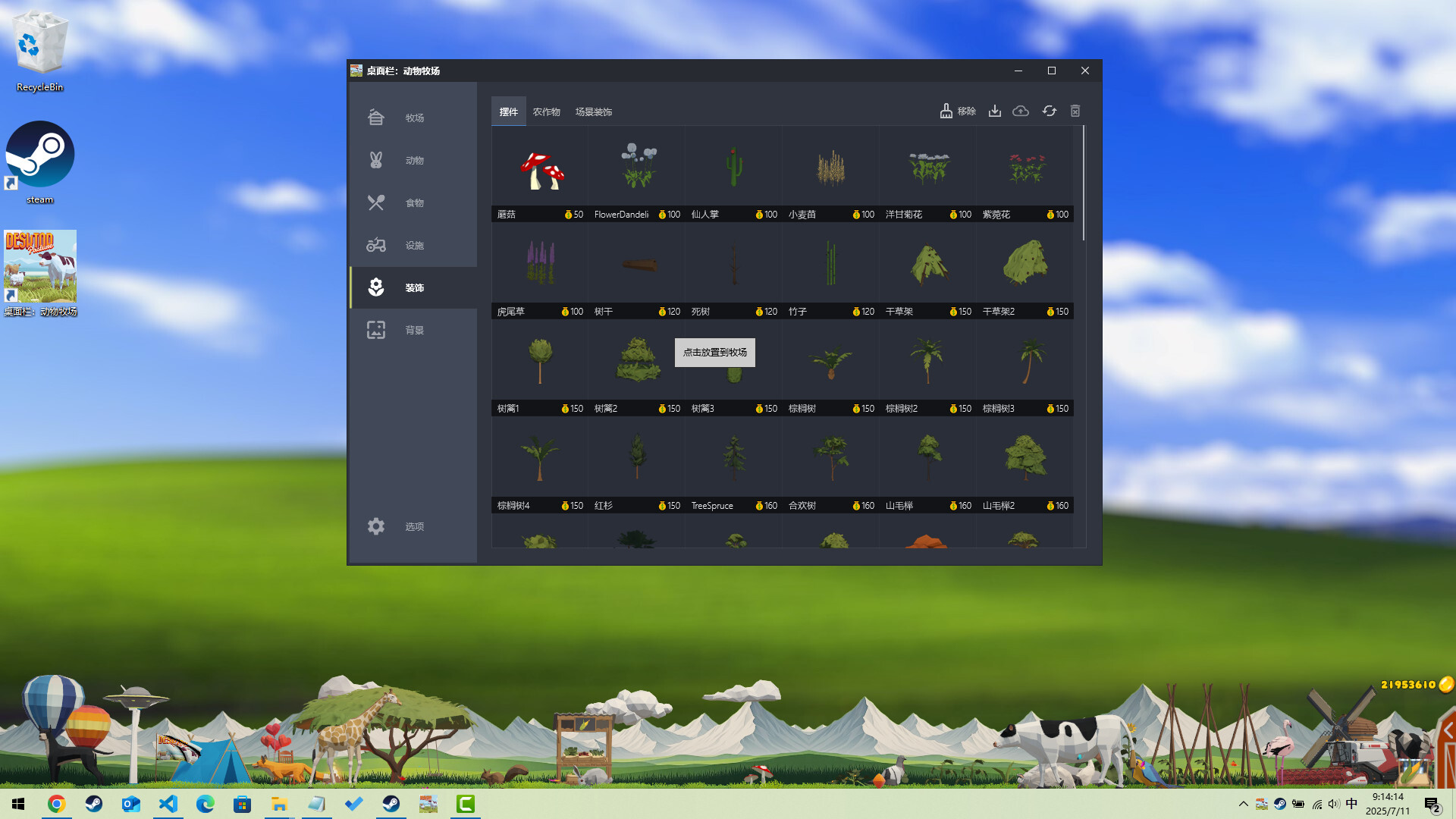
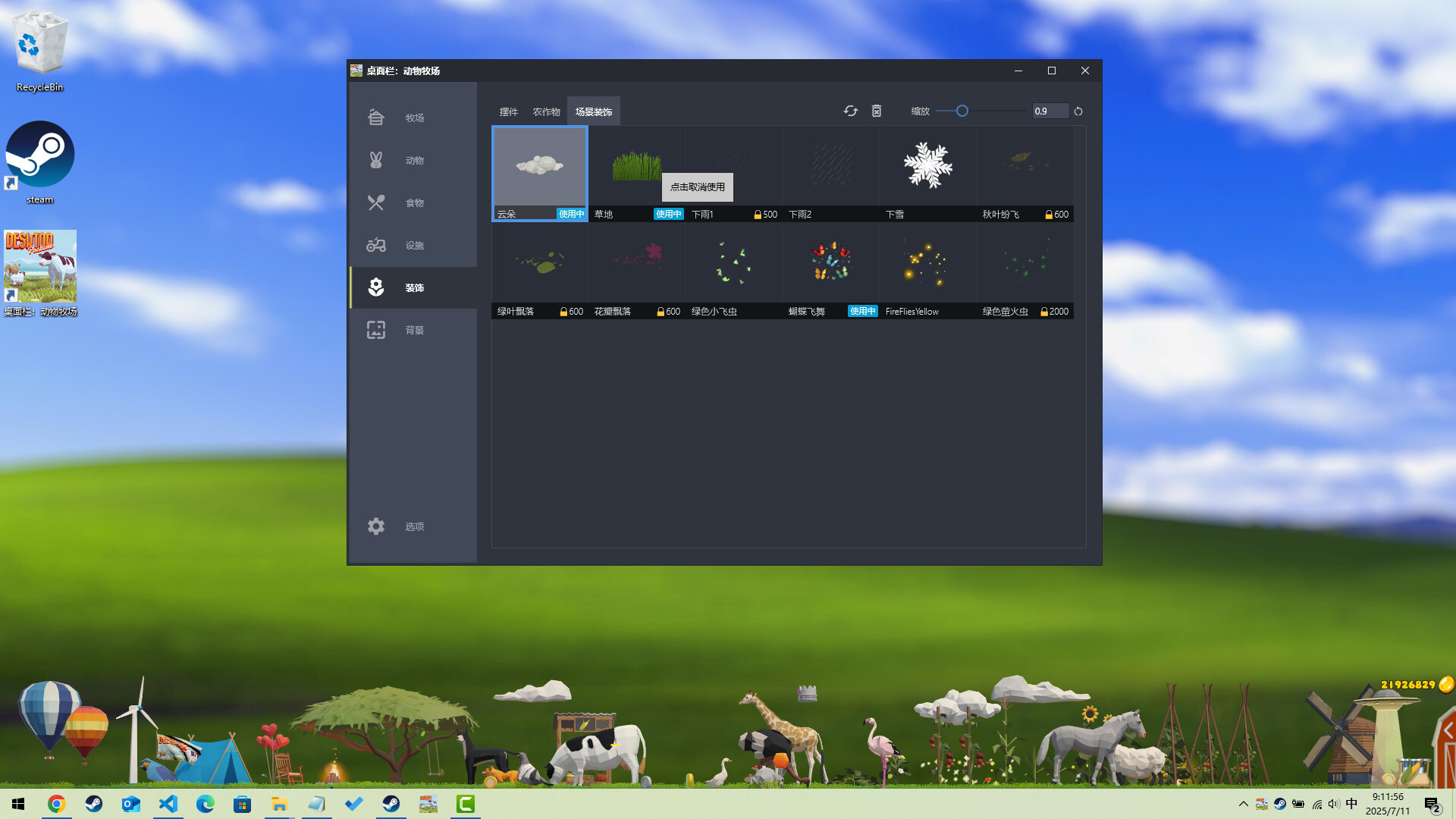
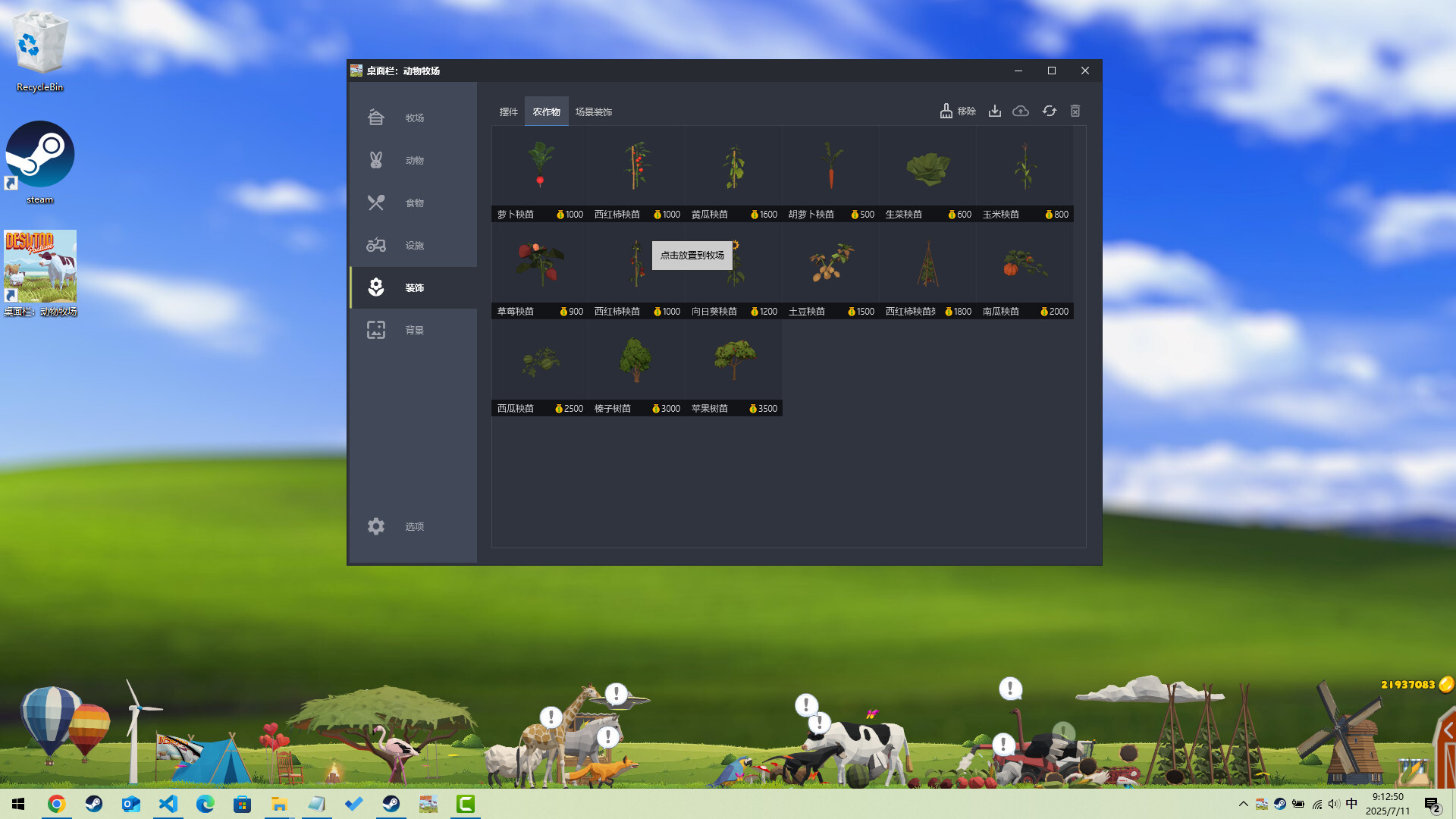
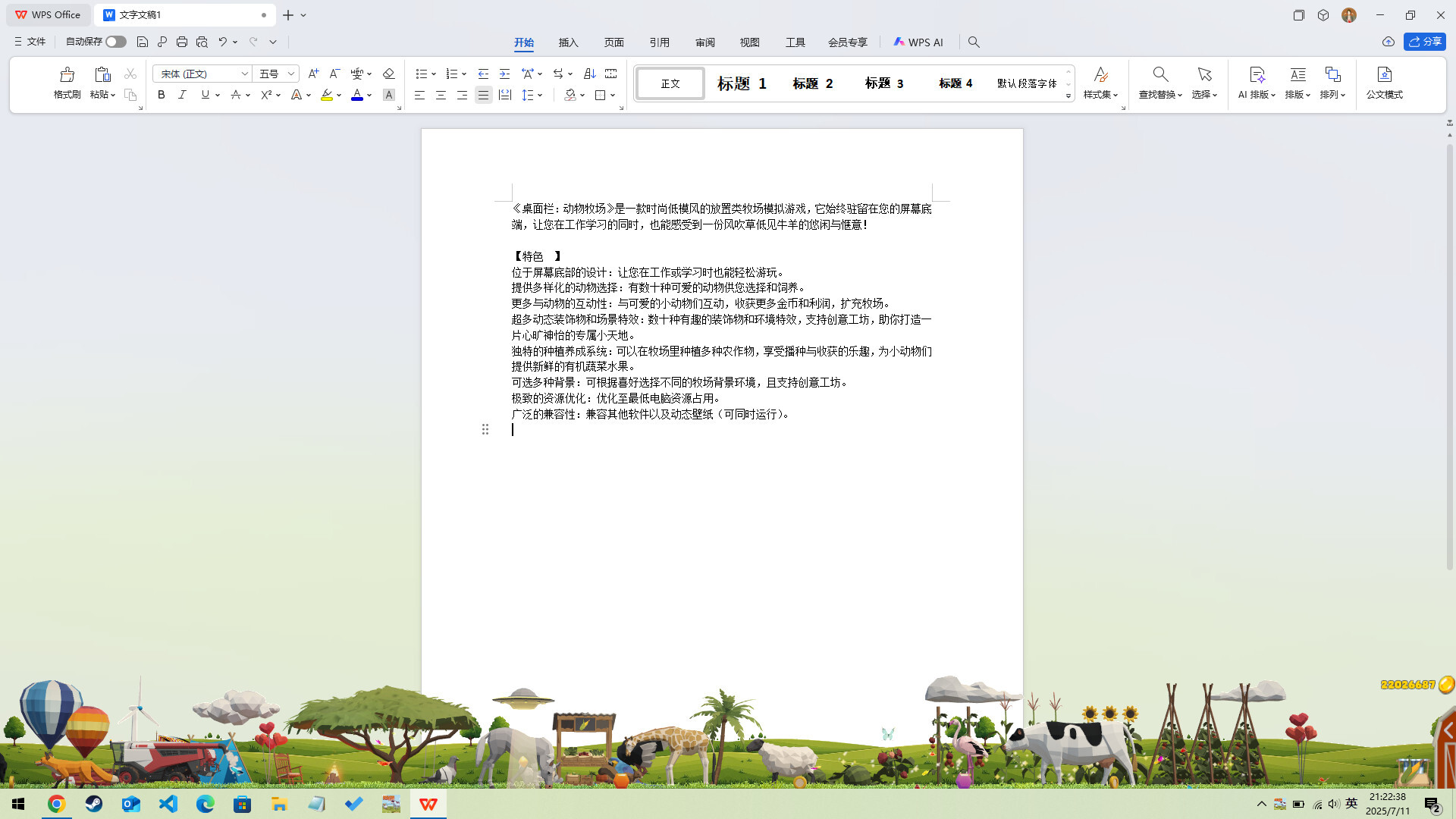
Desktop Pasture puts a miniature farm sim in your taskbar where it quietly runs while you work. You manage pastures and livestock with minimal interaction, letting the game tick away in the background and occasionally checking in on your animals' needs. It's ideal for players who want something genuinely idle rather than a demanding clicker.
About this game
A Low Poly stylized idle-pasture simulator designed to sit at the bottom of your screen allowing you to work on other tasks while caring for your pasture and animals!
Players, last 30 days
Peak 2 · Low 0
Daily peak concurrent players, sampled once a night from Steam.
Thanks to the Curator "IndieGems" and Tchii report bugs:Fixed an issue where the house menu in the bottom-right corner occasionally failed to expand.Changed the English translation of "Lazy Cow" to "Leisurely Cow" in the guide.Fixed the issue where the language selection bar was empty by default during the first launch.Add "Exit" button at Left-Bottom of Main Window
Add manual and auto save functionsThe "Manual Save" function can be found in the main window Options > Backup. Click "New Save" at the top-right corner to create a backup save file with a screenshot for the current game.When you select a save file, you can view its corresponding game screenshot at the bottom. Click the "Load Save" button at the top-right corner to load this save file, which will overwrite the current game data.The "Auto-save" function can be found in the main window Options > Save. You can set whether to enable auto-save in the top-right corner, and select the auto-save interval as "Every hour" or "Every day". You can also set the maximum number of auto-saves.When you select a auto-save file, you can view its corresponding game screenshot at the bottom. Click the "Load Save" button at the top-right corner to load this save file, which will overwrite the current game data.Improved Game Graphics RenderingThe current version now enables stylized rendering by default, significantly enhancing the overall visual experience. Additionally, anti-aliasing is set to medium level by default for smoother graphics.If you encounter issues such as a black screen, rendering artifacts, or wish to reduce system resource usage, you can disable stylized rendering and adjust the anti-aliasing level in the main menu under Options > Common.
Posts come from Steam's official announcements feed.