
▲ Recommended
0 hrs
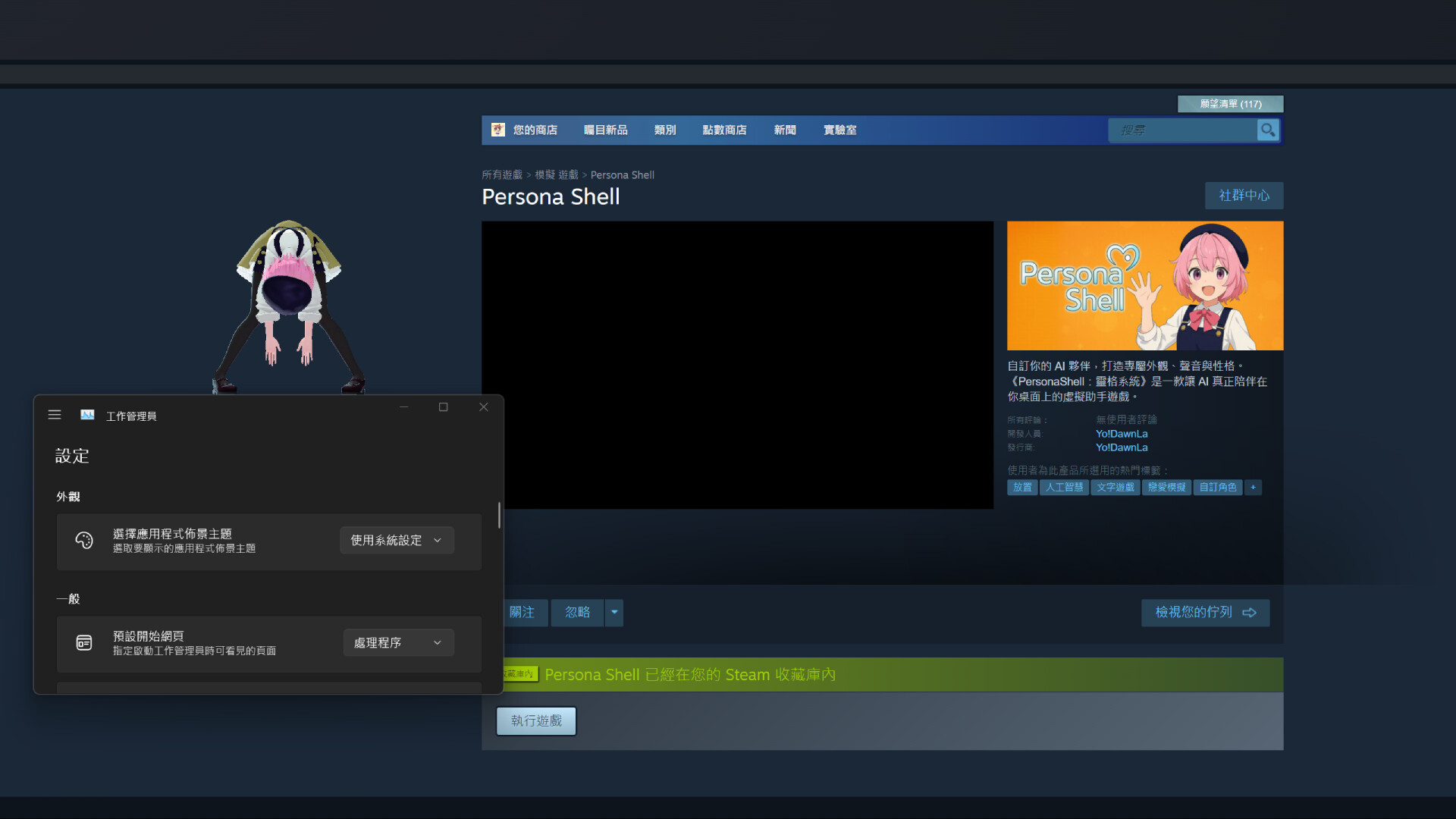
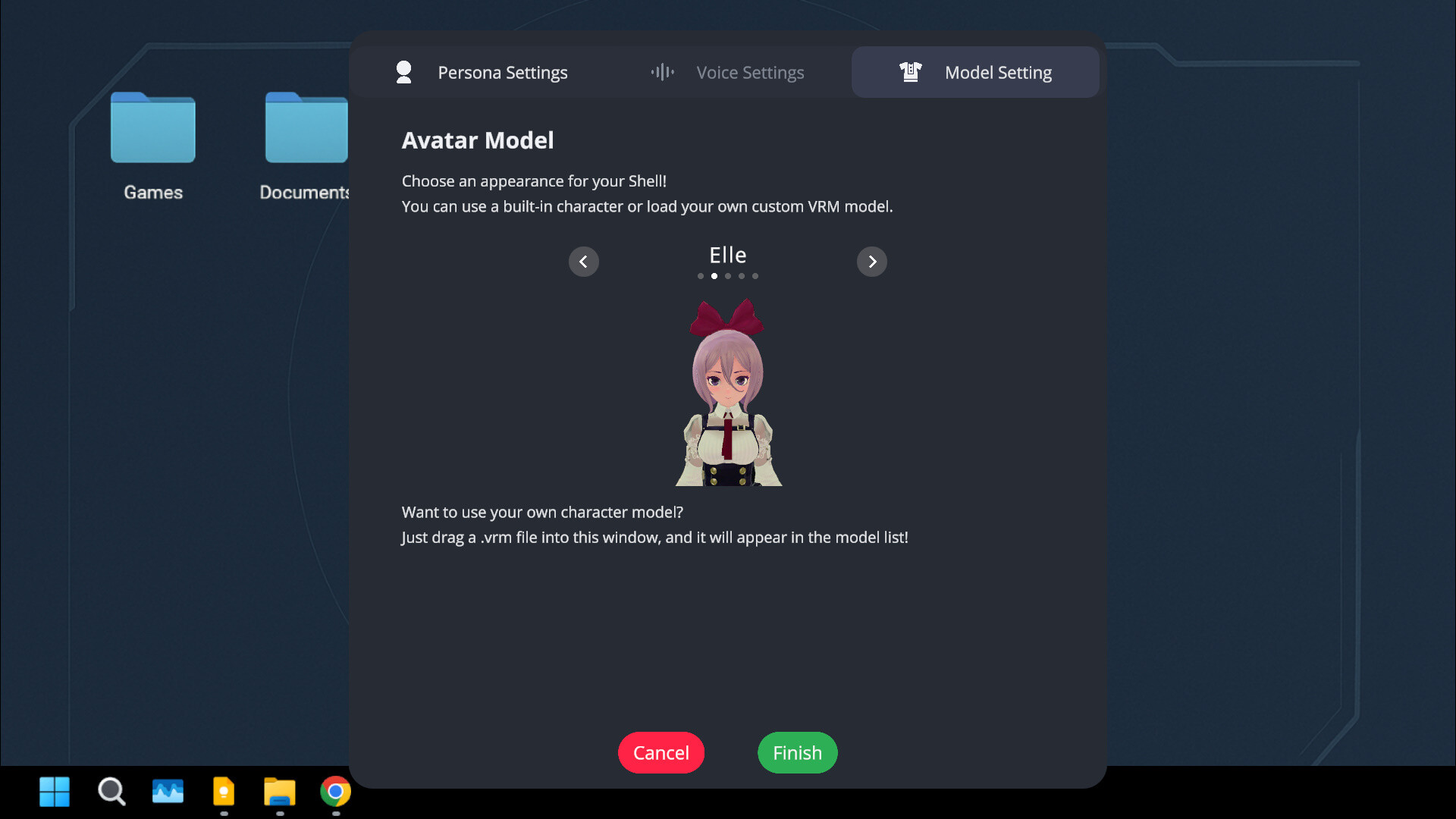
This isn’t a game but an app that places a character on your desktop. The main appeal lies in customization. Although there are a handful of preset avatar options, you can simply drag your own character model, provided it’s in the required format, into the app’s window to import it. The same applies to voices: the app can supposedly replicate a voice from a short sample, either your own or someone else’s, though I didn’t test this feature.
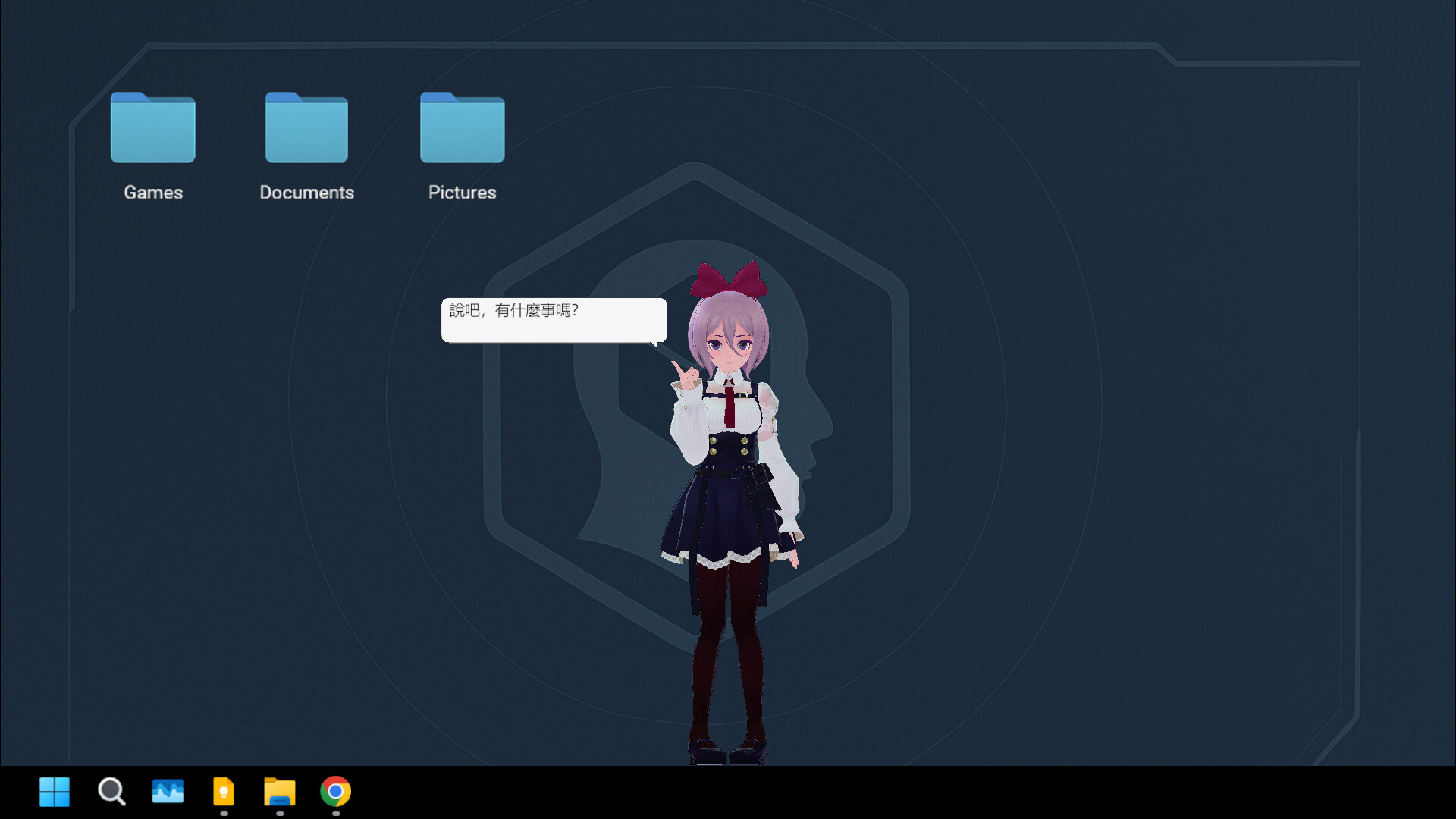
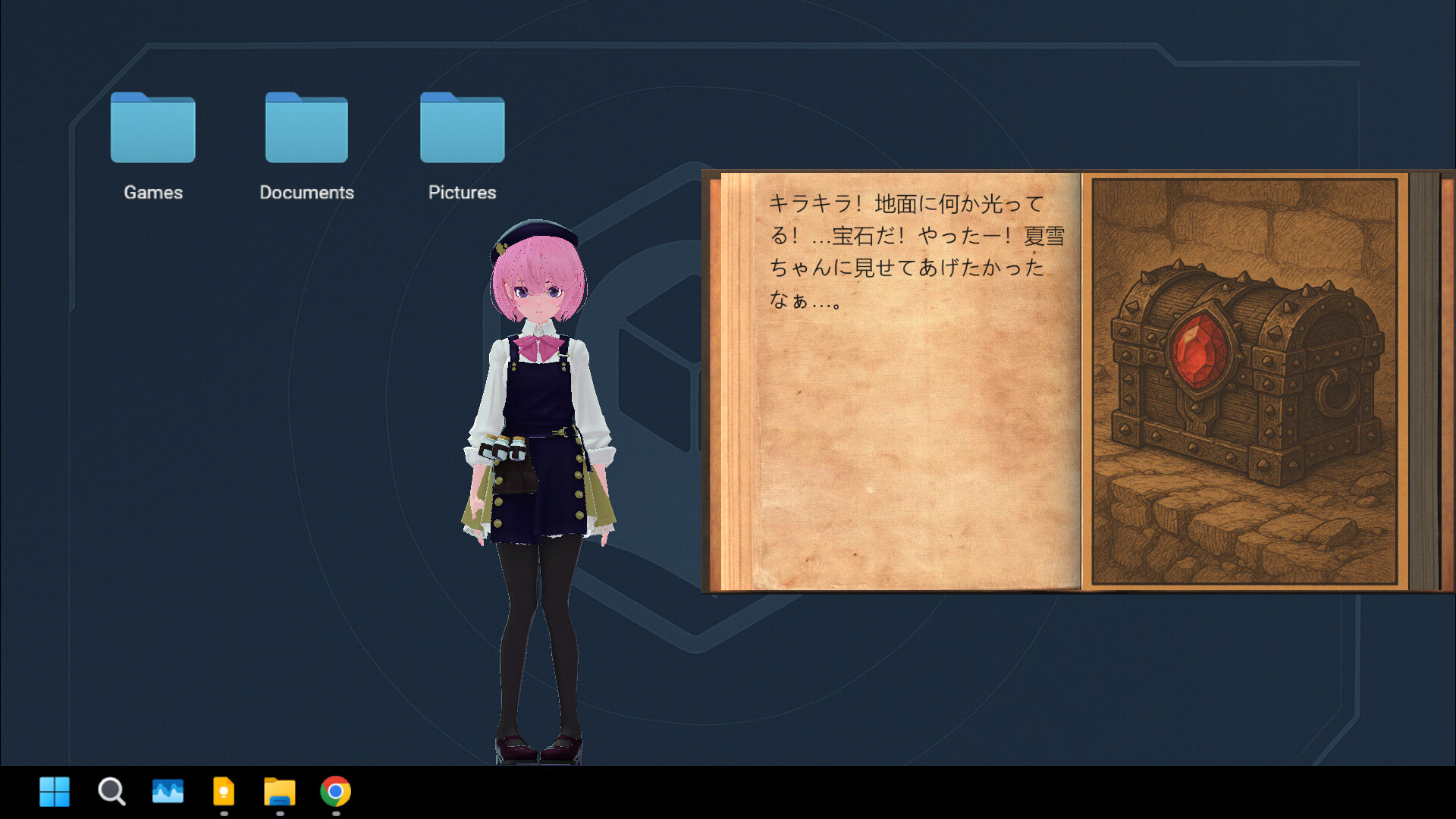
Once a character is set, it appears on the desktop. It mostly just stands there, wiggles around a bit, and looks at the mouse cursor, but you can also pick it up and move it around. However, the character can only stand on top of the taskbar, so you can’t place it wherever you want.
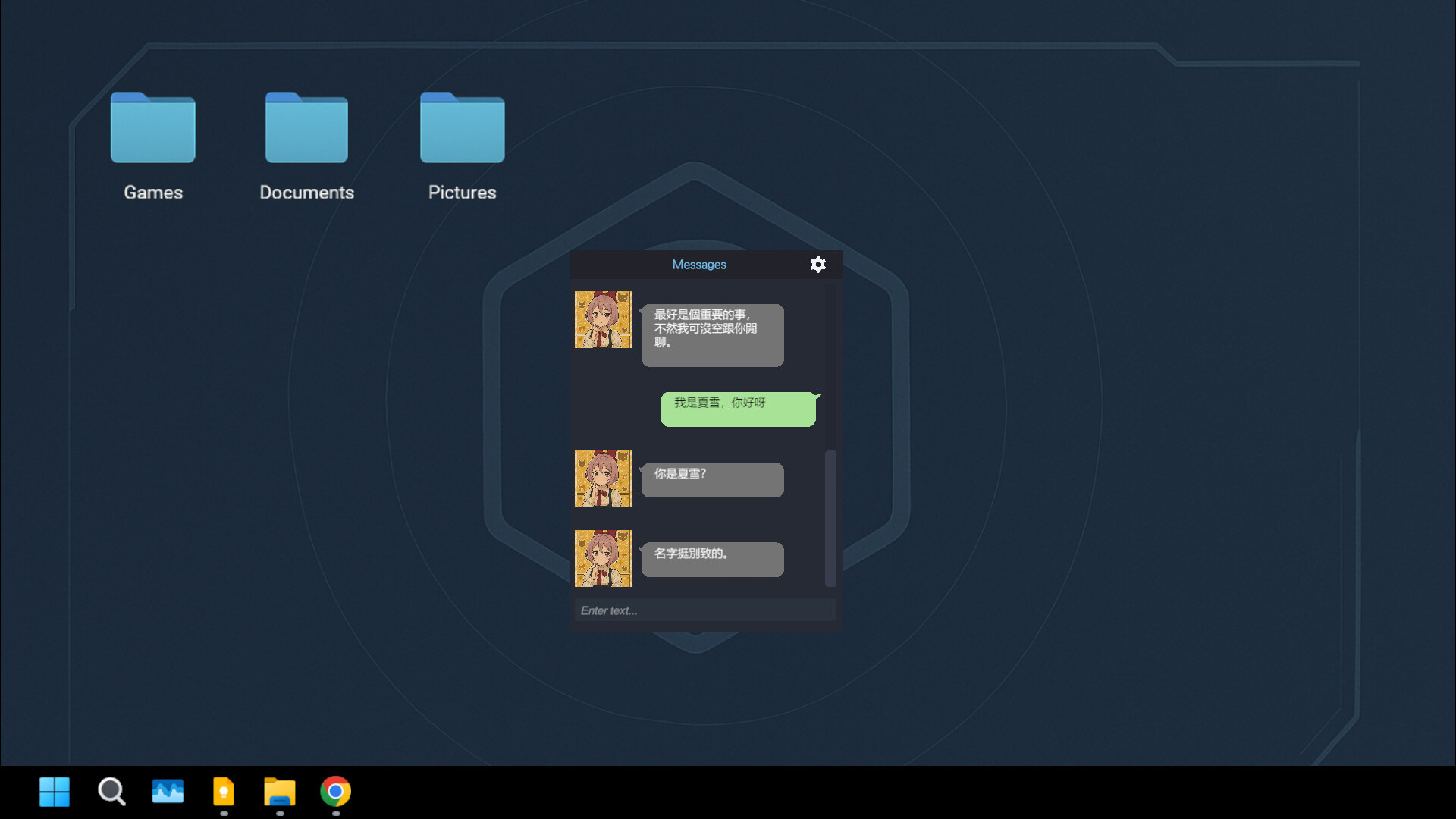
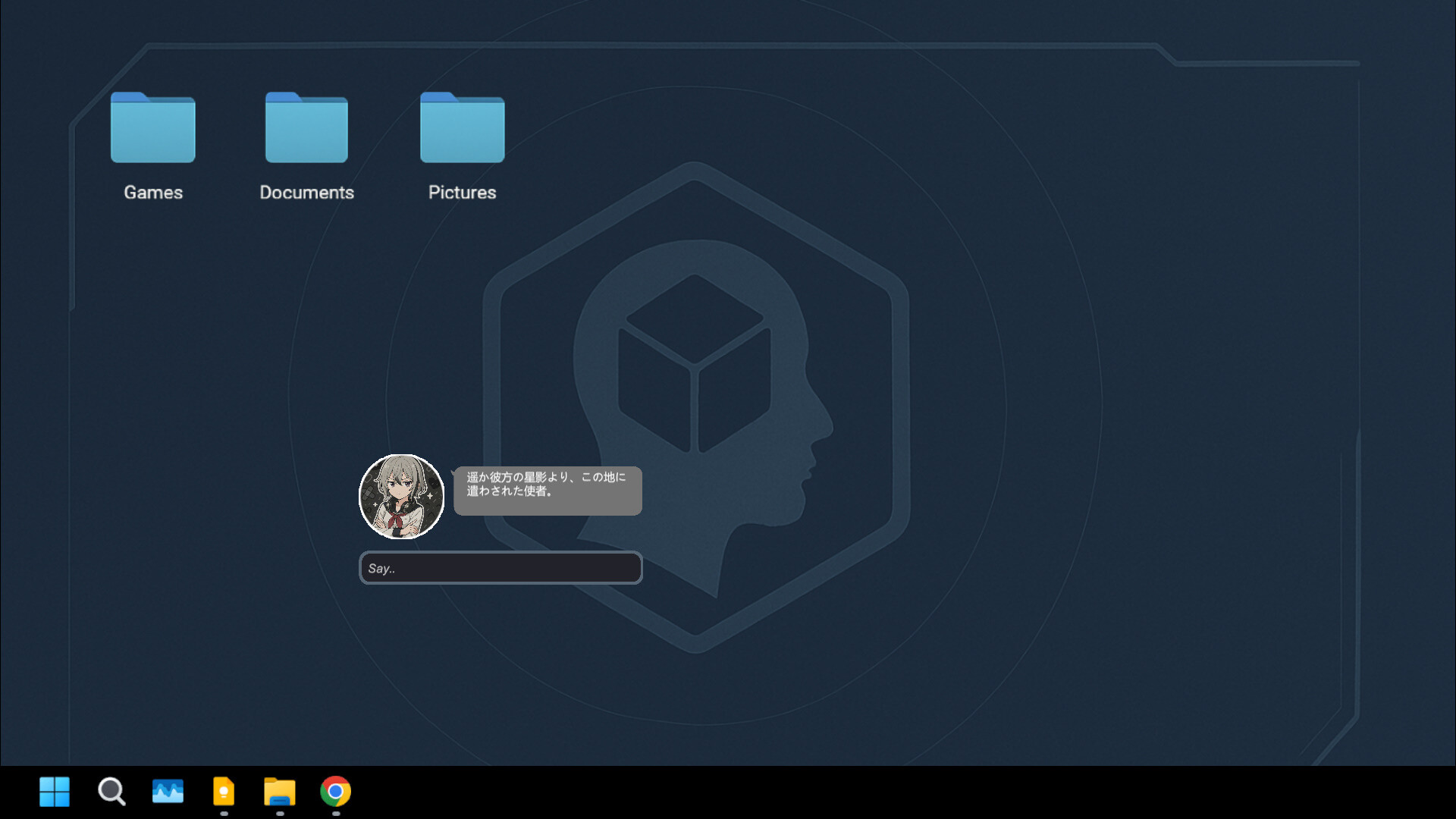
Clicking on the character brings up a text box where you can ask it anything, and it will respond. However, the responses are abstract and don’t make much sense, so you can’t have a meaningful conversation. The responses depend on the character’s personality, which can be customized to be cuter, more exaggerated, shy, or something else.
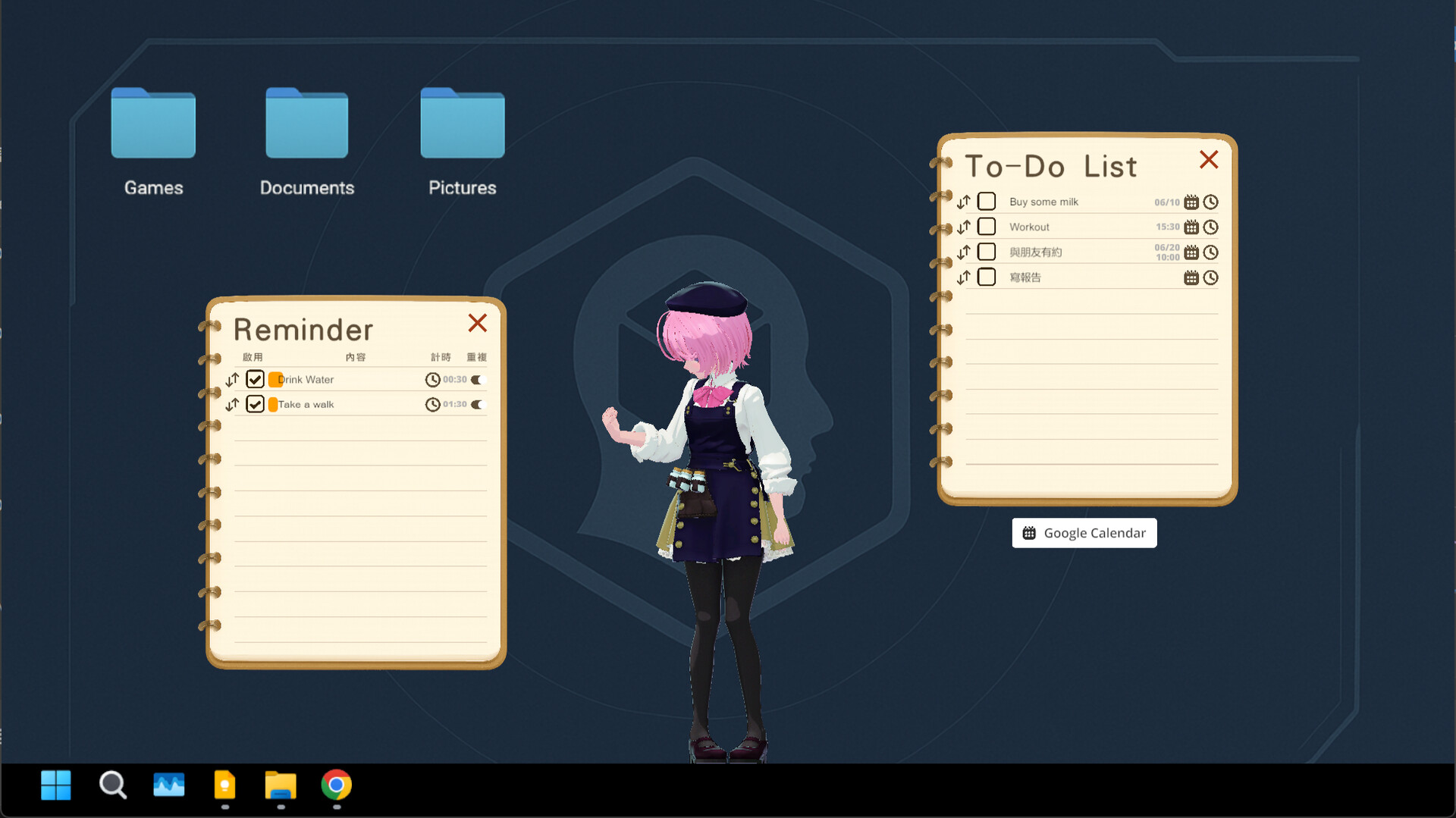
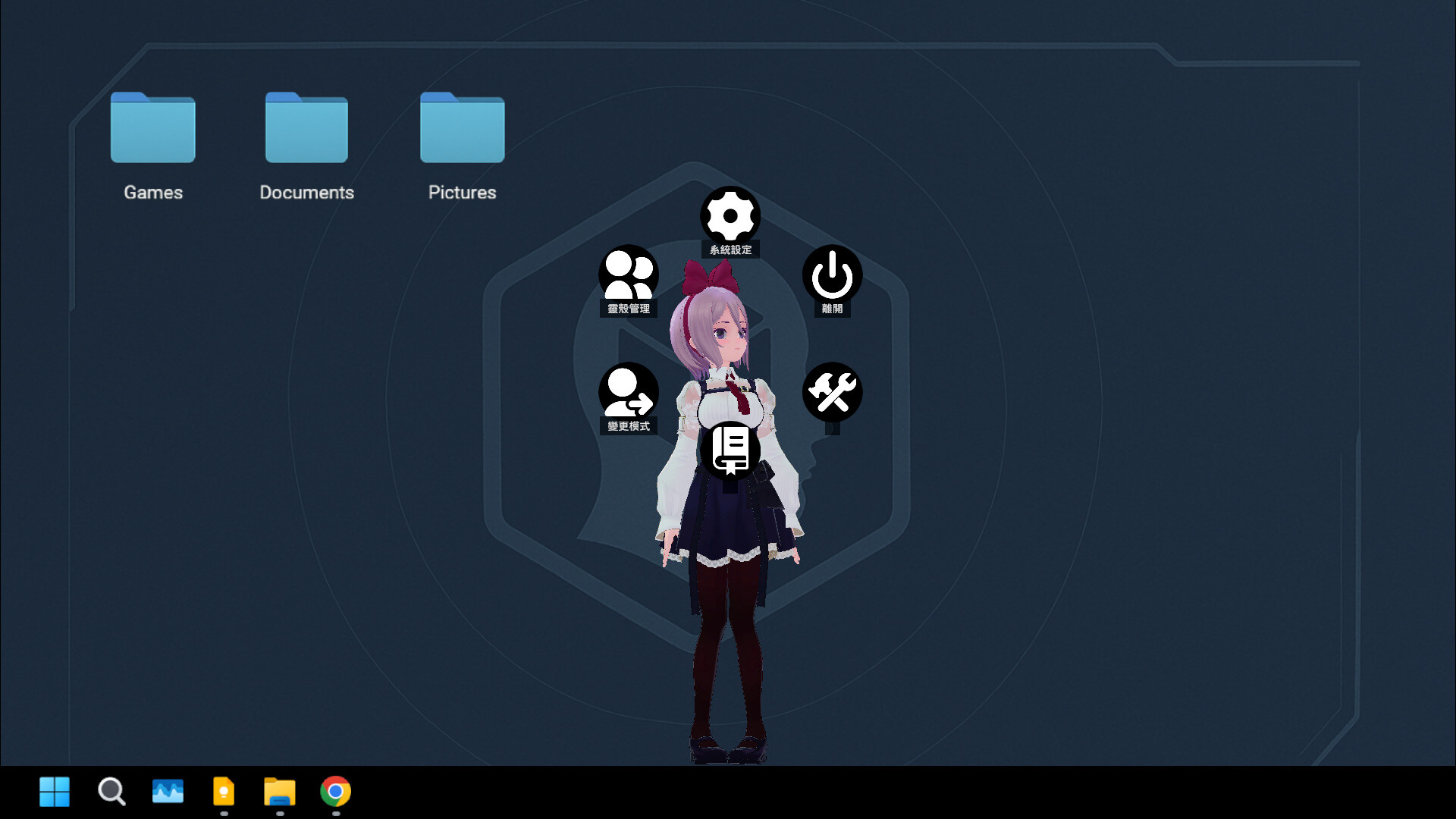
Additional options are available when you right-click on the character, but they don’t go beyond standard features. For example, there’s a to-do list, schedule, alarm clock, and a diary in which the character is supposedly meant to write entries during idle time or when you click a button. However, this doesn’t seem to work, as clicking the button does nothing.
Once a character is set, it appears on the desktop. It mostly just stands there, wiggles around a bit, and looks at the mouse cursor, but you can also pick it up and move it around. However, the character can only stand on top of the taskbar, so you can’t place it wherever you want.
Clicking on the character brings up a text box where you can ask it anything, and it will respond. However, the responses are abstract and don’t make much sense, so you can’t have a meaningful conversation. The responses depend on the character’s personality, which can be customized to be cuter, more exaggerated, shy, or something else.
Additional options are available when you right-click on the character, but they don’t go beyond standard features. For example, there’s a to-do list, schedule, alarm clock, and a diary in which the character is supposedly meant to write entries during idle time or when you click a button. However, this doesn’t seem to work, as clicking the button does nothing.
4 found helpful
Steam ↗