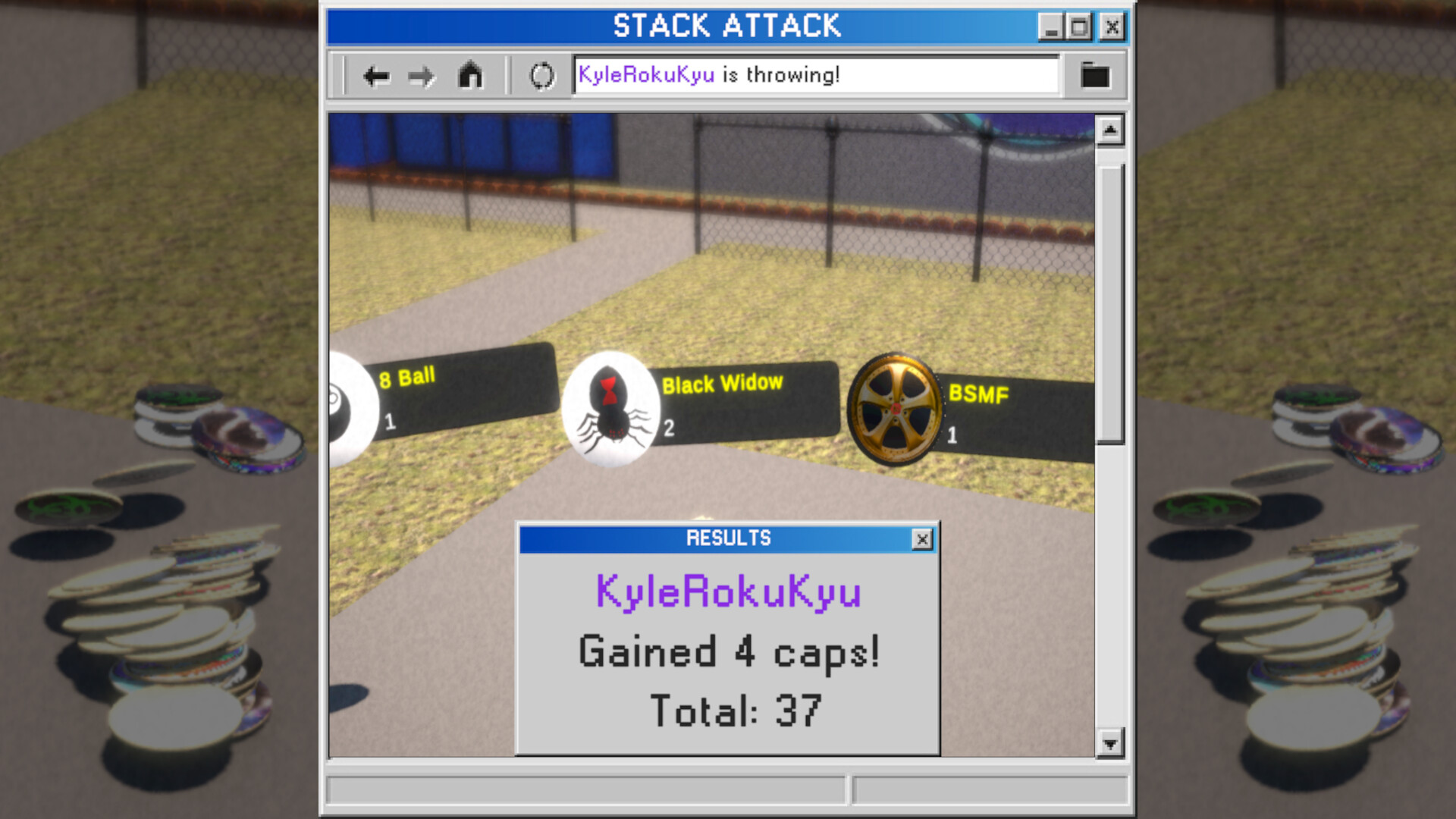
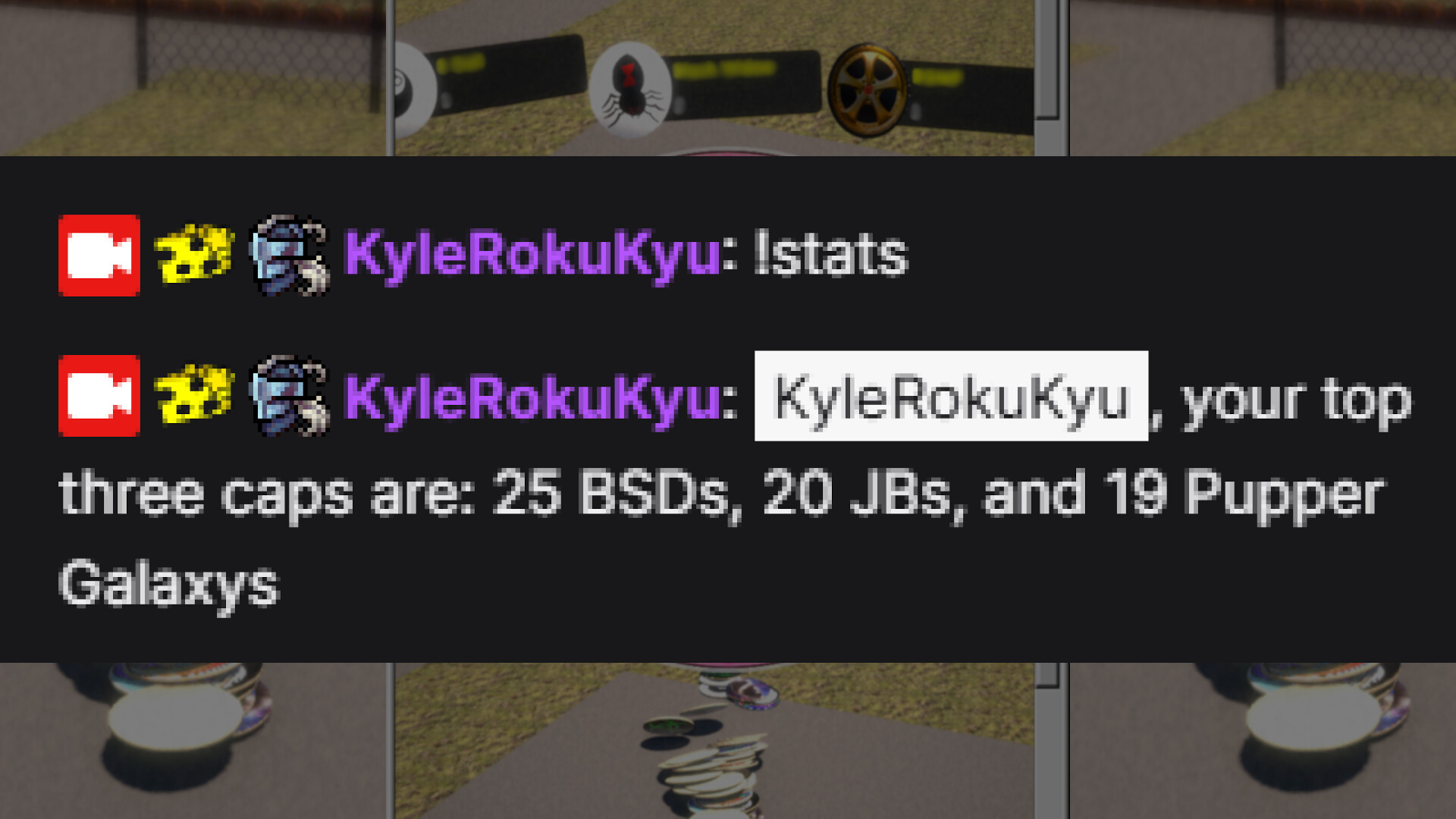
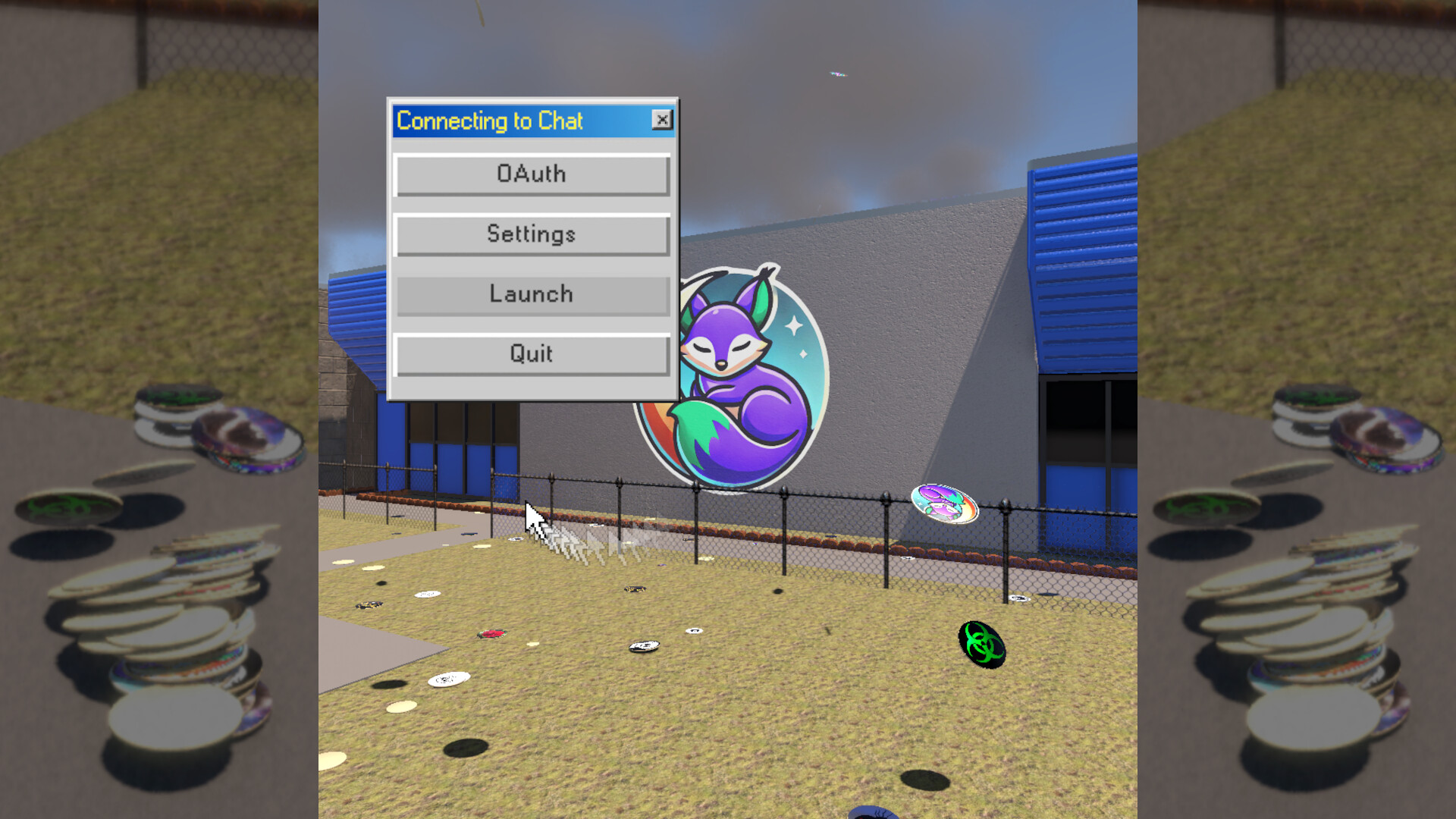
Stack Attack is a Twitch-integrated chat game where viewers take turns knocking down a physical stack to flip over collectible caps and earn points. The game thrives on audience participation and competition, making it a straightforward tool for streamers looking to boost chat engagement during broadcasts. Players appreciate the nostalgic gameplay loop and the variety of caps to unlock, though new streamers may need to explore customization options carefully.
About this game
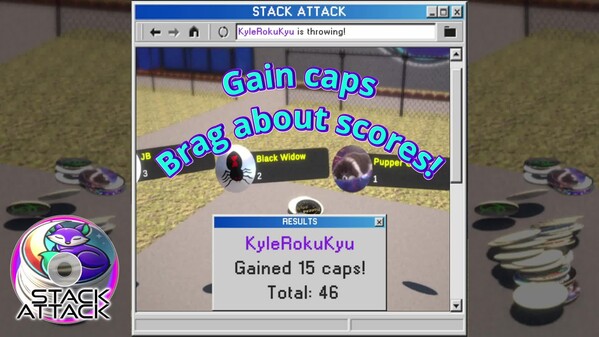
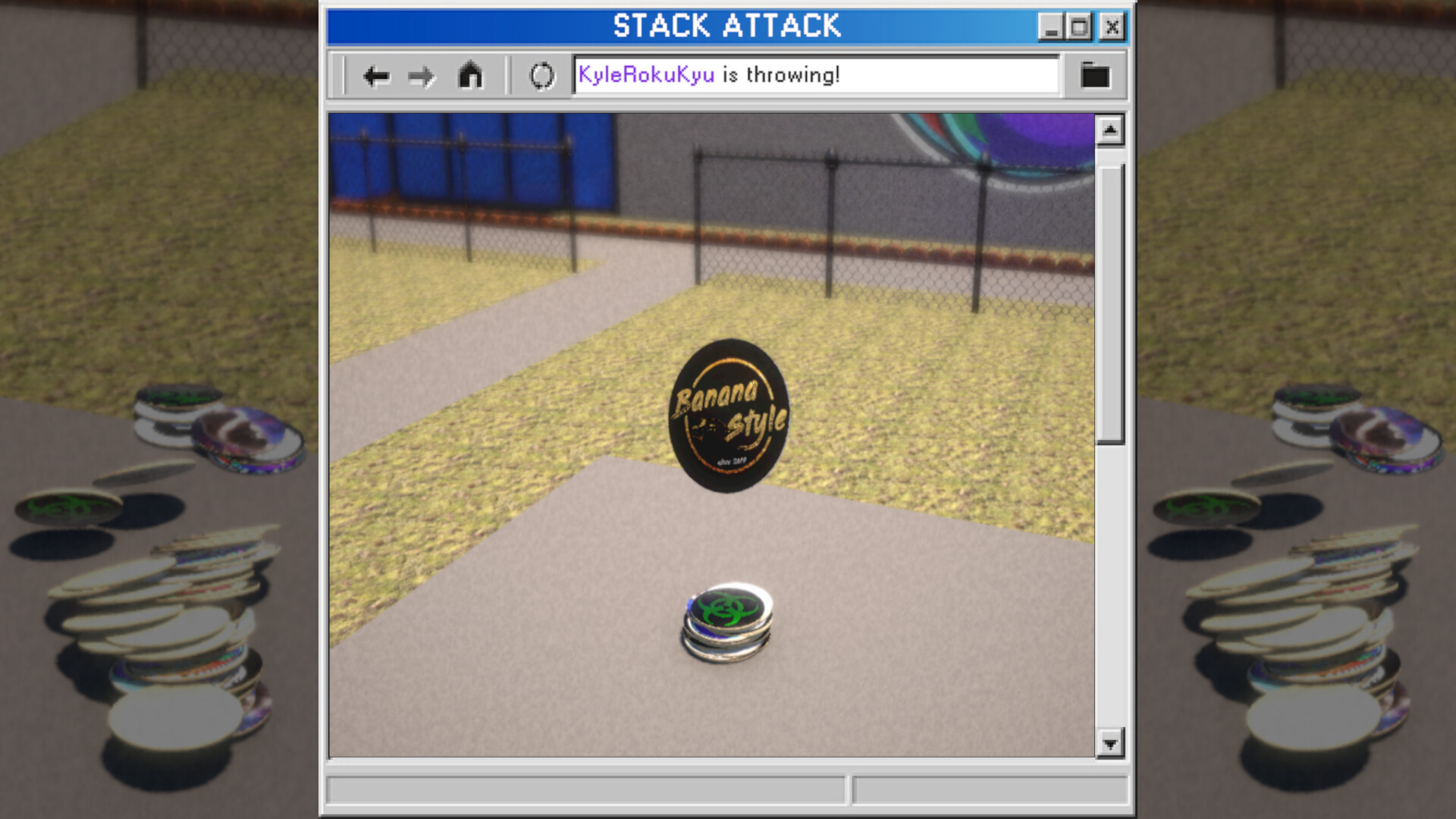
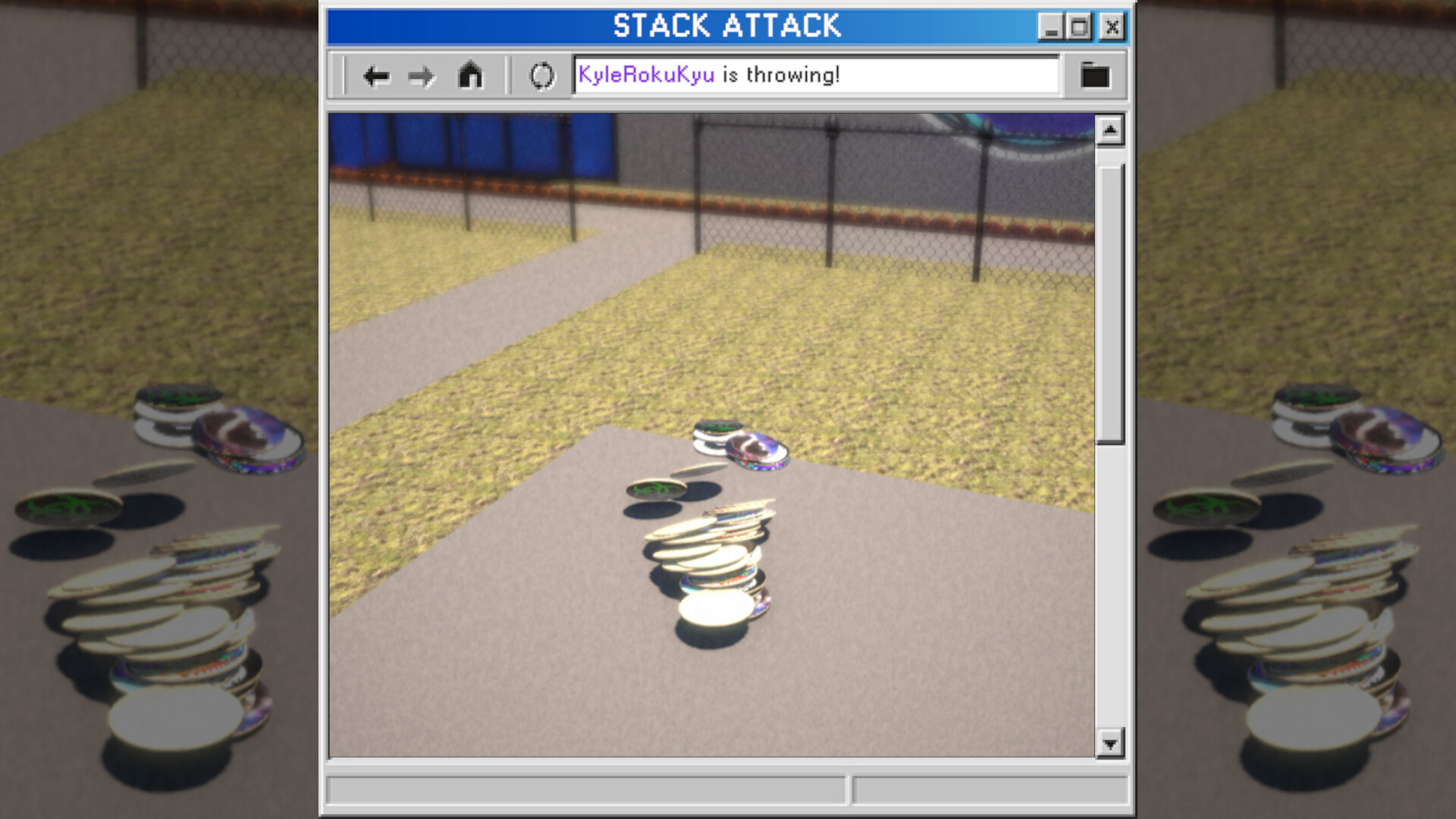
Stack Attack is a trip down nostalgia avenue. Taking the form of a fully Twitch integrated (Required) app, your chat attempts to gain the most caps by taking turns knocking down the stack and seeing which caps they can flip over. Increases chat engagement and, thus, algorithm response!
Players, last 29 days
Peak 1 · Low 0
Daily peak concurrent players, sampled once a night from Steam.
What players are saying
▲ Recommended1 hrs
This game is so good for chilling and beating your vato locos in twitch chat. All the unique caps are cool to collect
This is a pretty straight forward and nostalgic game. I surprised my chat with it one day and they've definitely enjoyed it's addition to the stream. Customization was a bit confusing at first, but the developer was extremely helpful in their discord, and explained how to do it. It's actually quite well thought out, with the ability to turn collections on and off for special events, while still having them show in a user's stats once they've collected them.
I have zero regrets about adding this to my stream. If you have the right demographic in your audience, I'd recommend this without reservation.
Hello world, I finally figured out why Stack Attack would occasionally become complacent to our chat commands. Turns out, if Twitch hears no communication for 10 or more minutes, it just assumes the app is devoid of existence and kills the connection. So I've added a heartbeat ping to keep it alive (Once per minute) Also, I've added a way to define rarity for caps. The naming system is getting a smidge convoluted, sorry, but basically, If you want to set rarity, on your _Albedo.png, INSTEAD, make it _#.#_Rarity Where #.# is a 0-1 value. You can absolutely get funky with negative numbers and numbers larger than 1 I'm not gonna stop you. It just might break things So, if you DON'T care for rarity, it will assume a value of 1 _Albedo.png (or .jpg if you're a savage) _Normal.png _Metallic.png If you DO want rarity for a certain cap _0.5_Rarity.png (Or any number 0-1) _Normal.png _Metallic.png In game, particle effects will appear around the cap when being displayed after flipped based on rarity. The values are: Uncommon: 0.1 (Green) Rare: 0.01 (Blue) Legendary: 0.001 (Gold) Enjoy Or don't. But I'd prefer if you did.
They don't limit the version number so I'm just gonna be unhinged about it until it matters. Speaking of not limiting things, the game was hitting INSANE framerates and taking up to 70% of GPU power Yea, that was a dumb oversight on my part, my apologies. I've hard limited it to 60fps and vsync off. Might make that a setting but, honestly, I don't think this game needs to be that granular. Anyways, fix'd. Also, if you're seeing multiples of the planets, vanilla, and Sleep Fox collections, I'm sorry to put this on you but, it's a Steam Cloud issue from the previous version saving custom caps (So you can use different computers but have your custom caps across them all) And, when I cleaned up the StreamingAssets folder, Steam Cloud still has the old caps and reloads them. So, go to the local files for the game, then into the StackAttack_Data folder, then into StreamingAssets (This is where you'd add custom caps) Delete all but the example folder (The example folder is also safe to delete but you might want it if you want to make your own caps/smashers later) THEN, and this is the important bit, delete the steam_autocloud.vdf file This is what's re-adding the old data. Deleting it will trigger Steam to properly update the cloud save data and remove the old files
It's not day one, and it's not a crazy event So it's the One Day Patch, instead. Long story short, I just completely forgot to implement the Picasso achievement (For adding your own, custom caps/smashers to the game) I've also cleaned up the StreamingAssets folder (Where you setup your custom caps) and included an example template. The folder structure must stay the same. The caps/smashers must have the same endings as the example (_albedo, _normal, _metallic). They don't have to have a normal nor metallic. Those two are optional. The albedo image is the actual color that is shown. So it's required. Even if blank. Otherwise, The name in preceding _albedo (and the others must match) is what's used to name the cap in game. The parent folder name is what's used to name the collection. I tried to make it as simple as possible. Once in game, it will automatically add a config file. For now, that only holds the data for whether the collection is active or not (Able to be checked and toggled in the Gallery view under the Settings in game) Might add extra functionality, might not. The "active" function is useful for things like seasonal caps or special stream events. If you want to do a Subathon or something with special caps. Those caps/smashers won't be removed from player's inventories if deactivated. They also won't be chosen for the tower. So players can keep the special caps without fear of losing them once the event is over.
Posts come from Steam's official announcements feed.