Ani Idle blends RPG progression with light active combat, requiring you to manage stamina between fights while gathering loot and crafting gear upgrades. Despite its name, the game demands active attention due to heavy death penalties and manual ability activation, making it more suited to engaged players than true idle enthusiasts. The core loop involves fighting enemies, collecting drops, and periodically resting to recover resources.
About this game
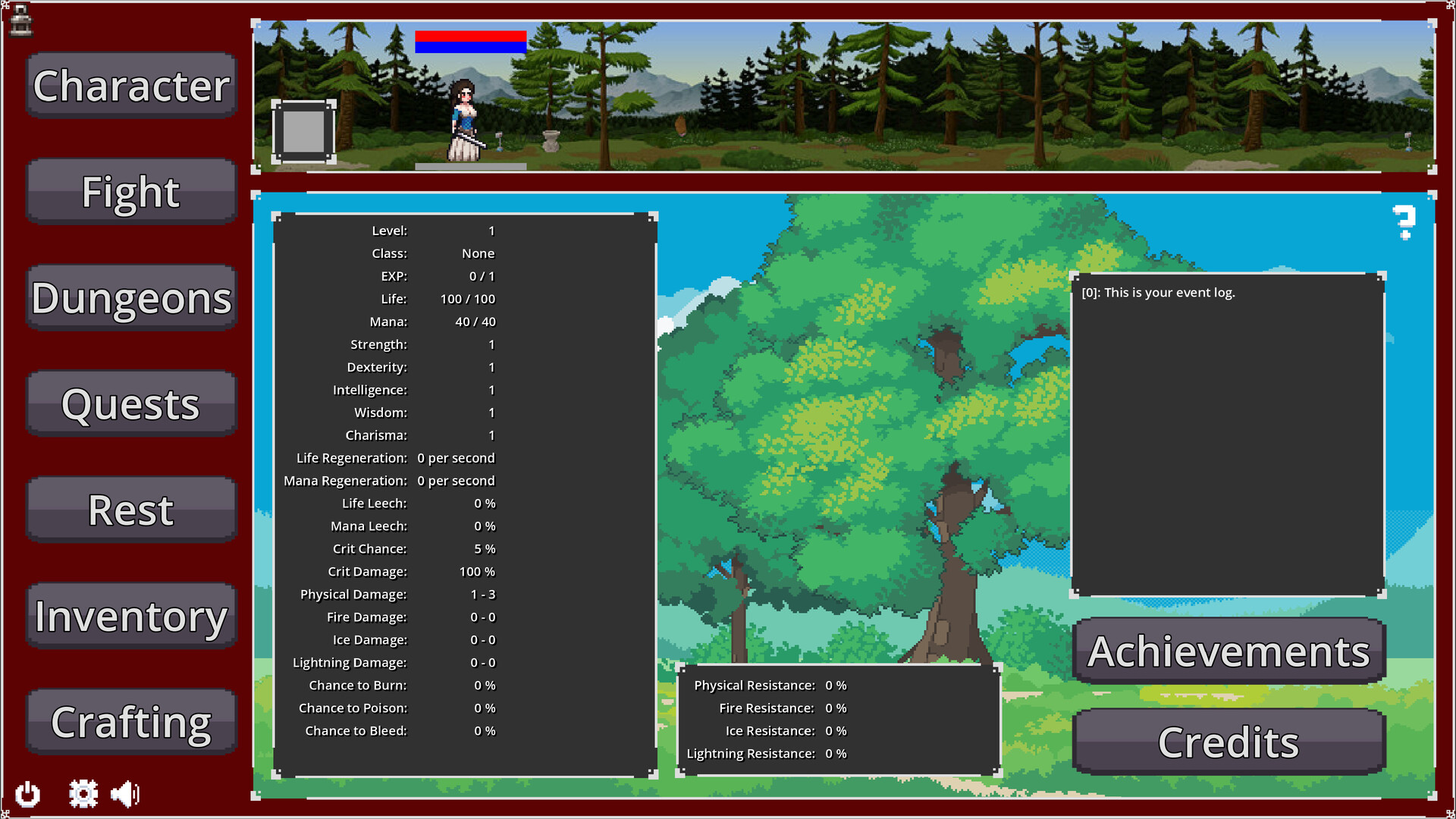
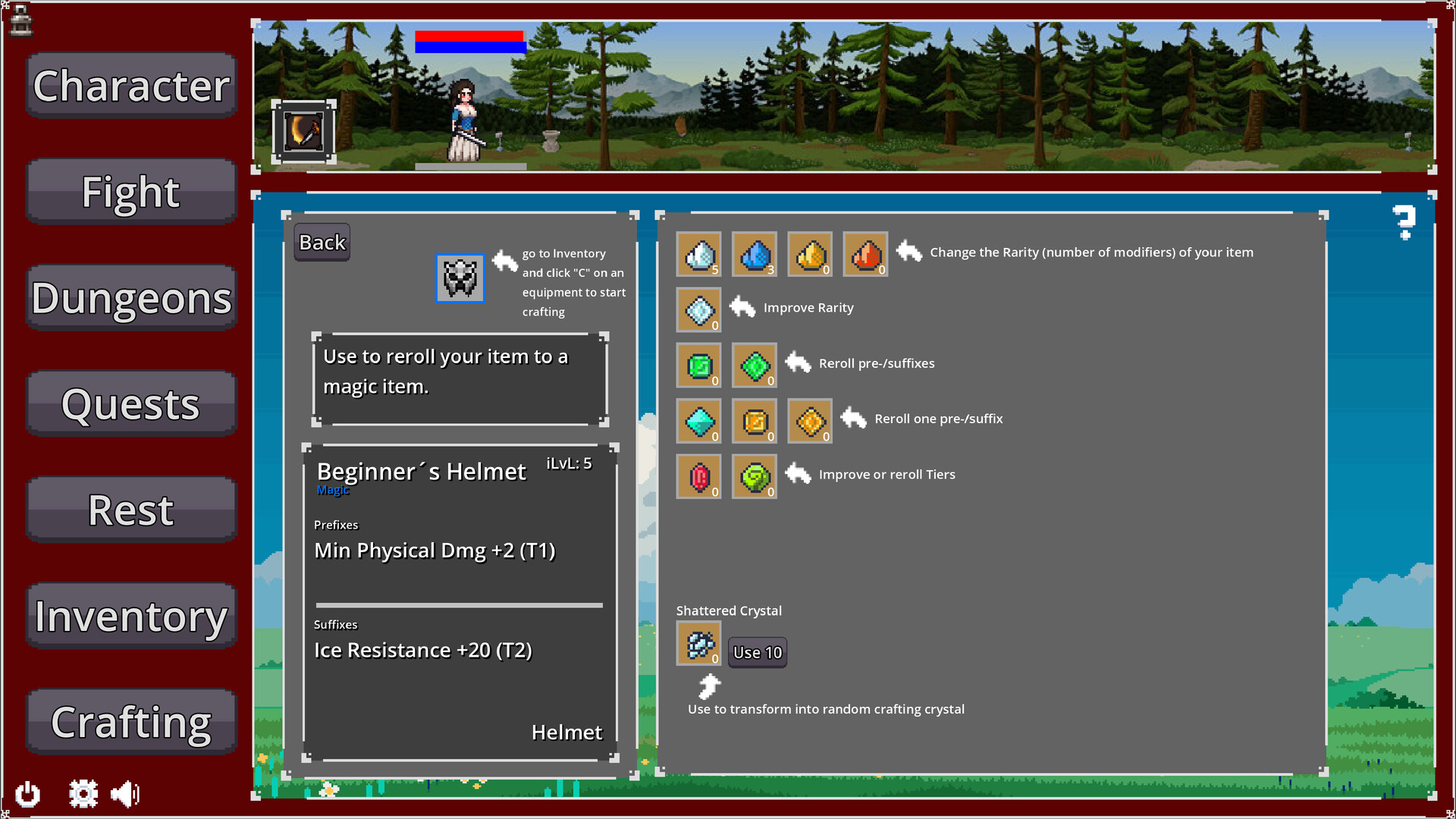
Ani Idle is an Idle-like RPG in which you will have to fight a variety of enemies. Kill them, collect their loot, take a rest, do some quests and craft your gear to become more and more powerful.
Players, last 30 days
Peak 5 · Low 0
Daily peak concurrent players, sampled once a night from Steam.
What players are saying
▼ Not recommended0 hrs
This is definitely not an idle game. You have to play close attention as if you die, there is a 50% exp penalty. You also have to manually activate your main ability.
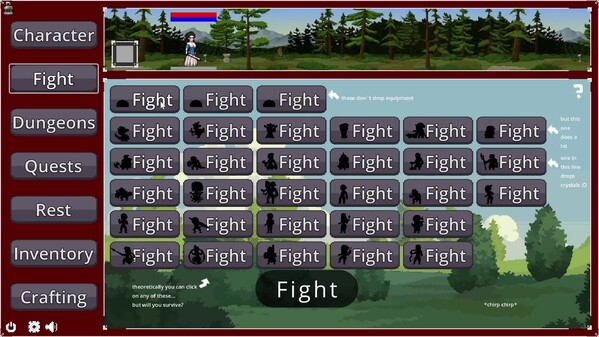
In addition, the UI for combat is badly designed. Your character and the enemy monster are on opposite sides of the screen, which means you are constantly shifting your eyes back and forth trying to gauge when to use the special move and when it is time to flee.
Ani Idle is F2P and quite enjoyable for around 5 hours of playtime.
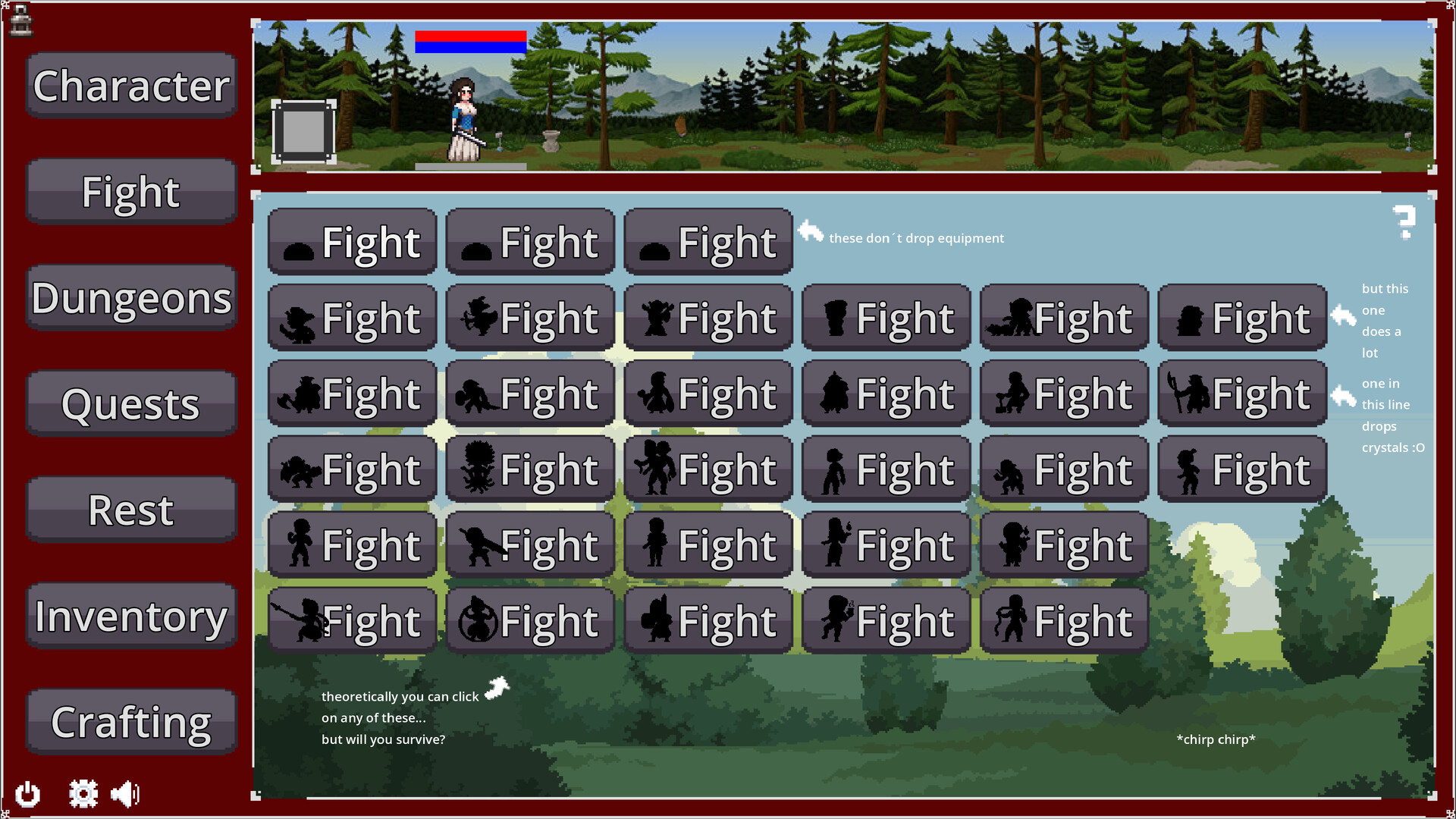
You rise up by fighting against all enemy types which drop items and gem shards.
Because of 50% exp lost on death it's not really idleable. You mostly switch between fight and rest after each 5 enemies or so.
Improved small explain texts in all menues (hopefully not so blurry for some people anymore) Improved help text of character menu Added a "Use all" Button for shattered crystals Buffed Succubus Skill (Now 120% instead of 100% Dmg and Heal) Notification pop-up now closable by right-clicking or clicking on the "X" When hovering over an equipment and you also have one equipped, the pop up of the equipment now has a text at the bottom, which says "(Equipped)" to make it more clear.
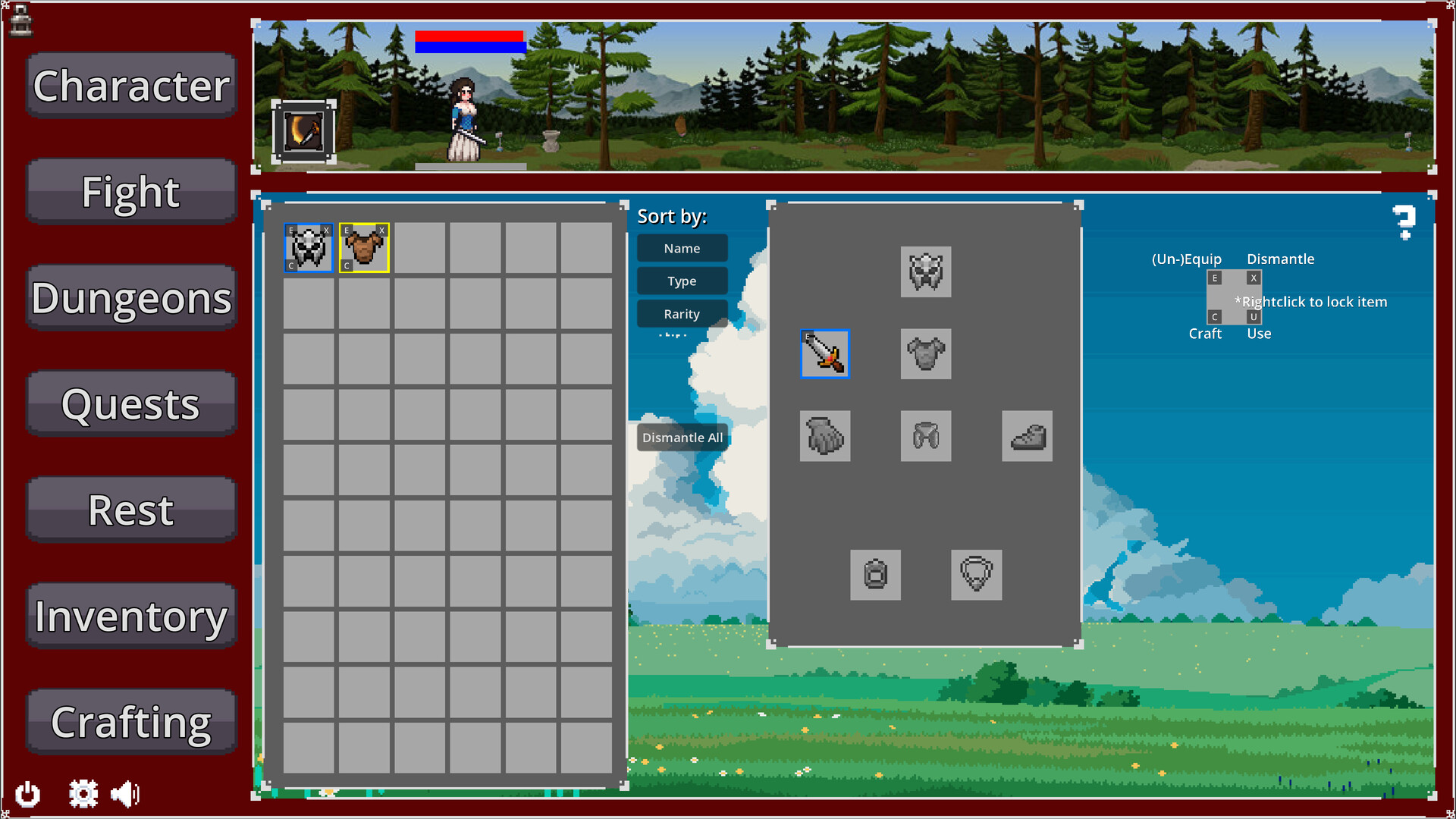
When I first programmed the inventory system I was not able to create a drag&drop option. But today I had another idea after I received feedback on this specifically. You will now be able to drag & drop via mouse leftclick and sort your items in your inventory as you like. (Locked items cannot be dragged and equipped items neither) It is a bit clunky on the coding side, because my inventory system was not build for it, but it works. And I also found a bug, which made it possible to use one potion unlimited times. Fixed it, sorry! :D
There was some feedback on the inventory buttons, for some they were not readable/ too small. Therefore I added other possibilities to handle your inventory and equipment: While your mouse is over an inventory or equipment slot, you can now use the following inputs: - Double left click --> Use or (Un)Equip item - Press "E" on keyboard --> (Un)Equip item - Press "U" on keyboard --> Use item - Press "C" on keyboard --> Craft item - Press "X" on keyboard --> Dismantle item
Posts come from Steam's official announcements feed.