My First PC Game introduces preschoolers to colors, animals, letters, and sounds through keyboard-driven flashcards with audio feedback. The sing-along and color-matching modes encourage interactive learning, though parents should note the audio balance and control explanations need refinement. Best suited for very young children beginning to explore letters and basic vocabulary.
About this game
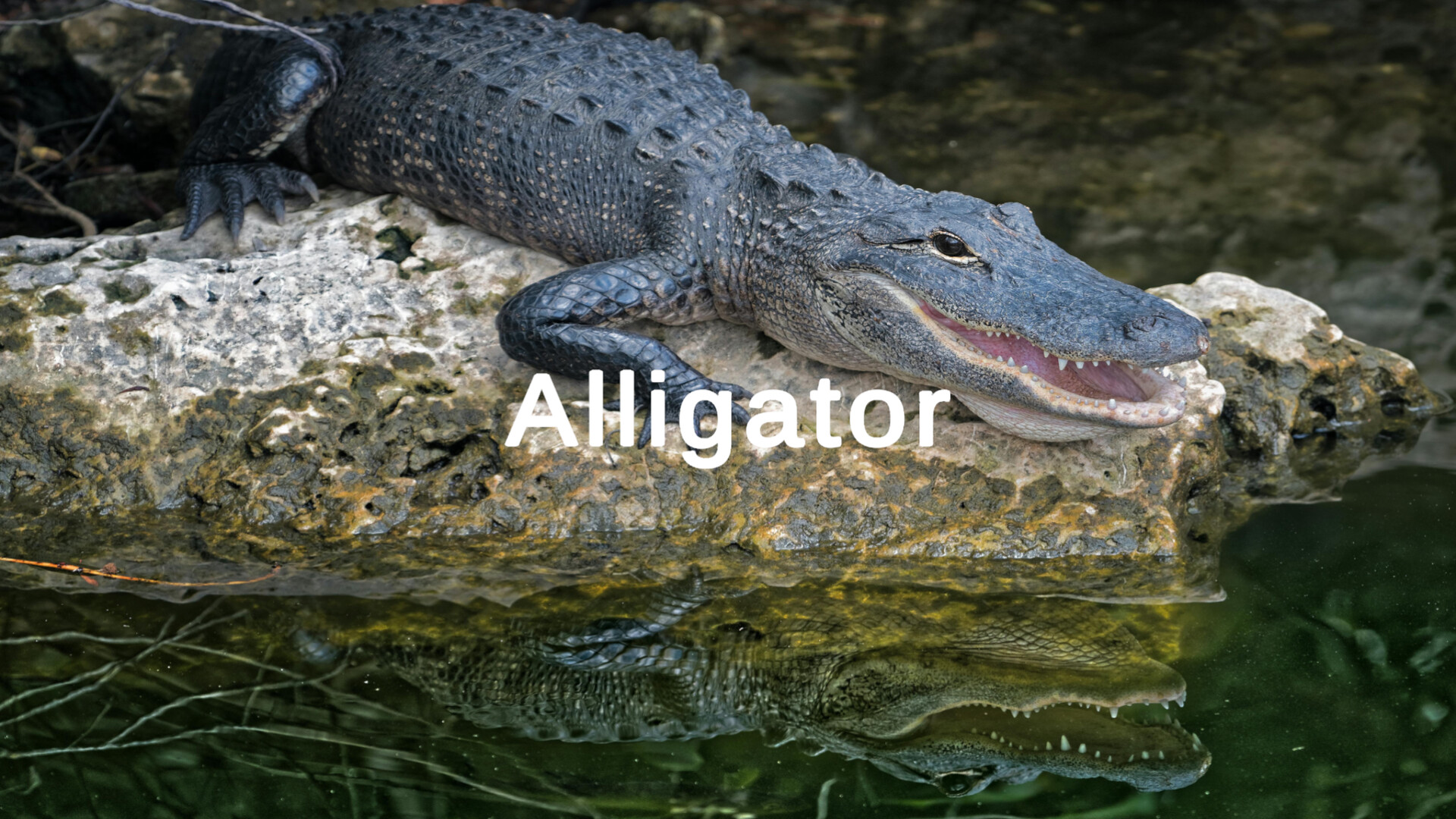
A multi-sensory educational experience featuring three modes: Rainbow colors with audio feedback, animal images with names, sing along mode and keyboard recognition with visual display. Perfect for young learners to explore colors, sounds, animals and letters through engaging, interactive gameplay.
Players, last 71 days
Peak 0 · Low 0
Daily peak concurrent players, sampled once a night from Steam.
What players are saying
▲ Recommended0 hrs
Thank you for releasing this game. Having a flash card that my child can interact using keyboard on PC is very useful. My only nitpick is that: 1) there is no control tutorial shown inside the game, 2) the sound for booting the game is very loud, while the voice telling about the flash card is very soft
i enjoy the concept of the game. i have a young child myself and she enjoyed flipping through all the colors and words. i understand youll be making things more interactive in the future release. my only concern i would say is for the alphabet section, its possible that i just did not figure out a way to make things normal. but the letters will only respond with Code Letter descriptions (Alpha for A, Bravo for B, etc.)
this would be a great feature for older kids but i do worry about the potential for younger children to misinterpret those callsigns as the given name and sound for the letters when trying to recite them?
I really appreciate reviews and feedback and I listen to what my players and customers have to say. With that being said I have adjusted the game a bit in the following ways:The sound upon the game starting has been reduced. The feedback here was that it was a bit loud initially.Once the player has entered the game you will notice a new Controls button. You can access the controls by hitting the ESC (escape) key or by using the mouse to click on the controls button. From there you will be shown a list of controls available to the game. It was initially designed for discovery only but I want to make sure players are not completely in the dark. You can close this new menu by clicking the close button, controls button or pressing the ESC key again.I hope you are all enjoying the game! I am looking into expanding it a bit more so stay tuned for a future update!
Posts come from Steam's official announcements feed.