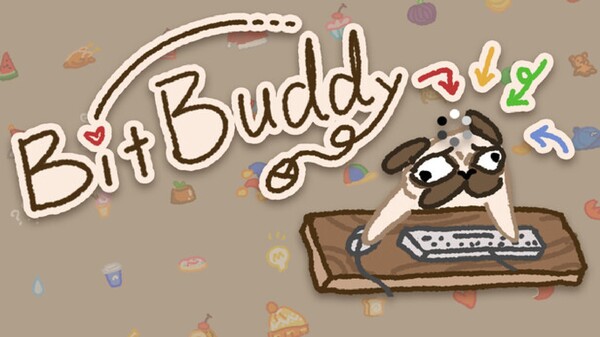
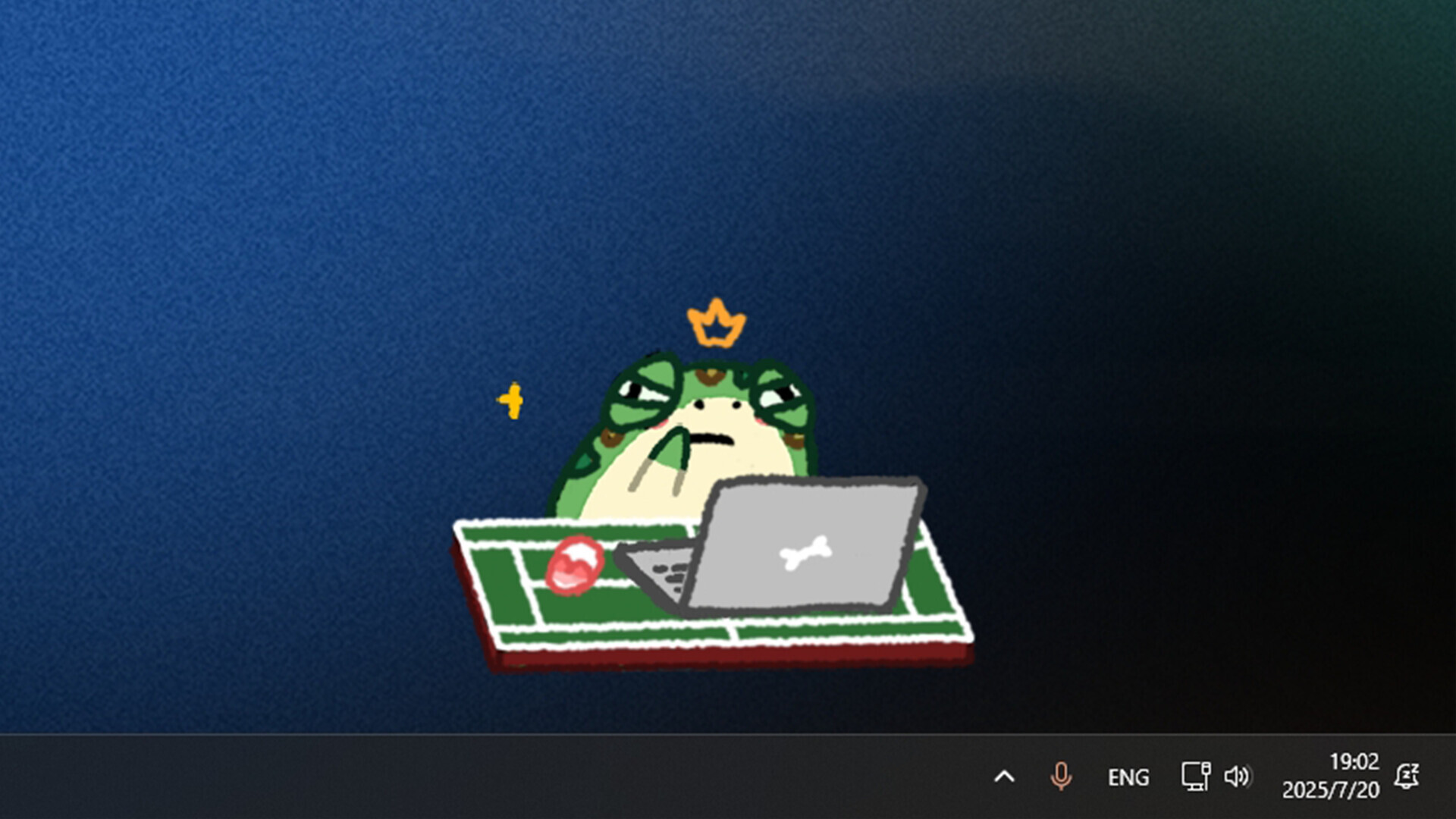
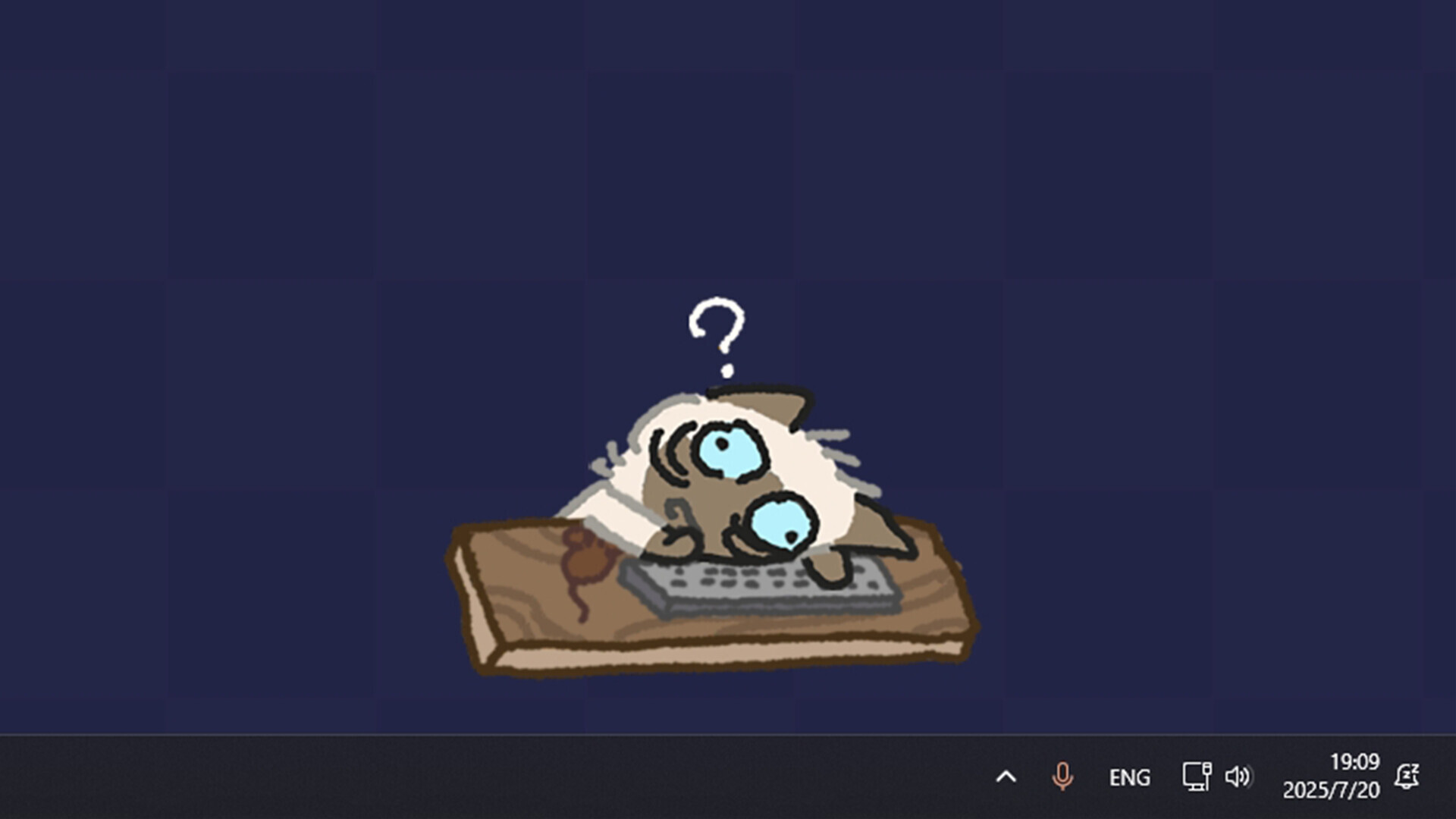
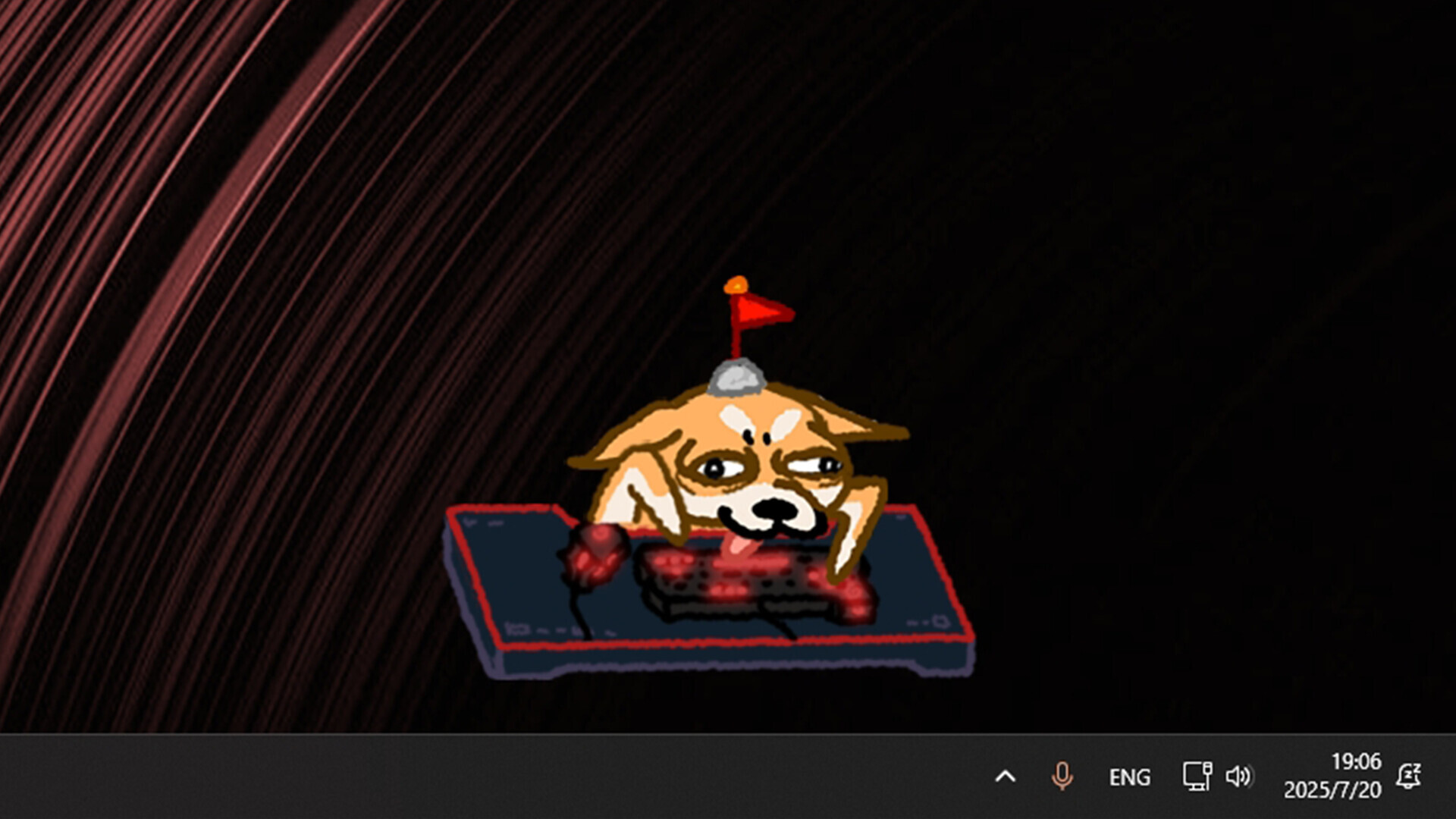
Bit Buddy places an animated dog companion on your desktop that mirrors your keyboard and mouse activity in real time. Each interaction generates points toward unlocking cosmetic decorations and accessories, creating a low-friction reward loop that requires no active engagement beyond normal computer use. It's ideal for anyone wanting a charming visual feedback layer to their daily computing habits, particularly those who enjoyed similar desktop pets or input visualizers.
About this game
Bit Buddy reacts to your keyboard and mouse activity in real time. Collect decorations as you use your computer, customize your workspace, explore over 1,000 community-made buddies and decorations through Steam Workshop, or create and share your own.
Players, last 72 days
Peak 617 · Low 406
Daily peak concurrent players, sampled once a night from Steam.
What players are saying
▲ Recommended3 hrs
I love the custom content, its really cute but I wish there was a feature where the bit buddies had an option to detect mic input so they could also talk, like those pngtuber model things? Might be too much to ask for but I think that would be super cool
Someone just thought "wait, what if we make bongo cat but cooler?" and came up with this gem. Yeah, it has a pricetag and not free like bongo, but it offers so much for symbolic payment.
- Once you unlocked a customization - it's with you forever, even if you use it to trade for an item of higher quality;
- You need only 5 items of same quality to combine, instead of 10;
- Items have chance to drop with each action, there's no set timer to "get the treasure chest";
- YOU CAN MOD THIS THING! You can add your own blorbos and share them with community, and this is like the biggest appeal of Bit Buddy on top of other points listed above!
Strongly recommend if you're a fan of silly desktop additions such as Bongo Cat or Tap Tap Loot, can't wait to try myself adding my beloved characters to tap with me while I work or play games :]
Bit Buddy Autumn UpdateAutumn is here! This update brings a brand-new collection of autumn-themed cosmetics, along with some improvements to microphone-related features.What's NewAdded new autumn-themed cosmeticsAdded microphone device selection — you can now choose which microphone Bit Buddy usesFixed an issue where microphone input could not wake Bit Buddy from sleepAs always, thank you for your continued support of Bit Buddy!
Fixed an issue where some visual elements could be incorrectly clipped.Fixed an issue where microphone input would not prevent Buddy from entering sleep mode.Optimized Steam stats synchronization to reduce unnecessary requests.Optimized clickable area calculations to improve performance.Thanks everyone for all the recent feedback and bug reports! This update mainly focuses on fixes and optimizations based on your feedback. Thank you for your continued support of Bit Buddy!
Posts come from Steam's official announcements feed.