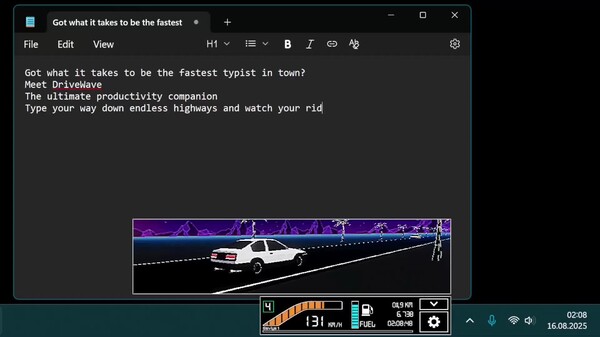
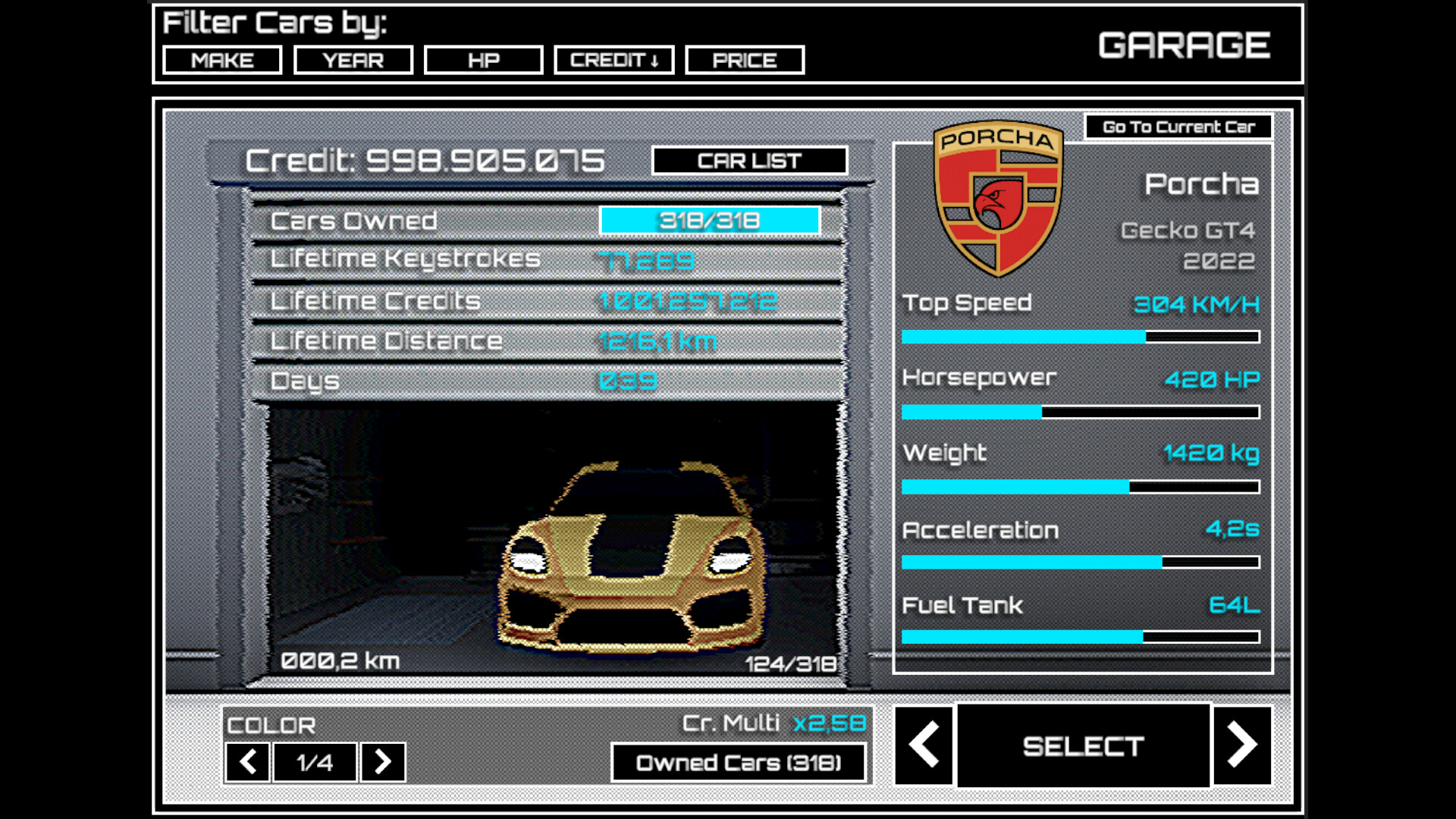
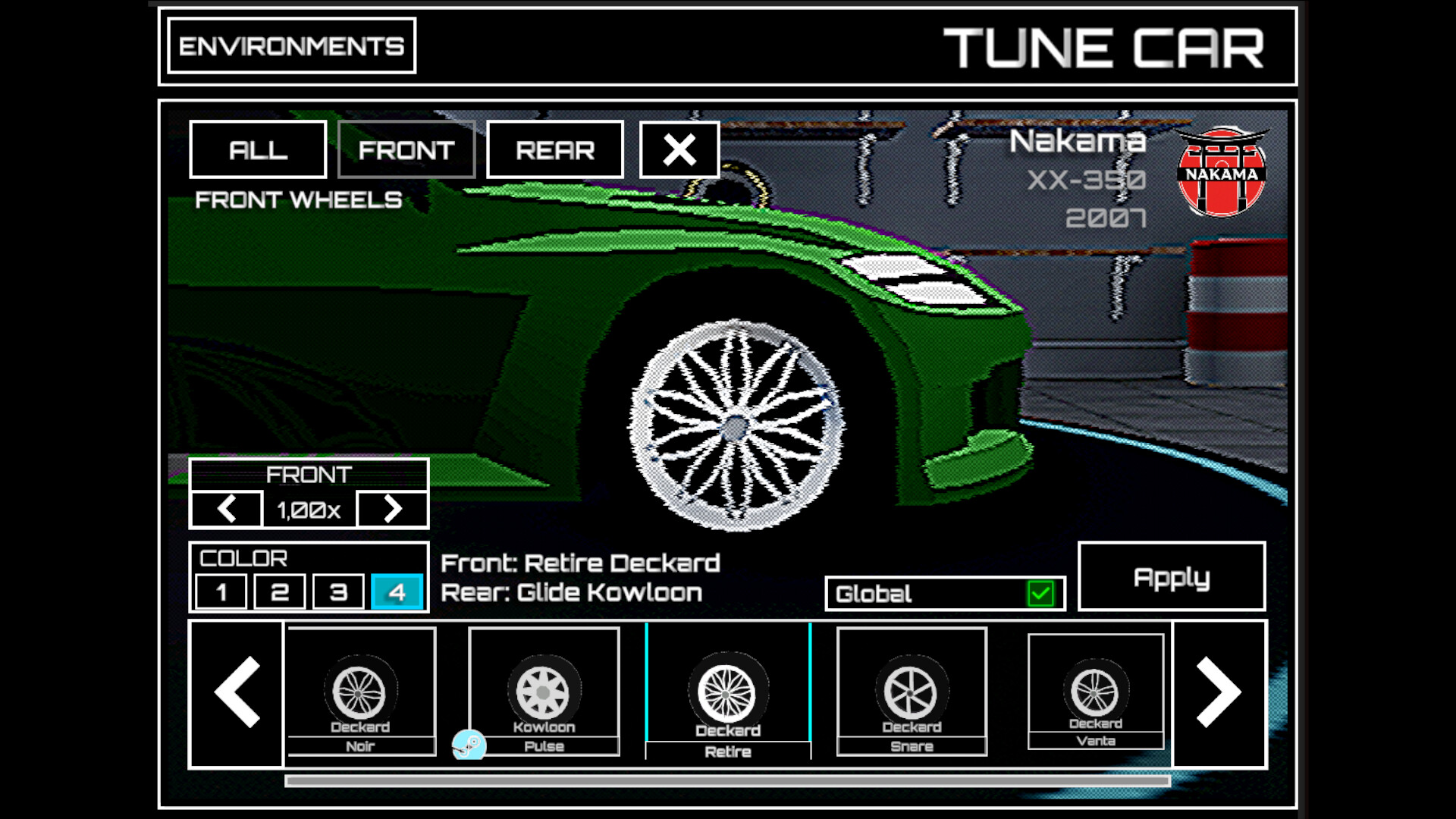
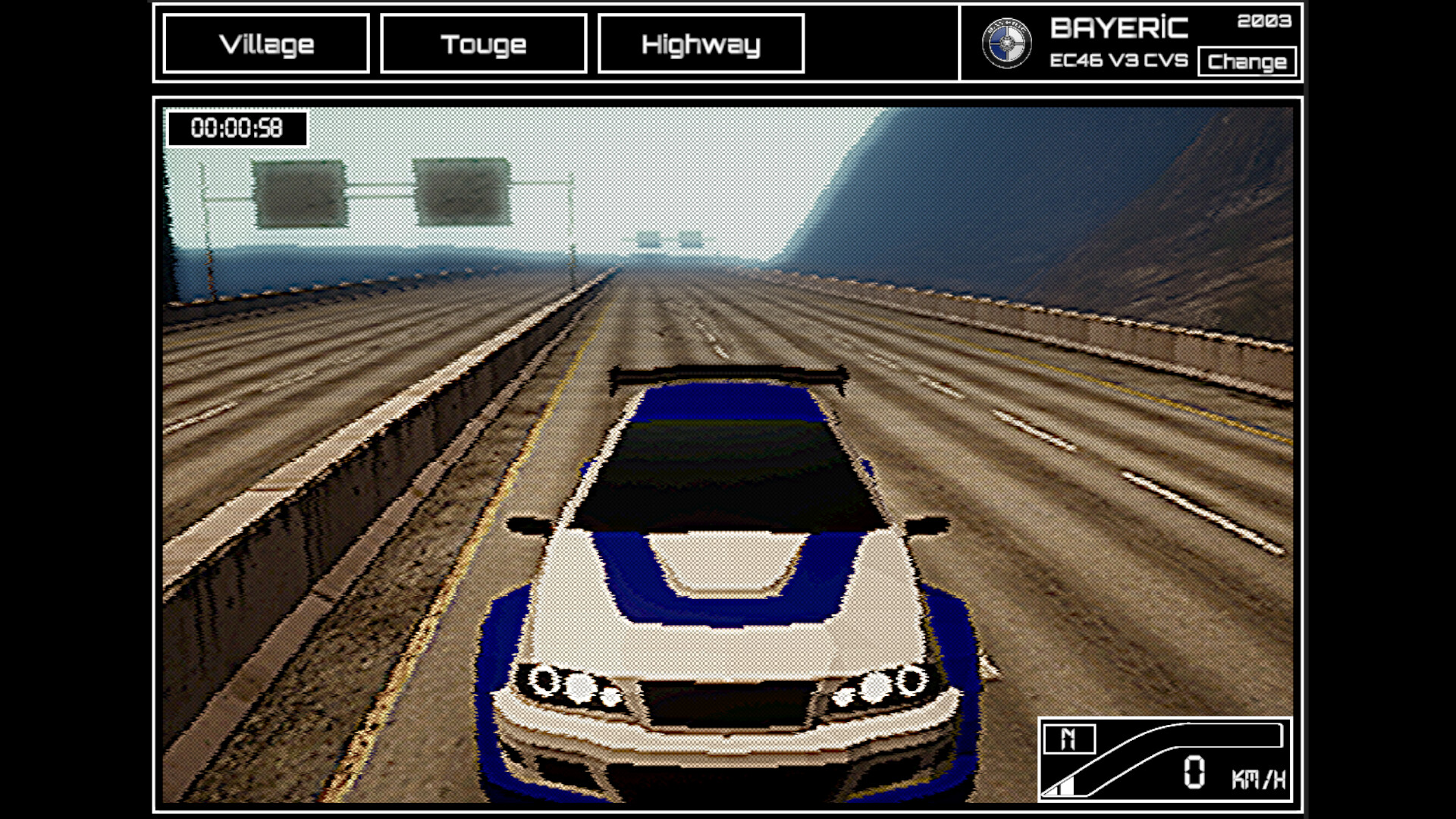
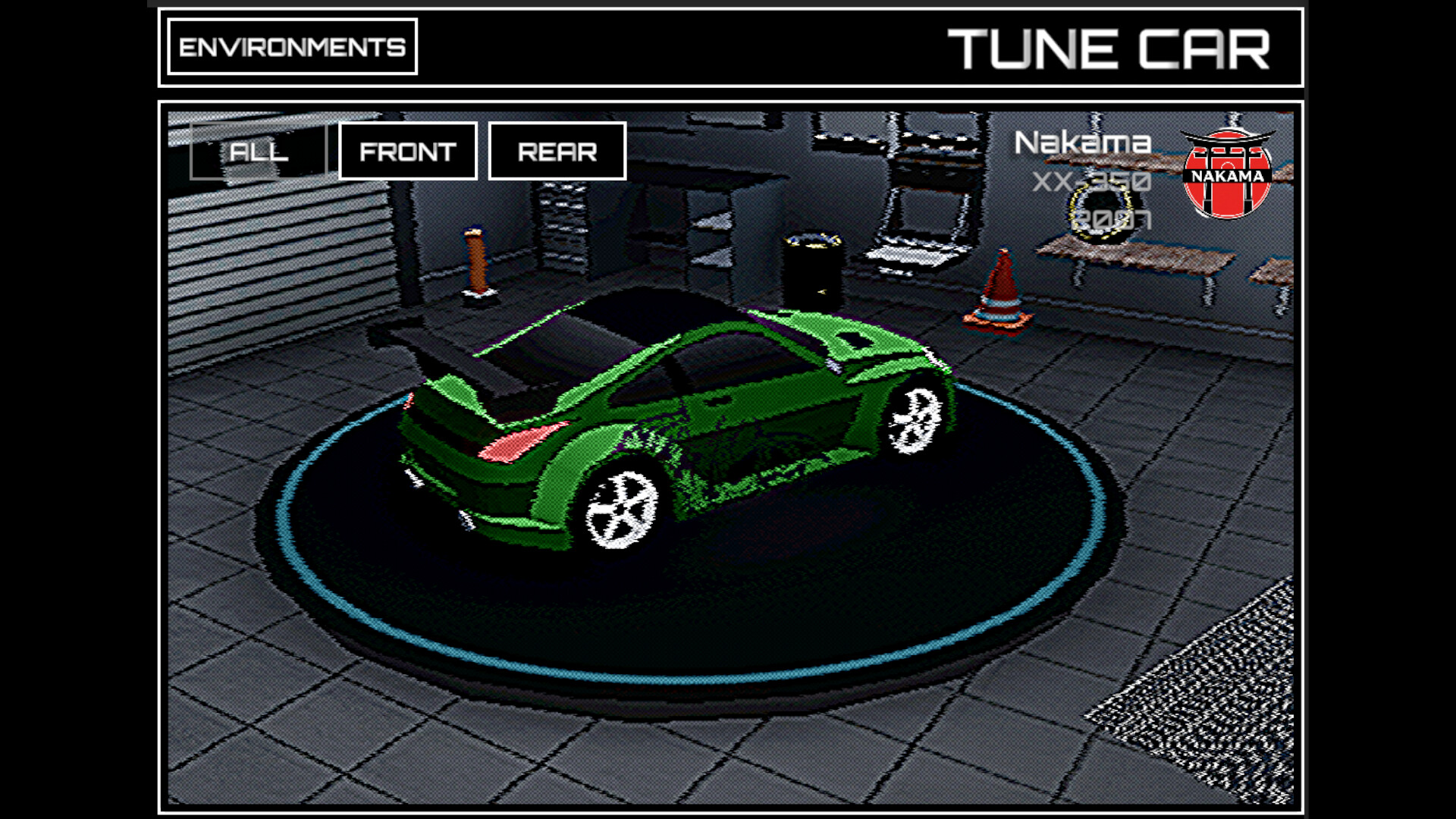
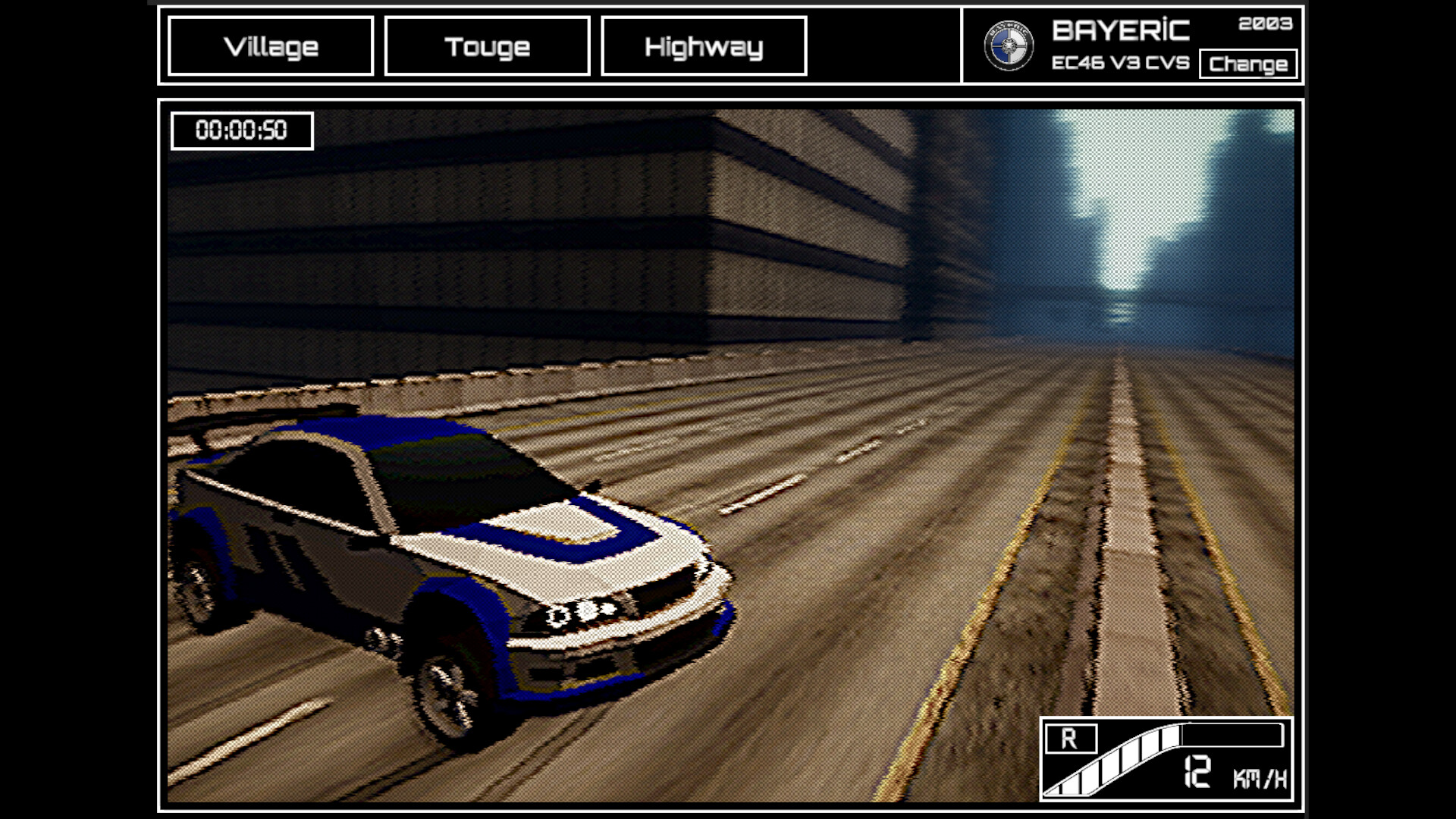
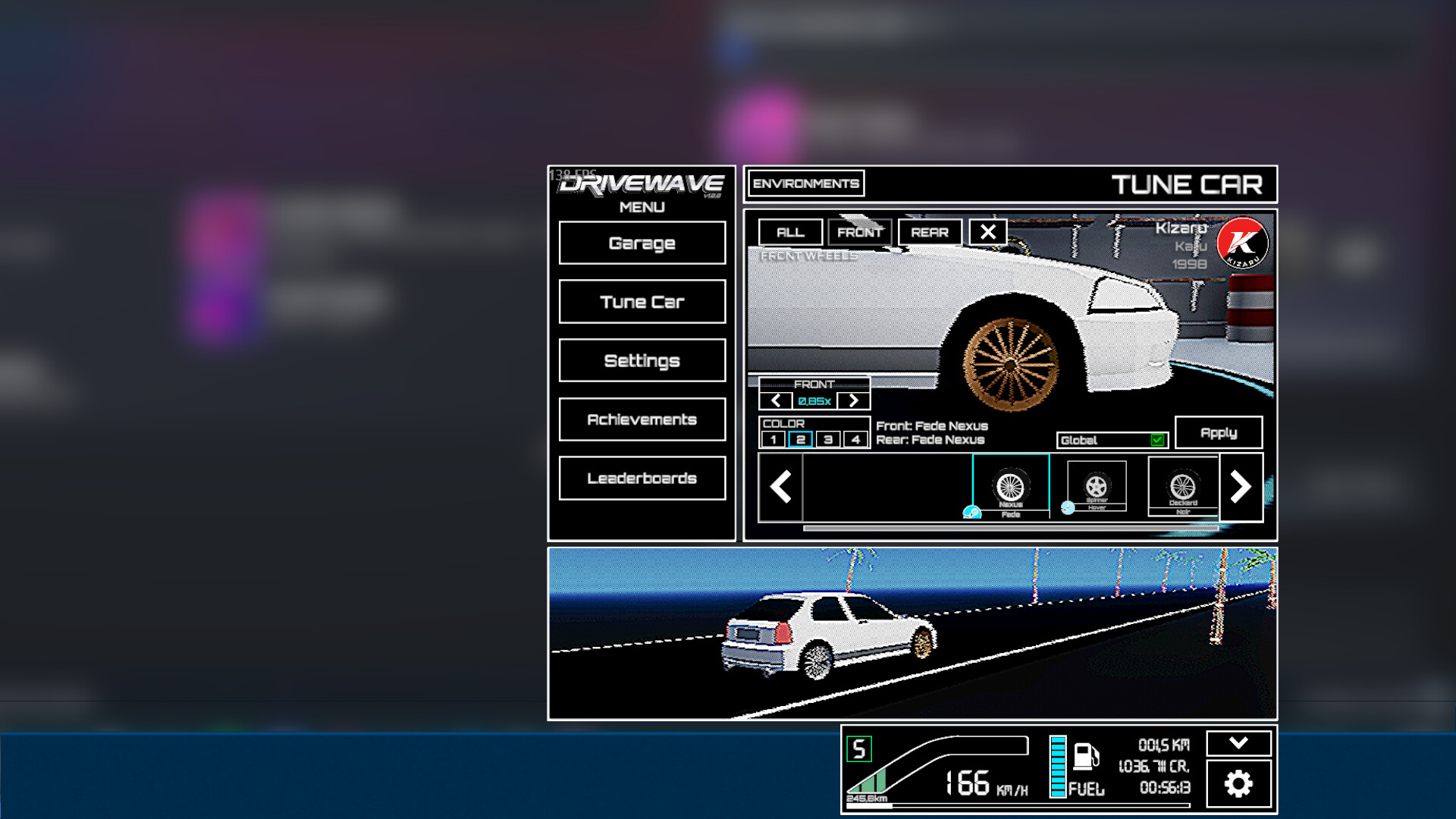
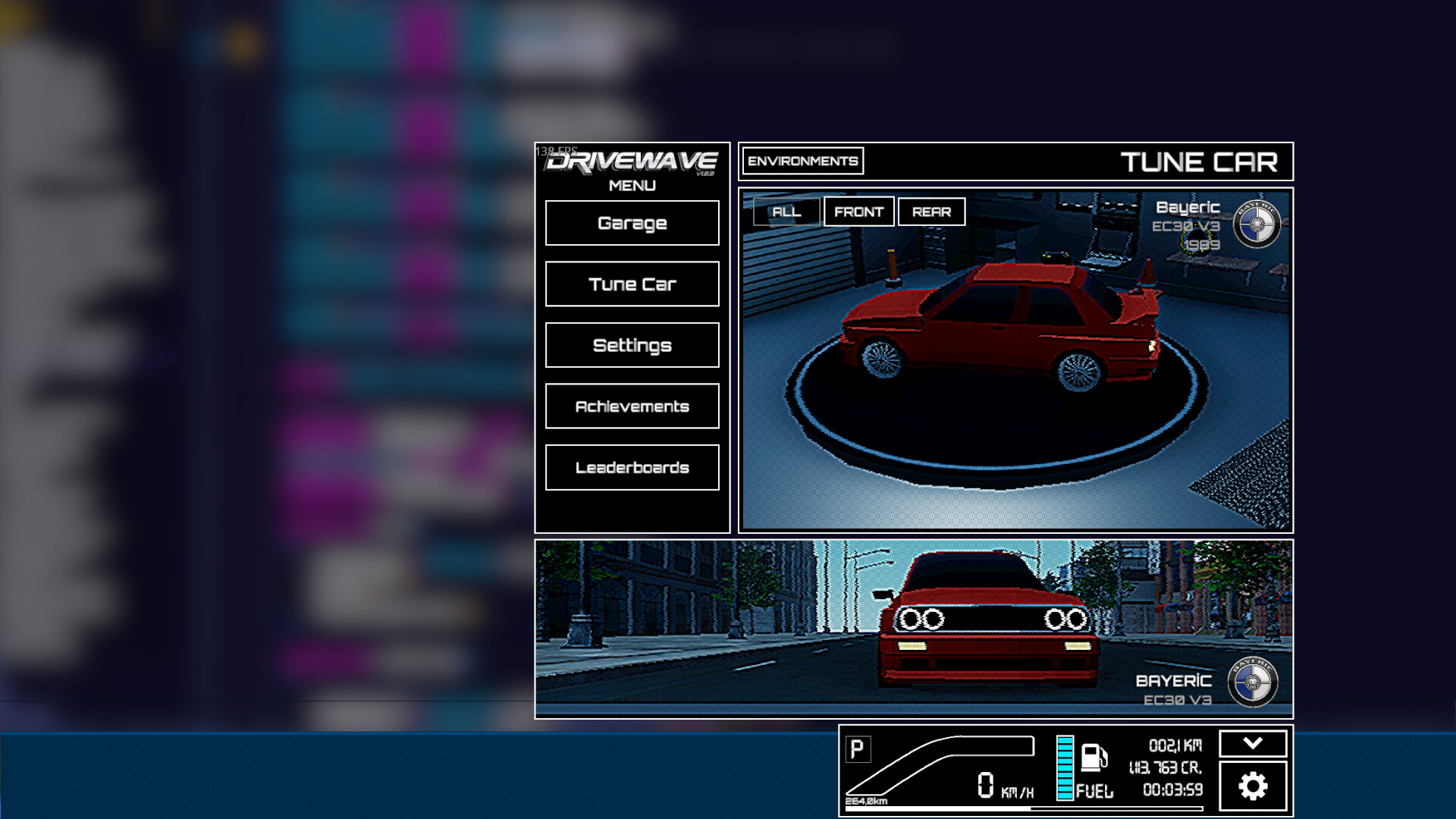
DriveWave ties your keystrokes to forward momentum across neon-soaked highways, letting you progress through environments and customize vehicles while you work or relax. It's designed as a low-friction background activity—each keystroke registers as tangible progress—making it ideal for those who want ambient visual engagement without demanding attention.
About this game
Every keystroke powers your car across endless neon highways, from glowing deserts to midnight forests. Collect, customize, and embark on a driving journey, all while boosting your productivity.
Players, last 30 days
Peak 22 · Low 9
Daily peak concurrent players, sampled once a night from Steam.
What players are saying
▼ Not recommended3 hrs
Apparently, this game is IDLE, as developer wants to FIGHT me on terms. While this game REQURES you to INTERACT with it. Yes, typing documents, whatever. This STILL takes USER input, and it does NOT WORK withOUT user input.
I can't put music on, start this game, and just stop mashing the keyboard.
This game is CLICKER, but NOT IDLE.
Edit: and I am BANNED. Permanently. Nice.
Edit 2: Developer, ALL you had to do was to remove "idler" tag. That's ALL. No. You had to PERMANENTLY ban me over disagreement in terms.
Did I say the game was bad? Did I LIE about this game, after which it's reputation tanked? Apparently, trying to prove that a free game is NOT an idle game is worthy of permanent ban...
Simple, relaxing, and oddly satisfying. Every keystroke feels like progress, perfect background game while working or chilling. Feels like driving into a sunset!
Hey everyone, This update is almost entirely built from your requests, starting with the big one. Fullscreen By far the most requested feature since launch. The Skydeck, Drive and Garage screens can now go fullscreen. {STEAM_CLAN_IMAGE}/45746073/201125fbba171fe7c047890e07cca17794bed267.gif Click the expand button in the corner of the screen or press F11. Esc brings you back. This is not just a screenshot mode. Everything keeps running, so you can drive, walk around the Skydeck and click things while fullscreen. The game window grows to cover your monitor and returns to its exact old size and position when you exit. Closing the game while fullscreen will not mess up your window either. Ultrawide players: the image is capped at 16:9 with black bars on the sides, so nothing gets stretched or warped. Right click window dragging and the window hotkeys are disabled while fullscreen so you cannot accidentally yank the view around. New Settings UI Sounds slider. You can now turn down button clicks and interface sounds without touching the radio or the engine. Thanks Ily! Skydeck crosshair size. The little dot can now be resized from 0.25x up to 2x, or turned off completely. Also an Ily request. Camera Motion slider. If the driving camera moves too much for you, turn this down. At 0 the camera stays completely calm. Good news for anyone who gets motion sick. Driving Camera The chase cam was throwing itself around way too much, especially on fast cars. It leaned into corners too hard, the FOV kept breathing in and out, and the camera dove down at speed. All of that has been toned down. The NFS feel is still there, your stomach just gets a say now. See you on the road – Tolga
Hey everyone, This one took a while, and the reason is embarrassing. I've been going through the driving physics for weeks because the cars felt heavy and dead in a way I couldn't put my finger on. Turns out every drivable car in the game was sitting with its suspension completely bottomed out. Not stiff. Not badly tuned. Zero travel left. The springs had nowhere to go, so the car physically could not lean into a corner, could not dive under braking, could not shift its weight anywhere. That's why steering felt like nothing was happening. It's been like that since driving mode shipped and I looked right past it every time. So yeah. Most of this patch is the driving model finally doing what it was always supposed to do. 🔧 Driving Suspension has actual travel now. Cars lean, dive, squat. You can see the weight move. Real wheelspin and burnouts off the line. This wasn't a tuning issue. The tire model literally could not produce wheelspin no matter what numbers I fed it. Cars keep sliding instead of the momentum just getting deleted halfway through. Drifting is a thing you can do now. Gear ratios are wider, roughly a third more rev sweep per gear, so gears don't feel cramped anymore. Keyboard steering got smoothing. WASD used to slam straight to full lock, which is exactly why the back end snapped out every time you tapped A. Slower cars aren't as sluggish pulling away. Turning at low speed no longer eats your acceleration. You could hold the throttle, turn, and just... not accelerate. Skid marks and tire smoke actually show up. The thresholds were set higher than any slide could ever reach, so the whole effect system was off this entire time. Fast cars no longer bottom themselves out at top speed from their own downforce. 🎥 Camera The chase cam doesn't creep further away the faster you go. Reverse camera no longer stares at the ground and swings around when you shift into R. That one was ugly. 🔊 Audio Engine sound follows what the car is doing. Below about a third thro...
Hey everyone, This is one of the biggest updates since launch. Two headline features, a pile of long-standing bug fixes, and a full save system audit under the hood. Your wheel drops now actually land in your Steam Inventory This one is embarrassing and important. Wheel drops were supposed to appear in your Steam Inventory since day one. They never did, for anyone. The grant call we used only works for developer accounts, so it worked in every test and failed silently on every real machine. That is fixed, and it changes more than it sounds: New wheel drops now arrive as real Steam Inventory items, tradable and marketable. Wheels you already unlocked in the game are backfilled automatically. Just play with Steam running and your collection will sync to your inventory over your next sessions. Ownership is now two way. If you sell or trade a rim away, you lose it in the game too. If you buy one from the Market or a trade, it unlocks in the game without a drop. Selling something actually costs you something, which is what makes buying worth it. If a wheel you earned does not show up in your inventory after a couple of sessions, ping me on Discord with your Steam name. About that 5,000,000 km achievement I have seen the thread thanks to Wightie, and I did the math. At realistic play speeds, 5 million kilometers is roughly 25,000 hours of active driving. That was never going to happen organically, and I am not pretending otherwise. So here is the deal: once you own 150 cars, a new option appears in Settings that lets you buy mileage with credits, at 10 credits per km. It counts toward the odometer and every distance achievement, including the 5M. It does NOT count on the distance leaderboard. Bought kilometers will never outrank driven ones there. Distance counters that quietly stopped counting The "km bug" reports were real, and there were several separate causes: a precision bug that froze the lifetime distance accumulator on long saves, the same bug freezing the sessio...
Posts come from Steam's official announcements feed.