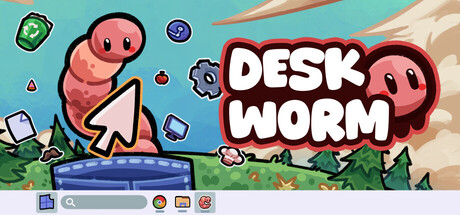
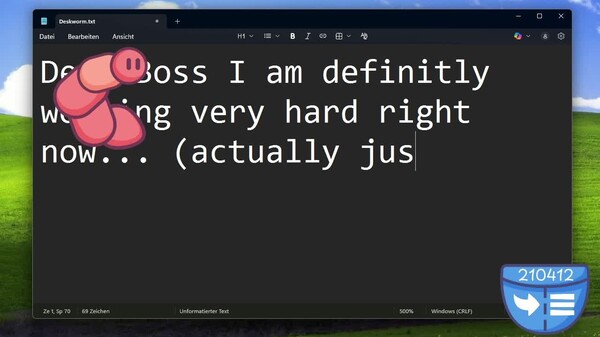
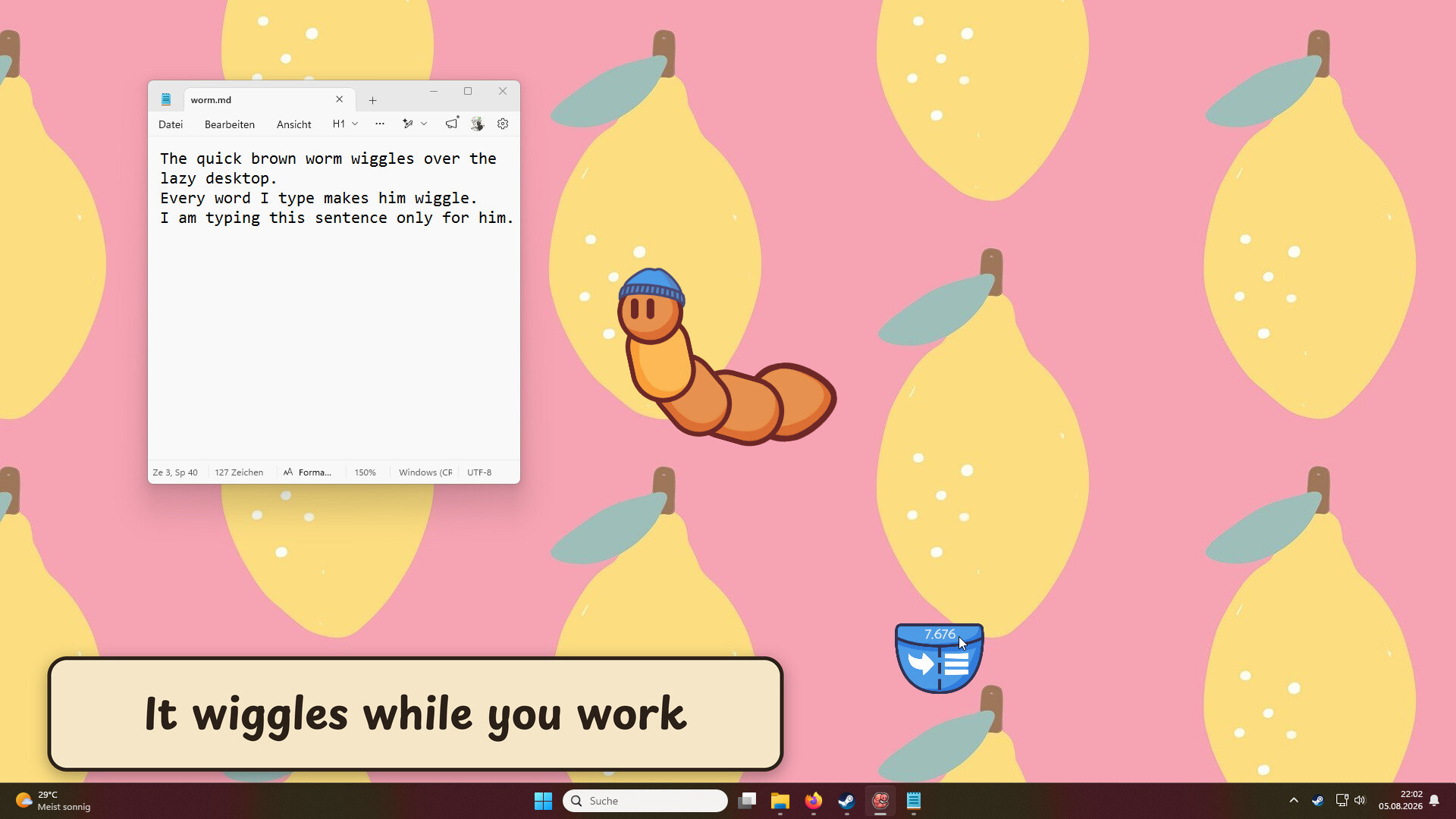
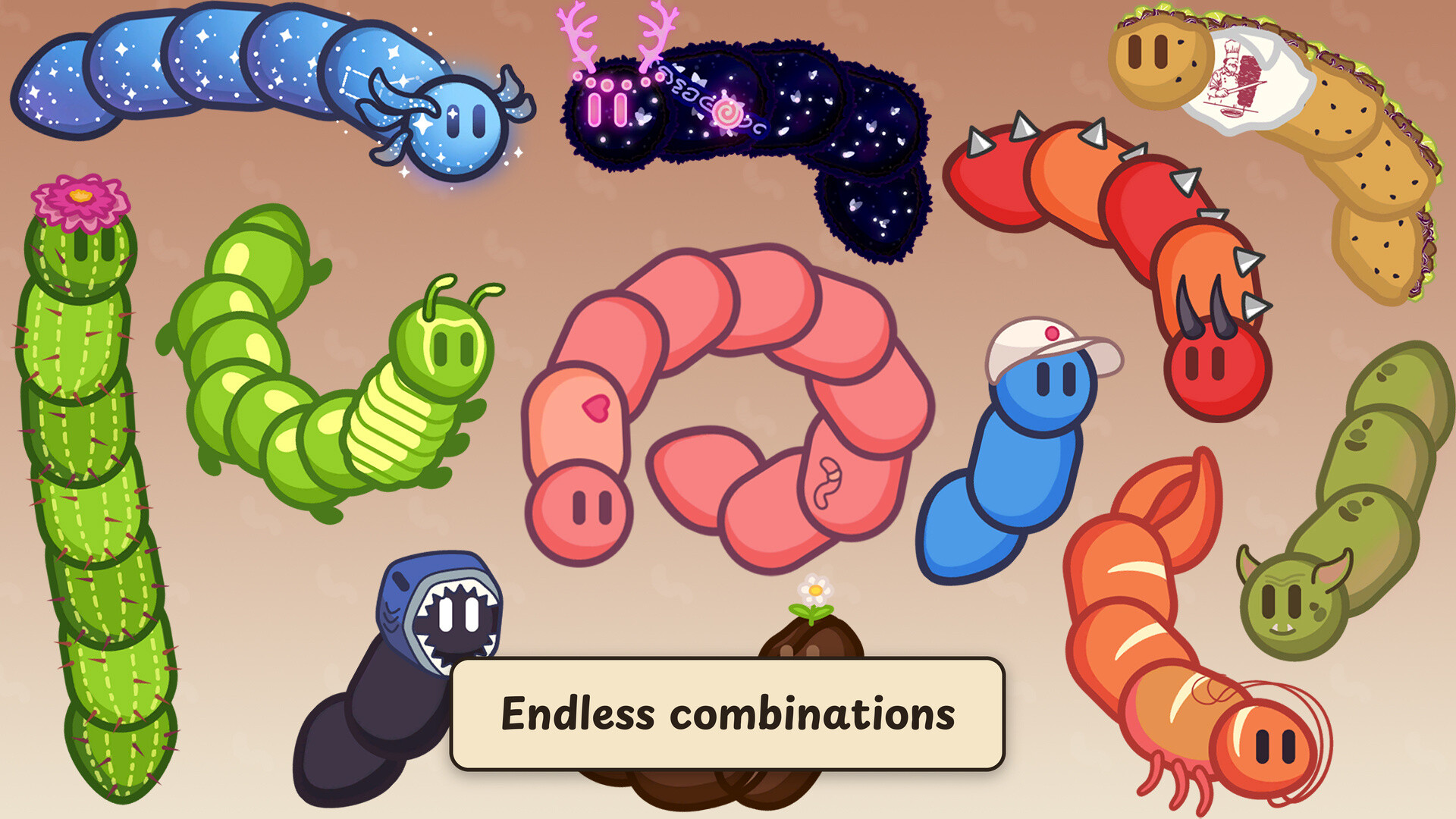
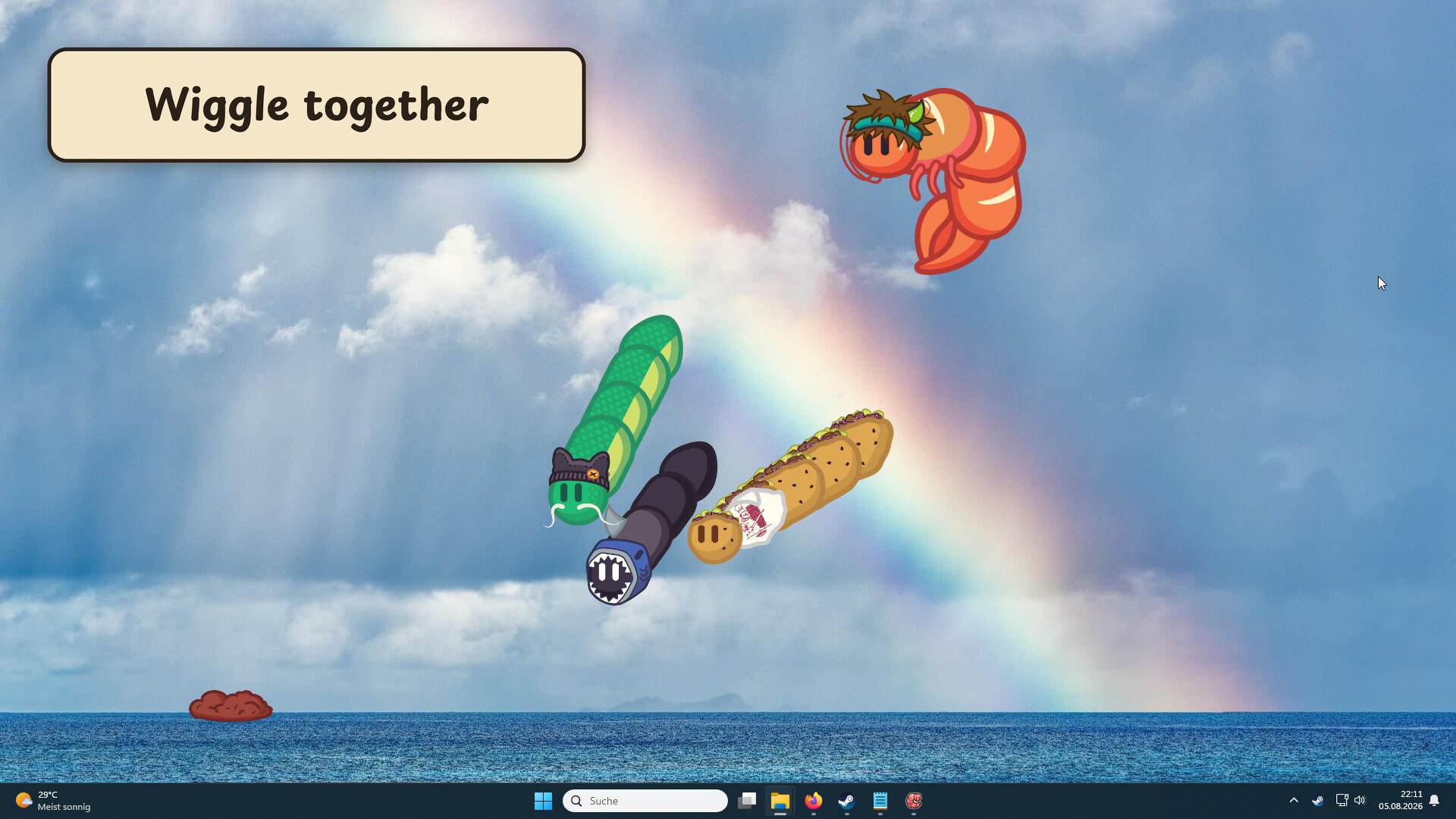
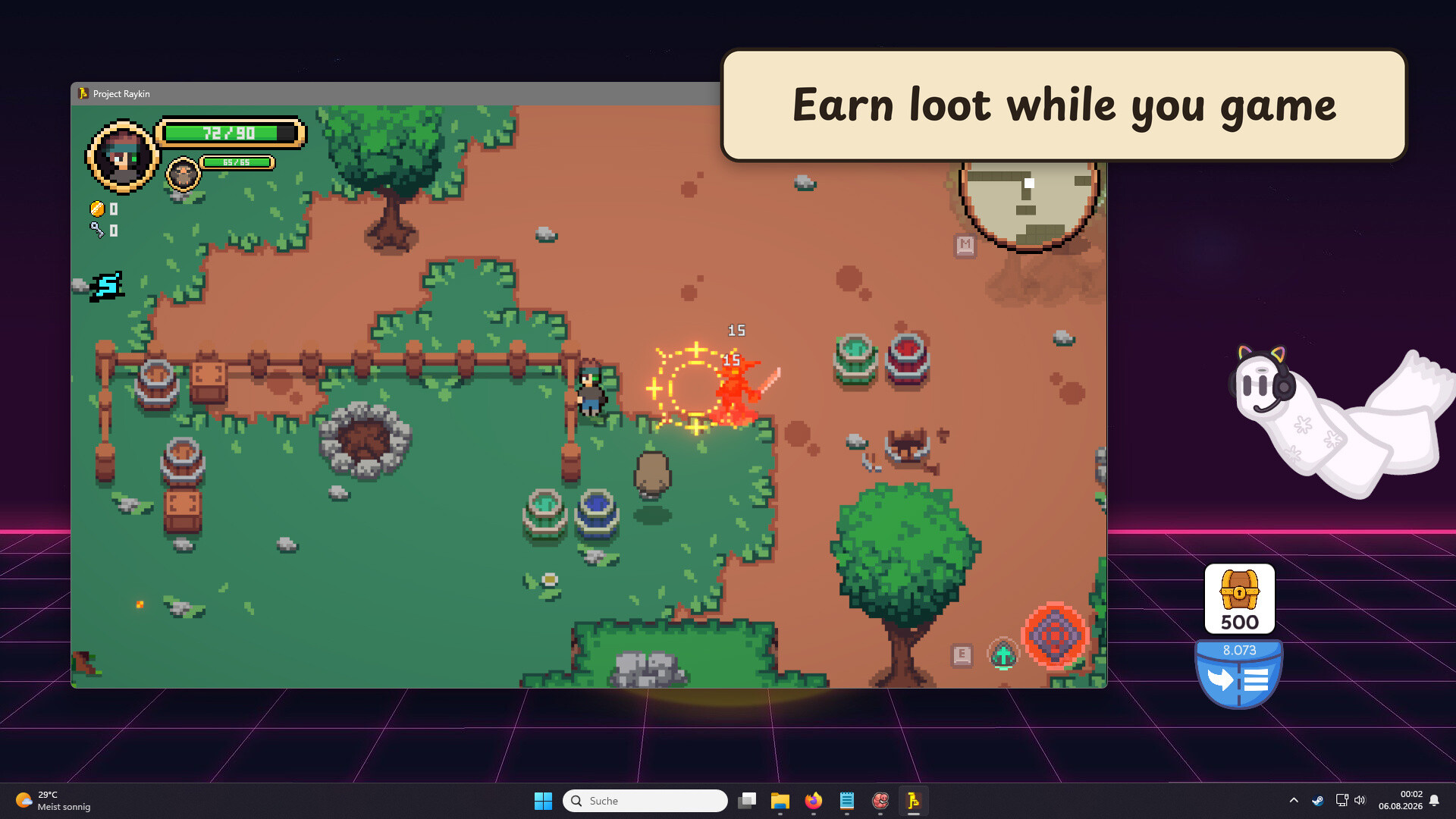
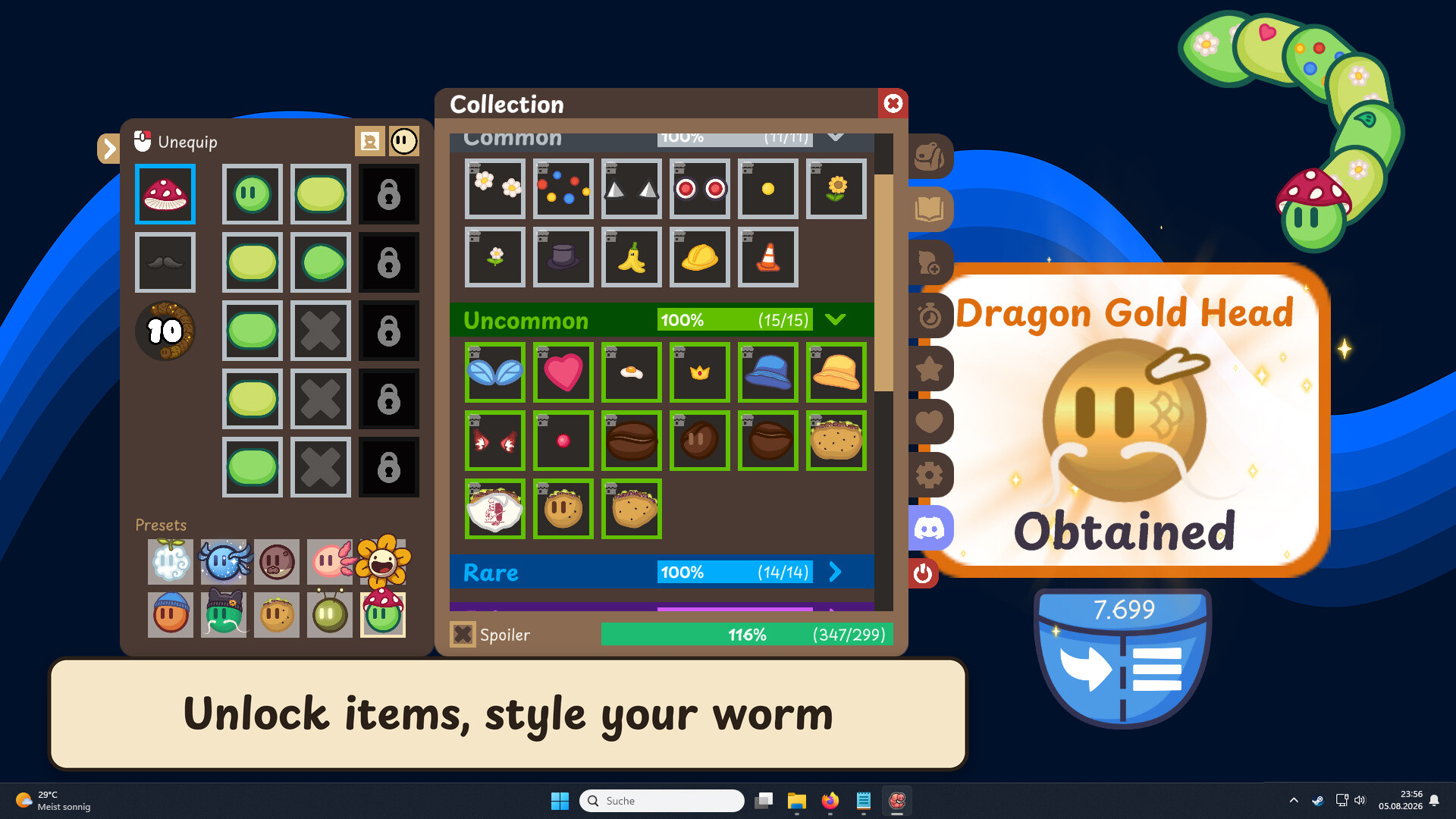
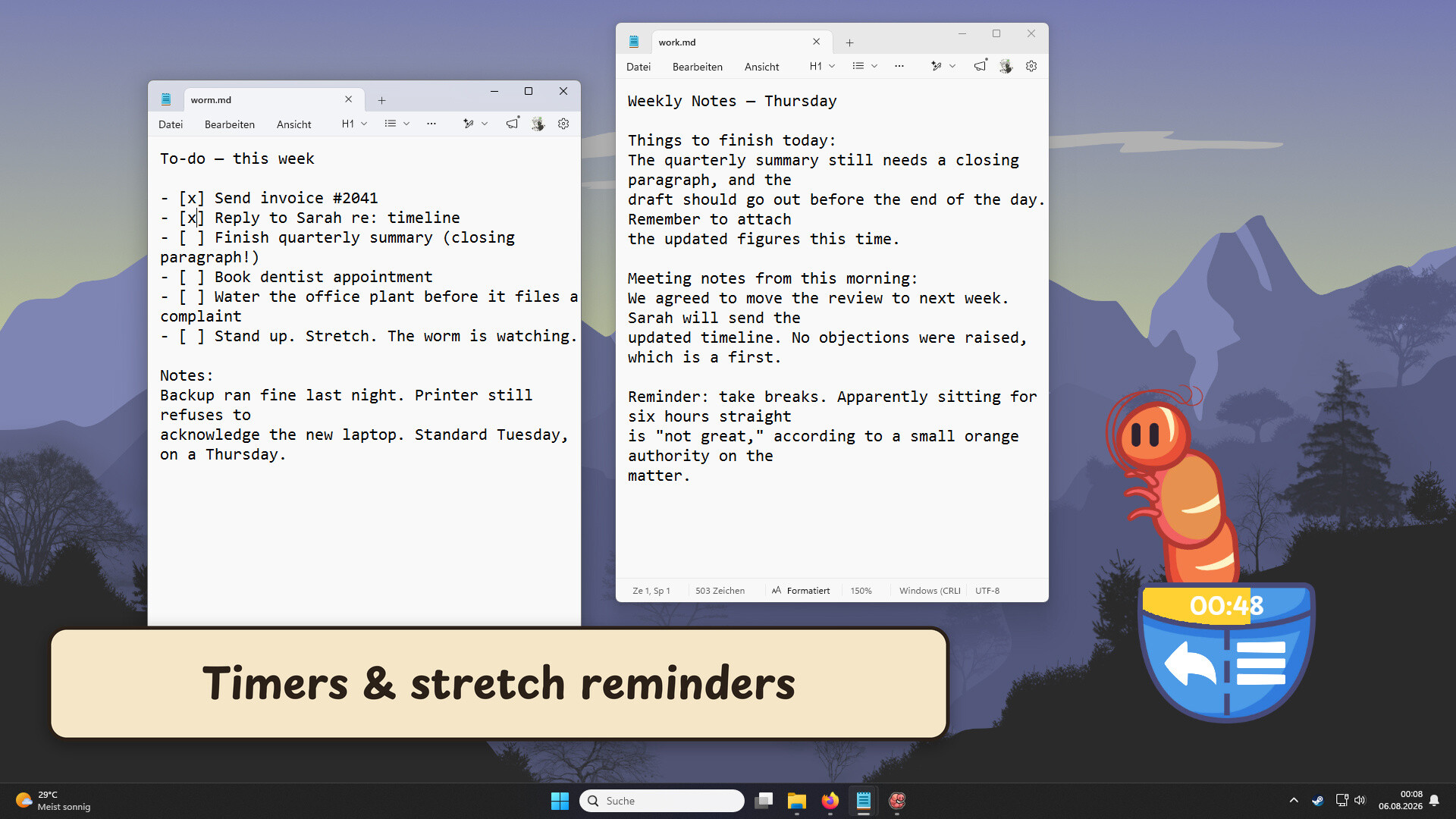
Deskworm is a desktop pet that animates based on your keyboard and mouse activity, rewarding your interaction with collectable cosmetic items to customize its appearance. Beyond idle entertainment, it functions as a posture reminder through its "Anti-Shrimp" feature, encouraging you to stretch periodically. It appeals to players who enjoy low-commitment pet simulators and cosmetic collecting without demanding active engagement.
About this game
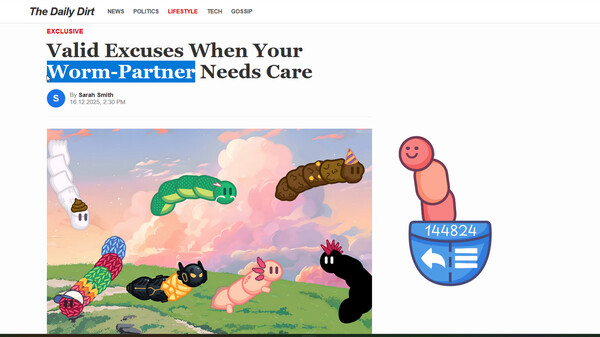
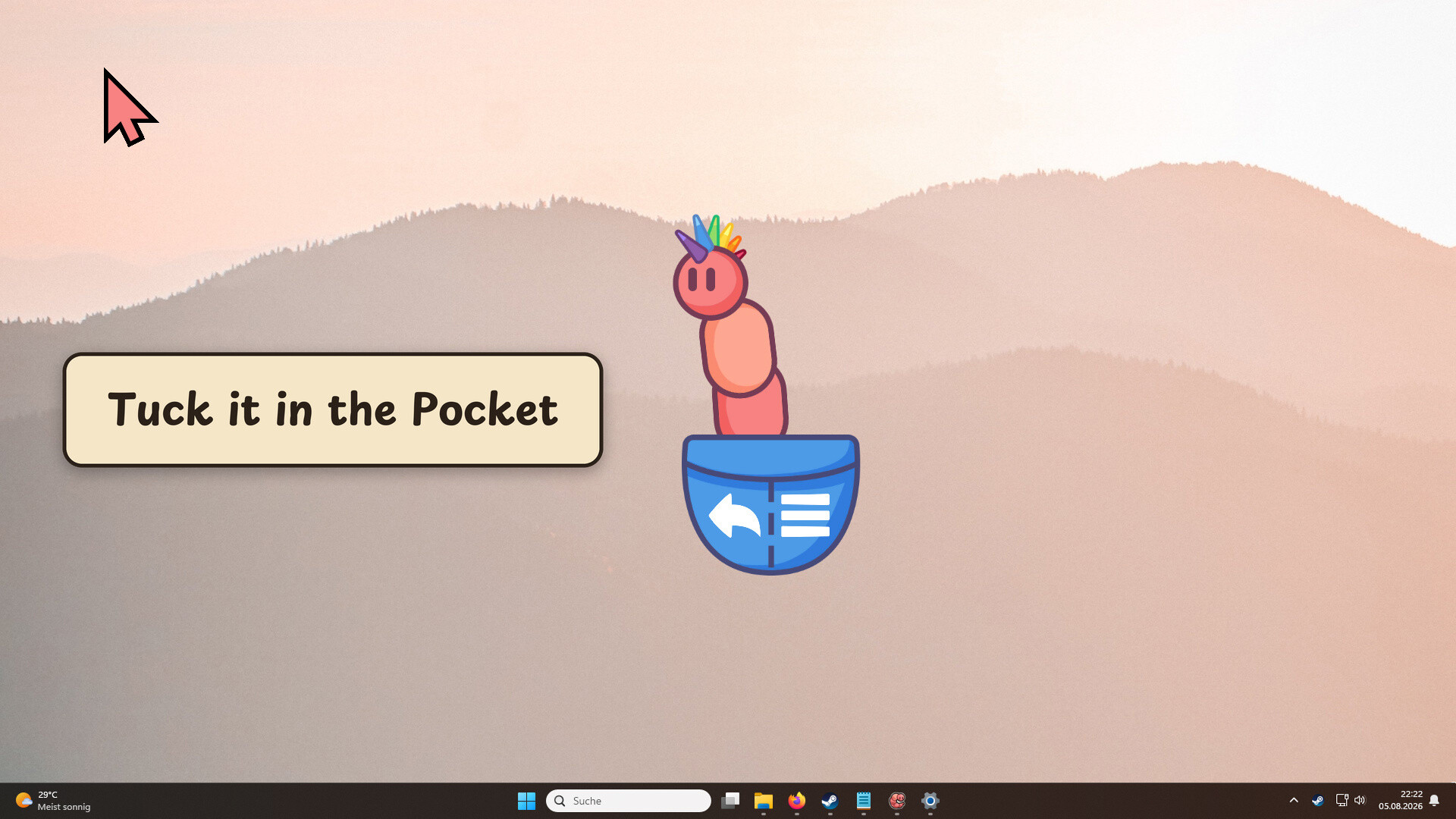
A tiny desktop worm pet that moves when you type, click, or play. Dress it up with hats and skins, park it in a pocket where its gaze follows your mouse, and let its Anti-Shrimp reminders nudge you to sit up and stretch.
Players, last 30 days
Peak 38 · Low 23
Daily peak concurrent players, sampled once a night from Steam.
What players are saying
▼ Not recommended2 hrs
A low effort clicker game in a long line of them all about Steam inventory items to make money with no over-sight for poor gaymers.
Good item collecting game, I played the demo for awhile and there are quite a few items to collect here and the worm can be un-docked from it's station to go crawl around your desktop. I typically just had it docked, it's quite small and unobtrusive, and the items allow for a really detailed customization of your worm, since it can be structured from individual pieces.
This Dragon Black Head was the best part I got dropped while I was running the demo, didn't run it too often but there are a lot of little pieces of collect. Now finally on the actual full released game! 😊
The design is simple yet very visually appealing. The features are cool and make it fun to use. Sometimes, though, I’m not sure whether it’s just watching me or quietly judging me.
A small round of fixes and feature requests you sent my way. Here is what has changed:✨New Features & ChangesSkip to Next Phase: The third button on the Pomodoro Timer now jumps straight to the next phase.Instant Start: A new setting lets the timer start right away when you launch the game.Worm Handling: A new setting under Preferences lets you drag the worm by grabbing its head with the mouse, or make it see-through so it doesn't block your view while it wanders the screen. There is a separate version of this setting for the multiplayer lobby too.🐛Bug Fixes & ImprovementsResume After Pause: Pressing Play (the first button) now continues the Pomodoro Timer after you pause it.Autostart Toggle: Fixed a bug where you couldn't turn off autostart from inside the game and had to enable Admin Mode to switch it off.Thanks for all the reports and discussions.Happy Wiggling!🪱
This is the biggest Deskworm update yet! Update 2.0 brings a sleeping worm with its very own ID card, and most importantly, a Multiplayer mode. A few features got polished and reworked too, all to make the game feel even better.✨Features🪪Name Your WormYou have asked for this a lot, and it is finally here. Your worm now has an ID card you can customize a bit, officially approved by the Worm Authority.🌐MultiplayerThe menu now has a brand new Multiplayer tab. You can play with friends or with strangers, and there are lots of settings to tweak. You can show your co-players on the screen, in the pocket, see their loot, and even check out their ID card.🎮Gaming ModeA new Gaming Mode can be turned on and off with F2. While it is active, all interactions with the game are ignored, except for opening treasure chests. To turn it back off, just hover your mouse over the game and press F2. You can also enable a little indicator in the Settings that shows a small gamepad icon whenever the mode is active.💤Sleeping WormAutostart can now be paired with Admin Mode. Admin Mode is a pretty important setting, since some games block the worm's input. With this combo, the game might open before Steam does, and until the connection to Steam is ready, you will see a sleeping worm.This update took a really long time, and I truly hope you like it. Thank you to everyone for all the suggestions, messages, and bug reports over the last few weeks. You are a wonderful, slimy community!Happy Wiggling together!🪱♥️