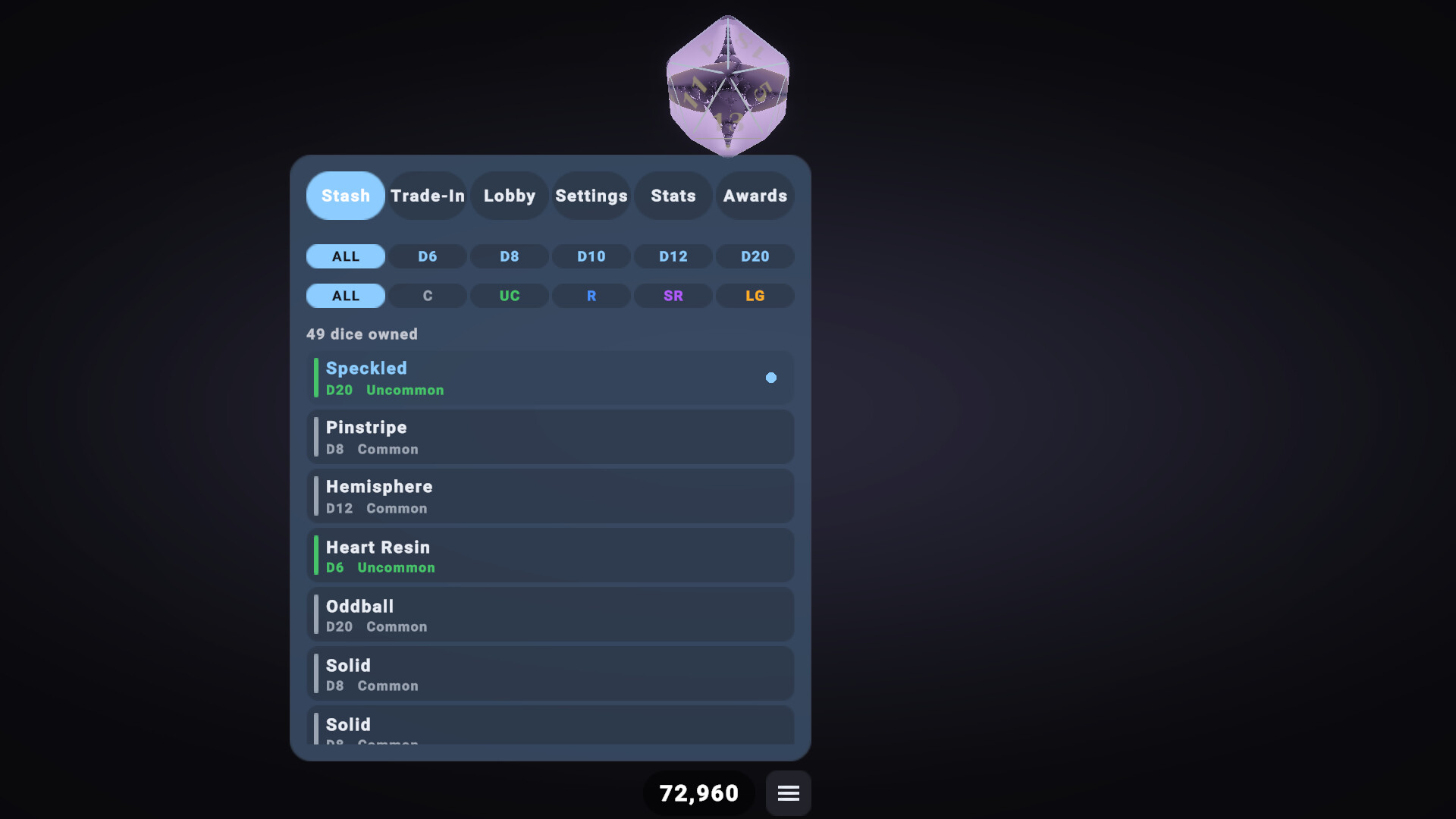
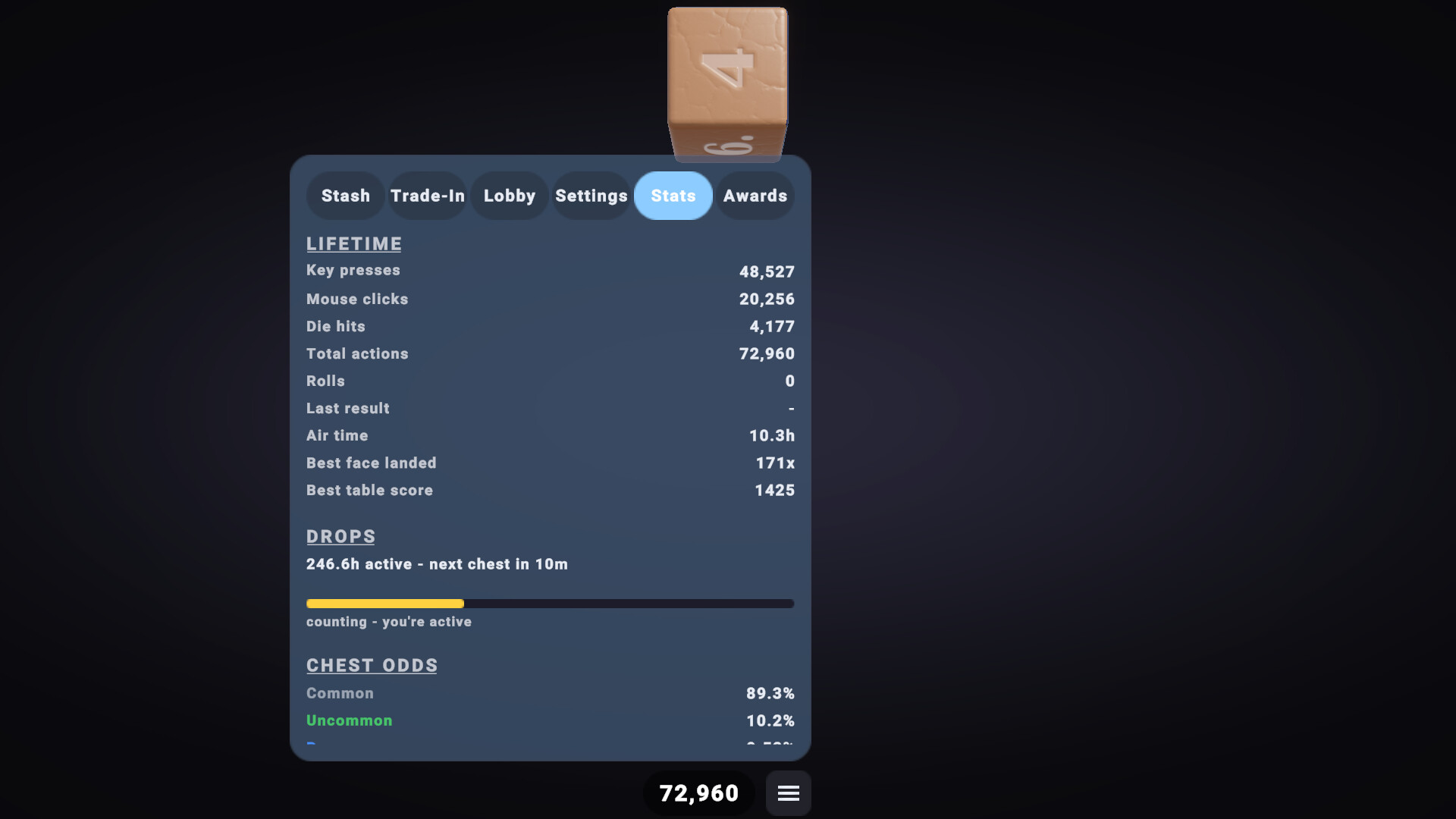
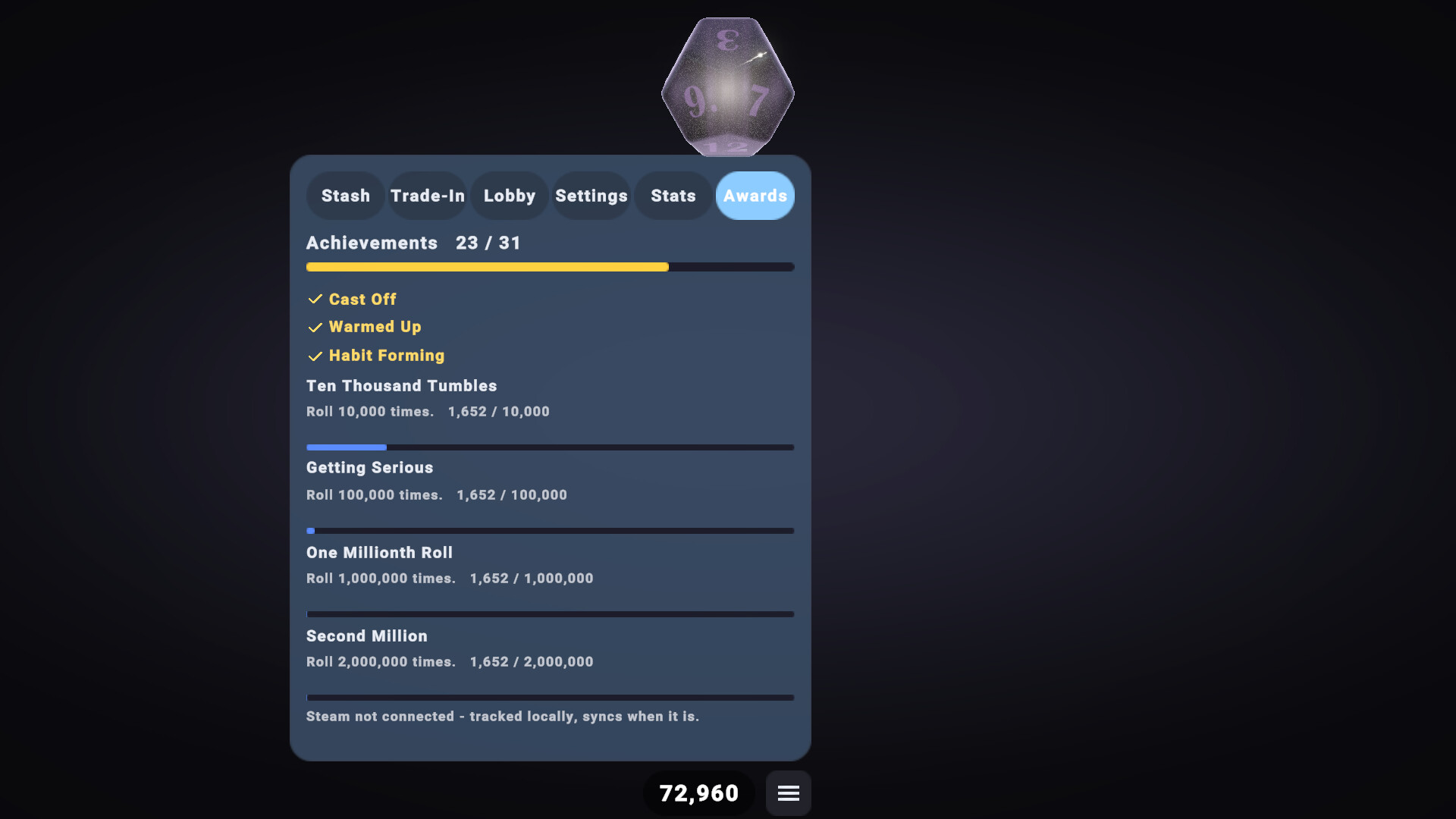
A desktop companion that gamifies your productivity: a die sits in your taskbar and charges as you type, rewarding work sessions with dice rolls. Collect and upgrade dice into rarer variants, then watch them tumble across your screen as a procrastination tool. Ideal for anyone who wants a low-pressure idle game that integrates directly into their workflow.
About this game
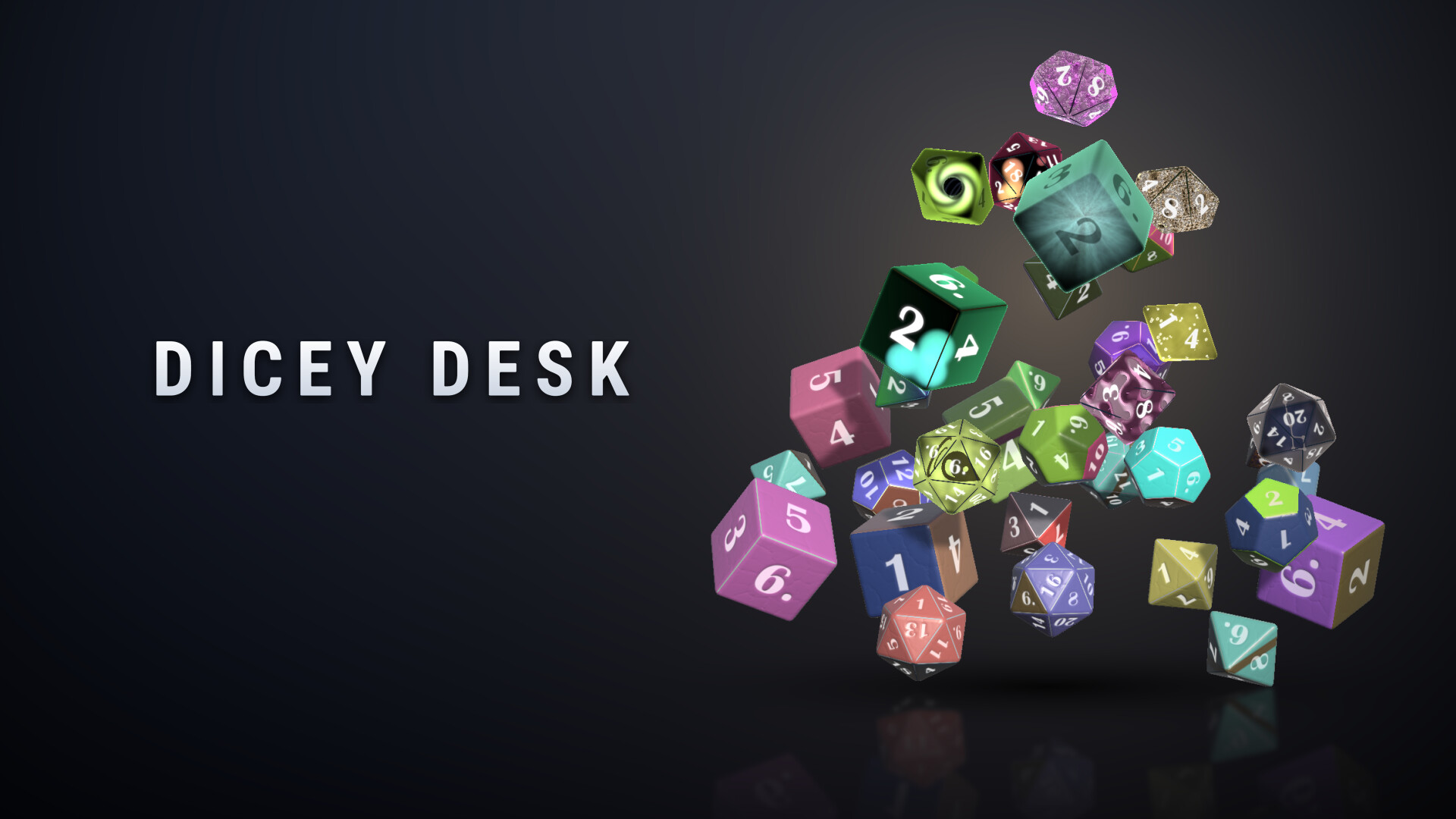
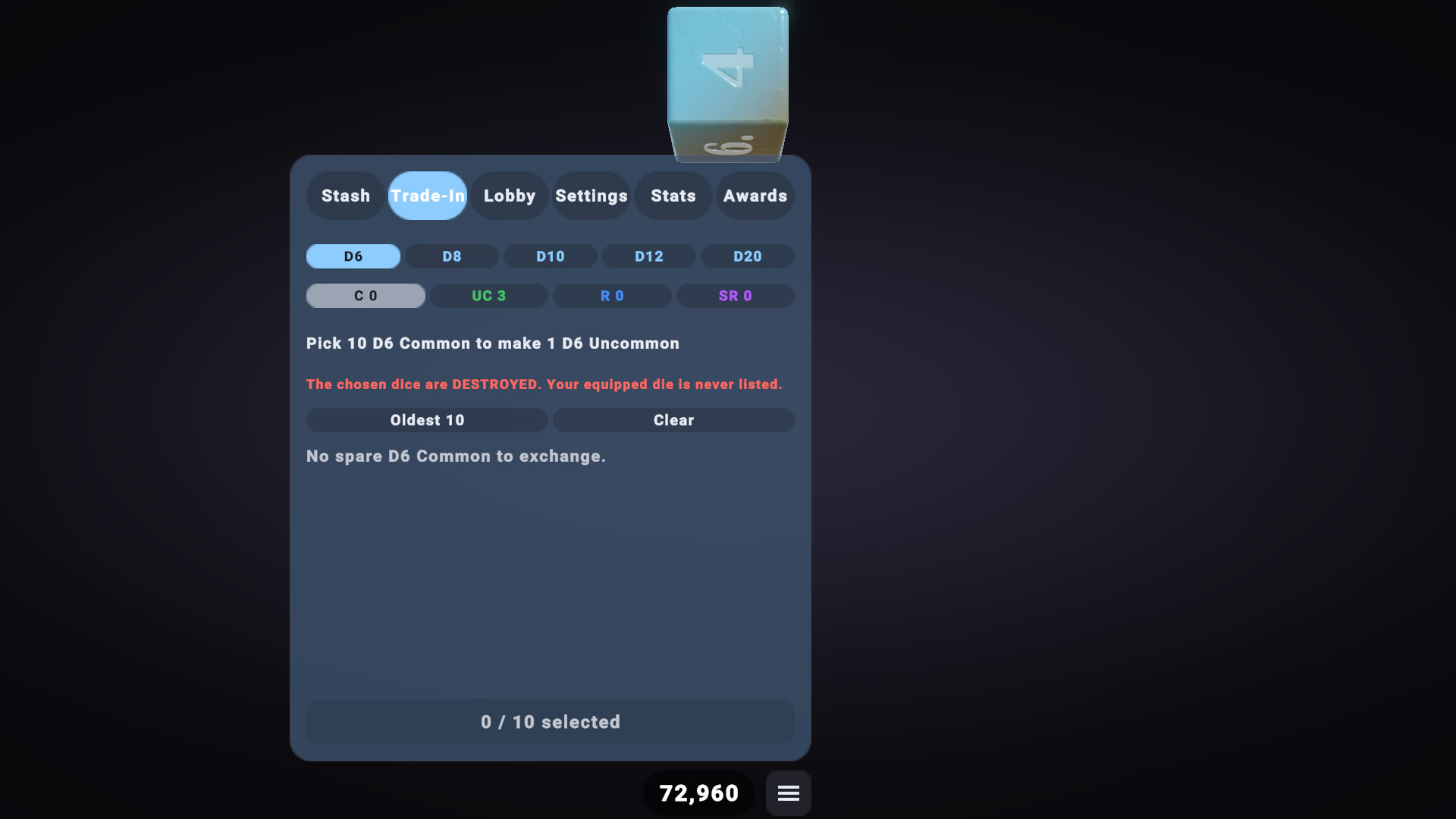
There's a die on your taskbar. It charges while you type, so the more work you get done the more you get to roll. Collect an unreasonable number of dies, trade your spares up into rarer ones, and watch it tumble across your desktop instead of finishing that email.
Players, last 92 days
Peak 3 · Low 0
Daily peak concurrent players, sampled once a night from Steam.
Elemental Pack DLC New DLC: 20 dice across four elements (Ember, Tide, Gale and Terra) in all five shapes. Each one reacts to your typing. The more you type, the more it builds: Ember's cracks glow, Tide's water rises into a whirlpool, Gale's clouds gather into a tornado, and Terra's ore grows. Owners get all 20 dice automatically on launch. Supporter Pack: Gold Dice Supporter Pack owners now get a set of solid gold dice in all five shapes. They're added automatically the next time you launch, including for everyone who already owns the Supporter Pack. Performance New Settings → Performance section. FPS limit: choose 30, 60, 120 or Max. Save power when idle (on by default): drops to 15 FPS after a few seconds with nothing moving. Improvements The Stash and Exchange lists now have a scrollbar. Fixes New dice from a DLC or pack now show in your Stash straight away, instead of after restarting the game. Fixed memory slowly building up each time the die changed skin.
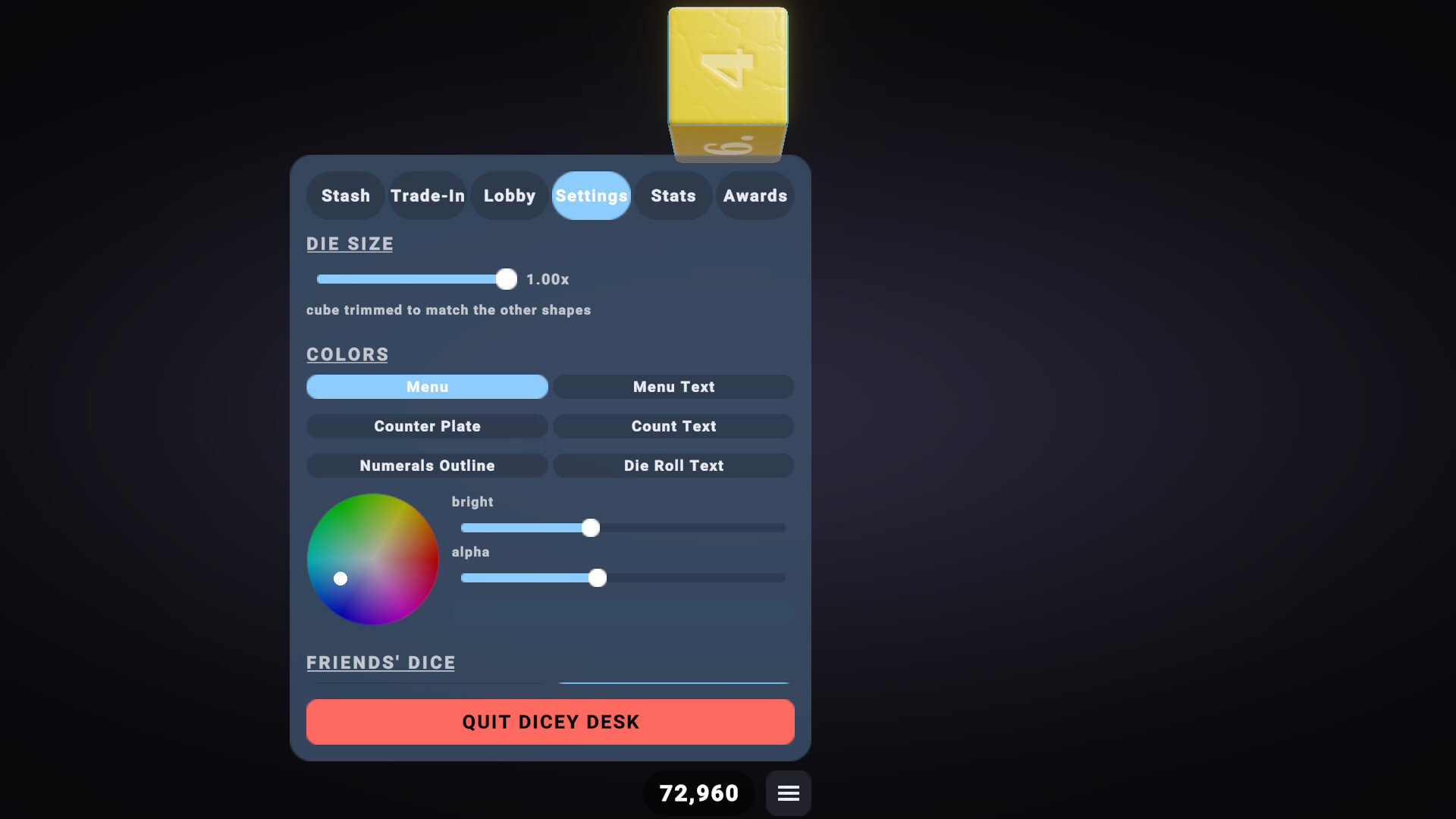
Scaling New Scaling section in Settings, under Positioning. Menu: scale the whole menu from 100% to 250%. Auto (default) uses your Windows display scale. Counter: resize the counter and menu button separately, from 100% to 150%. Die: the die size slider now lives under Positioning too, shown as a percentage, with a Reset button.
Monitor Switching Support New Monitor button under Settings → Positioning → Monitor: click it to move Dicey Desk between screens. Chosen monitor is remembered between launches. Each monitor saves its own menu position. Other The game version is now shown at the bottom of the Settings page.
Posts come from Steam's official announcements feed.