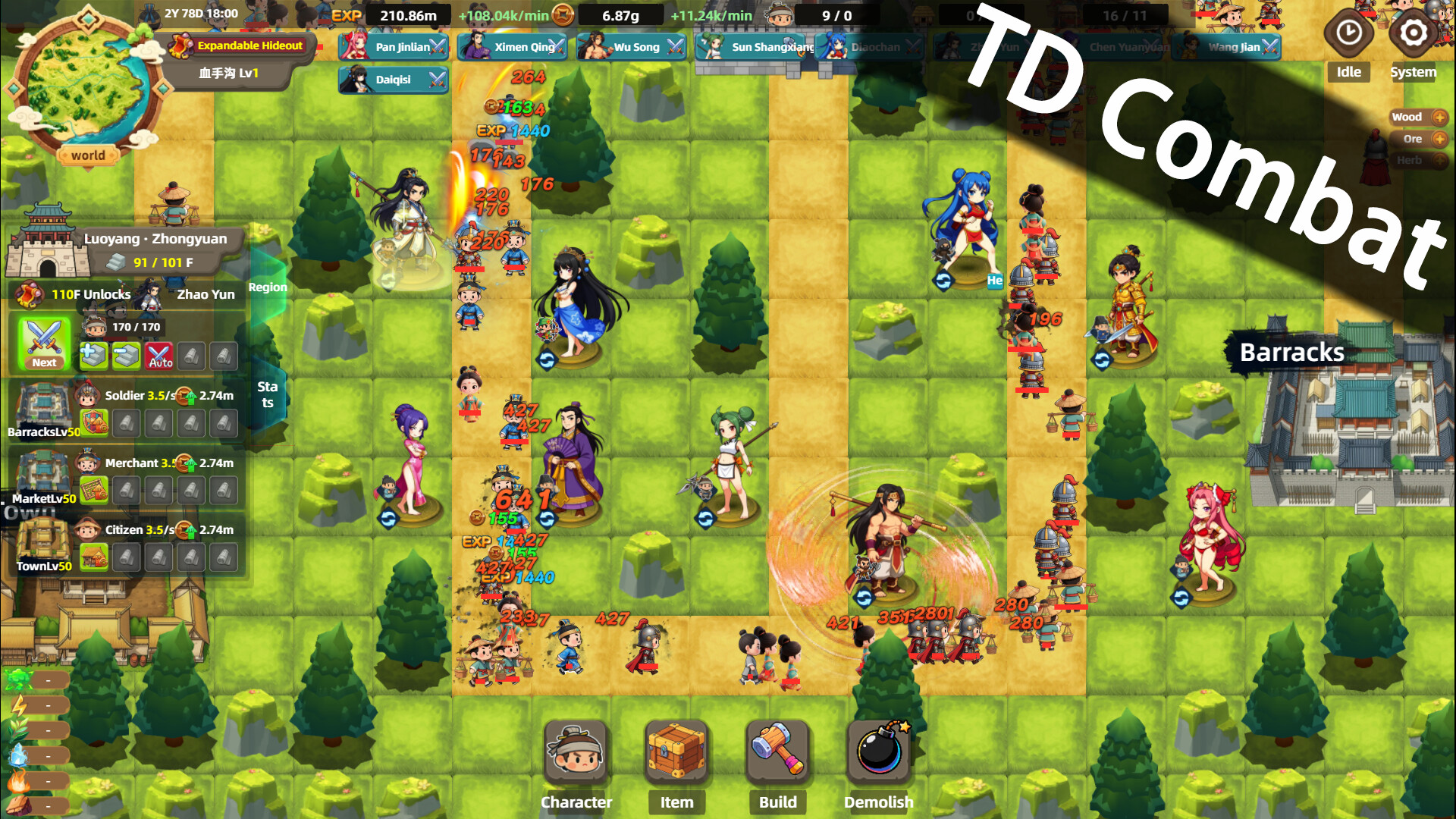
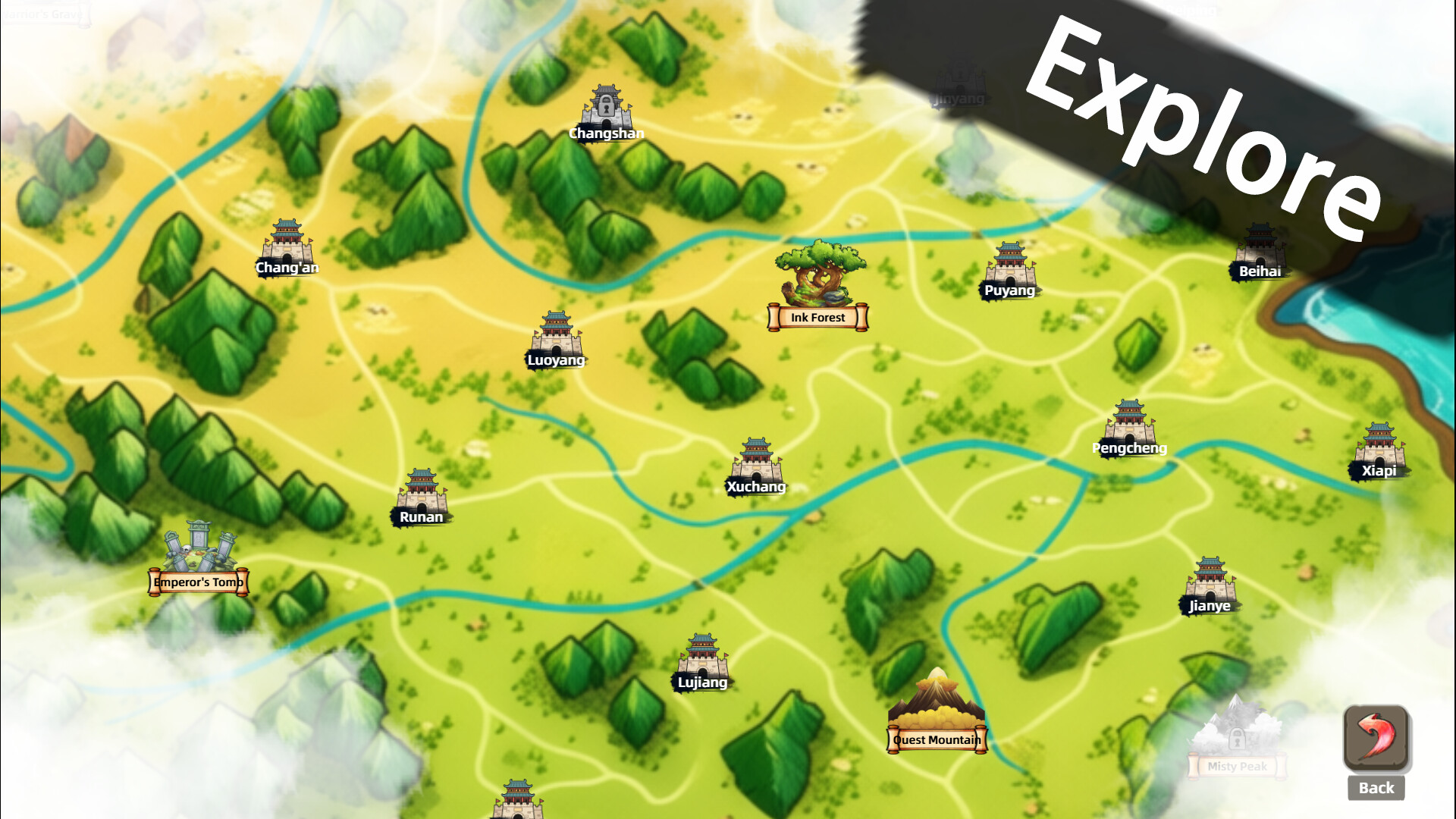
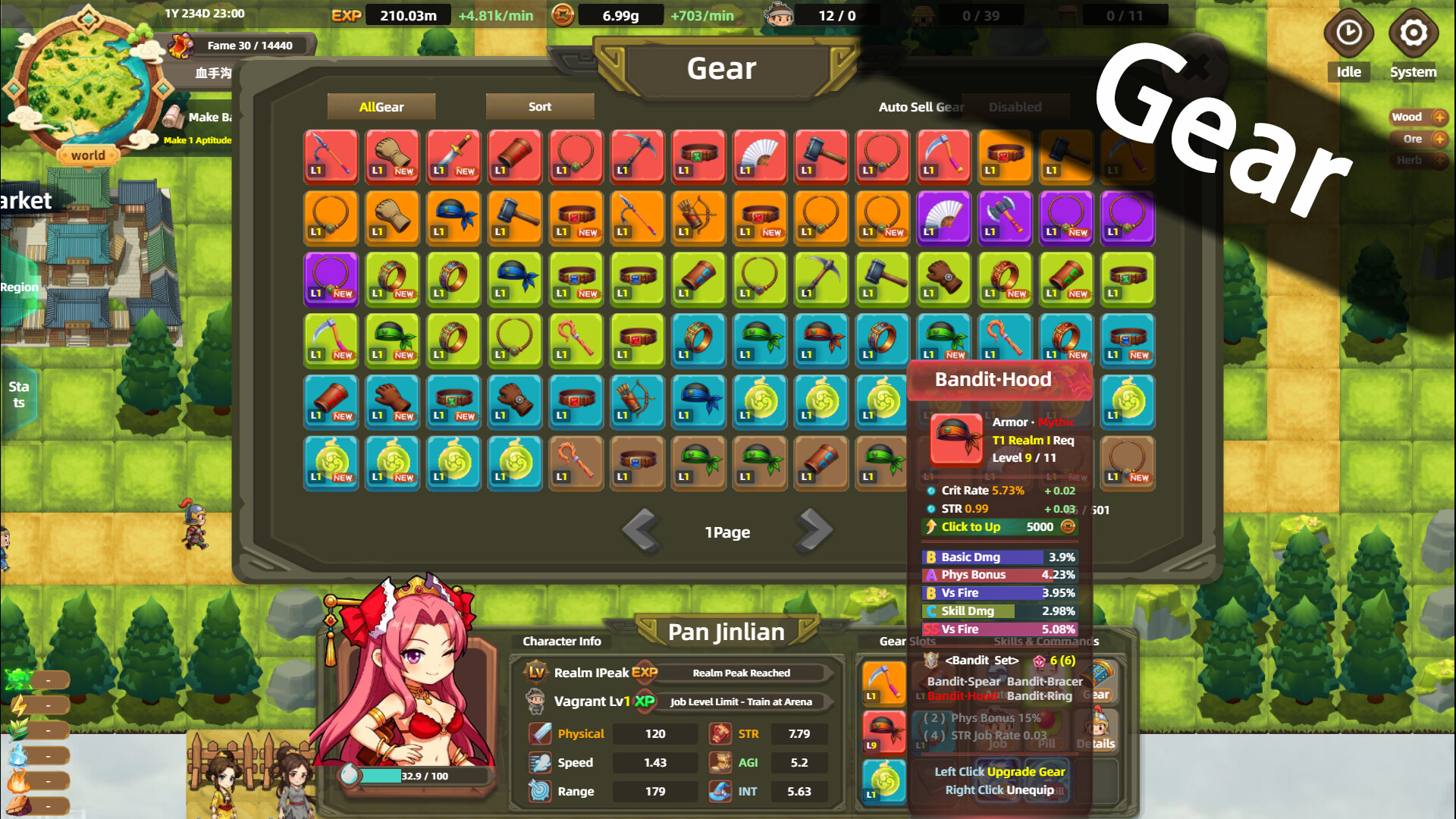
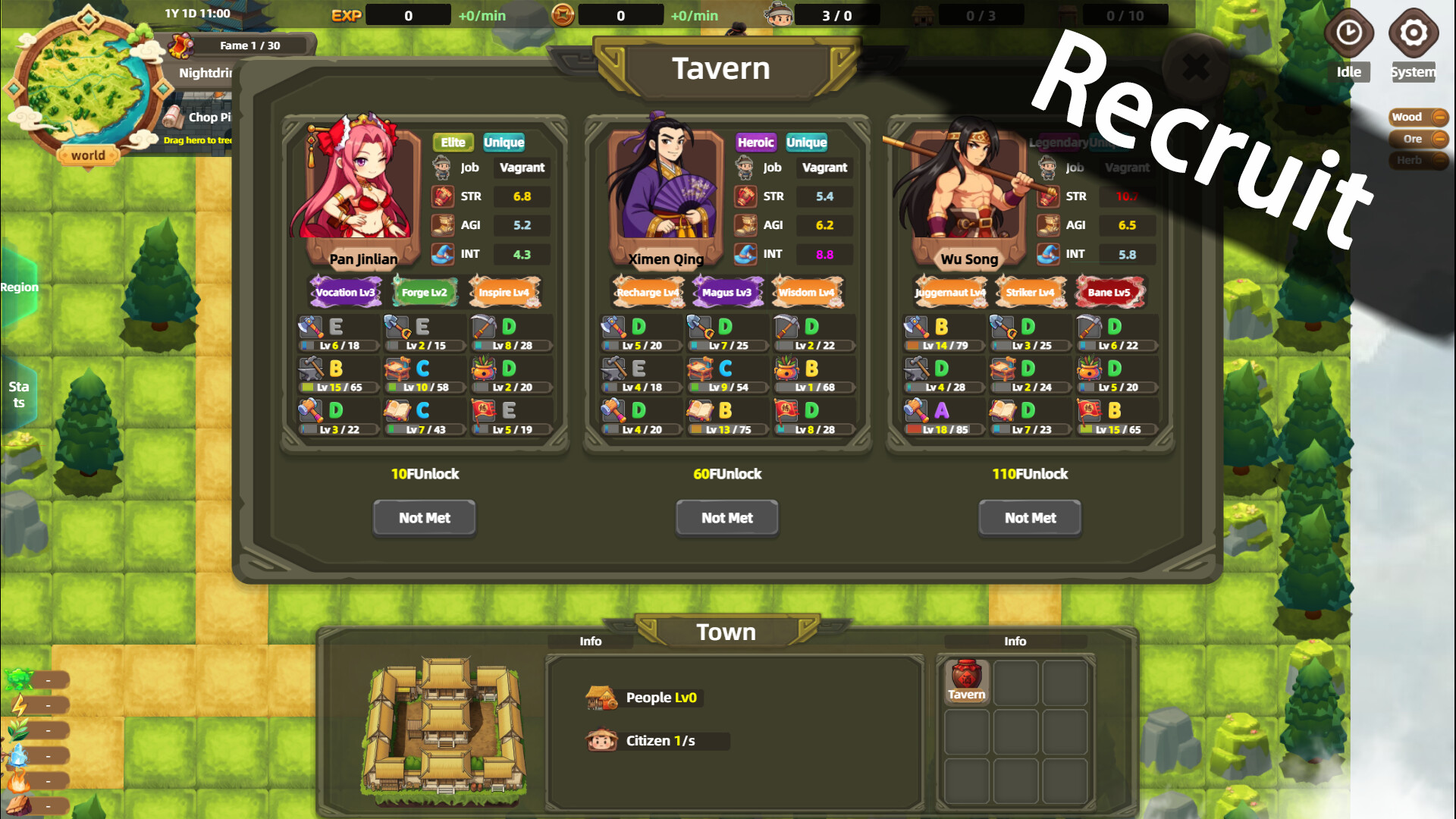
Bandit Simulator TD combines tower defense with base management as you construct and defend a bandit camp against intruders. You'll ambush passing travelers to gather resources, then invest those gains into character progression through professions and gear, stronghold upgrades, and research trees. It's ideal for players who enjoy both the tactical placement of tower defense and the incremental growth of a construction simulator.
About this game
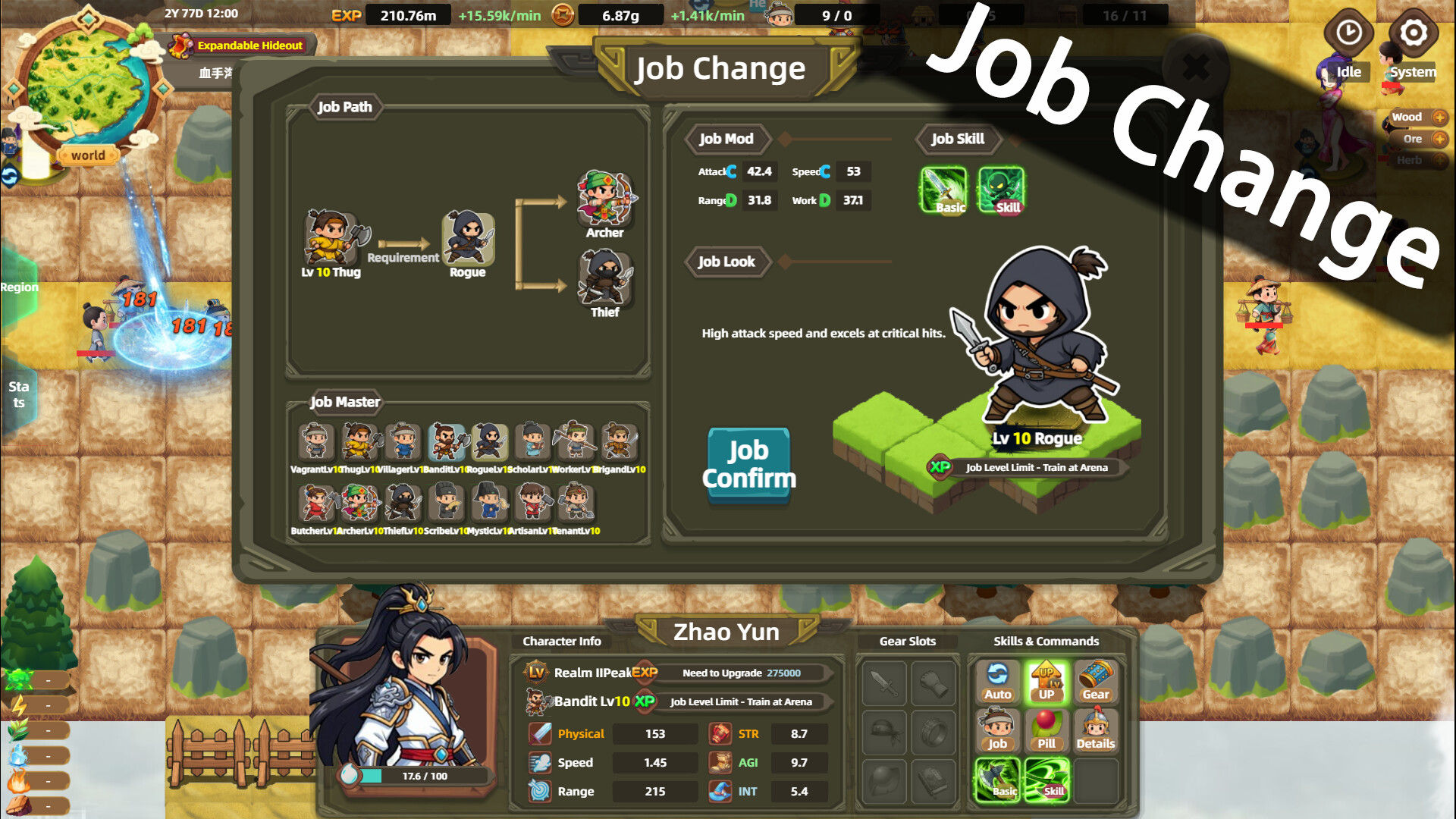
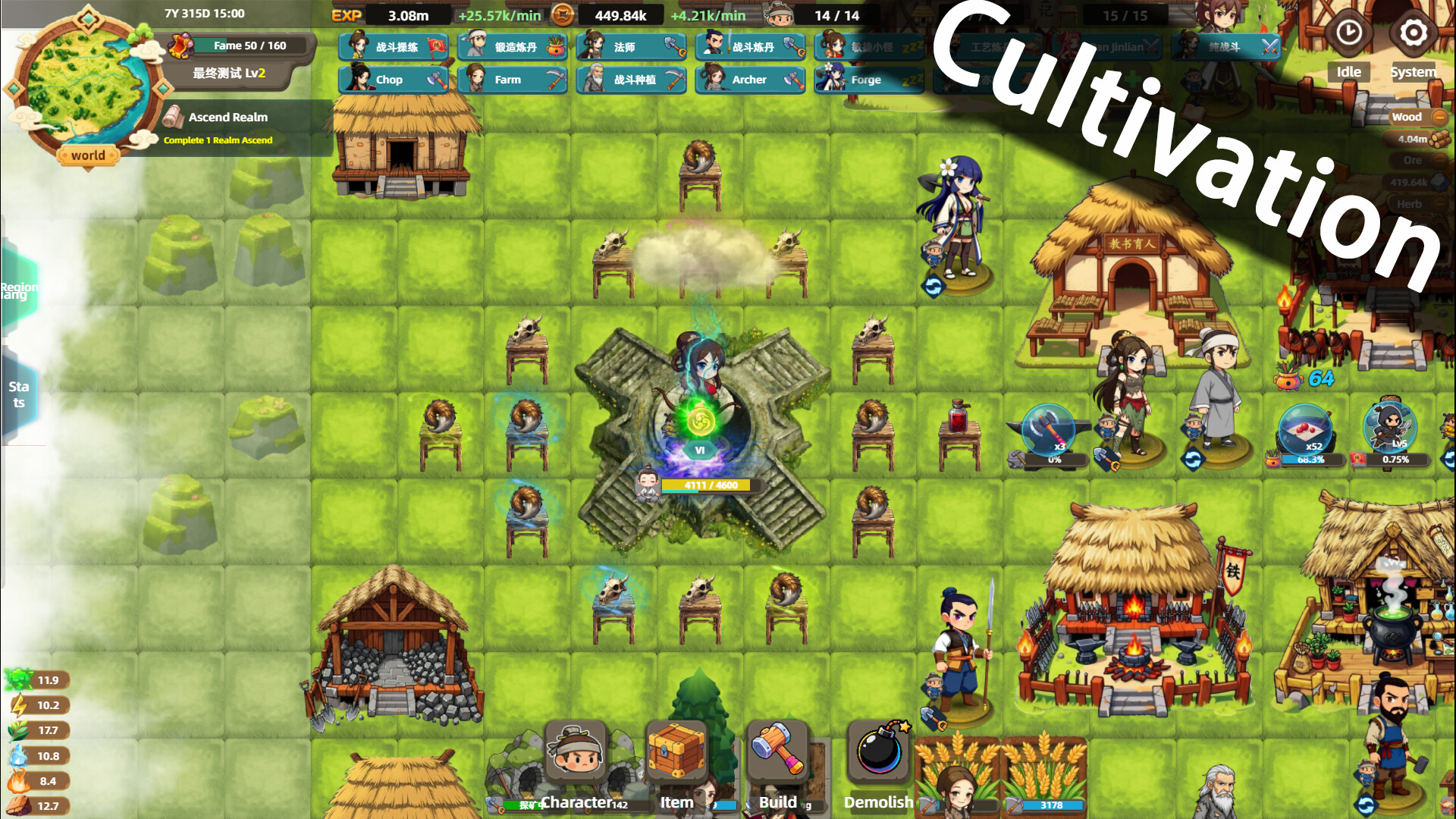
This is a "Tower Defense + Base Building" game where you establish a bandit stronghold from scratch. With "Tower defense" at its core, you can ambush travelers, develop characters through profession and equipment systems, and expand your stronghold by researching, forging, and constructing!
Players, last 71 days
Peak 3,312 · Low 0
Daily peak concurrent players, sampled once a night from Steam.
To prevent nasty bugs from slipping into future versions, we've opened a "Test" branch as an early-update branch for each version. This branch is used for testing each version, so the risks are unpredictable — we don't recommend regular players switch to it. Brave players can right-click the game → "Properties" → "Game Versions & Betas" → select the "test" branch to try out new versions early. (Be absolutely sure to back up your saves, and beware of data loss and other nasty bugs caused by the test branch.) Test Branch Update — Version 1.0.18.0 Improvements 1. Added an auto quick-click recruitment assist feature. 2. Optimized stuttering caused by sorting certain items / storage. 3. Removed the random range when generating refined inner elixirs — it now always produces the maximum value, saving our OCD players. 4. Improved the display of enemy health text. 5. Added a cleanup mechanism for residual visual effects. Fixes 1. Fixed an issue where the interface window didn't close when clicking the Demolish button. We're currently putting full effort into developing the campaign dungeon gameplay. If you enjoy this game, we sincerely beg you to leave a positive Steam review! It helps the game go further! Thank you so much! Solutions for Crashes or Being Unable to Enter the Game Crashes (mainly Win11 users): Right-click the game in your Steam library → "Properties" → select "Game Versions & Betas" → select "win11stable" Can't enter (Win7 users only): Right-click the game in your Steam library → "Properties" → select "Game Versions & Betas" → select "win7compat" Can't enter (NWjs error shown): Clean up your C drive to free up enough cache space. (The engine needs some virtual cache space.) Stuck on the blue "Enter Game" button in Steam: Right-click the game in your Steam library, open the game installation directory, and "Run as administrator" 50-series GPUs: Please disable AI frame generation in your GPU settings, set the GPU to high-performance mode, or try updating your g...
Default Branch Update — Version 1.0.17.0 Improvements 1. Added a second equipment set switching feature. (Must be unlocked via technology.) 2. Changed the second affix of the UR treasure "Lihuo Fanshi Seal" to skill damage. Fixes 1. Fixed an issue where Work level EXP bonuses from a duty didn't refresh after the character was removed from that post. 2. Fixed incorrect text content. We're currently putting full effort into developing the campaign dungeon gameplay. Solutions for Crashes or Being Unable to Enter the Game Crashes (mainly Win11 users): Right-click the game in your Steam library → "Properties" → select "Game Versions & Betas" → select "win11stable" Can't enter (Win7 users only): Right-click the game in your Steam library → "Properties" → select "Game Versions & Betas" → select "win7compat" Can't enter (NWjs error shown): Clean up your C drive to free up enough cache space. (The engine needs some virtual cache space.) Stuck on the blue "Enter Game" button in Steam: Right-click the game in your Steam library, open the game installation directory, and "Run as administrator" 50-series GPUs: Please disable AI frame generation in your GPU settings, set the GPU to high-performance mode, or try updating your graphics driver. "Failed to start the game's process" error: This is caused by Win11's Smart App Control blocking it. Disable it in Windows Security Center → App & Browser Control → Smart App Control settings. If problems persist, you can contact me via email or the QQ group for one-on-one support. Xiao Mang Has a New Game to Warm Up Early! To ride this wave of momentum and make sure we can keep going, we've put up the Steam store page for *Eternal Xiuzhen* ahead of time! This game is a small "incremental + hunting + cultivation" title, leaning more toward incremental; idle elements may be added in the late game after clearing. Don't worry — while I'm handling the design for this game, I'm not the one writing the code or doing the art. Right now this game doe...
To prevent nasty bugs from slipping into future versions, we've opened a "Test" branch as an early-update branch for each version. This branch is used for testing each version, so the risks are unpredictable — we don't recommend regular players switch to it. Brave players can right-click the game → "Properties" → "Game Versions & Betas" → select the "test" branch to try out new versions early. (Be absolutely sure to back up your saves, and beware of data loss and other nasty bugs caused by the test branch.) Test Branch Update — Version 1.0.17.0 Improvements 1. Added a second set switching feature. (Must be unlocked via technology.) 2. Changed the second affix of the UR treasure "Lihuo Fanshi Seal" to skill damage. Fixes 1. Fixed an issue where Work level EXP bonuses from a duty didn't refresh after the character was removed from that post. 2. Fixed incorrect text content. We're currently putting full effort into developing the campaign dungeon gameplay. If you enjoy this game, we sincerely beg you to leave a positive Steam review! It helps the game go further! Thank you so much! Solutions for Crashes or Being Unable to Enter the Game Crashes (mainly Win11 users): Right-click the game in your Steam library → "Properties" → select "Game Versions & Betas" → select "win11stable" Can't enter (Win7 users only): Right-click the game in your Steam library → "Properties" → select "Game Versions & Betas" → select "win7compat" Can't enter (NWjs error shown): Clean up your C drive to free up enough cache space. (The engine needs some virtual cache space.) Stuck on the blue "Enter Game" button in Steam: Right-click the game in your Steam library, open the game installation directory, and "Run as administrator" 50-series GPUs: Please disable AI frame generation in your GPU settings, set the GPU to high-performance mode, or try updating your graphics driver. "Failed to start the game's process" error: This is caused by Win11's Smart App Control blocking it. Disable it in Windows S...
Posts come from Steam's official announcements feed.