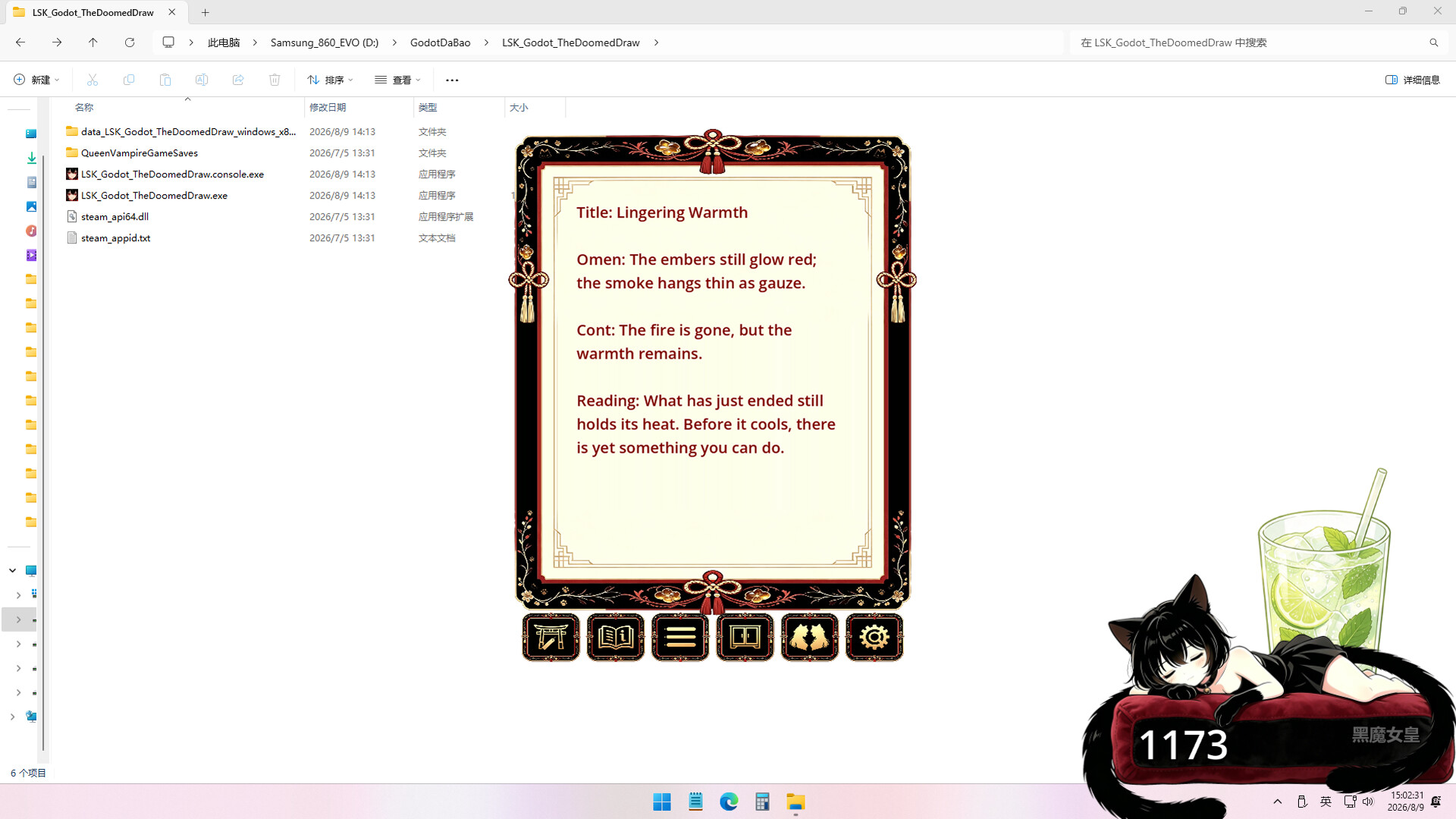
A minimalist daily ritual where you draw a single fortune slip each day, with a rare one-in-a-thousand chance triggering a day of extreme bad luck. The game frames this arbitrary misfortune as a decision point—a moment to finally commit to something you've been avoiding. Best suited for those drawn to contemplative, fate-driven mechanics and unconventional takes on luck and procrastination.
About this game
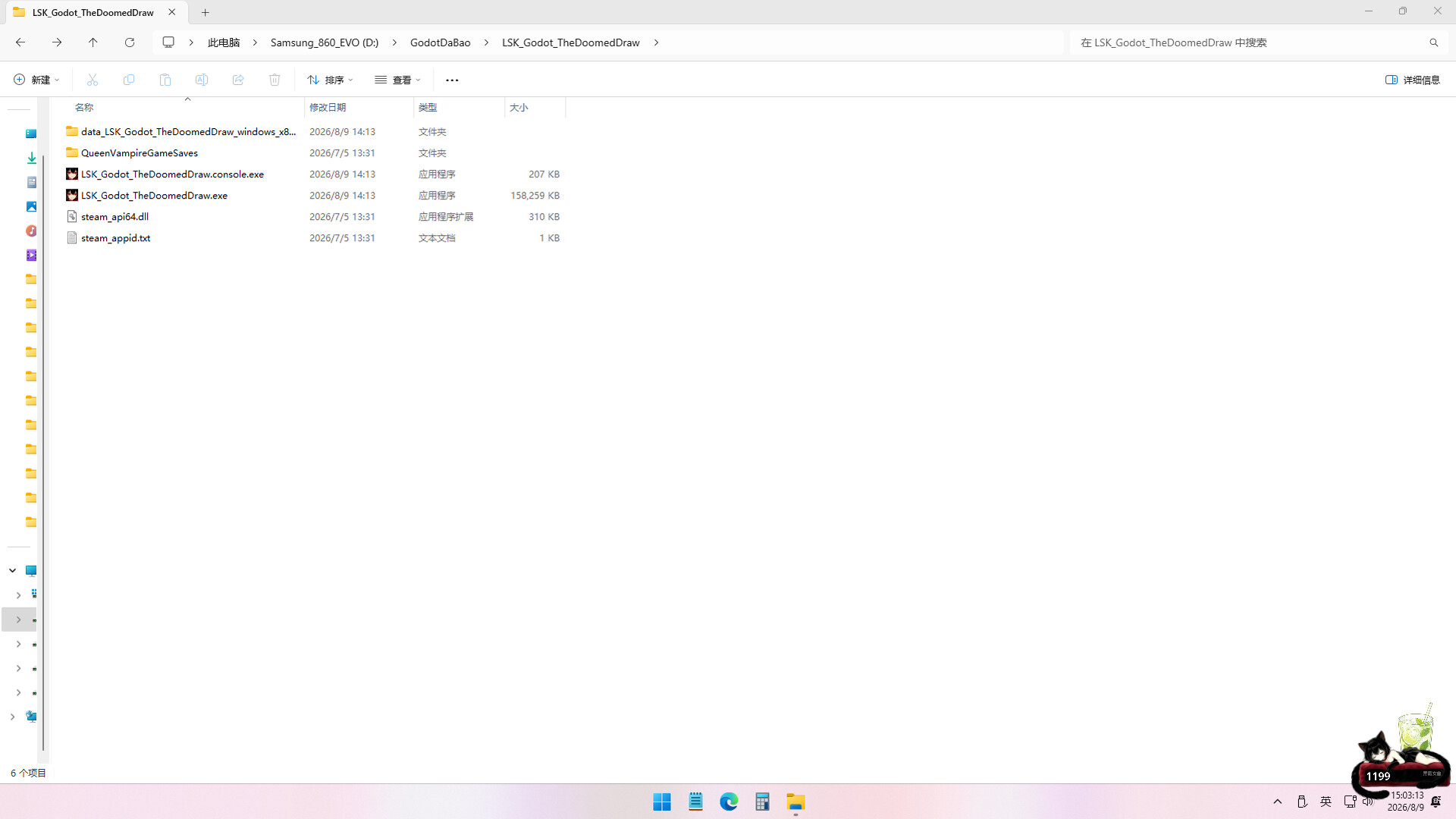
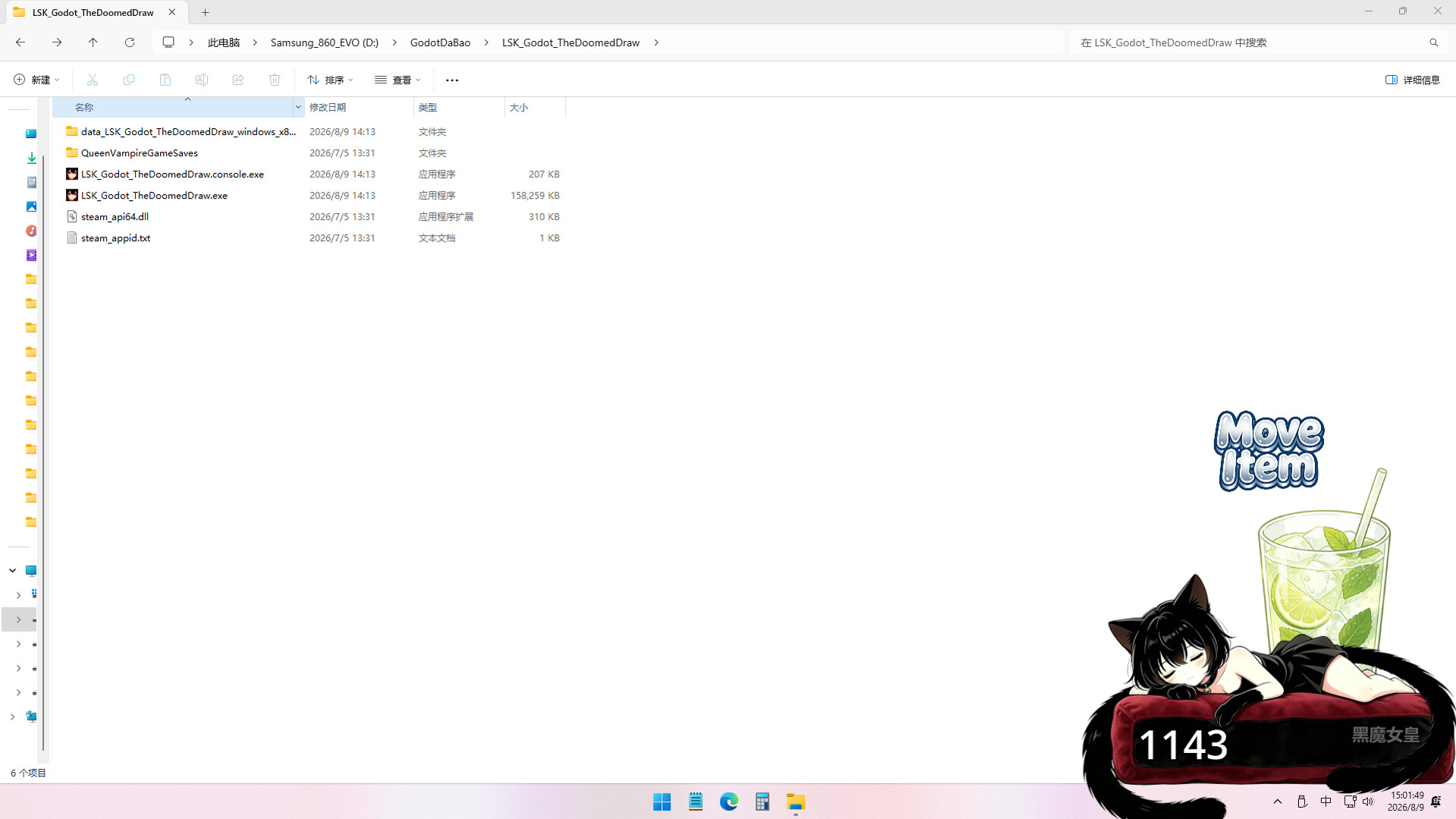
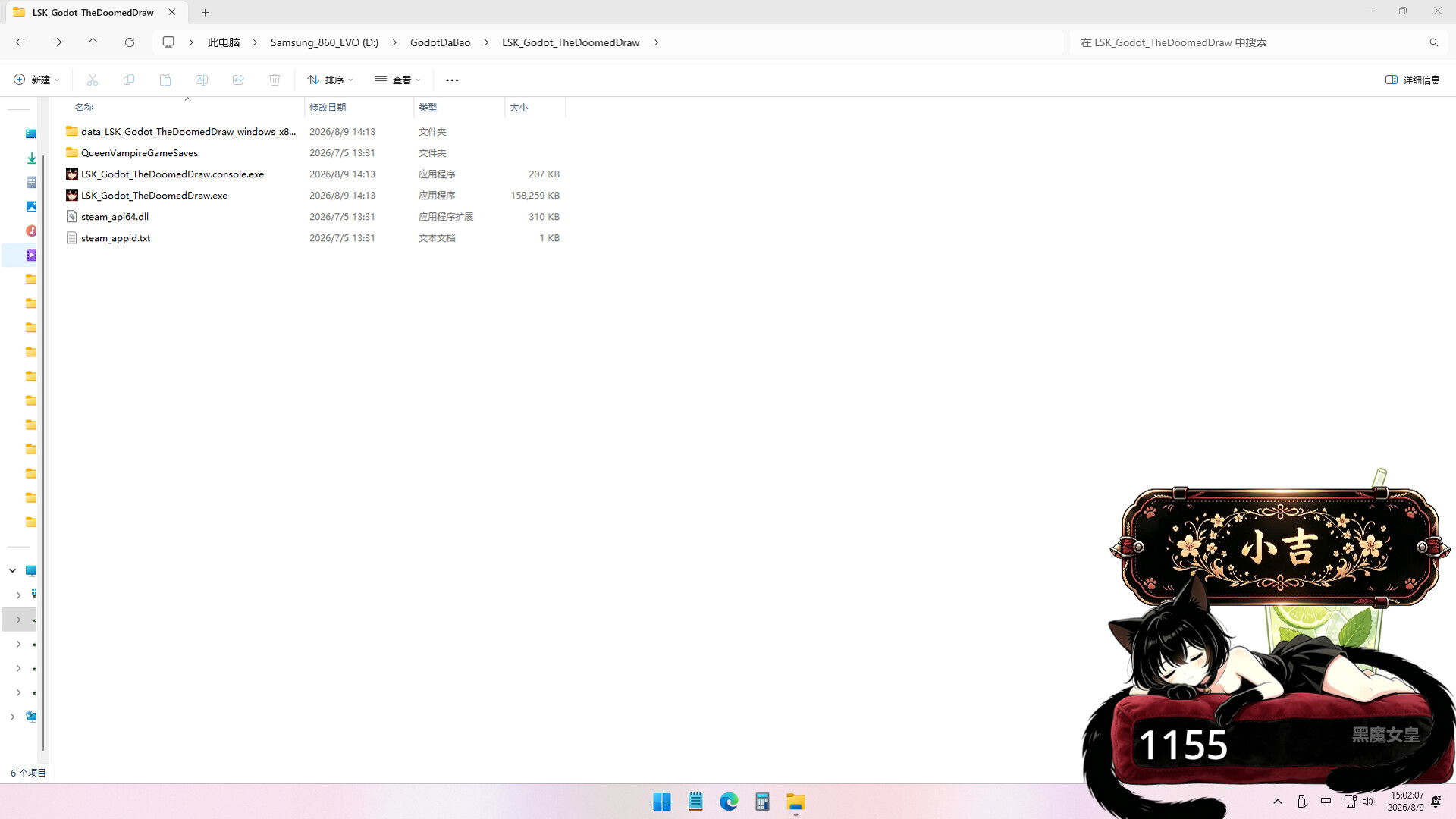
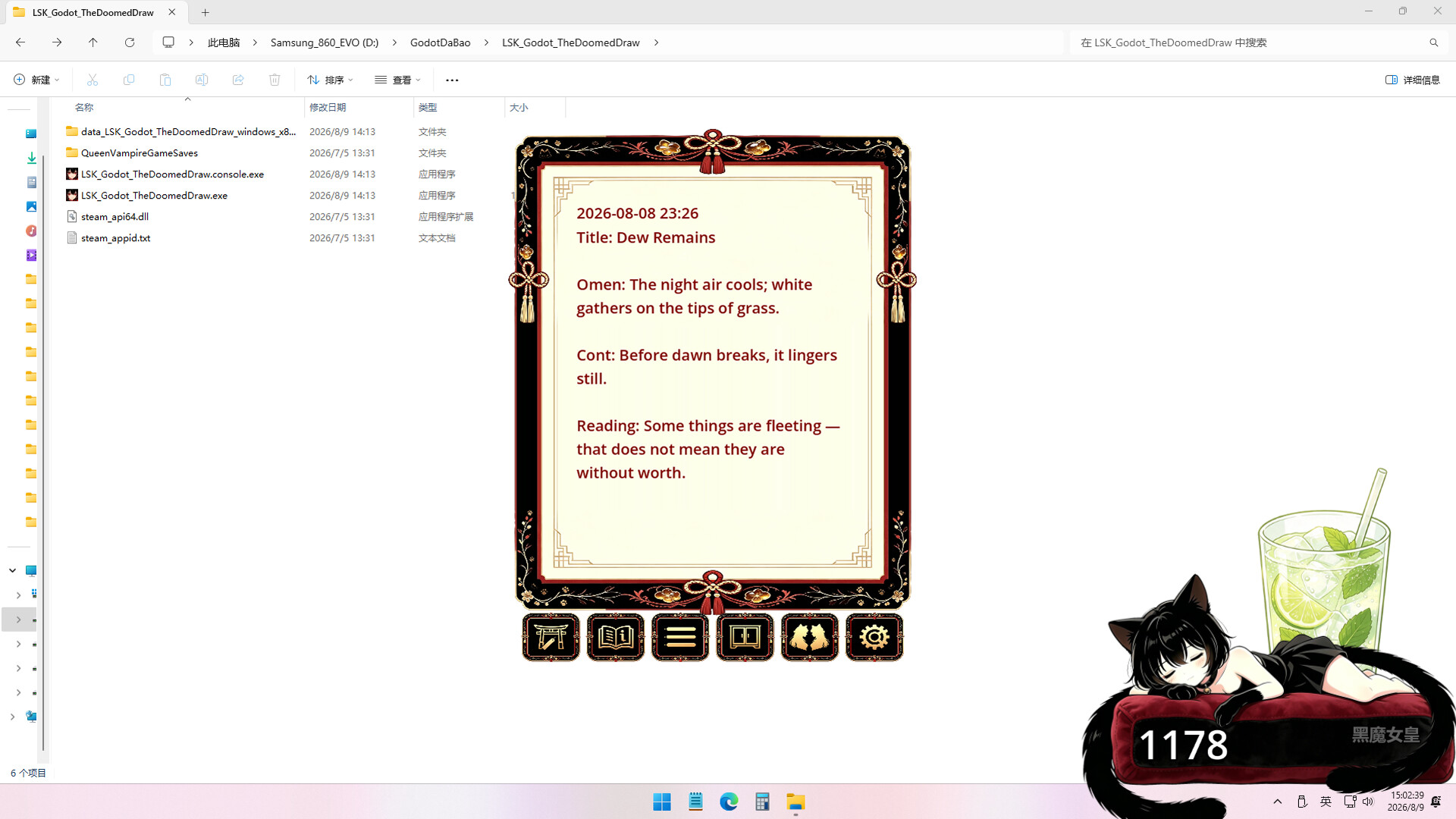
One fortune slip a day. With a one-in-a-thousand chance, your day of great misfortune arrives. If there is something you keep putting off deciding — then make your decision when that day of great misfortune arrives.
Players, last 38 days
Peak 4 · Low 0
Daily peak concurrent players, sampled once a night from Steam.
Basics:1. When locked, the `Toggle` button is hidden, so `Clock` and `Click Count` cannot be switched; (this can be enabled or disabled in system settings, enabled by default)2. Optimized the UI style of the `System Settings` interface; Multiplayer:1. Optimized the style of the Tab switching buttons in the multiplayer interface;2. Optimized the multiplayer issue where, after locking the interface, a friend's catgirl above yours would block your own prop draw;3. Fixed a BUG where pressing the `Alt+Q (default)` shortcut to hide the game would reveal other players who had joined the room; BUG:1. Fixed a BUG where the background interface was clipped in the prop bar interface;
Preface:1. Some players said they hoped for a `lock` feature. After thinking for a while about how to implement it, I completed this lock feature;2. After locking, the catgirl is still there, but moving and zooming are disabled;3. At the same time, when the mouse moves over, the catgirl becomes transparent so players can see the desktop below;4. Also, click-through is enabled, so even though the catgirl exists at this position, it won't block or interfere with the player's desktop operations;New Features:1. Lock feature: hovering the mouse over the catgirl now shows a lock button; after locking, the catgirl cannot be moved, and the mouse can click through the catgirl to the desktop;2. Tray icon: right-clicking now reveals a `Control Panel` button that opens the control panel;Optimizations:1. Optimized the click-through clipping behavior of some interfaces;2. Made the cat paw pop up more instantly when typing on the keyboard or using the mouse;Multiplayer:1. Optimized the multiplayer UI layout, and added the ability to switch to view the current room list while in a multiplayer room;2. Improved the logic for inviting friends; fixed a bug where, in certain situations, friends could be invited repeatedly (which becomes a form of harassment);3. Optimized and fixed network jitter issues: when network jitter caused a temporary loss of connection with Steam, players would leave a friend's room and never return;4. Clicking the reset button on the tray icon to reset the main panel position now also moves multiplayer friends' positions in sync;5. The multiplayer room name now defaults to the player's name first;6. Optimized the layer sorting of prop decorations so that, in multiplayer, the catgirl's image is no longer covered by other players' props;BUG:1. Optimized and fixed based on feedback from specific players: after entering sleep mode (all screens off), when recovering, all catgirl panels, including those of multiplayer friends, would reset to their initial position;
Basic: 1. Added a cute cat paw animation when typing on the keyboard; 2. Added a sleep display: when there has been no typing activity for a certain amount of time, a sleep animation plays; Multiplayer: 1. Fixed a bug where click-through stopped working when multiple main panels were stacked in multiplayer; 2. Hold the `Alt` key to drag the panels of all your multiplayer friends at the same time; 3. Improved the display while waiting for the other player's information to sync when joining a room; 4. Position offsets of multiplayer friends are now recorded, so that their positions are restored every time you go online; 5. Multiplayer remembers the friends you played with last time and automatically joins their room the next time you launch the game; 6. When a friend types on the keyboard or moves the mouse, a cute cat paw animation appears; 7. Multiplayer rooms support 20 players by default and can be adjusted from 2 to 200 players;
Posts come from Steam's official announcements feed.