🌱 Grimoire Garden: A Taskbar Tale: A Magical Desktop Companion With A Hidden Focus Trick ★★★★☆ (7.5/10)
A cozy, pixel-perfect alchemical farm that lives peacefully right along your Windows taskbar. Once you discover its clever focus toggle mechanic, it transforms from an apparently unresponsive app into one of the most charming background idle companions on Steam.🎮 Gameplay
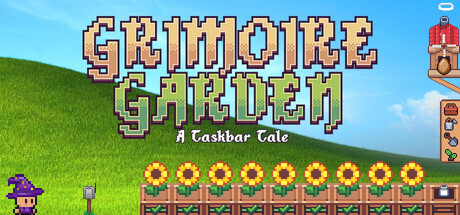
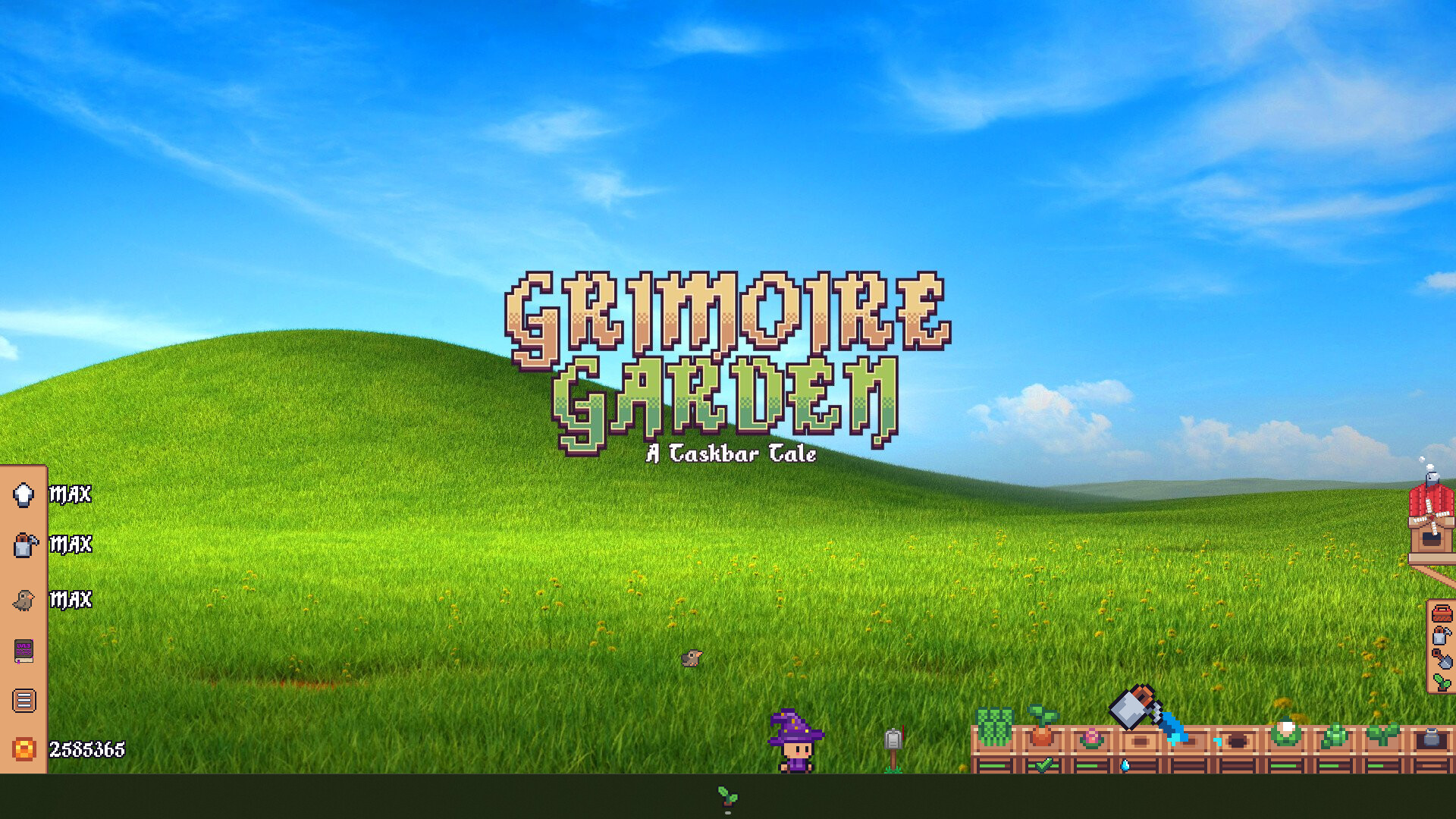
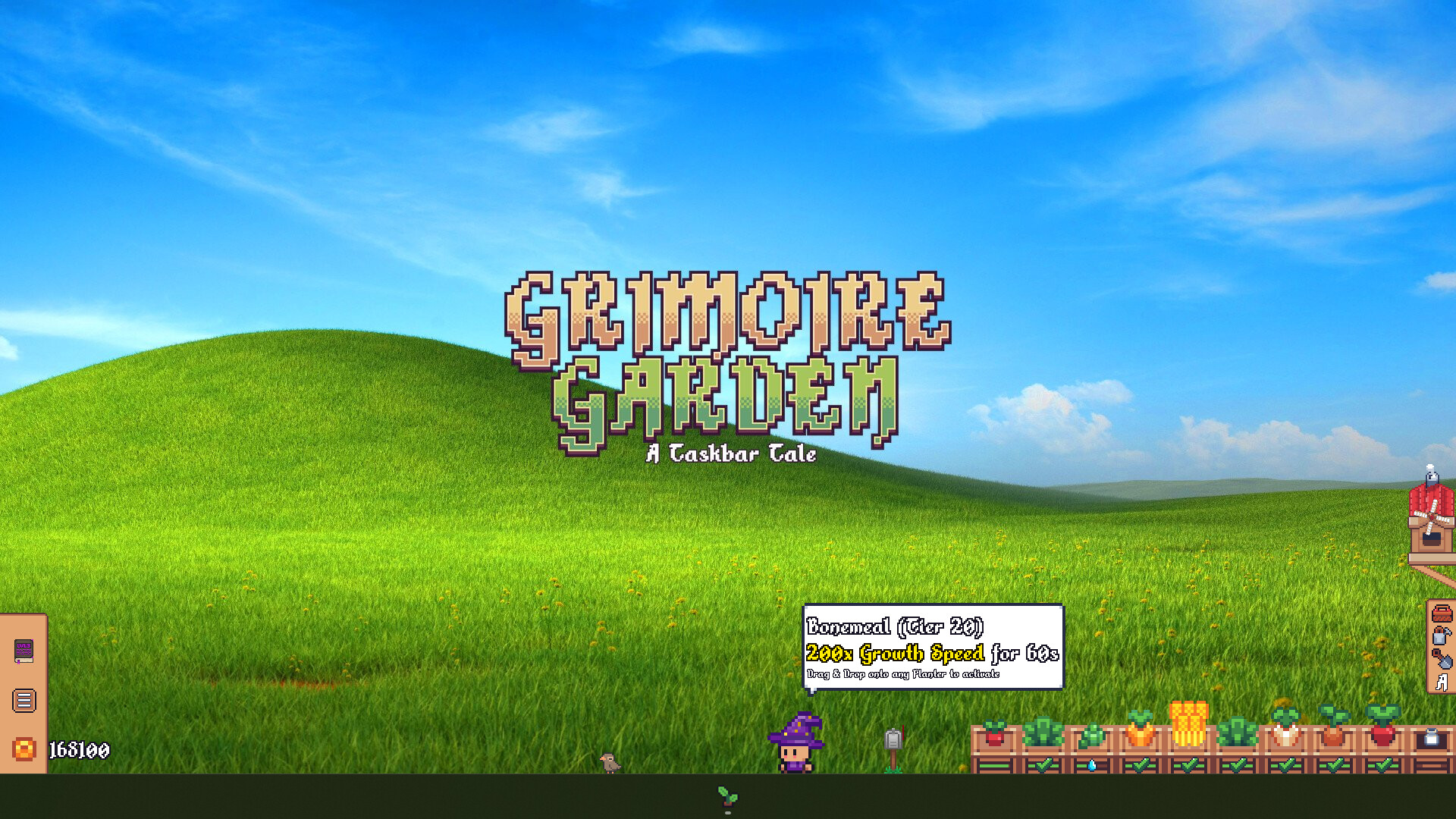
The core design loop strikes a brilliant balance between passive idle relaxation and tactile active gameplay. Your garden occupies the lower strip of your monitor without demanding full-screen dedication. You sow mystical seeds (radishes, enchanted wheat, alchemical sunflowers), water them with a responsive drag-and-drop can, and watch them sprout in real time while handling daily PC tasks.
What sets
Grimoire Garden apart from standard passive clickers is its rhythmic typing combat: periodically, cheeky goblins open portals on your taskbar, requiring you to type out arcane words across tiered rarities (Common to Legendary) to banish them. Coupled with an alchemical bird companion that hatches from an egg to forage rare seeds, the loop provides satisfying, low-stress micro-breaks throughout your workday.
🖥️ User Experience
The interface is clean and thoughtfully laid out, but suffers from a major onboarding pitfall that initially fools newcomers into believing the game is broken:
- The "Passive Click-Through" Trap: By default, the game runs in a transparent pass-through state (WS_EX_TRANSPARENT) so clicks ignore the garden and pass straight to your work windows. To interact with menus, plots, or the options button, you must press Ctrl + Alt + F (or click its taskbar icon).
- The Onboarding Blindspot: The initial tutorial fails to emphasize this toggle clearly. Early progression gates—such as the wizard pausing the egg timer with "I need your focus to complete the hatching spell!"—often confuse players into thinking the client has frozen when it is simply awaiting the Ctrl + Alt + F focus command.
- Productivity Friendliness: Once understood, this focus system is actually a stroke of genius: it lets the game sit quietly asleep until you actively summon it with a hotkey.
🎨 Technical/Visual Design
The pixel art is easily the game's greatest triumph. The nostalgic 16-bit color palettes, warm lantern glows, sleeping wizard animations, and dynamic plant growth stages give the bottom of your monitor an enchanting fairytale warmth. Sound design matches this cozy vibe with delicate water splashes, cheerful birdsong, and crisp, tactile keystroke audio during typing battles.
On the technical side, frame pacing is rock-solid and system resource consumption is negligible. However, there are minor rough edges: toggling resolution changes or rapidly switching menus can cause occasional hiccups, and the bitmap pixel font (
Alkhemikal) is strictly ASCII-based, requiring clean unaccented text for international localizations.
🏆 Challenge & Achievements
The challenge is leisurely and welcoming. The Steam roster boasts 59 achievements tracking crop harvests, alchemy tiers, goblin typing milestones, and familiar growth. Milestone achievements unlock at a gratifying pace, though high-tier grinding goals (such as 5,000 watering actions and 5,000 goblin defeats) will require sustained companionship over many weeks of passive desk time.
⏱️ Time Analysis (HLTB)
- ⏳ Main Story / Standard Playthrough: 6 Hours
- 📖 Story + Full Upgrades (Watering Can & House): 12–15 Hours
- 💯 Completionist (100% Achievements): 30+ Hours (passive background idle)
[table]
[tr]
[th]🟢 The Best[/th]
[th]🔴 Needs Improvement[/th]
[/tr]
[tr]
[td]✔️ Gorgeous, cozy pixel art and atmospheric sound effects that elevate any desktop workspace.[/td]
[td]❌ Critical lack of tutorial clarity regarding the
Ctrl + Alt + F focus mechanic.[/td]
[/tr]
[tr]
[td]✔️ Tactile typing combat turns defensive mini-encounters into a fun, productive micro-break.[/td]
[td]❌ Occasional menu lock-ups and UI quirks when rapidly toggling background applications.[/td]
[/tr]
[tr]
[td]✔️ Ultra-lightweight performance with near-zero CPU and RAM overhead for long sessions.[/td]
[td]❌ End-game achievement milestones require steep repetitive grinding (5,000+ actions).[/td]
[/tr]
[/table]
⚖️ Final Verdict
RECOMMENDED FOR COZY IDLER FANS Grimoire Garden: A Taskbar Tale is an endearing, warm-hearted desktop pet that deserves a much better reputation than early misunderstood bug reports suggest. The apparent "unresponsive UI" is not broken code, but an intentional passive transparency mode waiting to be awakened with
Ctrl + Alt + F. Once you master this toggle, the game settles in as a delightfully unobtrusive, stress-free companion that brightens your daily routine with blooming magic and rhythmic typing spells. A wonderful addition to any multi-tasker's library.