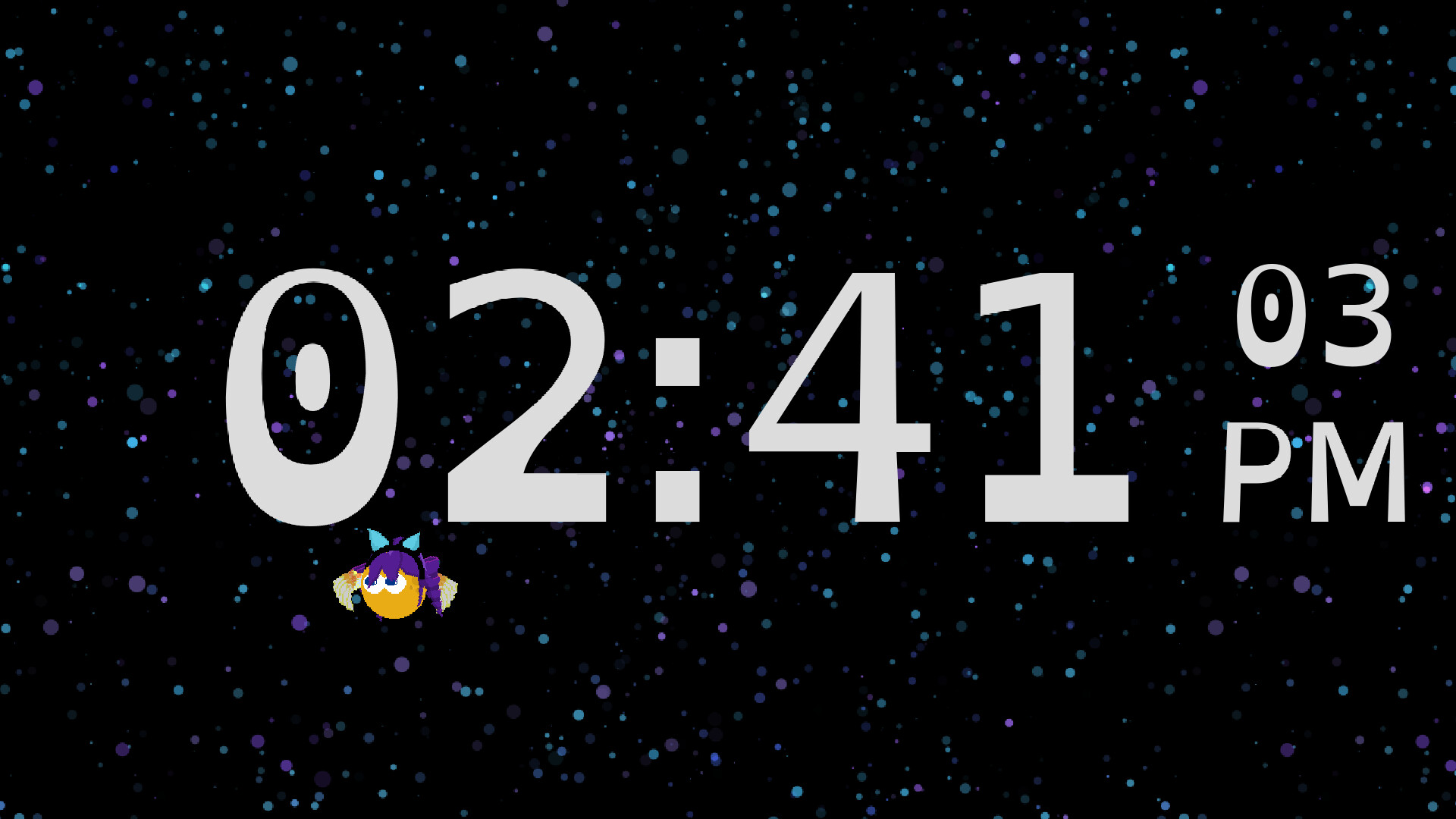
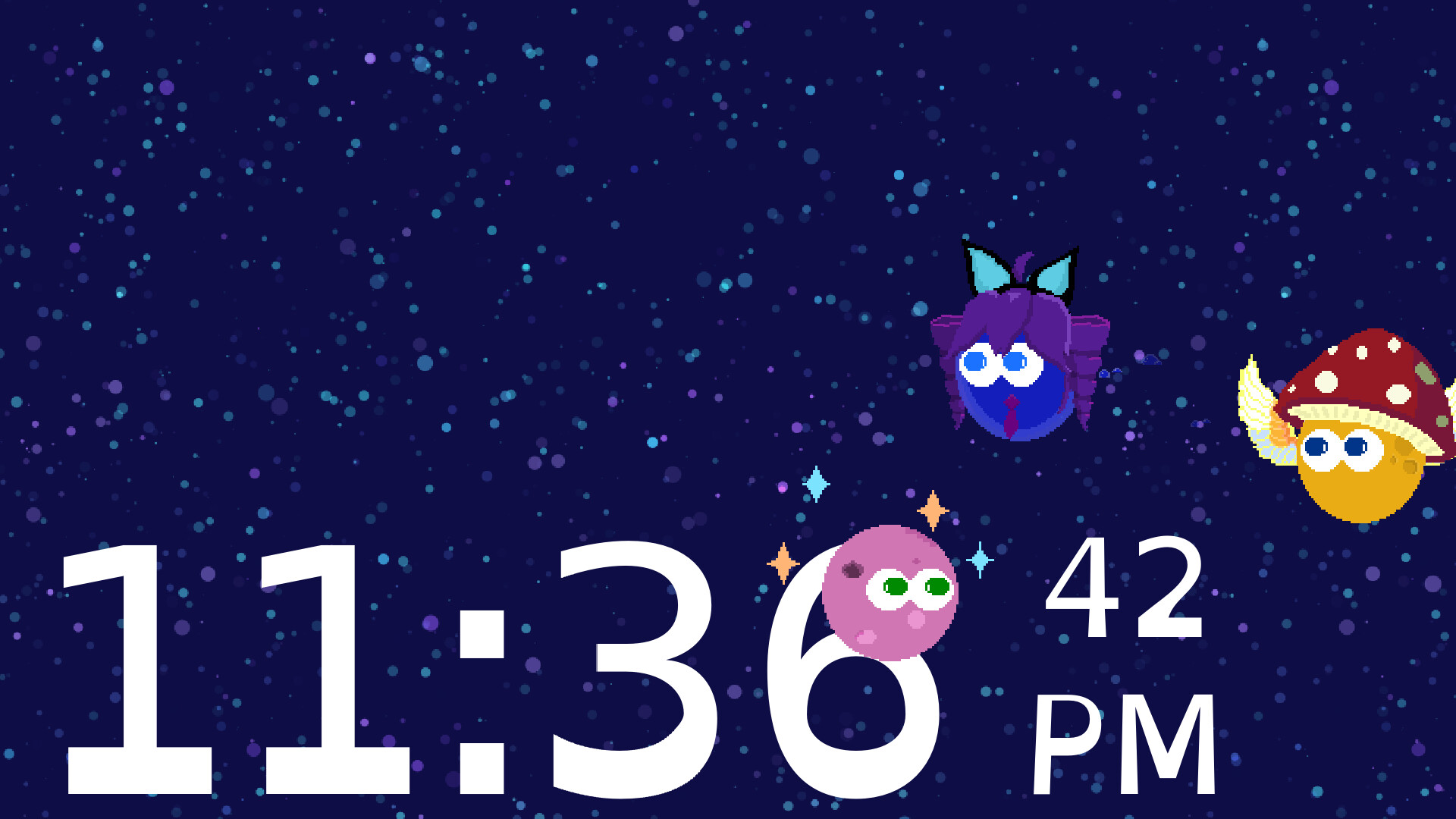
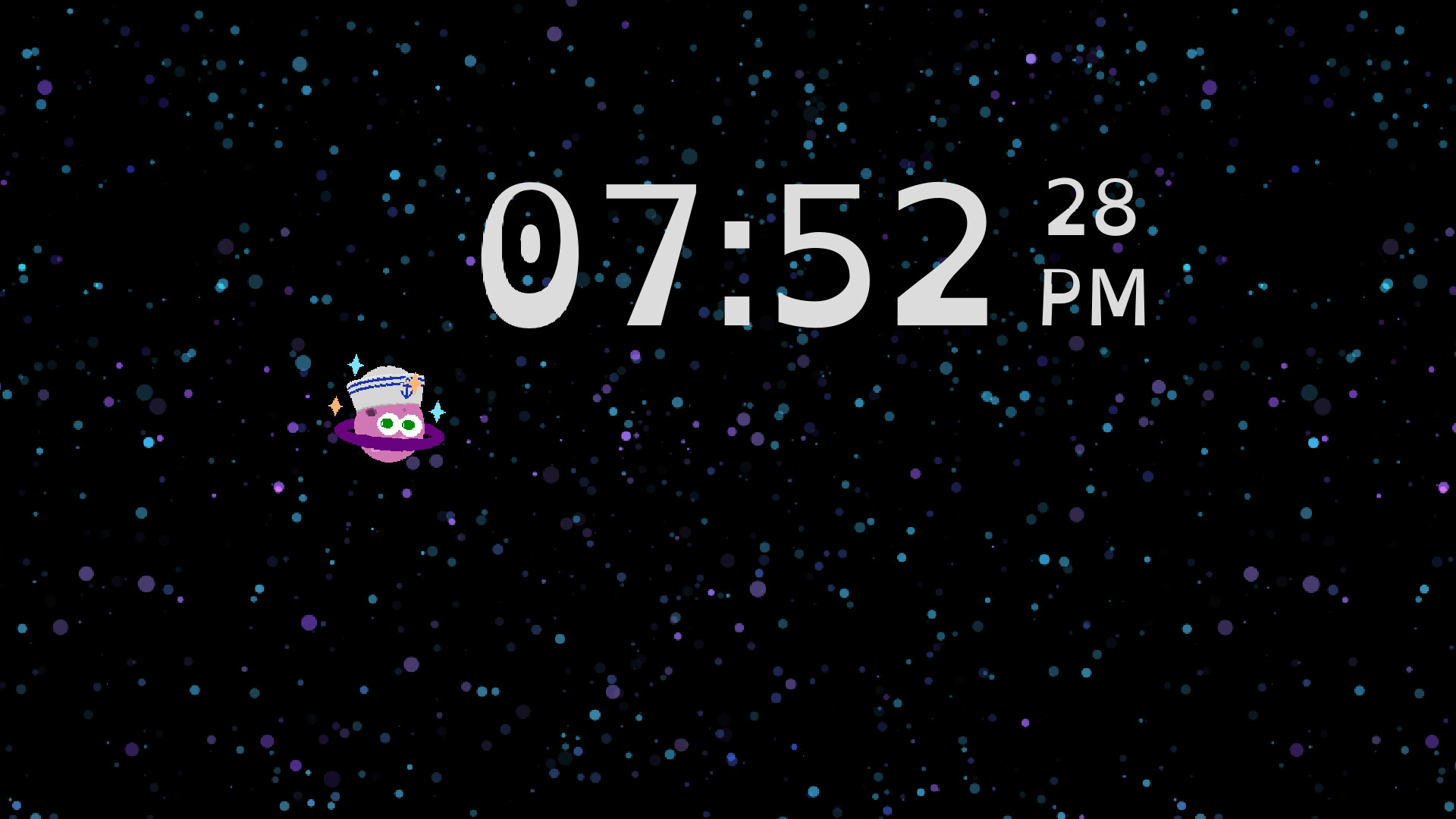
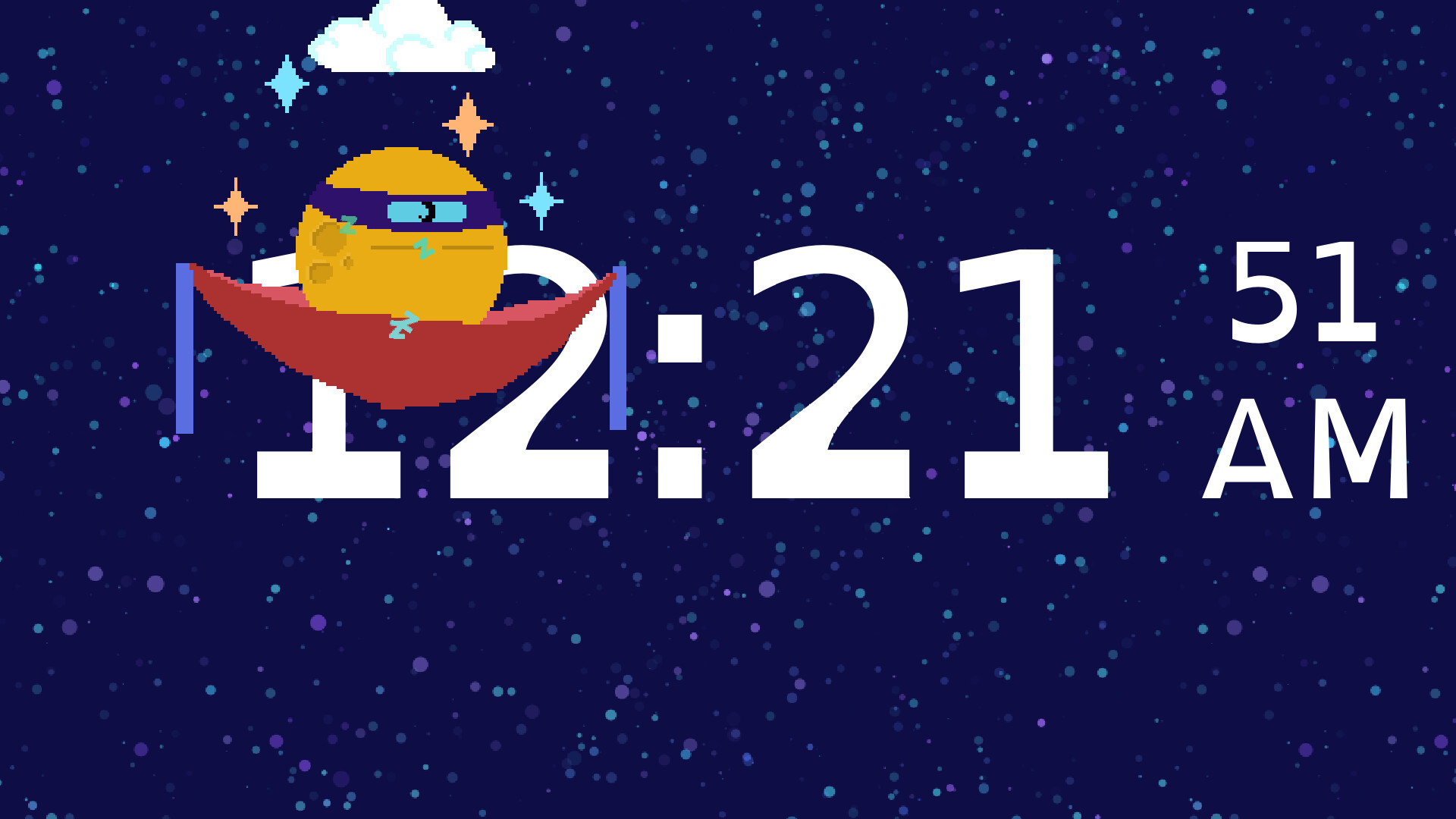
Moonberry Clock pairs a customizable idle pet with passive income generation, letting you dress up and accessorize your companion as earnings accumulate. You can manually style your pet or set automatic appearance changes throughout the day. It's suited for players who enjoy low-pressure pet collecting games and want a charming, hands-off presence on their desktop.
About this game
Watch the clock and your idle pet passively gain money to unlock clothes, toys, and fun accessories. Either customize your pet yourself, or schedule them to change looks on their own.
Players, last 55 days
Peak 0 · Low 0
Daily peak concurrent players, sampled once a night from Steam.
Rebuilt save file system - Prior to the upgrade, your save will be backed up in case anything goes wrong.If something does go wrong, please reach out with your backed up save file. It will have "save_upgrade" in the filename.Audio added to Menus and Cheese.Fixed an error with deactivating a moon.
New Clothes Item: Pink BowPartial Options Menu Overhaul - Updated settings' looks and updated animations.Coin labels now animate when Aeon Coins amount changes.Bugfix: Fixed issue with music being quieter than it should be. Downside, everyone's music will be louder this patch.Bro Hair sprite updated to stand out better against OLED background.
New Clothing Items! Blue Unicorn HornSherbet Unicorn HornTophatWhite MaskUnibrowRed LipsNeighborly MustacheBugfix: Locking clothes no longer prevents that item from being selectable on other Moons.Tutorial now has a page 2! Education is important! Still needs graphics.
Posts come from Steam's official announcements feed.