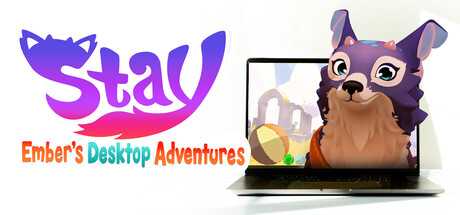
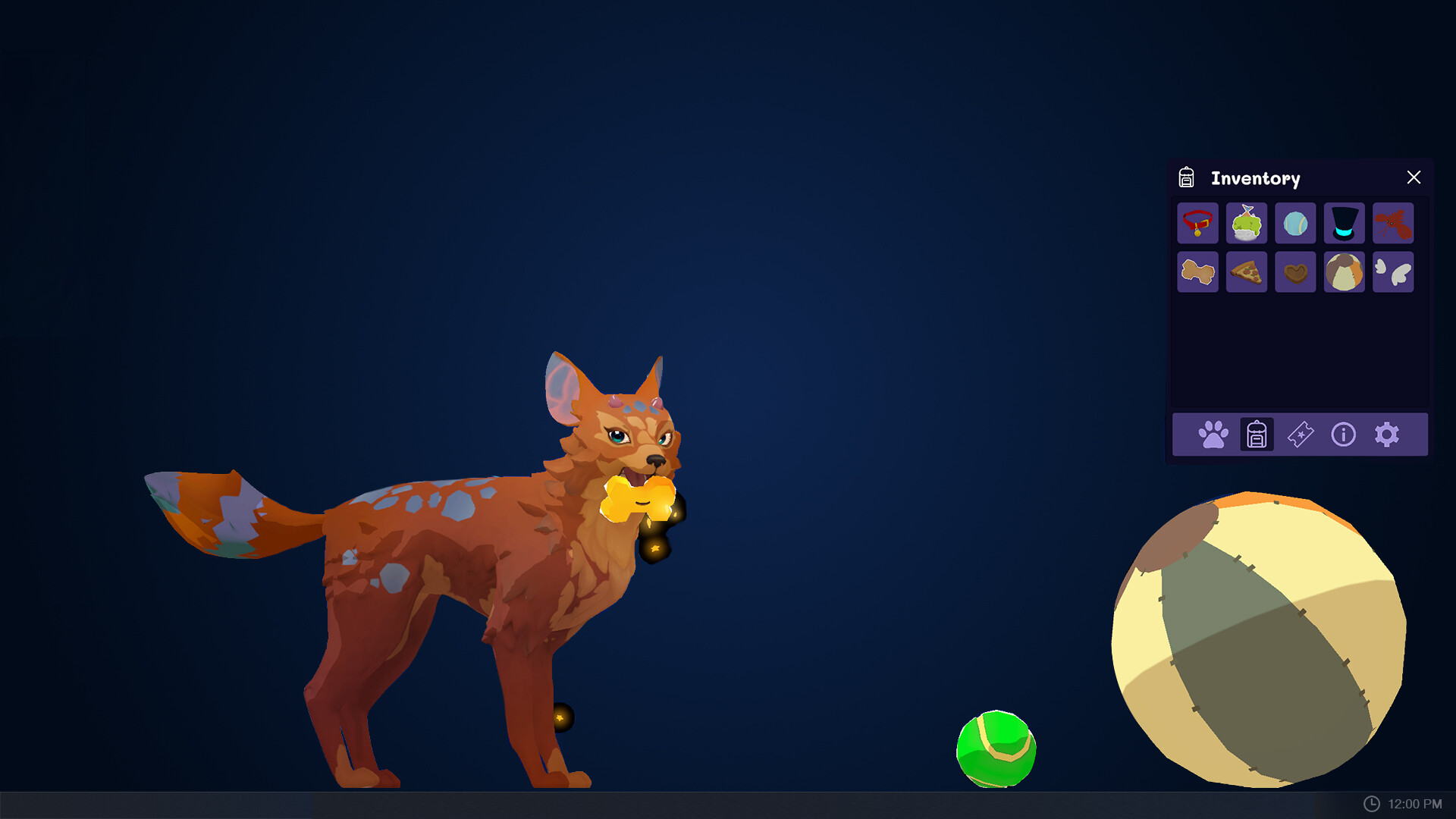
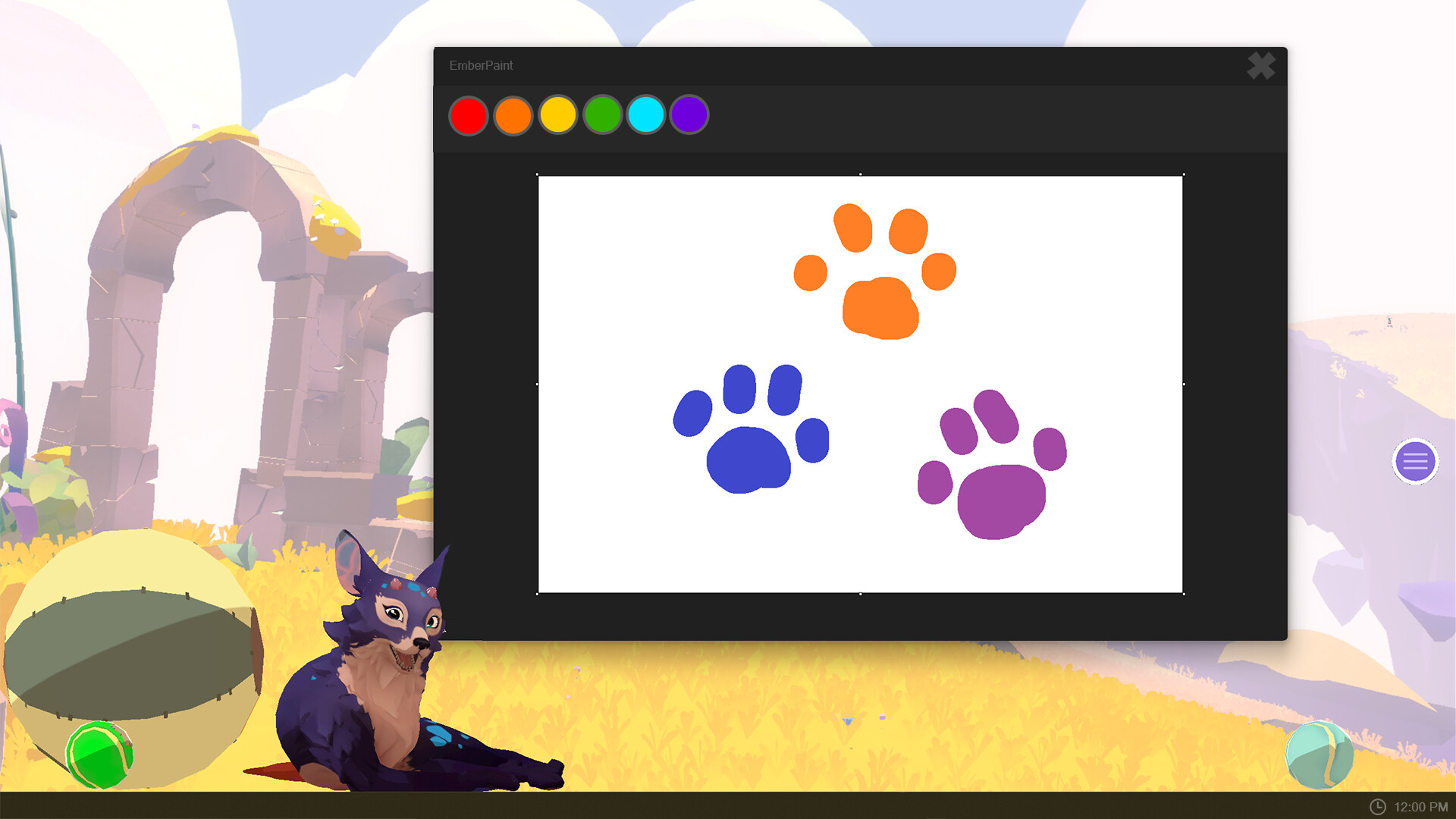
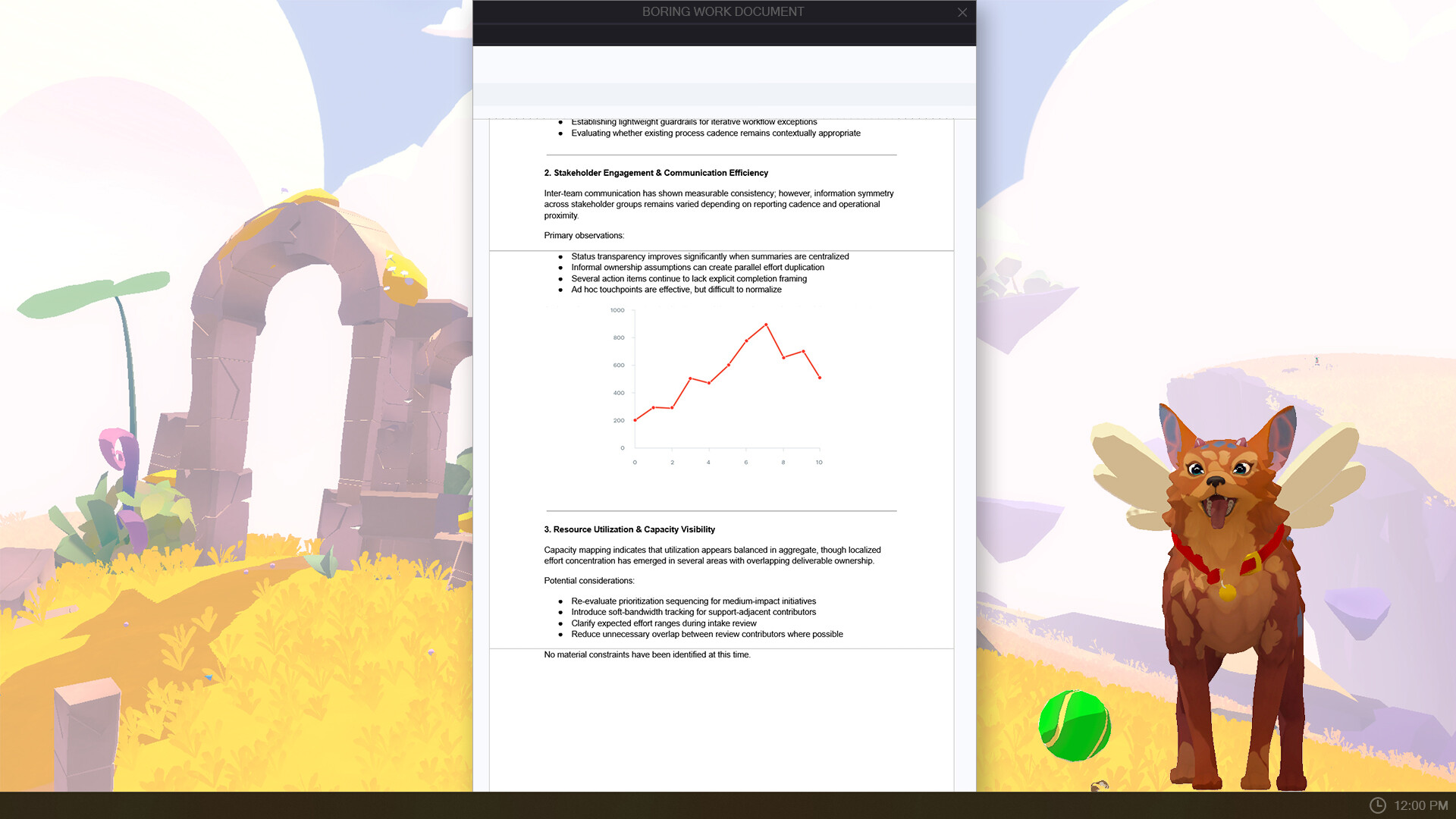
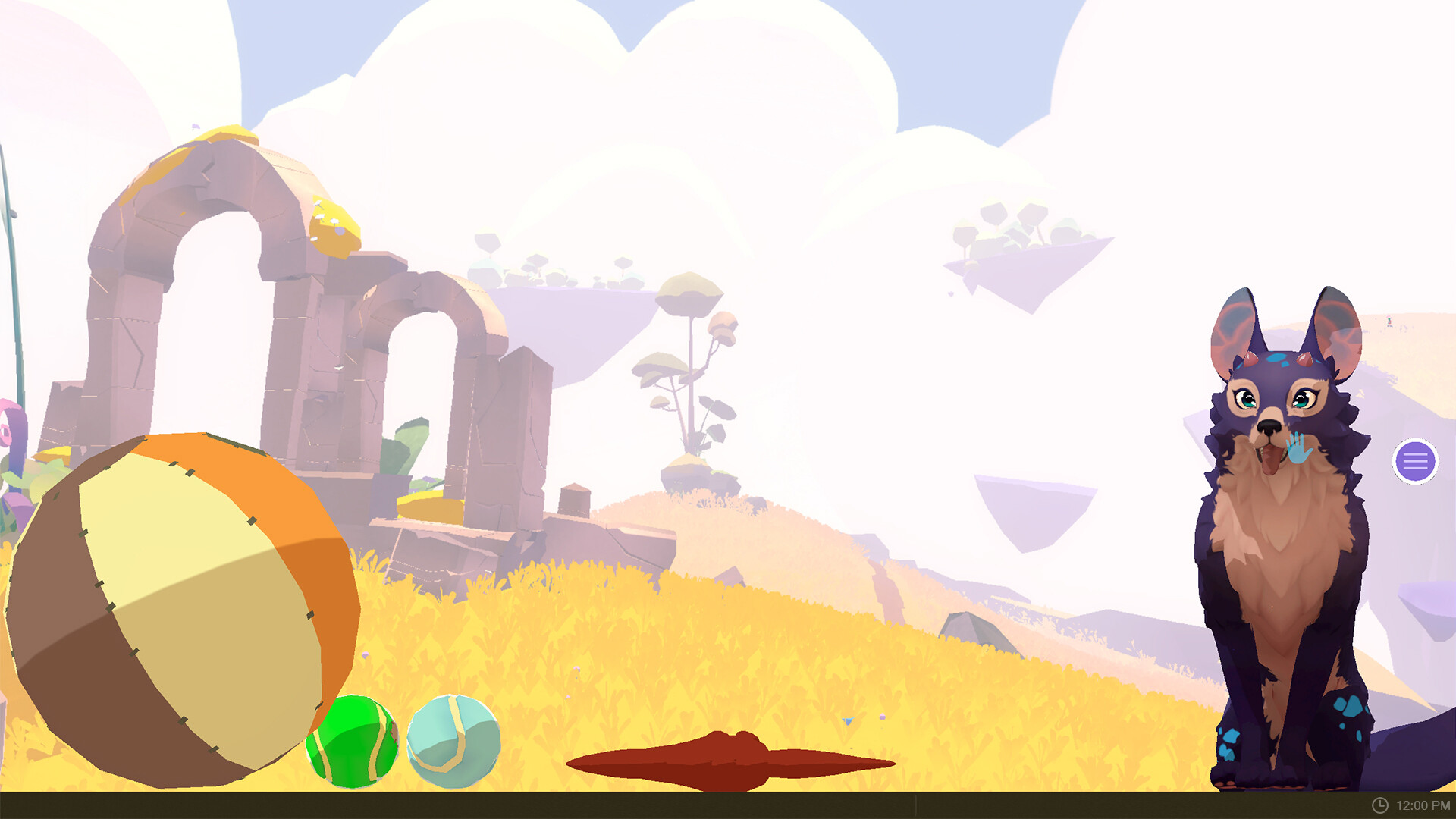
Ember is a desktop companion that blurs the line between pet and presence. She responds dynamically to your attention—playing when you interact, settling down during work sessions, and occasionally causing mischief to keep things entertaining. With full 3D animation and personality, she's designed to coexist with your workflow rather than demand it.
About this game
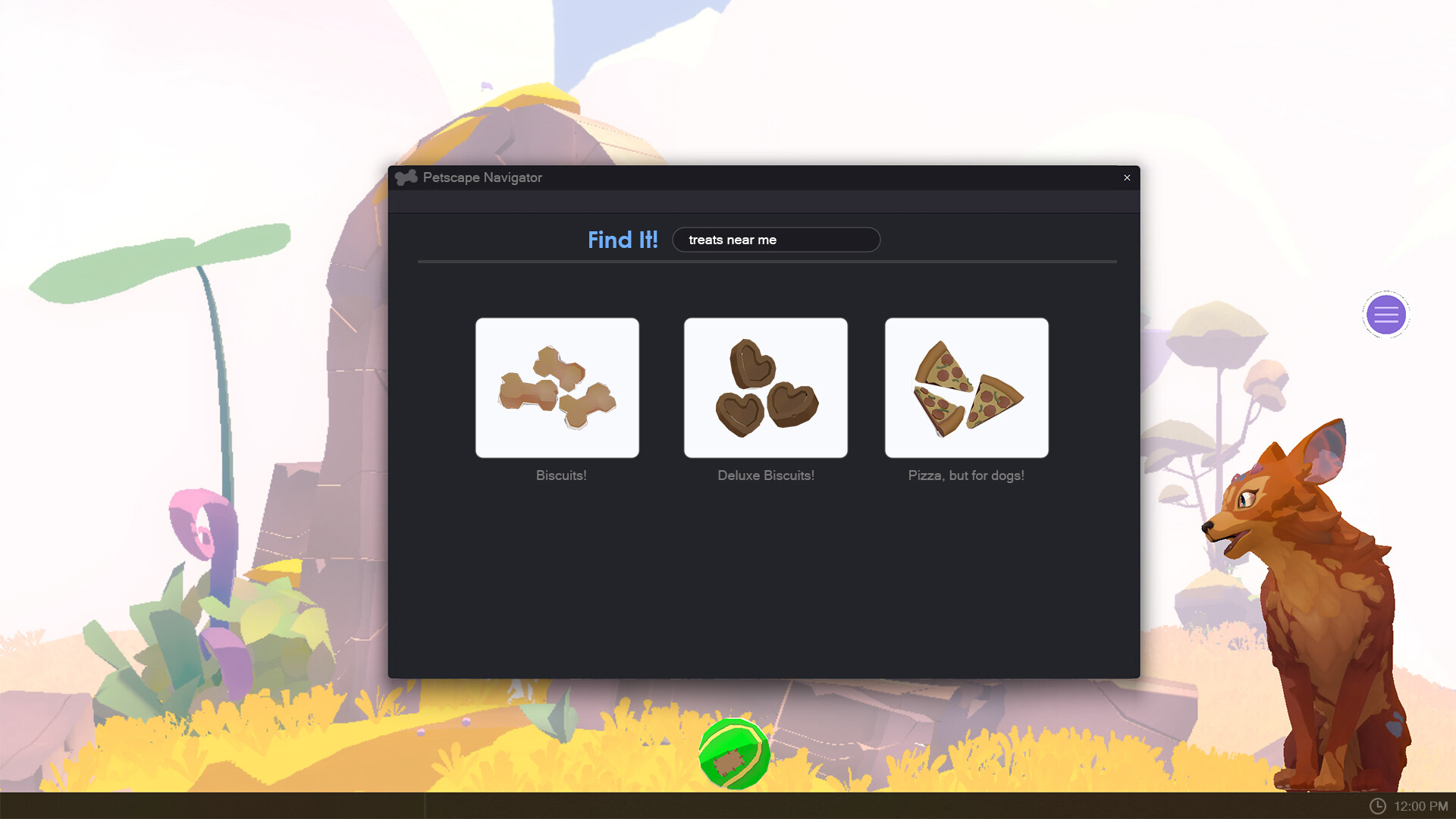
Ember is a virtual pet who feels alive - and living on your desktop. Play with her, feed her - make her feel loved. She’ll be curious and attentive, mischievous when you need a distraction, quiet when you need a little focus time. Fully 3D and animated - with a little sass.
Players, last 55 days
Peak 4 · Low 0
Daily peak concurrent players, sampled once a night from Steam.
What players are saying
▲ Recommended0 hrs
The goodest girl! She vibin in the corner of my second monitor while I work on things.
Runs well/haven't noticed it affect perf in other things
I love the concept of this as much as I love Ember. Just wish it would work on linux and not just windows. Only shows a black screen as the background, I get that it's technically unsupported as it is listed as windows only but I just wished my dreams would come true. I recommend for windows users, as this is abolutely what your desktop has been missing.
Oh my gosh, Ember is the CUTEST! She has such fun energy and the MOST ADORABLE anticipatory "play with me!" wiggles. I don't mind her in the foreground when working; she's just about as distracting as a real-life cat. And, when you want to *try* to focus on work again, you can tell her to settle down. What a good girl!
She'll need to go a couple of times a day, morning ad evening local time, and a few minutes after you feed her a treat. You'll get a warning when she starts sniffing around for a good spot. Cleaning up after her is your job: drag the magical nugget to your actual Windows Recycle Bin. Or you can be rude and just fling it offscreen. Every so often, really rarely, Ember will produce a golden nugget that gives you a ticket when properly disposed of. We also found a few more fleas and got rid of them in this update. Quality of Life FixesRecolored cosmetics that weren't showing up properly should look the way they're supposed to now.Right-clicking Ember now opens the menu where you clicked, instead of following her around the screen (and off screen).Dragging things is tidier and items stay inside Ember's space.The petting hand no longer shows up while you're dragging objects (or nuggets) across her.Objects that got away from you (knocked off the edge or lost when you switched monitors or resized Ember) either respawn or despawn instead of falling forever.Interrupting Ember while she was fetching her food bowl could send the bowl offscreen into an infinite loop. (And fill up your log file with spam.)F9 no longer knocks the camera loose in release builds. If you didn't know about that, forget we mentioned it.Thank you in advance for cleaning up after Ember properly and continuing to put up with those pesky fleas while we work on getting rid of them all. Keep the feedback and bug reports coming!
You asked. Ember listened (mostly). You can now boop the snoot. This has been one of the most-requested features since launch, from the community and from our own team (some of whom may have delayed other work to make sure the boop felt right). Ember has a bunch of different reactions to being booped, depending on her mood. Booping is highly encouraged. Overbooping is between you and Ember.Quality of Life FixesSome of you may have encountered an offset between the visuals and the clickable hitbox of buttons in the hamburger menu, especially when switching monitors. That should be fixed now. (We hope.)A lot of other issues with the menu should be gone now too. Hover, press, and dragging should be more consistent. Buttons that weren’t centered should now be centered. We got rid of some scrollbar bugs. And zooming Ember’s size should now be more smooth now.There were some issues with dragging objects and the menu button across Ember, getting the petting hand when you can’t pet her.A few players reported being able to lose the draggable menu button offscreen, so we've added "Reset Menu Position" to the right-click menu in the system tray.Some monitor configurations with ultra-wide and portrait monitors weren’t playing nice with Ember, and now they are.Thank you for reporting bugs, requesting boops, and generally putting up with fleas while we nibble away at them. Keep the feedback coming!
We were inspired to build an experience that let you keep Ember around outside a traditional game. Like our pets who nap in our office, only to want attention when you’re on an important Zoom call — we wanted to give players a little companionship during their screen time!So, thank you to the friends of the studio who helped get this stood up while we were trying to finish Stay: Your Forever Pet, the community who helped us name this game, and everyone who has tested, shared feedback and bug-bashed this ‘game’.We see Stay: Ember’s Desktop Adventures and Stay: Your Forever Pet as interconnected experiences, a way to have a warm bond with Ember throughout your day. And we’re beginning to see that happen! Which lets us think about how to make it an even richer experience.We will continue to listen to your suggestions, and messages in our community, and see where you want this to go. We have ideas we wanted to ship but put off to post-launch, and we know you’ll think of many things we didn’t!Your feedback will play a major part in how we improve the experience, decide what needs attention first, and shape future updates.We are happy to officially share our roadmap for Stay: Ember’s Desktop Adventures.
Posts come from Steam's official announcements feed.