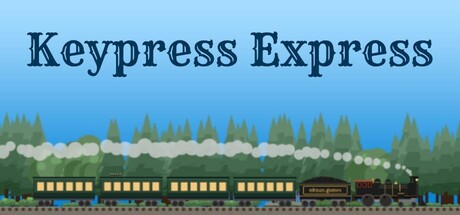
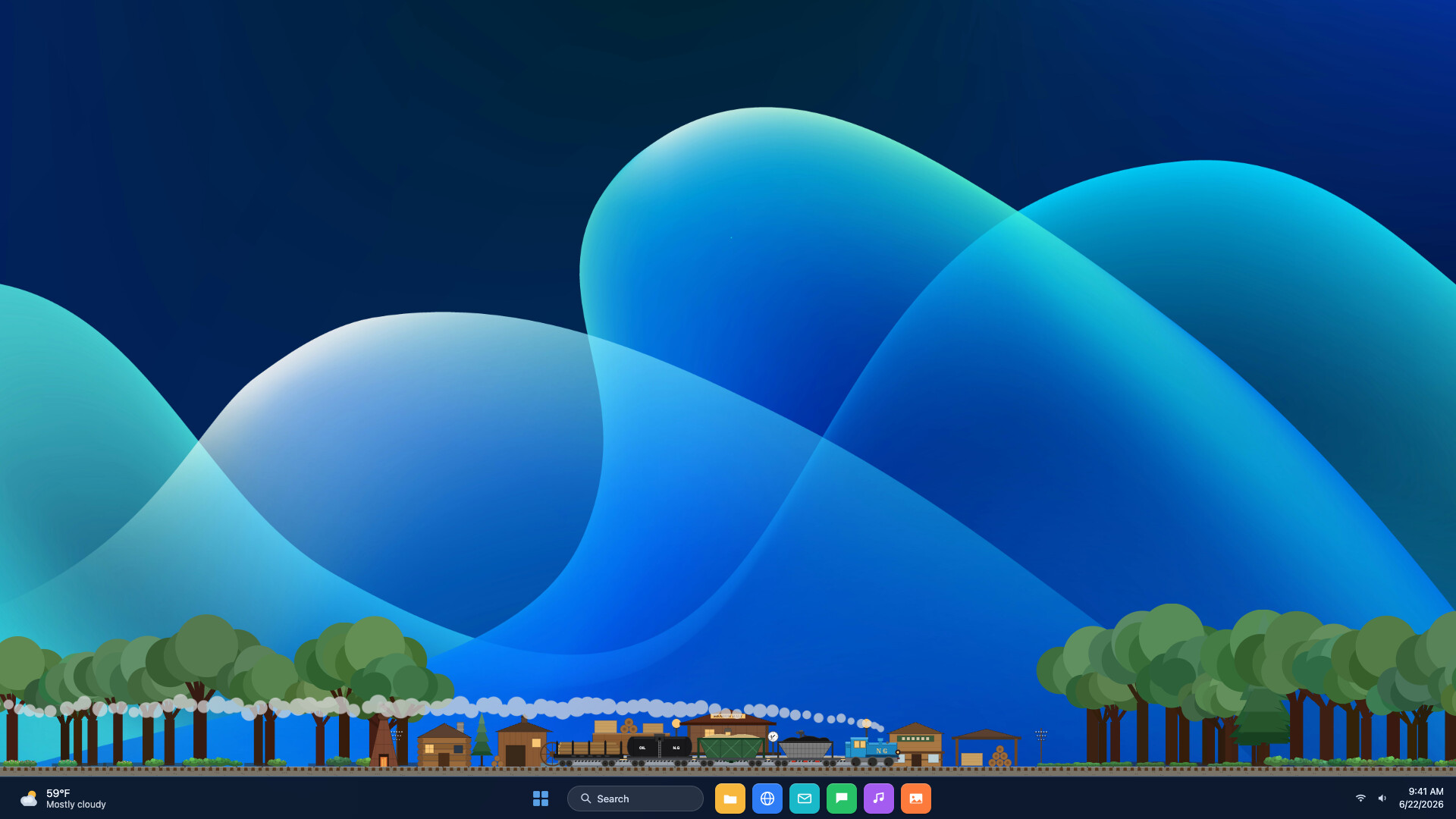
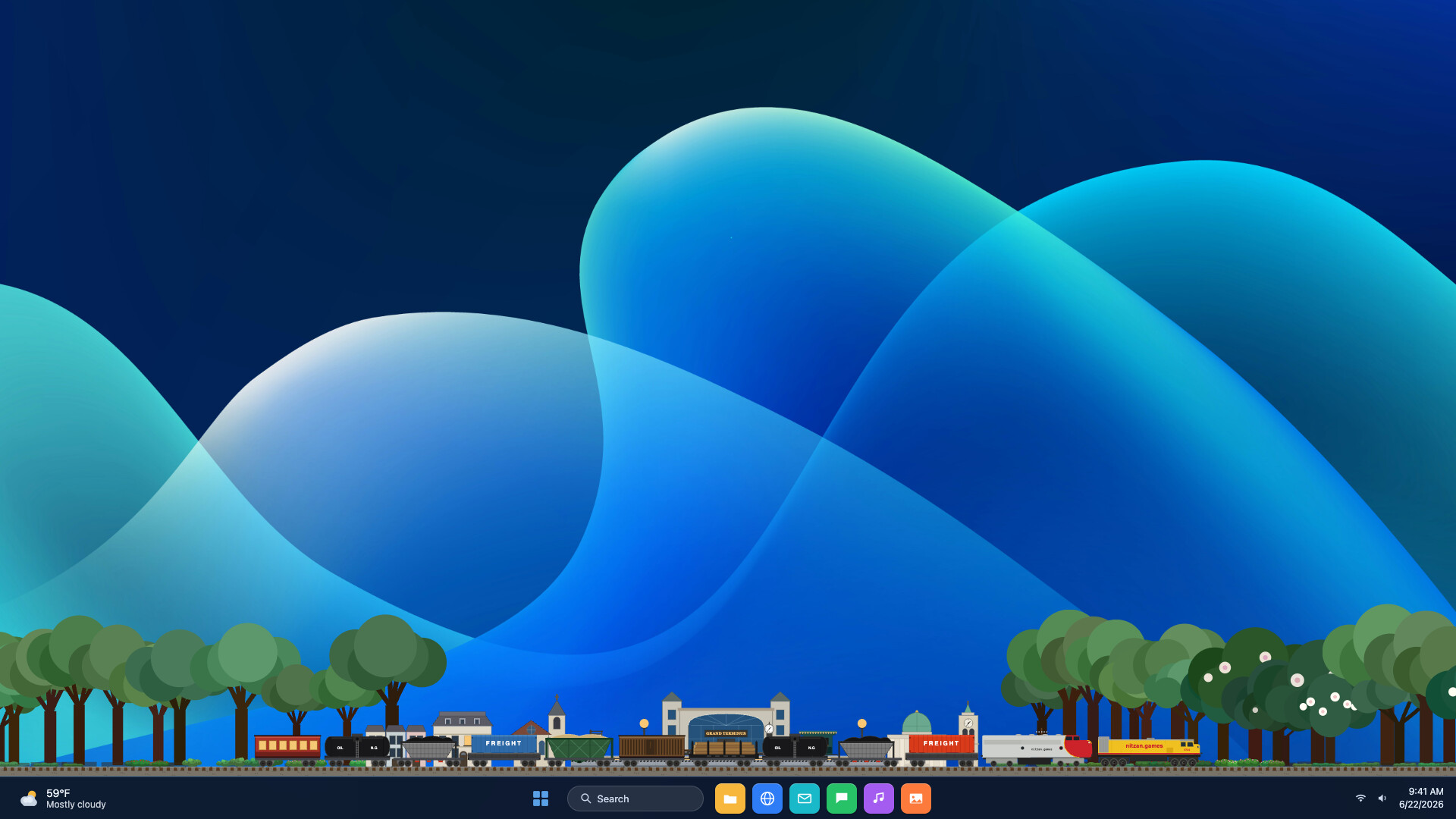
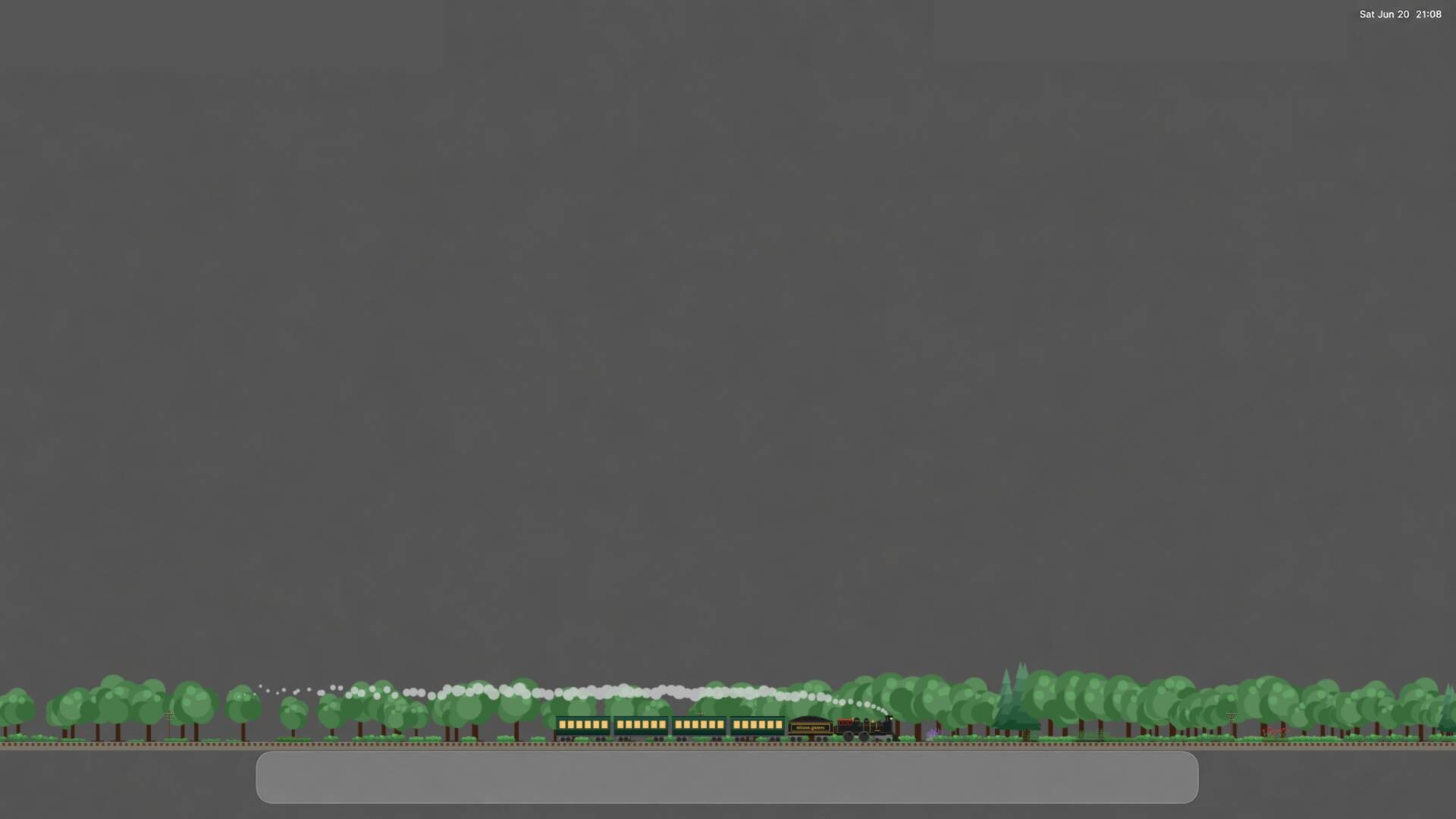
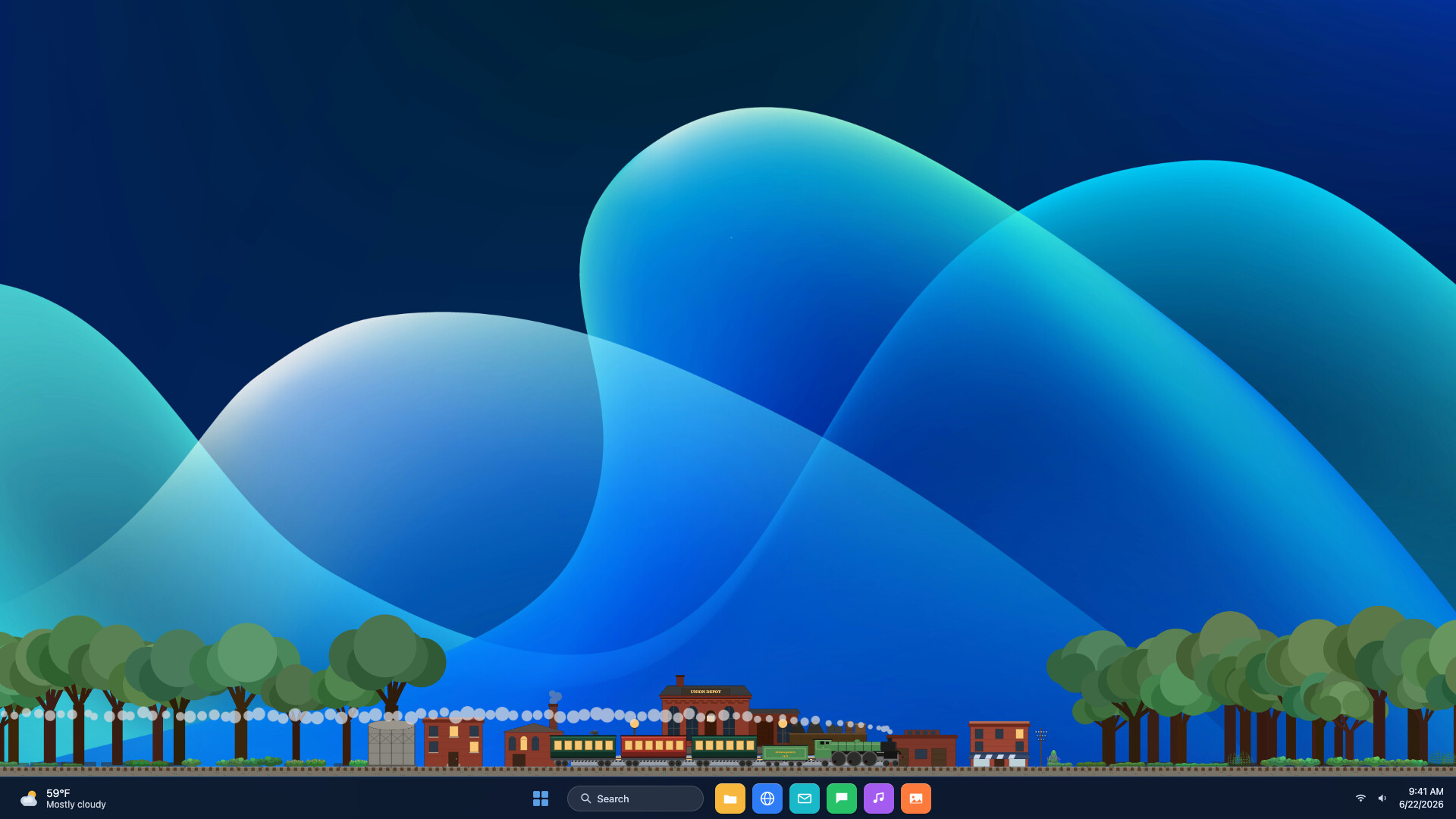
A meditative train-building game that rewards your everyday typing by converting keystrokes into locomotive progress. As your hand-drawn train rolls across the screen, you'll earn currency to upgrade engines, expand rail cars, and build out an idle railroad empire without disrupting your normal workflow. Perfect for anyone seeking ambient, passive growth alongside their daily computer use.
About this game
A cozy desktop train that runs on your keystrokes. The more you type, the farther your hand-drawn locomotive rolls along the bottom of your screen — sell the haul, buy bigger engines and longer trains, and grow a railroad empire while you work. Counts keystrokes only, never what you type.
Players, last 36 days
Peak 11 · Low 3
Daily peak concurrent players, sampled once a night from Steam.
What players are saying
▼ Not recommended0 hrs
Thought this game could be a fun passive way to get me to write more. I enabled the setting which hides the train when I move my mouse down, and now I can't figure out how to open the menu back up because the button disappears. I've tried deleting and redownloading, please help!
I installed this thinking it would be a silly little distraction and somehow ended up caring deeply about the price of lumber in a town that doesn’t exist. It sits nicely at the bottom of my second monitor while I work, and seeing the train speed up when I’m typing is oddly satisfying. Cute art, simple progression, and it doesn’t constantly demand attention.
I was initially a little nervous about installing something that reacts to everything I type, but the game clearly explains that it only counts keypresses rather than recording the actual keys. After using it for a few work sessions, it has become a surprisingly pleasant desktop companion. It stays out of the way and gives me a tiny sense of progress during otherwise boring tasks.
The menu comes back Fixed Windows virtual desktops: the menu now follows you to whichever desktop you're on. Previously it stayed behind on the desktop the game launched from — the train strip followed you, the menu didn't, so opening it did nothing you could see. Minimized menu: minimizing the menu and then closing it no longer leaves it stuck out of reach for the rest of the session. It now restores properly. Off-screen menu: a menu left past the edge of a screen — or on a monitor that's since been unplugged — now re-centres itself somewhere you can actually see it. Deliberately placed menus stay where you put them.
Arrivals you can't miss Your train used to arrive in complete silence. If you were working in another window — which is rather the point of the game — nothing told you the trip was done, and the fare just sat there uncollected. A COLLECT banner now appears on the strip when your train pulls in, showing the destination and what the run earned. Click it to open your ticket. The game nudges you when a train arrives, so you can go back to whatever you were actually doing until it does. Opening the menu with a fare waiting takes you straight to the ticket instead of wherever you happened to leave it. Learning how you get paid A completed journey pays nothing until you collect the fare, and the game never actually said so. New drivers now get told, once, on their first arrival. "Engines for sale" no longer sits there empty Each town sells its own small range of locomotives, and once you owned all of them that section simply went blank — with no explanation, forever. It looked broken. It wasn't, but you had no way to know that. The shop now tells you when you own everything the town sells, and names the towns that still have engines you don't own. The Restock button has moved to the "Cars for sale" heading and been relabelled. It only ever affected the car lineup — never engines — so it no longer sits above the engine list implying otherwise. Thanks to to.koryo for reporting the empty shop, and to Waldi for the locomotive achievement thread that started it. Fixes Fixed a bug where quitting partway through the tutorial could permanently disable it, leaving new drivers with no guidance and no way to get it back. The arrival notice pointed at the wrong screen. It now points at the Trip tab, where your ticket actually is.
Posts come from Steam's official announcements feed.