
0.7.2-Demo Update | Bug Fixes & Volunteer Tester Recruitment
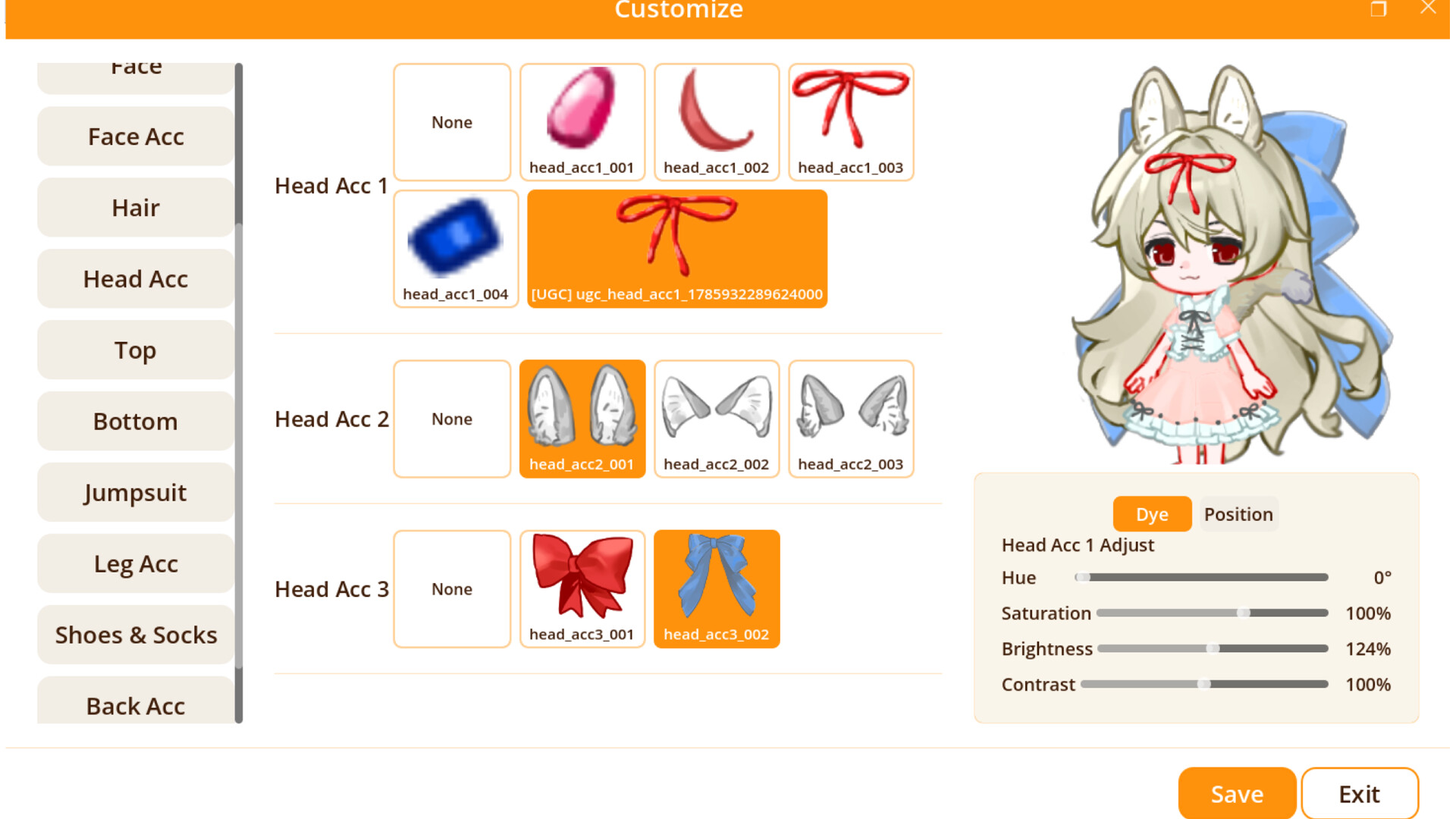
54 days agoHello everyone!I’ve just released a minor update for Desktop Mochipal 0.7.2-Demo, addressing several bugs collected during playtesting.ChangelogText preset "Configure for \" fails to refresh after renamingIssue: In the custom dialogue editor / desktop pet settings, the character name dropdown for text templates (e.g. "Configure for \") retains the old name. After renaming your desktop pet and reopening the panel, the dropdown still shows the previous name.This issue has been fixed.Orange highlight does not persist for left-side tabs in Character Creator / Outfit menuIssue: After selecting a left sidebar tab (such as "Character Creator / Outfit"), its orange highlight disappears, making it unclear which tab you are currently viewing.This issue has been fixed.Leg Acc 002 length too shortSlightly lengthened Leg Acc 002.Black screen on main window with transparent backgroundIssue: For some players, after entering the game (creating a character), the main window becomes solid opaque black everywhere except the character, hiding the desktop view. Multiple clicks, tab switches and restarts do not resolve the black screen. Screenshot tools can capture the normal desktop instead, and screen flickering may occur after closing the screenshot tool.Root Cause: Suspected compatibility conflict between the Godot engine and graphics cards, drivers or the rendering composition pipeline. This is not a bug within the game’s source code. It may relate to official Godot issues: #76167, #107582, #75425.Fix Details:Added two toggle options to attempt resolving the black screen bug. Players may select the repair options under Settings > Display (multiple options can be enabled at once). Changes take effect after restarting the game.Recruiting Volunteer TestersIf you encounter any bugs and are willing to assist with game testing, you are welcome to join us.If you wish to participate, you can find the QQ group number in the store page description. Join the QQ group and state your intention, ...