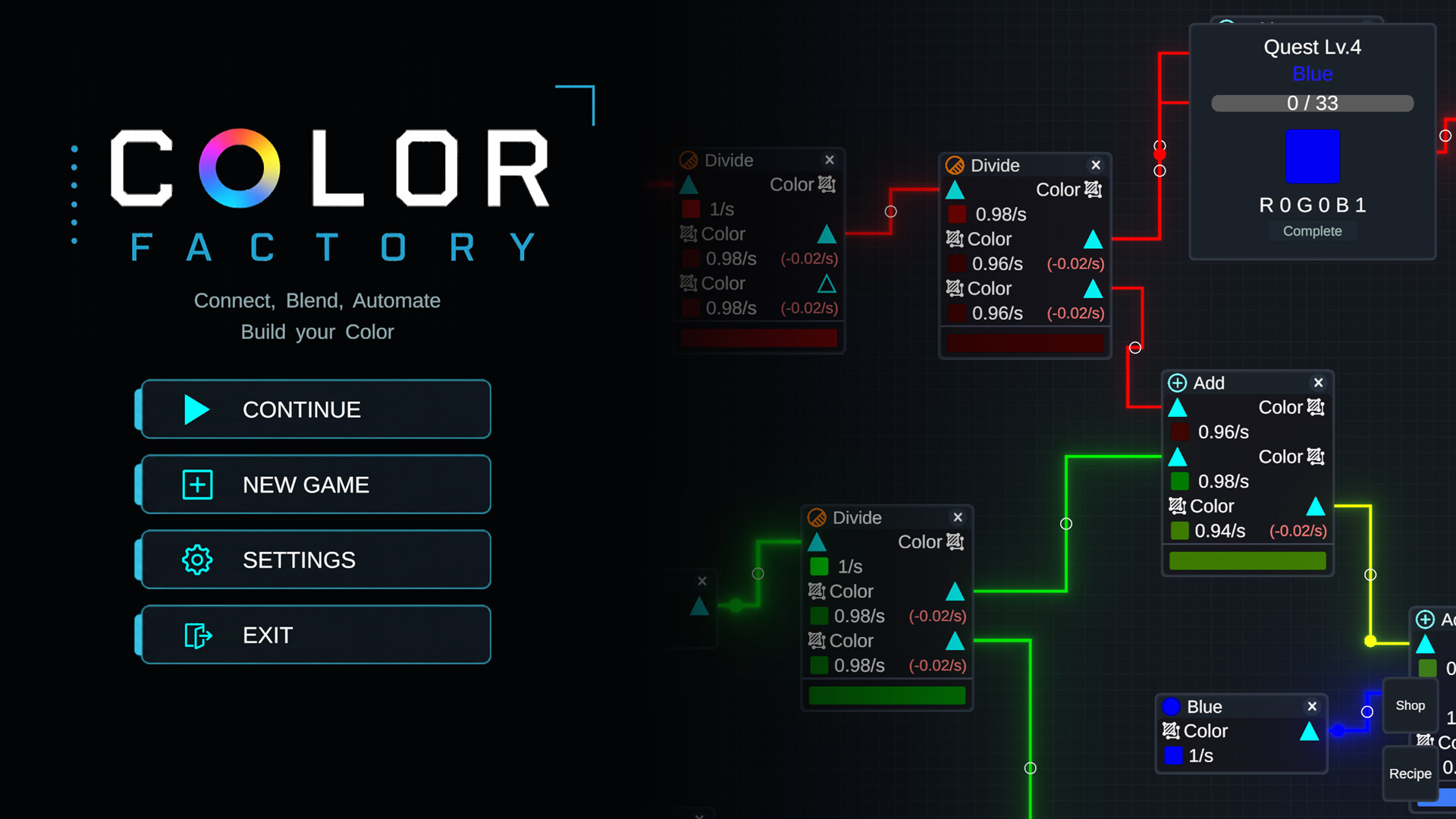
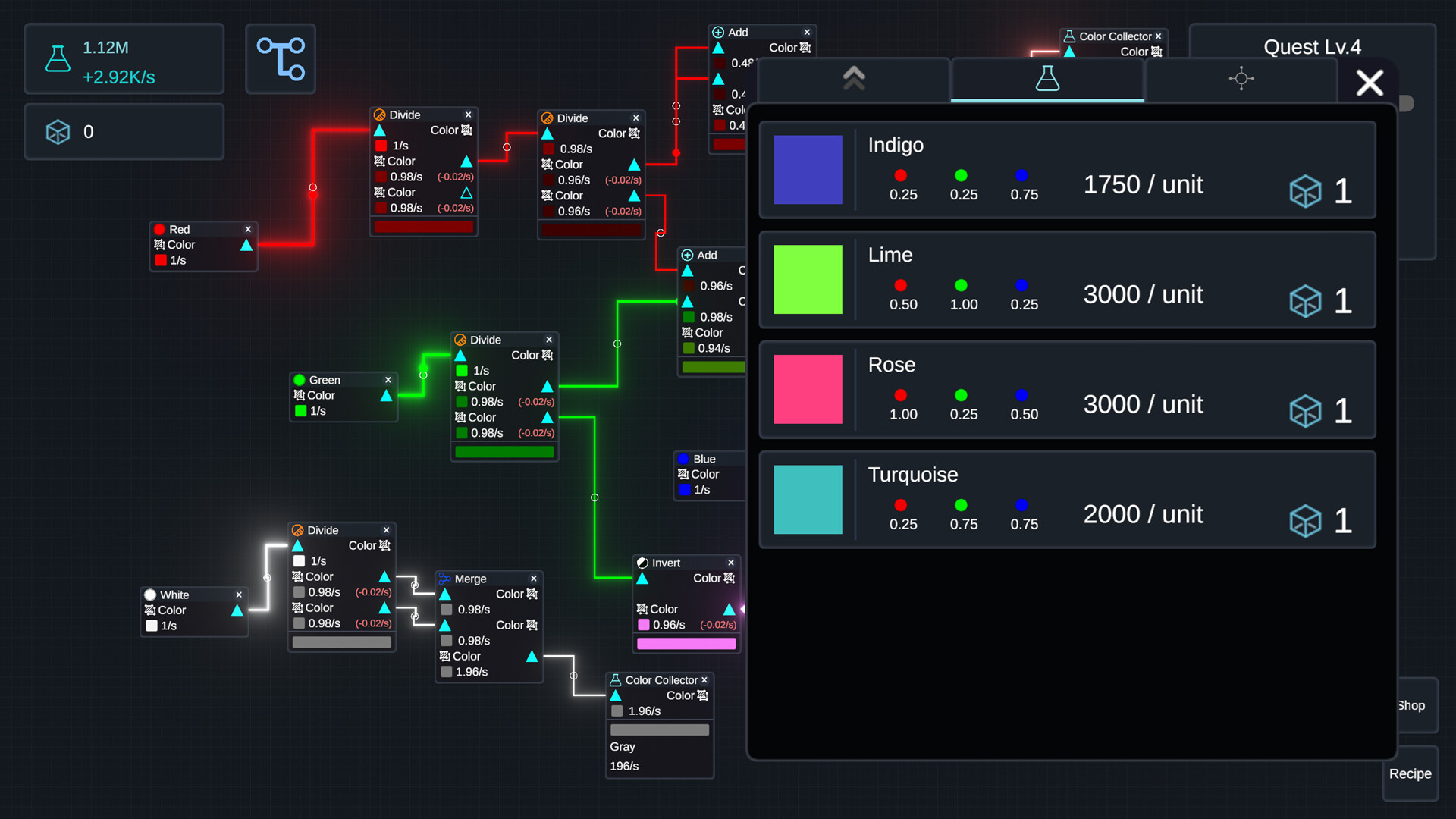
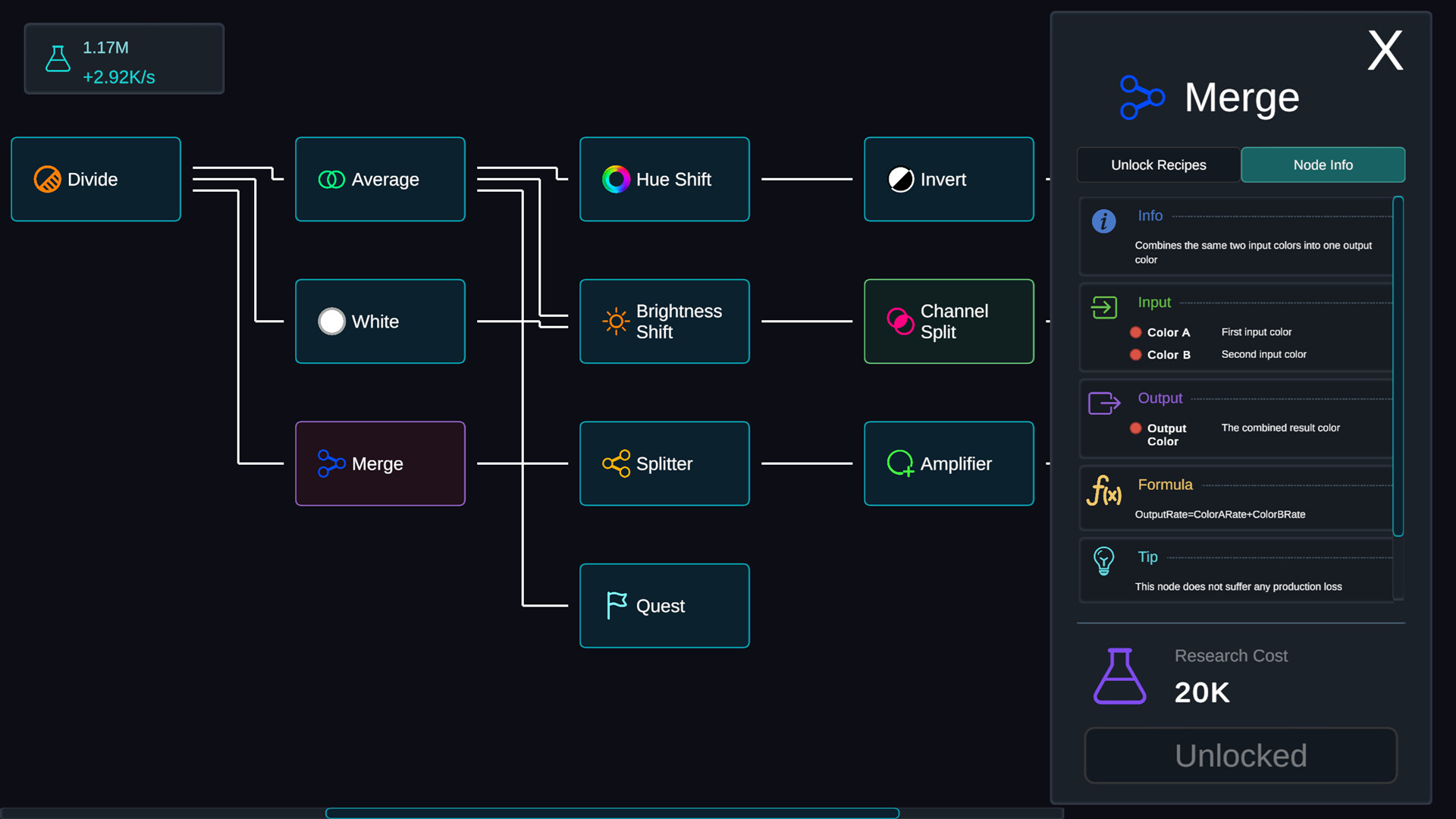
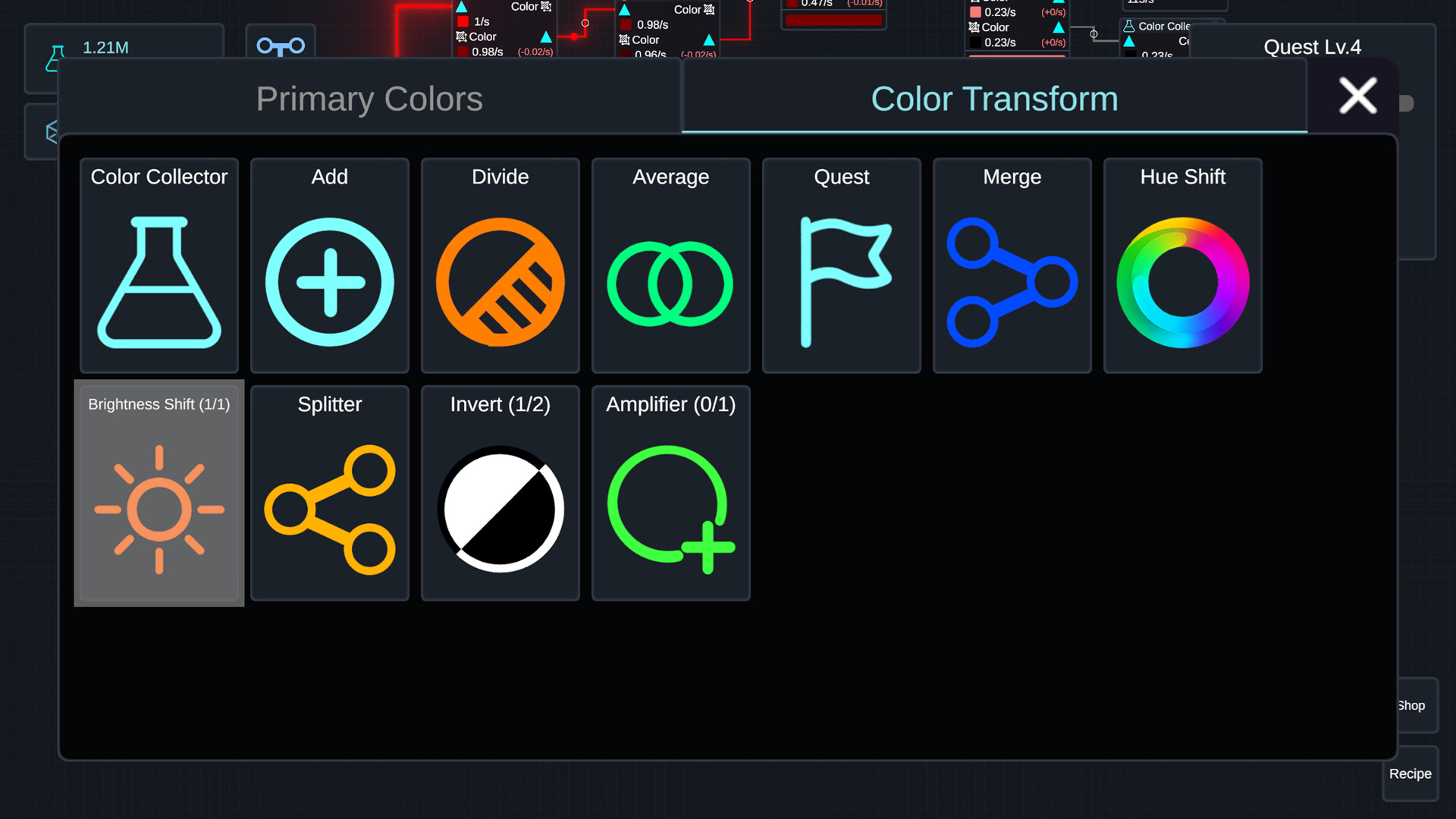
Color Factory strips factory automation down to its chromatic essence. You build networks of nodes that generate and mix colors according to discovered recipes, gradually unlocking new tools and optimizing your setup for efficiency. It appeals to players who enjoy the meditative loop of incremental progress and logistical puzzle-solving without time pressure.
About this game
Connect nodes to generate, transform, and blend colors in a relaxing factory automation game. Discover new recipes, unlock powerful nodes through research, and design increasingly efficient production networks as your color factory grows.
Players, last 35 days
Peak 0 · Low 0
Daily peak concurrent players, sampled once a night from Steam.
Color Factory Demo has been updated to v0.3.6!Improved Color Ratio DisplayPreviously, each RGB value was displayed as a decimal between 0.00 and 1.00.In this update, to make color ratios easier to understand at a glance, the decimal notation has been replaced with fractions such as 1/4, 1/2, and 1/1.In addition, each RGB value now has a circular indicator filled according to its current ratio, allowing you to visually compare values without relying on numbers alone.This should make it easier and more intuitive to understand the proportion of each color channel when mixing colors or checking recipes.Check out the images below to see the before and after!
Color Factory Demo has been updated to v0.3.5!Custom Localization SupportThis update introduces a new localization system that allows players to modify existing translations or add entirely new languages to the game.Localization files can be added or edited in the following folder:steamapps/common/Color Factory Demo/LocalizationThis means you can now customize the existing localization for your language, or create localization files for languages that are not officially supported yet.I hope this will make it easier for players to improve translations or make Color Factory accessible in more languages!
Color Factory Demo has been updated to v0.3.4!Keyboard Shortcuts AddedThis update introduces keyboard shortcuts to make controlling the game faster and more convenient.You can now move the camera using WASD, zoom in with Z, and zoom out with X.As shown at the bottom of the screen, you can also use the 1, 2, and 3 number keys to quickly open the corresponding node creation pop-ups.Shortcuts have also been added for the game's main menus:T – Tech Tree R – Recipes Q – ShopThese shortcuts are displayed in small text at the bottom-right corner of the corresponding UI, so you can easily check them while playing.
Posts come from Steam's official announcements feed.