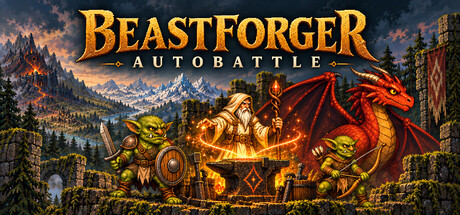
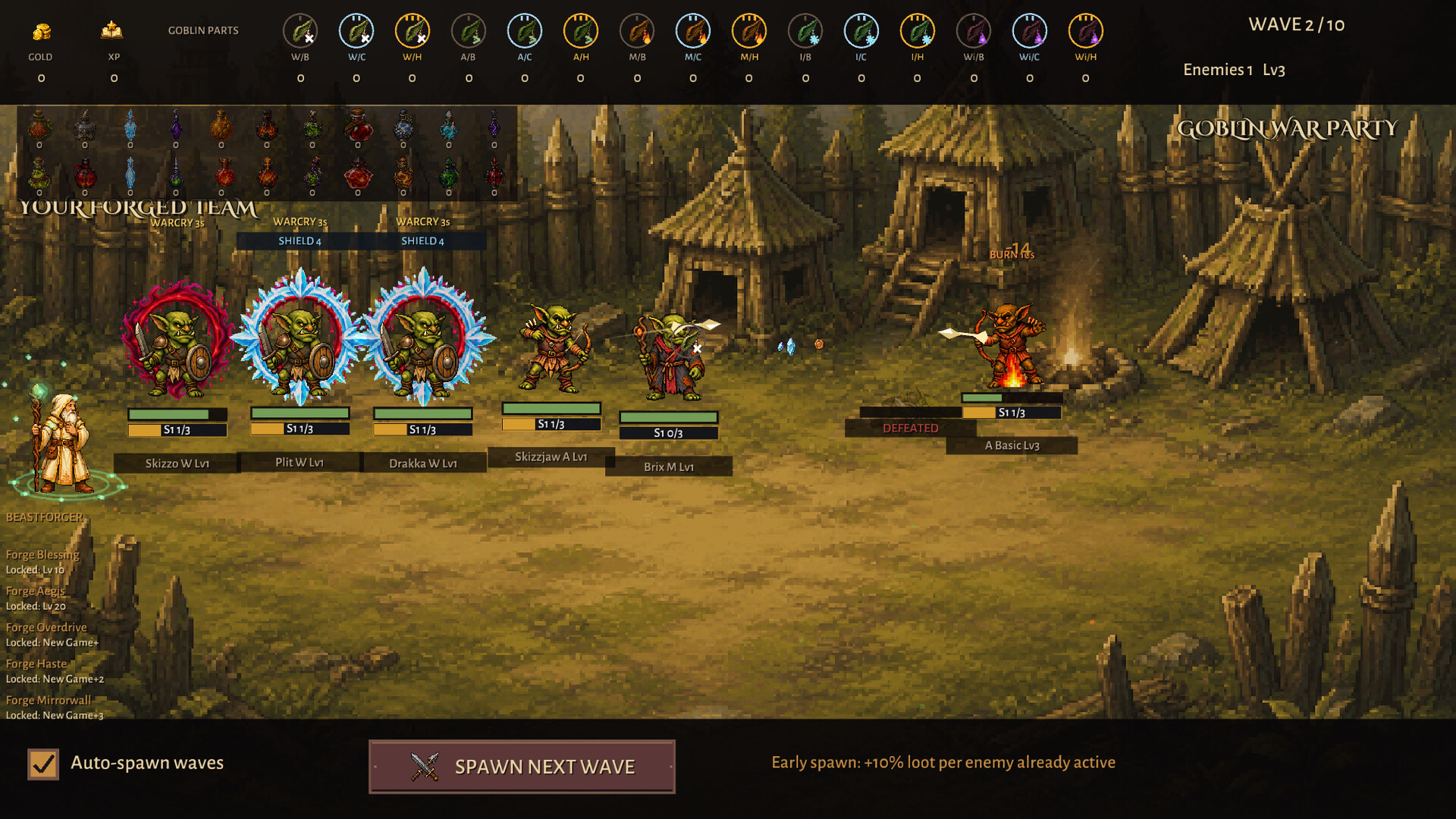
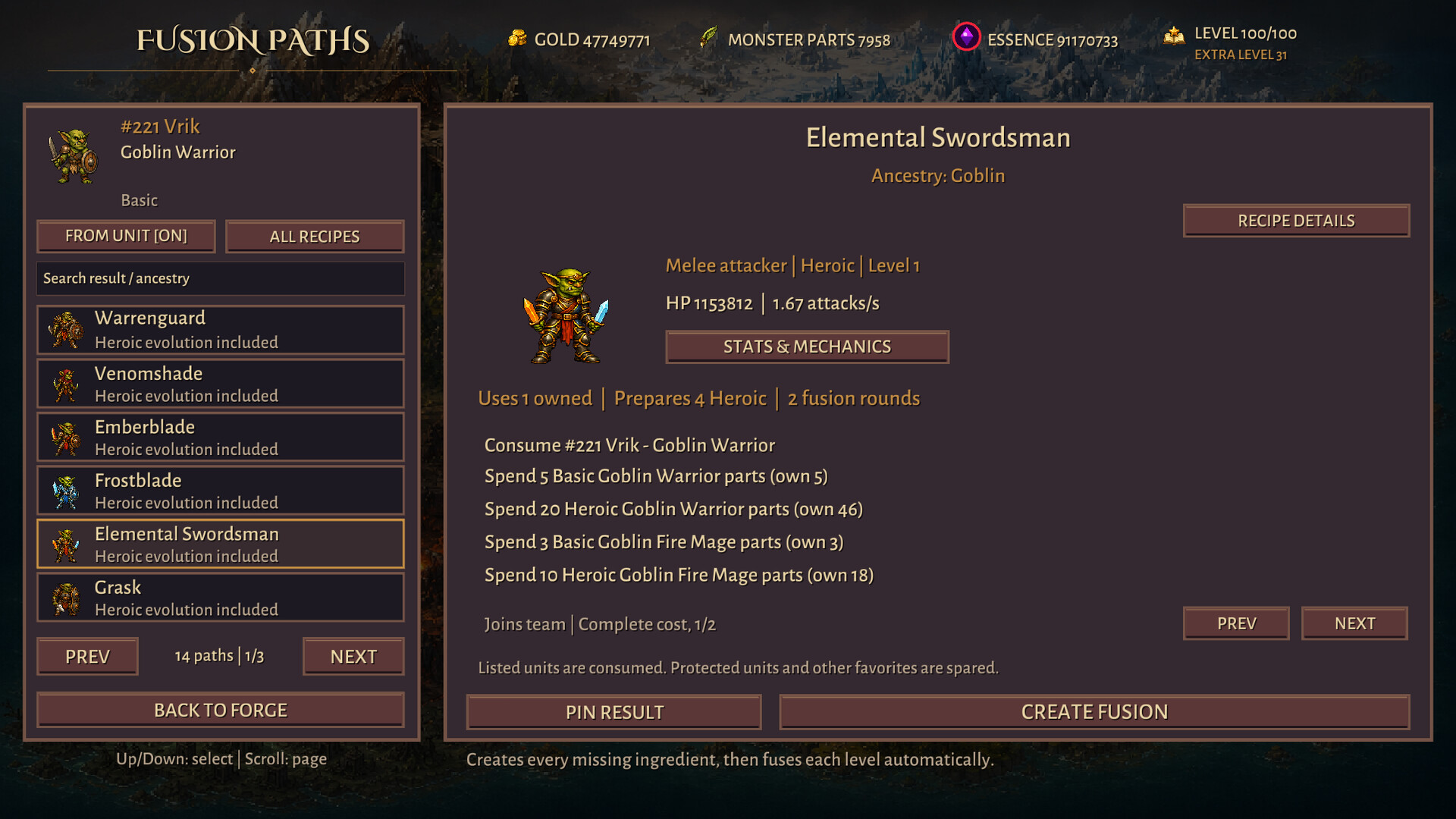
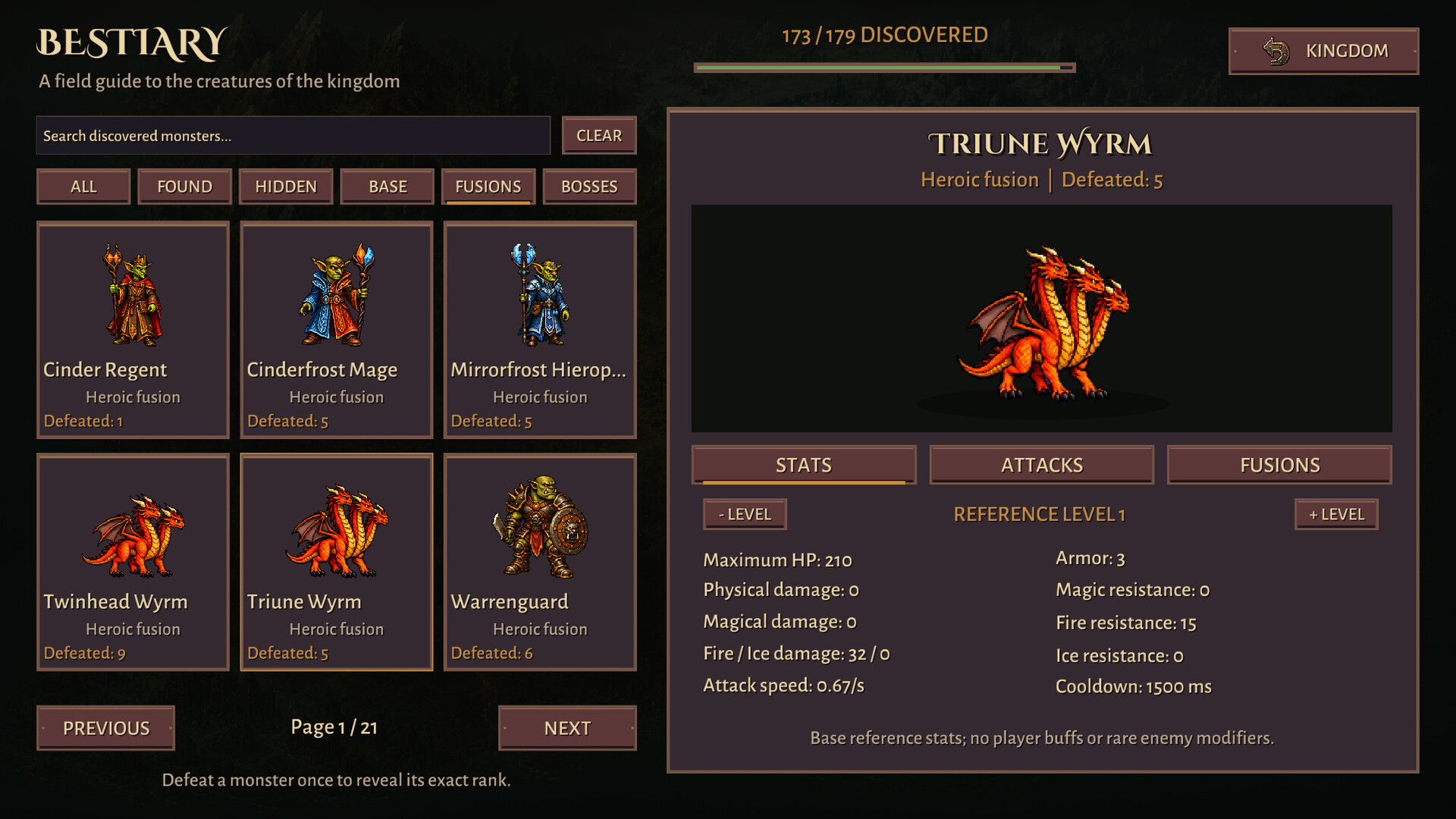
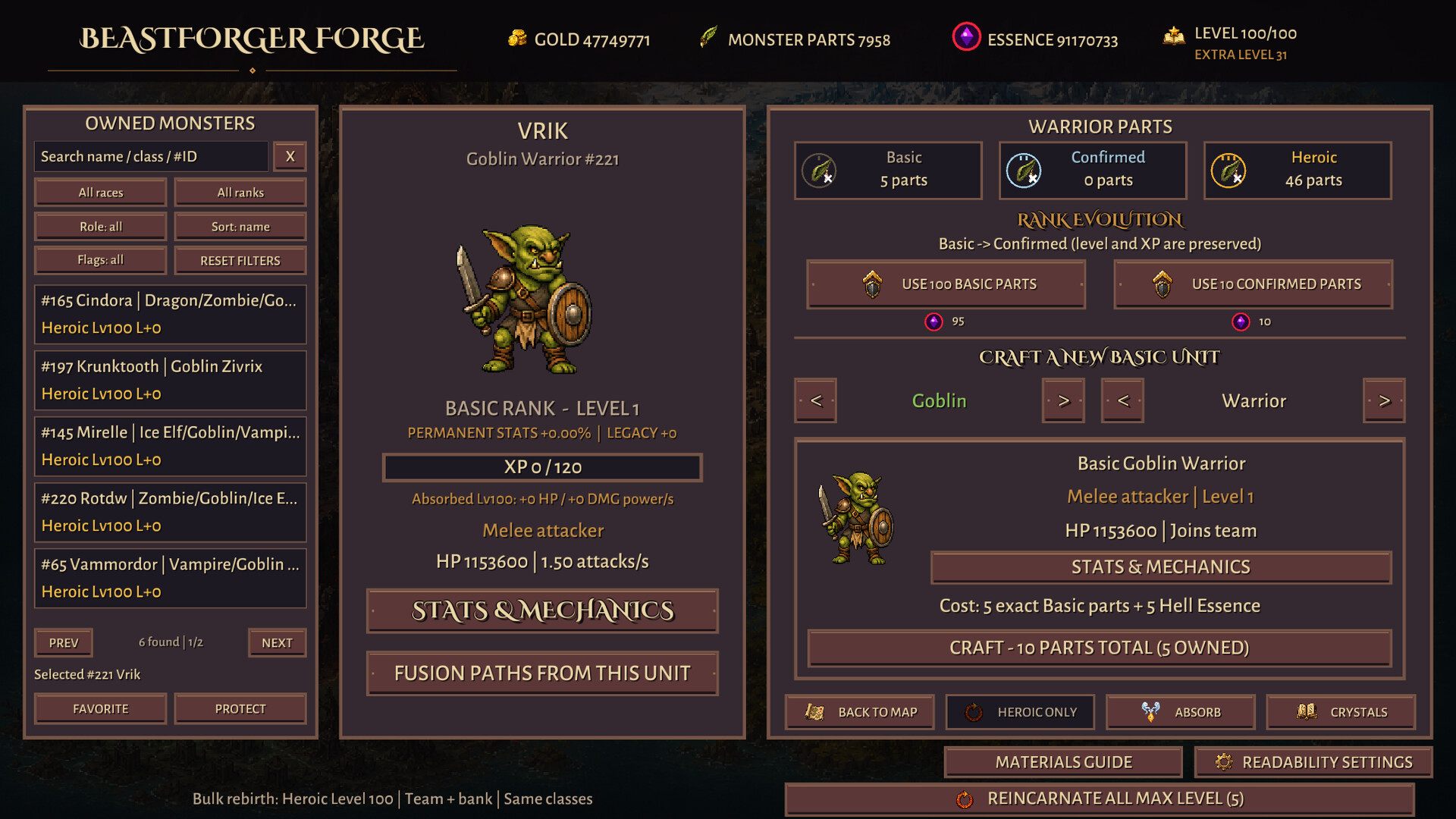
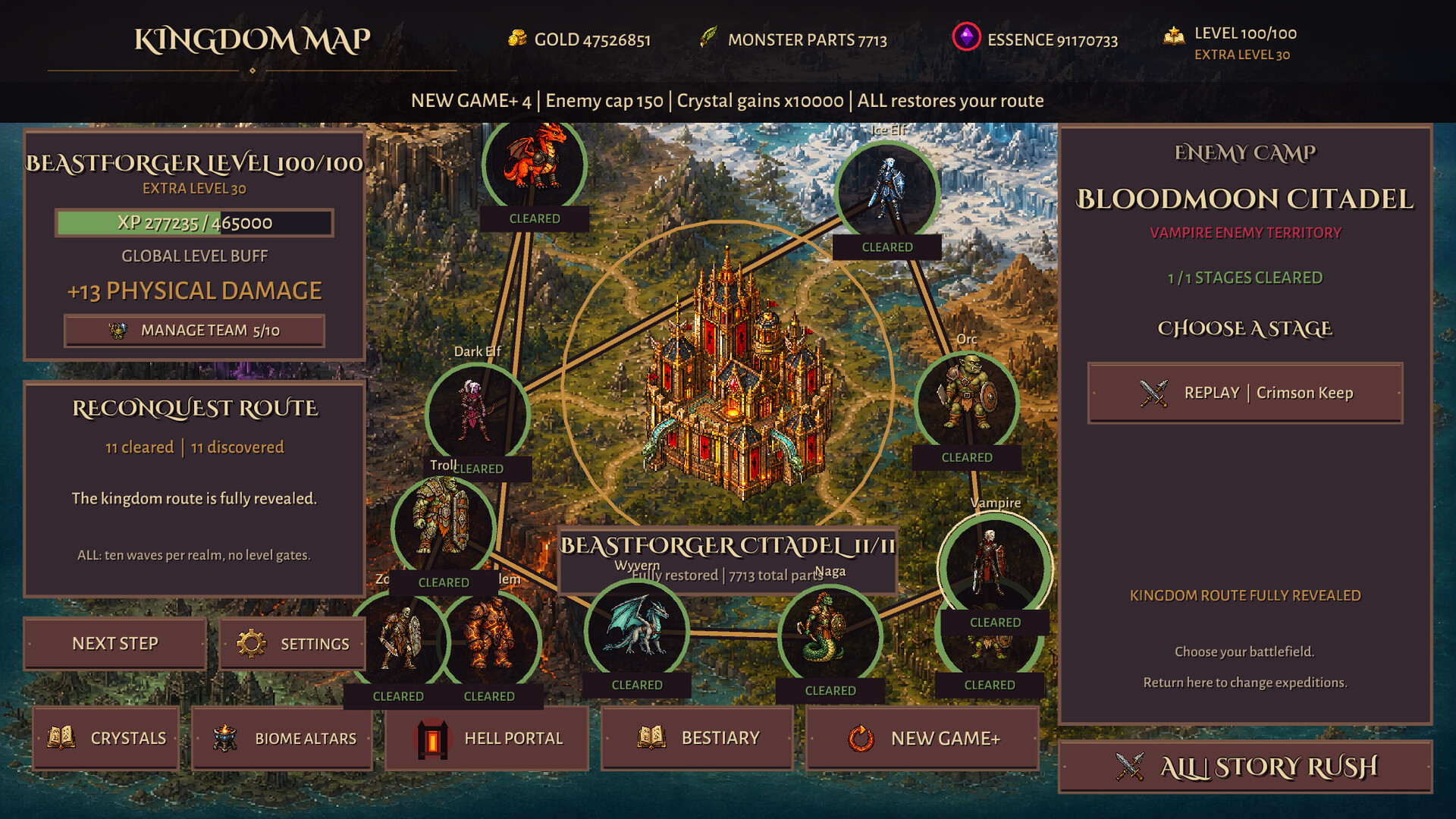
Beastforger Autobattle tasks you with assembling a ten-creature team from defeated monsters, then fusing your best units into stronger variants as you push through increasingly difficult content. Between autobattle runs, you'll expand your citadel, earn loot that enhances your roster, and reset via reincarnation to unlock permanent boosts—a familiar incremental loop paired with light team-building strategy. It's designed for players who enjoy hands-off progression systems with occasional decisions about which monsters to upgrade and combine.
About this game
Forge an army from the monsters you defeat. Build a team of ten, combine Heroic creatures into powerful fusions, and reclaim a fallen kingdom in this fantasy incremental autobattler. Push deeper for better loot, rebuild your citadel, and grow stronger through reincarnation and New Game+.
Players, last 57 days
Peak 2 · Low 0
Daily peak concurrent players, sampled once a night from Steam.
Beastforger now supports 12 interface languages on Windows and Linux. This update translates menus, tutorials, monster and ability descriptions, and combat messages into eight more languages. New languages Spanish (Spain) — Español Brazilian Portuguese — Português (Brasil) Russian — Русский Danish — Dansk Swedish — Svenska Norwegian Bokmål — Norsk bokmål Finnish — Suomi Icelandic — Íslenska Open Language from the title screen or Settings. Use Next and Previous to browse both pages. The game remembers your choice across launches and save slots. Interface improvements Roster, recipe and Bestiary searches accept common accent variants, including Nordic letters and Russian е/ё. Longer text wraps in more screens, and Crystal Chamber stat names have their own column beside the values. Fixed an issue where choosing a language in Settings could move a volume slider underneath the picker.
Thanks for the detailed reports and late-game feedback. This update improves tank durability and several advanced fusions, reins in two excessive damage boosts, and makes settings and crystal spending more convenient. Combat balance Elemental Swordsman's Elemental Cleave now hits up to three enemies. Forge Haste now grants 5× attack speed, reduced from 10×. Dedicated tanks gain more HP and armor in exchange for lower attack damage. This adjustment builds gradually from level 11 to level 30, reaching +50% base HP, +100% base armor and −25% base attack damage. Named bosses retain their existing stats. Stronger advanced fusions Ashen Triskelion now heals and protects the three most-wounded allies with Litany of Warm Bones. Zivrix's Folded Sanctuary now wards five allies, up from three. Crimson Meridian has a stronger armor-piercing Umbral Backstab. Foundry Aegis also grants the party +20% damage for three actions. Ash-Crown Magister has more HP and armor, and casts a stronger Scorch Edict more often. Thariel Rimebrand has more HP, attacks faster, deals stronger Triune Execution hits, and casts its team protection more often. Settings and crystals Audio, display and readability settings are now remembered across launches and campaigns. Fullscreen is restored before the title screen appears. Added Spend all gold in the Crystal Chamber. It spends all affordable gold on your selected offering, accelerates throughout the sequence, and finishes in about two seconds even with very large gold reserves. Any remainder stays in your balance. Very large purchases use approximate randomized aggregation to keep spending fast. Costs and remaining gold are exact; Buy 1, Buy 10 and Buy 100 keep their normal individual rolls.
Thanks for the reports and suggestions. This update fixes team selection, adds display options, and resolves a Windows shutdown issue. Team management and fusion previews Dragging a unit no longer leaves a selection frame on the last moved unit. Clicking the selected position again now deselects it. Clicking another occupied position swaps the units and clears selection. The selection frame uses a slimmer, softer brass border by default. Disabled the misleading View Future Fusion buttons for all 15 units reserved for a future recipe. They now read No further fusion recipes. Existing recipes remain previewable when their creation is locked. New display options Open Settings > Display options to configure: Native canvas (1280×720): center the game with black borders at up to 1280×720 display pixels, including on high-DPI screens. Smaller windows still shrink to fit. Borderless window: hide the window title bar and frame in windowed mode on supported displays, independently of fullscreen. Show team selection frame: hide the frame while keeping selection and drag instructions visible. Frame color: choose Brass, Green, Blue, or Rose. These choices are saved with each campaign. Reset display options restores the display defaults while preserving audio and readability choices. Stability Fixed a Windows panic that could occur when closing the game, using Quit, or pressing Escape at the title screen. The executable, window, and taskbar now use the Beastforger game icon instead of a generic or engine icon on Windows.
Posts come from Steam's official announcements feed.