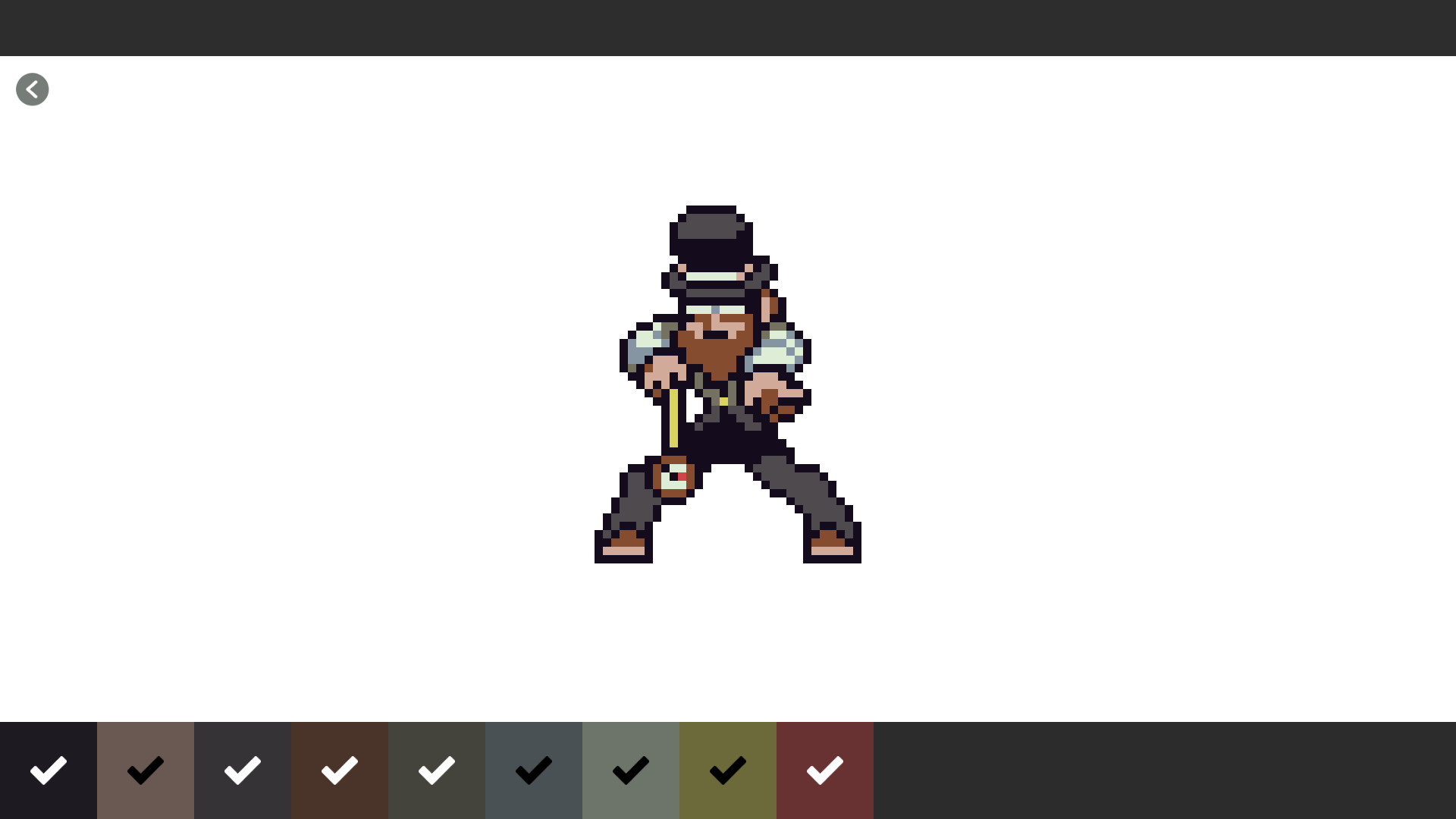
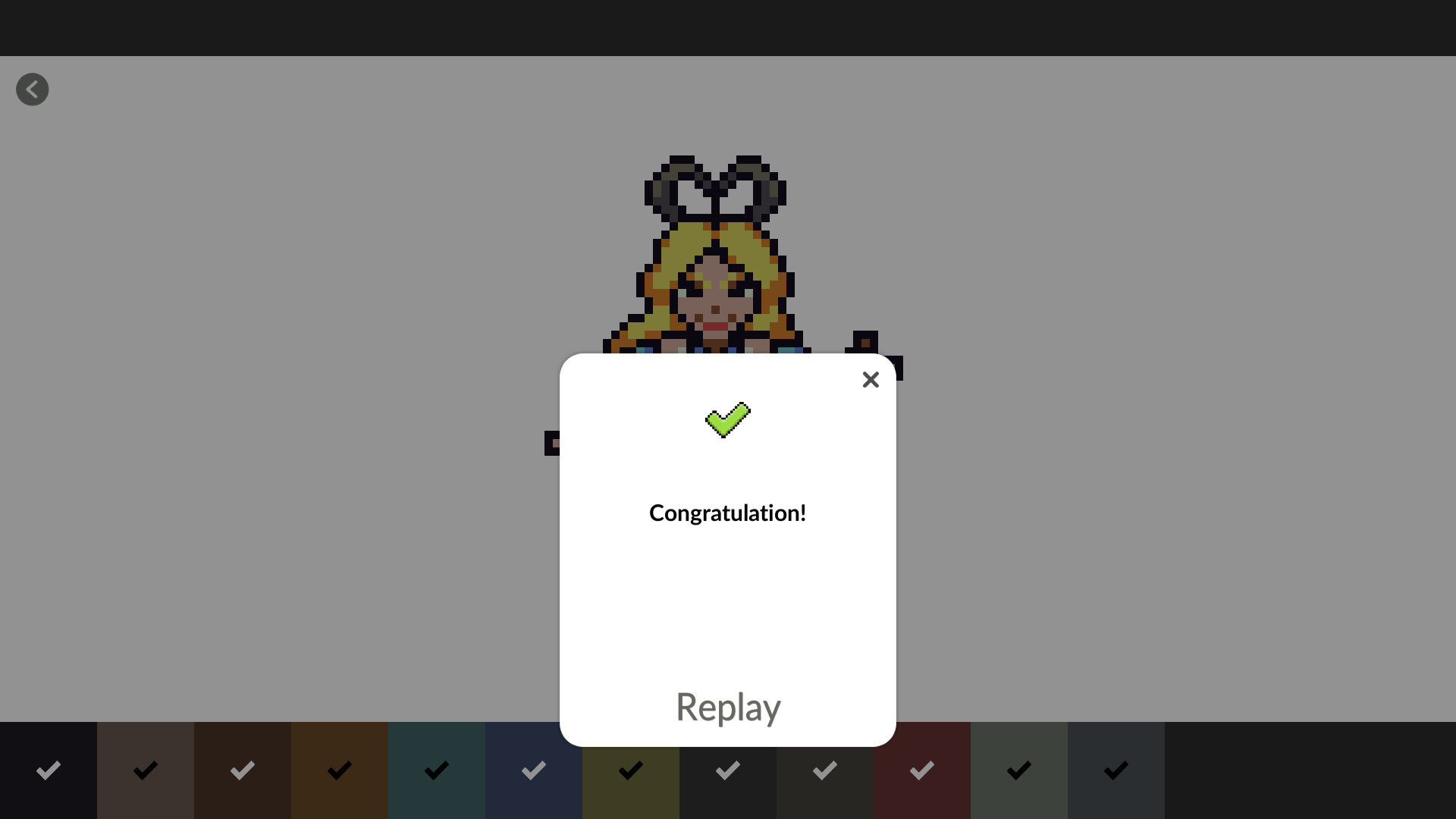
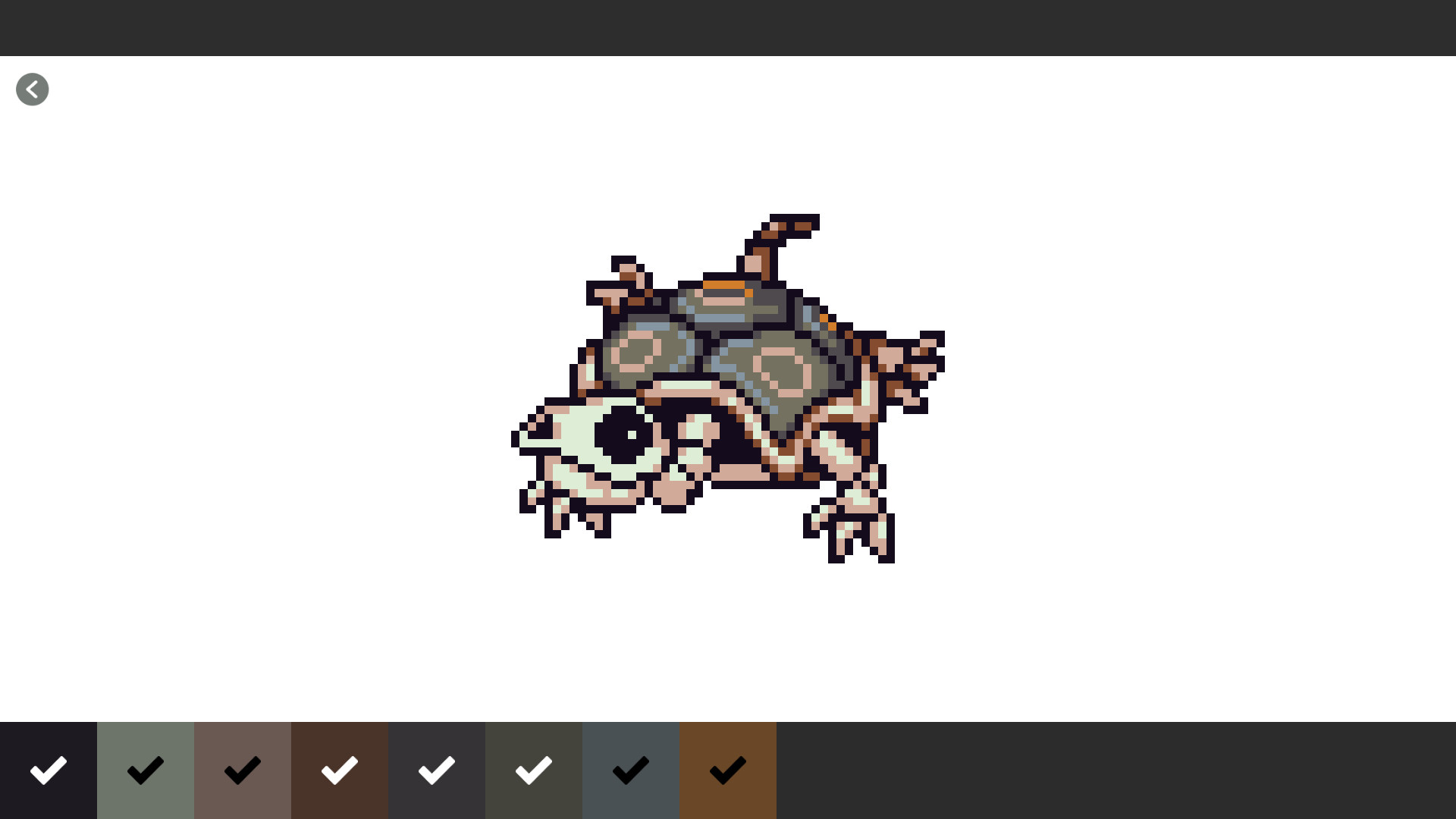
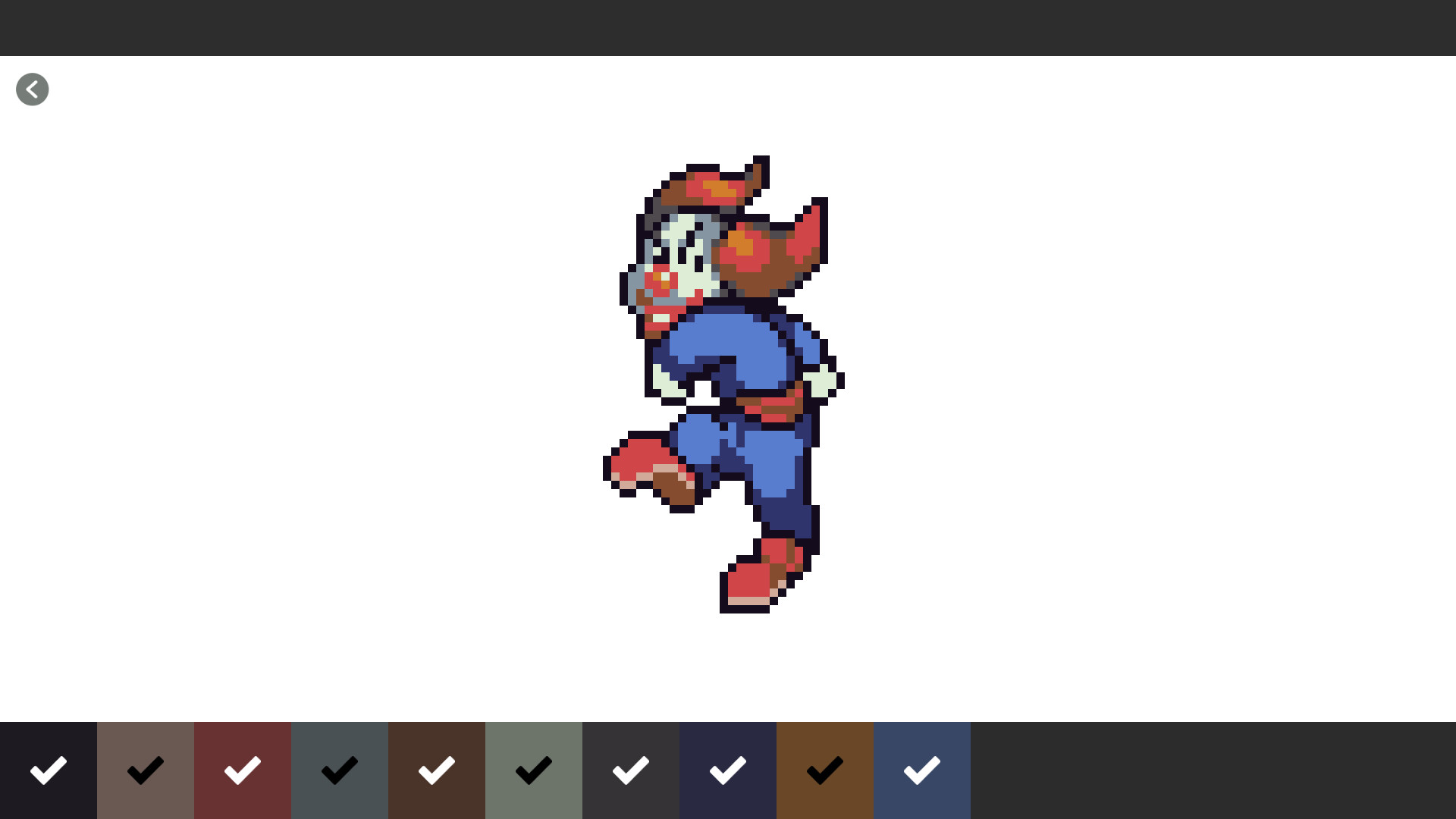
What we have here are a couple dozen examples of decent pixel at of various subjects however sadly they are for the most part all for nothing. This might sound like a list of complaints or nit picky but like some of my other reviews, I hope it will be taken as constructive criticism by the makers and be an
overview of what I thought I was getting versus what I got.
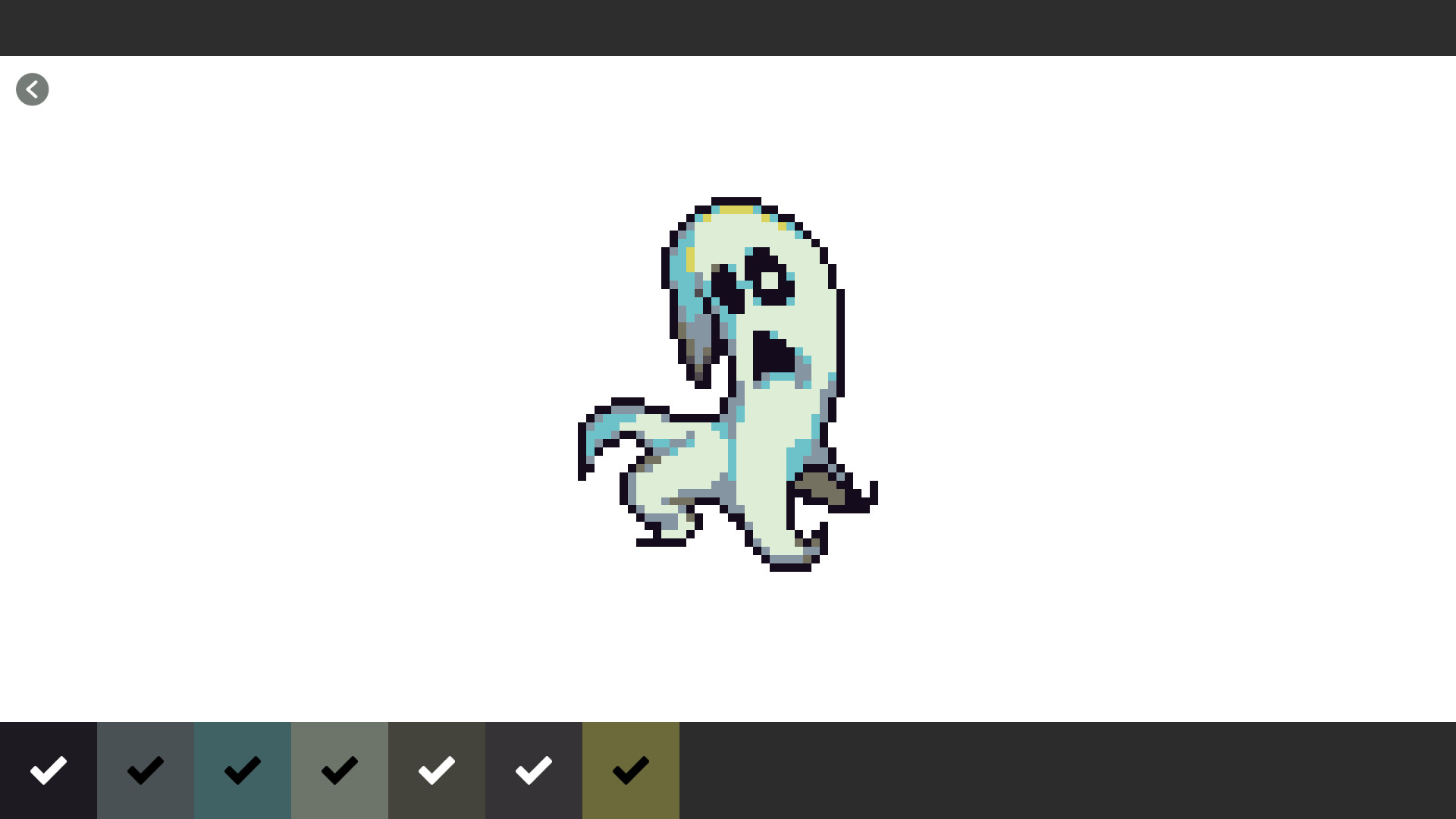
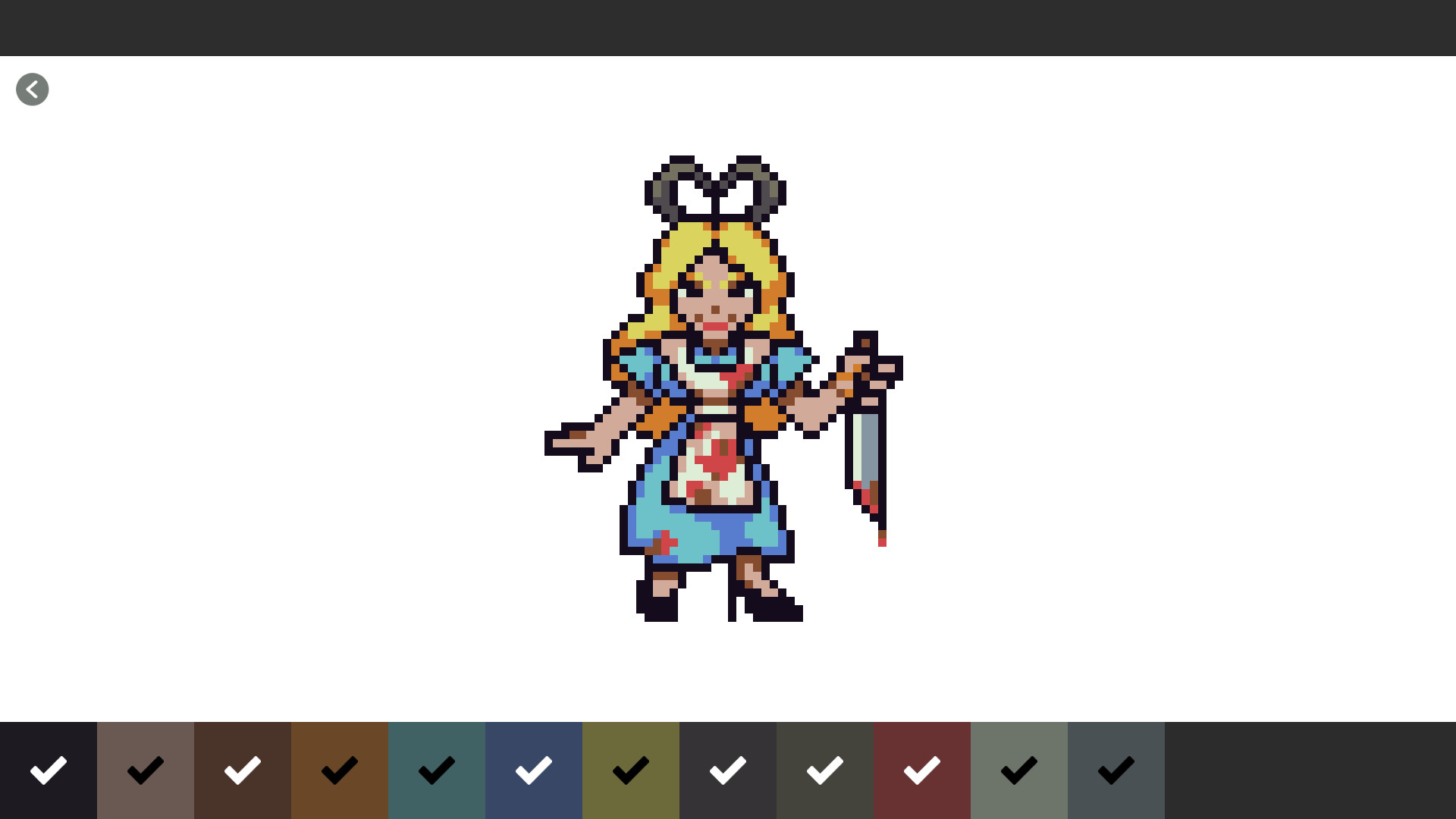
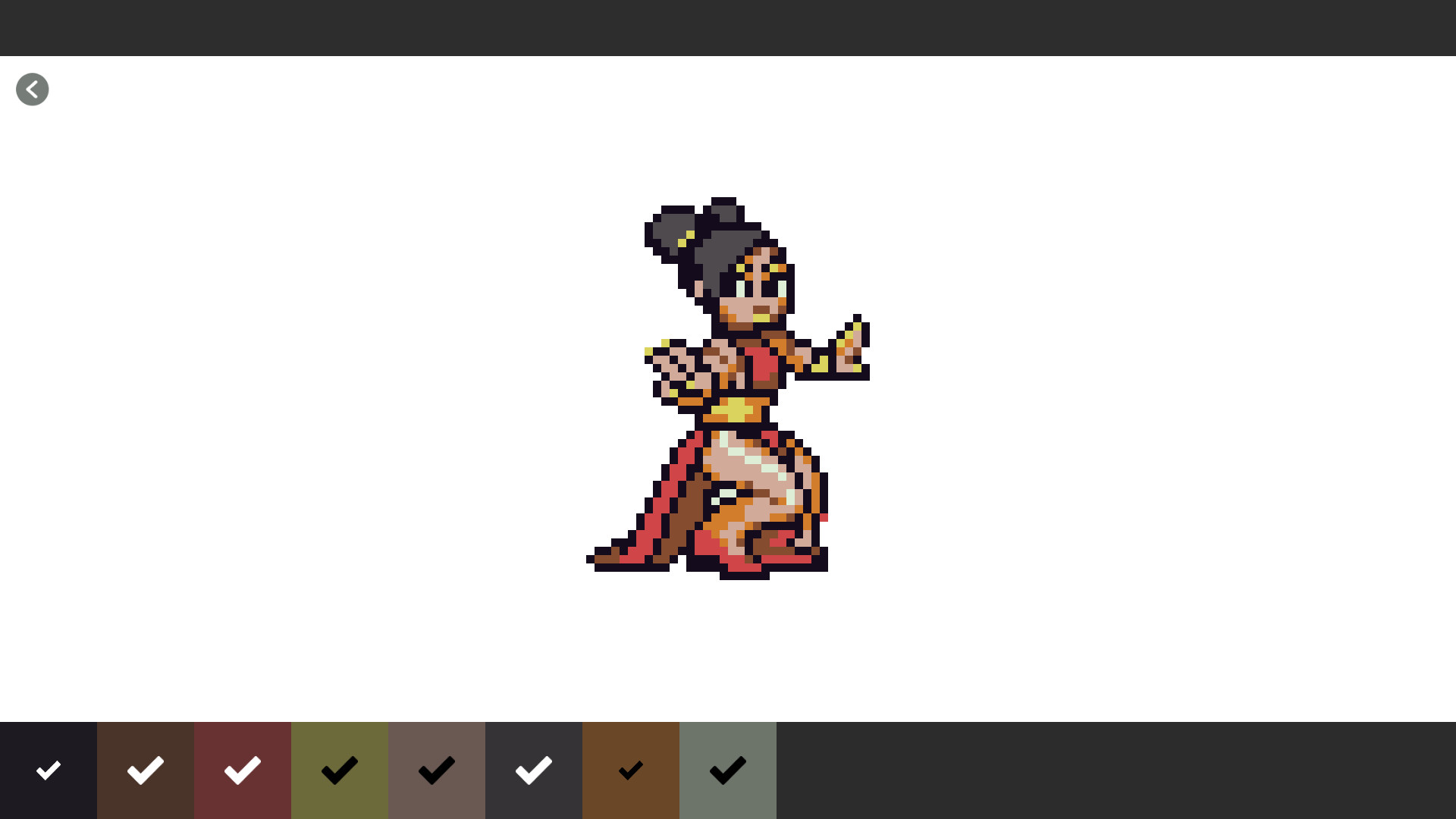
Other than the options that appear when starting up and for sound toggling, everything that you are able to do within the game has been summarized with the video on its Store Page. Start with selecting which coloring you want to work on, zoom in, select which color you want to fill in according to number and click away. It is not that which we do that is the issue rather it is what you cannot. There are two specific areas that I would like to cover.
Inability to make a save and export of whichever image you would like to possibly use on a personal level (I do not know much about copyrights, permissions, etc. in this instance). Because of what I am going to explain within the remainder of this review I really wanted to see how I could do this in a more convenient way if I were to be using photo editing or illustration software, in my case MS Paint.
Colors and the more you could have possibly done in those software but not in this. In this game you pretty much have only the pencil filling in one square (pixel) a click and the total amount of different colors that will be used to fully color the image in a numbered list. That is it, no way to change the RGB amounts of some or all colors so that you can get the same drawing in a different color pallet, no RGB amount displayed for each color, no pixel count of each and all colors used, no ability to toggle colors on and off and lastly no paint can tool / color autofill.
Here is a list of other bits of information you should know of (mostly complaints again). I didn’t really touch the startup settings so if I made a mistake anywhere in this review feel free to correct me in the comments:
- There are about 5 or so instrumental tracks from what I was able to tell when I had music on.
- Autosave is on for every pixel you fill in so when you return to the selection menu you well see your progress zoomed out.
- You cannot zoom in the image once it is completed.
- If you restart on an image there is no going back.
- All images start grayscale and there is no sample of the fully colored work beforehand
The reason I got this was that I started getting interested in digital art. But without taking anymore time to fully inspect each image and the entirety of Pixel Draw I cannot say that I learned anything that wasn’t already in the video and those are that such pixel art (sprites included) can be made with less that 20 different digital colors in total and small pixel art may have to be done exclusively with the mouse in some cases so I don’t know if a graphics tablet will work or even be necessary.
I am sure several of these images will look nice after completion but I don’t find it right that we have to put such work into it, other than for graphics the only other use you can have with this is to train your less dominant hand with the mouse like how I did. Besides those it will be a waste of time.