▲ Recommended
1 hrs
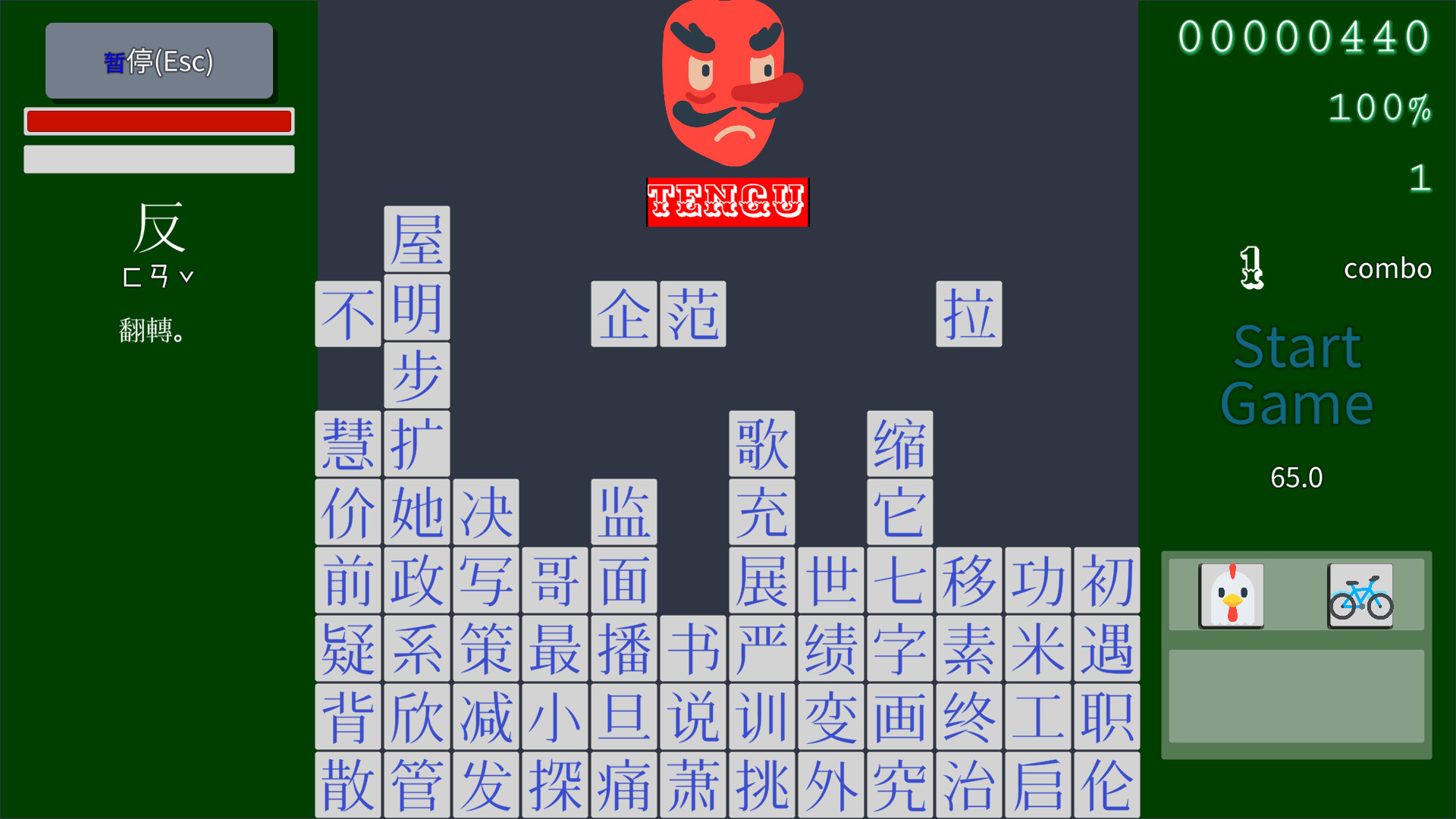
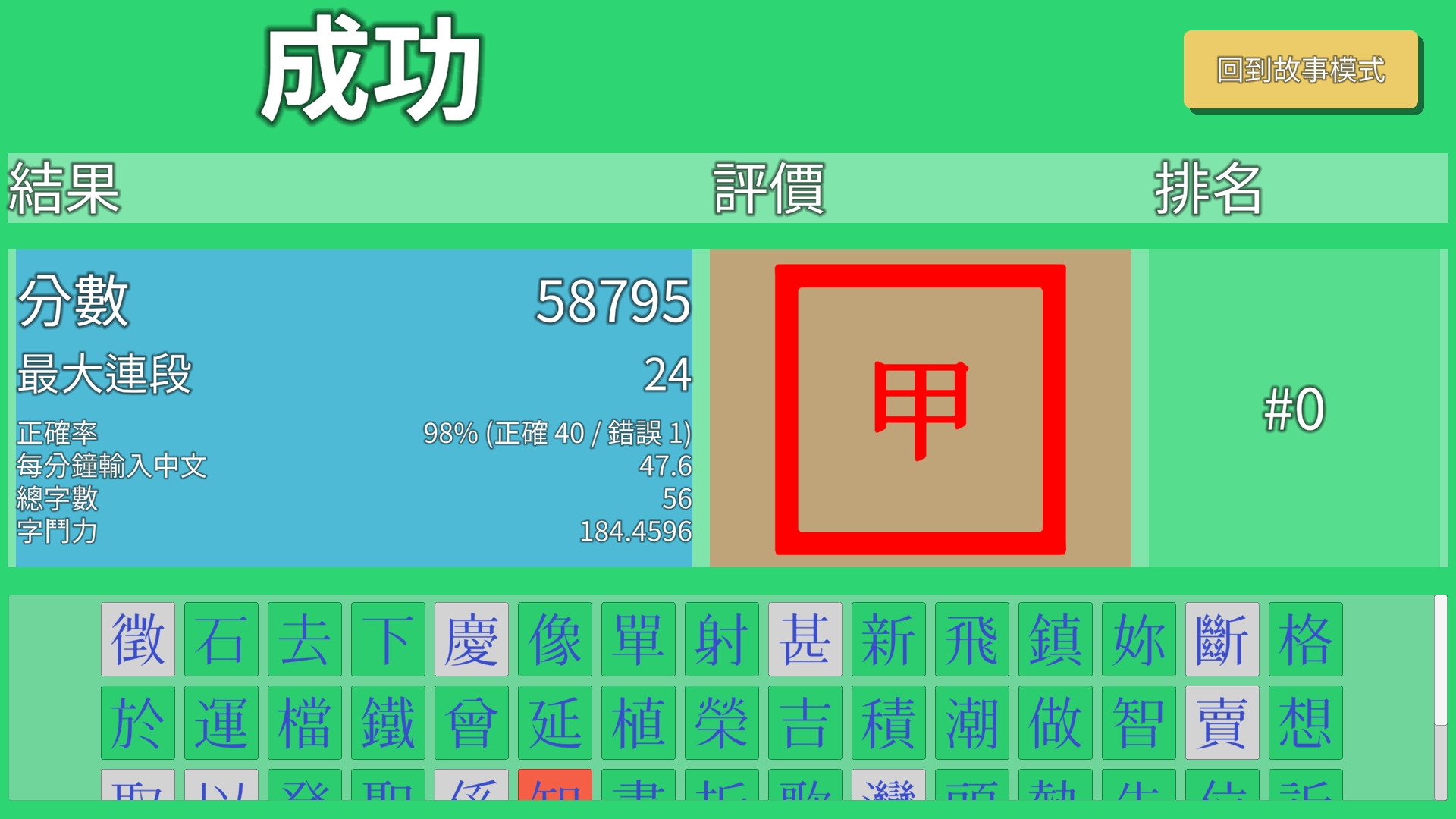
***I FIGURED OUT THAT WHEN YOU FINISH A ROUND, USE YOUR ARROW KEYS TO LOOK THROUGH THE KANJI YOU COULDNT REMEMBER HOW TO TYPE. PHANTOM TYPIST IS AMAZING!!!! You can cover so much so quickly. You see so many characters.
So phantom typist.
No cursor support. Keyboard control only. Fine. There's some missing English letters and formatting problems on the main menu but it's okay.
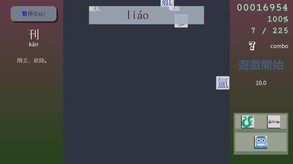
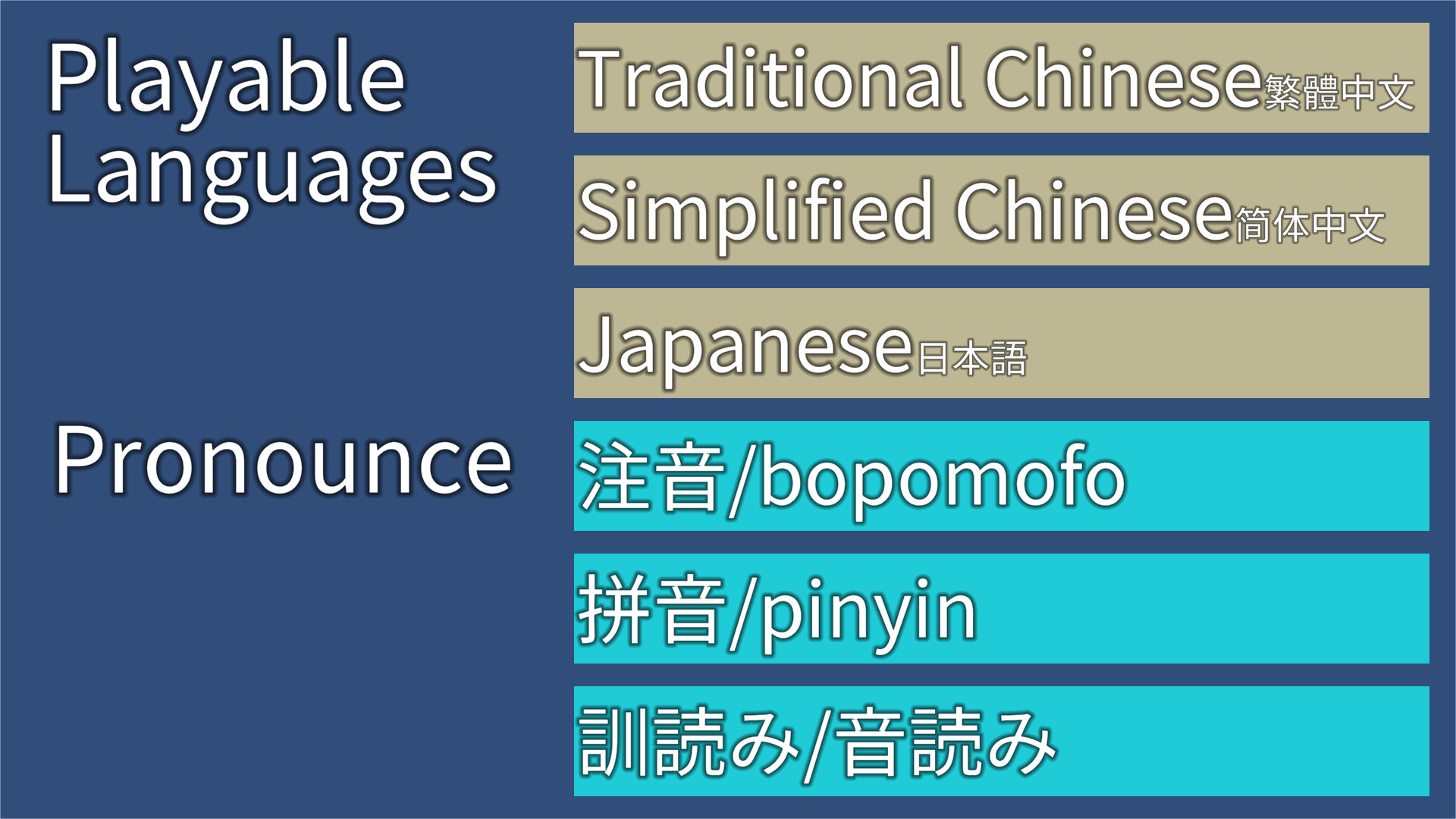
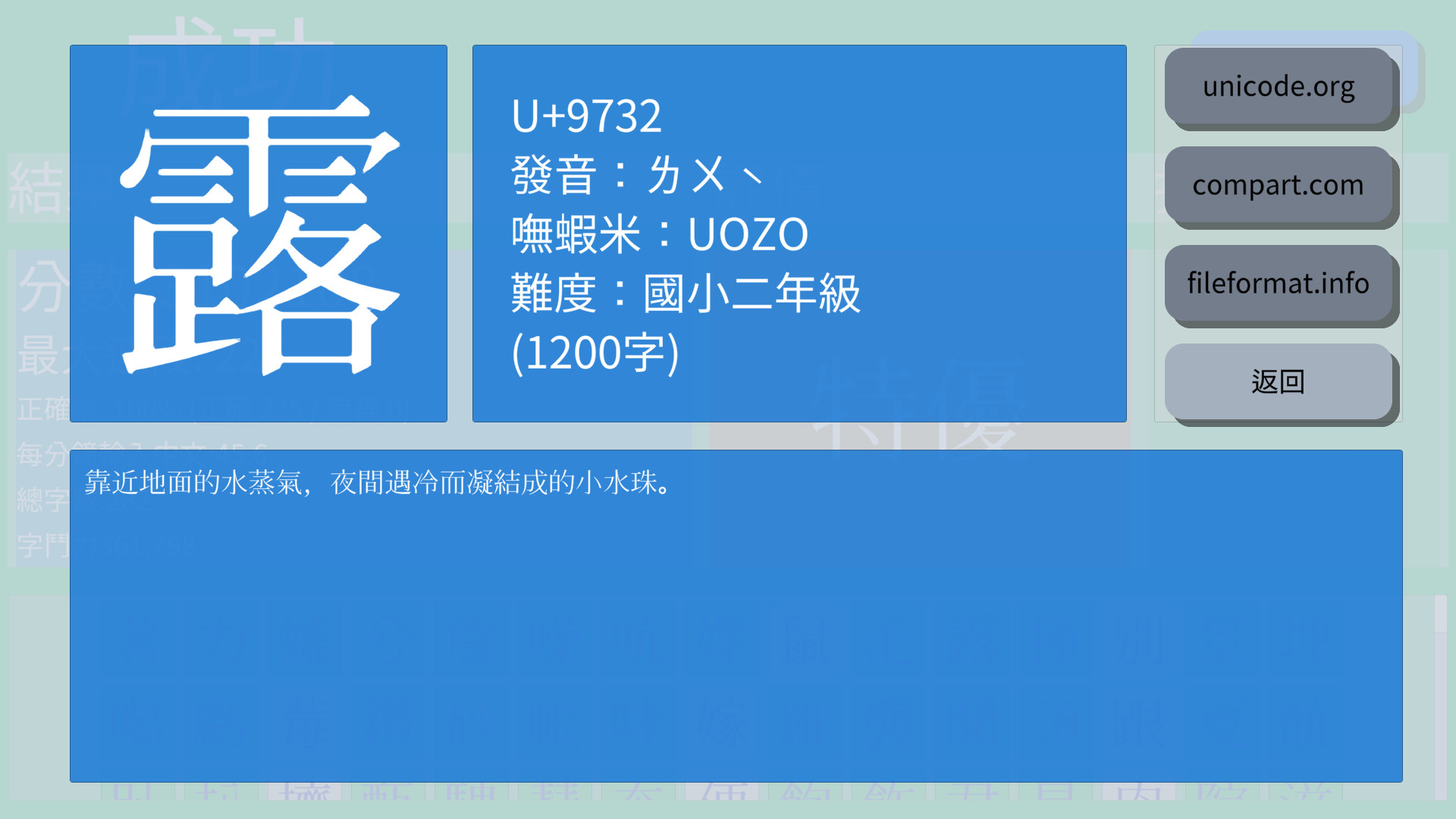
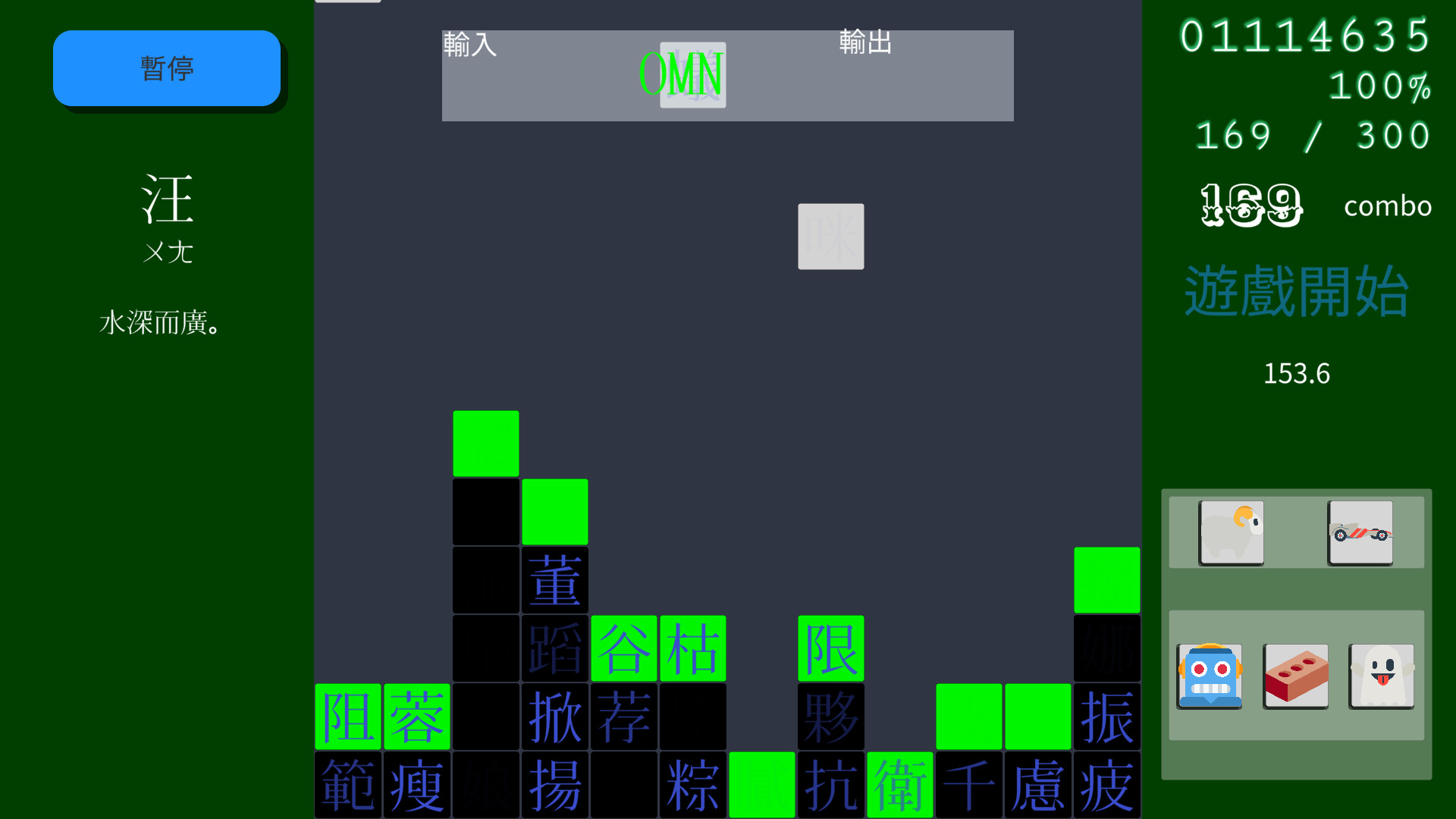
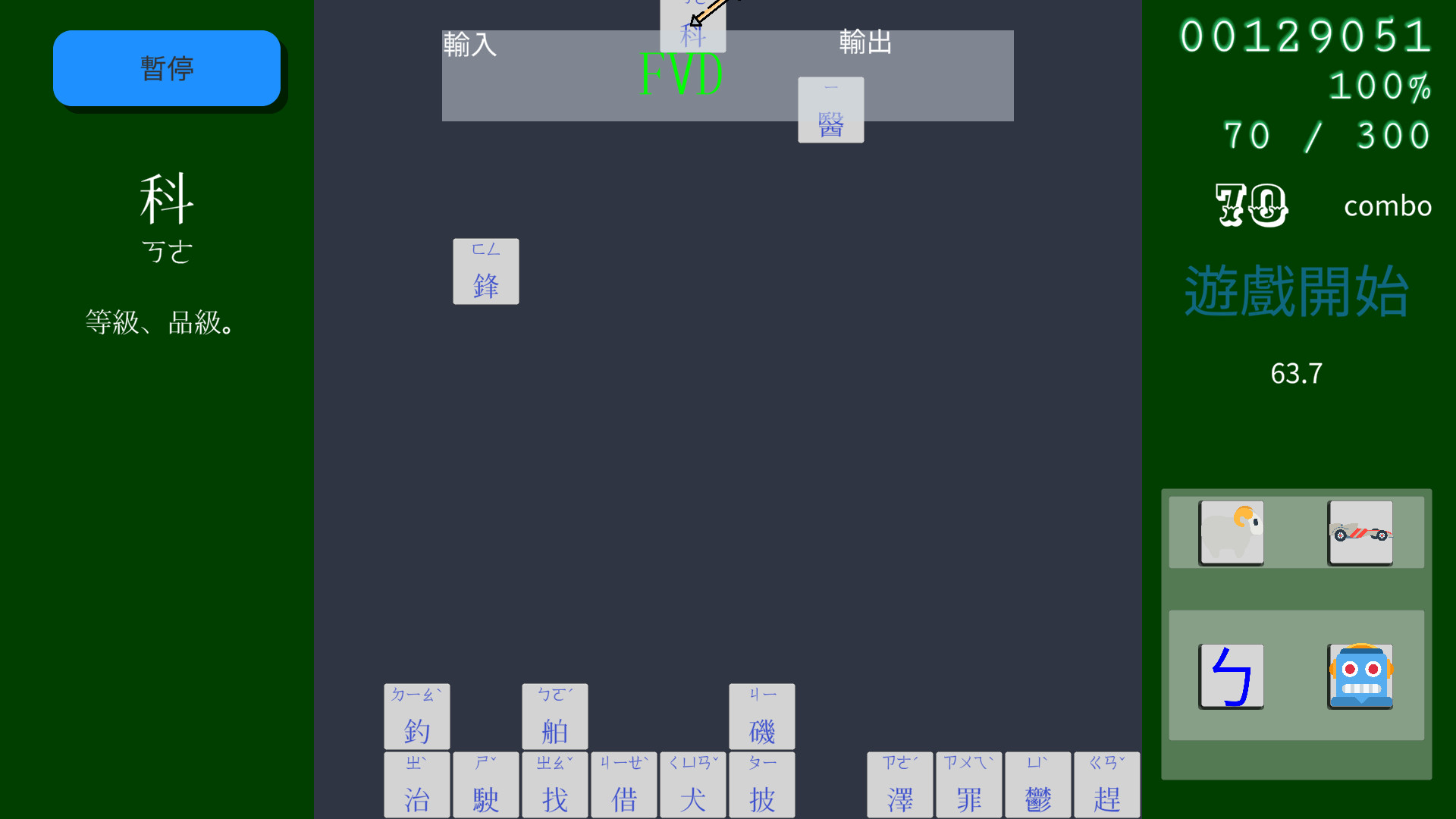
The IME pronunciation which displays the readings and was likely the better one, has been discontinued and so no longer works. At the moment, say you went into arcade and selected the option to show pronunciation, having selected kunyomi pronunciation in the settings page on the menu, shows weird and unusual onyomi that are difficult to type with the keyboard. The onyomi page shows odd kunyomi but is significantly more accurate and you're able to type at least of half of them. **Although it's kind of good because it makes you need to think about whether it's actually a real reading or not.
Typing on a windows IME keyboard for this app is hard. It accepts only perfect inputs. So you have two options. Type a word you know, that uses the kanji, then delete the other part or type the reading and slap the space bar till you find it. It is very difficult.
To select the kanji using the windows IME for Japanese, you must be able to use the key binds (e.g. windows + ` or grave) to change inputs. The game occasionally forces my IME back into English, then i have to hit the keyboard to get back to the Romaji Japanese input.
It's a gimmick at the moment for learning Japanese***LIES. JUST GET GOOD (though some readings are genuinely inaccurate, my own dumbness makes me think they are more common). IT HAS WORKING LINKS TO WEBSITES ALL IN JAPANESE AND CHINESE.
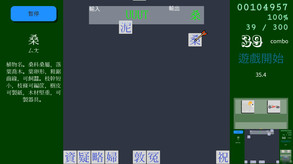
It shows some stuff presumably in Japanese when you type the character on the left, but I can't read it that fast (and I'm about intermediate).
I ended up here, because there's some similar titles that will be popping up supposedly in the future. For now this title will do. ** UPDATE: I DON'T NEED ANYTHING ELSE
So phantom typist.
No cursor support. Keyboard control only. Fine. There's some missing English letters and formatting problems on the main menu but it's okay.
The IME pronunciation which displays the readings and was likely the better one, has been discontinued and so no longer works. At the moment, say you went into arcade and selected the option to show pronunciation, having selected kunyomi pronunciation in the settings page on the menu, shows weird and unusual onyomi that are difficult to type with the keyboard. The onyomi page shows odd kunyomi but is significantly more accurate and you're able to type at least of half of them. **Although it's kind of good because it makes you need to think about whether it's actually a real reading or not.
Typing on a windows IME keyboard for this app is hard. It accepts only perfect inputs. So you have two options. Type a word you know, that uses the kanji, then delete the other part or type the reading and slap the space bar till you find it. It is very difficult.
To select the kanji using the windows IME for Japanese, you must be able to use the key binds (e.g. windows + ` or grave) to change inputs. The game occasionally forces my IME back into English, then i have to hit the keyboard to get back to the Romaji Japanese input.
It's a gimmick at the moment for learning Japanese***LIES. JUST GET GOOD (though some readings are genuinely inaccurate, my own dumbness makes me think they are more common). IT HAS WORKING LINKS TO WEBSITES ALL IN JAPANESE AND CHINESE.
It shows some stuff presumably in Japanese when you type the character on the left, but I can't read it that fast (and I'm about intermediate).
I ended up here, because there's some similar titles that will be popping up supposedly in the future. For now this title will do. ** UPDATE: I DON'T NEED ANYTHING ELSE
1 found helpful
Steam ↗