
▲ Recommended
1 hrs
UNIQUE TWIST
This isn't an ordinary Pixel Painting game! This is a game you have to play for yourself to "get it" because it's so unique that it's hard to describe other than to say it's an addicting game. This is one series I hope gets spewed out at a break-neck pace. Keep 'em coming, Tiny Little Lion!
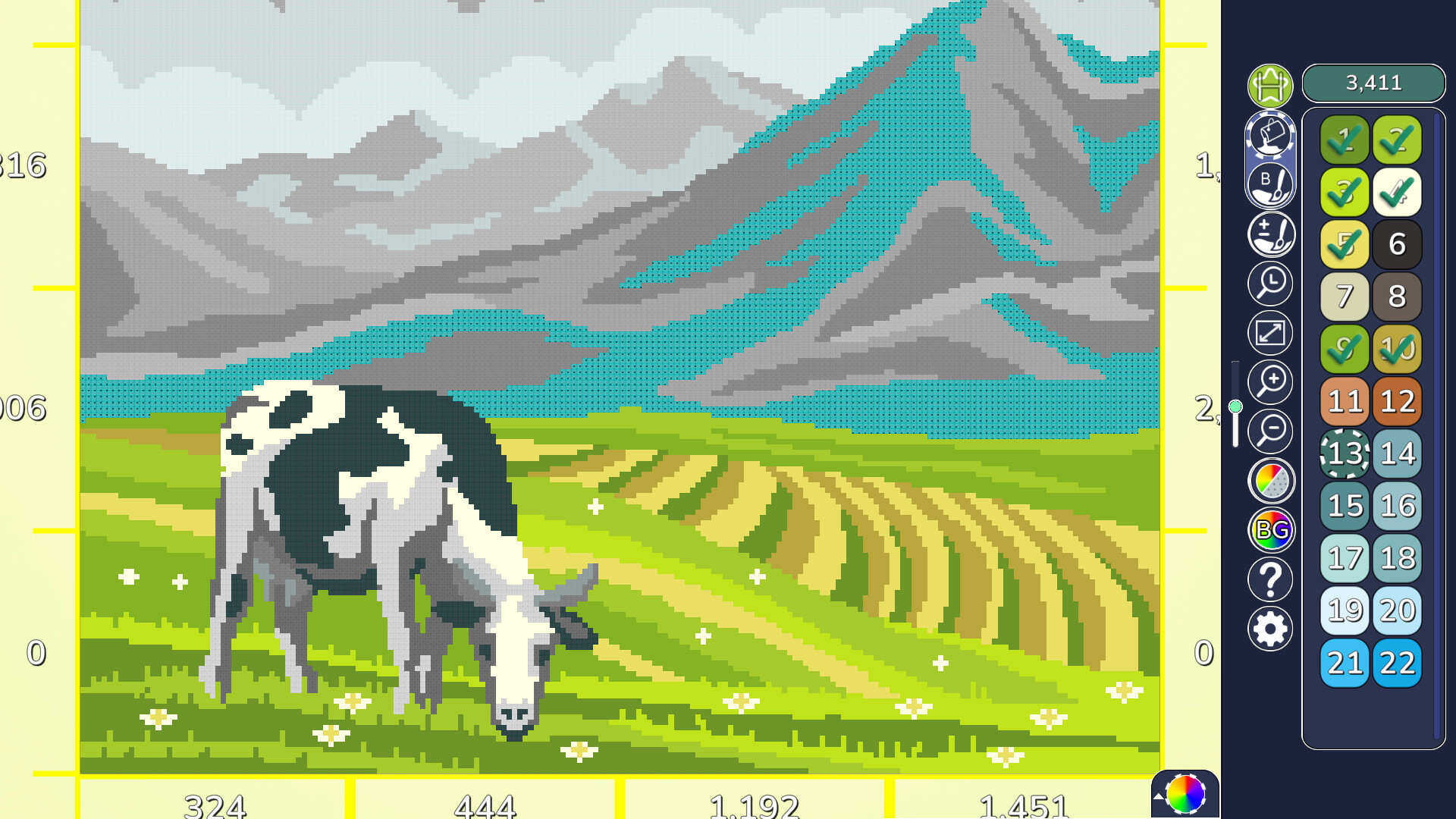
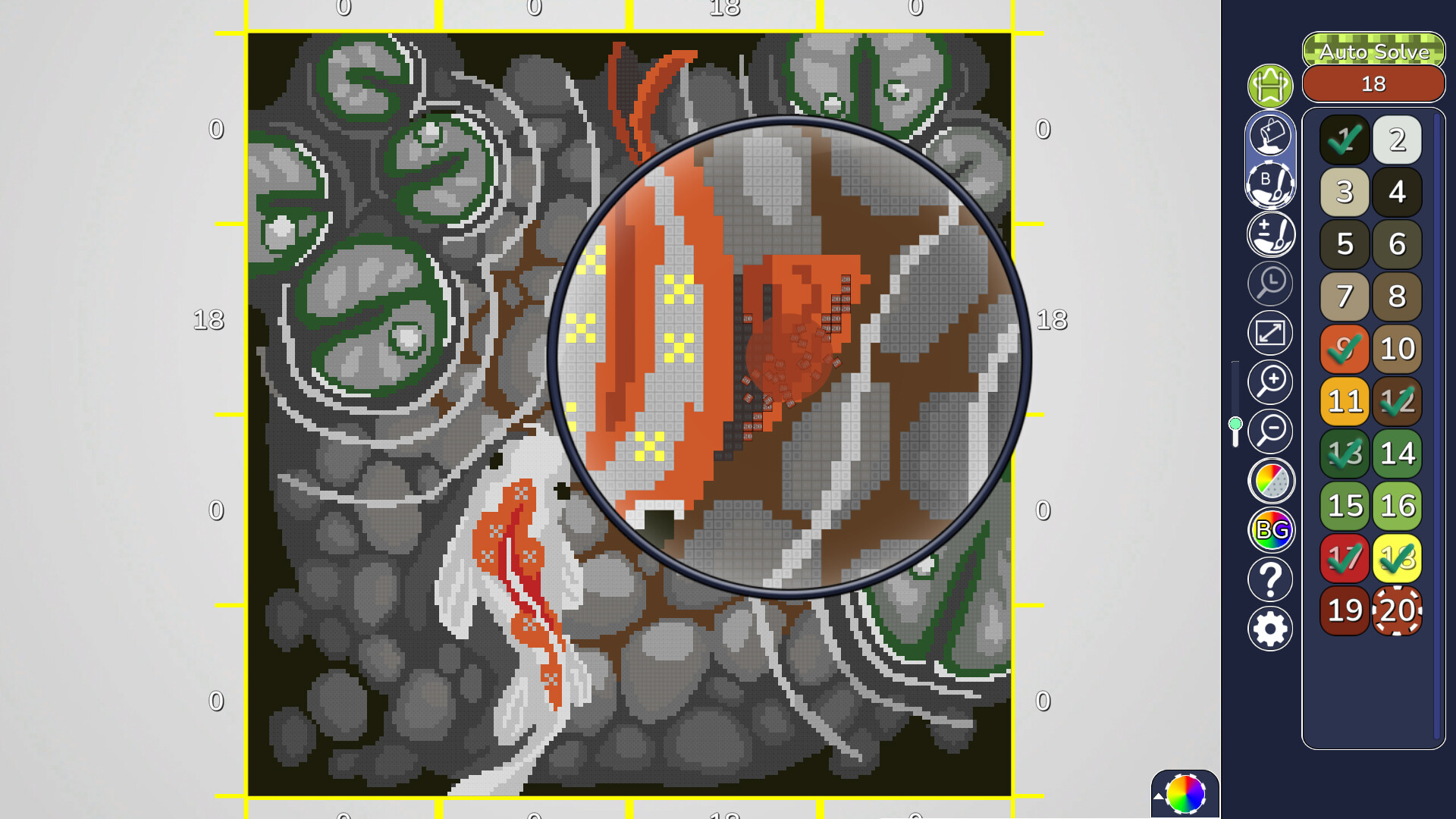
Instead of painting individual pixels, you chisel the pixels off to reveal the color. There's just something gratifying about watching the boxes tumble and cascade downward; so much more fun than simply clicking hundreds of numbered cells.
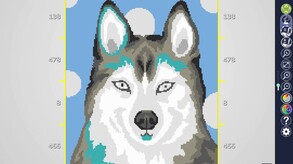
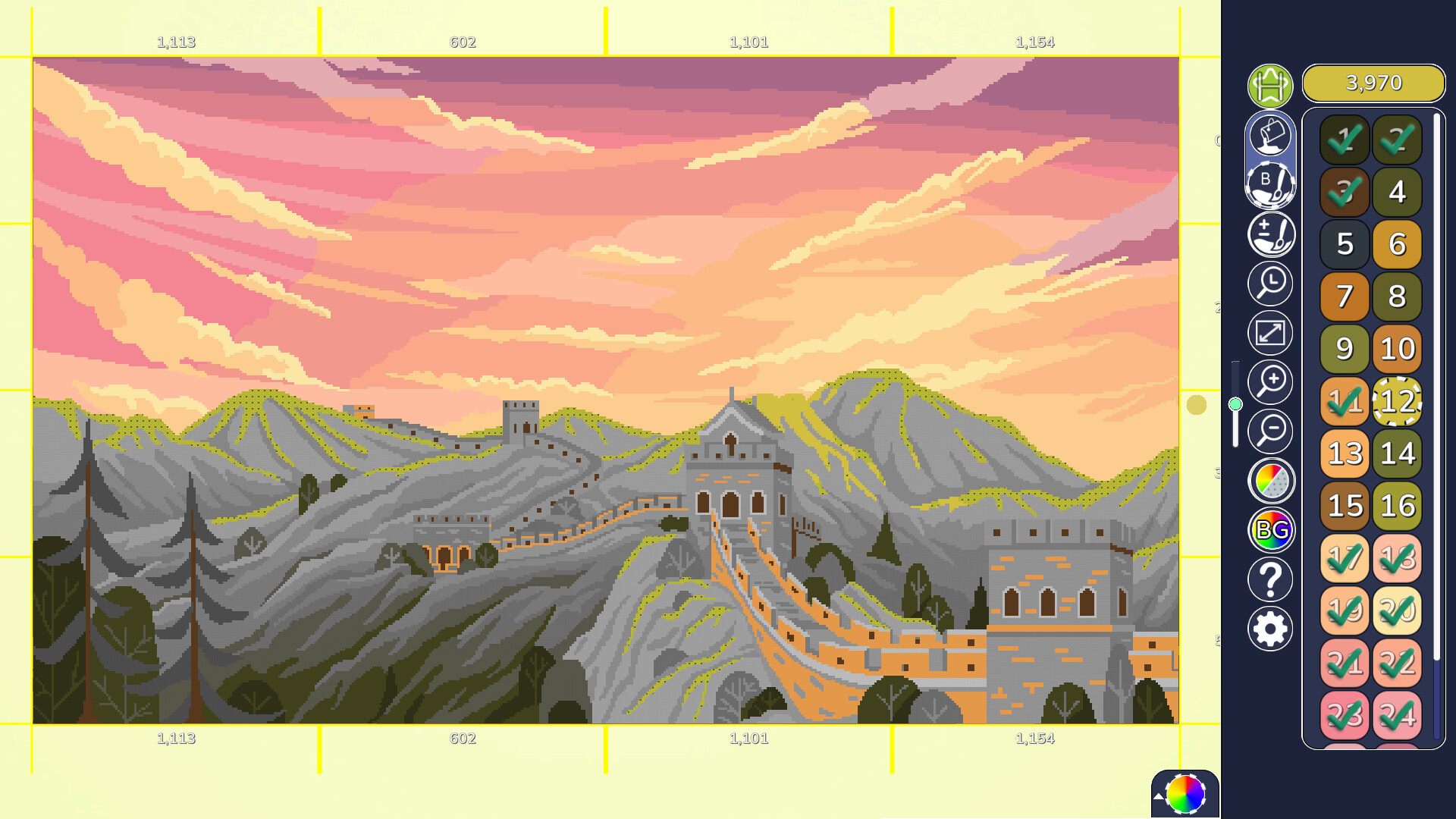
The pictures are available in Small, Medium, Large, and Huge..., all of which are unlocked and available to color in any order! These are interesting images with beautiful colors and a ton of landscapes available, which are my favorite. You can use the Zoom Tab or scroll the picture larger with the mouse wheel. There are several tabs on the right side that allow you to change the cell color, the background color, and even the size of the paintbrush.
My first suggestion to players would be to change the color of the cells to a bright color that is easy to spot. I chose the teal color, which made it very obvious, but I change that color if the image has similar colors. I found that the color stood out so well that I didn't even have to zoom the picture larger.
Remember, you are scraping the boxes off; you aren't filling them in, so it really doesn't matter how small or how large you make the picture because you aren't having to find a single cell to fill in with color. Don't worry; you may not be painting individual pixels, but there is an incredible amount of detail AND shading.
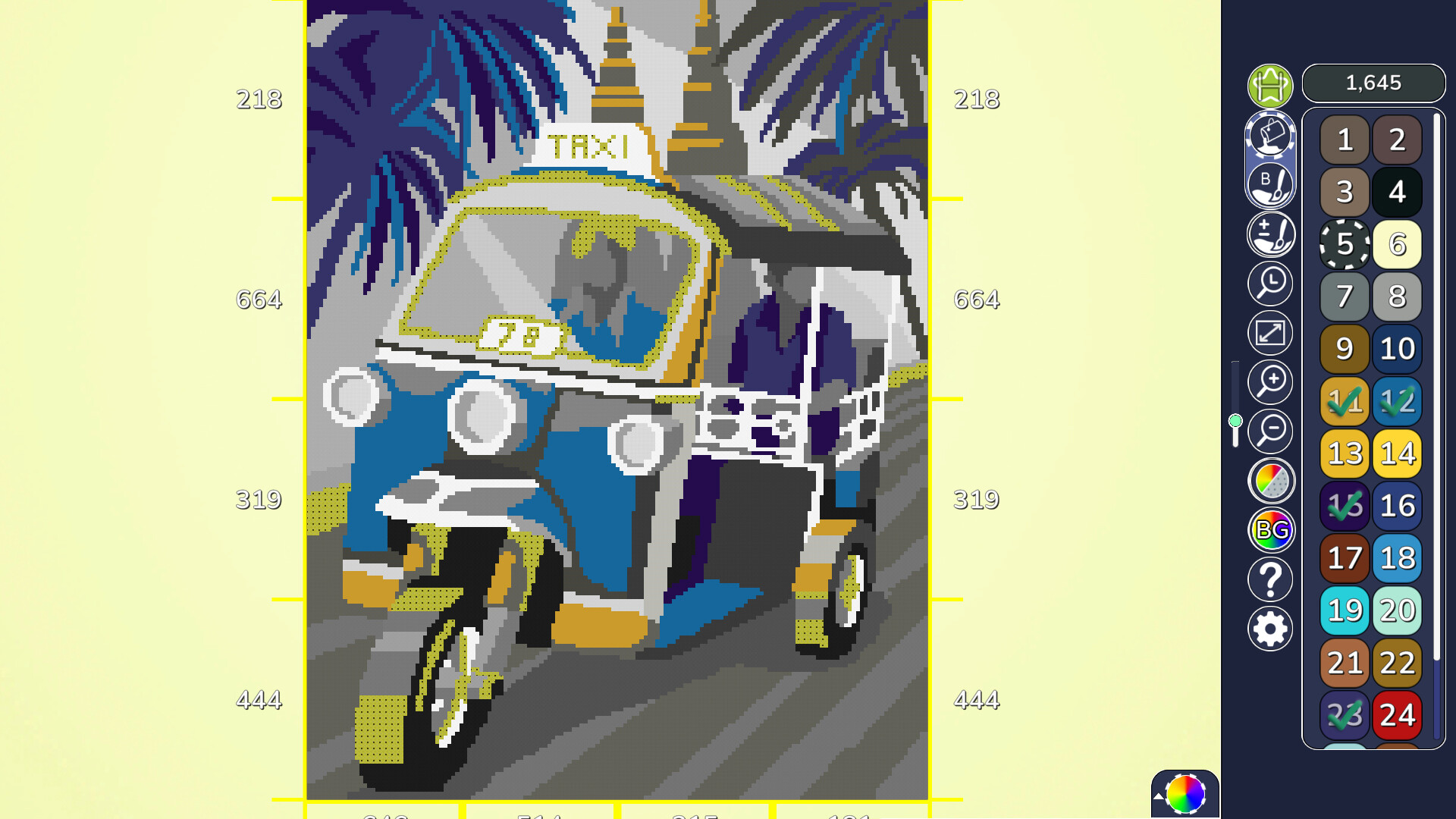
I would also suggest using the largest brush size; again, you are scraping the cells off versus filling them in. Go big and swipe away! Using the large brush size is especially helpful when doing landscape pictures because, in my opinion, there is a ton of detail in sections.
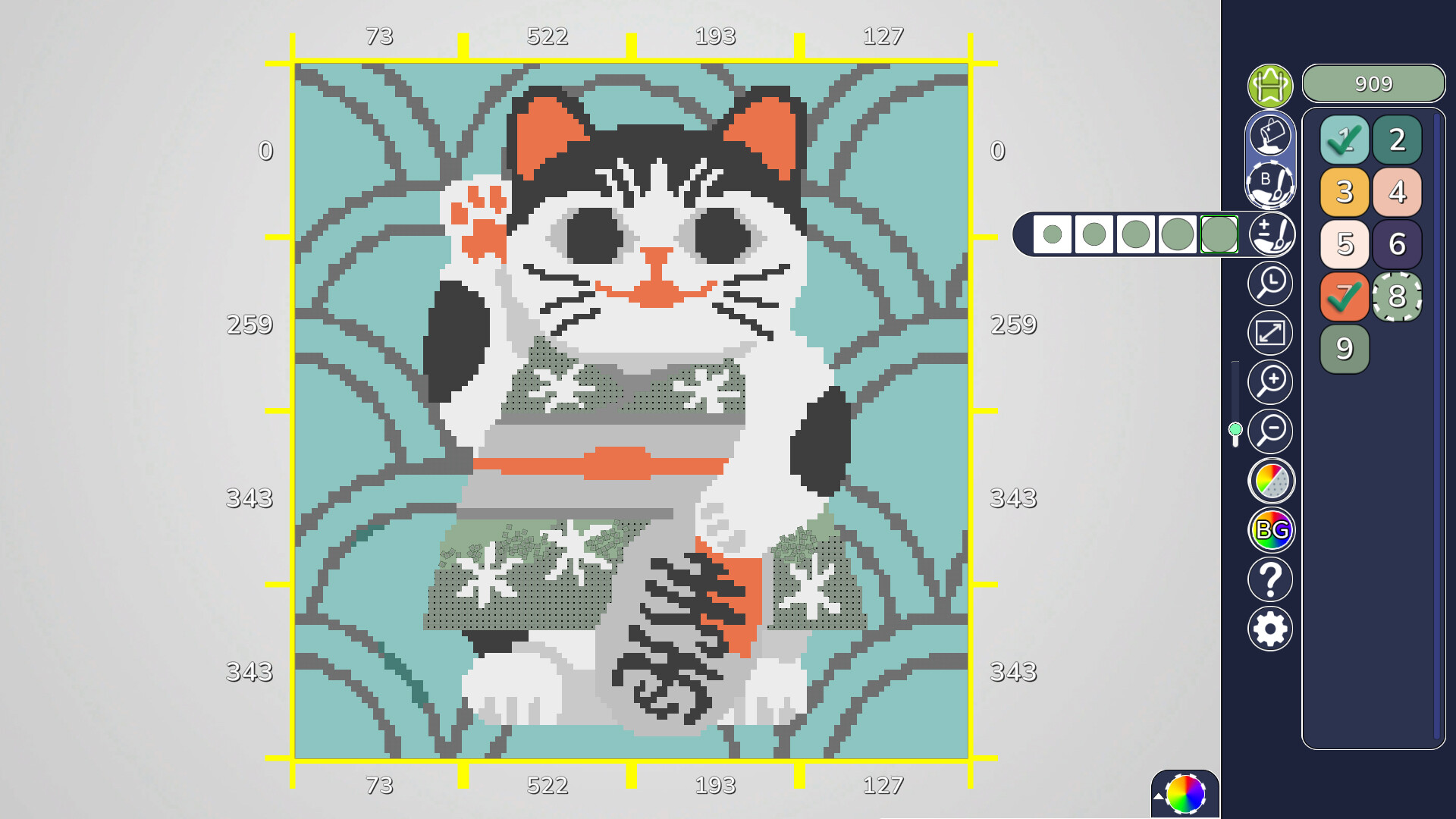
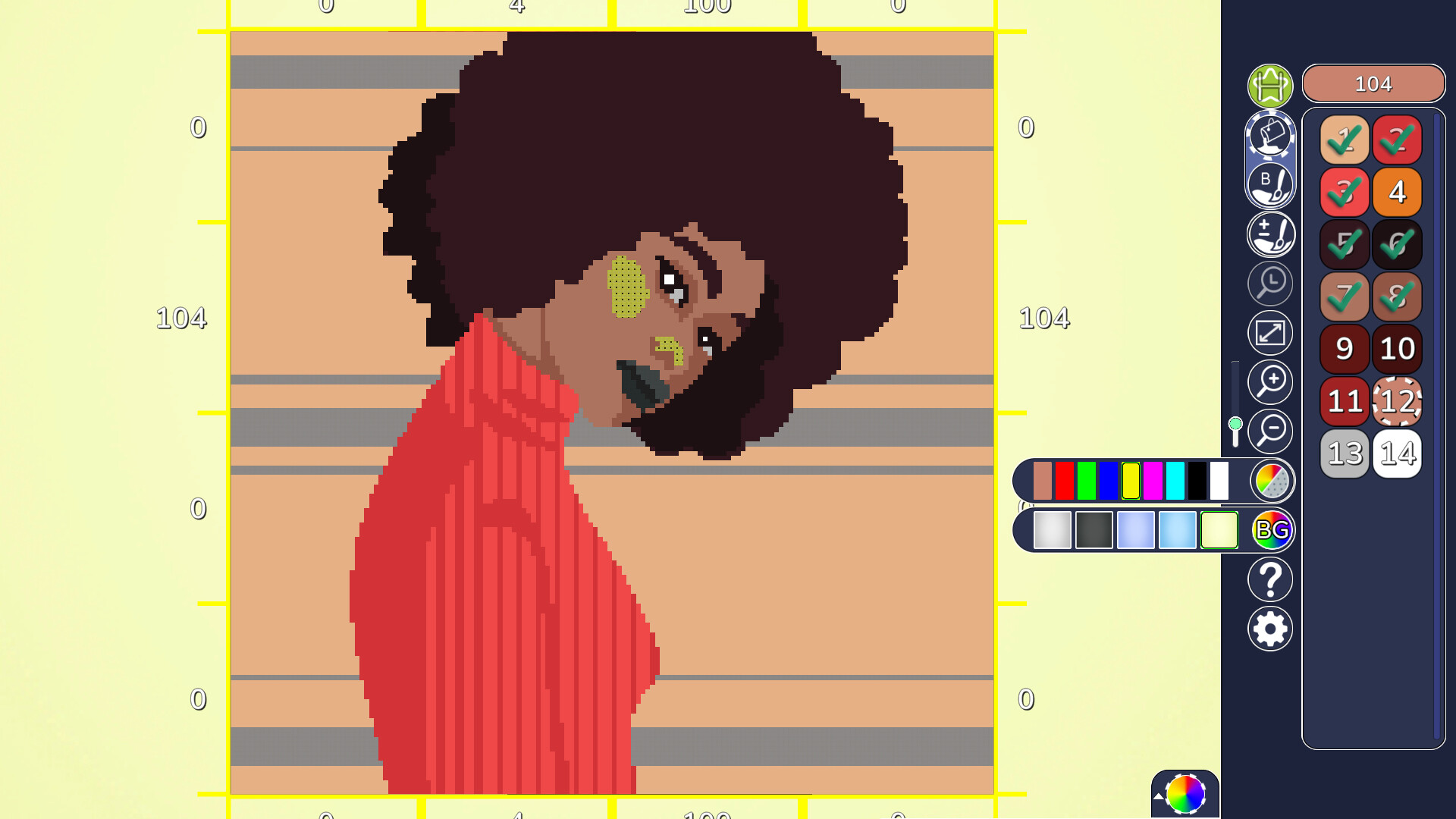
The best feature, hands-down, is the Grid Lines! The outside edges around the image itself have grid lines. The number of cells remaining (for the current numbered cell) will be shown within those grid lines. If you do miss a cell or two, their location is easy to spot by simply following the path of the vertical & horizontal grid (where they would intersect is the area the missed cells are located.
After completing the picture, you can sit back and admire the detail; it doesn't whoosh away as most Pixel games do. You can even adjust individual colors afterward by clicking the color wheel on the bottom right!
My only complaint is that some of the smaller pictures didn't have much detail, and the background sections were just large patterns. A smaller picture can still have detail, right?
Join us at my gaming forum: thewoodsforum.boards.net
4 found helpful
Steam ↗