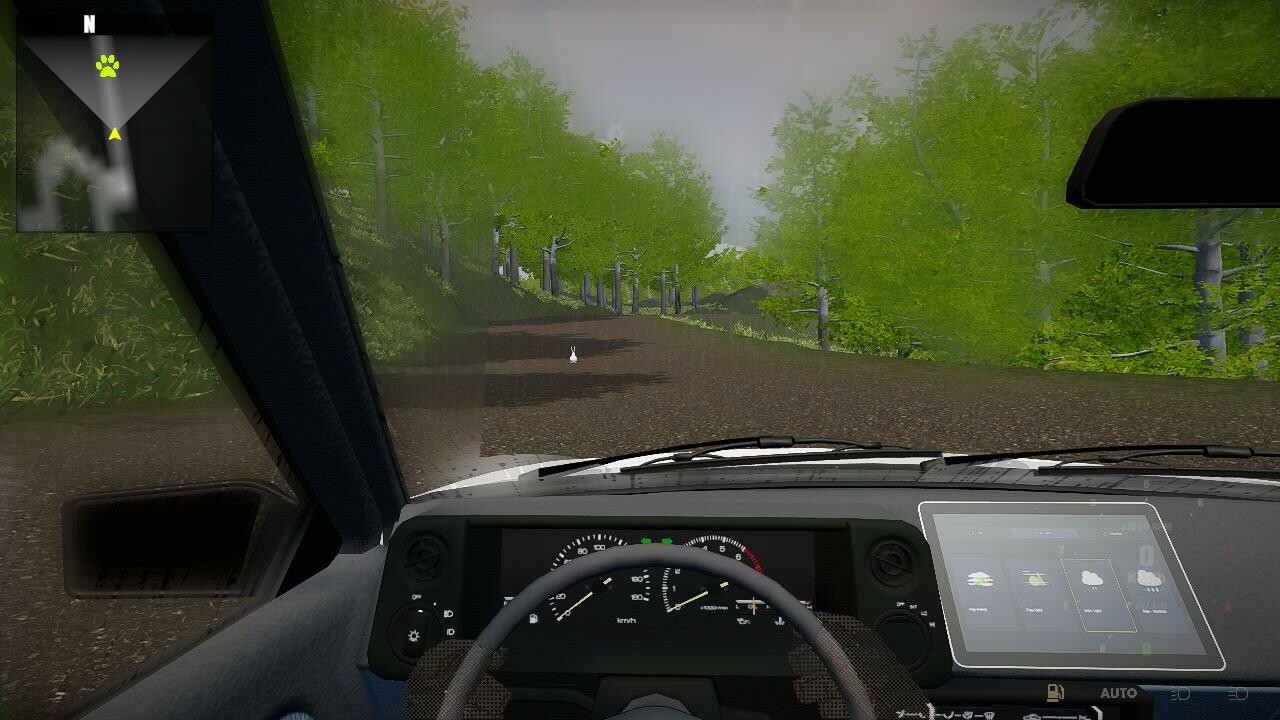
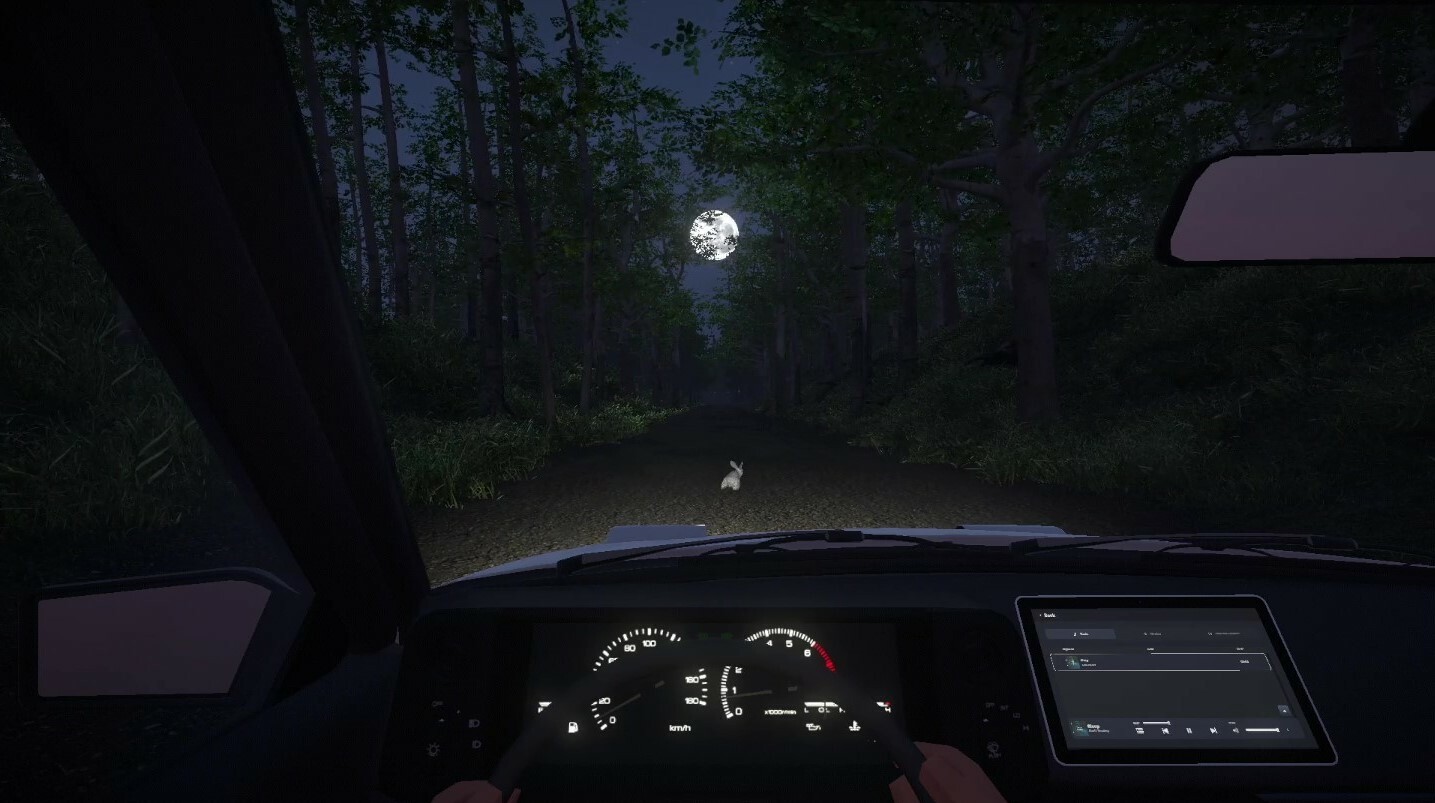
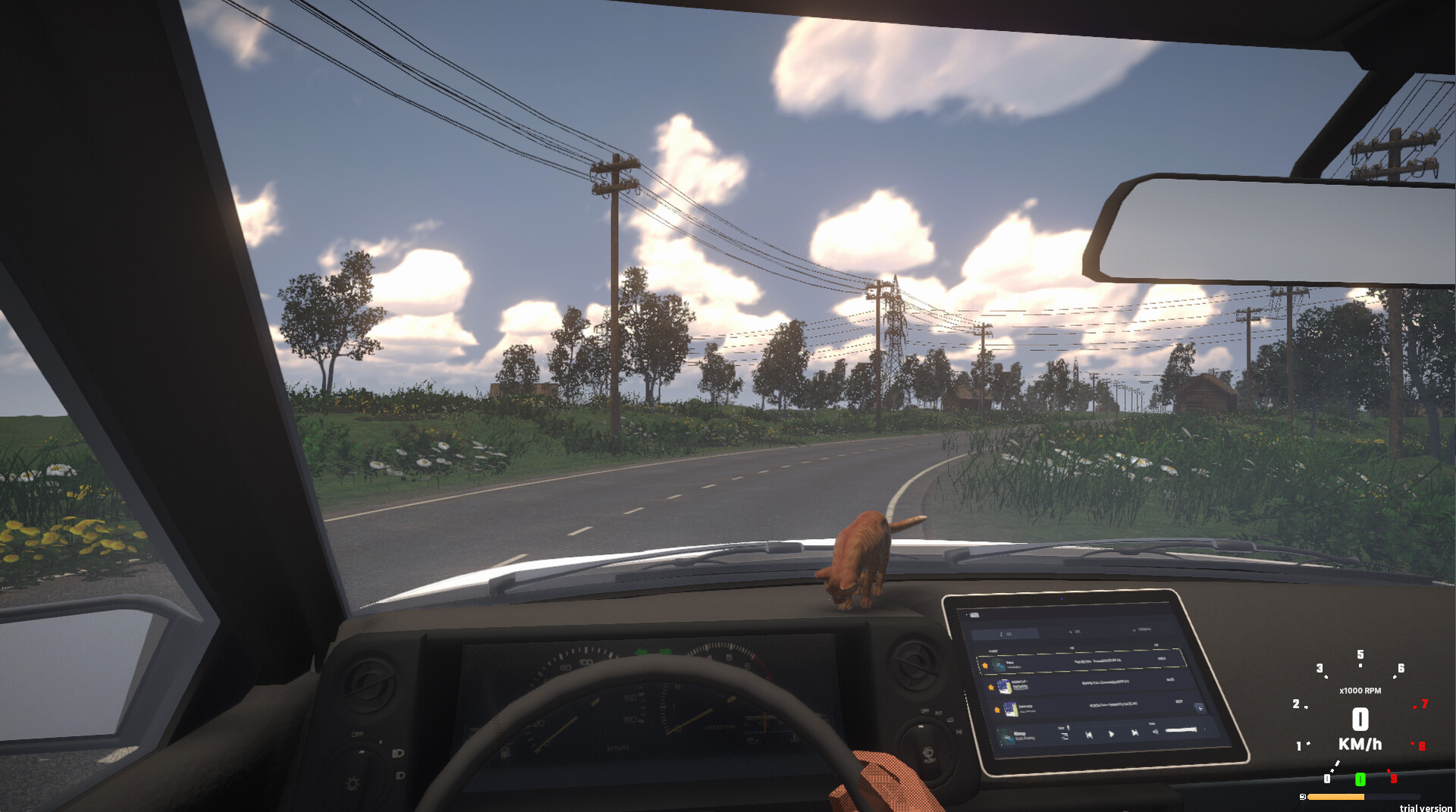
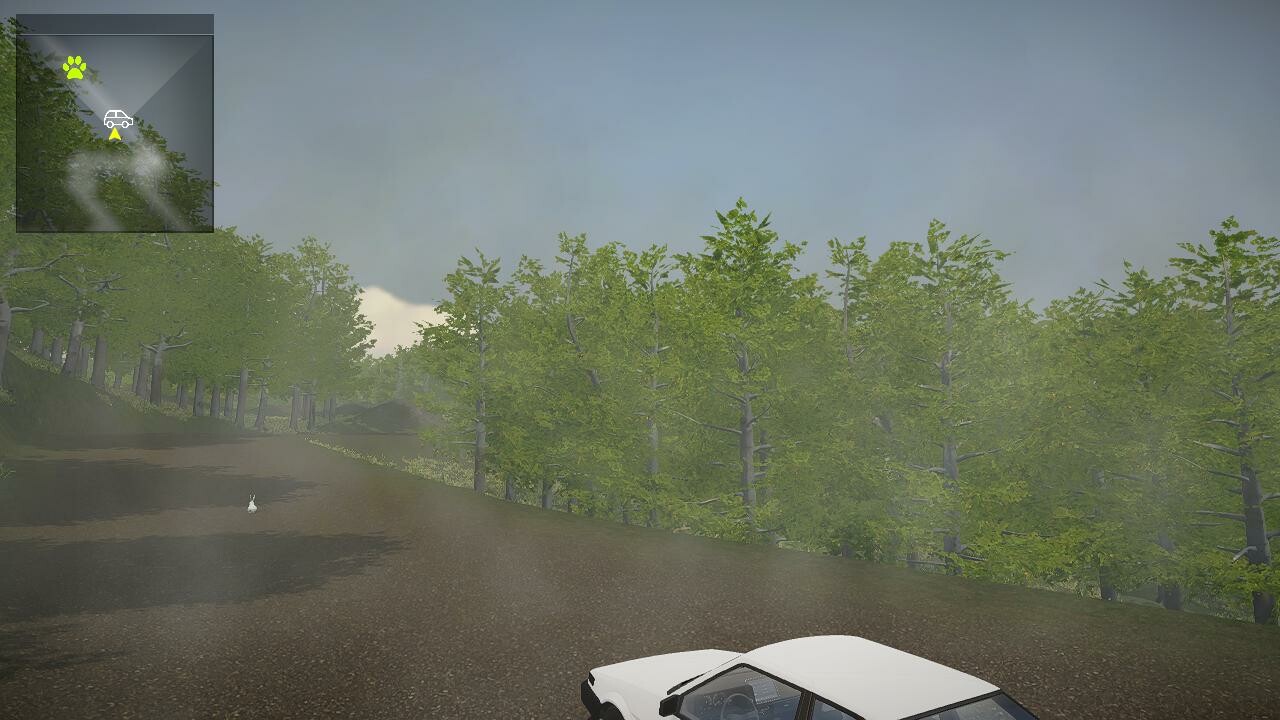
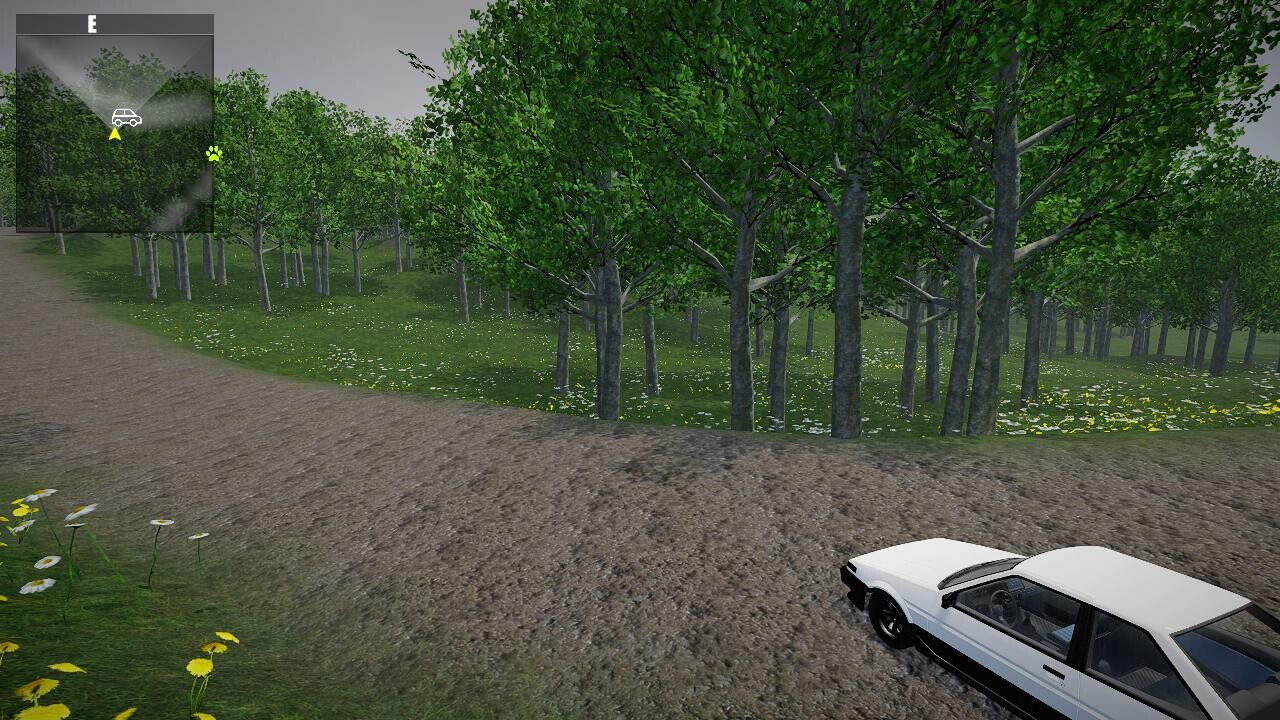
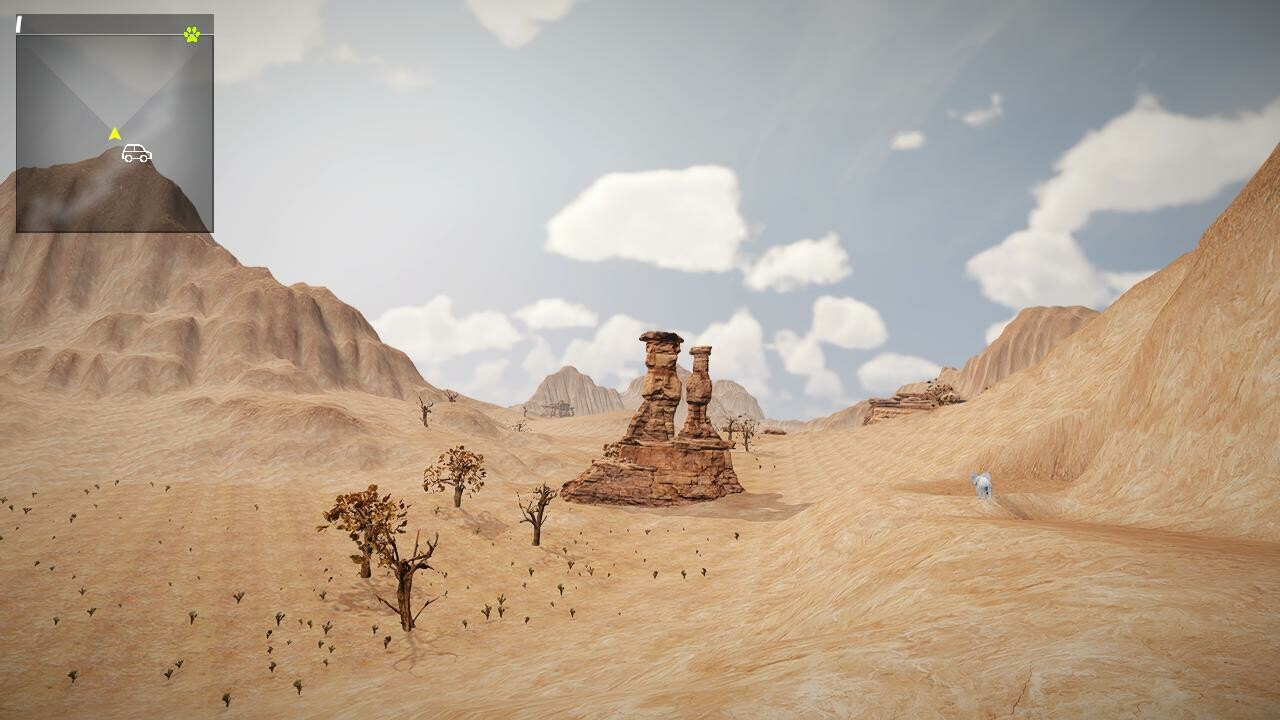
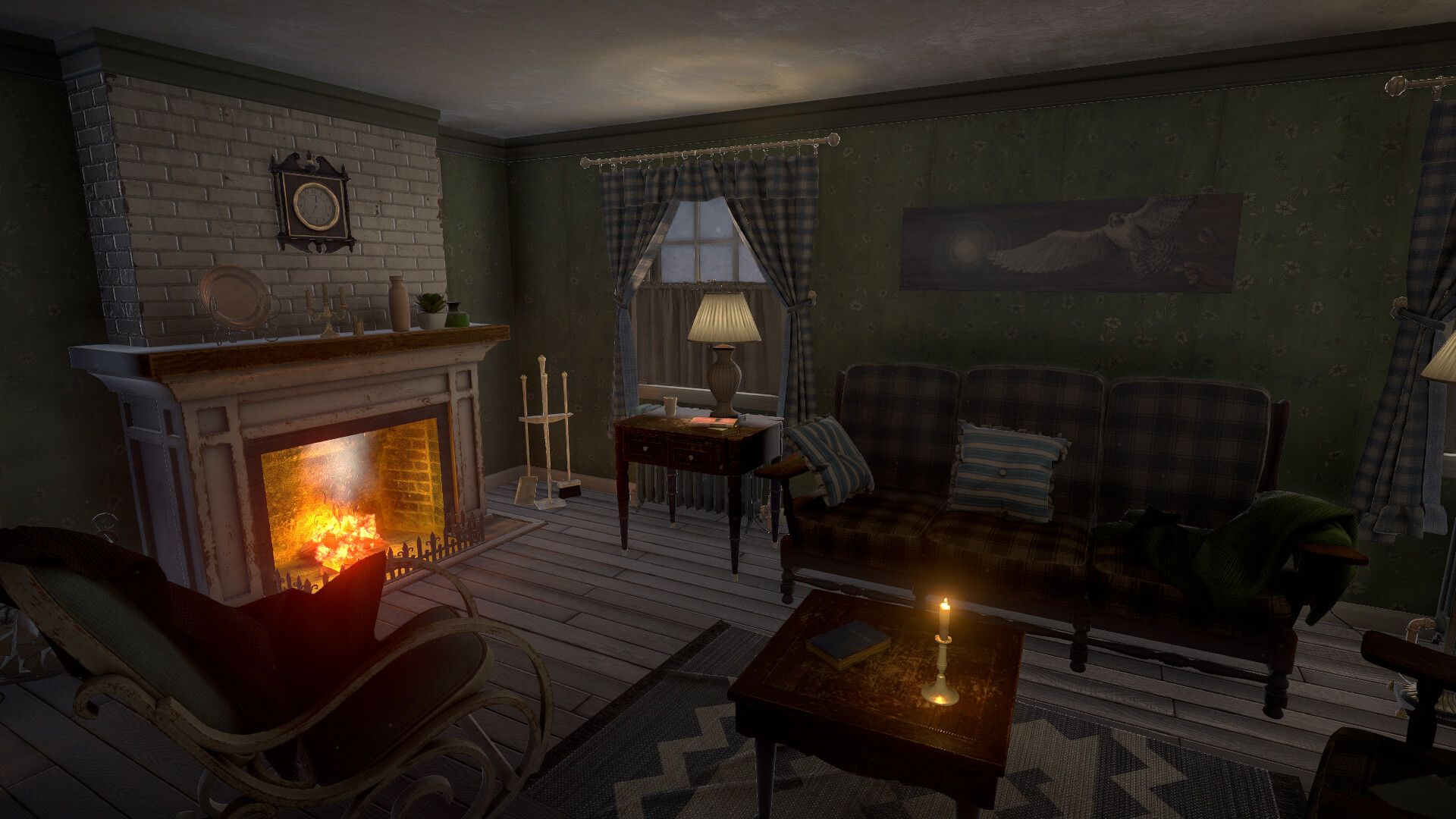
Endless Casual Drive strips away racing pressure in favor of meditative driving. You pilot your vehicle through procedurally generated landscapes at your own pace, absorbing ambient engine sounds and scenery while occasionally encountering wildlife. Best suited for players seeking a zen-like experience rather than competition or complex mechanics.
About this game
This is an immersive leisure solo journey. All you have to do is focus on driving and enjoy driving. Slowly gain peace and return to yourself in the white noise brought by the engine and the environment.
Players, last 30 days
Peak 0 · Low 0
Daily peak concurrent players, sampled once a night from Steam.
▍New Features and Optimizations 1. Steering Wheel Peripheral Support Full Logitech Wheel Compatibility: Official support for the Logitech G29 steering wheel is now live, with compatibility extended to all Logitech series steering wheel devices! Enable the feature manually via → and customize input bindings to experience more authentic driving controls. For users of other brand steering wheels/pedal devices, navigate to → to manually configure buttons, steering wheel rotation angle, and pedal input parameters. Notes: Force feedback effects are temporarily unavailable due to development priorities and core experience compatibility considerations. Pedal response intensity is also non-adjustable. Non-Logitech devices may exhibit slight discrepancies between steering wheel rotation angles and in-game actions. Limited by resources, the developers cannot perfect all device integrations. 2. Dynamic Rearview Mirror System New cockpit rearview mirror rendering! Enable "Rearview Mirror Rendering" in → to monitor rear traffic in real time, enhancing strategic driving flexibility. Performance Note: Enabling this feature increases GPU load and may cause frame rate drops. Use caution on mid-to-low-end devices. 3. Third-Person Perspective Free Adjustment Adjust the third-person camera distance and viewing angle dynamically via mouse drag! Find your optimal follow-cam perspective and dominate the track with full situational awareness. ▍Bug Fixes Fixed incorrect display of interactive UI elements, improving interface clarity. ▍Reminders Your feedback is crucial for refining steering wheel features! Report peripheral compatibility issues via the official community by submitting your device model and problem description. Future fixes may be addressed sporadically. Enjoy your game! MoringHeart Studio
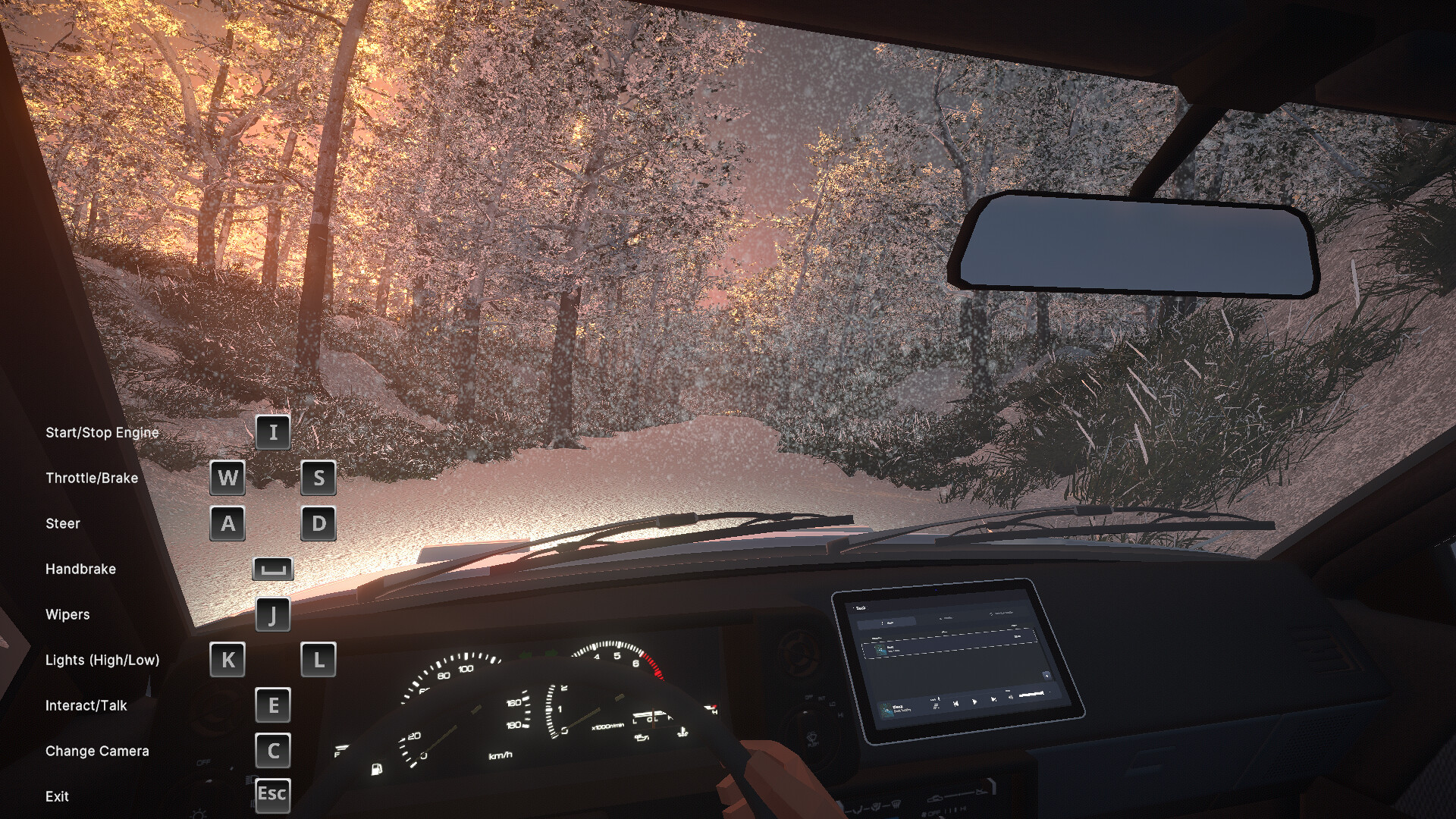
Now, pressing Esc while inside the vehicle allows you to exit the car directly. When you press C to switch to the third-person view inside the car, you can use the scroll wheel to zoom the camera in and out. If you accidentally end up in the passenger seat or an unwanted position, please open the car door first, then look at the floor, and press E to exit the car, just like you would normally do. If you want to do it quicker, simply press Esc.
Posts come from Steam's official announcements feed.