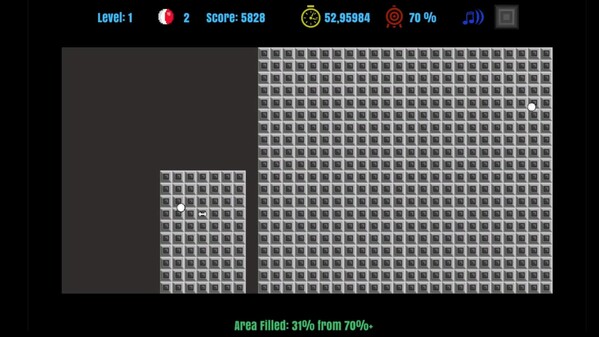
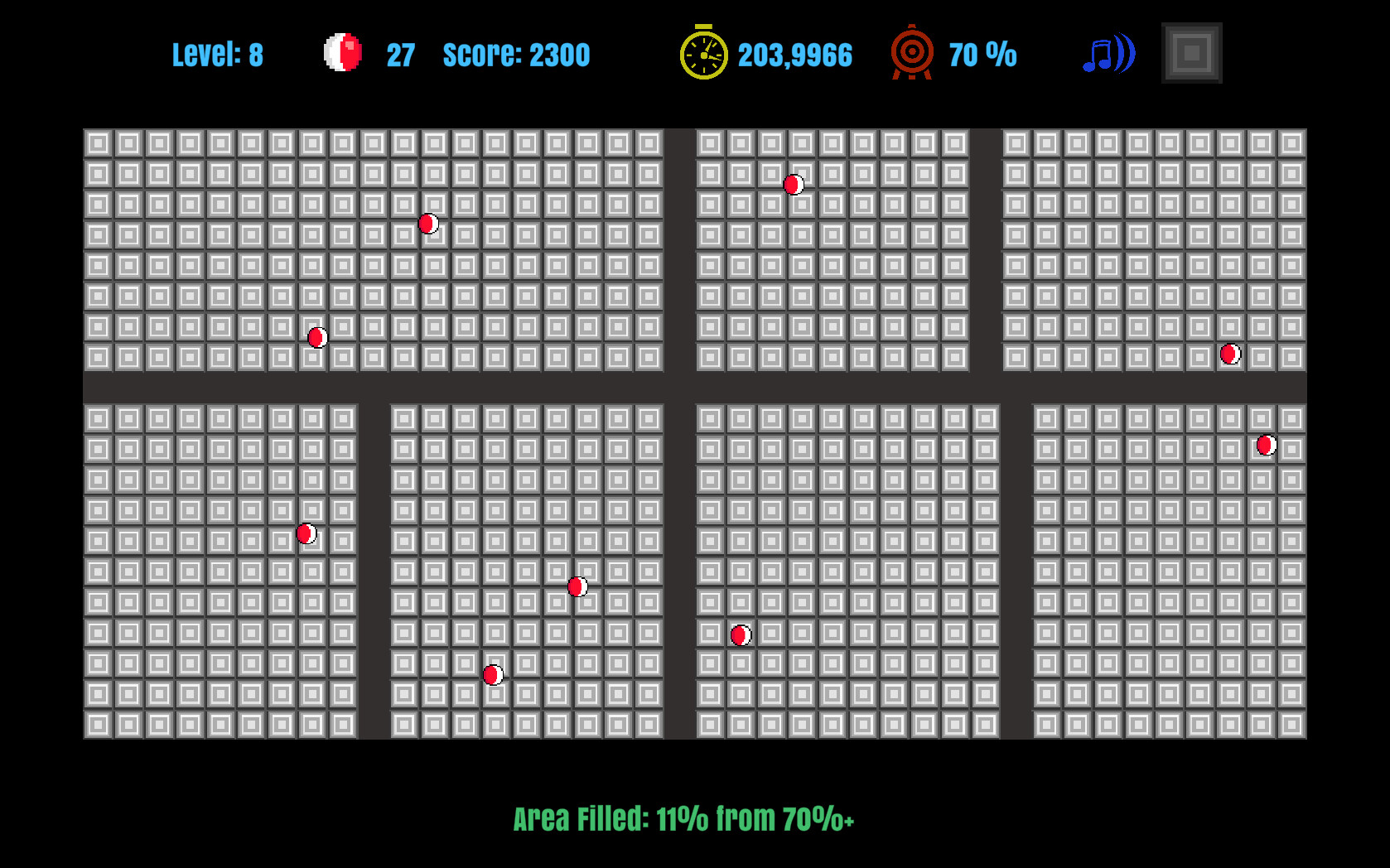
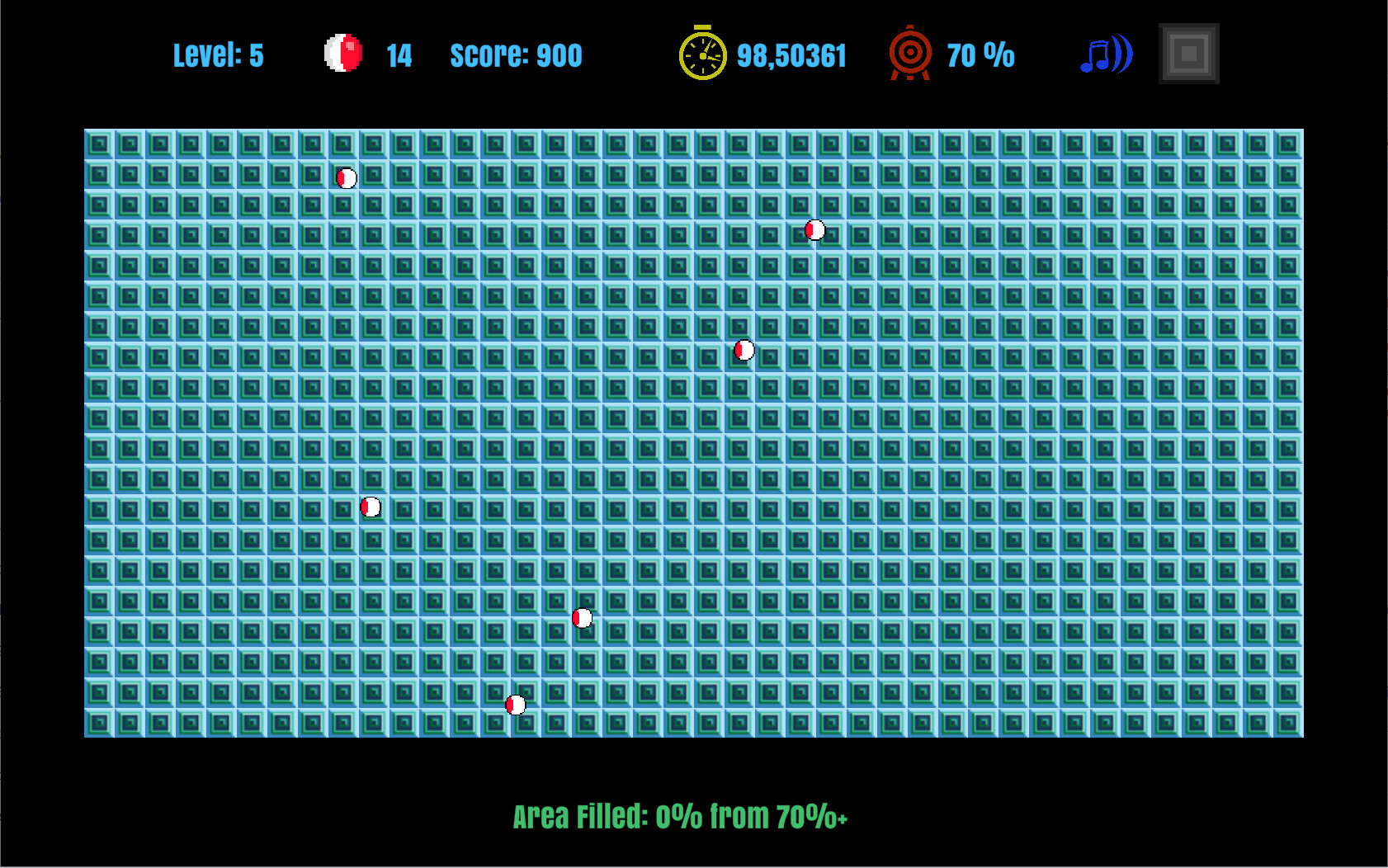
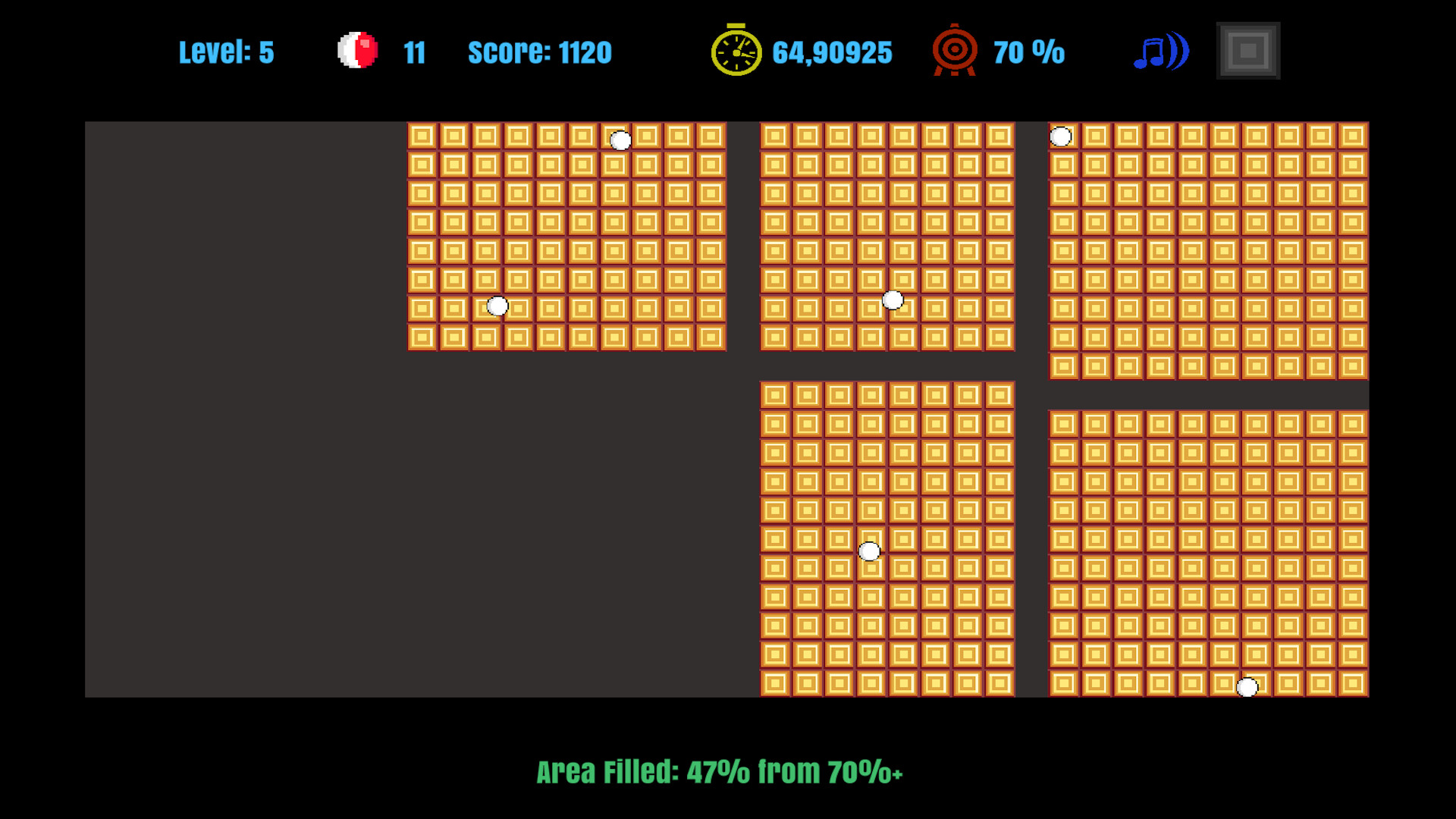
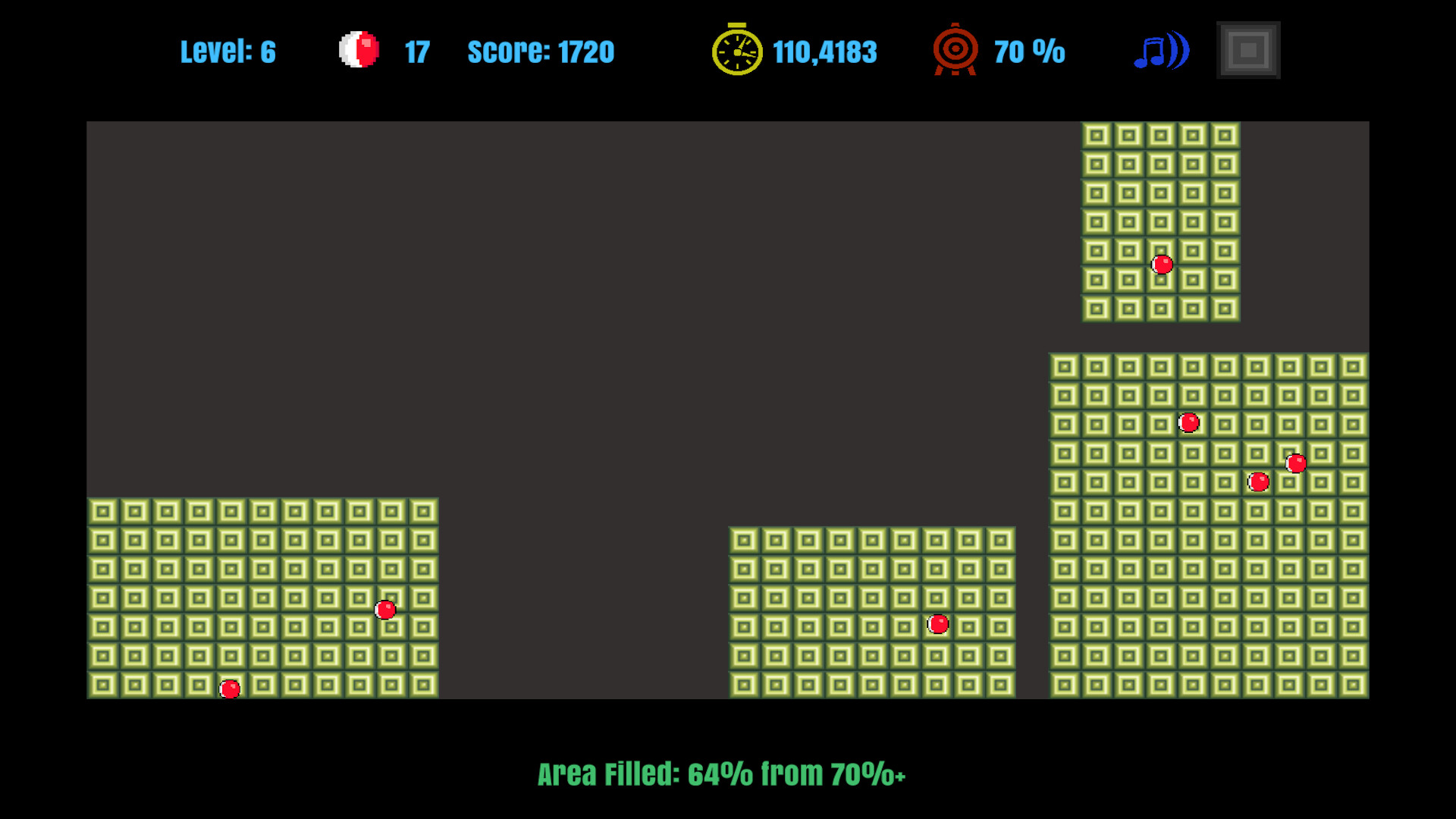
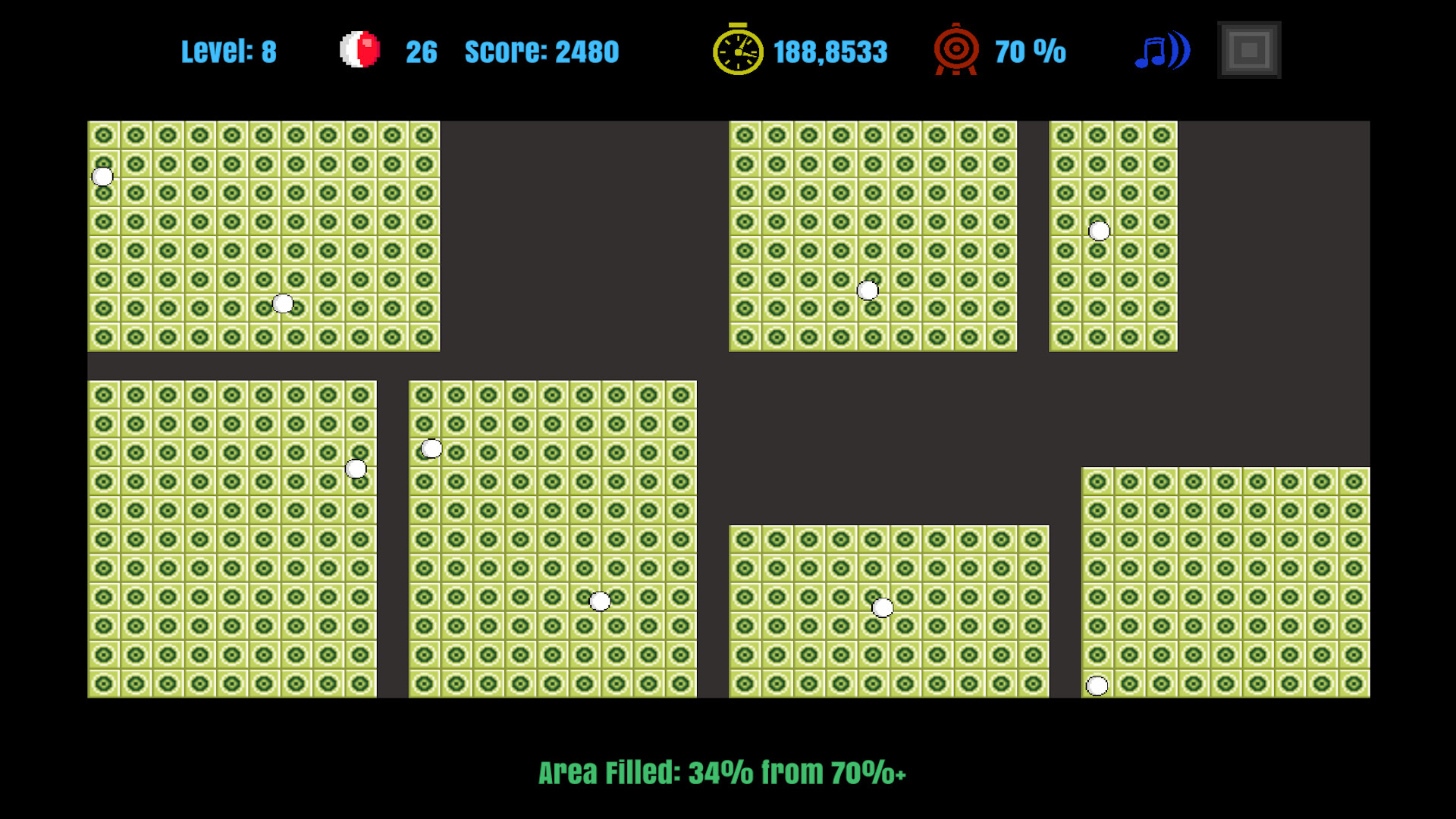
Got a bit of feedback recently that stuck with me. A player said the tiles made them feel "woozy" and that they'd rather just have flat ones. Fair enough every tile in the game has a little concentric square marking in the middle, and once you've got a few hundred of them tiled across the board, all those dots do kind of shimmer at you. I didn't want to just swap the art out though, because I know some of you like the chunky retro block look (I do too). So instead, every one of the 9 block themes now has a flat twin. Same colors, same beveled edge so the board still reads as a grid just nothing going on in the middle of the tile anymore. Before the original tiles, rings and dots and all: After the new flat variants, same palette, calm centers: These aren't a replacement they show up as their own entries in the theme selector, right after the existing ones. So if your eyes were fine with the old tiles, nothing changes for you, and your saved theme stays exactly where it was. And then it got a bit out of handOnce the recolor pipeline existed, adding new colors was basically free. So there are now six colors the game never had red, amber, mint, teal, blue and lavender and each one comes in both styles: flat, and the classic ring pattern for people who like the busy look. New colors, flat Red, Amber, Mint, Teal, Blue, Lavender: Same colors, classic rings for those who missed the dots already: While I was in there, I fixed something that's bugged me for a while: most themes didn't have names. The selector just said "Theme 7" and good luck remembering which one that was. Every theme now has a real name the pink one is Bubblegum, the violet one is Grape, the gray one is Graphite, and so on. Much easier to tell a friend "try Limelight" than "try Theme 7". Patch notesAdded 9 flat background themes matching the original tile sets: Classic Flat, Dark Flat, Neon Flat, Bubblegum Flat, Grape Flat, Rosewood Flat, Limelight Flat, Berry Flat, Graphite Flat.Added 6 new tile colors, e...
New FeaturesSteam Achievements & Leaderboards9 achievements (difficulty tiers, perfect levels, speedruns)Global HighScore and BestLevel leaderboardsSettings Panel ShortcutF12 (keyboard) or Y (gamepad) to toggle settings mid gameFixesClick DetectionFixed wall placement being off in narrow corridors. Clicks landing in the right/top half of a cell were picking the wrong neighbor.Wall Direction SyncCursor direction now stays in sync with actual wall placement after level transitions.Level TransitionsCleaner cursor and input state handling between levels.Gamepad ControlsY Toggle settings panelLB/RB Change wall directionA Select/confirm, release ballB Cancel/back