▼ Not recommended
1 hrs
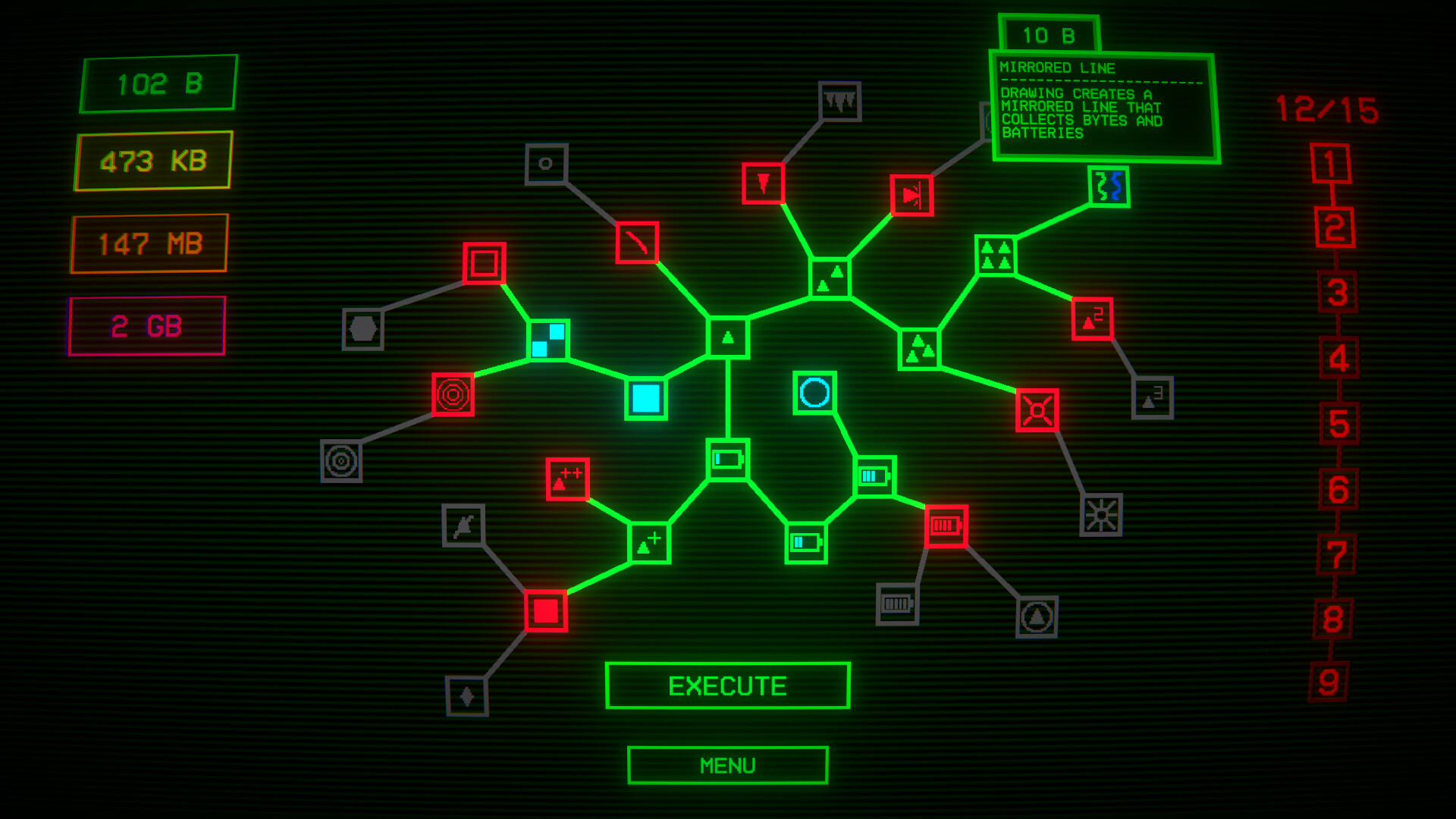
This should no have the "idler" tag, at no point is this anything close to idle. This game is grindy and repetitive and requires active gameplay from start to finish. I finished the game in an hour and a half, and after the first 10 minutes the gameplay didn't really change.
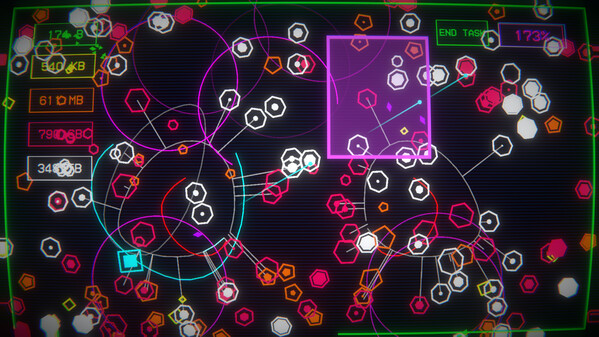
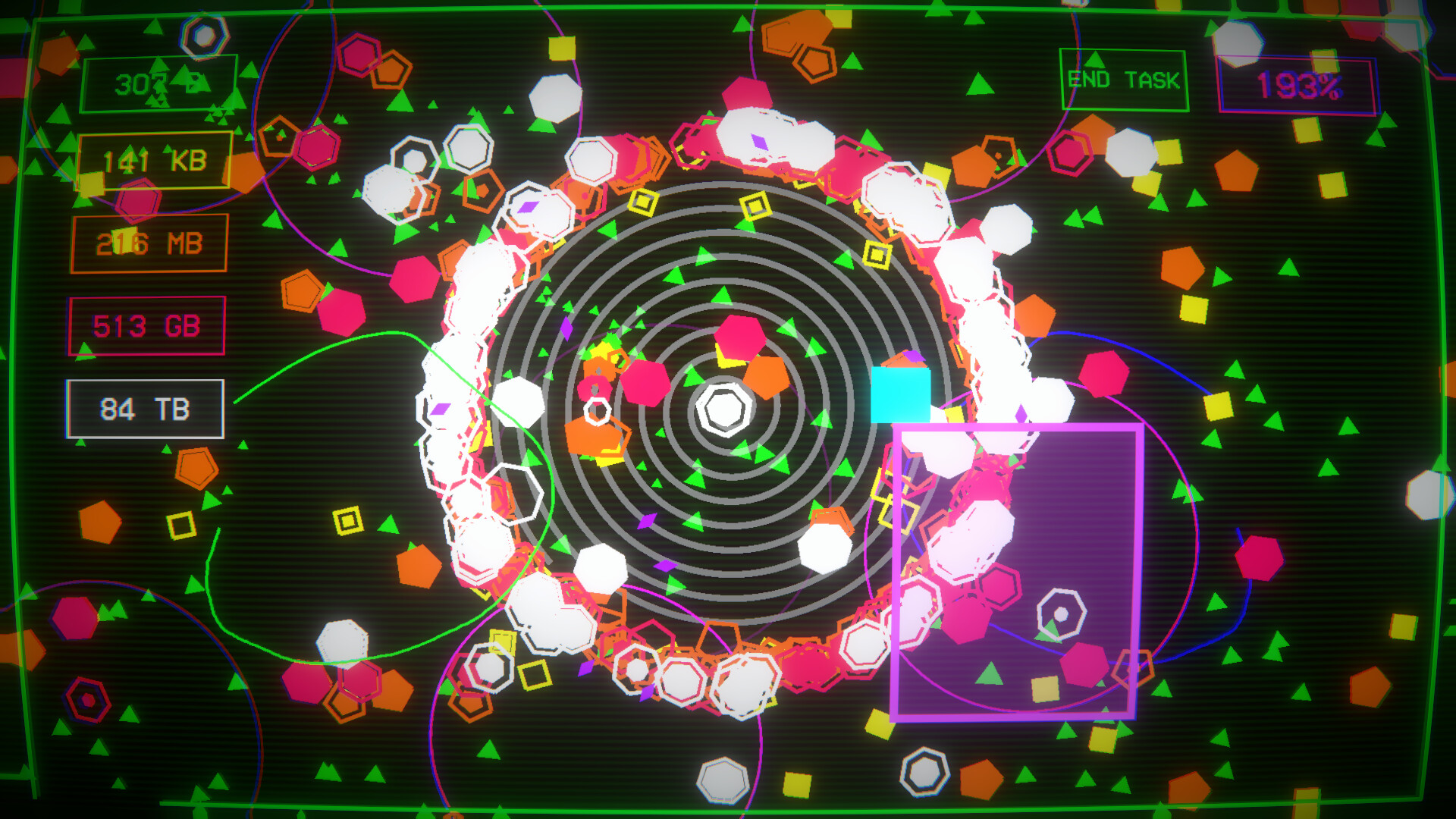
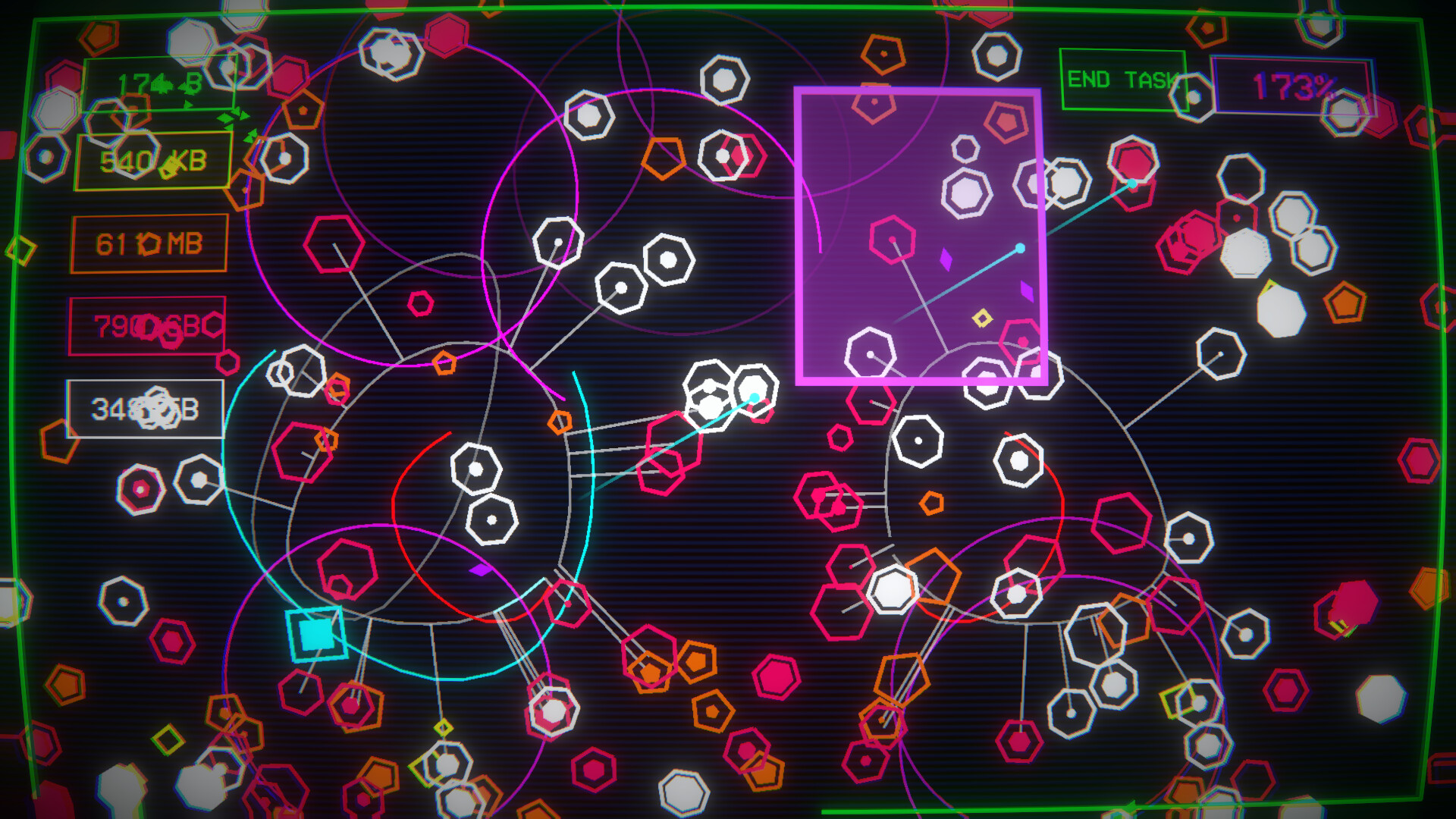
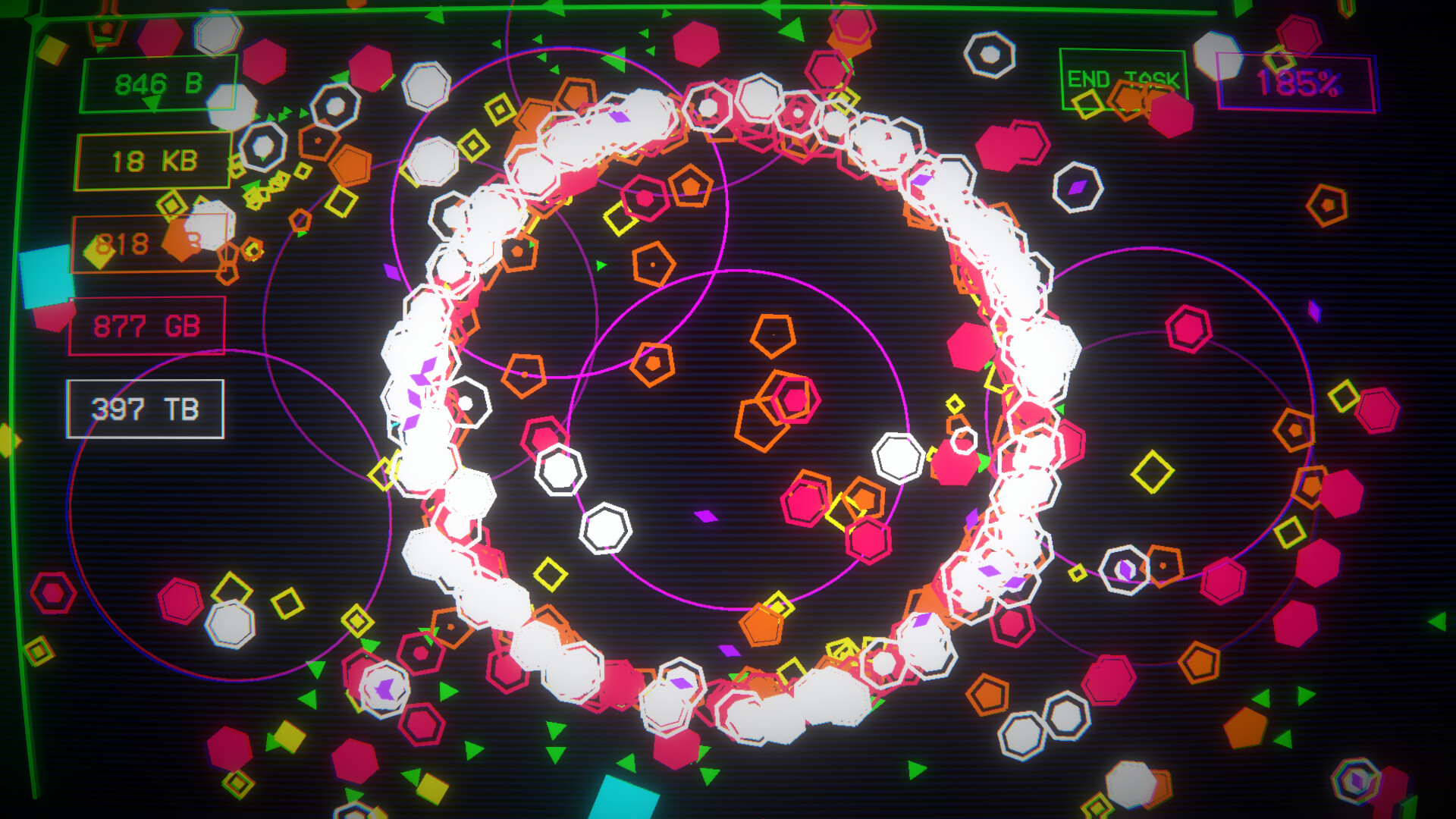
There is no way to turn of the CRT effect which really irritated my eyes after a while.
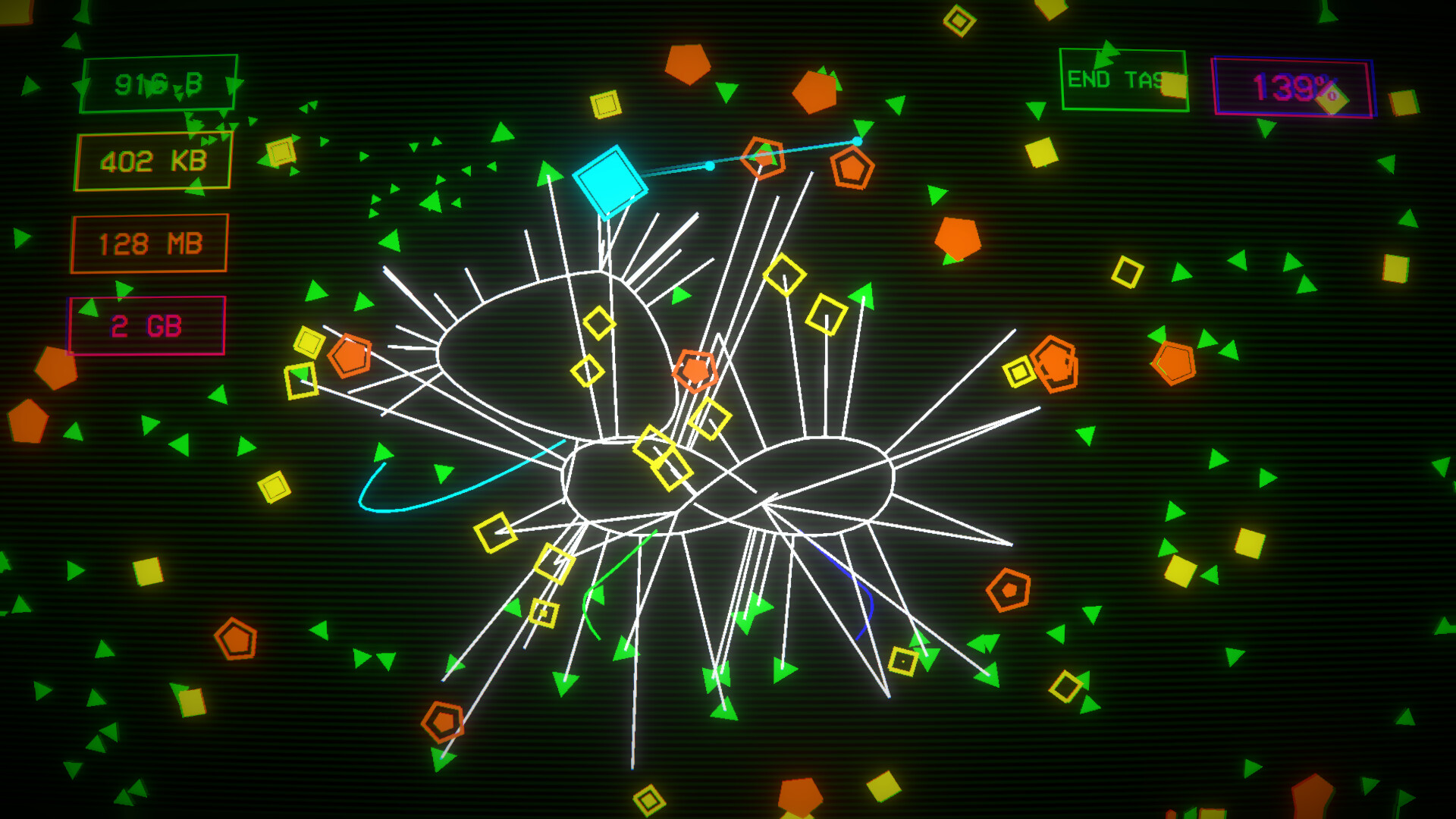
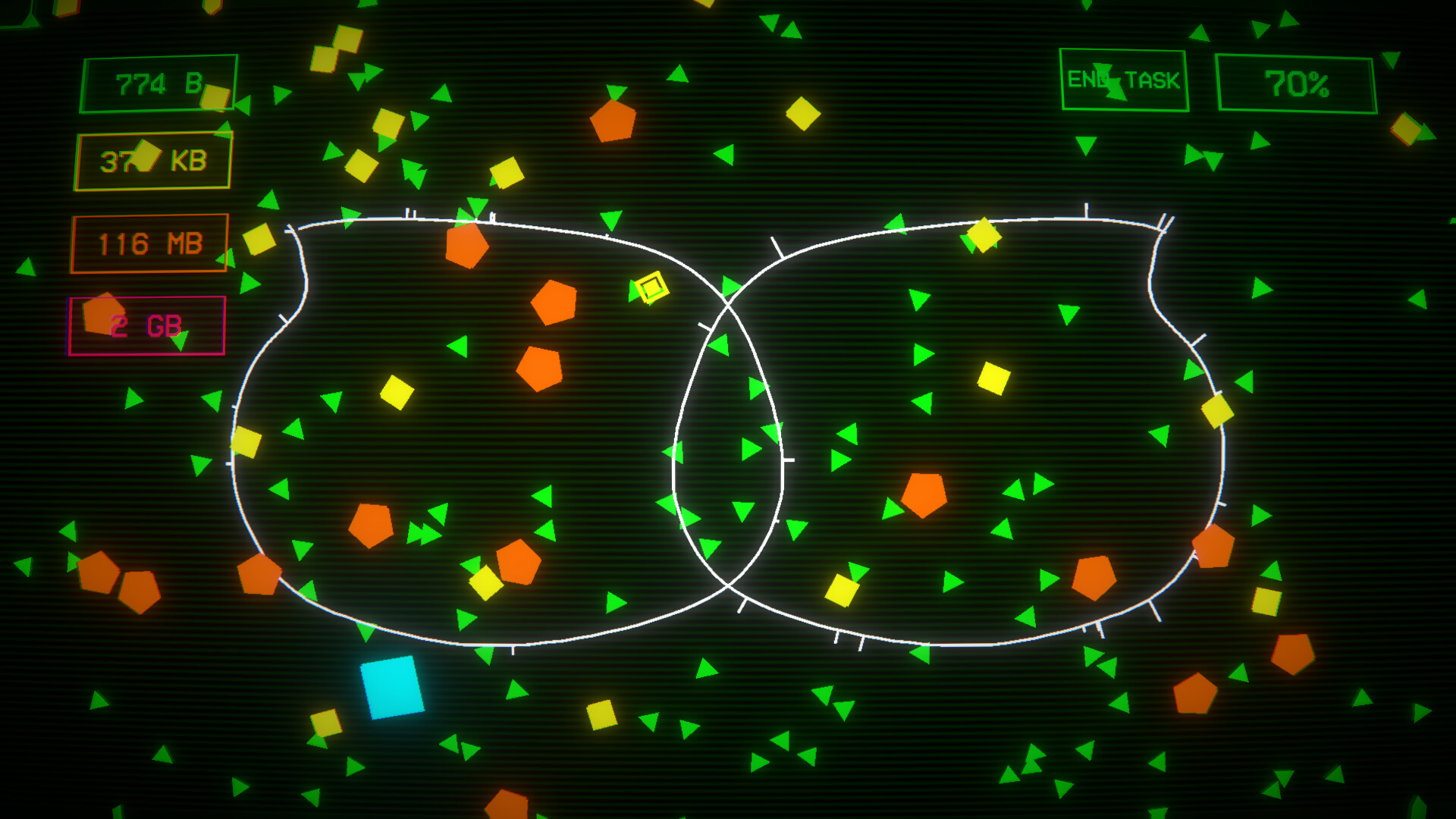
I think this game might have genuinely hurt my wrist from how repetative it is, and there is no way of avoiding or minimizing that, the entire gameplay is just drawing circles.
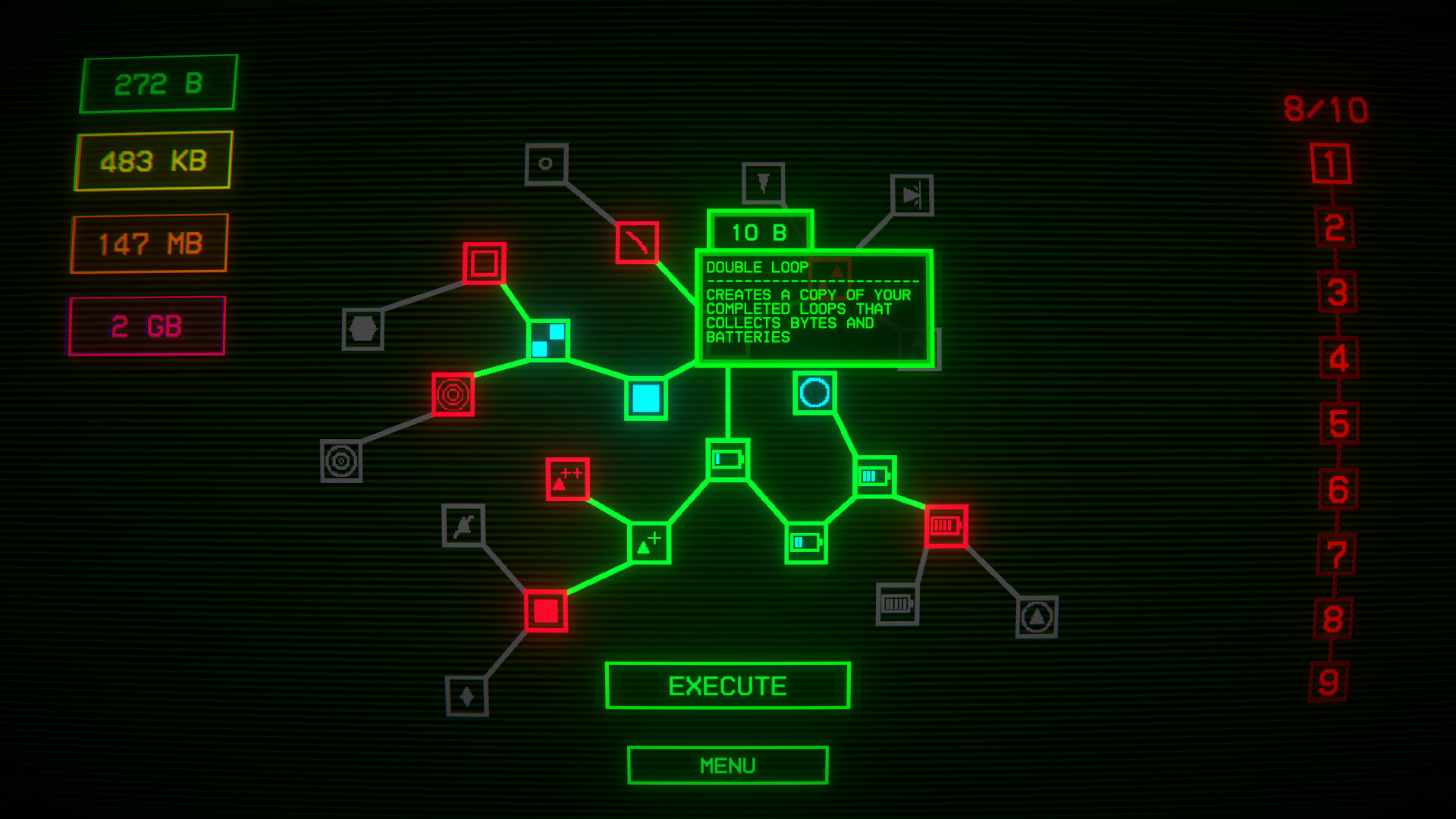
If you are wondering what happens at the end of the game, it just ends, there is no prestige, no sense of achievment, not even a steam achievment since you get all the steam achievements before completing the game.
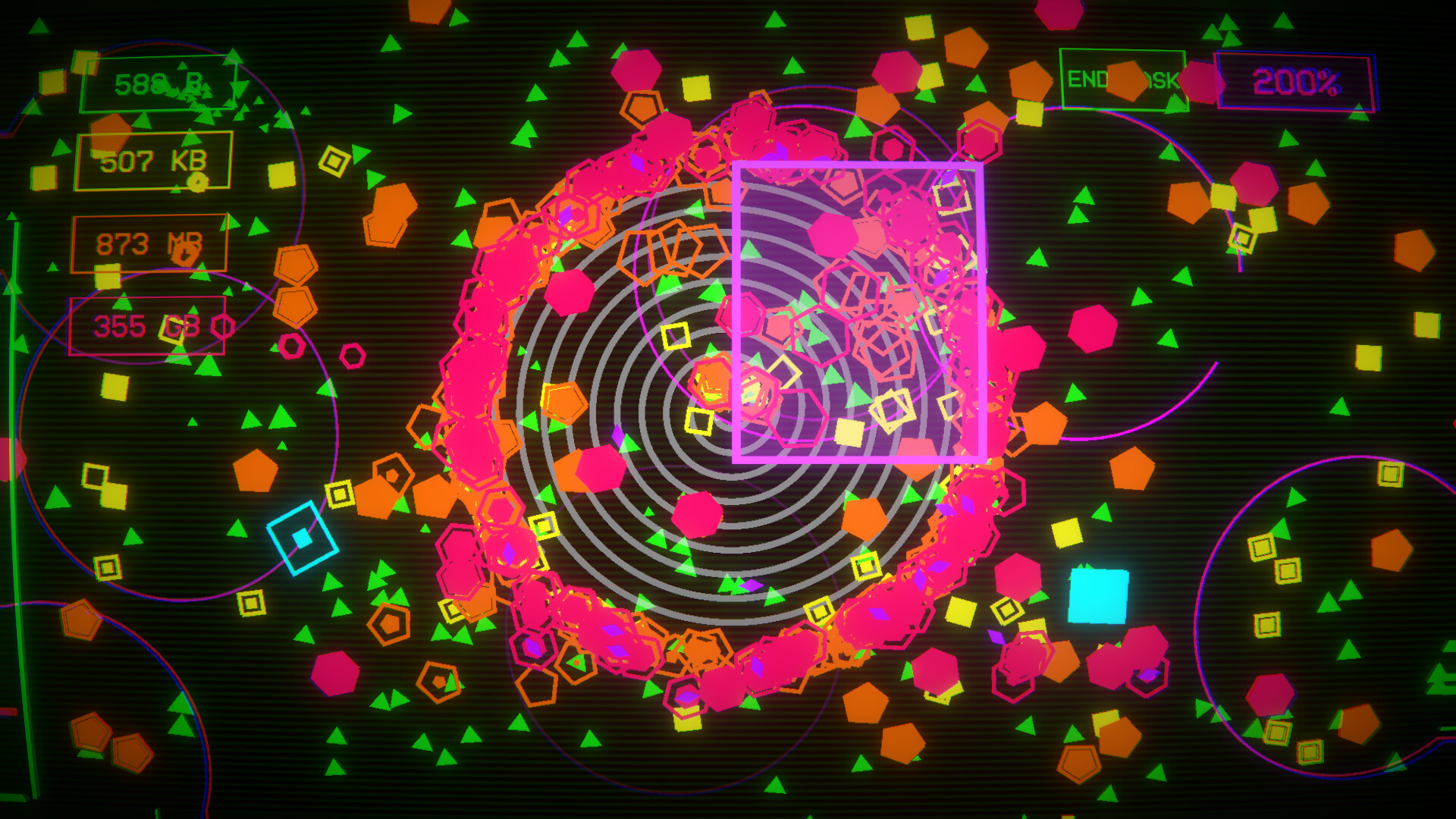
If it gets updated in the future I think there is potential here, the visuals are fairely satisfying and the music is catchy, but I can't reccomend it in its current form, especially if you value your wrists.
There is no way to turn of the CRT effect which really irritated my eyes after a while.
I think this game might have genuinely hurt my wrist from how repetative it is, and there is no way of avoiding or minimizing that, the entire gameplay is just drawing circles.
If you are wondering what happens at the end of the game, it just ends, there is no prestige, no sense of achievment, not even a steam achievment since you get all the steam achievements before completing the game.
If it gets updated in the future I think there is potential here, the visuals are fairely satisfying and the music is catchy, but I can't reccomend it in its current form, especially if you value your wrists.
23 found helpful
Steam ↗