BiColor delivers clinical vision therapy through accessible mini-games designed to strengthen binocular coordination and depth perception using anaglyph glasses. The approach targets lazy eye and strabismus without traditional patching, offering both children and adults a home-based alternative to conventional treatment. Best suited for those seeking practical eye training support or recovering vision function after improper early treatment.
About this game
BiColor Vision Trainer is a game-based vision therapy app for lazy eye training at home. Designed for children and adults, it uses interactive mini-games and anaglyph glasses to support eye coordination, binocular vision, and modern lazy eye therapy without patching.
Players, last 31 days
Peak 2 · Low 0
Daily peak concurrent players, sampled once a night from Steam.
What players are saying
▲ Recommended0 hrs
Thank you for making this game/application! I've had Amblyopia & Strabismus since I was 5. It was improperly treated, leaving me with glasses and 95% of my vision coming from my right eye. And no Binocular depth perception. I've recently enlisted into the Navy, and was denied to be a pilot due to my lack of binocular depth perception. Even though my Spatial awareness is above average. Vision therapy is my only hope to pass that depth perception test. And it is expensive! I'm so lucky that you released this game when you did! Applications like yours will help me train my eye to be able to achieve my dreams of becoming a pilot! You give me hope for the future! Thank you! The world needs more people like you! Thank you!
This is nice even for something aimed at someone with a visual impairment. Aiming it at a very specific problem is brave. Accessibility wise you can change the background colour and select you can select your dominant eye and that's it. Three games to play which my daughter had fun with. The games were , however, beyond me. My advice is to read the review and if you feel it would benefit you then give it a go. The dev is brave aiming at such a specific condition but if this helps but one person improve then their work has been worth it. On this basis I'll recommend.
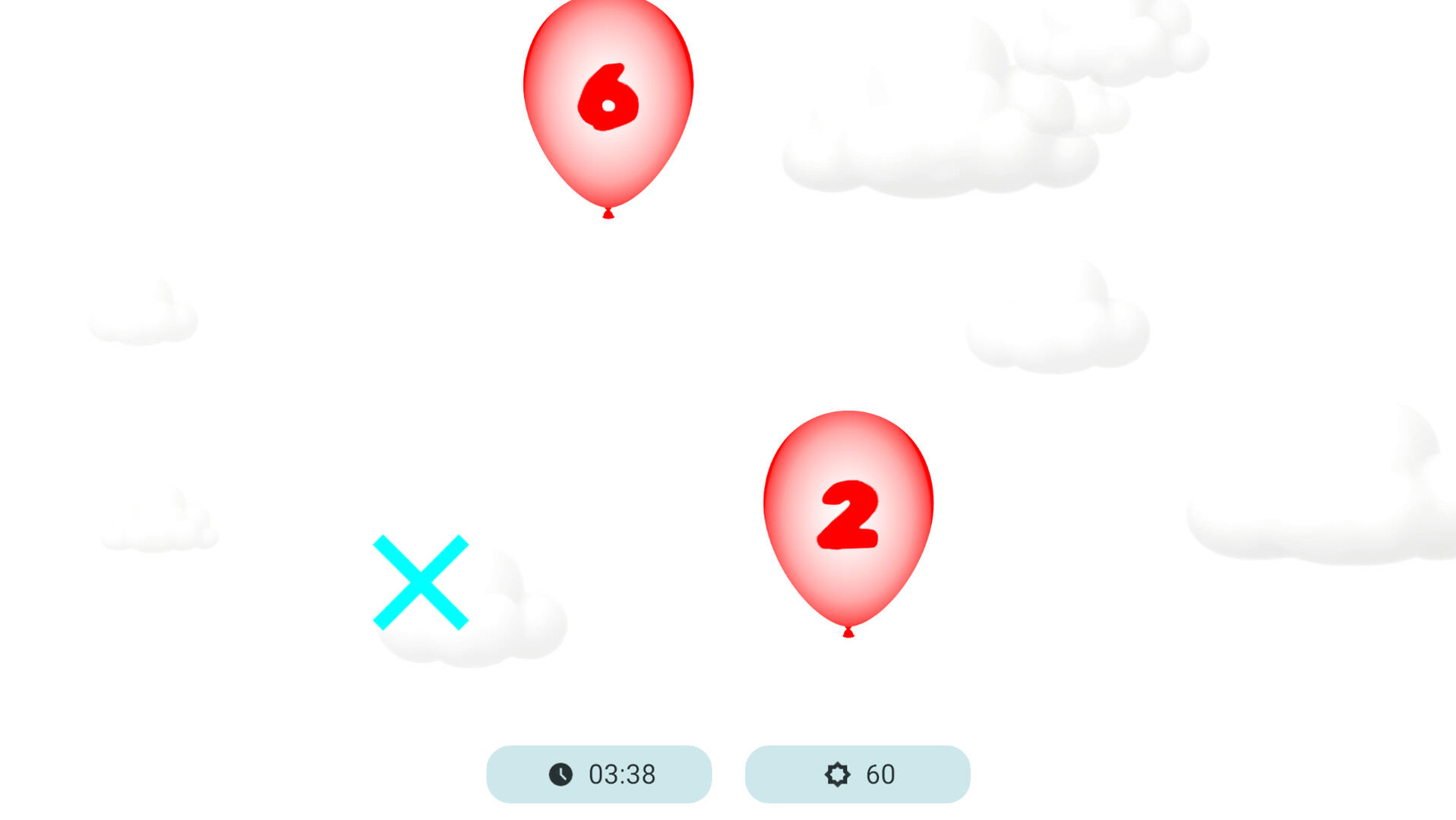
Update 1.3 — New Bricks Minigame!I'm happy to present Update 1.3! A new minigame has been added, Balloons has gained new options, and anaglyph glasses settings are now even more flexible.New Minigame — BricksBiColor now features a new minigame — Bricks, a classic falling-block puzzle.Move and rotate the pieces, complete horizontal lines, and earn points. As your level increases, the pieces fall faster, gradually making the game more challenging.Bricks’ visuals are adapted for use with anaglyph glasses and apply your selected color distribution settings.Starting Level Selection in BalloonsBefore starting a game of Balloons, you can now choose the starting level. Your selection determines how many balloons appear on the playing field at the beginning of the game.This allows you to choose a gentler start or jump straight into more action-packed gameplay.Expanded Anaglyph Glasses SettingsAn opacity option has been added to the anaglyph glasses settings. You can now fine-tune the display to suit the glasses you use and your personal preferences.This new option will help you find the most comfortable image and make gameplay more enjoyable.Thank you to everyone who plays BiColor! I’d love to hear your thoughts on the new minigame and the other changes in Update 1.3.
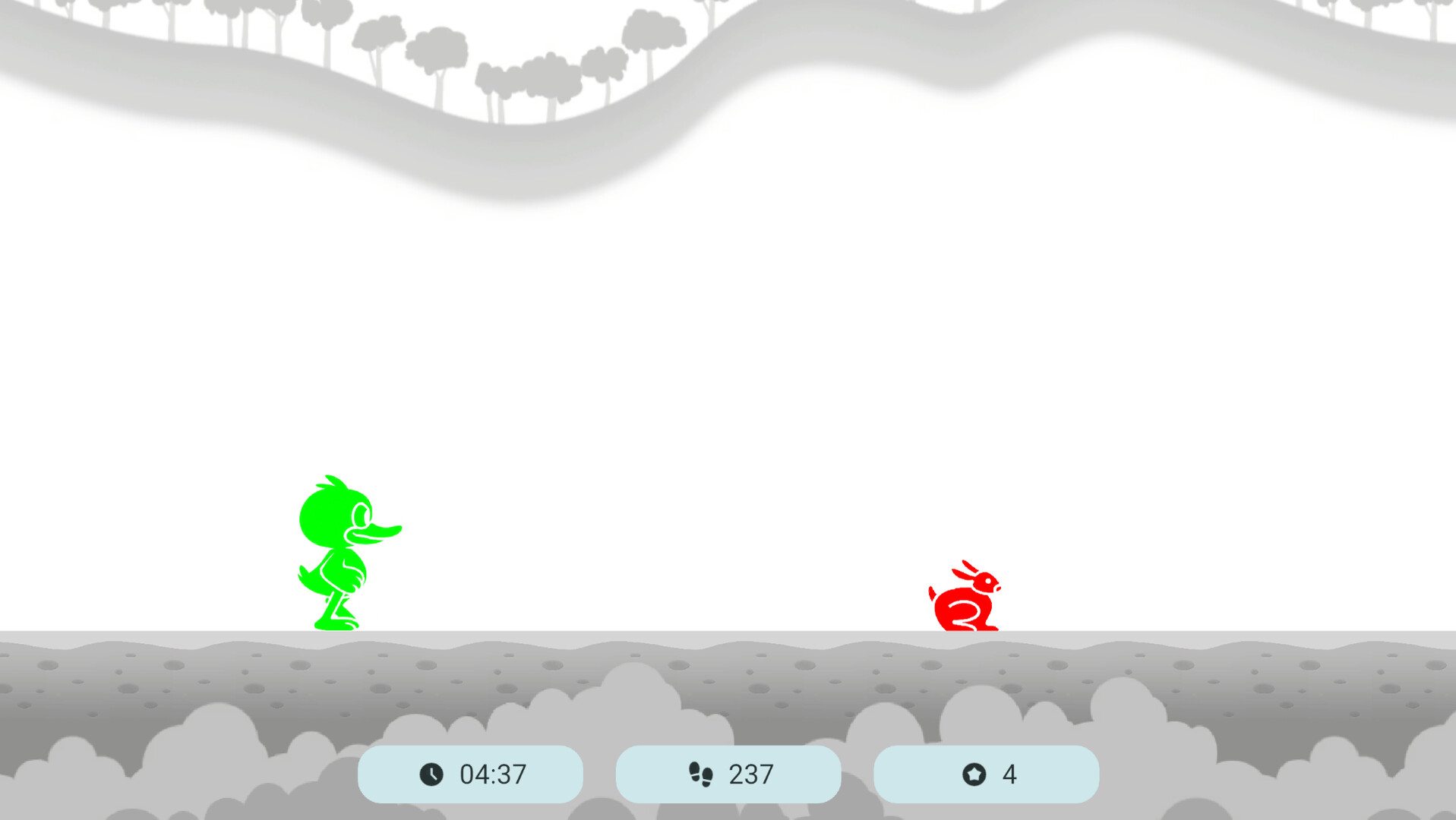
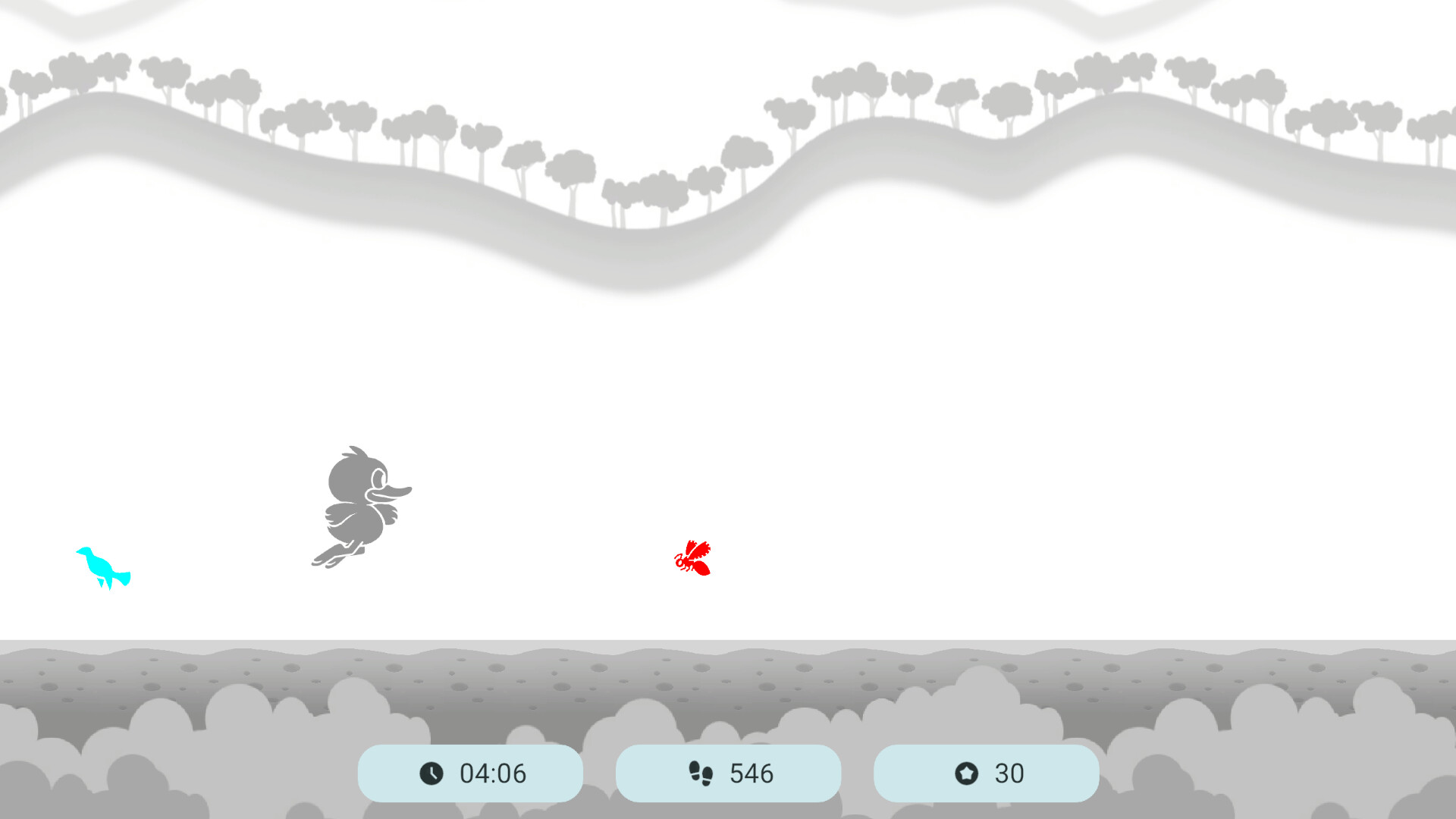
BiColor – Vision Trainer update 1.2.0 adds a new mini-game, expands the anaglyph glasses settings, adds support for Simplified Chinese, and brings small improvements to existing modes.New Mini-Game: Star CrabA new mini-game has been added to BiColor: Star Crab.This is a dynamic mini-game featuring a crab character, stars, obstacles, and dangerous mines. The player needs to collect stars, choose a safe route, change movement direction at the right time, and jump over obstacles.The mini-game is designed to train visual attention, coordination, reaction speed, spatial orientation, and movement control.Expanded Glasses SettingsThe glasses settings have been expanded and made more flexible.The color of in-game objects now depends on the selected lens colors. This makes it possible to adapt object visibility more accurately to the anaglyph glasses being used.A background brightness setting has also been added. It helps adjust the image for different monitors, screen brightness levels, and specific glasses.Simplified Chinese AddedBiColor now supports Simplified Chinese.The game interface is now available in one more language.Small ImprovementsIn the Duck Runner mini-game, coins no longer overlap with other objects.The countdown timer sound before the start of the game has been replaced.Thank You for Supporting BiColor – Vision TrainerThank you to everyone who uses BiColor – Vision Trainer and follows the development of the project. Update 1.2.0 expands the selection of mini-games, improves settings for different glasses and screens, and makes BiColor more accessible to new users.
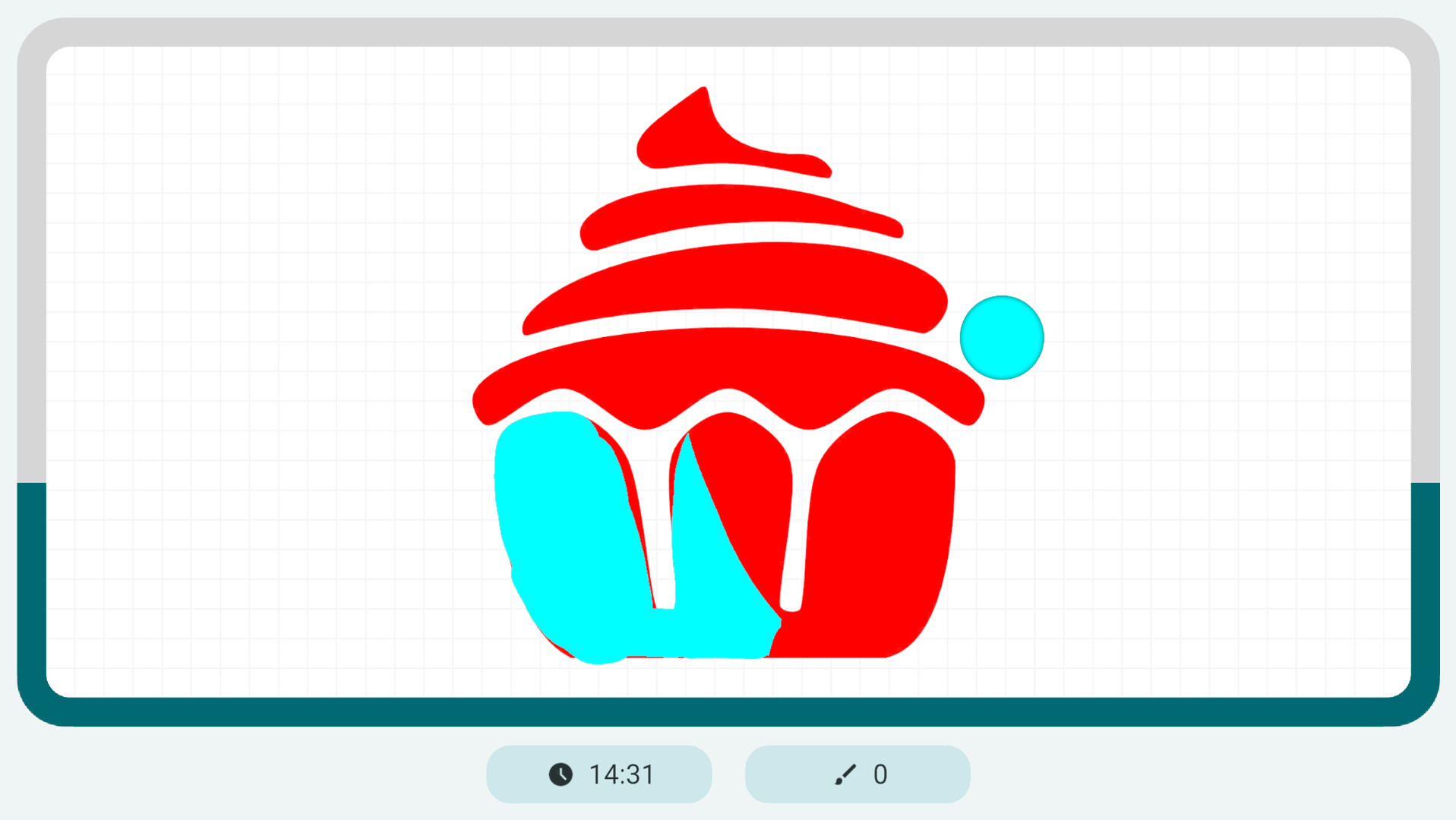
🛠️ BiColor Update 1.1.1 This update focuses on improving stability, reliability, and clarity in game settings and mini-games.✅ Fixes & ImprovementsFixed an issue with game duration sliders not behaving correctlyResolved a problem where mini-game settings were not saved properlyAdded a native display resolution indicator in screen settingsFixed timer behavior in the Duck Runner and Paint mini-gamesMore improvements and new content are coming!
Posts come from Steam's official announcements feed.