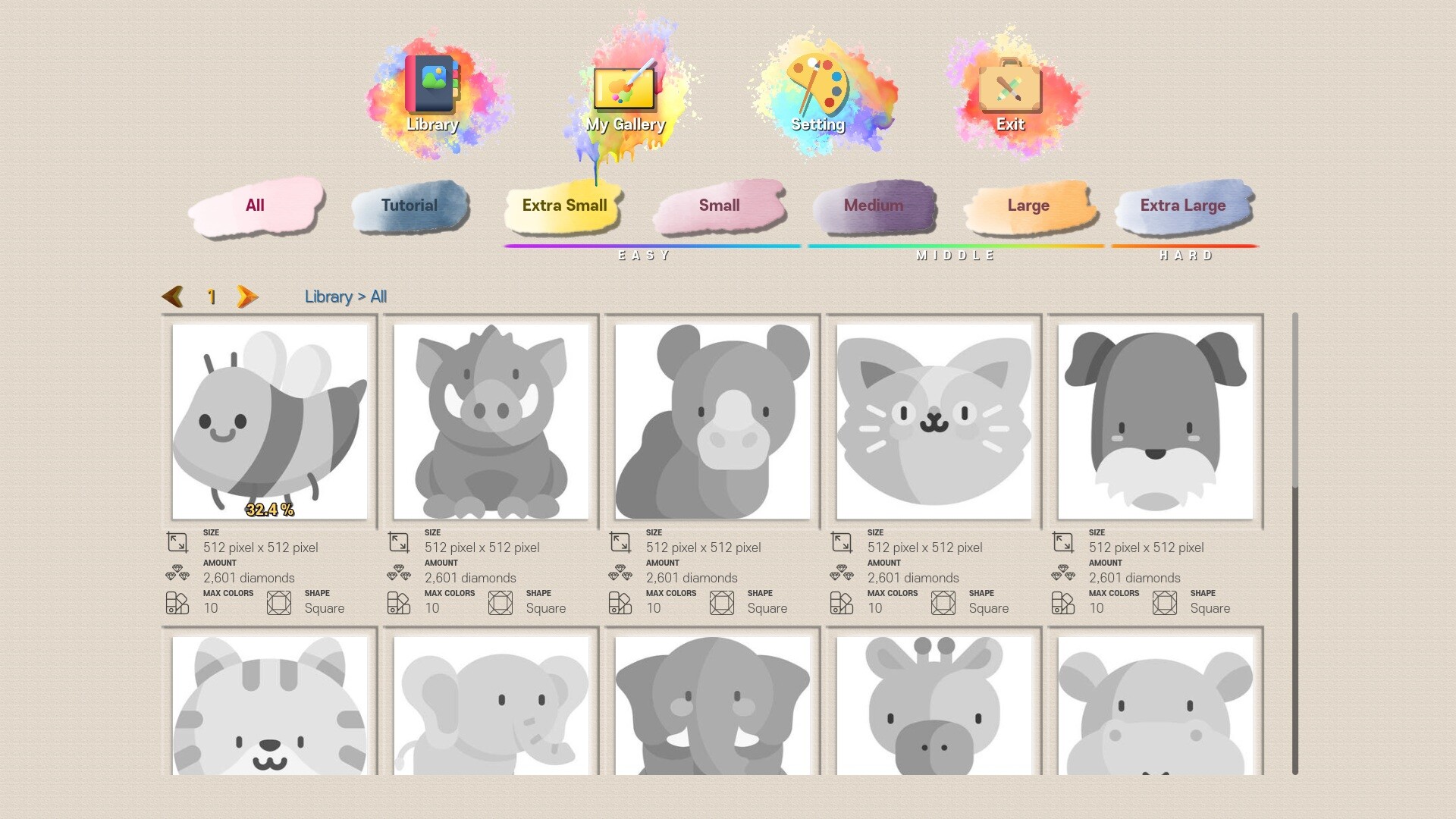
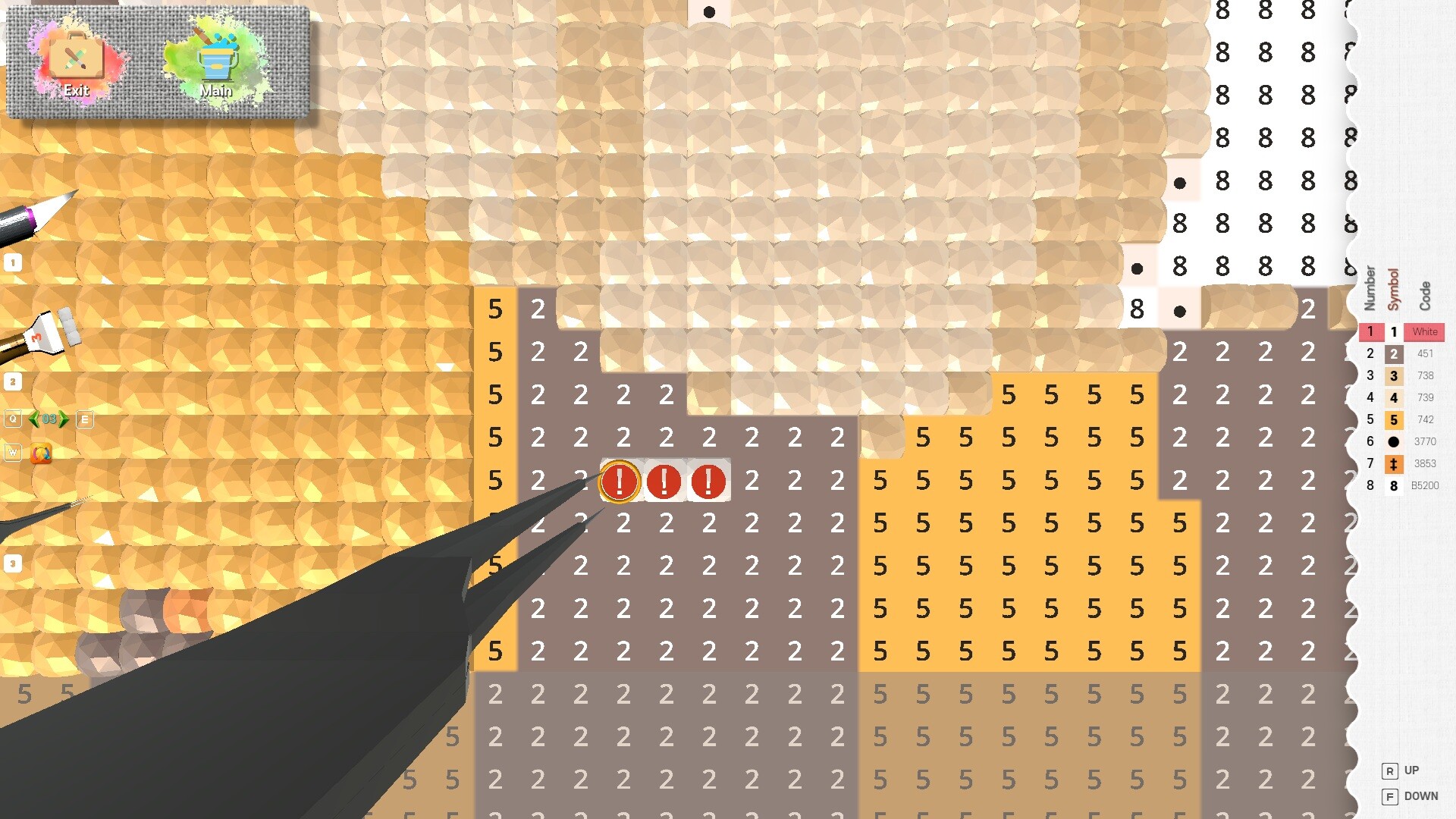
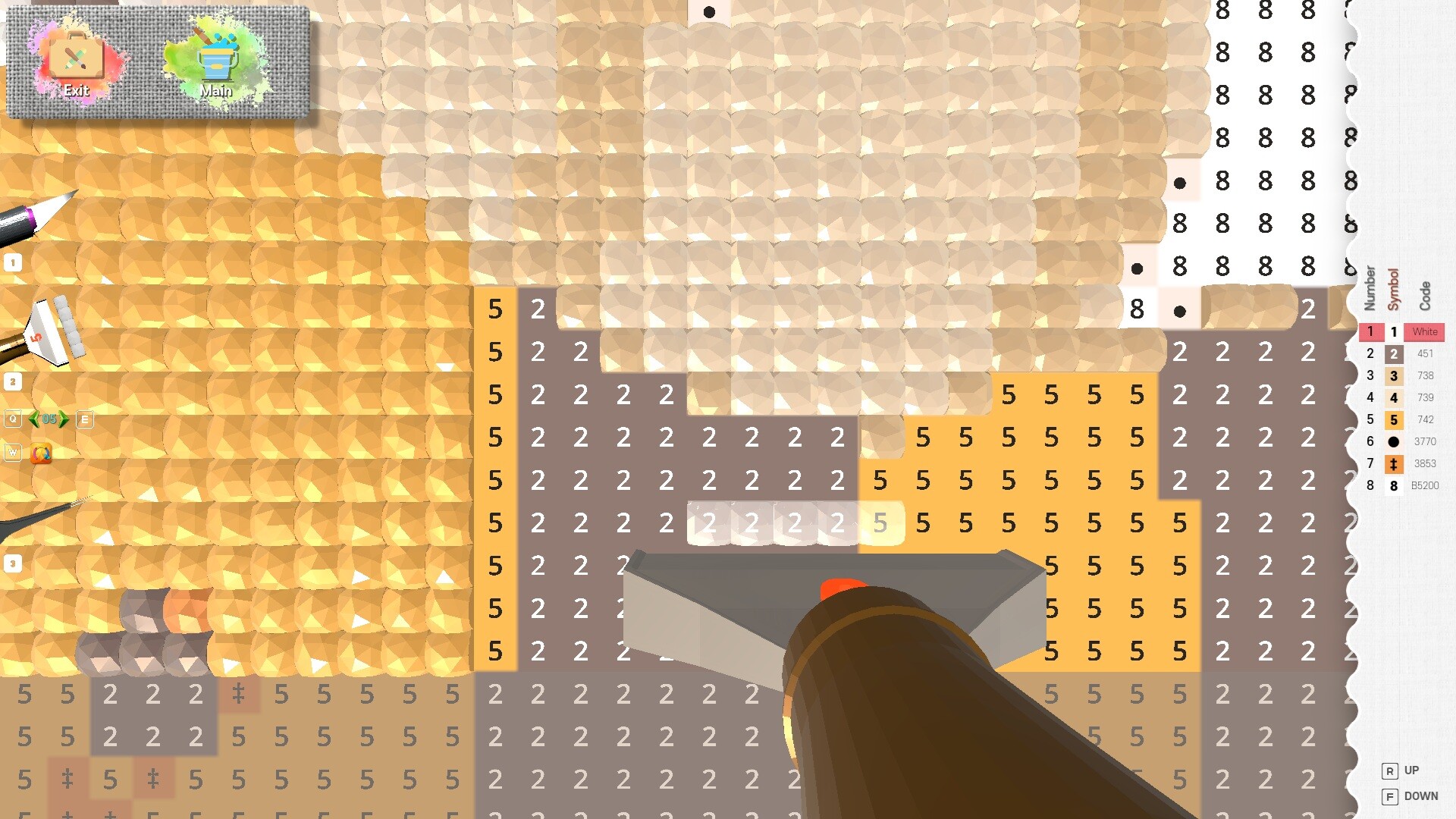
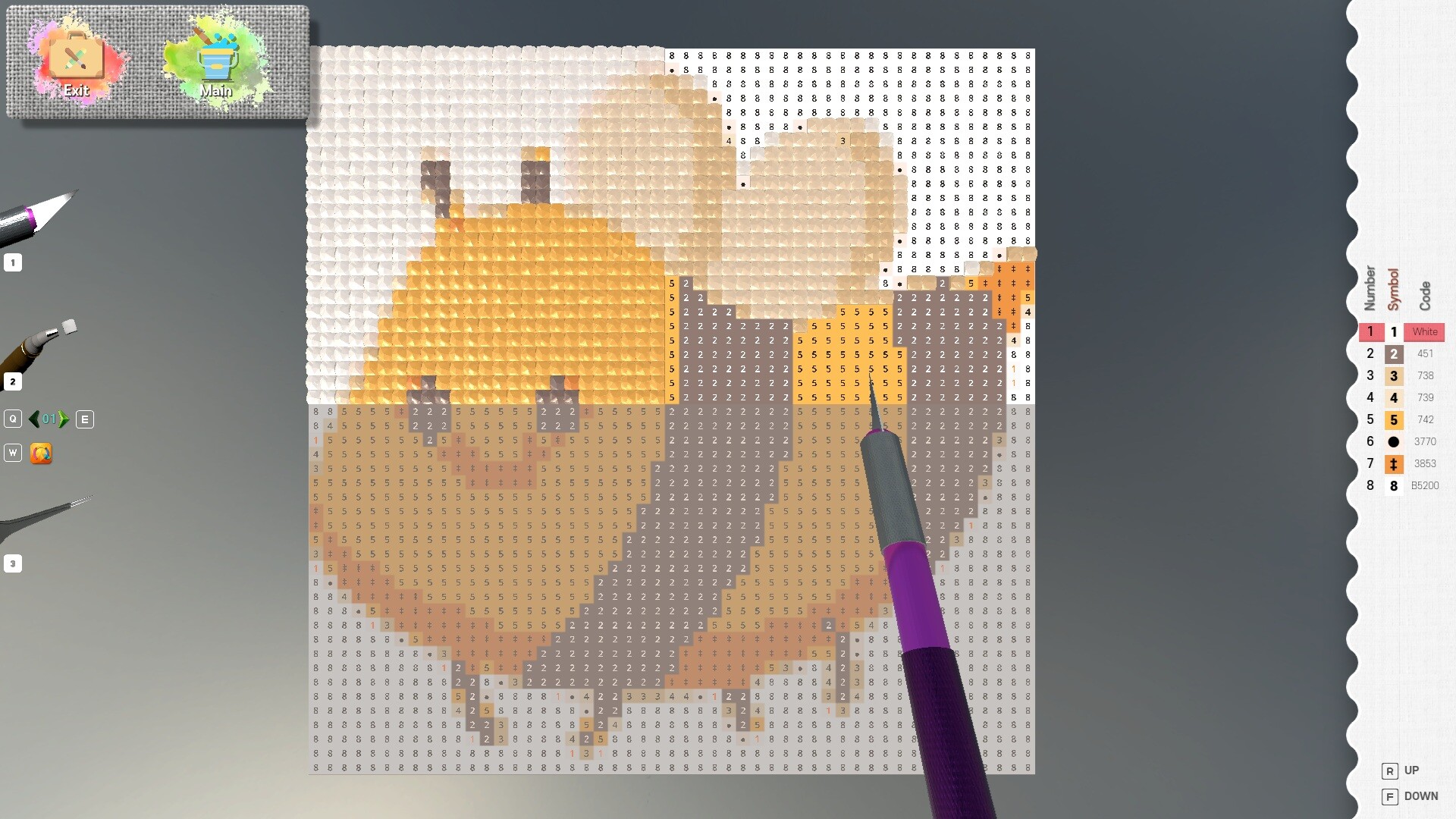
Diamond Painting adapts the meditative craft of diamond painting to your screen, where you place colored dots onto a grid to complete pixelated artwork. It captures the tactile satisfaction of the real hobby without the mess, making it ideal for players seeking low-pressure creative relaxation.
About this game
A relaxing art game where you place colorful dots to complete diamond paintings—just like the real craft.
Players, last 70 days
Peak 3 · Low 0
Daily peak concurrent players, sampled once a night from Steam.
What players are saying
▲ Recommended28 hrs
Great game. So much similar to real diamond Painting.
I think the shadow cast by the pen sometimes interferes with precision.
However, I highly recommend this game. It provides very pleasant moments of leisure and relaxation.
Features AddedAdded UI for map movement and zoom functions using mouse wheel scrolling and wheel click/drag.Added map movement buttons, a movement sensitivity adjustment slider, and zoom in/out UI.
Major ChangesAdded a feature that allows you to hide the work menu by pressing the "Hide Menu" button while working on a canvas.Added a feature that allows you to freely adjust the lighting brightness while working on a canvas.Bug FixesFixed an issue introduced in Ver. 2.2.12 where the following languages were not displayed correctly in the Steam language settings and appeared only in English in-game.RussianSpanish (Latin America)FrenchPolishPortuguese (Brazil)Fixed an issue where the entire screen's colors could change when working near the upper-left corner with the graphics quality set to High.Optimized shadow rendering to improve performance and stability.
Posts come from Steam's official announcements feed.