Back to rankings
StudyHub

StudyHub

by Solid Illusion

★ 50%
Price Free
Avg Players 0
Reviews 2
Released Apr 20, 2026
3DCasualCharacter CustomizationEarly Access
View on Steam ↗

Media

Video
Screenshot
Screenshot
Screenshot
Screenshot
Screenshot
Screenshot

About this game

What players are saying

▼ Not recommended 0 hrs

#tinygamereview


Feels like a neat weekend solo project that deserved more polish before releasing into the wild.

🟧 PRETTY AND/OR BORING 🟧


🎮 🟧Gameplay: Movement works fine. Collisions are a little finnicky. Interactions are even more finnicky.
🔊 🟧Audio: Nothing significant enough to be good or bad, but you'd think for something that's not supposed to be distracting, there'd be more effort to establish ambience.
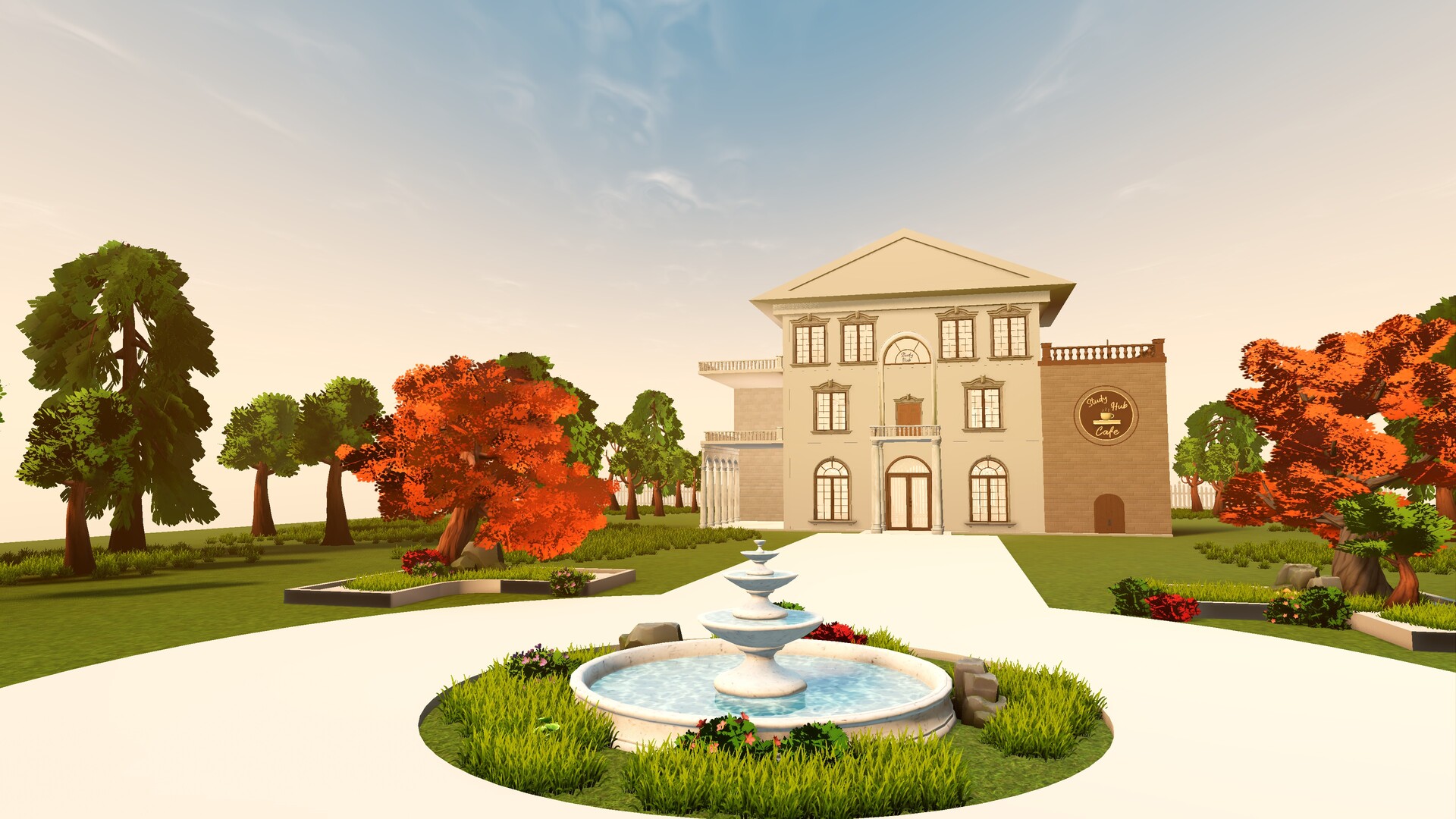
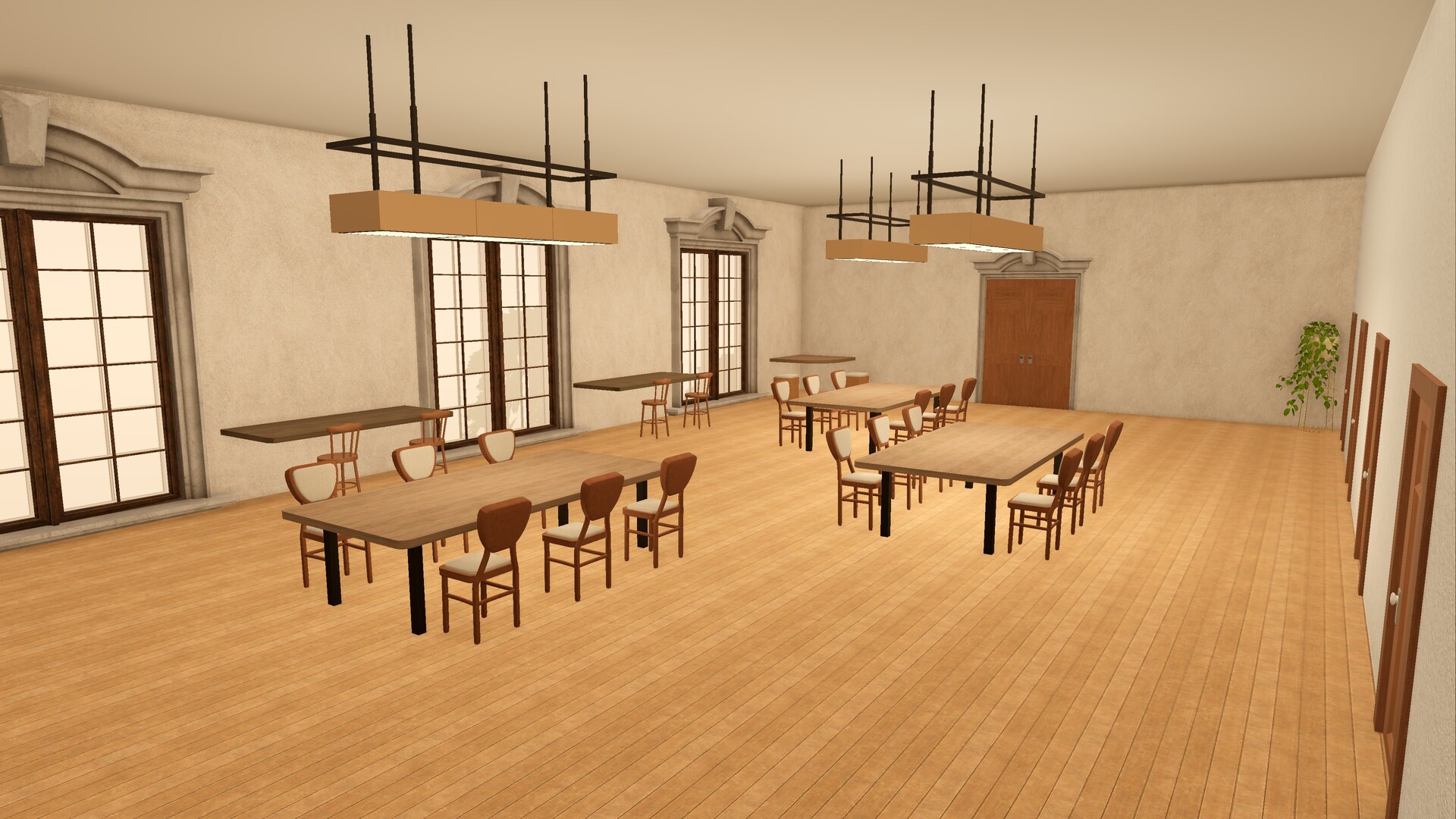
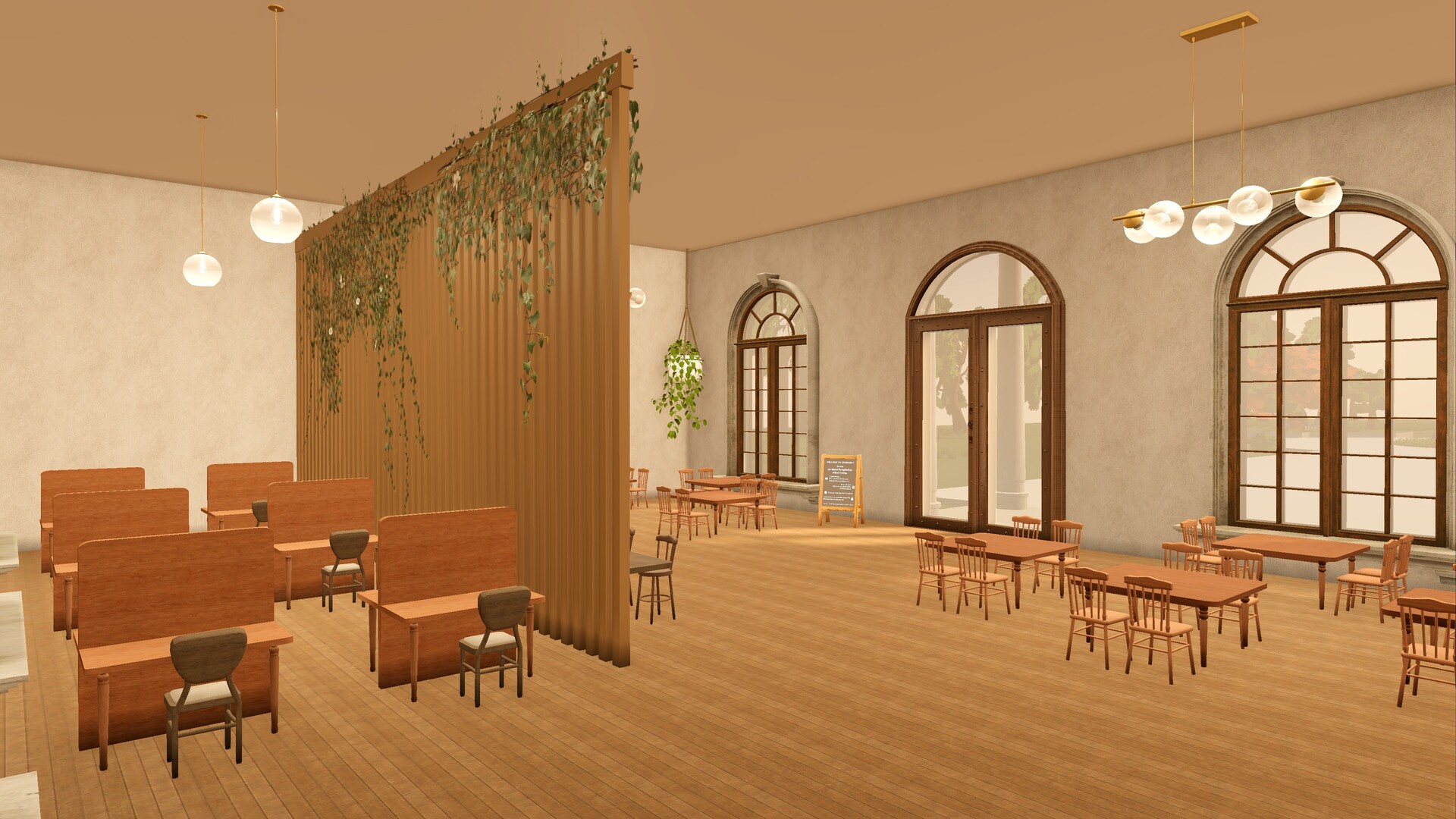
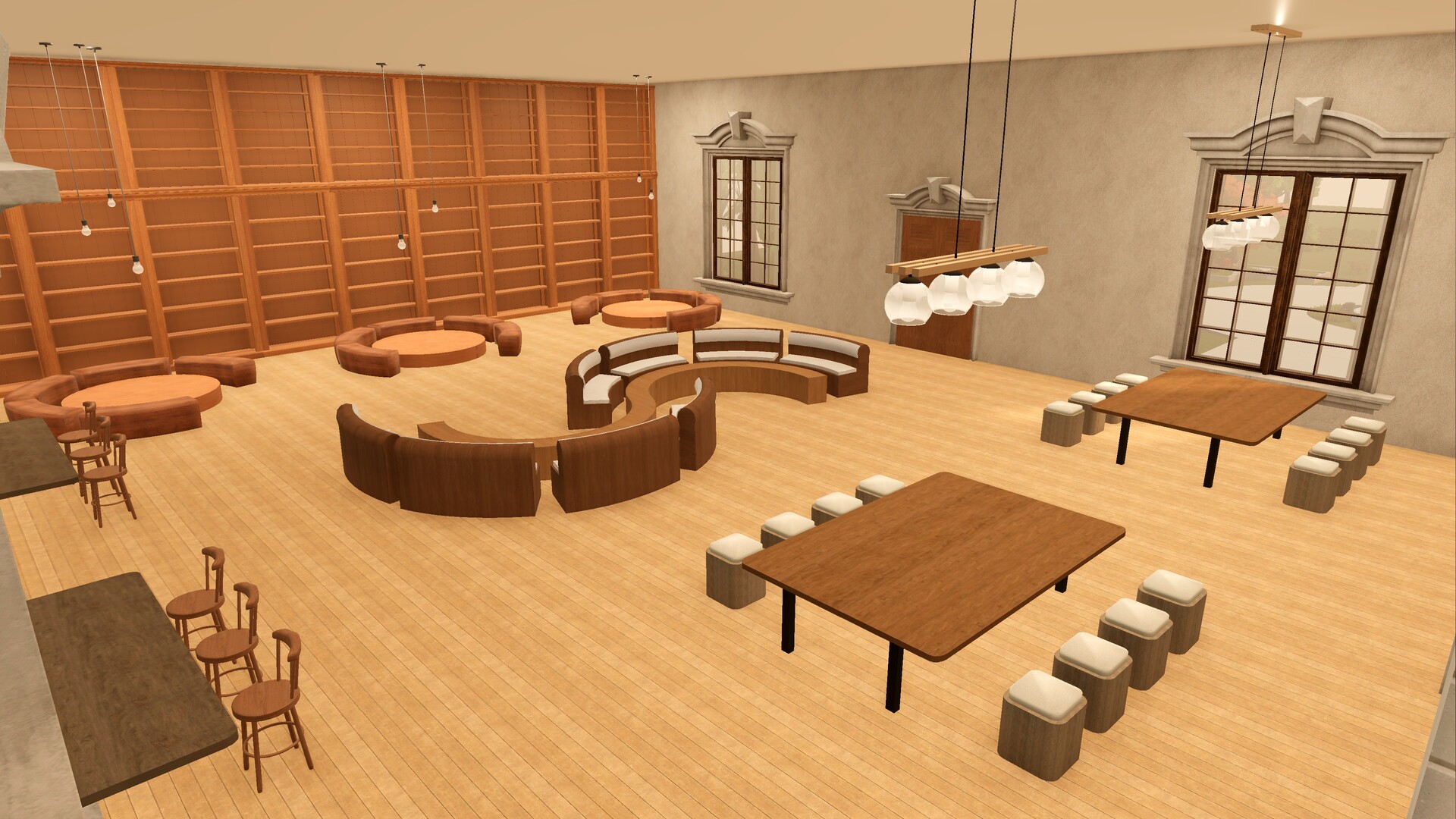
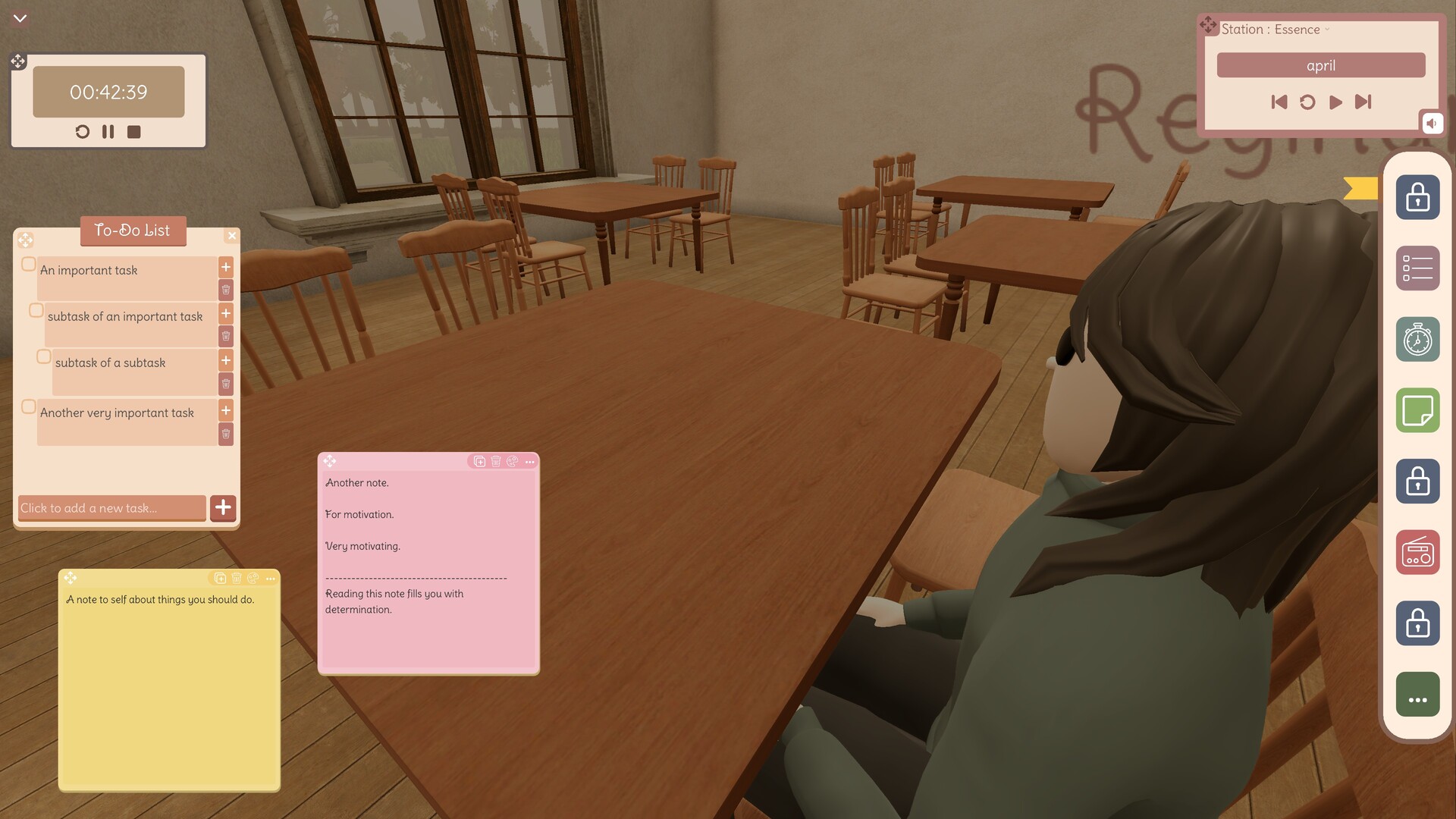
🖼️ 🟨Visuals: The environments are actually pretty; the characters are not.


#readme


I don't dislike the idea of having a "virtual space" where I can plop an avatar down at a table when I do stuff in the real world, but typing that out feels like it's the sort of thing you can already do by just idling in some MMO. Without the MMO game. Or really the MM part at all.

#memorycard


What stood out:
📌All chairs are created interactable, but some chairs are more interactable than others
Who it's for:
🎁Good question


🤓Curator: Brickroad Amusements

0 found helpful Steam ↗

Reviews are by Steam users, hosted on Steam.

Latest updates

UI & Control Improvements

43 days ago
What’s Changed?Mouse Decoupling: The "Q" key is now used to free the mouse cursor. To open or close the side panel, simply press "Q" and click the yellow flag icon on the HUD.Seamless Interaction: Previously, opening the side menu would dim the screen and lock movement. The dimmer has been removed, allowing the menu to stay open while moving or working.Chat Enhancements: The chat can still be toggled using the arrow in the bottom-left corner, and you can now keep it open indefinitely. To ensure it doesn't interrupt your experience, the chat background has been made transparent, making it less intrusive while you work.Unified Logic: Instead of assigning new keys to every pop-up, everything is being transitioned to this unified "free mouse" system.Why This Change?Assigning unique keys to every UI element is inefficient. By streamlining these actions under the "Q" key, space has been cleared for future HUD additions without requiring extra keybinds. This prevents confusion as the project grows and keeps the screen clean.Thanks a lot for all the feedback and supportive messages. You all are much appreciated!Join the Discord to keep up with more updates! https://discord.gg/wTsBsFC54b

StudyHub is now in Early Access !

51 days ago
StudyHub is officially live. Here is what is new : Daily Tasks: Productivity system is active with daily objectives.Experience & Leveling: Earn XP from tasks to level up and track progress.Coin System: Coins are earned through study sessions, completing daily tasks, and your own to-do's. (Note: Marketplace is under development, soon ready for you to spend your coins).Statistics: Current data is stored in a dedicated database. Steam integration is the next step.Loading Screen: Implemented for smooth transitions.Chat System: Functional but restricted to auto-messages to ensure focus. Full chat will be available in the next update (for members).In-Game Bug Report: Report issues directly through the in-game tool. Reports are sent straight to Discord for fast fixing. Thank you so much for all the support and feedback! I really appreciate it.

Study Hub isn't abandoned.

68 days ago
After 18 hours of struggle due to not knowing what I am doing, the very official update is live ! A huge thanks to everyone who gave a chance to my very first game/project. I’ve taken notes on all your feedback and I’m going through them one by one. Thank you for your time and for all the support.Colors & Lighting StudyHub is finally free from those dead, low-saturated colors and came to life with some actual lighting. It’s not perfect, but definitely better than before. Just a heads-up: good lighting means a bit of loading time. I haven't added a loading screen yet (it's my very first task now!), please don't think the game is bugged. Just give it a few seconds and it will open, I promise. If the servers are actually down, you’ll see a pop up. 2. "Where is the Server Button?"I received some feedback that the server selection button wasn't very visible, so I've added an obvious mini-button right under the "Enter the Hub" button. Now you can also see how many people are active in each region (EU, AS, US) and decide accordingly. + There is a music in the menu. 3. Settings are actually working nowYou can finally adjust the volume! The settings page is now functional—you can tweak the music (only main menu for now), footstep audio, and change your resolution.Discord channel is also up, everyone welcomed.

Posts come from Steam's official announcements feed.

Comments

Log in to leave a comment.

Loading comments…

Developer of this game? Add an IdleDB badge to your site