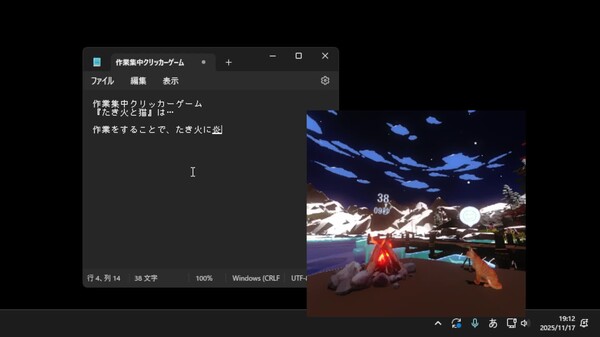
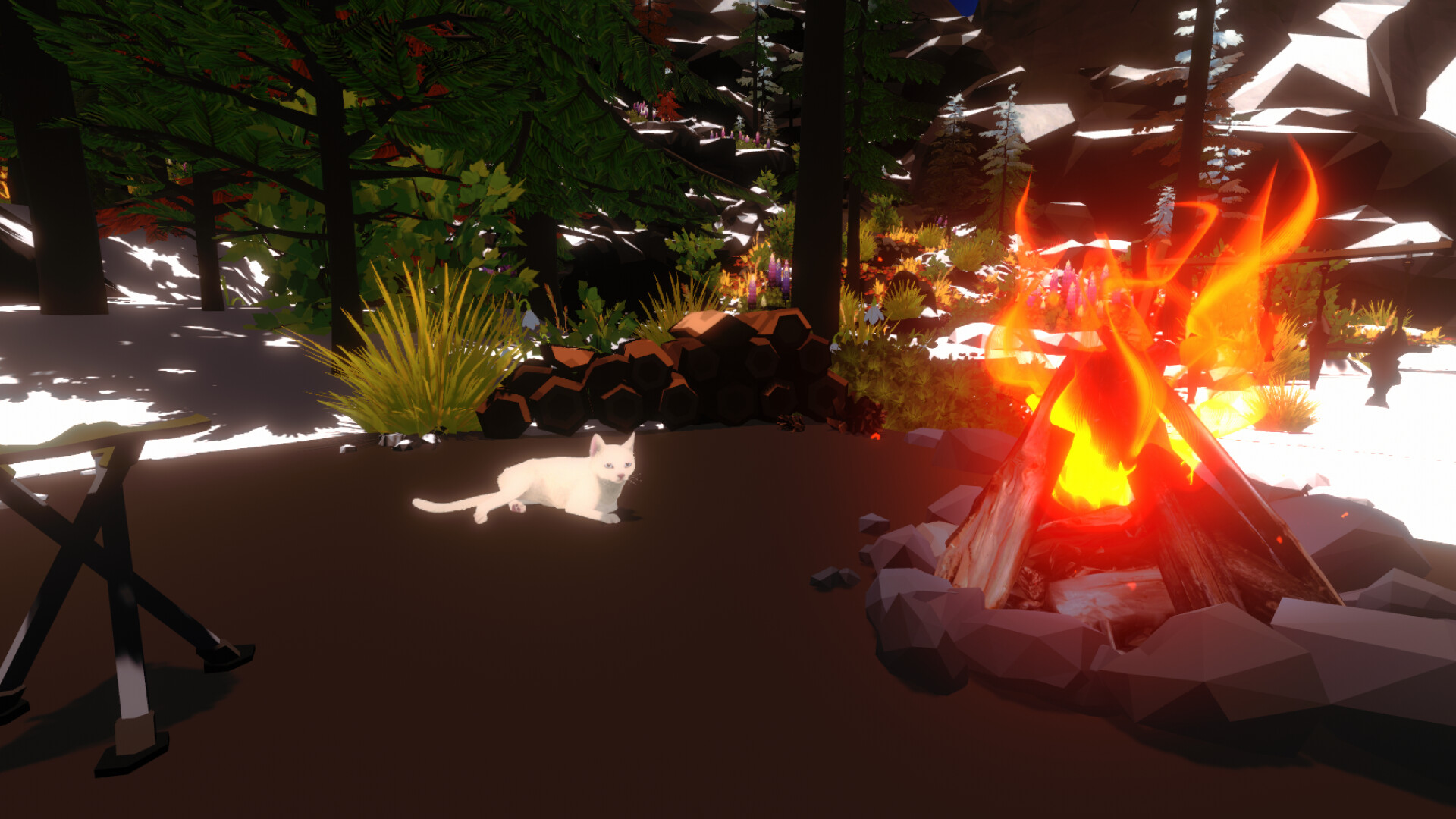
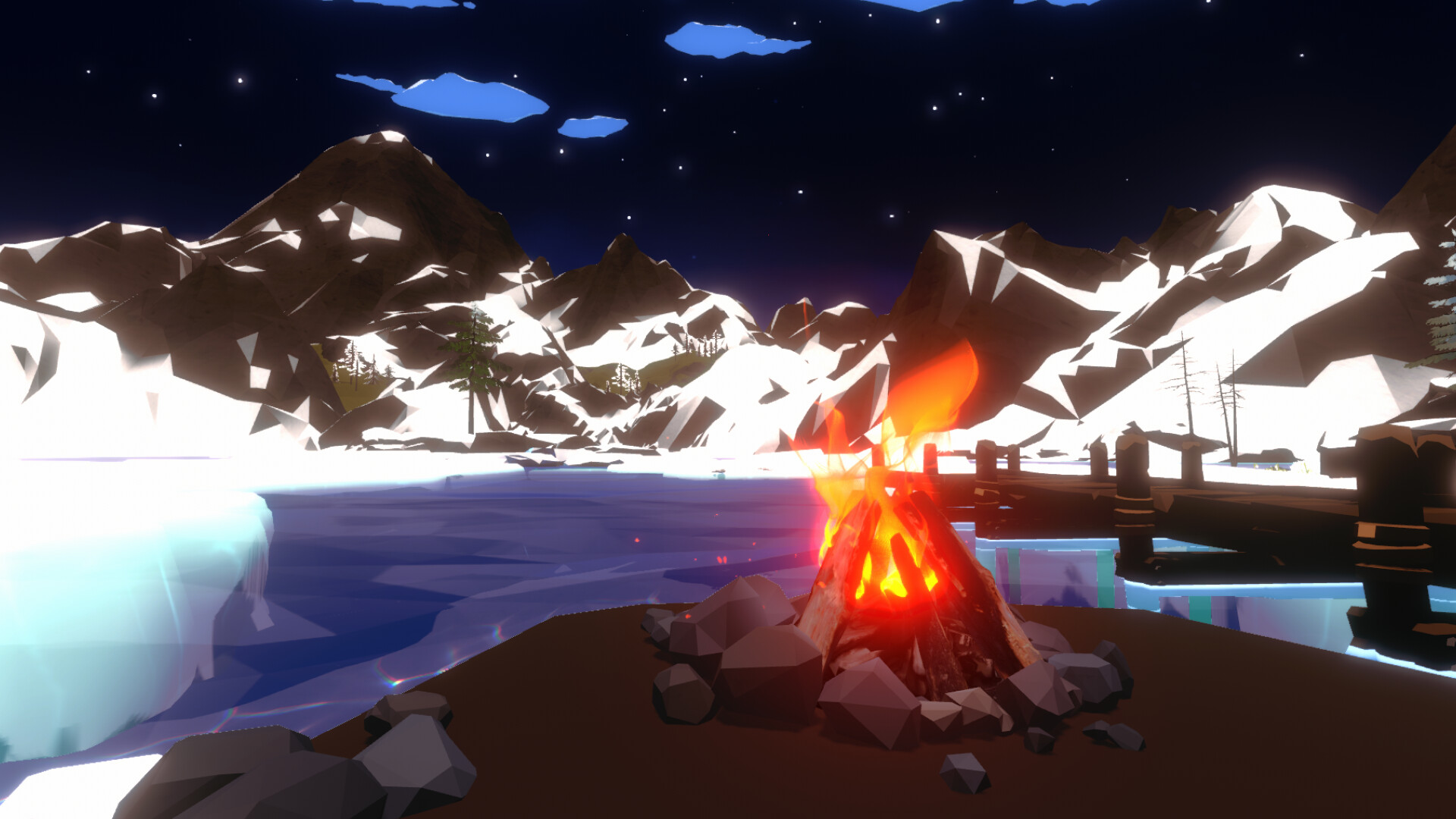
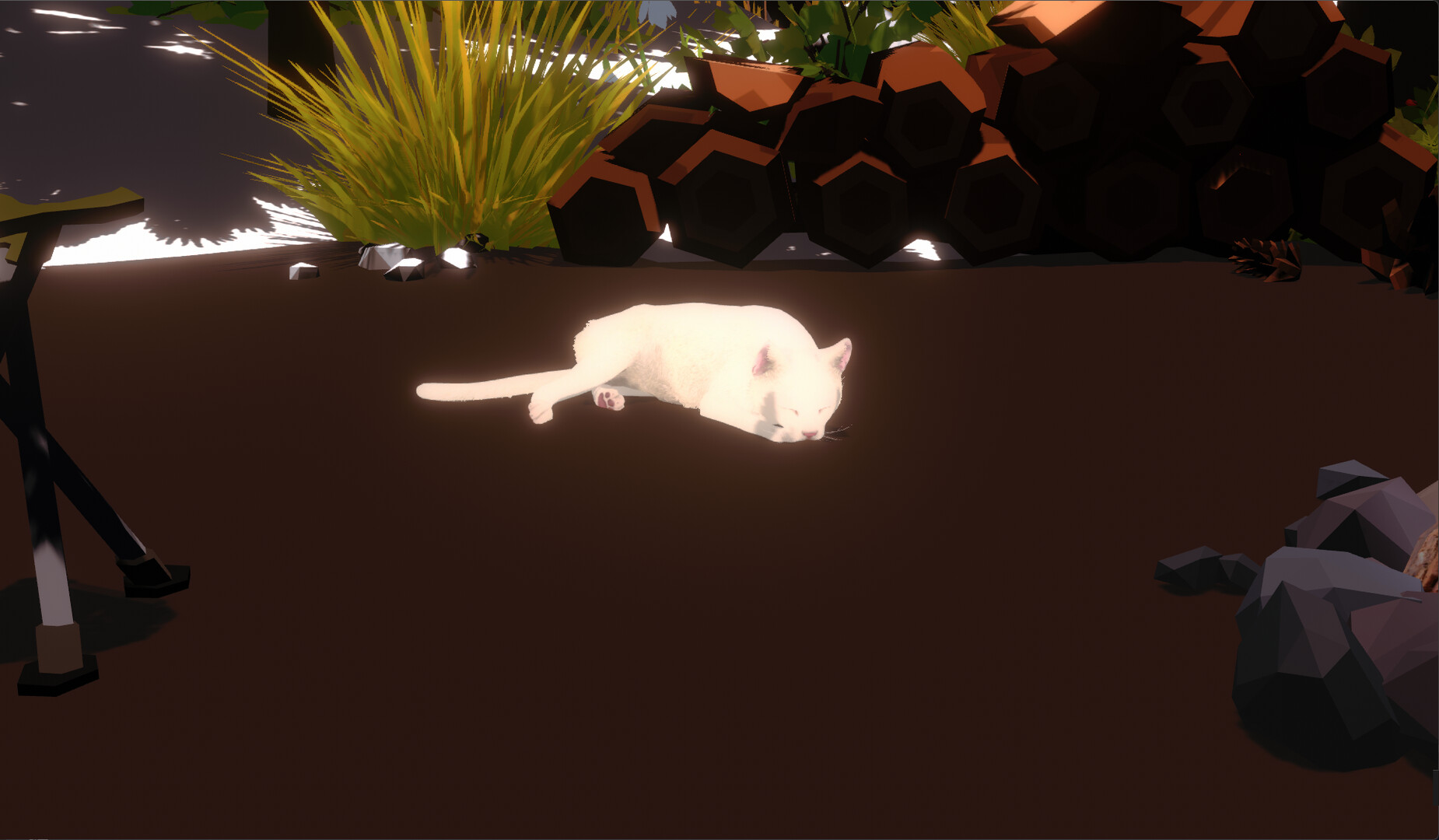
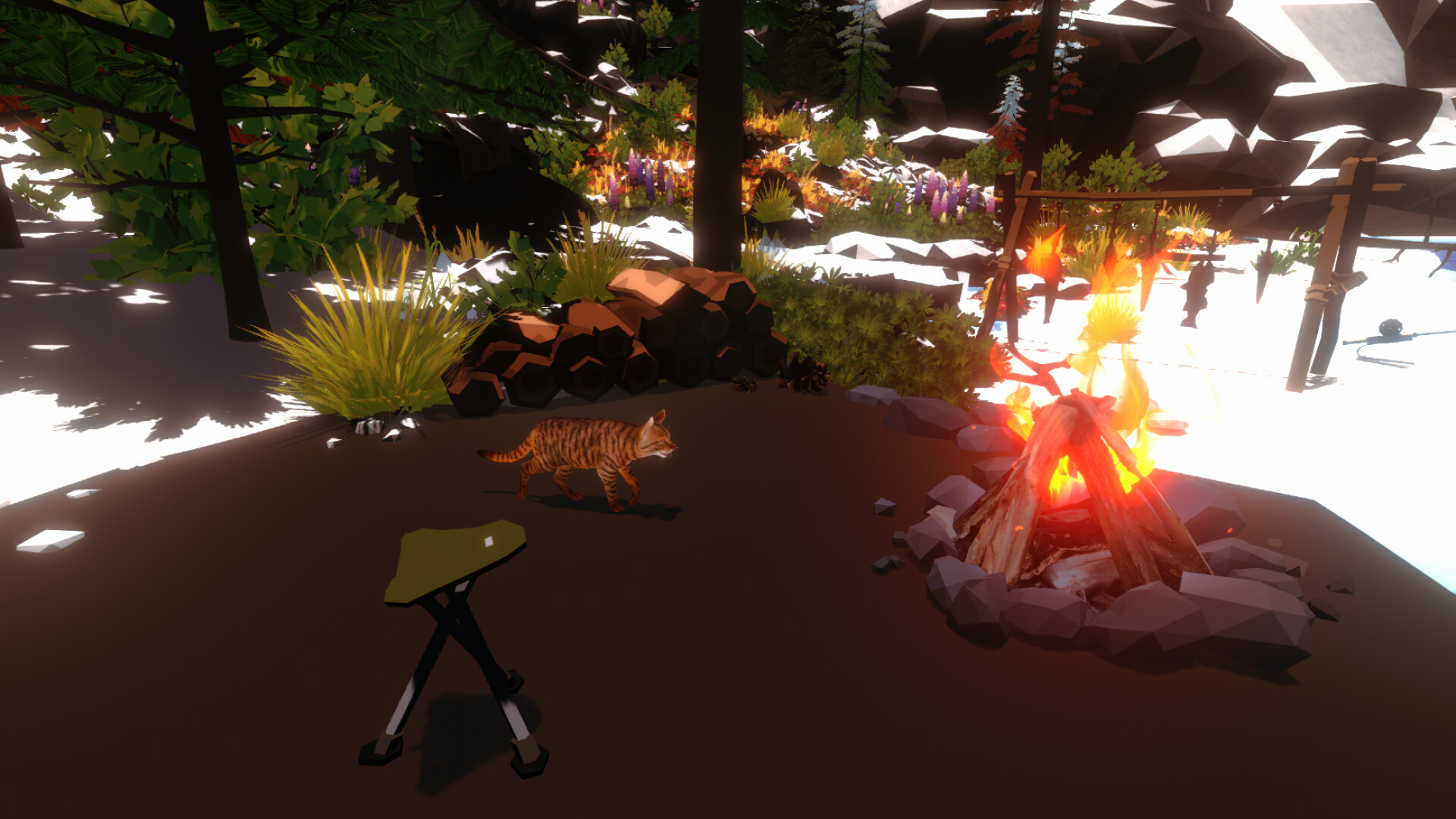
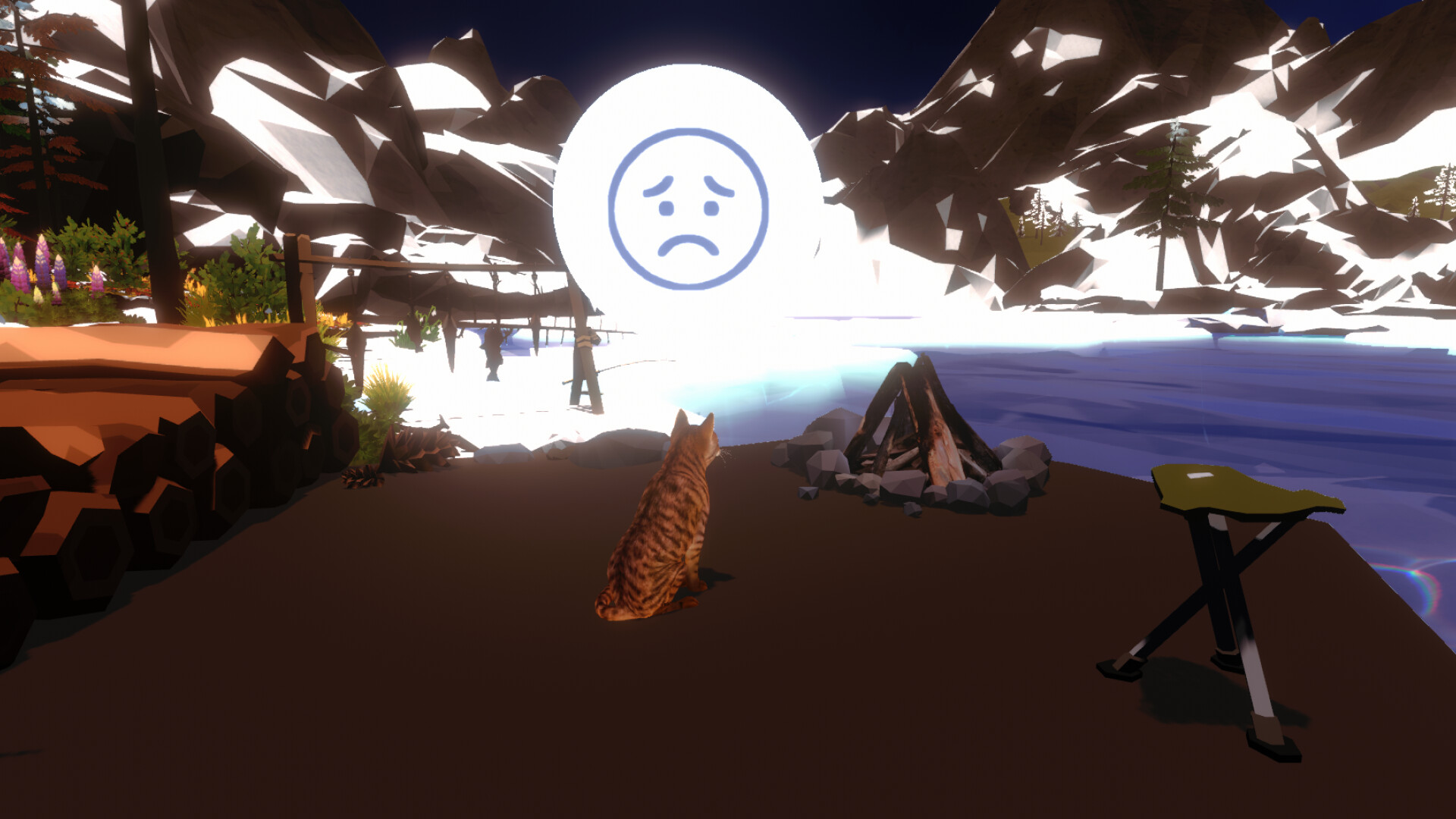
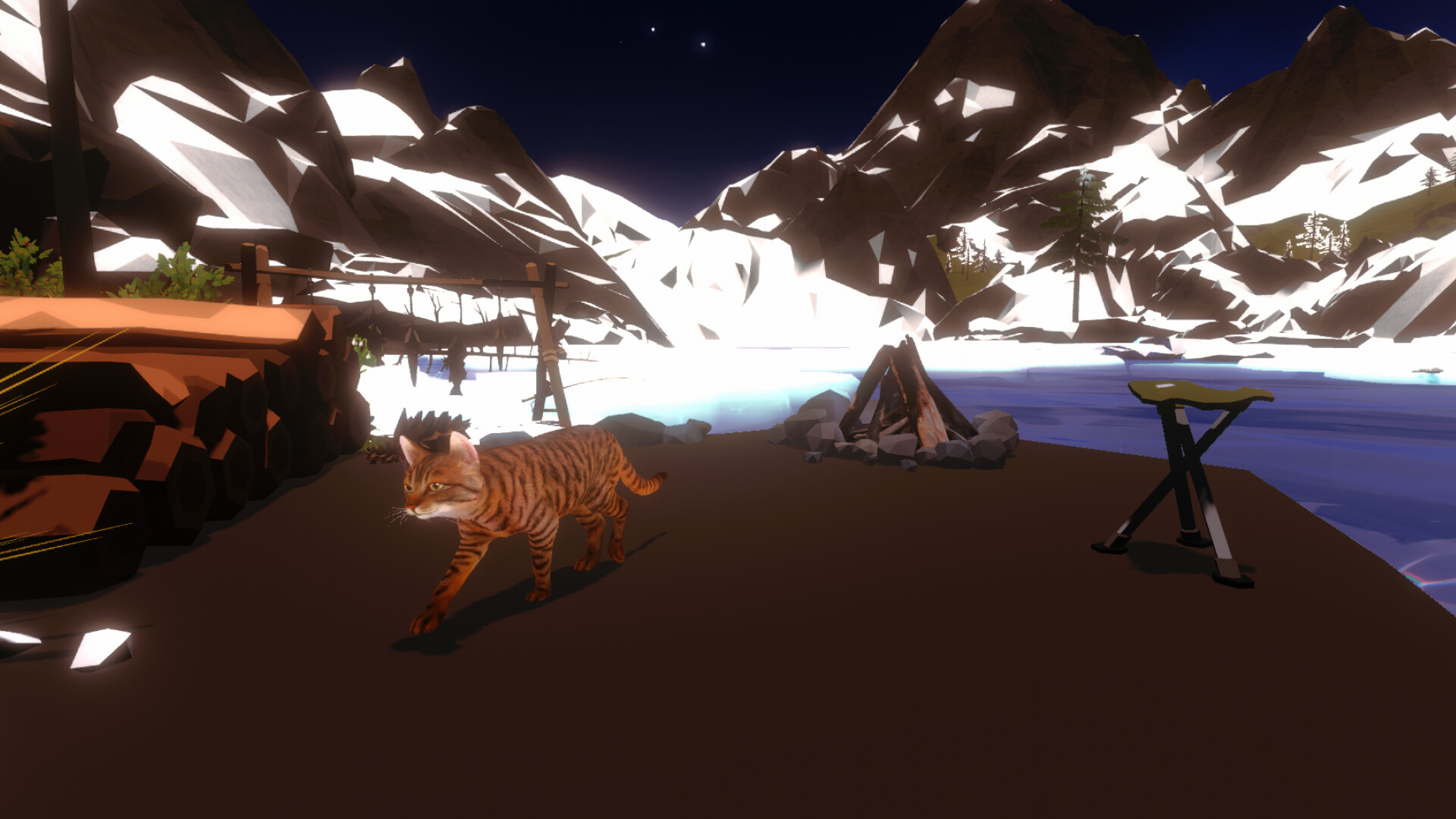
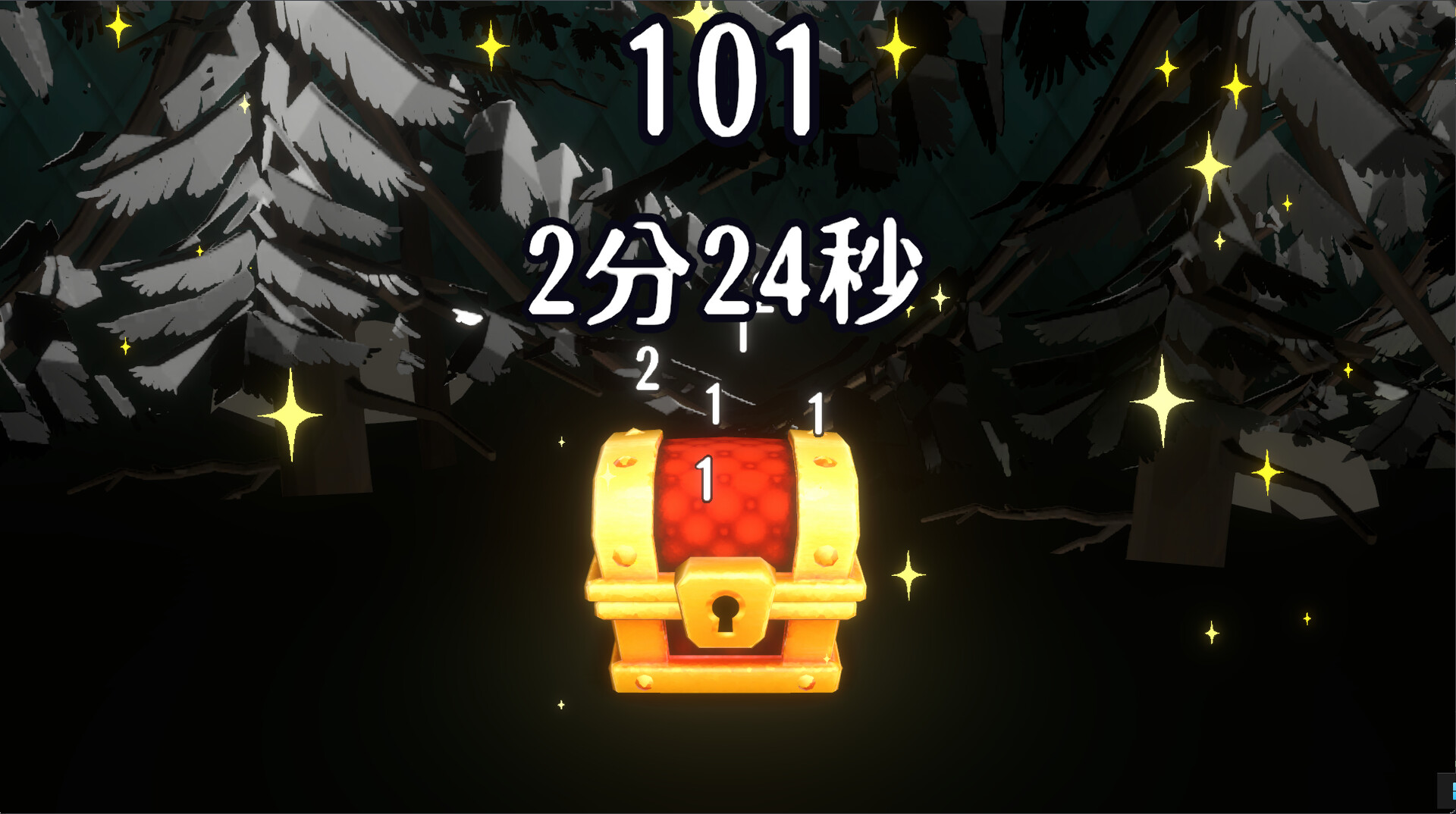
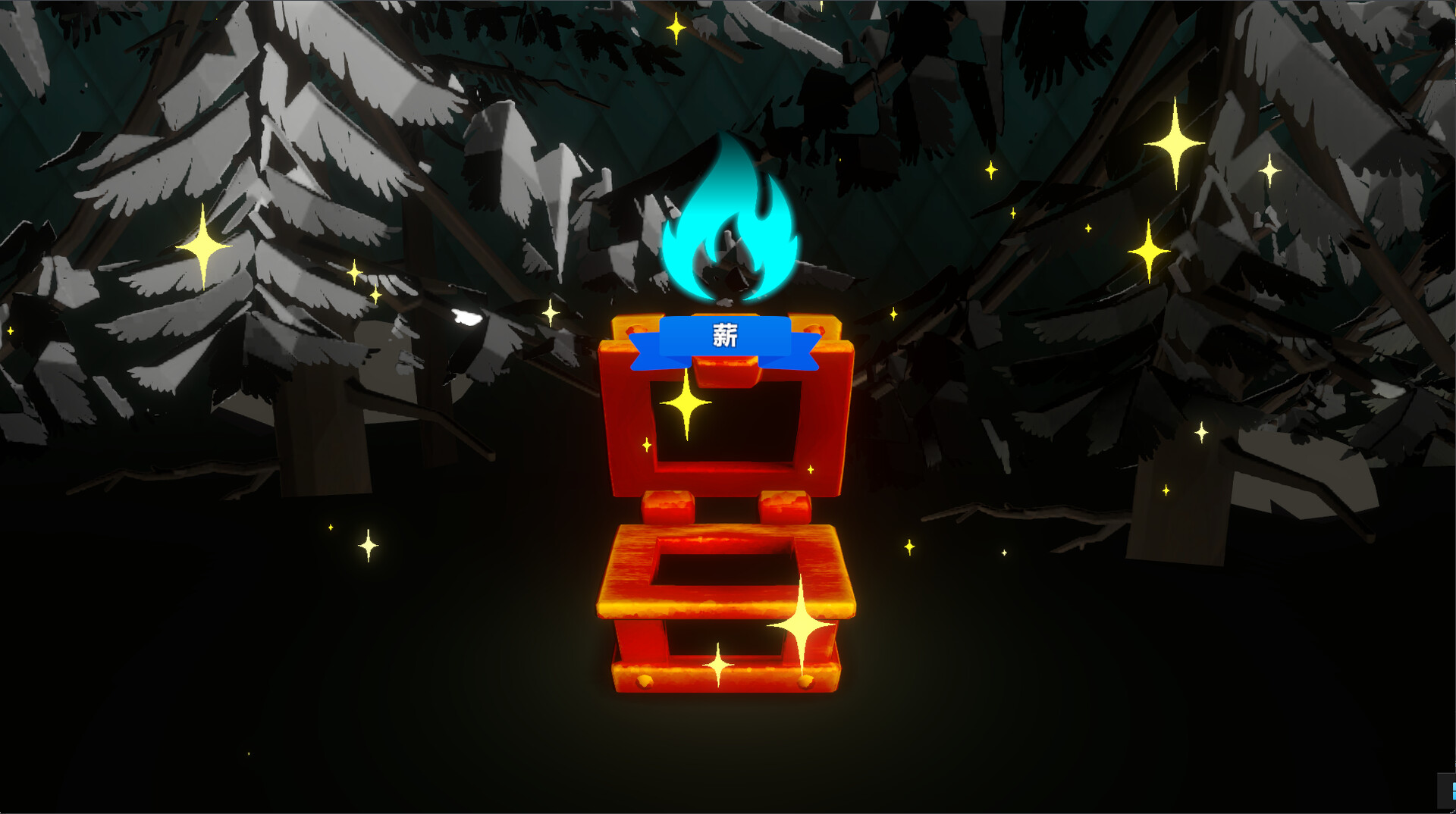
Campfire with Cat pairs productivity with cozy atmosphere: keep your digital fire alive by completing work in other applications while ambient sounds and a companionable cat encourage sustained focus. The gentle threat of the fire dying out creates natural motivation to stay on task, making it an unconventional tool for workers seeking both accountability and comfort.
About this game
Campfire with Cat is a work-focus clicker game where you maintain the campfire by working in other software. Cozy sounds relax you, while the tension of the fire going out naturally drives task concentration. Gentle interactions with the cat bring comfort and focus to your work.
Players, last 30 days
Peak 35 · Low 19
Daily peak concurrent players, sampled once a night from Steam.
What players are saying
▲ Recommended3 hrs
Cute game, to progress all you have to do is do work in other programs. I would suggest not calling on the graphics processor for a small game although.
・Fixed an issue where, in save files with the DLC purchased, carpets would sometimes reappear after restarting the game even if they had been hidden.・Added three new types of carpets via the DLC.
We have implemented significant balance adjustments to reduce instances where the campfire goes out while you are continuing your work.① Scrolling the mouse wheel now stops the campfire flames from dying down.② The time before the cat starts nagging you now increases in proportion to the duration the fire has been burning. Scrolling the mouse wheel now stops the campfire flames from fading.This is intended to prevent the flames from going out while you are reading text or performing other tasks.・Scrolling the wheel on a window that is not active will not stop the flames from fading.・The system only checks the frequency of scrolling; the “amount” of scrolling does not matter. You do not need to consciously scroll the wheel a lot. The time between the campfire going out and the cat waking up and meowing due to the cold now increases based on the duration of the fire.By keeping the fire burning for 20–25 minutes without waking the cat, you can extend the time until the cat meows to about 5 minutes.By maintaining combustion for 40 minutes or more, you can extend the time until the cat meows to a maximum of 10 minutes.If the cat meows or the software is restarted, the extended time will be reset.Additionally, when the “Counting Disabled Window” is active, the times mentioned above will be reduced to about one-fifth of their original duration.
Posts come from Steam's official announcements feed.