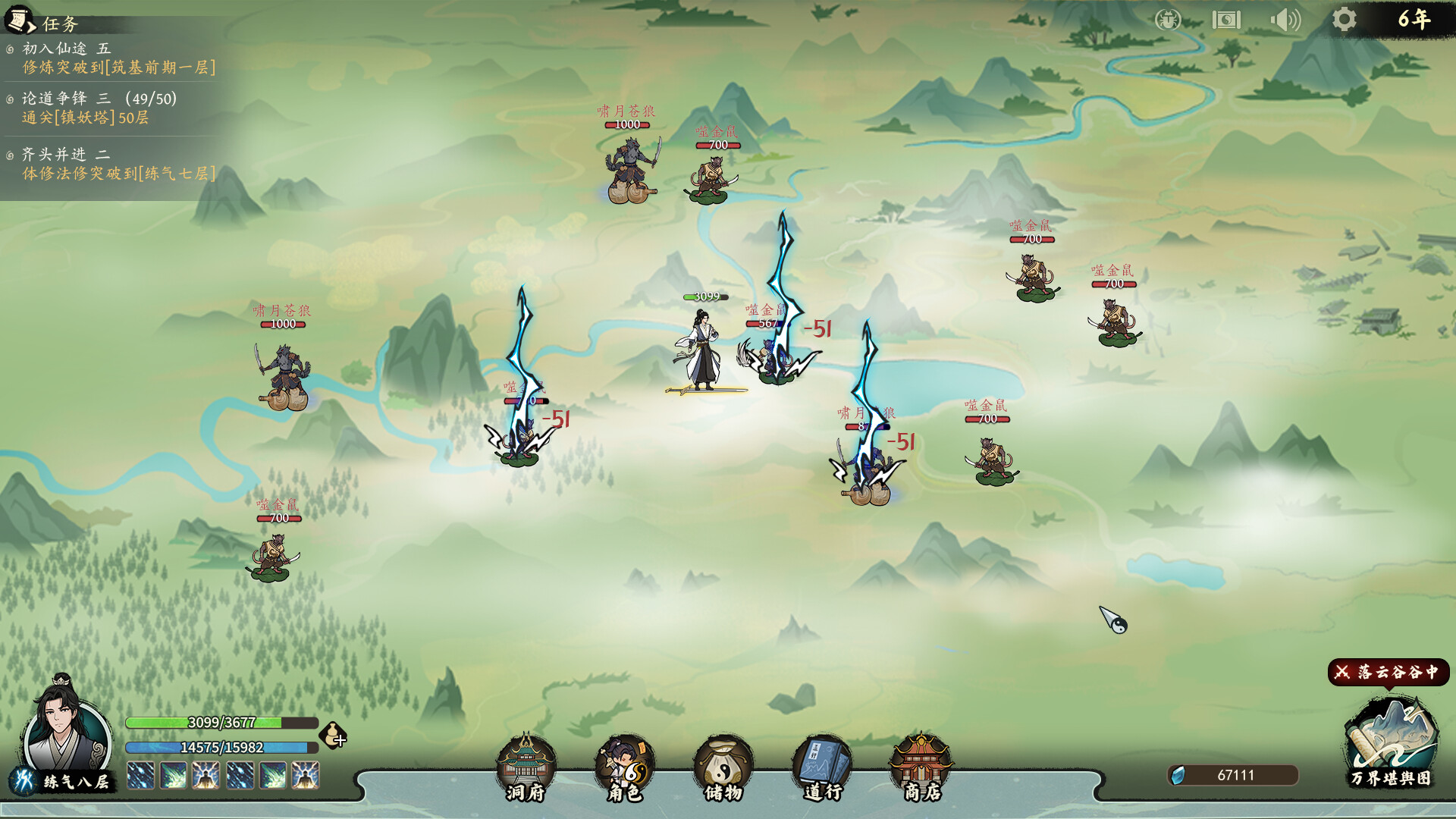
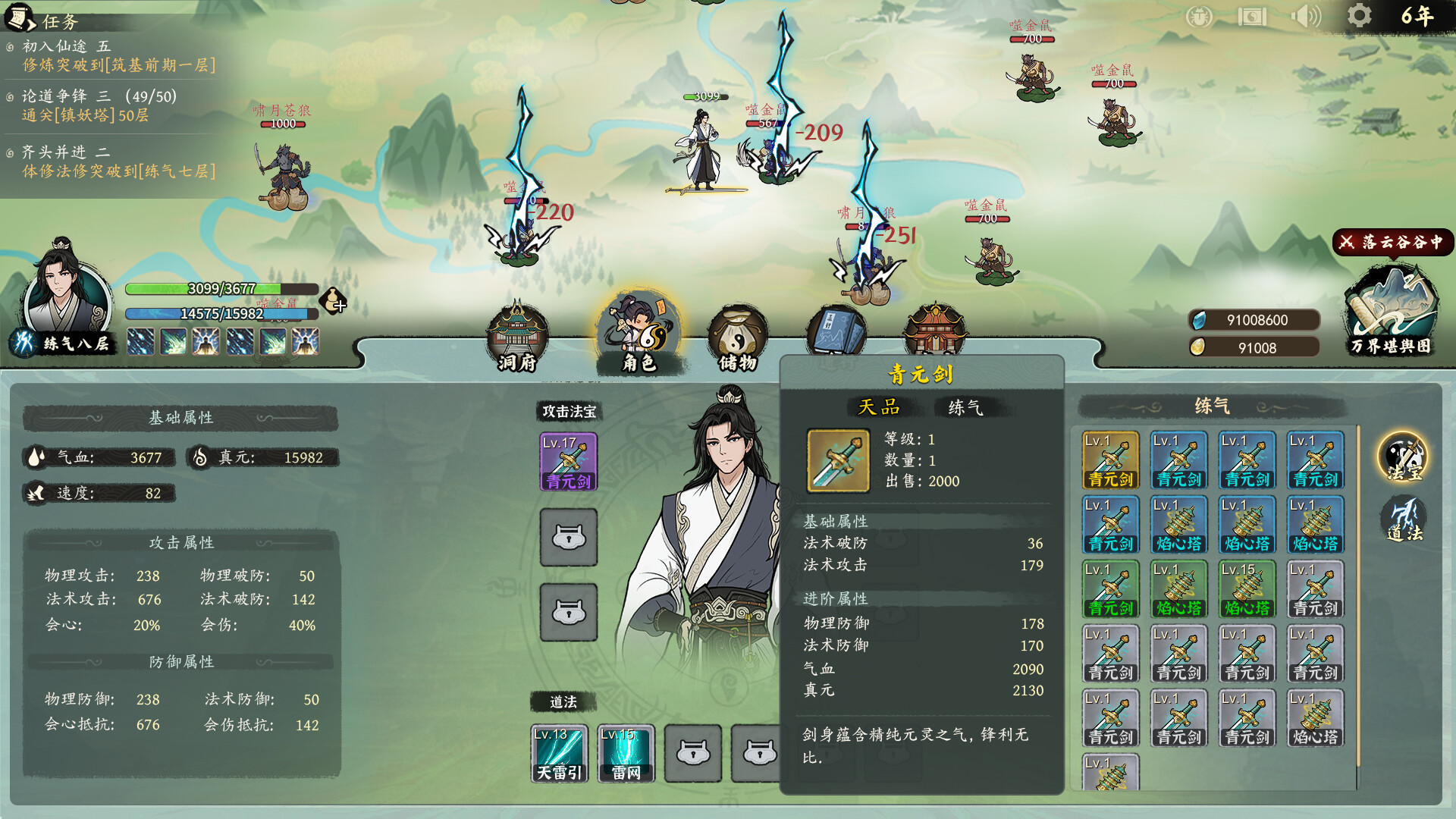
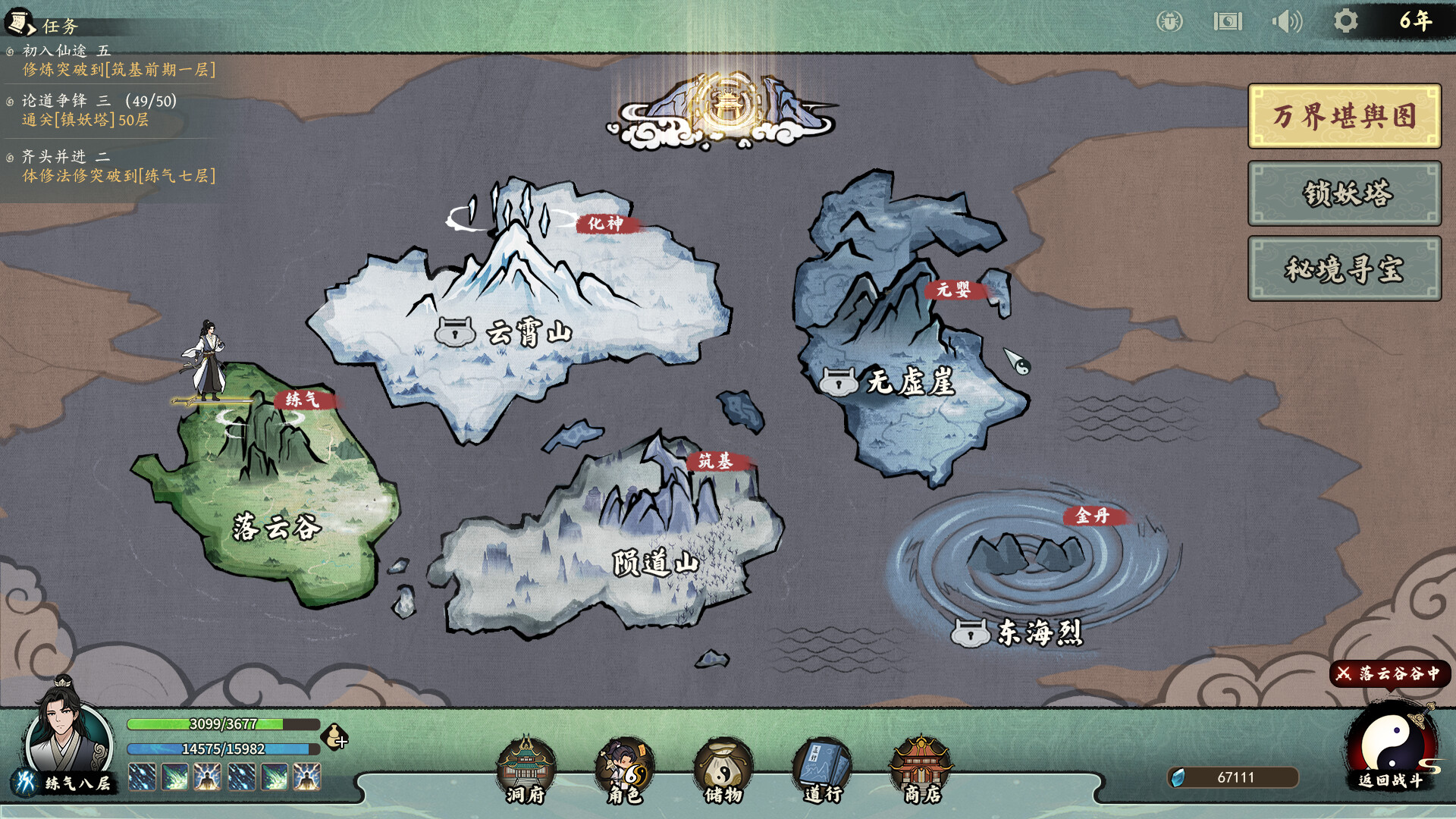
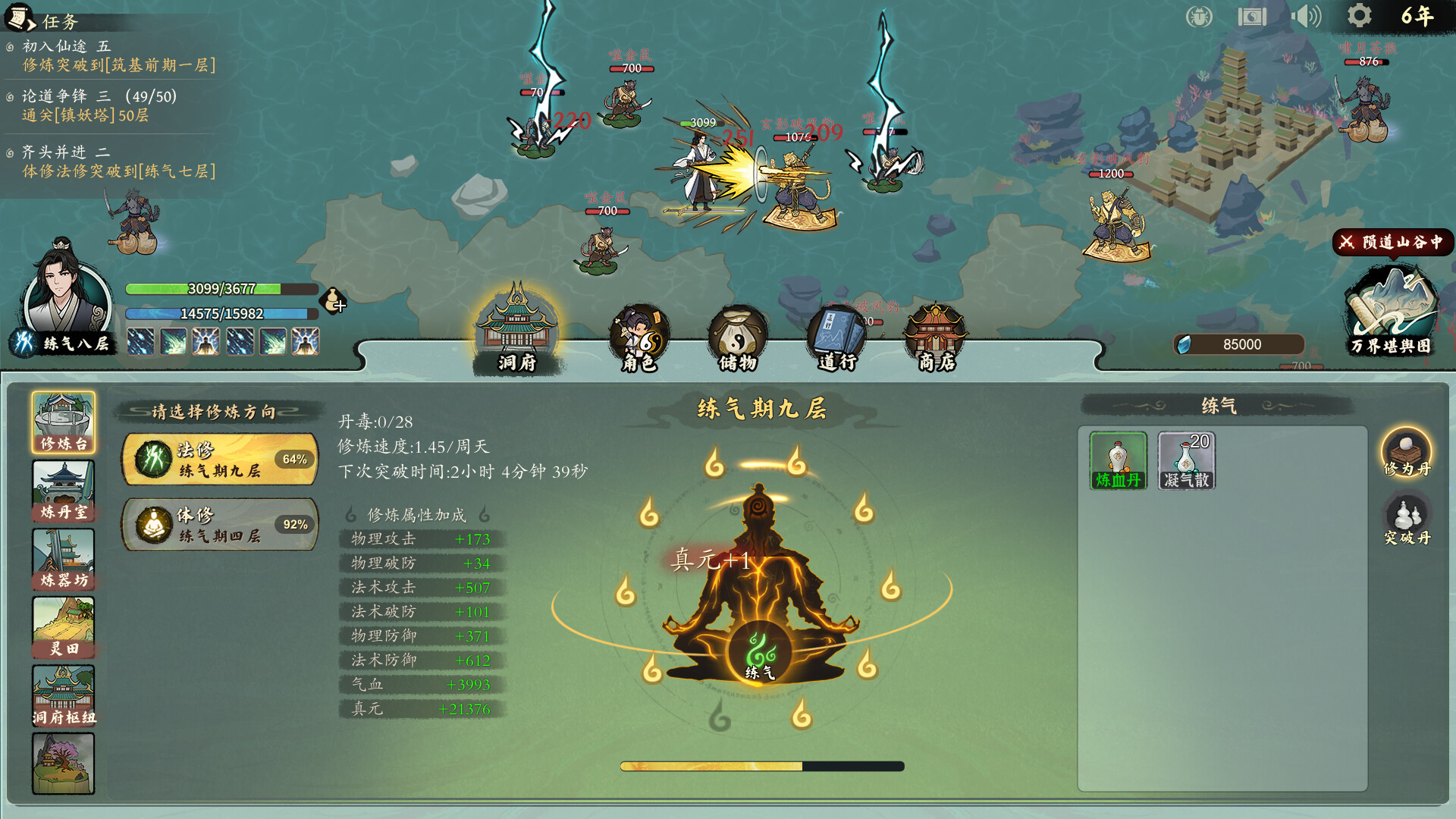
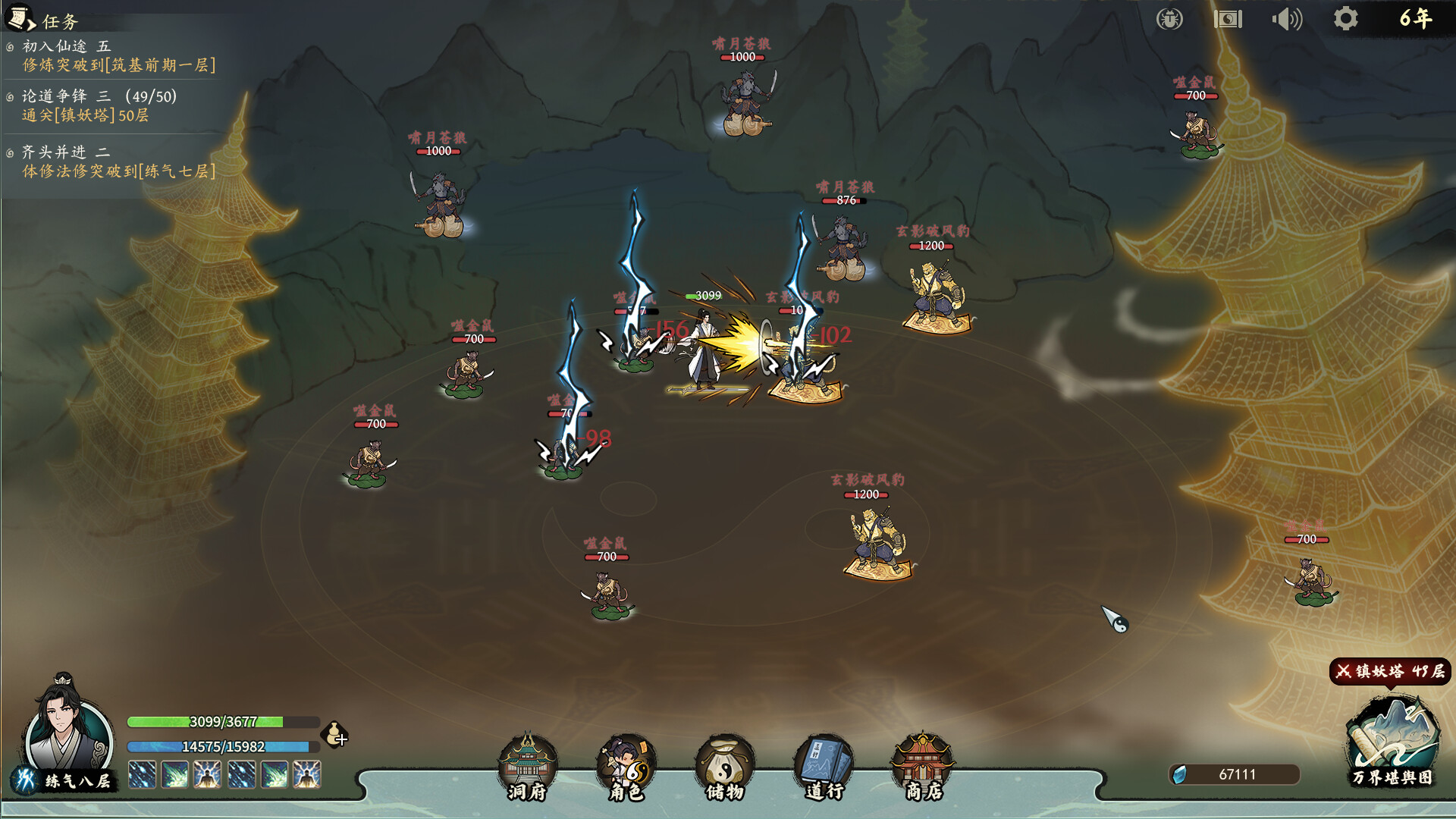
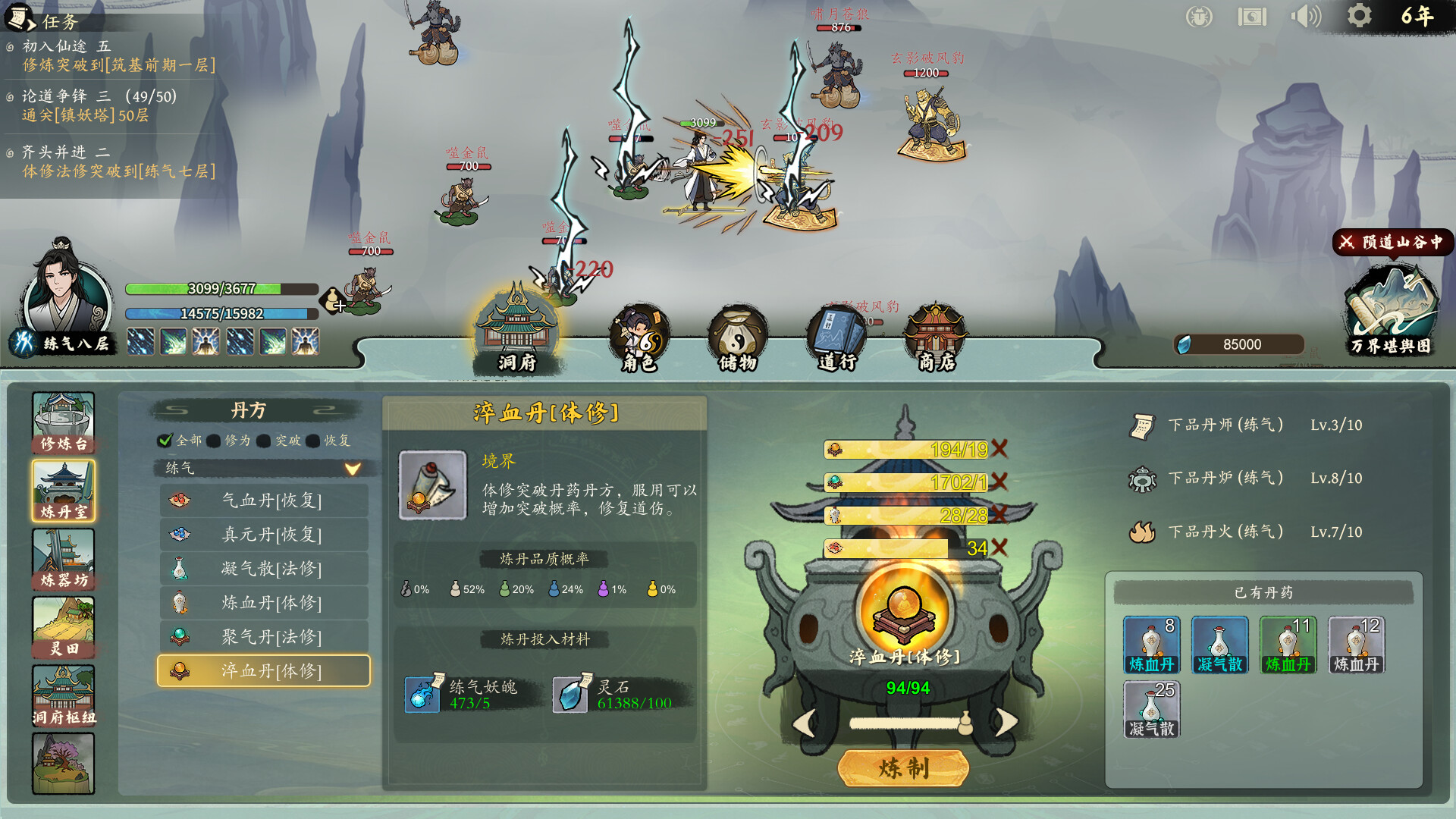
I Am The Dao layers xianxia progression across multiple realms using real-time auto-combat, where you ascend from mortal through spirit and immortal planes. The core loop chains together combat encounters with realm advancement, though current content is light and lacks offline gains, making it feel slow without active engagement. Best suited for players willing to revisit as the game expands its crafting and skill systems.
About this game
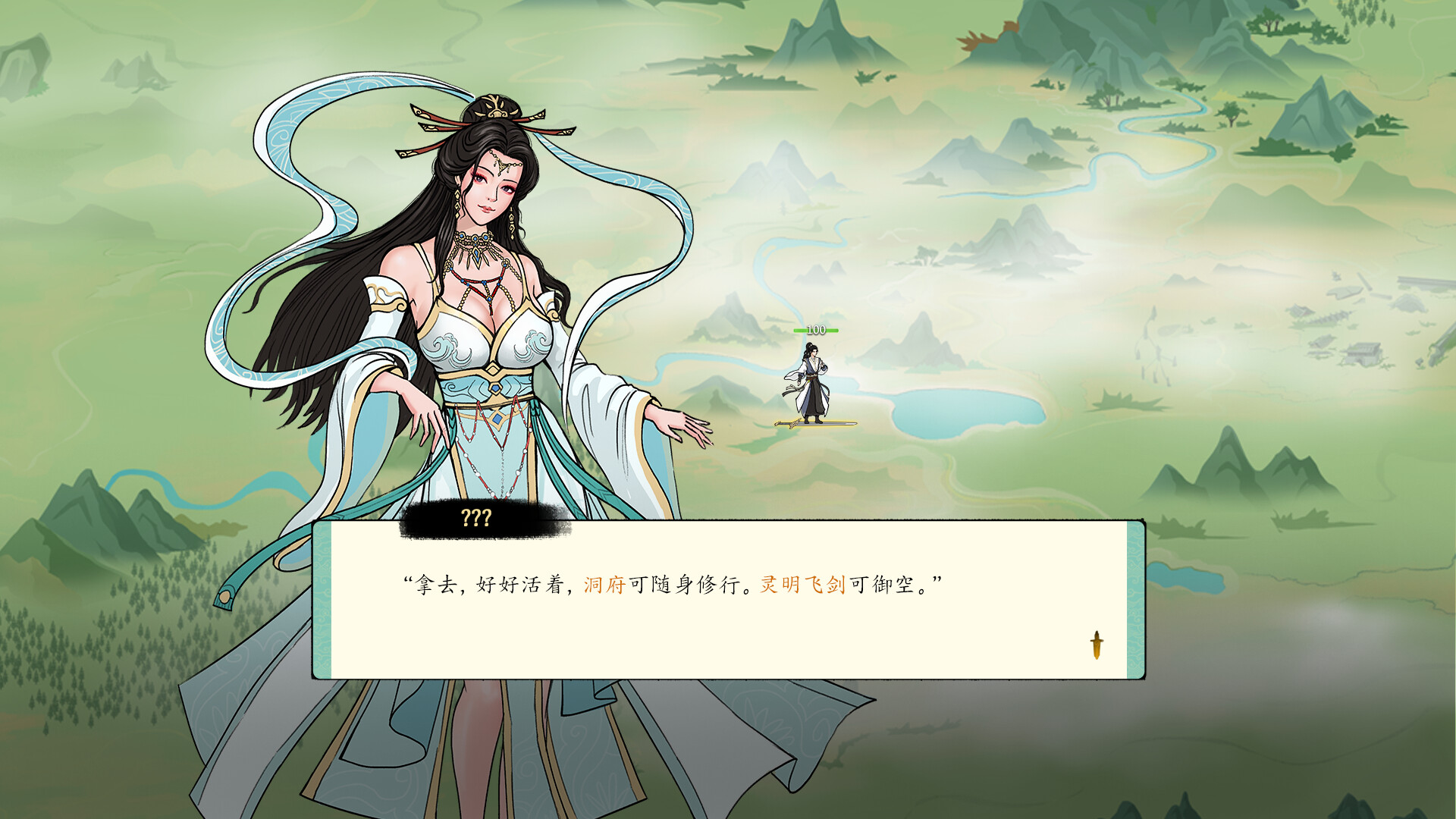
<I Am The Dao> is a cultivation idle game that blends xianxia web novel lore with real-time auto-combat. Starting from the Mortal Realm, you will ascend through the Spirit Realm and Immortal Realm, eventually dominating the boundless cosmos. Each new world you enter unlocks unique gameplay!
Players, last 38 days
Peak 24 · Low 8
Daily peak concurrent players, sampled once a night from Steam.
What players are saying
▼ Not recommended53 hrs
I can't recommend this at this point. There isn't enough things to do, the progression is really slow and there is no offline mode. Wait for it to cook more
Need more skill for clearing mobs,early skill right now targeting too little mobs at a time,cost a lot of EP too so you ran out of EP too quick. Need more stuff to do,like forging equipment,relic ... etc. Wait for more content to comeback .
各位道友,大家好!经典宗门修仙挂机游戏《壶中日月》正在折扣中,欢迎体验!《壶中日月》是一款独特的修仙挂机模拟游戏,融合了师徒养成与刷宝养成玩法。你将扮演一位意外穿越到壶中世界的人,在这片灵气充盈、神秘莫测的仙境中,开启一段别样的修仙之旅。这是我们开发的第一款挂机游戏。历经一年打磨,从 EA 一路走到正式发售,如今已能为你带来超过 200 小时的挂机体验。壶中日月长,仙途自此始。快来体验一下吧。
Here are the main updates in version v0.7.4: New Features: Added a one‑click upgrade feature for magical treasures Bug Fixes: Fixed an issue where the UI did not refresh promptly after upgrading magical treasures Fixed an issue where attributes from magical treasure upgrades were not taking effect (upgrading an affected magical treasure once will restore it) Fixed an issue where attributes were not cleared after using the one‑click restore function for magical treasures (upgrading an affected magical treasure once will restore it) Fixed an issue where quests related to magical treasure upgrades could not be completed Save file location: Press Win+R on your keyboard, enter the following path, and press Enter: %USERPROFILE%\AppData\LocalLow\skyblack games\IAmTheDao\userData\saves Reporting Bugs or Questions: You can provide feedback by joining our Discord or sending an email to: skyblack7301@gmail.com
Here are the main updates in version v0.7.03: New Features: Added multi‑character and multi‑save support Added a battle drop log feature Added recipe upgrades for alchemy and artifact crafting Added talent upgrades for alchemy and artifact crafting Optimizations: Improved visual clarity / enhanced image quality Optimized multilingual text translations (including the manor hub, etc.) Adjusted the probability display for alchemy and artifact crafting Optimized pill usage prompts Bug Fixes: Fixed abnormal probability issues with certain pills Fixed an issue where changing resolution would occasionally toggle fullscreen mode Save File Notes: If the computer crashes or the game process is closed during saving, save file corruption may occur. A new save backup feature (saves_backup) has been added to prevent cloud saves from being wiped. If you encounter save corruption and cannot start a new game, you can first enable Steam offline mode, then manually delete the save files in the saves folder, and copy the save files from the saves_backup folder into the saves folder to attempt a repair. Save file location: Press Win+R on your keyboard, enter the following path, and press Enter: %USERPROFILE%\AppData\LocalLow\skyblack games\IAmTheDao\userData\saves Reporting Bugs or Questions: You can provide feedback by joining our Discord or sending an email to: skyblack7301@gmail.com
Posts come from Steam's official announcements feed.