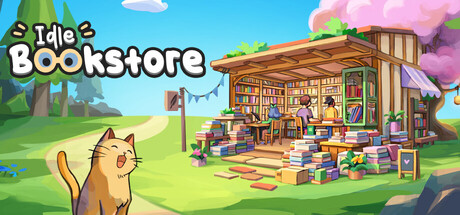
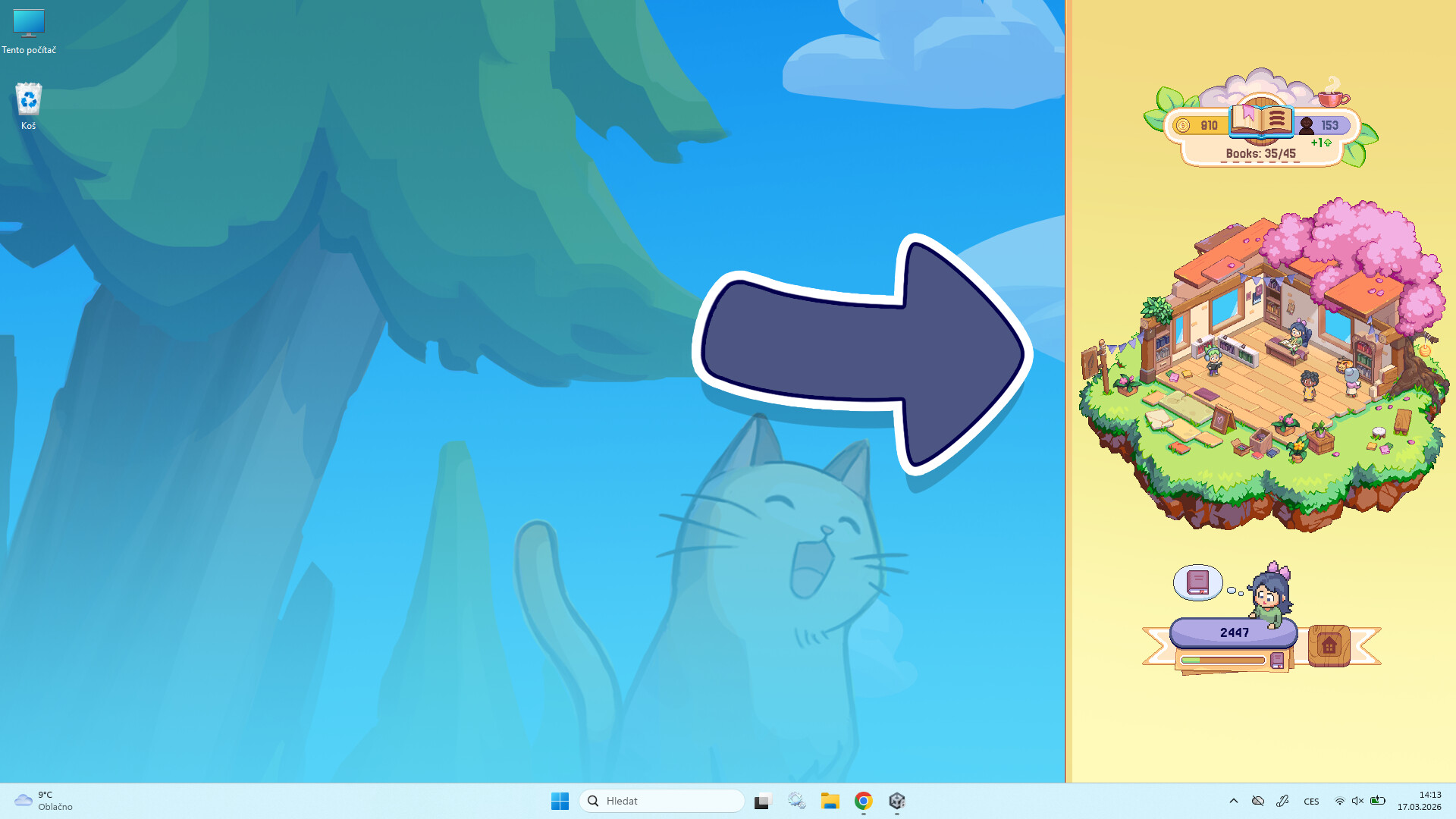
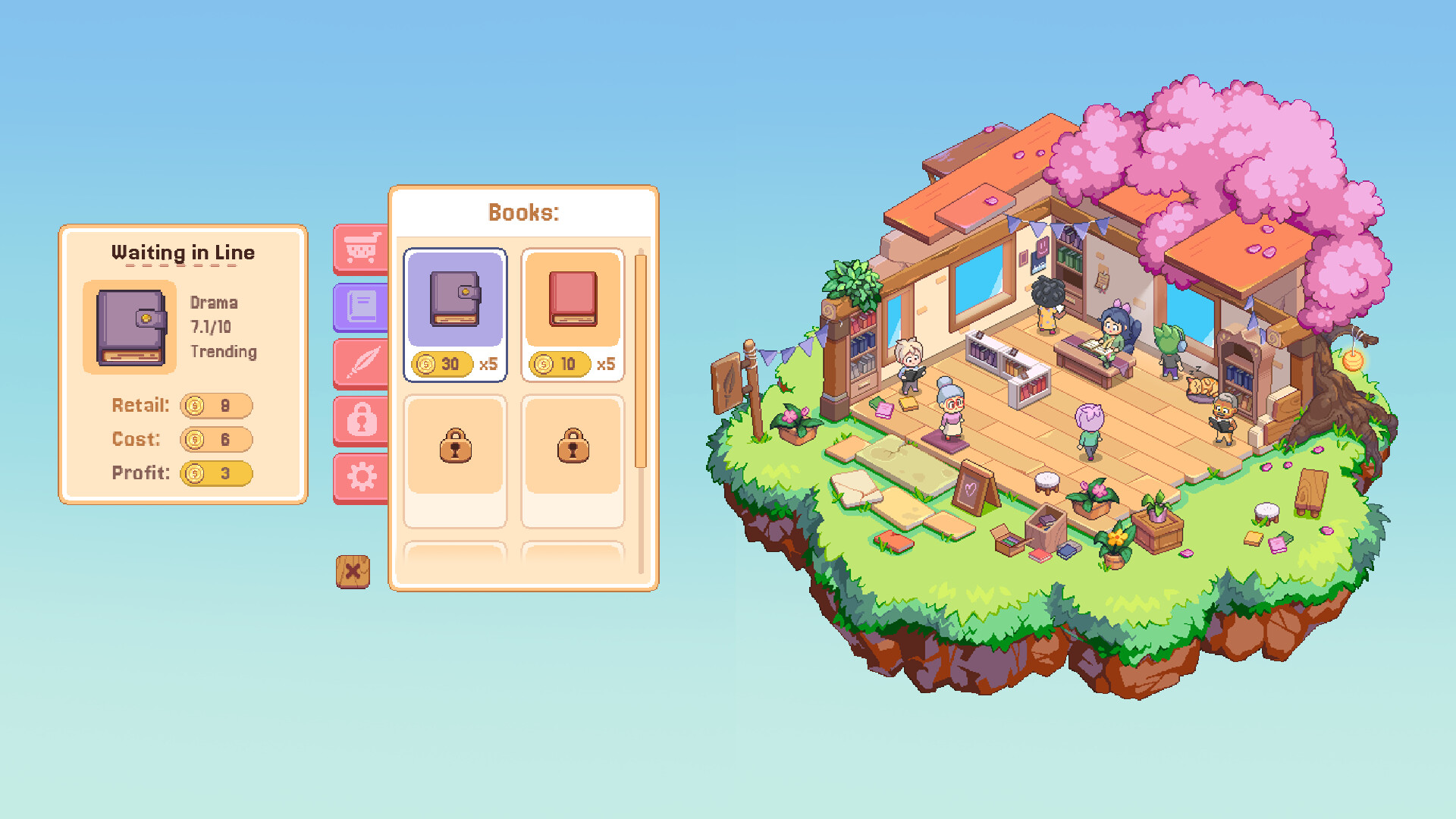
Run a bookstore from the ground up, automating sales and expanding your inventory while you're away. The game's co-op features let you collaborate with friends to write and trade books, turning a modest shop into a profitable enterprise through passive income and shared progression.
About this game
A cozy idle bookstore you grow from a tiny shop into a thriving business — solo or with friends. Co-work together, write books as a group, and sell each other’s books for profit.
Players, last 35 days
Peak 35 · Low 0
Daily peak concurrent players, sampled once a night from Steam.
What players are saying
▲ Recommended0 hrs
Cozy, fun, a good gameplay loop and an amazing small team of developers all in one package for a ridiculously good price tag
After 150 hours on the demo, here's to 1500 more on the official release
The game looks great, runs great and the overall vibe is amazing
This is the kind of game that you would imagine came as a successor to Rusty, the first to explode and the founder of an amazing genre that this game is a part of. It captures the essence of what a desktop overlay idler should be and far beyond that
Today, I've learned that I input approx. 18,000 times while playing 3 matches of league of legends. I've also learned that this game is SO FREAKING SATISFYINGGGGG. Love it. Also I havent run into any bugs or anything, which feels so rare nowadys when things are released.
This game was suggested to me as Iam a writer and love my idle games, I haven't been able to close it yet! It is so much fun to write and have a little character do so aswell and run a bookstore. And have a cat, I am in love. This game has helped me write so much mroe honestly, first time I opened it I finished a whole chapter so my character had books and all the tappys
There are a few bugs and issues that come with new games but honestly it hasn't stopped me yet or upset me even. I do wish that you could keep a minimum of books on the shelves when you have a librarian working so you didn't have to add books constantly but it only is an issue when I am writing my book and don't want to get out of the zone
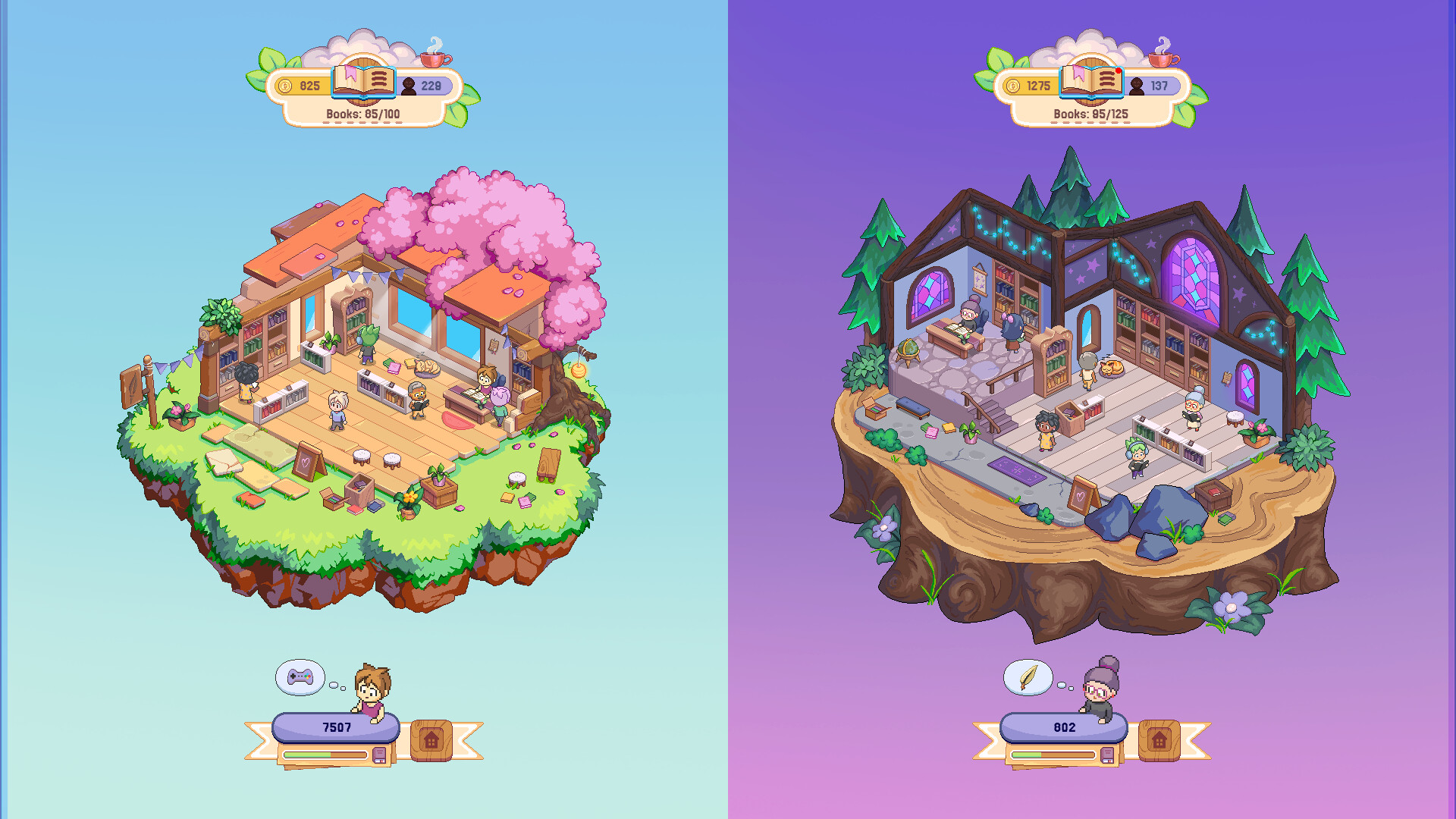
Hello, writers!This update brings a few requested features, quality-of-life improvements, and bug fixes.Thank you so much for all the feedback and bug reports — they’ve been really helpful in improving the game!New FeatureSet Multiplayer Lobby CapacityWhen creating a multiplayer lobby, the host can now choose the maximum number of players allowed in the room.Currently, you can set the lobby capacity to a maximum of 10 players.Improvements & Bug FixesImproved multiplayer connection stability. Some players experienced occasional disconnections from multiplayer rooms when temporary network errors occurred. We’ve strengthened the multiplayer connection logic so the game can better recover from network interruptions and keep players in the room.Fixed an issue where new players joining a multiplayer lobby could sometimes spawn in a position that was not visible on screen.Fixed an issue where other players winning a Mobel Award in a multiplayer lobby could incorrectly count toward your own Mobel Award progress.Rewards earned by reaching book sales milestones will now prioritize skins you don’t already own, as long as there are still uncollected skins available.Added a sound effect when petting a cat sitting beside your character.Added animations for the Gothic Bookstore.Fixed an issue in the Settings menu where the Auto-Typing toggle could display the wrong state.Thank you again for your support and for continuing to share your feedback with us! ❤️
Hi, everyone!As promised, this update adds 7 new Legendary skin sets and 4 new Rare skin sets for you to collect.Here are a few examples:WuxiaScholarArtistSamuraiAlongside the new skins, this patch also includes a few improvements suggested by players.Skin Collection Improvements1. Option to Combine Duplicate Skins OnlyWhen combining lower-rarity skins into higher-rarity skins, you can now choose to use duplicate skins only.This means you can keep one copy of each unique skin for your collection, without accidentally consuming it during combination.2. Higher-Rarity Combination Now Prioritizes Unowned SkinsWhen combining lower-rarity skins into a higher-rarity skin, the result will now always be a skin you haven’t collected yet, unless you already own every skin in that rarity tier.This should make completing your skin collection much more efficient and reduce the chance of getting unnecessary duplicates.Bug FixesMobel Award Disappearing in MultiplayerWe fixed an issue where a book could lose its Mobel Award after winning it.This could happen when:the book was still on sale,the player was in a multiplayer lobby,and the game synced the player’s books.In some cases, the award data could be removed during this sync, which also prevented the related music track from unlocking.This issue has now been fixed.We have also restored missing Mobel Awards to affected books.Empty Books Appearing in Book HistoryWe fixed an issue where the book history could contain an empty book with no title and a 0 rating.This could happen if a player accepted a publisher deal while in a multiplayer lobby.The issue has now been fixed, and these empty book entries have been removed.Thank you again for all the feedback and suggestions.We hope you enjoy collecting the new skins! ❤️
Hi, everyone!This patch includes a few quality-of-life improvements, balance adjustments, and bug fixes.Quality-of-Life Improvements1. See How Many Likes Your Bookstore Has ReceivedThe top menu now displays the icon of your current bookstore.When you hover over the icon, you can also see how many likes your bookstore has received from other players while in a multiplayer lobby.2. Menus Now Keep Their Current Tab When Switching BookstoresPreviously, switching to another bookstore could reset the menu you were viewing.Now, the menu will stay on the same section after switching bookstores.For example, if you are viewing the Staff menu and switch to another bookstore, the Staff menu will remain open.Balance ChangesMobel Award AdjustmentsWinning a Mobel Award is meant to be difficult, but we felt the current system made it a little too difficult.We’ve adjusted how book features affect your chances of winning.From now on, book features can only improve your chances of receiving a Mobel Award — they will no longer make your chances worse.This should better reward players who spend extra time adding multiple features to their books.Bug FixesFixed a missing image for one of the Librarians.Fixed an issue where Writers could display two desks when placed horizontally.Fixed the Wear Set button in the Skins menu. Previously, after collecting every piece of a skin set, the button would appear but could not be used.Coming NextIn our next update, we plan to add new skins to collect and make several improvements to the experience of customizing your desktop companion.Thank you, as always, for your support and feedback! ❤️
Posts come from Steam's official announcements feed.