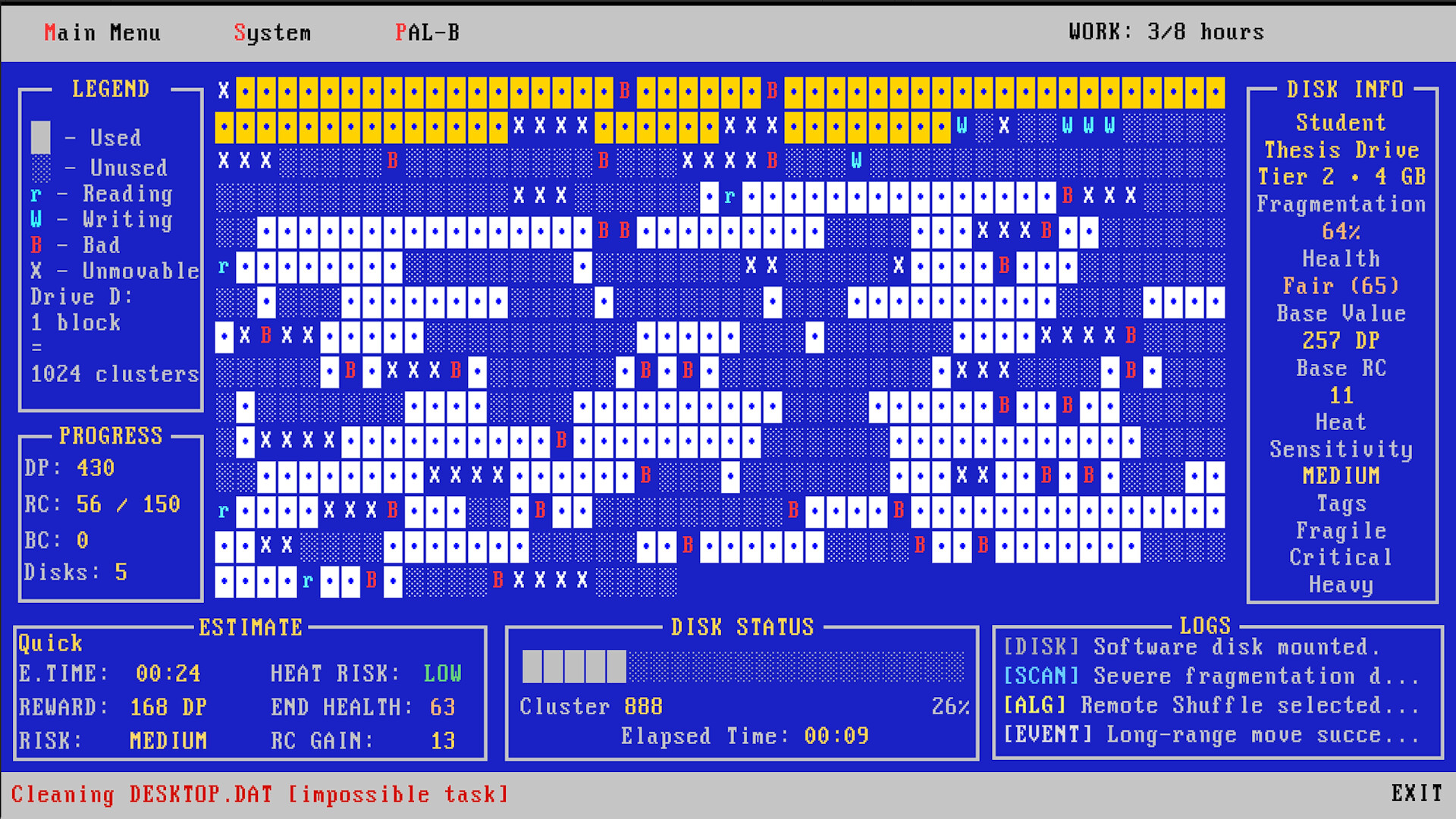
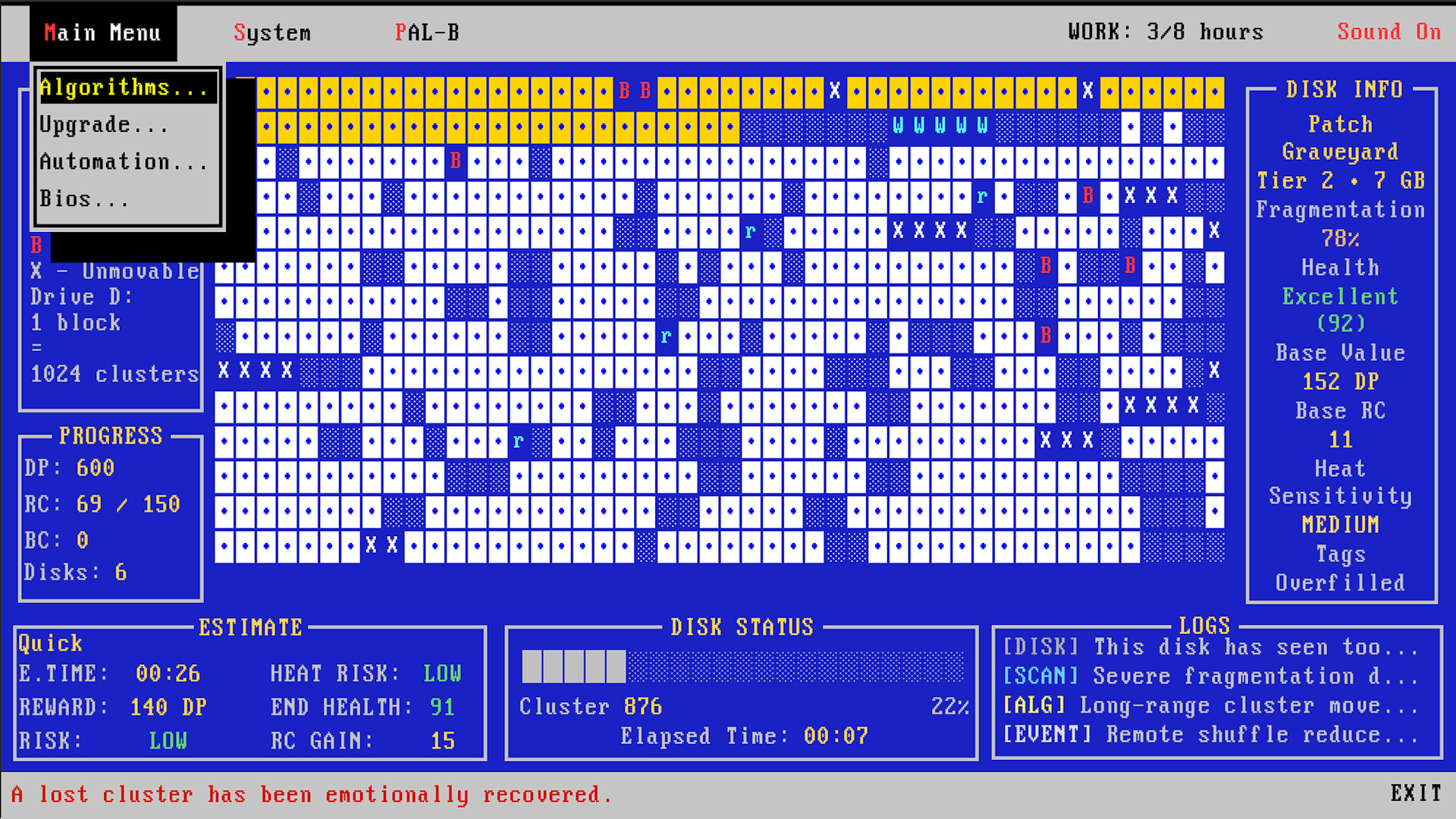
Defrag Incremental wraps idle progression around the nostalgic fantasy of optimizing computer systems. You manage disk fragmentation through multiple jobs, selecting algorithms and managing heat damage while your automation runs offline. Between contracts, you restart to unlock permanent BIOS upgrades that improve efficiency across subsequent runs—appealing to players who enjoy both the meditative rhythm of incremental games and retro computing aesthetics.
About this game
A retro incremental where you optimize messy disks, choose the right algorithm, manage heat and wear, make a living from each job, and reboot for permanent BIOS upgrades.
Players, last 39 days
Peak 9 · Low 0
Daily peak concurrent players, sampled once a night from Steam.
What players are saying
▼ Not recommended1 hrs
I can't recommend this game. It feels like an uncompelling vibe coded, vibe tested, and vibe designed attempt at a skinner box. To the developer: I am sorry this is your first review, but I believe you could have done better.
It's a cute idea but it's not an incremental game. It's an idle game. Except you're stuck in a tedious uncompelling gameplay loop for an hour to unlock the automation upgrade to turn it into an idle game.
Bugs I hit by playing the game for about an hour: - Sometimes when interacting with the "testing system memory" the day seems to start again? - Text on the day summary is sometimes off the right side - Sometimes when clicking the options menu, it immediately jumps to the smallest screen size, which is painful to select a proper screen size from. Even fixing that bug, the 1x size is impossible to see anything on and you're stuck blindly clicking to get back to a sane display size. - In the basics upgrades screen, I bought the 4 out of 5 upgrade, it said "owned" instead of "need dp" for the next upgrade. When reopening I could buy the next upgrade, then it went to 6/5, but when reopening again it showed the correct 5/5. It seems to frequently think it went up by 2. - My workday timer has stopped increasing...? That's a pretty bad bug.
There's a lot of things I didn't really understand: - What's with the USD on the end of day screen? It doesn't seem to do anything? - The work day timer using a 24 hour clock threw me, being from a country that uses a 12 hour clock. - Is it ok to buy read speed with no write speed? Given each operation does both, it's logical they'd need to be synced but I don't see how you could tell. - I'd recommend making the auto operator available at the first possible reboot. This isn't an incremental game, it's an idle game. You click something then wait a minute -- anything separating you from automating that is painful tedium. Selecting which disk and which algorithm, then waiting a minute, wasn't a fun game play loop.
I don't know how many days I'd need to run this program in the background to gather enough resources to buy upgrades, and I'm not going to find out.
Was I the first play tester? Did I pay for that privileged? Yikes.
I would call this a diamond in the rough, and the gem still needs more working and polishing. I can see the shape of what it wants to be, and it is doing its best for getting there, but may have needed more focus to implement all systems correctly. I feel this game is still worth your time, it's cozy, charming, and not afraid to poke fun at itself and the player. This is only the first day of release, give this game a chance to be a truly lovely experience and don't turn away just yet!
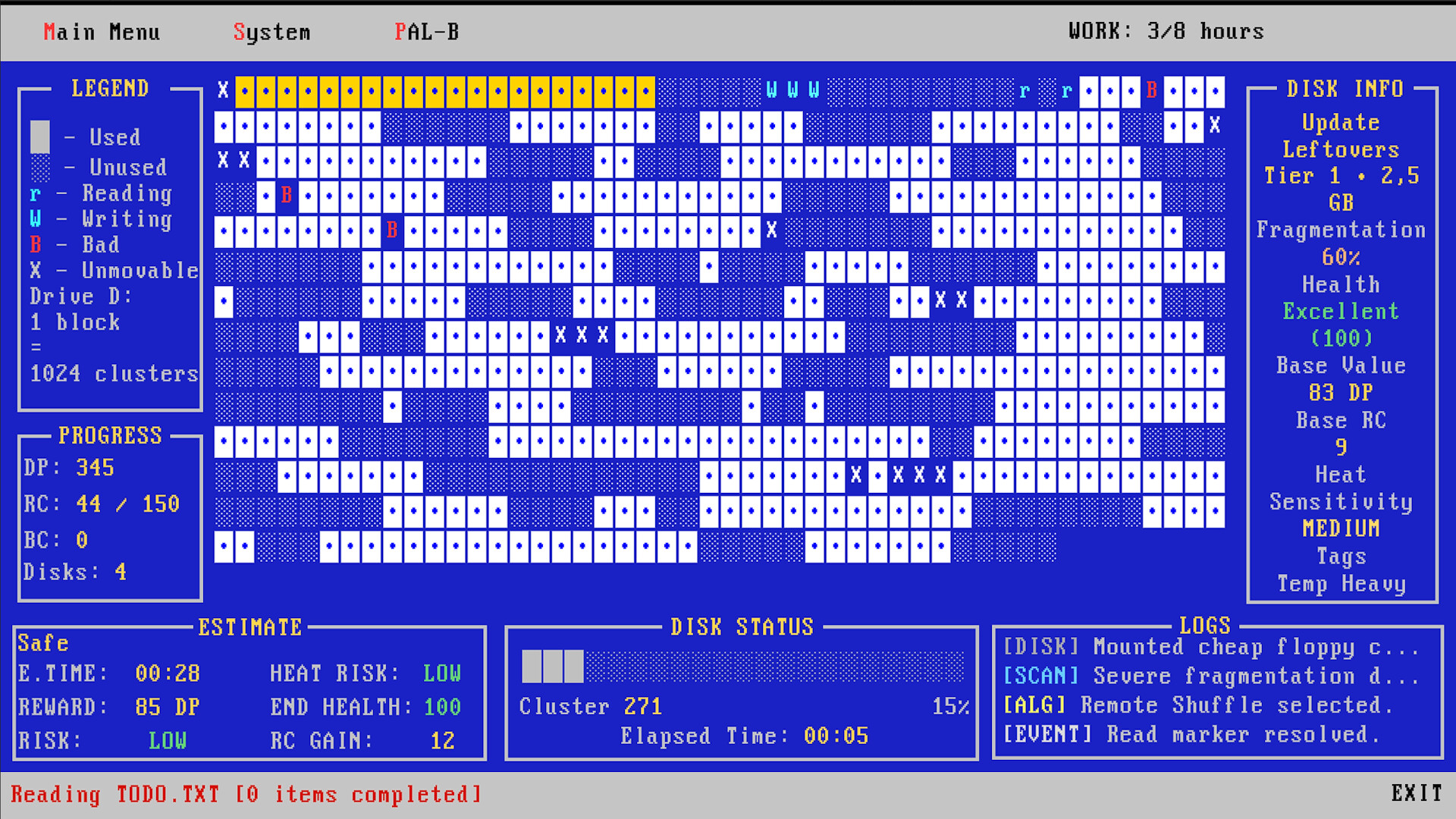
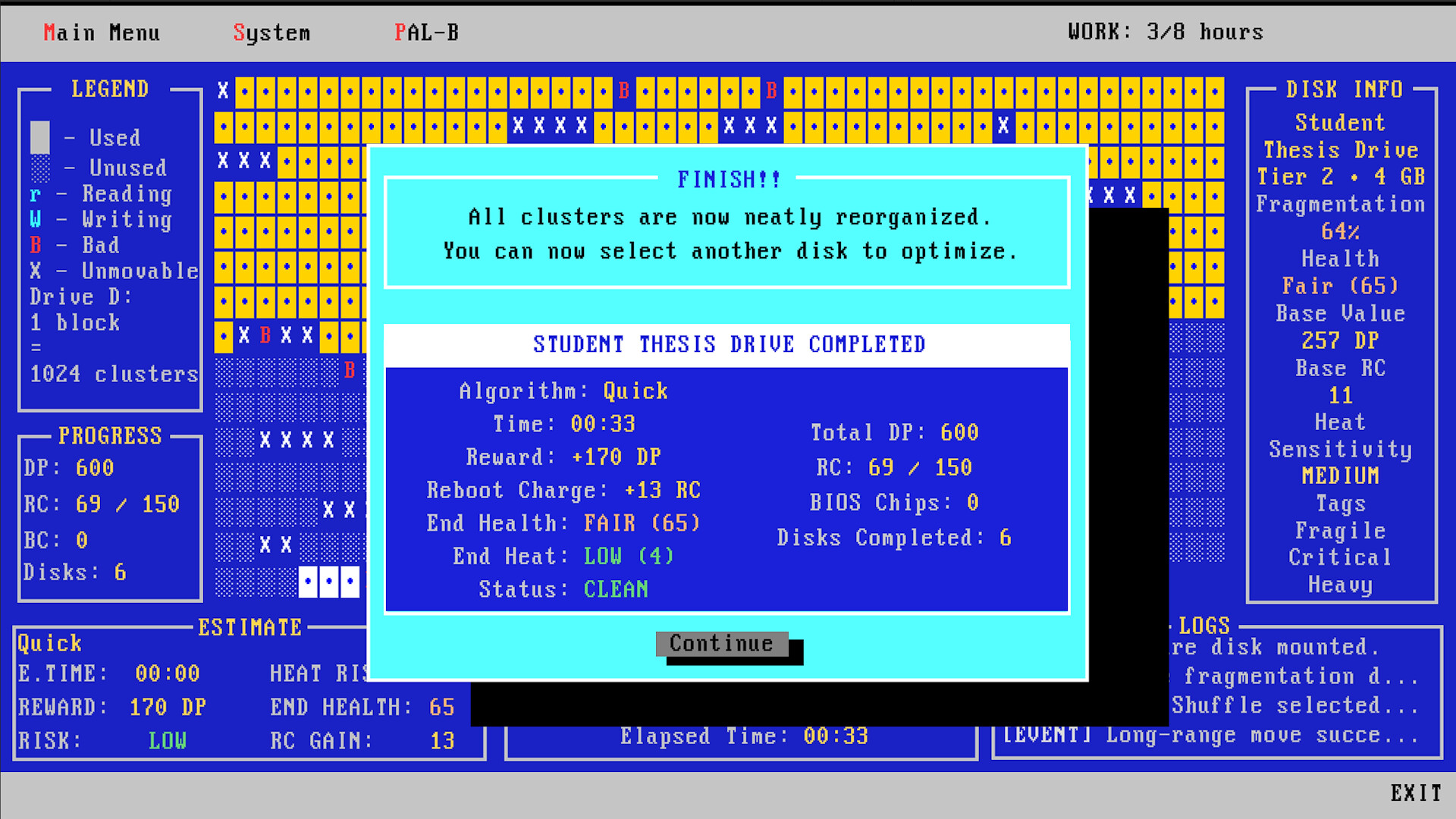
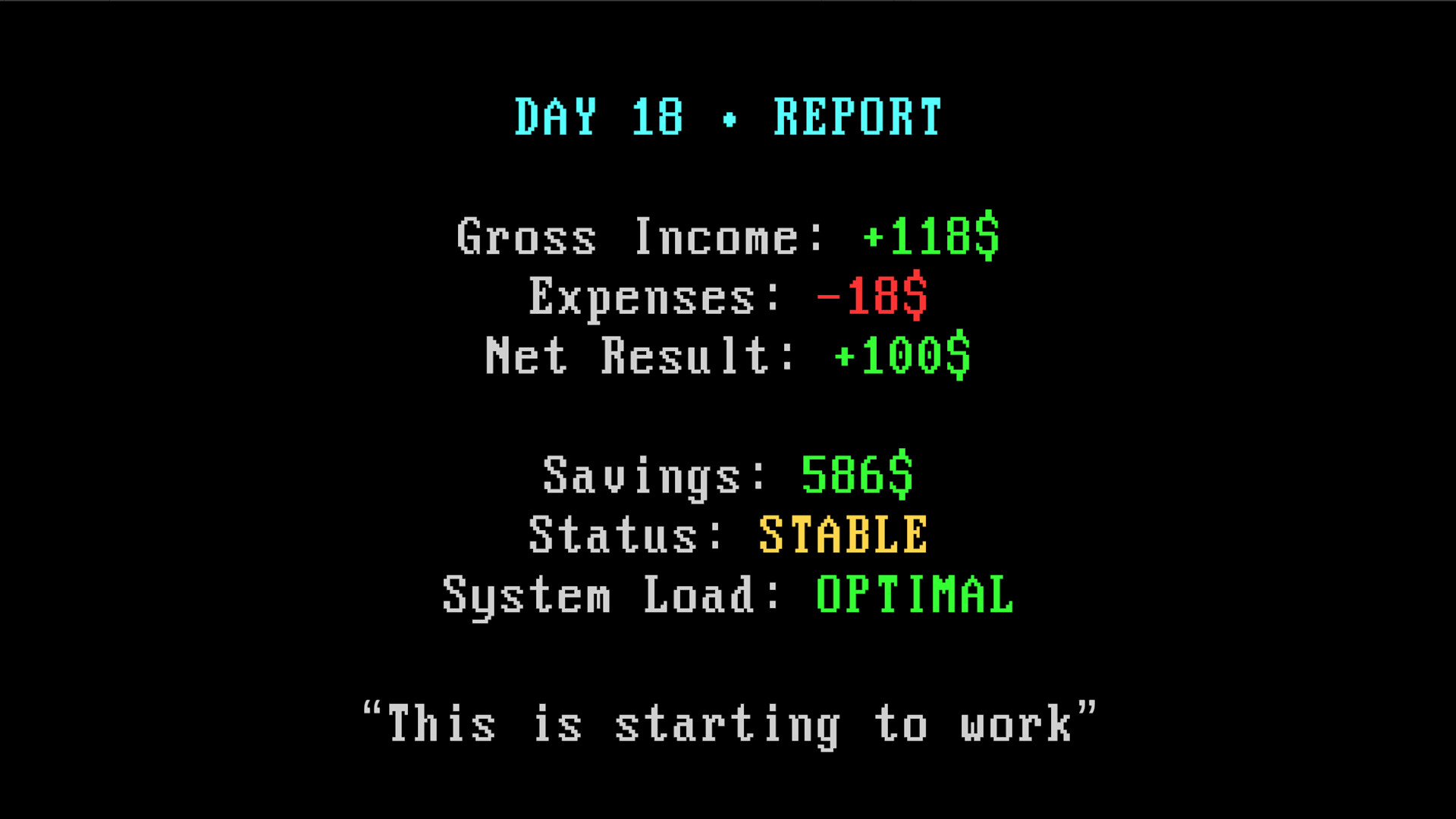
Defrag Incremental has changed a lot since launch. During the last month I have been working mostly on the parts of the game that I was not happy with. I wanted the early game to have more things to do, health and heat to matter much sooner, upgrades to be easier to understand, and the systems outside the defrag to have more weight. Version 1.1 brings all of this together. DISKS NEED MORE ATTENTION Health and heat now appear much earlier. Disks can arrive damaged, already hot, or with properties that make them harder to work with. There are also more things that can happen while a disk is running.You may need to decide if you want to spend resources to stabilize a disk, accept more heat for extra Reboot Charge, deal with damaged sectors, or simply stop pushing your luck.Sometimes playing safe is better. Sometimes there are ten minutes left in the workday and you really want that disk finished. UPGRADES ARE EASIER TO UNDERSTANDOne thing I did not like in the original version was how hard it could be to tell what all the small upgrades were actually doing.There is now a System Stats panel that shows the final values produced by all the upgrades you have bought. A +5% or +8% upgrade may not look like much on its own, but later in a run those small improvements can add up to several hundred percent.Now you can actually see it.THE LIFE SYSTEM HAS BEEN REBUILTThe money system at the end of the day was originally meant to be a small narrative layer around the main game. The problem was that it was too easy to make money, so after a while it did not really matter if you had a bad day at work.I have rebuilt this system much closer to the idea I had when I first made it. The disks you complete determine how much money you make. Then you have food, transport, housing and other expenses outside work.What happens during the defrag now has a much clearer effect on this part of the game.REBOOT AND START AGAIN. BUT NOT FROM ZERO.Reboots still reset the temporary upgrades from your ...
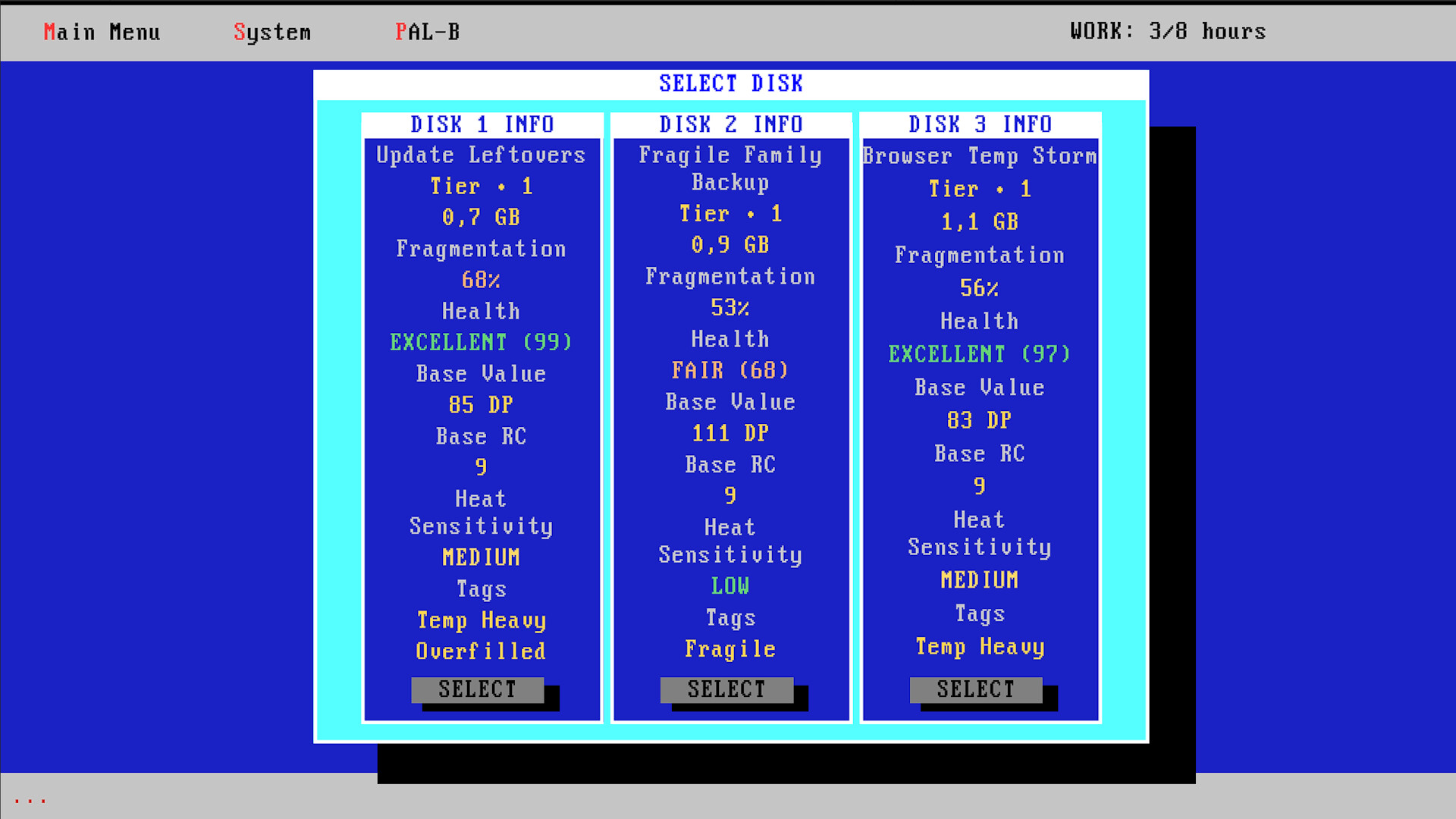
This update focuses on making each workday more varied, making disk choices more meaningful, and explaining the systems behind the game much more clearly.NEW GAMEPLAYDaily Conditions have been added. Each workday can now have a small modifier that changes values such as Speed, DP, RC, Wear or Heat for that day.Daily Contracts have been added. Complete the day's objective to earn bonus RC.Disks can now arrive in poor starting condition, with reduced Health or increased Heat.Added new Disk Tags and Archetypes. The game now features 13 Tags and 7 Archetypes, each affecting disk characteristics and how different Algorithms interact with them.Disk Archetypes now include Fast Farm, Safe Delicate, Deep Value, Technical, Enterprise, Recovery Case and Legacy Disk.BETTER GAME EXPLANATIONSThe old Info section has been replaced with a much more detailed guide.The new guide explains Tiers, Archetypes, Tags, Algorithms, Modes, Health, Heat, Wear, RC, DP, Reboots, BIOS upgrades, Automation and how the Estimate system works.Many descriptions and upgrade texts have been rewritten to make their effects easier to understand.UI suggestions and recommendations have also been clarified.BIOS IMPROVEMENTSPurchased BIOS upgrades no longer disappear from the list.Added simple up down navigation so the BIOS can display the full upgrade list without using a traditional scrollbar.Improved the visual state of installed, available and locked BIOS upgrades.The BIOS Purchased screen now also shows the original BIOS Chip cost of each upgrade.UI IMPROVEMENTSCurrent Health and Heat are now visible directly in the main gameplay UI.Improved the display of large DP values.Fixed and repositioned several UI texts.Fixed texts that could overflow their containers.Fixed values that did not refresh correctly.Improved several labels and descriptions throughout the interface.BALANCE & SYSTEMSPerformed a broad review of the game's underlying balance.Reworked and checked disk calculations, Estimates, Health, Heat,...
This patch focus on display compatibility, clearer information about your current build, additional save controls, and several progression fixes. NEW FEATURES• Windowed mode can now be freely resized to any size.• The interface now supports all aspect ratios, including ultrawide displays.• Added a new System Stats panel showing the effective values provided by your currently purchased upgrades.• Added a new BIOS Overview panel showing which BIOS upgrades have already been purchased.• Added a manual save option. FIXES• Fixed a blocking bug that could occur after activating the Expert Panel options.• Fixed an issue where the workday clock could remain paused after rebooting while Auto Mode started a new disk.• Fixed a BIOS progression issue where purchasing firmware upgrades in a particular order could prevent Advanced Algorithm upgrades from appearing.• Added additional safeguards to reboot and new-workday transitions.• Fixed several smaller interface and progression issues. These new panels should make it much easier to understand your current system, review your permanent BIOS upgrades, and see how your purchases affect each run. Thank you to everyone who continues to report issues and share feedback. I am continuing to work on balance, usability, and further improvements.
Posts come from Steam's official announcements feed.