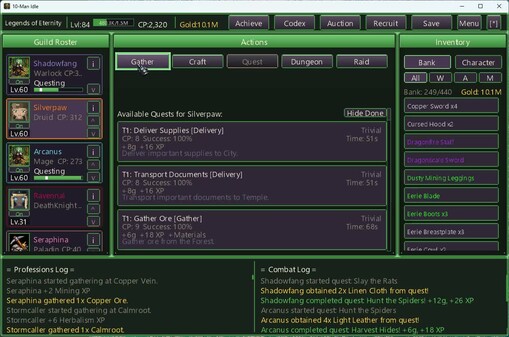
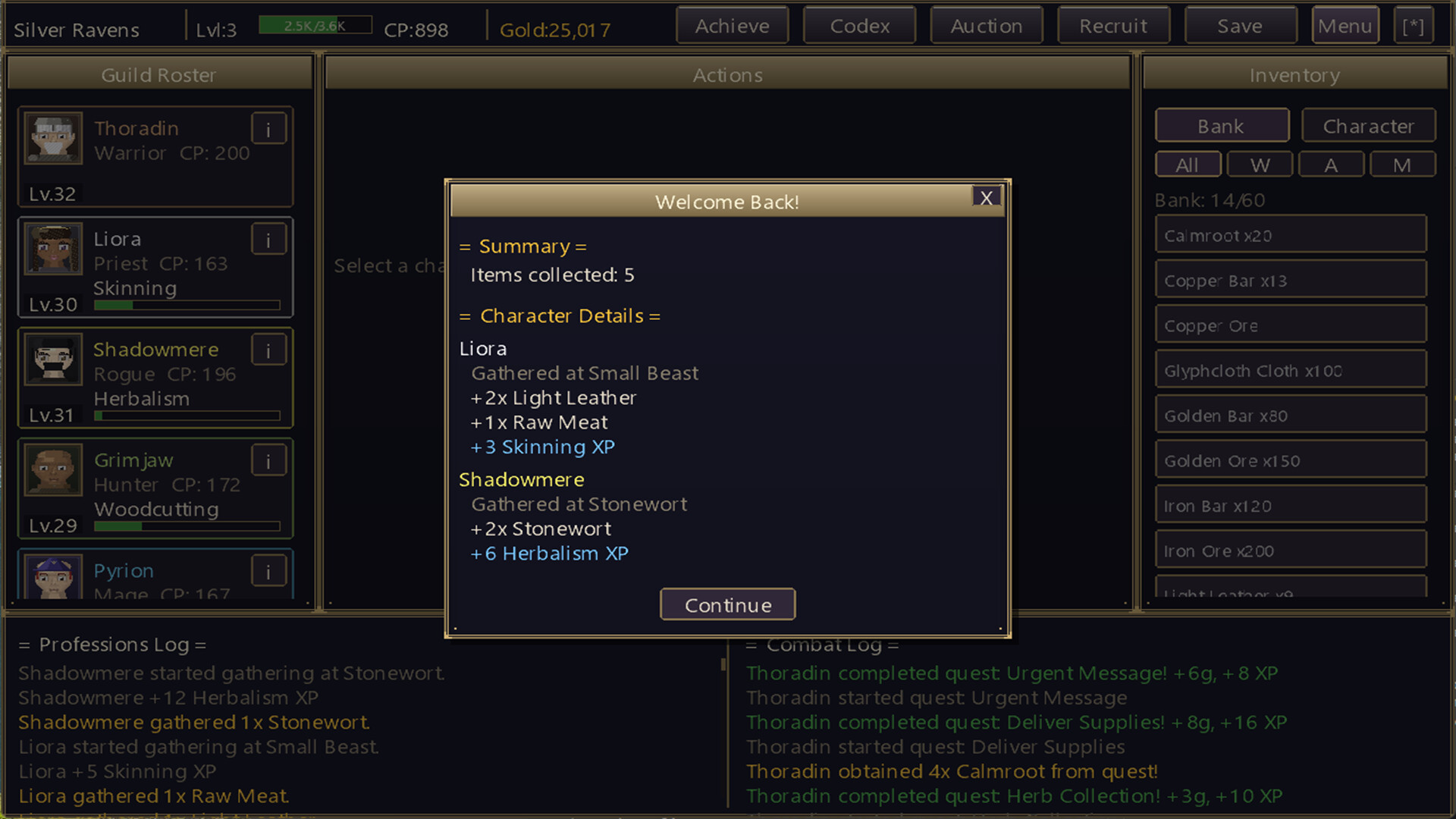
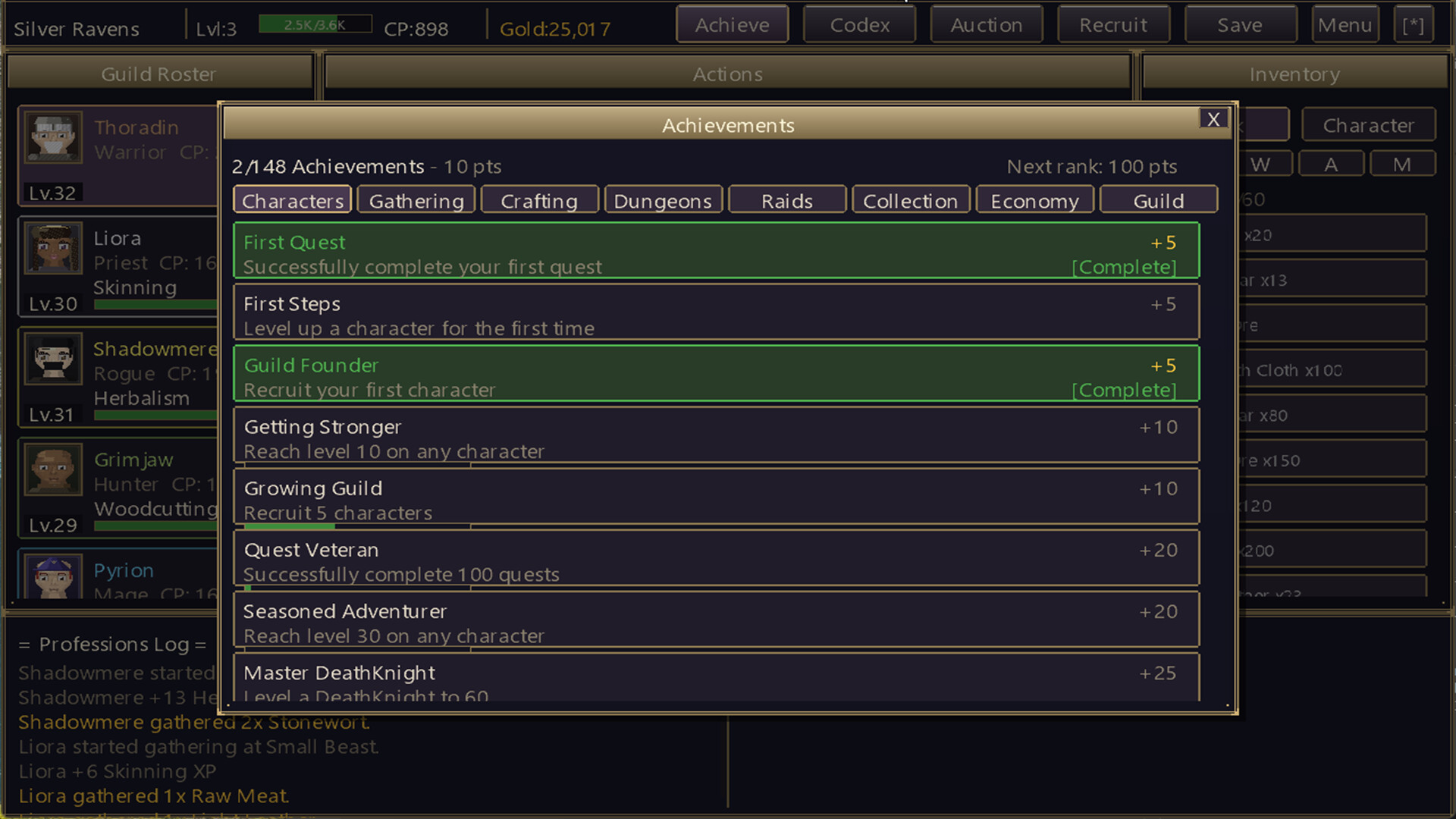
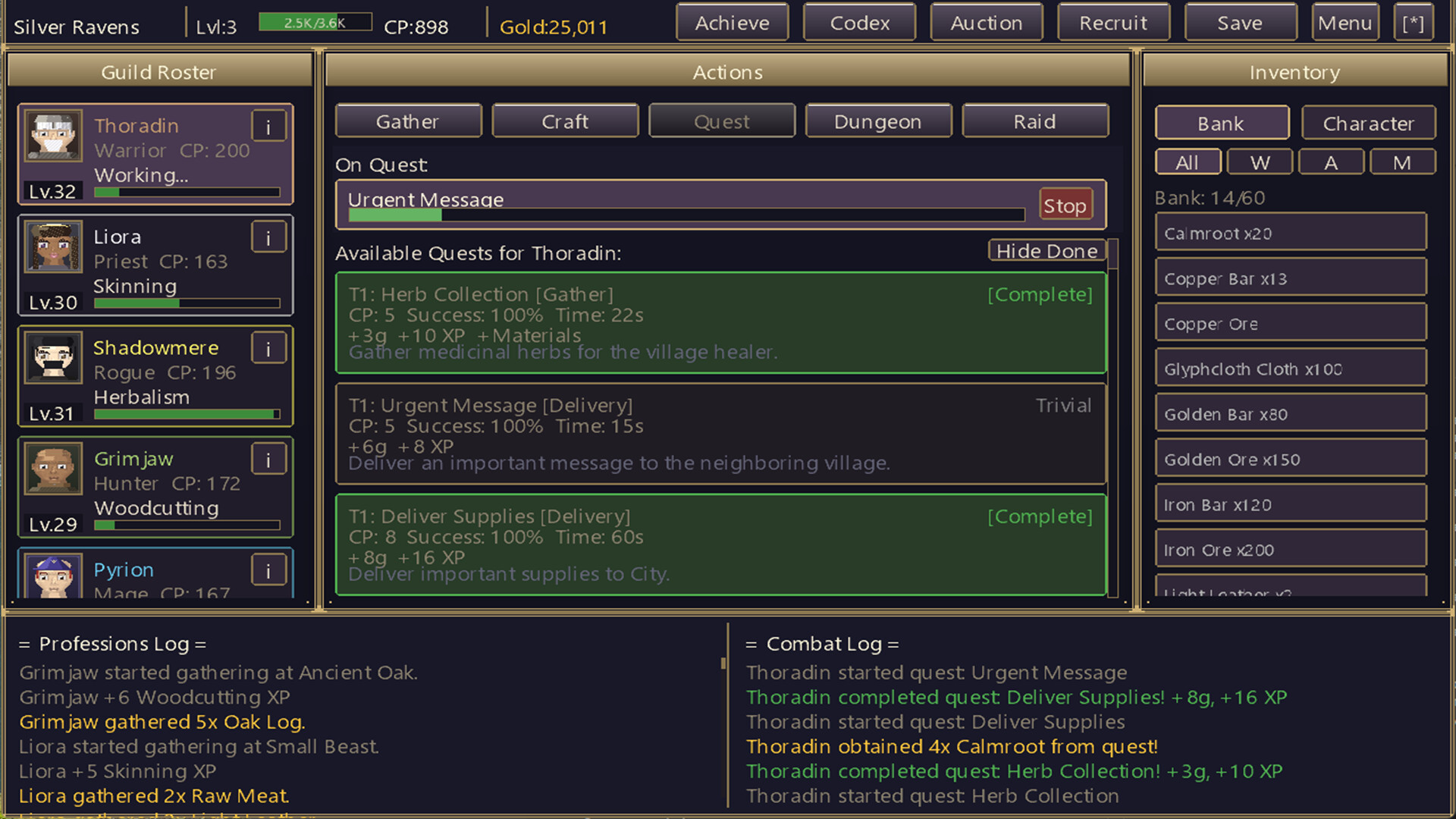
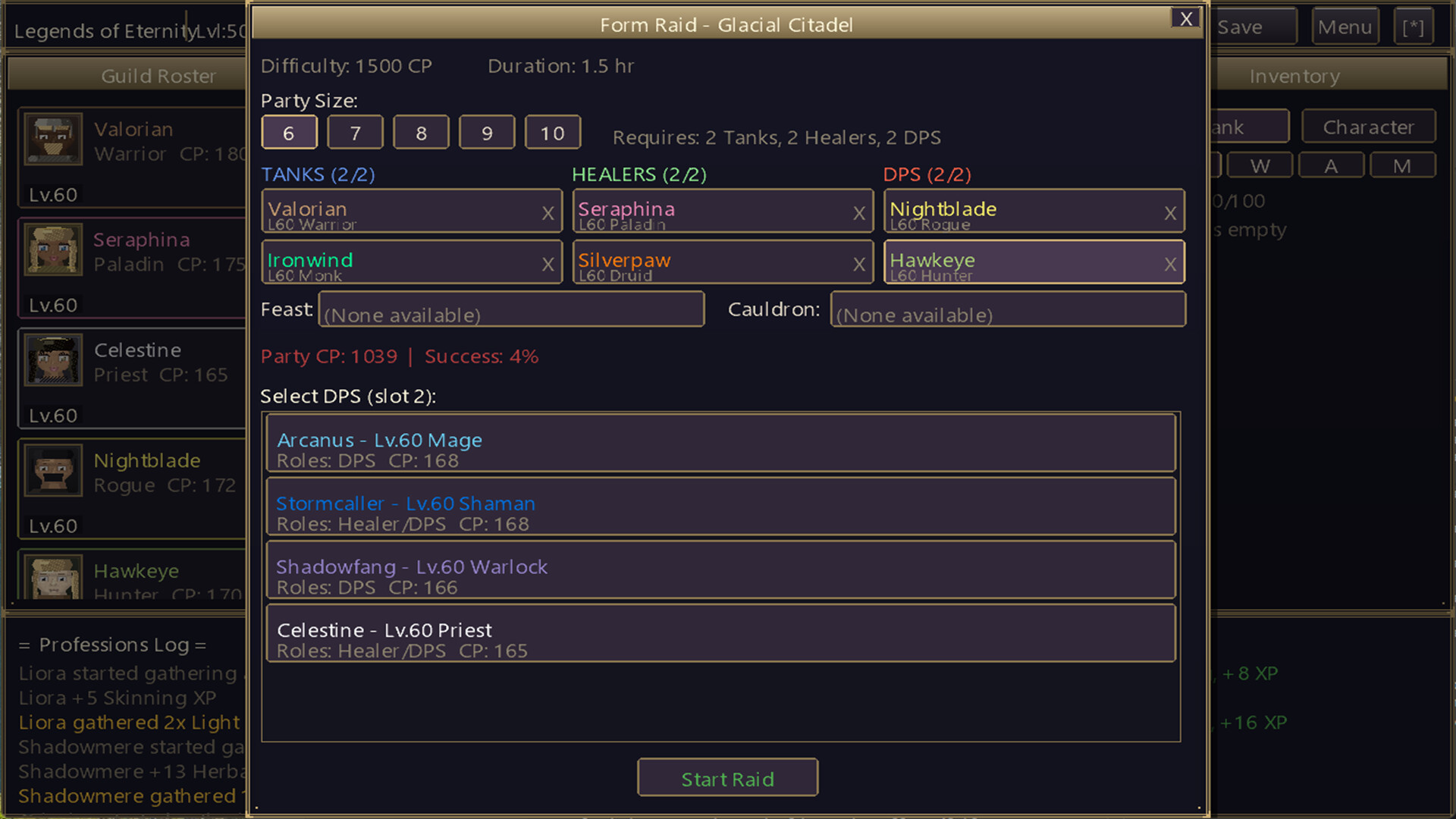
====================================== 10-Man Idle - Release Notes Version: release.v1.5.0 Platform: Windows & macOS======================================A FRESH NEW LOOK----------------* The whole interface has been redesigned: softer rounded panels, new typography, gold trim, and the title-screen art glowing faintly behind the game screen. Your Background and UI Trim color choices still apply.* New, cleaner text. Enlarged and small text no longer looks blurry or jagged.* Icons replace the old letter buttons: info, reorder arrows, close, settings, rename / new face / gender, and the bank's weapon / armor / material filters.* Every item in the bank now has a picture in a rarity-colored frame: all ores, bars, cloth, leather, herbs, logs, fish, potions, flasks, food, feasts and gathering tools have brand new icons, and horses show their stable portrait.* Hero cards get a class-colored accent, a glowing portrait frame and a clearer ON / OFF switch.* Log panels show the time each entry happened.* Gold now has a proper coin, in the top bar and on gold pickups.NEW: MONSTER ENCOUNTERS-----------------------* While your heroes quest or gather, a monster may ambush one of them every few minutes. It fits what they're doing: rats and kobolds in the copper mines, goblins at the gold veins, wraiths in the graveyard, bandits on the delivery road, and the enemy your hero was sent to fight on a hunt. Over 40 hand-drawn monsters in all.* Click the glowing weak spot to strike; it moves after every hit. Win before it escapes for bonus gold and a chance at materials from what your hero was doing, or even a piece of gear.* Not in the mood? Ignore it and it wanders off after 15 seconds. Your quest or gathering carries on exactly as before.* Encounters never interrupt a popup, and you can switch them off in Options.NEW: THE TRAVELING TRADER-------------------------* A traveling trader rolls into town every one to four hours of play (the first visit comes 20-40 minutes in) and stays for 15...
====================================== 10-Man Idle - Release Notes Version: release.v1.4.1 Platform: Windows & macOS======================================NEW FEATURE - TREASURE CHESTS-----------------------------* While your heroes are out adventuring - questing, exploring a dungeon, or raiding - a treasure chest can appear right on the finder's roster card. Click it to see what they found!* Opening a chest always pays gold, usually includes a bundle of materials, and sometimes holds a piece of gear. The loot comes from whatever the finder is doing: a quest chest carries that quest's rewards, and a dungeon or raid chest draws from that dungeon's own loot table - yes, that means a Goblin Mines chest can hold goblin gear.* Chests wait around a little longer than other pickups, but they do wander off if ignored. Only one appears at a time, and they will never crowd out a Rally prompt during combat.* If your bank is full, whatever doesn't fit converts to gold, so a chest is never wasted.* Like all pickups, chests are a live-play bonus: they don't appear during offline catch-up and don't carry across save slots.A FASTER, FRIENDLIER START--------------------------* Level-1 gathering nodes are much quicker (7-10 seconds, down from 22-30). Higher-tier nodes are unchanged - the early game just gets moving faster.* Early quests are much shorter too: level-1 quests now run about a minute instead of three-plus. Quest lengths ramp back up and rejoin the old curve exactly at level 10, so mid- and late-game pacing is untouched.* The first two character levels need less experience, so your first level-up lands in the first couple of minutes. Levels 3 and up are unchanged.* The Goblin Mines have been re-tuned so a freshly recruited 3-hero party has a fair fight instead of a near-guaranteed wipe. Get in there and start earning that guild XP!BALANCE CHANGES---------------* Quest auto-progression is smarter: after a success, your hero only advances to the next quest if they have a real...
====================================== 10-Man Idle - Release Notes Version: release.v1.3.1 Platform: Windows & macOS======================================NEW FEATURE - HURRY-CLICK COMBOS--------------------------------* Chain 10 hurry clicks in a row (within 2 seconds of each other) and the combo-completing click grants a bonus +10 seconds of progress to the character you clicked, with a celebration burst.* A streak counter appears once you reach x3 so you can see the combo building. Clicks on any character count toward the streak.* Hurry clicks work on solo activities: gathering, crafting, and questing. Dungeon and raid bars cannot be hurried since they represent a shared party run.NEW FEATURE - BONUS FINDS & RALLY ASSISTS-----------------------------------------* While your characters gather, keep an eye on the action panel: clickable bonus finds occasionally appear - gold pouches and material bundles. Hover to see the reward, click to collect. Up to two can be on screen at once, and they fade away after a short while if ignored. Missing one costs nothing.* If your bank is full, a material bundle pays out gold instead, so a pickup is never wasted.* During dungeon and raid combat encounters, a Rally prompt can appear. Clicking it boosts that run's success chance by 2%, up to +10% per run.* Pickups are a live-play bonus: they don't appear during offline catch-up and don't carry across save slots.NEW FEATURE - WEAPON PROFICIENCY--------------------------------* Each class now has native weapon types (e.g. casters favor staves, wands, daggers, and swords; tanks favor swords, axes, maces, and shields). Wielding a weapon outside your class's specialty grants only HALF its combat power.* Off-class weapons are clearly marked in tooltips and item lists, showing the reduced value you would actually get.* BiS Equip understands proficiency and will prefer a weaker native weapon over a stronger off-class one when it results in more effective combat power.* Class-locked items a...
Posts come from Steam's official announcements feed.