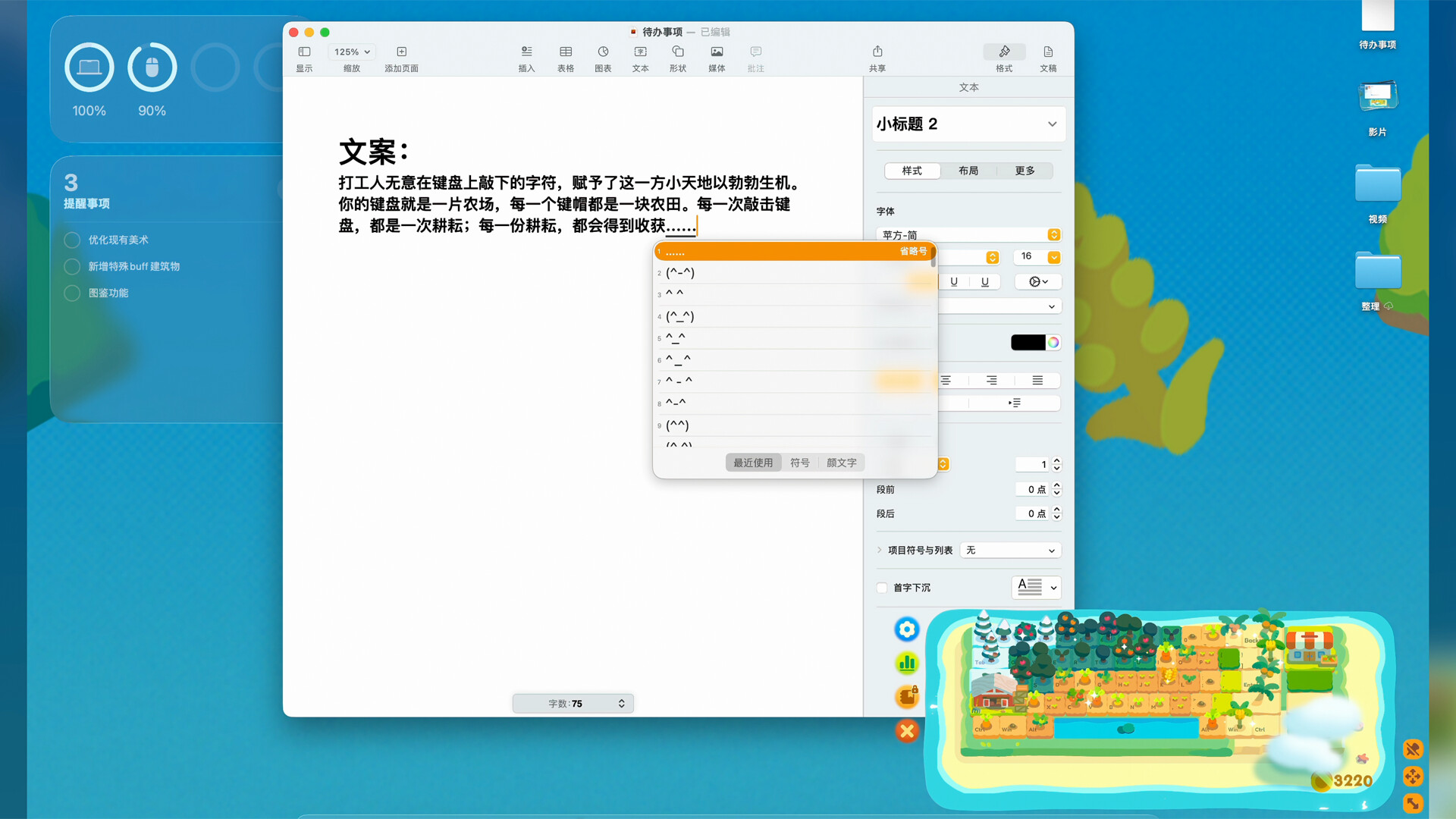
Keyboard Farm merges productivity with idle mechanics by converting your keystrokes into farm growth—each key you press while working waters a virtual plant on your desktop. Harvest crops for coins to unlock cosmetic keycaps and gradually build a personalized keyboard landscape. It's designed for people who want gentle progression layered beneath their actual work, turning routine typing into incremental farming rewards.
About this game
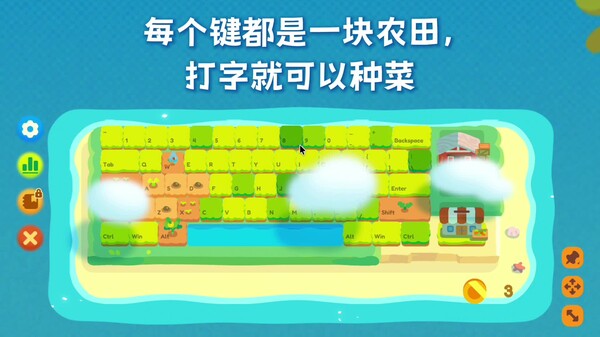
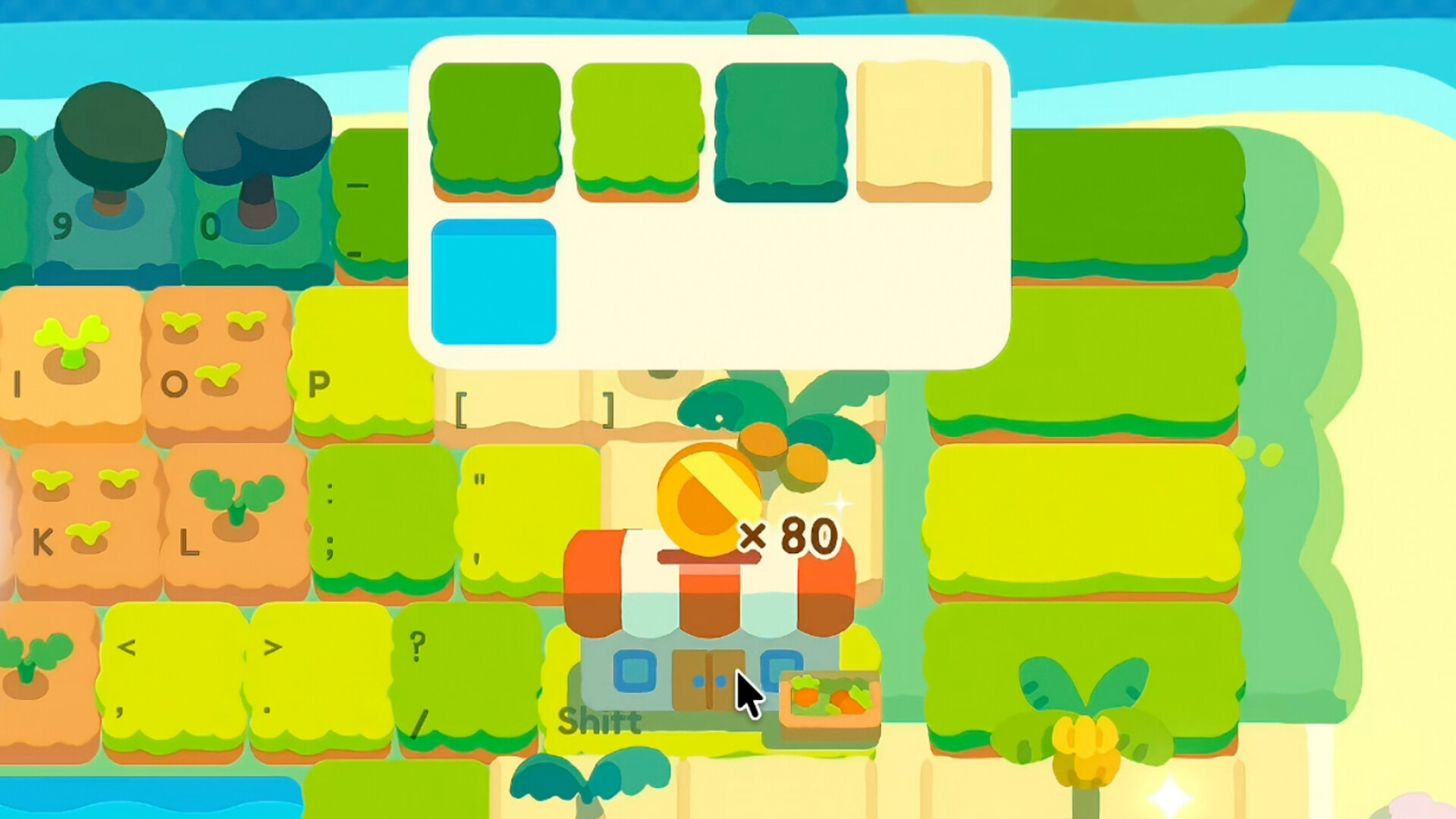
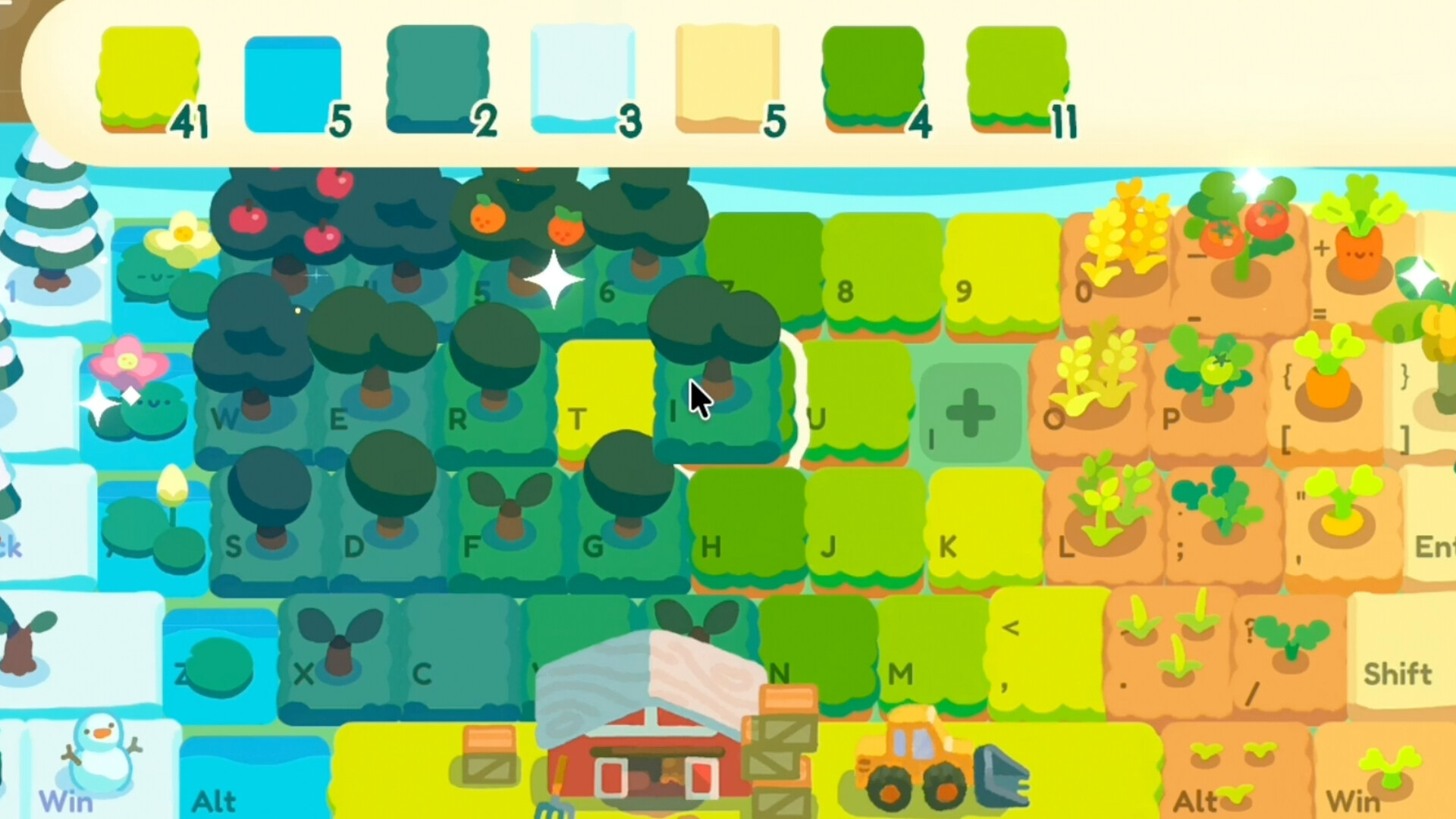
"Keyboard Farm" is a desktop idle farming game. Place it on your desktop and focus on your work. Every key is a plot of land—each keystroke helps plants grow. Harvest crops to collect coins, unlock various keycaps, and create your own keyboard world.
Players, last 70 days
Peak 0 · Low 0
Daily peak concurrent players, sampled once a night from Steam.
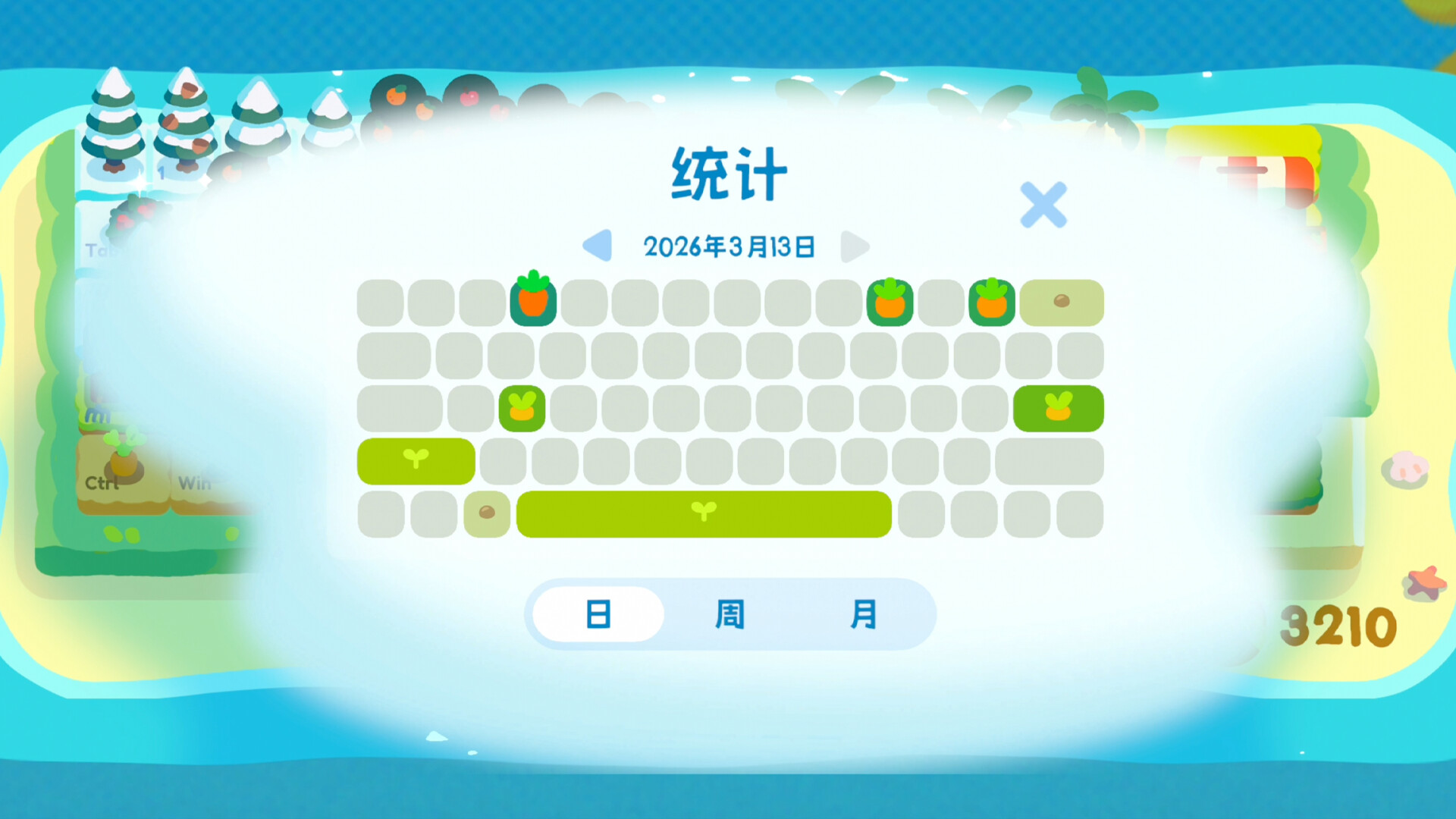
Known Issues FAQ The game window cannot be found when using screen recording software On Windows, try going to Settings > Display Settings in the game and disabling “Hide from Windows Taskbar.” The game screen cannot be captured when using screen recording software On Windows, try running the screen recording software as an administrator. The game window displays a black background, and background keyboard input cannot be detected We are aware that, in certain Windows environments, essential game components may be prevented from launching. This can cause issues such as an opaque window background and the inability to detect background keyboard input. You can help us investigate the cause by submitting feedback through Settings > Bug Report in the game. Possible solution: 1. Go to System Settings > Privacy & security > Windows Security 2. Open App & browser control 3. Select Smart App Control > Off, then restart the game ※ Please note: Depending on your version of Windows, you may need to reset Windows to turn Smart App Control back on after disabling it. New Features Item names are now displayed when hovering over items in the Tool Storage Key names are now displayed when hovering over the statistics heatmap Added an option on Windows to choose whether the game is hidden from the taskbar Various windows can now be closed with the Esc key Adjustments Adjusted the growth speed and selling prices of certain crops Bug Fixes and Optimizations When an incorrect word is entered during vocabulary practice, the contents of the input field are no longer immediately replaced with the correct word Improved the behavior of dragging keycaps Adjusted certain visual elements
v1.5.5 Adjustments Adjusted the production chances and growth speeds of some high-rarity plants Adjusted the game window size, Put up some advertisements for the Master Carrot, Bug Fixes and Improvements Fixed an issue that caused the game window position to change automatically in certain situations, Fixed an issue that restricted window dragging on some macOS devices, Fixed abnormal UI scrolling speeds on some devices, Fixed an issue that caused mute to stop working in certain situations, Fixed an issue that caused UI elements to appear in the wrong positions in certain situations, Fixed issues with incorrect encyclopedia status displays and claiming rewards for the Wooden Fish, Attempted to fix an issue where the school bell would ring after reopening the game following PC sleep, Improved the game's audio, Reduced the game's disk space usage, Adjusted some visual elements, UI, and text,
Posts come from Steam's official announcements feed.