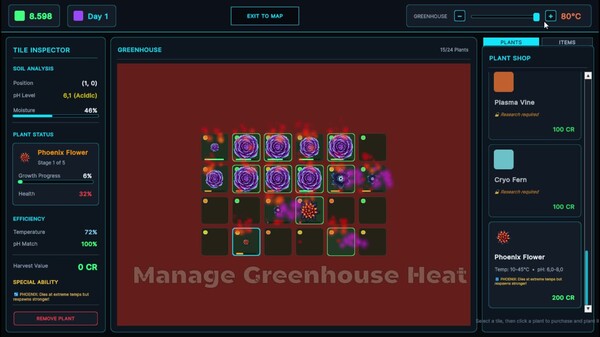
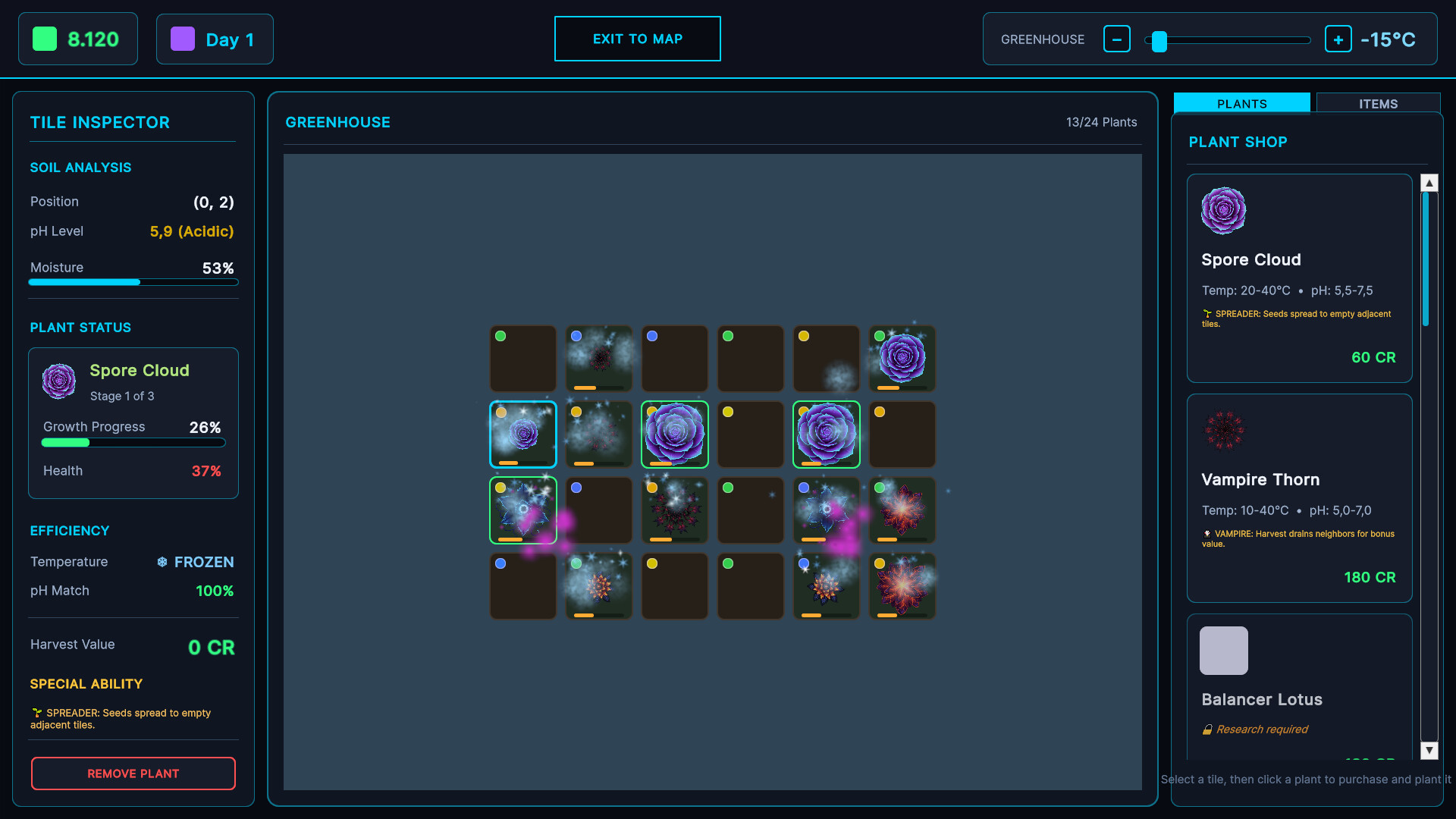
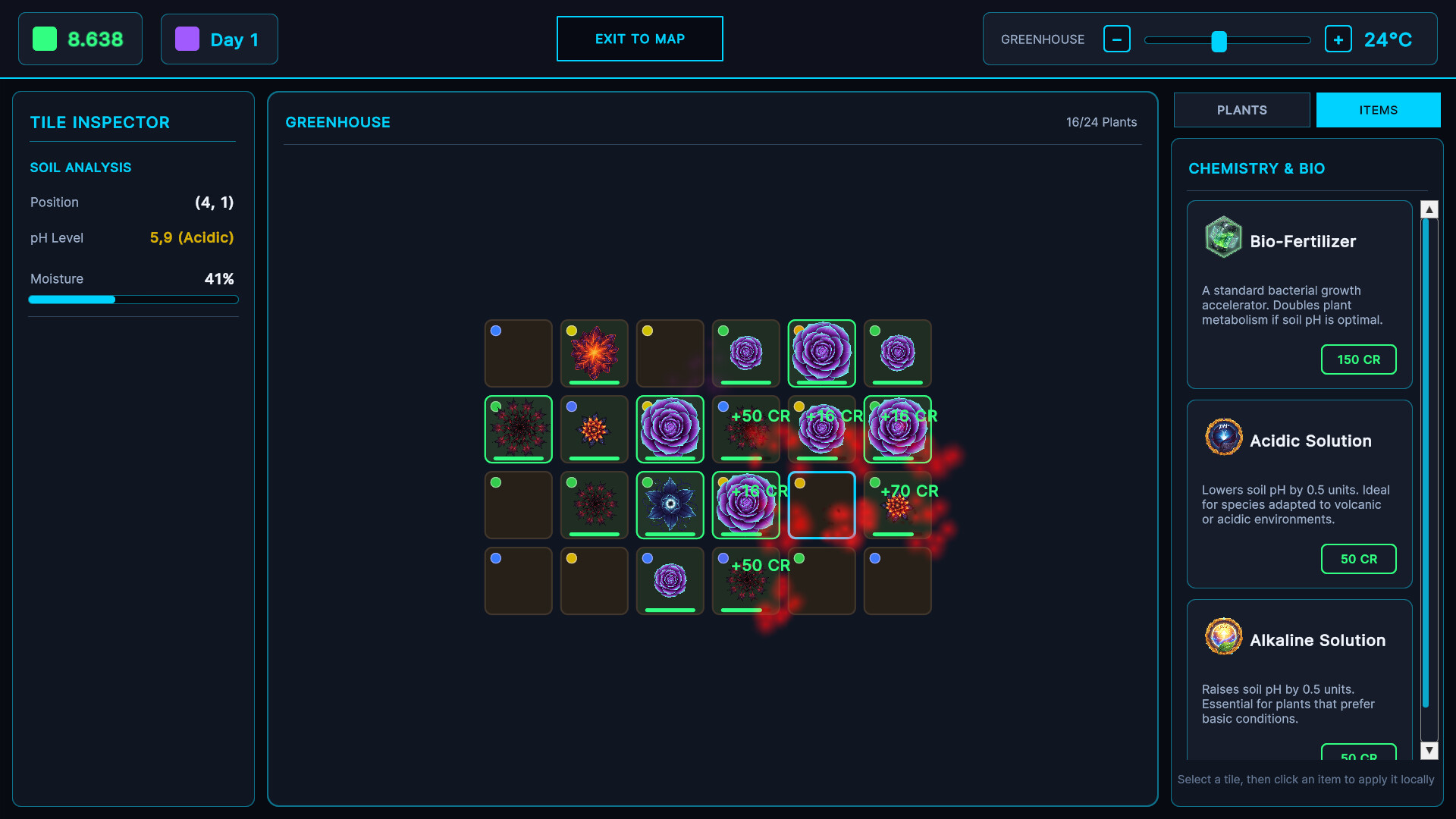
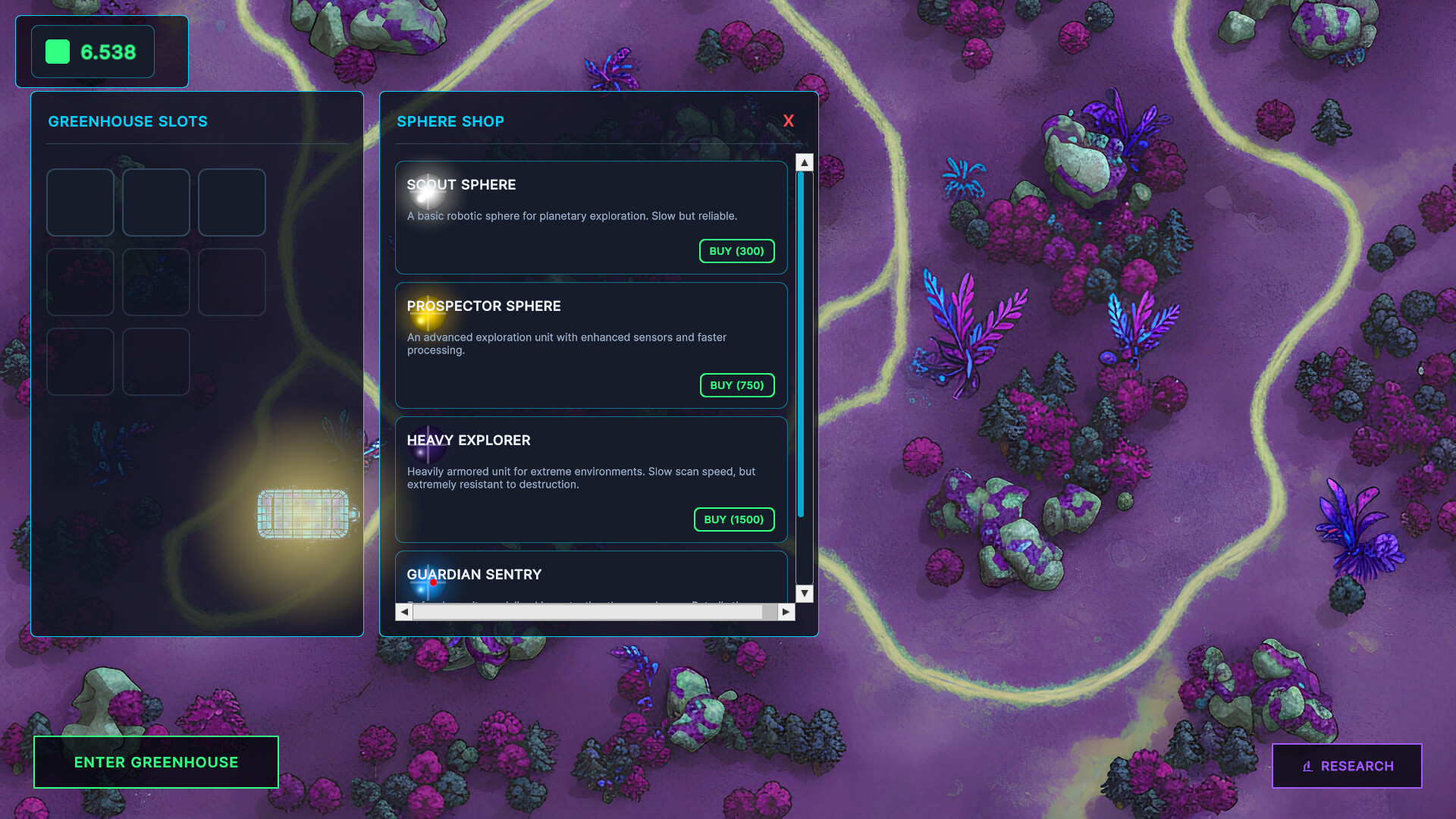
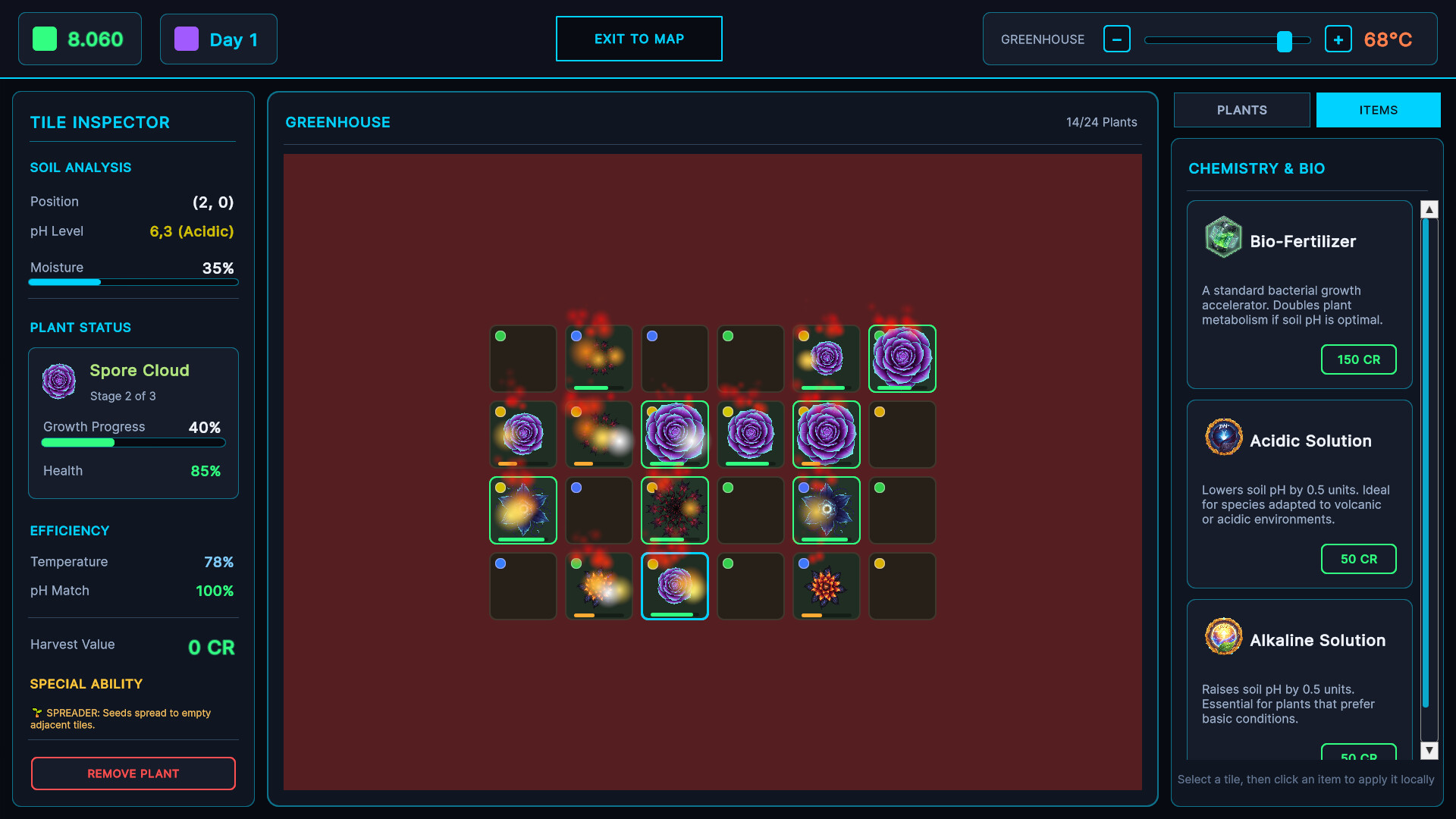
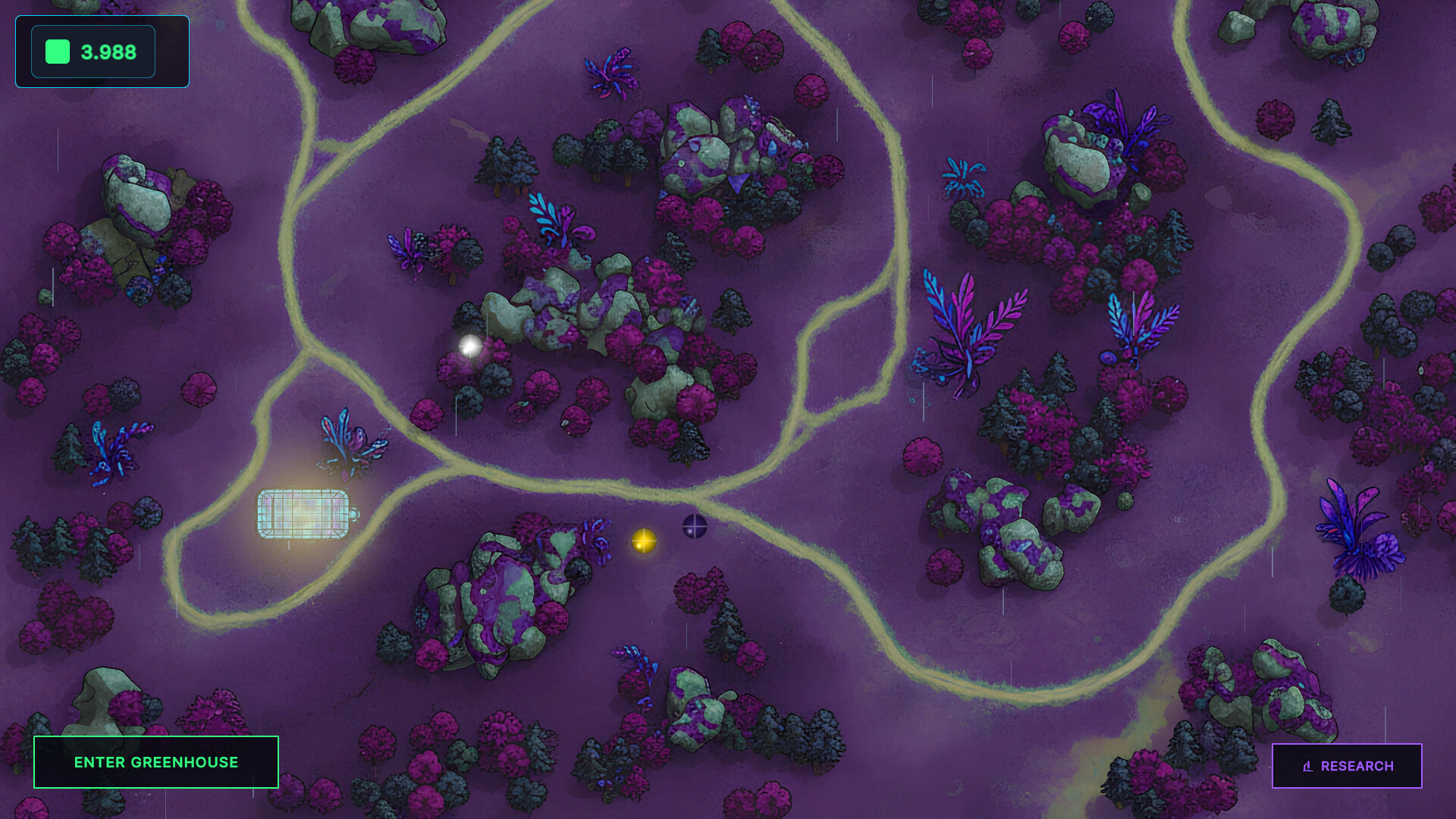
ExoFlora: First Seeds challenges you to establish a thriving farm on hostile alien soil by cultivating exotic plants, managing greenhouse systems, and researching technological upgrades while fending off environmental threats. The game blends resource management with survival elements, requiring careful planning as your ecosystem grows more complex and unpredictable. Best suited for players who enjoy deliberate strategy over rapid progression, particularly those drawn to farming sims with genuine stakes.
About this game
ExoFlora: First Seeds is a farming simulation and management game set on an alien planet. Grow exotic species, control a greenhouse, research new technologies, and defend your crops in a living, unpredictable ecosystem.
Players, last 97 days
Peak 0 · Low 0
Daily peak concurrent players, sampled once a night from Steam.
This update brings ideas and a bug report sent by a player in the discussions.Map zoom: the mouse wheel over the map, the + and − buttons, or Z to see the whole map and come back.Map buttons can be moved: Settings > Map buttons > Move, then drag them where you like (Reset puts them back). The journal card on the map folds with its − button.Landing site: on the planet page, pick where the greenhouse lands (Southwest, Center, South, East or Northeast) or let the planet choose.New Growth layer in the greenhouse (O): every bed shows how far its plant has grown, in gold when it is ready to harvest.Plant shop: sort by Function, Temperature, Price or Family, filter by Fits now, Affordable or Latest variants, and click the star on a seed to keep it in Favorites.Plant several beds at once: Shift+click (or Ctrl+click) empty beds to mark them, then click a seed to plant it in all of them. Shift+click with a seed in hand keeps it in hand for the next bed.More music: on the map and in the greenhouse, four piano pieces now take turns, including the main menu theme. Settings > Game music keeps one of them on repeat.Sphere Diary (FINDS button or E on the map): every species your spheres brought home, with the day, the sphere and the place, a pin on the map where each one was found, and how many species are still out on the planet.Fix: goals that ask for new species (such as “Bring home two more species” in chapter 6) could get stuck when the spheres had already found every species. Now they complete on their own, and games that were stuck continue as soon as they load.
A player review and a few discussion posts pointed out effects covering the art, a cluttered screen, a pace that felt rushed even in Relaxed mode, buildings that could not be moved, and replayability that seemed low. This update is about all of that.New: every new game lands on a planet. Pick the classic planet or one of three drawn worlds, each with a sky trait (which weather dominates, or how often it changes) and a ground trait (pests, soil, the colony's funds). 48 combinations, each with its own name and a code to share, and each sky paints the valley in its own colors. Players who finished the tutorial before can skip it.New setting: Visual effects (Full, Reduced, Minimal) for weather, haze, frost and flashes. The frost on the glass now stays at the edge and is much lighter.New setting: Greenhouse messages (All, Fewer). Repeated reactions no longer fill the beds with numbers and lines, the lab mood and weather pop-ups are gone, and Solene comments less often.New ½× speed (button or minus key). Pests walk the map more slowly, and much more slowly in Relaxed mode, so Ward Posts get more time to hit them.Map buildings can be moved: click one to move it for free, or dismantle it and get back everything it cost.The journal card in the greenhouse shows how to reach the goal when the goal starts and when you hover it, then folds away.If something still bothers you, say so in a review or in the discussions: it helps a lot.
A player review said the game was a little hard to understand at first, that upgrading and protecting the greenhouse needed clearer instructions, and that it was hard to know what to do next. This update is about exactly that.The current journal goal now also shows inside the greenhouse, and every goal has a line saying how to do it: which button, which research and what it costs.New guide (press H or the GUIDE button) with four tabs: Next step, Upgrade the greenhouse, Protect the greenhouse and How to play. It uses your own numbers, such as the price of the next bed and the defenses you have.The first time a pest heads for the greenhouse, the protection guide opens by itself. The pest warning now also says what fights pests.Outposts can be bought straight from the greenhouse menu on the map, even when every sphere bay is full.Saves, prices and balance are unchanged. If something is still unclear, say so in a review or in the discussions: it helps a lot.
Posts come from Steam's official announcements feed.