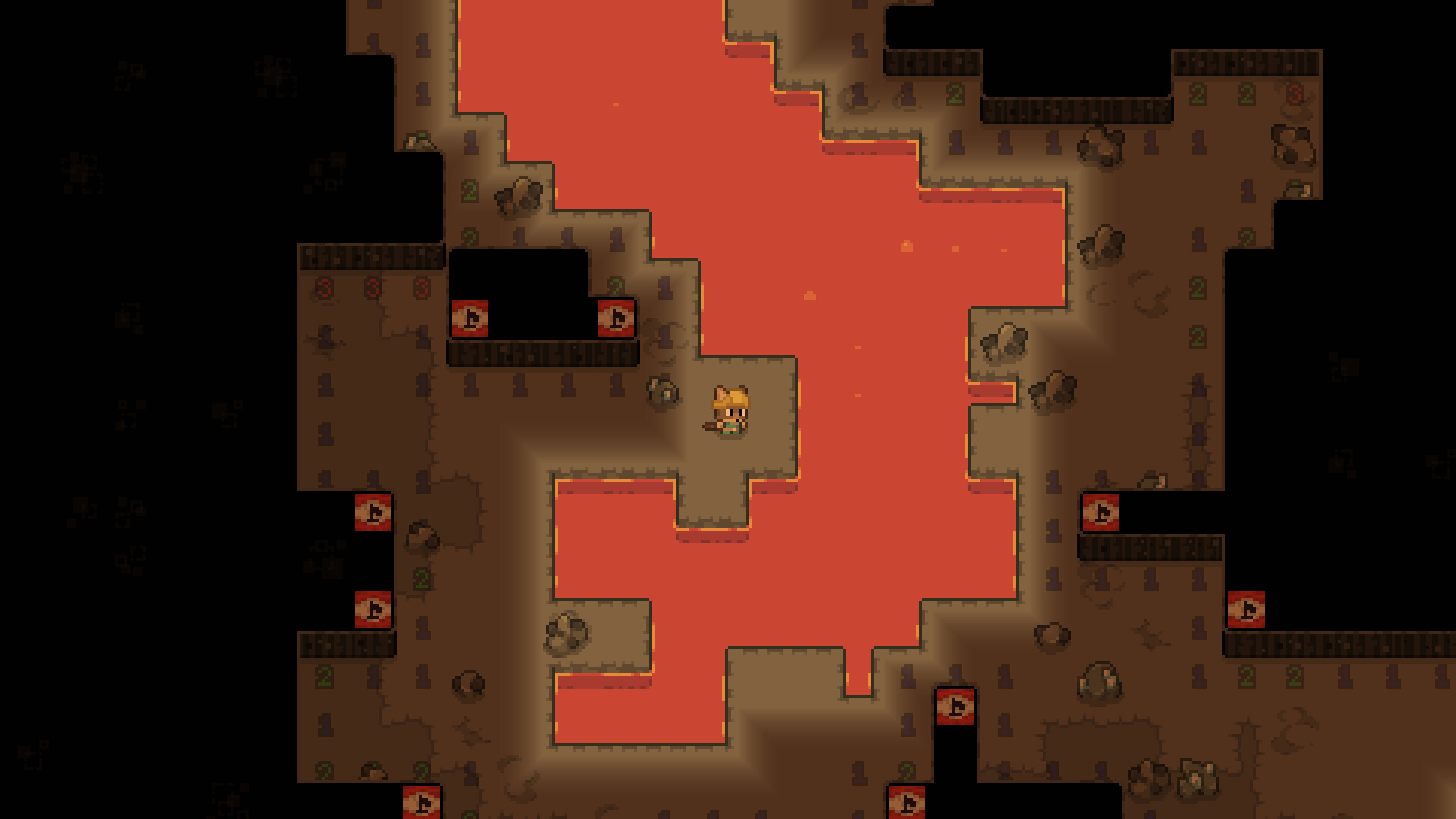
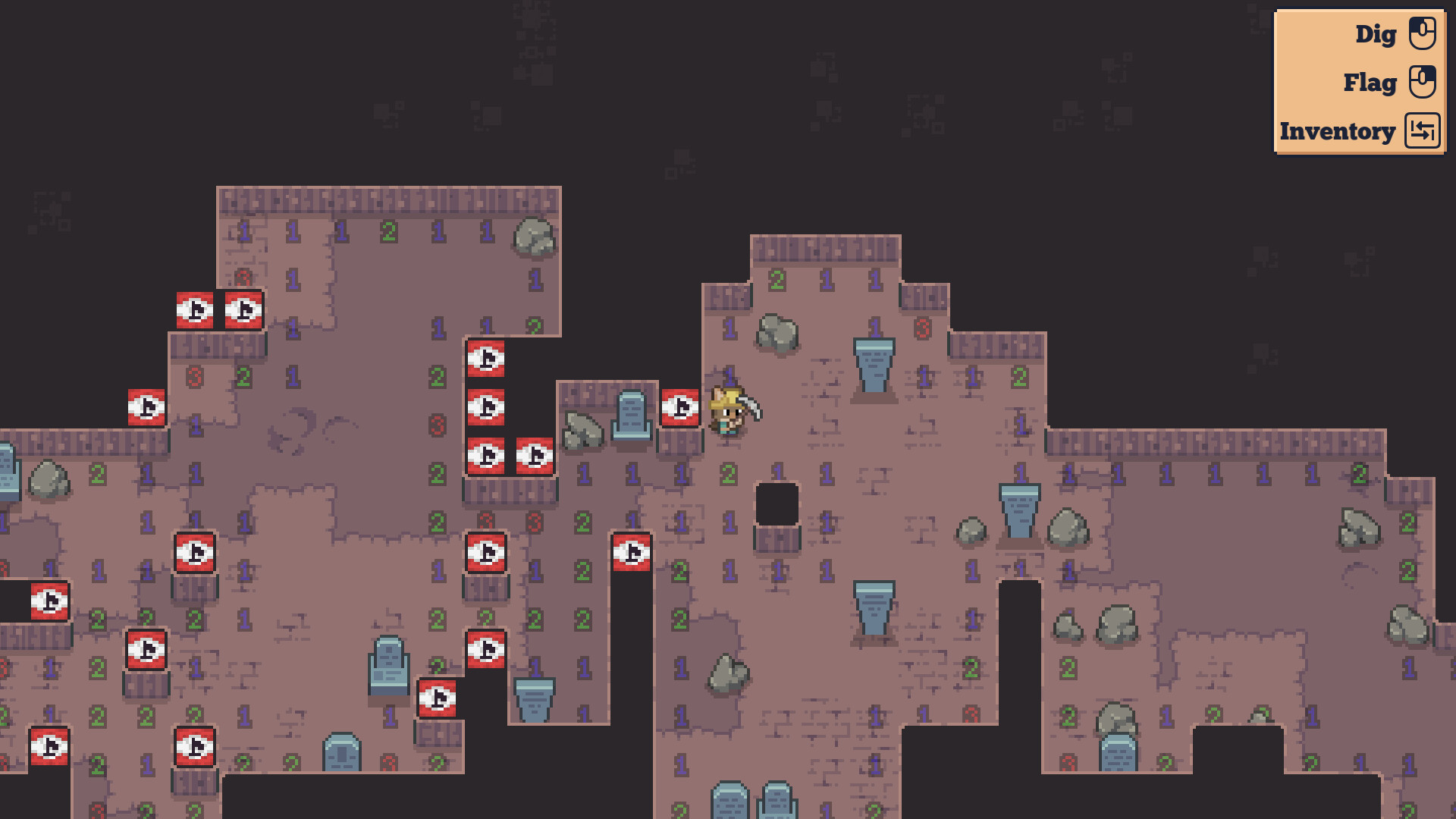
Dynamine combines Minesweeper mechanics with idle progression, asking you to excavate ores while carefully skirting explosives. You'll sell your finds to fund tool upgrades that increase your digging efficiency, creating a loop of safer and faster mining runs. Best suited for players who enjoy puzzle-like risk-reward decisions wrapped in an incremental framework.
About this game
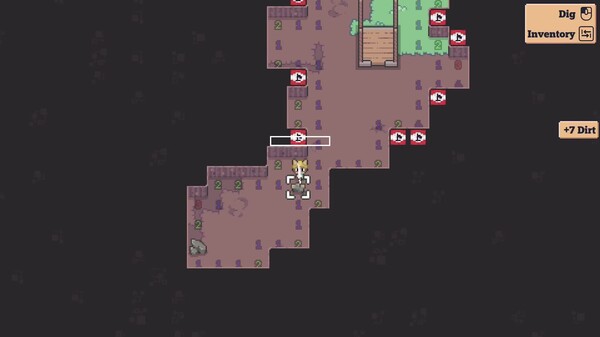
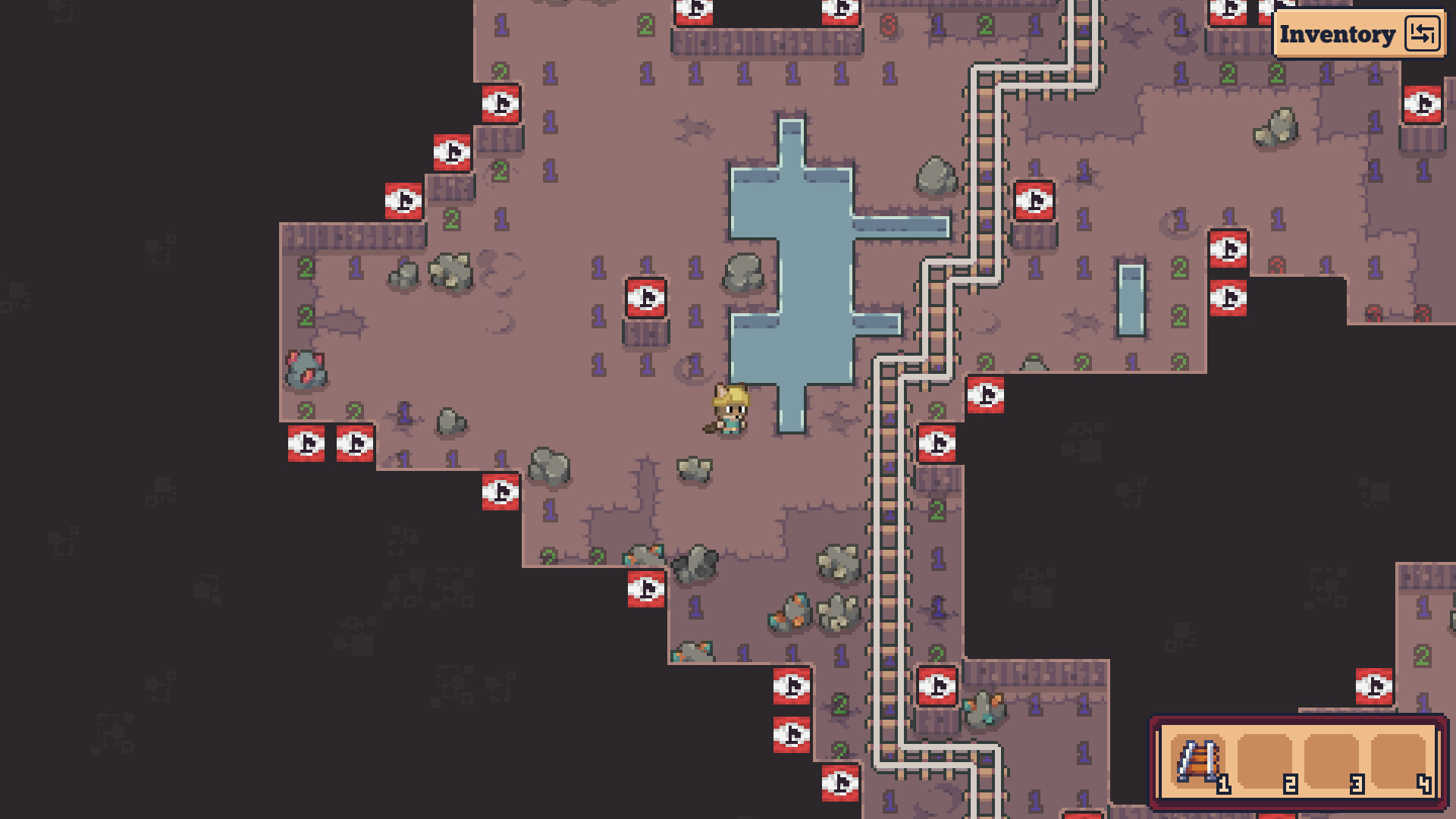
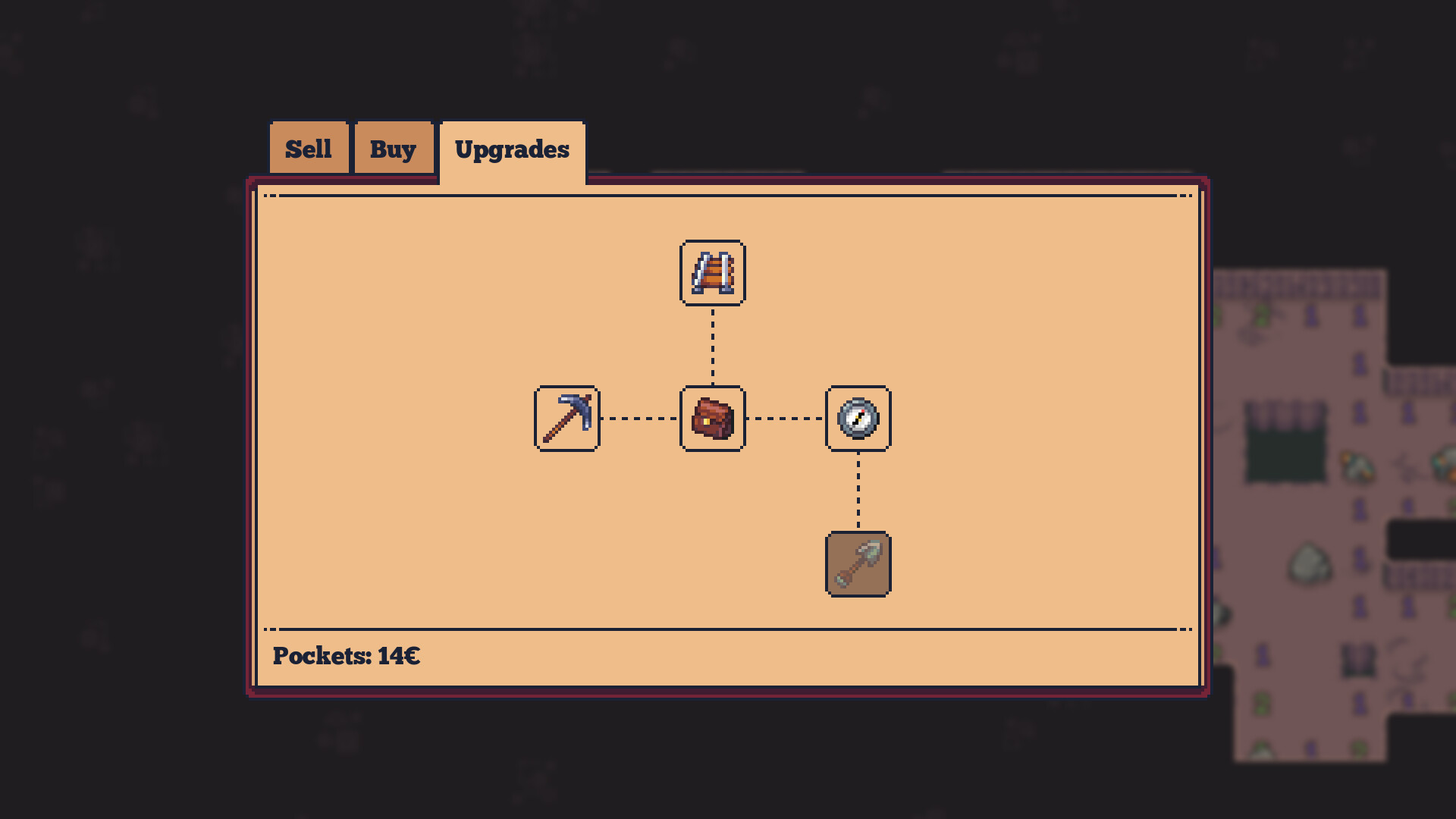
Dynamine is an incremental mining game based on Minesweeper. Dig for ores while avoiding explosives, sell what you found, buy better tools to dig more efficiently, then rinse and repeat!
Players, last 30 days
Peak 0 · Low 0
Daily peak concurrent players, sampled once a night from Steam.
New cover art!Finally replaced the old placeholder cover art with a new fantastic artwork made by @Midderin!The new update adds a new title screen background based on the game’s cover art and brings some small bug fixes.ChangelogChangesReordered upgrades in the upgrade treeChanged the chording animationNew additionsAdded a new background to the title screenBased on the game’s promo art made by @MidderinAdded an option to align menus to the left or right of the screenThis option will be more useful once the mobile version is released, but it works on desktop as wellAdded the ability to fully reset the gameMain menu > Extra > Reset progress > Reset progressThis will delete all saved data, including saved levels and upgradesFixesFixed a bug that would allow you to dig infinite dirtFixed a deadlock that could happen if you closed the game while it was loading
ChangesHitting a mine and causing an explosion now causes all destroyed tiles to be replaced by indestructible walls.Hopefully, this should disincentivize from carelessly hitting walls at random, without being as harsh of a punishment as a complete reset.Changed the color palette of most sprites.The game now asks you if you want to continue the saved level AFTER selecting the level.Technical changesUpdated engine to version 4.7.Save directory structure has been changed.This was done to accommodate for Steam's Cloud Sync feature, which will come in a future update.You shouldn't have lost any significant progress, though some data may have not been transferred.
Fixes:The pause menu no longer opens above the inventory or other GUIs when tabbing out of the game with “pause on lost focus” enabled.Keep on grinding! :)
Posts come from Steam's official announcements feed.