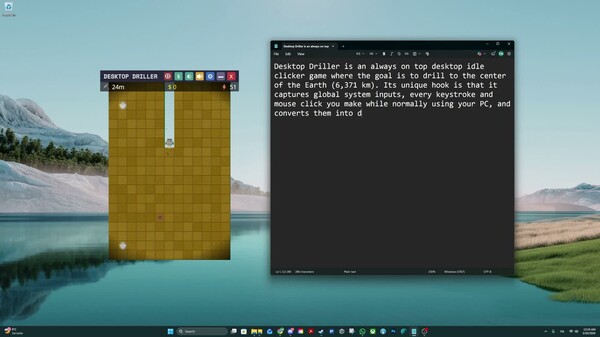
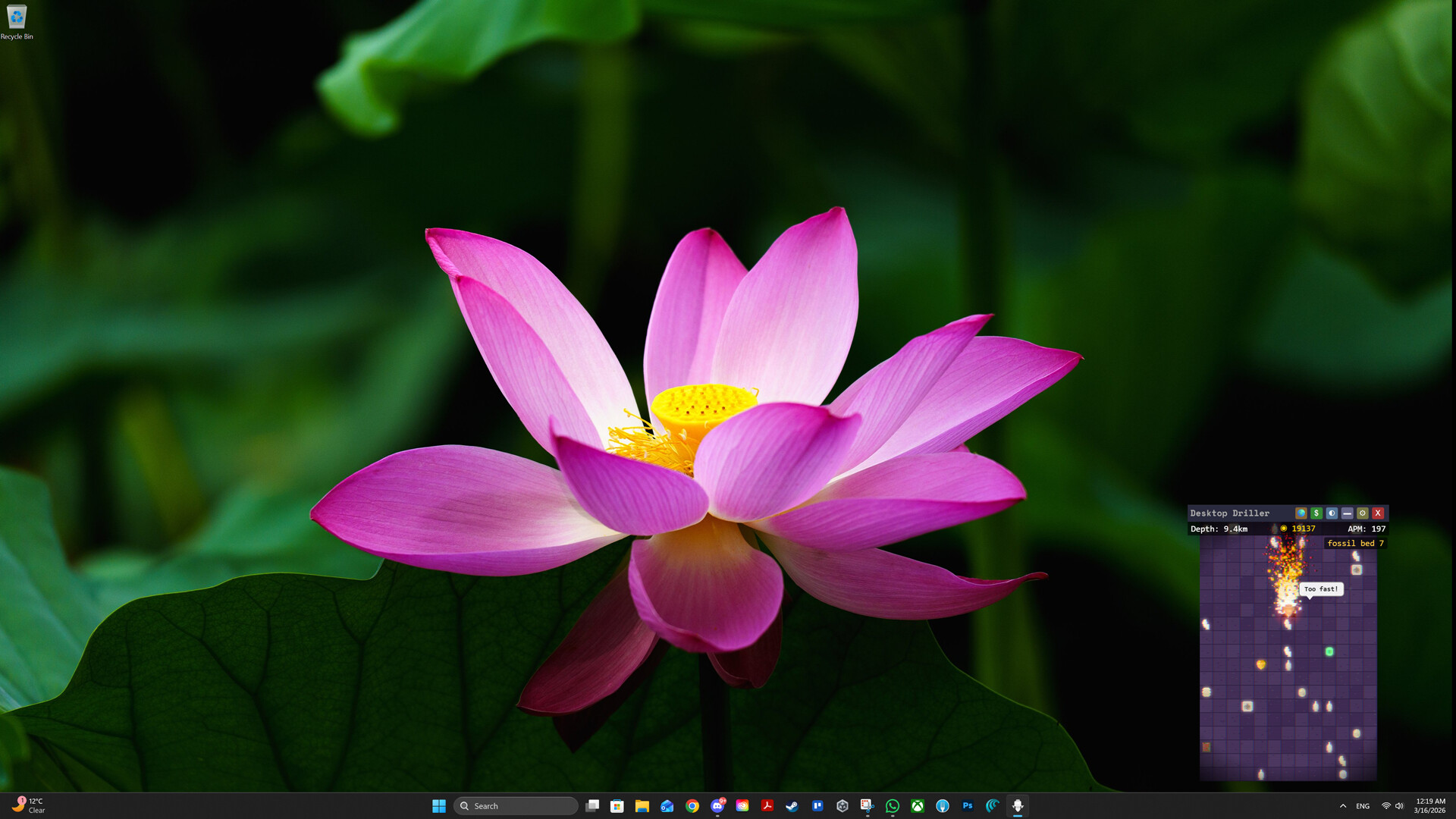
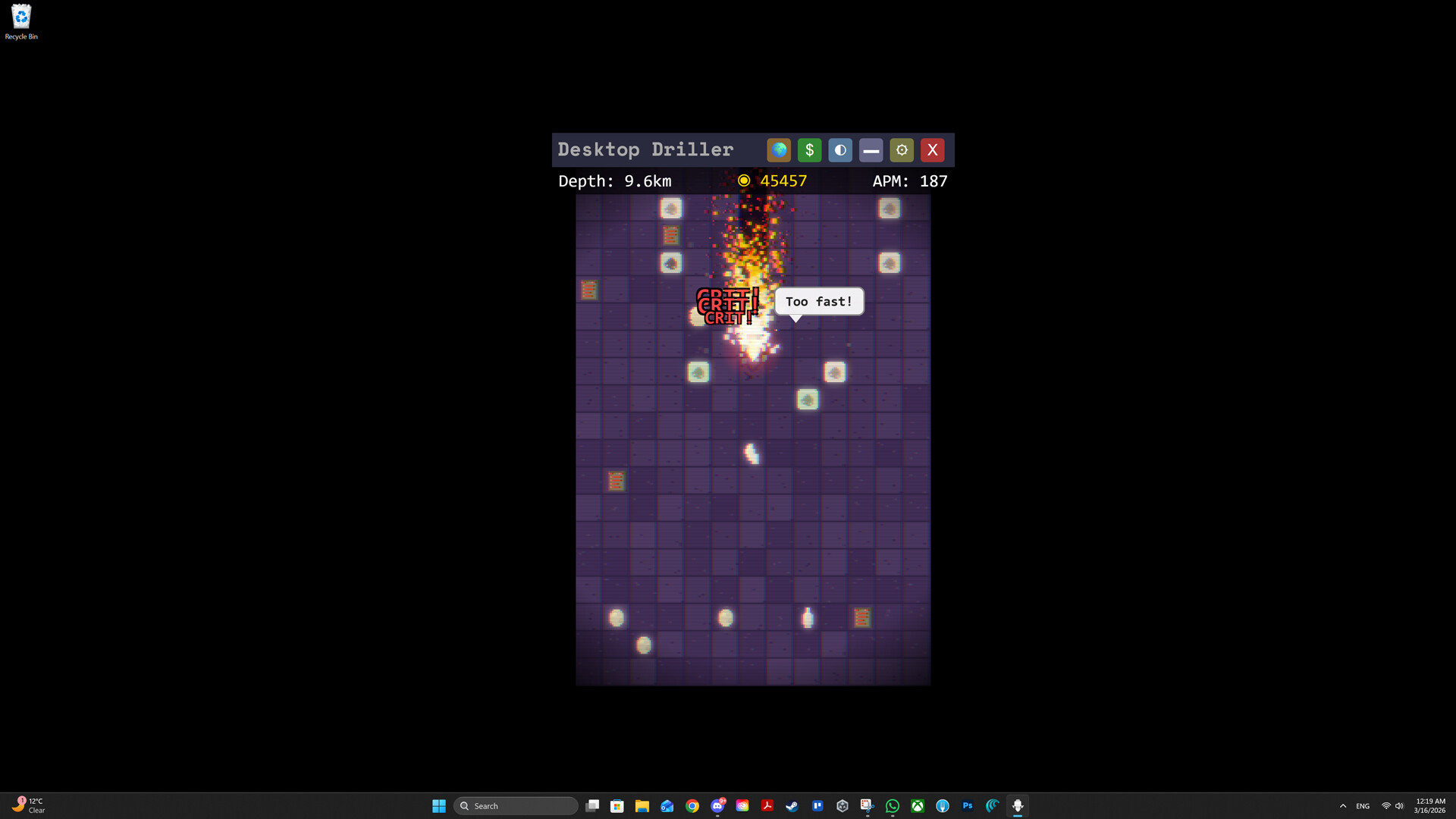
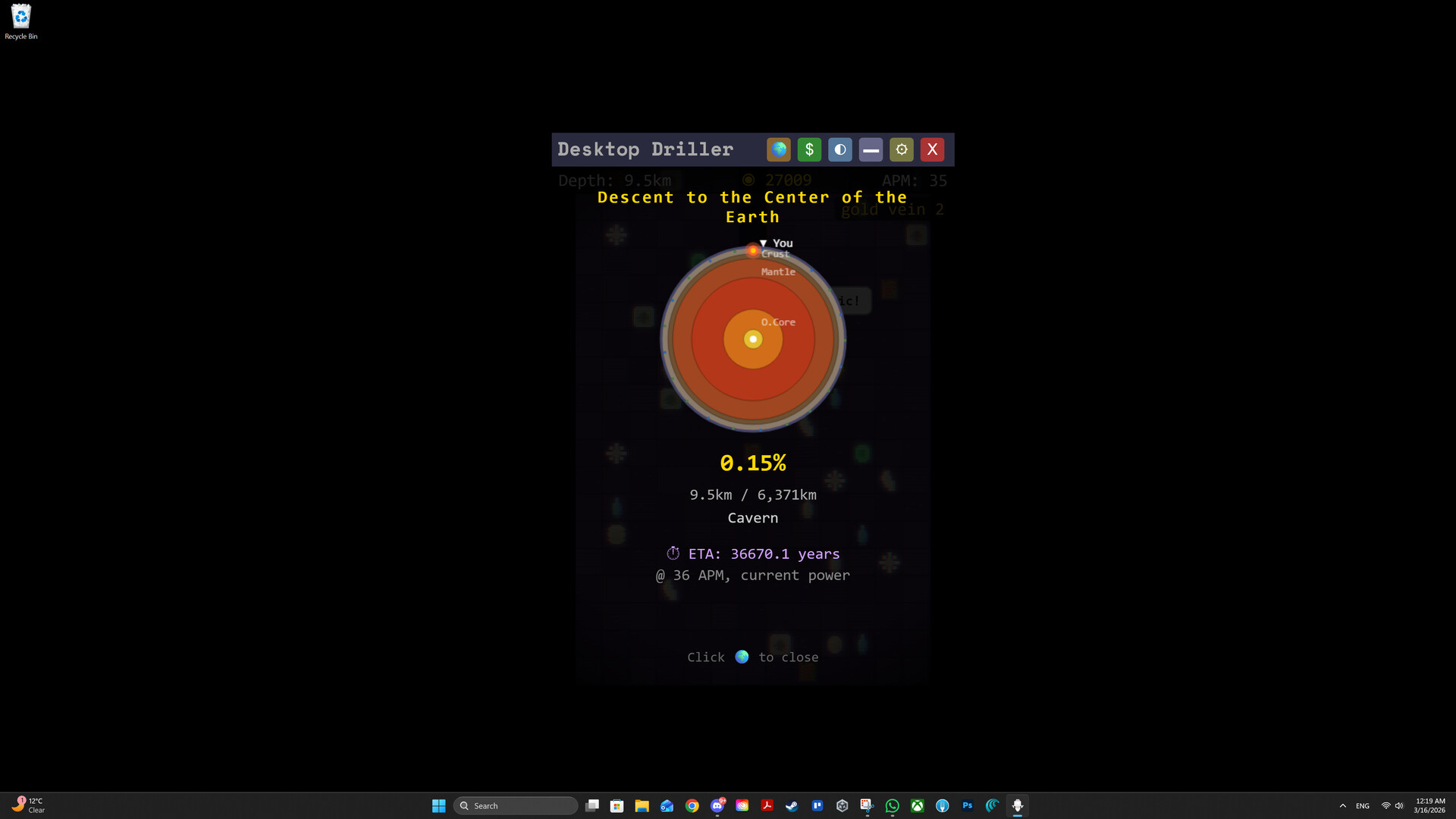
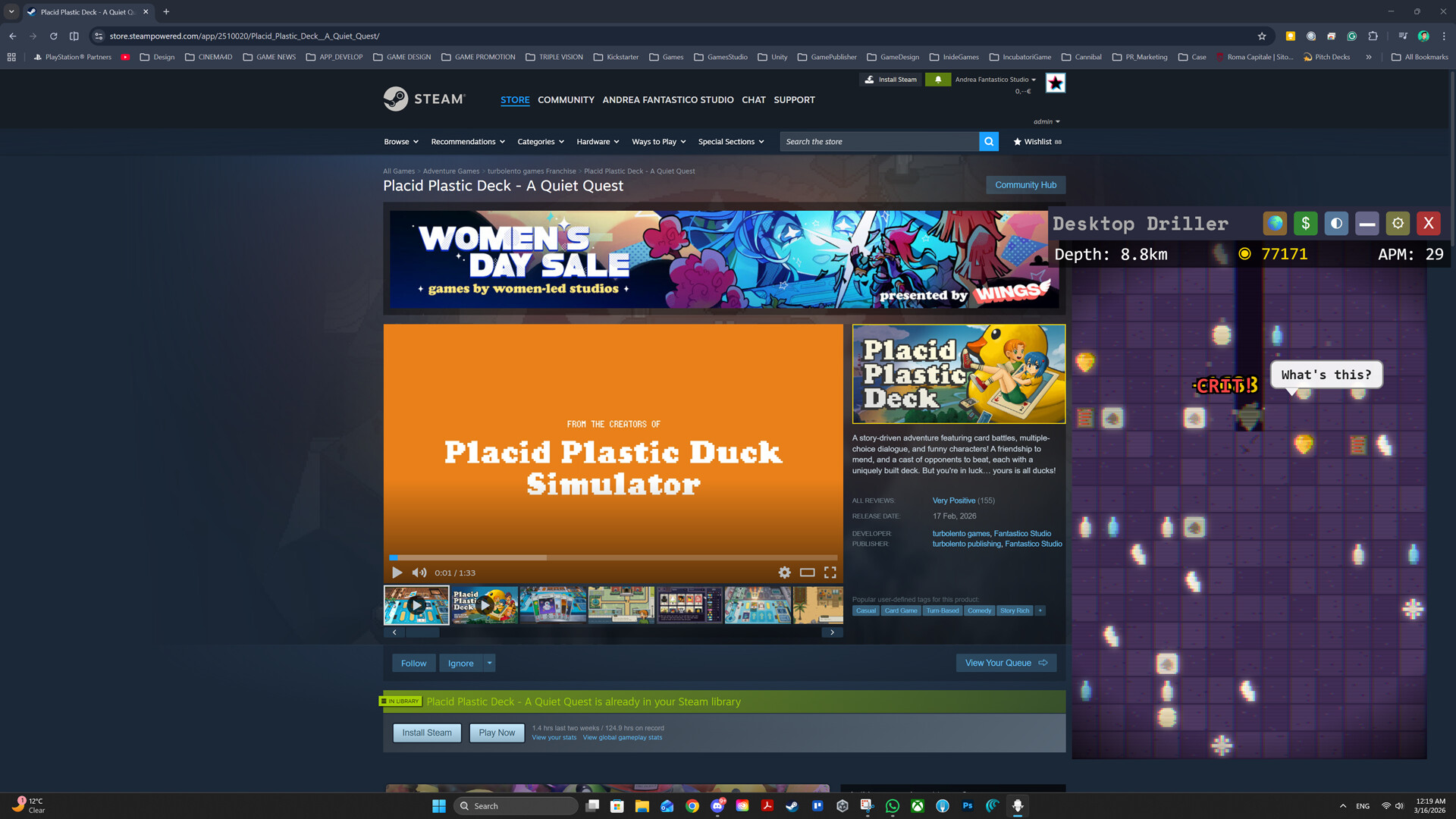
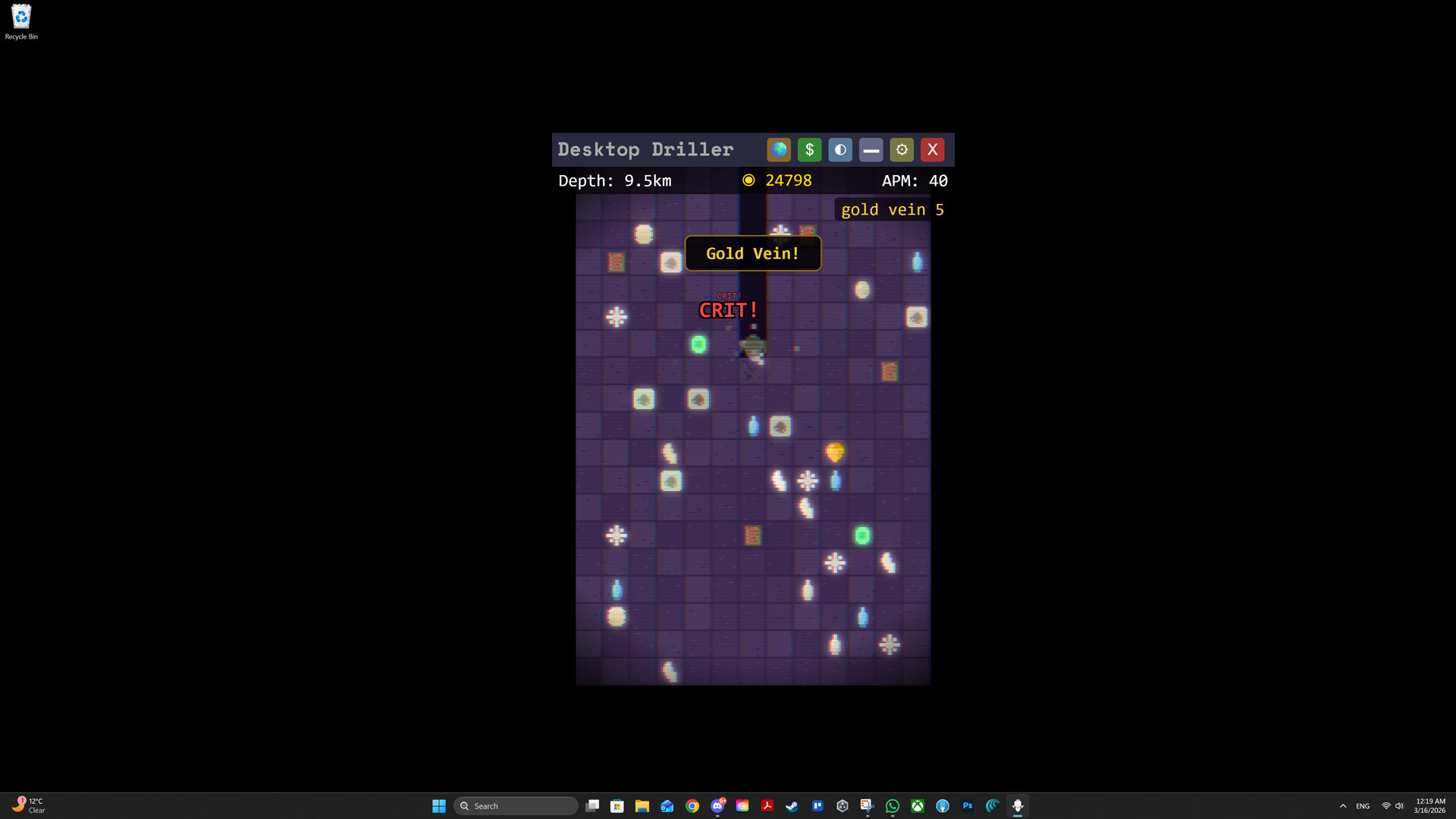
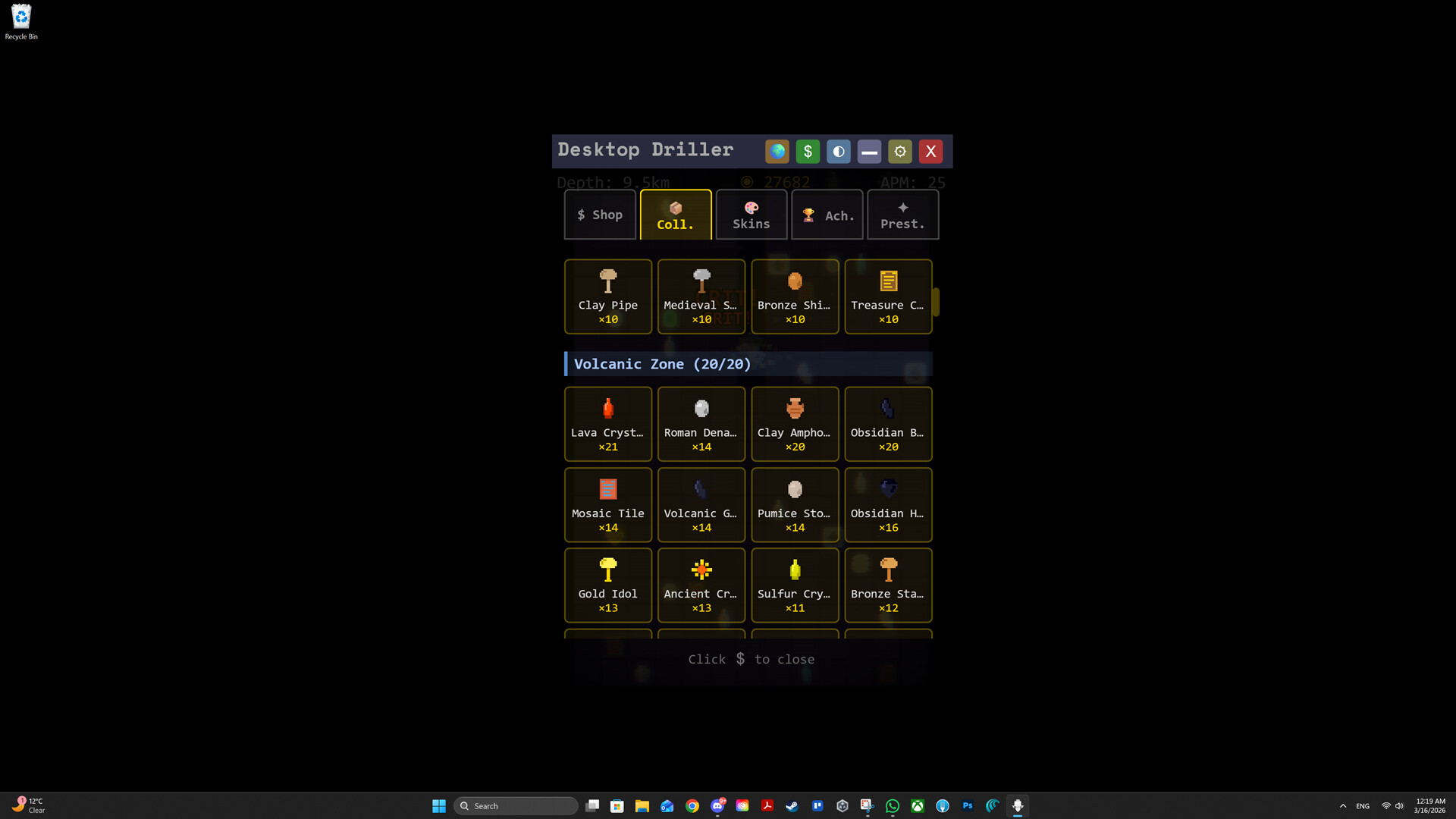
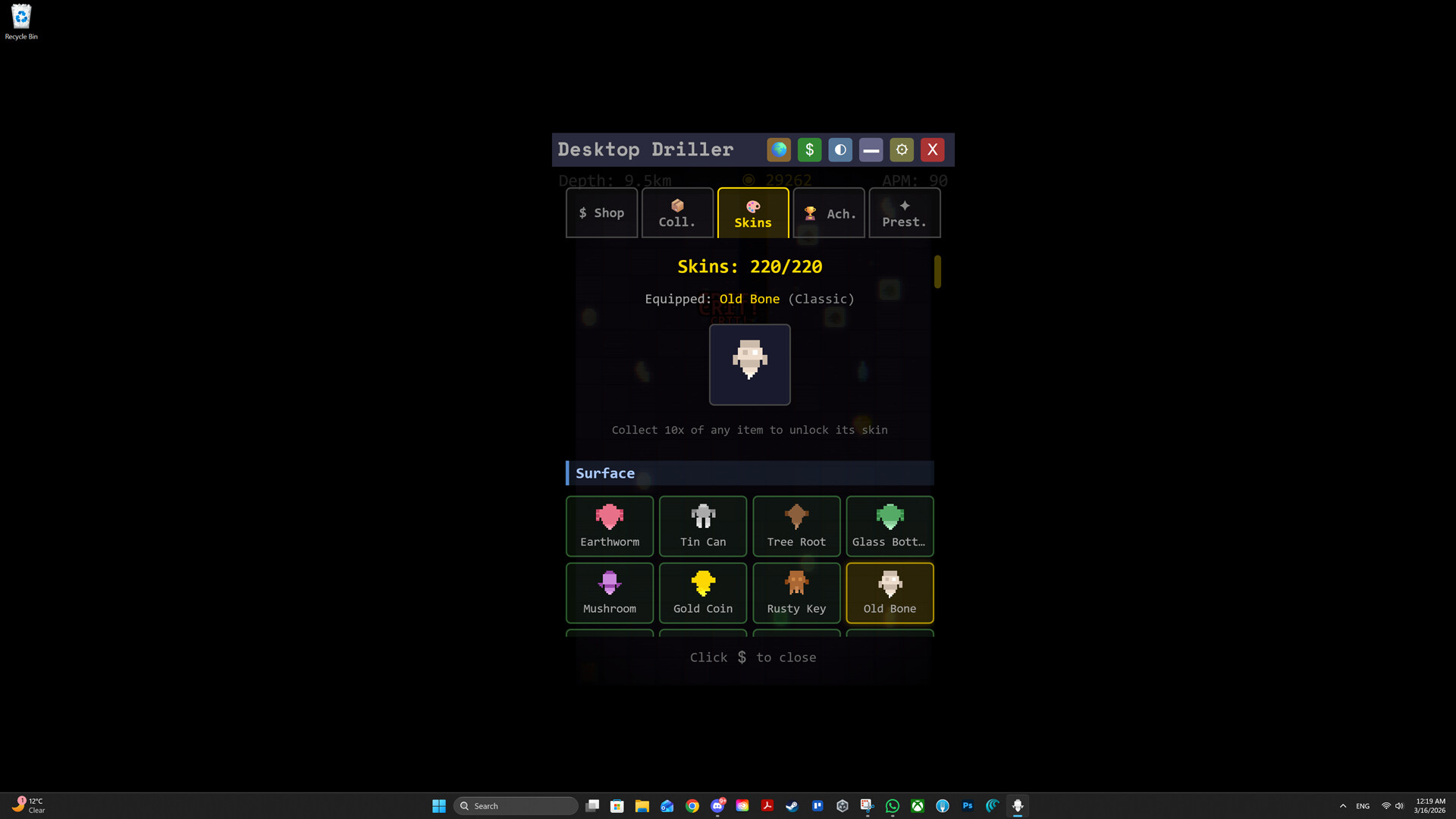
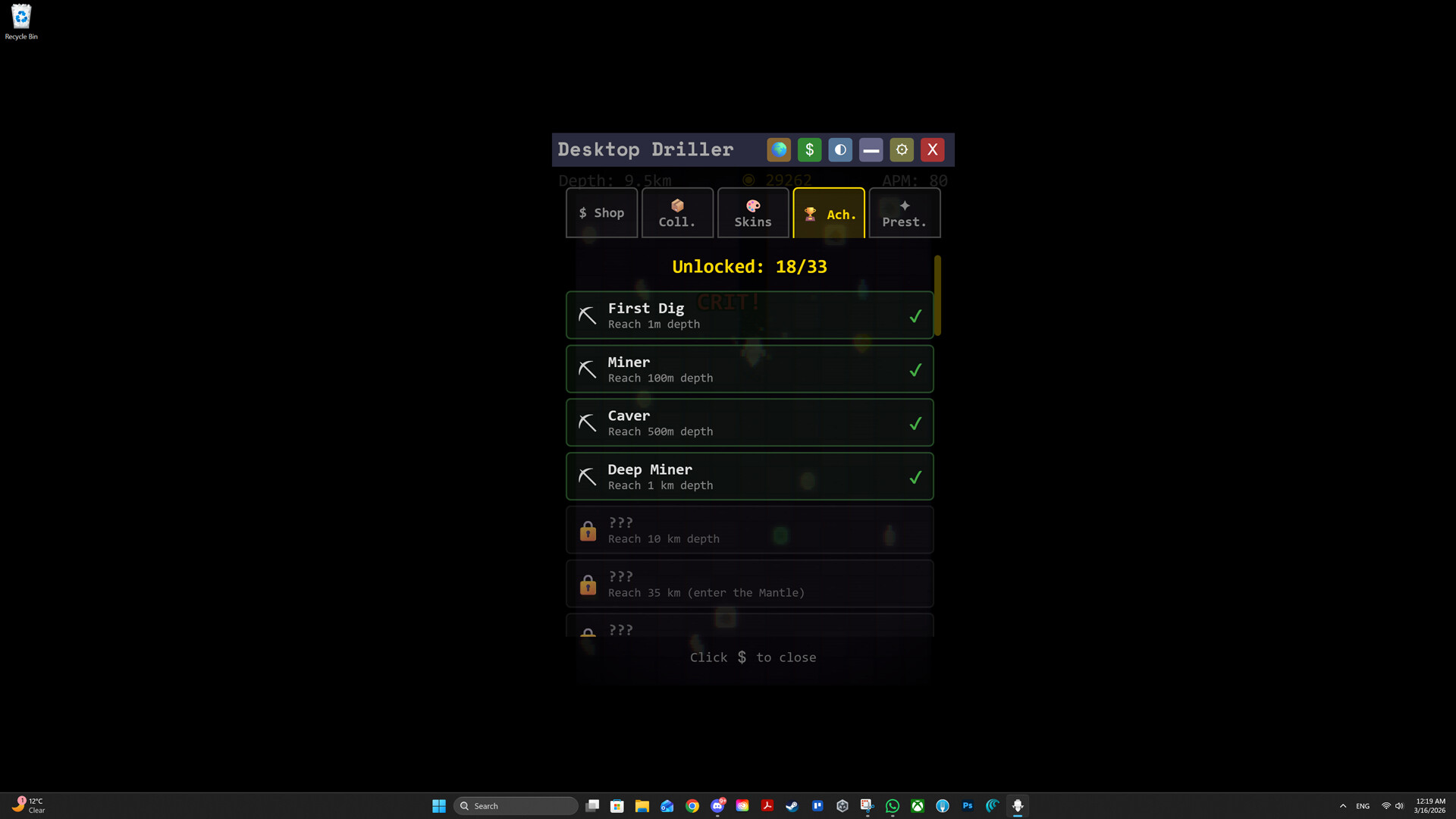
Desktop Driller runs passively alongside your work, converting idle time into drilling progress. You'll accumulate resources, purchase upgrades to automate your operation, and push steadily toward Earth's core through incremental depth milestones. It's built for players who want a low-attention background game that rewards both active taps and offline earnings.
About this game
An idle game that runs while you work. Your activity powers the drill: dig, earn, upgrade and go deeper. Build your system, automate everything and reach the center of the Earth.
Players, last 38 days
Peak 6 · Low 0
Daily peak concurrent players, sampled once a night from Steam.
What players are saying
▼ Not recommended0 hrs
This game is sketchy as hell it opens whenever boot up pc, and it also tried to reinstall itself after i unistalled plus its ai slop. PLS DO NOT GET THIS ♥♥♥♥
Some of you told us the screen moved a bit too much while drilling - now it's your call. New "Screen Shake" toggle in Settings. Turn it off to remove all screen shake - while digging, during earthquakes, and on the final breakthrough. On by default, so nothing changes unless you want it to. Available in all 12 supported languages. Thanks for the feedback - keep it coming! ⛏️
We shipped a fix for a serious bug, and we owe some of you an explanation and an apology.What went wrongOn first launch, Desktop Driller used to automatically enable the "start with Windows" option, and it registered that startup entry in the following way: instead of pointing to the game's own executable, it pointed to Steam with a command telling Steam to launch the game.Steam's uninstaller does not disable that entry, so it stayed behind after uninstalling. At every login, it told Steam to launch a game that was no longer installed, and Steam responded by adding it back to your library and queuing the download. Because the game is free-to-play, it could even re-add the license to accounts that had removed it.This was a bug, not a dark pattern. It was never meant to survive uninstalling, and we are sorry for the time and trust it cost you.What we changedThe startup entry now points to the game's own executable, so it stops working the moment the game is uninstalled. Windows ignores it.Starting with Windows is now opt-in. New players choose during the tutorial, existing players are asked once the first time they launch the updated game, and the option can be changed anytime in Settings. The Settings toggle also used to display the wrong state for Steam players, showing "off" while the option was actually on. That is fixed too.If you still have the game installedYou do not need to do anything. The next time the updated version runs, it repairs the old entry automatically.If you already uninstalled the game and it keeps coming backThe leftover entry is still on your PC, and the update cannot reach it. There are two ways to deal with it. Both take about a minute, and you can pick whichever you are more comfortable with.Option 1: stop the entry yourself, without reinstalling anything1. Press Ctrl+Shift+Esc to open Task Manager, then open the "Startup apps" tab.2. Right-click the column headers and enable the "Command line" column. This matters: the entry launches Steam...
Fixes & Improvements Fixed: in some cases the game could reappear in your Steam library or re-download itself after being uninstalled. This no longer happens. New: launching at Windows startup is now optional. New players choose during the tutorial; updating players are asked once. You can change it anytime in Settings. Improved: confirmation dialogs (such as the quit prompt) are now larger and easier to read. Fixed: error messages in Race mode now show the actual details.
Posts come from Steam's official announcements feed.