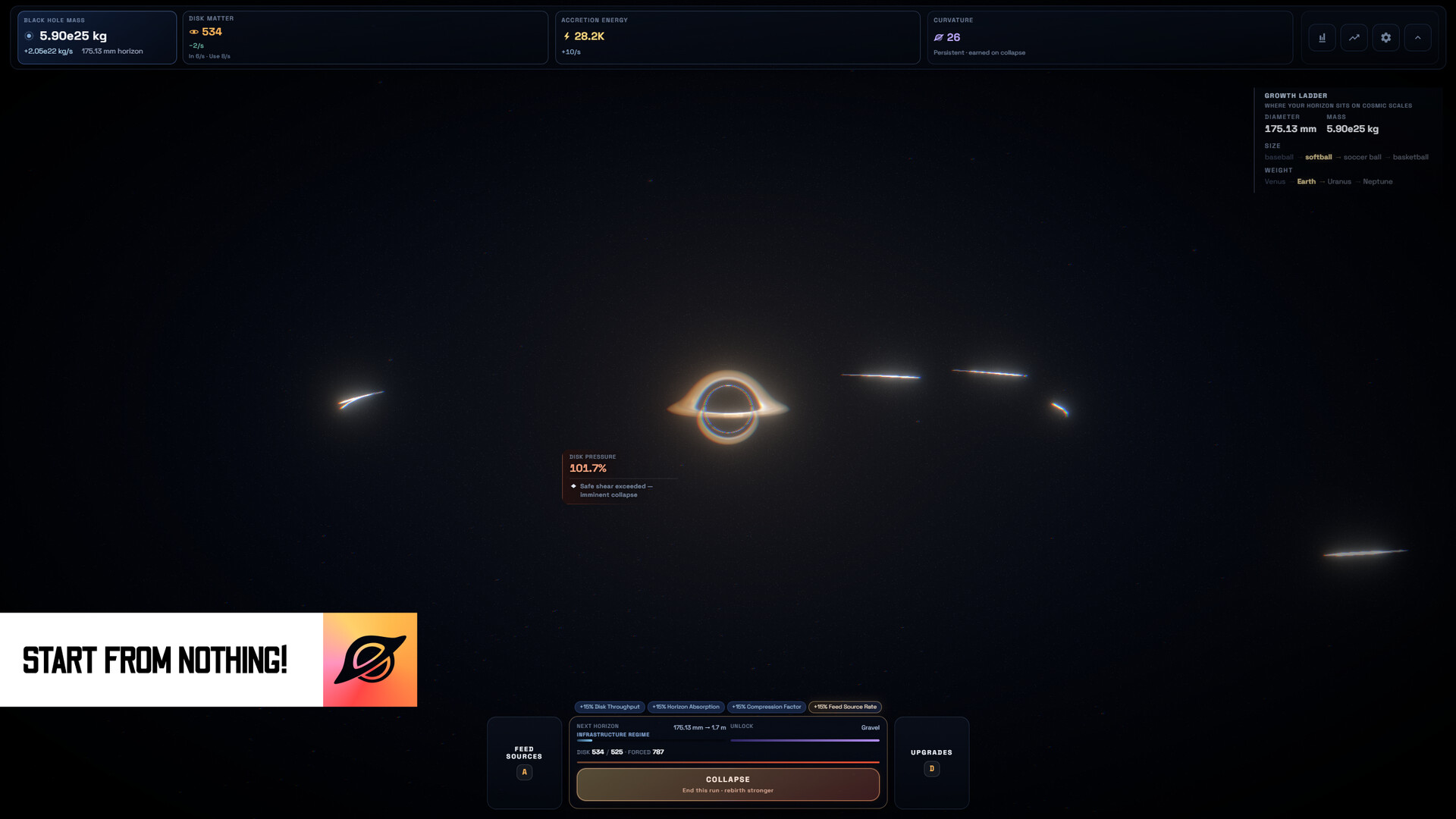
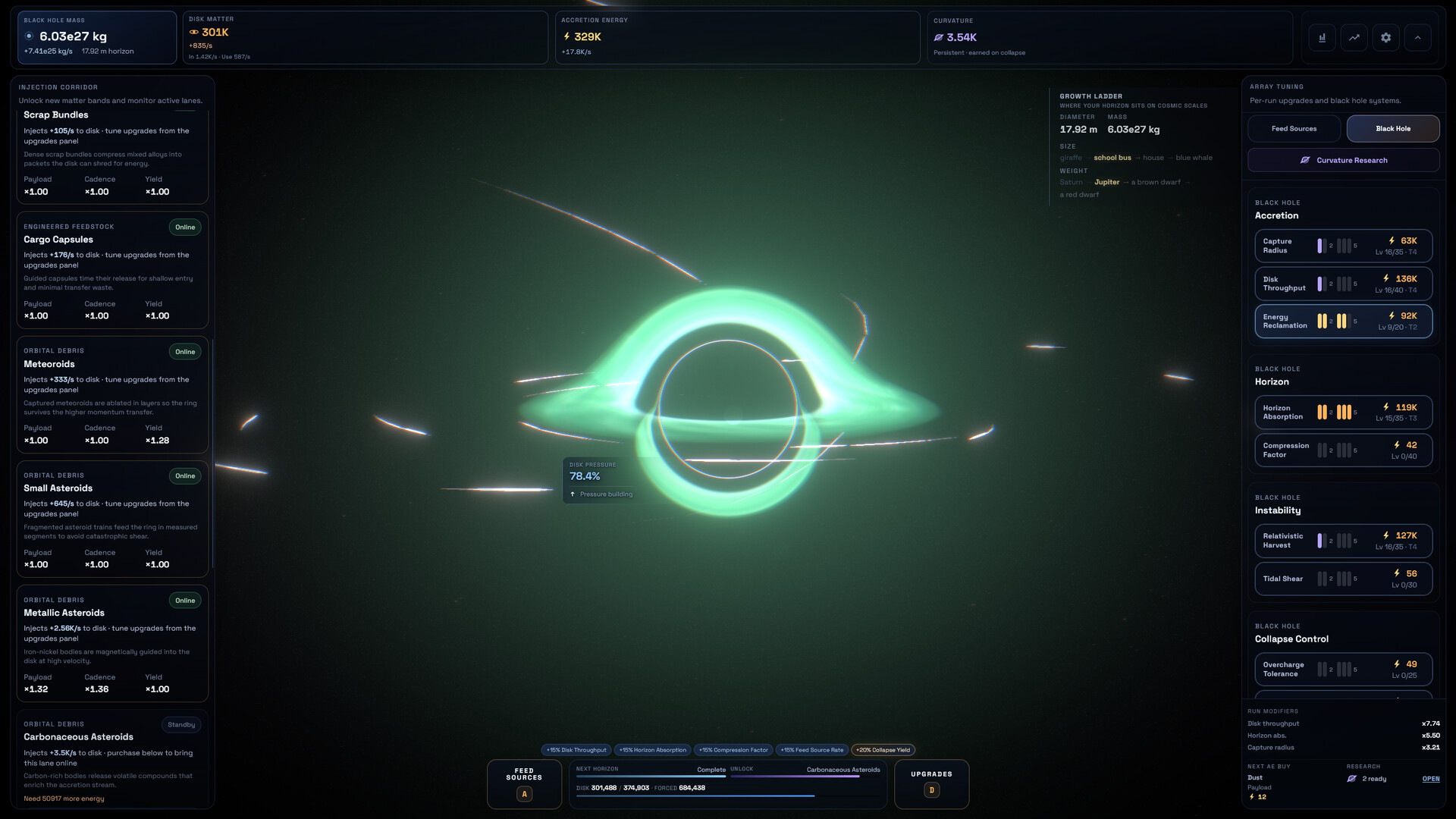
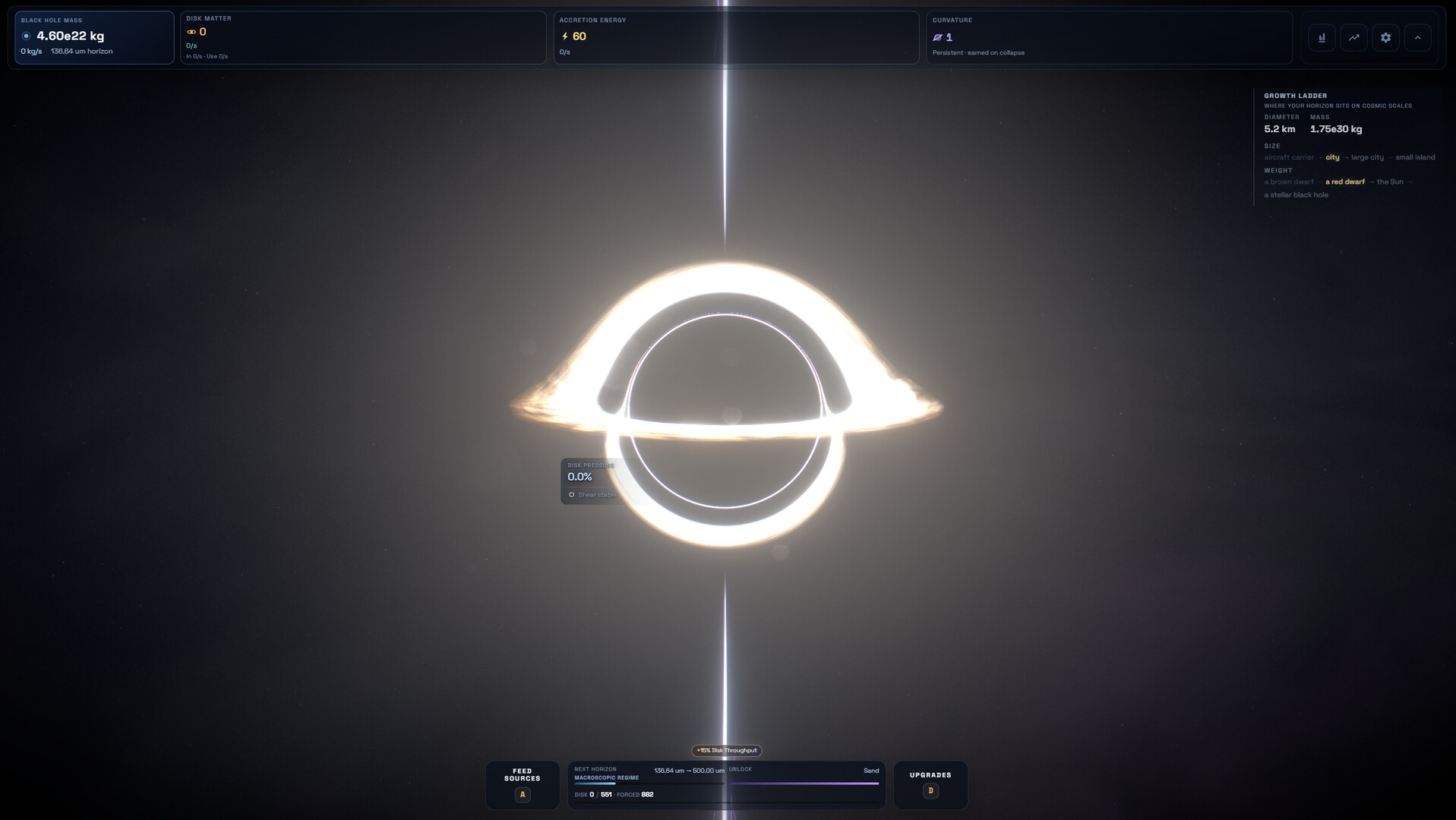
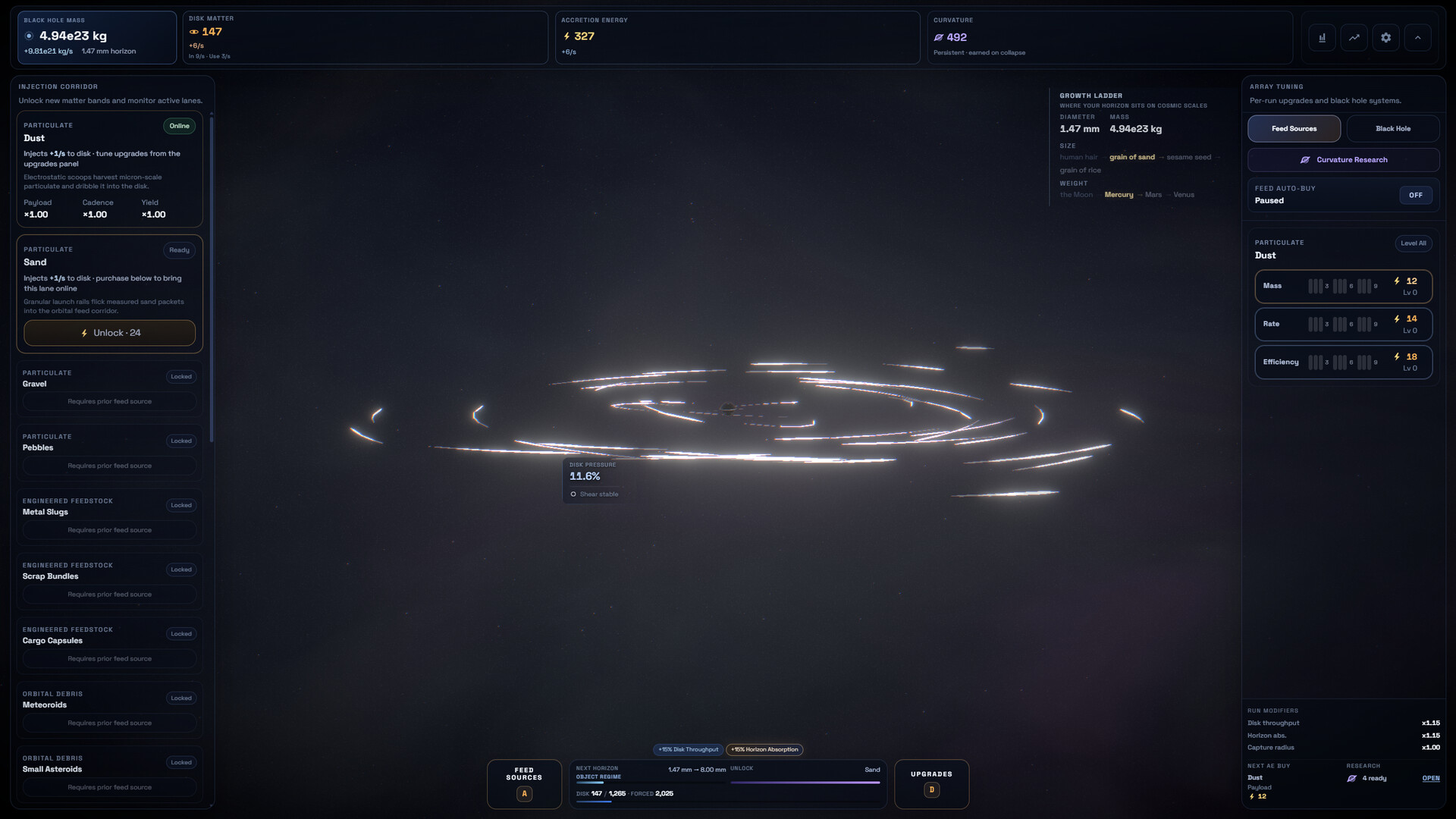
Feed your black hole to increase its mass while managing collapse risk in this competitive idle game. You can play against global leaderboards or challenge friends to see who can cultivate the largest cosmic singularity. The core loop revolves around resource management and strategic feeding mechanics tied to growth and stability.
About this game
How To Grow a Black Hole is about... well... how to grow a black hole. Manage your black hole, feed it to gain mass, and prevent catastrophic collapses. Compete globally or against your friends to achieve the biggest black hole. Maybe you'll be #1.
Players, last 68 days
Peak 52 · Low 10
Daily peak concurrent players, sampled once a night from Steam.
What players are saying
▼ Not recommended0 hrs
Like the other review stated, this game is AI generated, and despite my build, performance is abysmal for an idle game. with my CPU jumping to 97c on the lowest settings @ 30fps 1080p just to see if it'll lower temps, and despite having set the game to 30fps, it ignores that and still runs at 240fps??? with both the steam overlay and in-game performance overlay confirming that despite the frame cap set to 30fps, it still runs at 240.
I have no idea why an idle game needs to overheat my cpu why it ignores the graphics settings, these types of UIs are also common with AI vibe coding, it does lend to the game aesthetic, but when it runs this poorly, it makes me wonder if the game is some sort of malware in the background.
from the little I've managed to actually play however, resets happen far too fast and upgrades don't feel impactful at all.
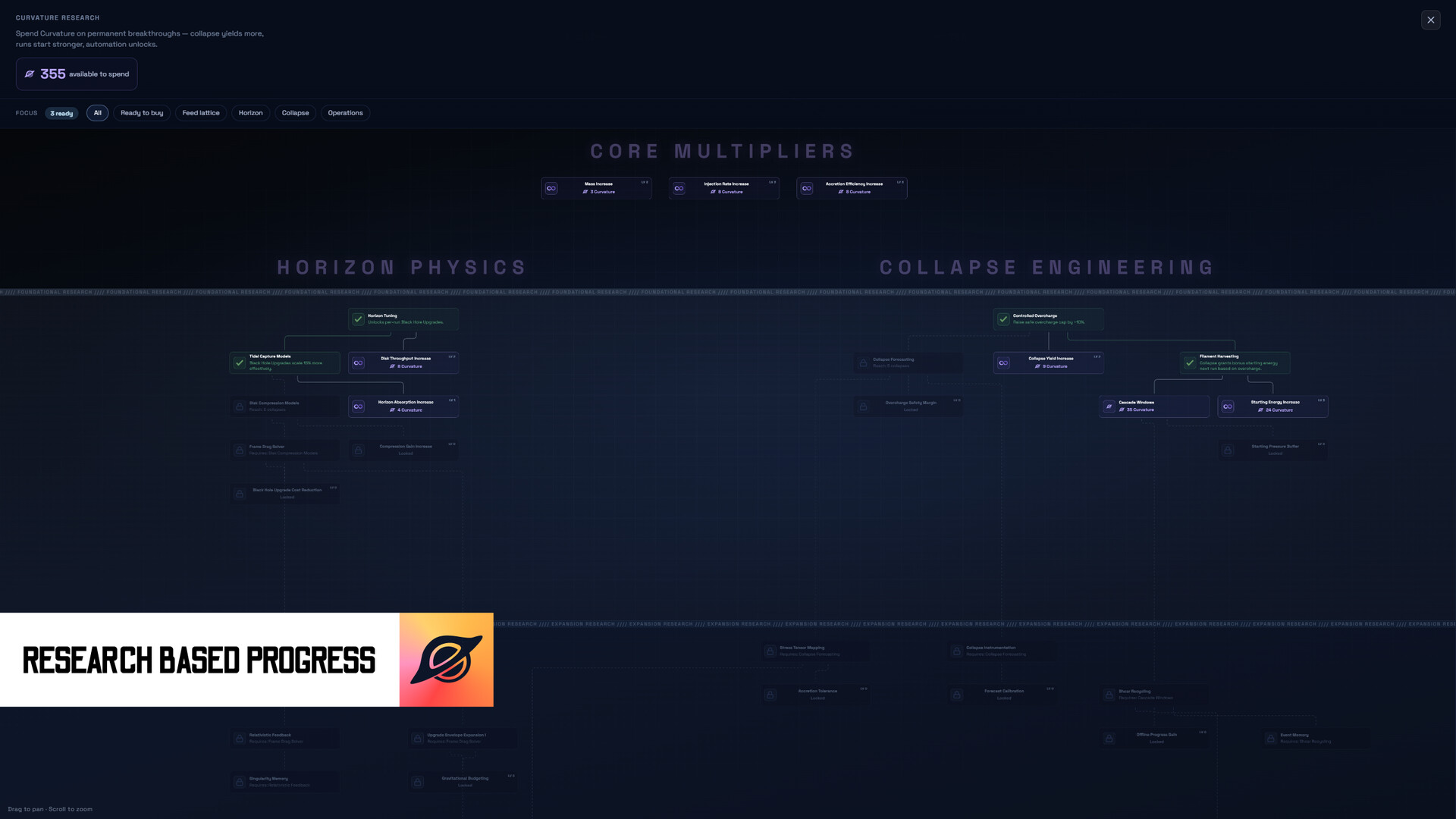
I don't know if a lot of these folks leaving reviews have actually played AI games, but this is NOT AN AI GAME. It's kind of weird to even assert that, nothing about the UI has the standard AI dev features, save for *maybe* the fact that the curvature upgrade menu layout is a little insane. Even then, you can see the vision, it's meant to provide clarity and distinction between upgrade paths so that it's clear what does what. This is a pretty good idle game, I can't speak to performance issues, I'm playing it windowed because it's an idle game, and if you're not playing idle games windowed you're probably not human, but I'm having a great time with this one. Don't normally leave reviews, but the chilling effect that bullying solo devs can cause is really scaring me. You can hate on devs all you want, but just remember, if solo devs are too scared to make games because they're worried about being accused of using AI, we're going to lose a HUGE part of what makes gaming so special these days. Undertale, Balatro, Ultrakill, Crab Champions, we're not getting anything else of that caliber if you guys scare solo devs into inaction.
This is actually my very first review because wow, this game genuinely barely runs. I couldn't care less regarding AI use primarily because I couldn't even get far enough to see more, I gave up on step 10 of the tutorial since it was capping out at 15 FPS on max and 20 FPS on the lowest possible settings. My PC may not be a supercomputer but you would think that a machine capable of running most games effortlessly on close to max settings would be able to handle an idle game. Sheesh.
Curvature Reward ChangesCollapse Curvature rewards have been adjusted to favor larger black holes more heavily instead of rewarding pressure-heavy runs as much as before.This is a balance change I would really like feedback on. Upcoming hotfixes will be based on player response, so please let me know how the new rewards feel.AddedAdded purchase multiplier options to upgrade rows.You can now buy 1, 3, 5, or as many levels as you can afford per row.This gives more control without needing to rely only on Level All.Added a visual indicator for sales to Black Hole upgrade groups.This shows which branch you are currently invested in.It also shows which groups receive a discount when Gravitational Budgeting is unlocked.ImprovedModified the Curvature reward formula to reward larger black holes more heavily than pressure.Collapse sequences can now be skipped immediately.Updated certain Universal Research upgrades so they can no longer be purchased beyond their cap.If you previously bought above the limit, the extra Curvature will be refunded.The feedback survey will no longer appear again after being closed the first time (this was mainly for the demo but was never removed)FixedFixed Frame Drag Coupling not applying correctly after a certain level.This may heavily affect your current run.Fixed Pressure Bleed not upgrading past 16%.Fixed feed source enabled and disabled states not saving properly.Fixed GRB Recharge being incorrectly recommended as the best Accretion Energy purchase.Fixed starting disk pressure not applying correctly at the beginning of a run.Fixed HUD layout reset panel position styles.Fixed resolution scaling so UI and text scale properly based on monitor size and resolution. (Let me know how this looks I was only able to test this on a small amount of displays)
Draggable HUD panels, hybrid GPU stability, and desktop polish. Thank you for the continued reports, especially around hybrid graphics and HUD layout. This update adds draggable panels, strengthens GPU startup handling on Windows, and fixes several layout and stability issues. Happy growing! Added Added draggable HUD panels for the Growth ladder and Disk pressure readout. Drag to move, or double-click a panel to reset its position. Added a reset control in Advanced settings to restore all draggable HUD panels to their default placements. Added a Mute collapse warning toggle in Audio settings to silence the disk pressure warning when a forced collapse is near. Improved Improved hybrid GPU support on the Windows desktop build, with stronger graphics strategy checks during startup and more reliable recovery when the wrong GPU is detected. Improved desktop launch stability on hybrid laptops, including clearer boot feedback and smarter automatic relaunch when a different graphics strategy is needed. Fixed Fixed High contrast UI not applying correctly to the Growth ladder panel.
Posts come from Steam's official announcements feed.