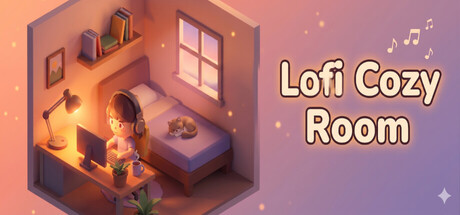
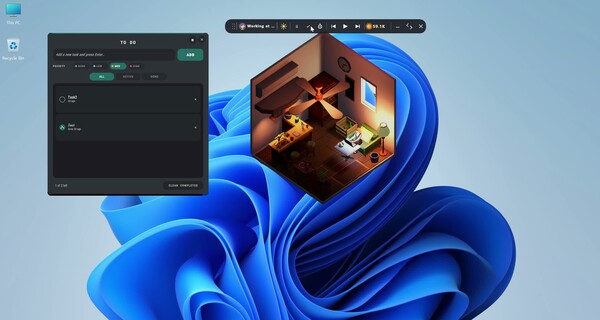
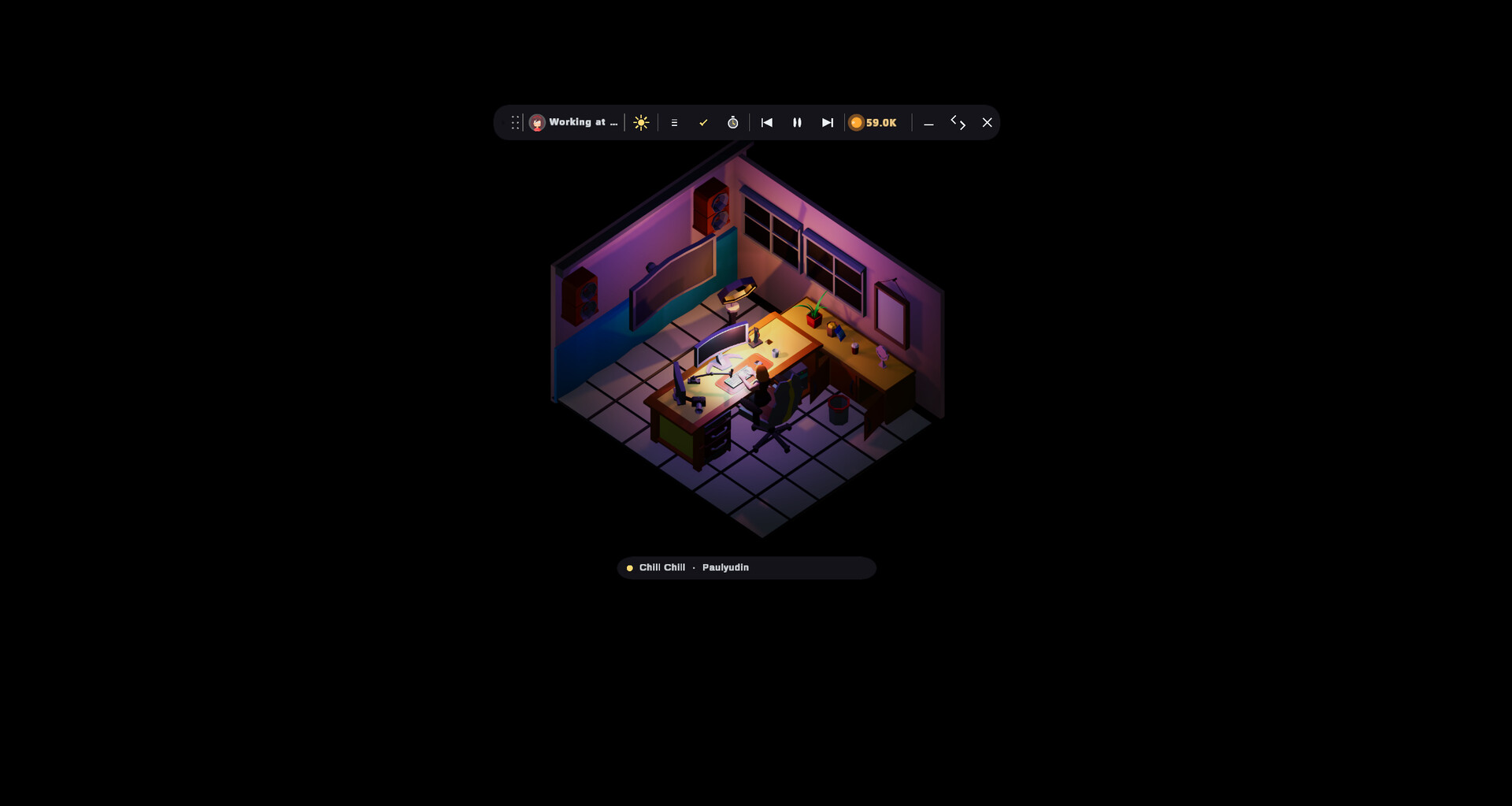
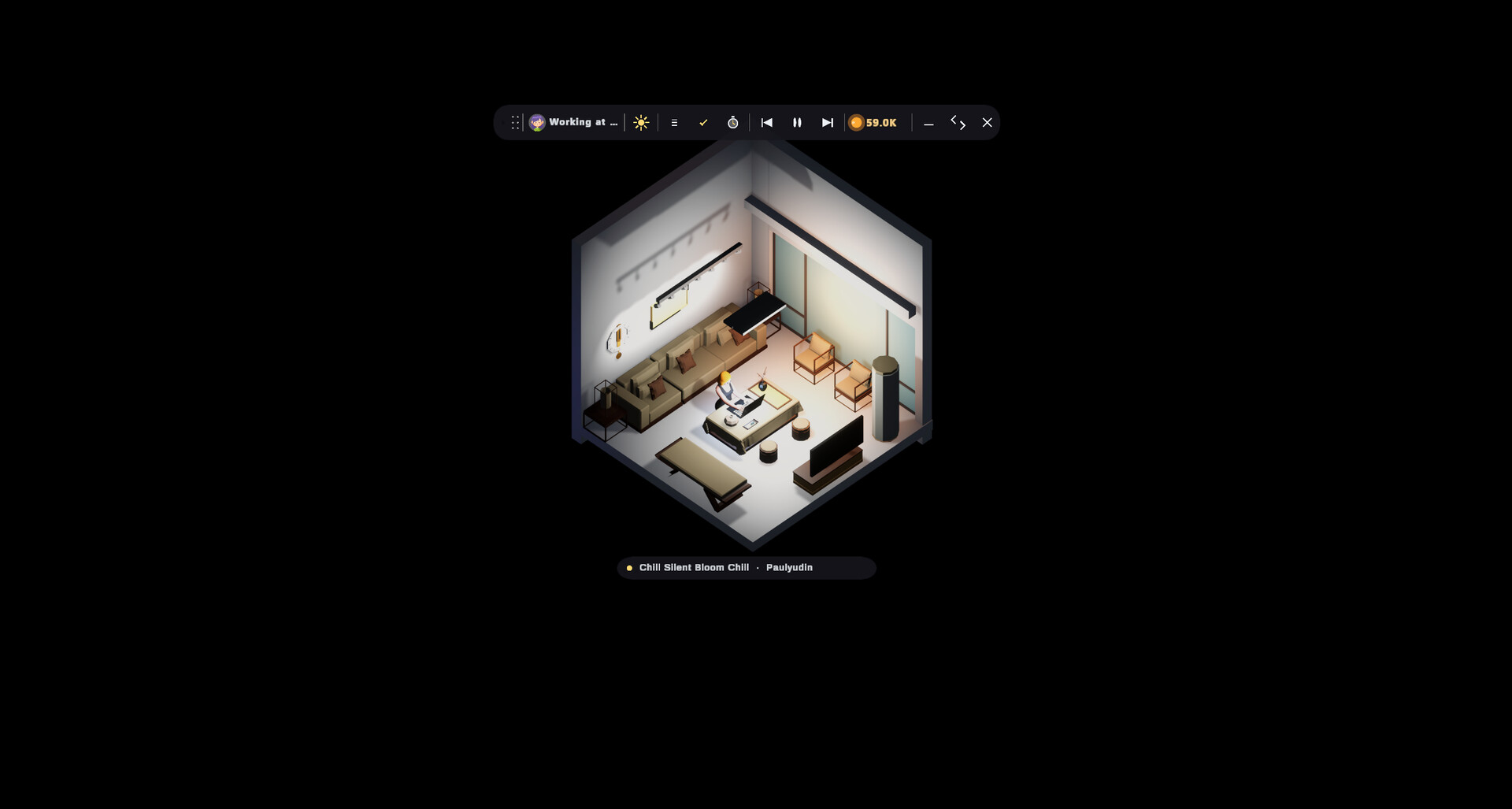
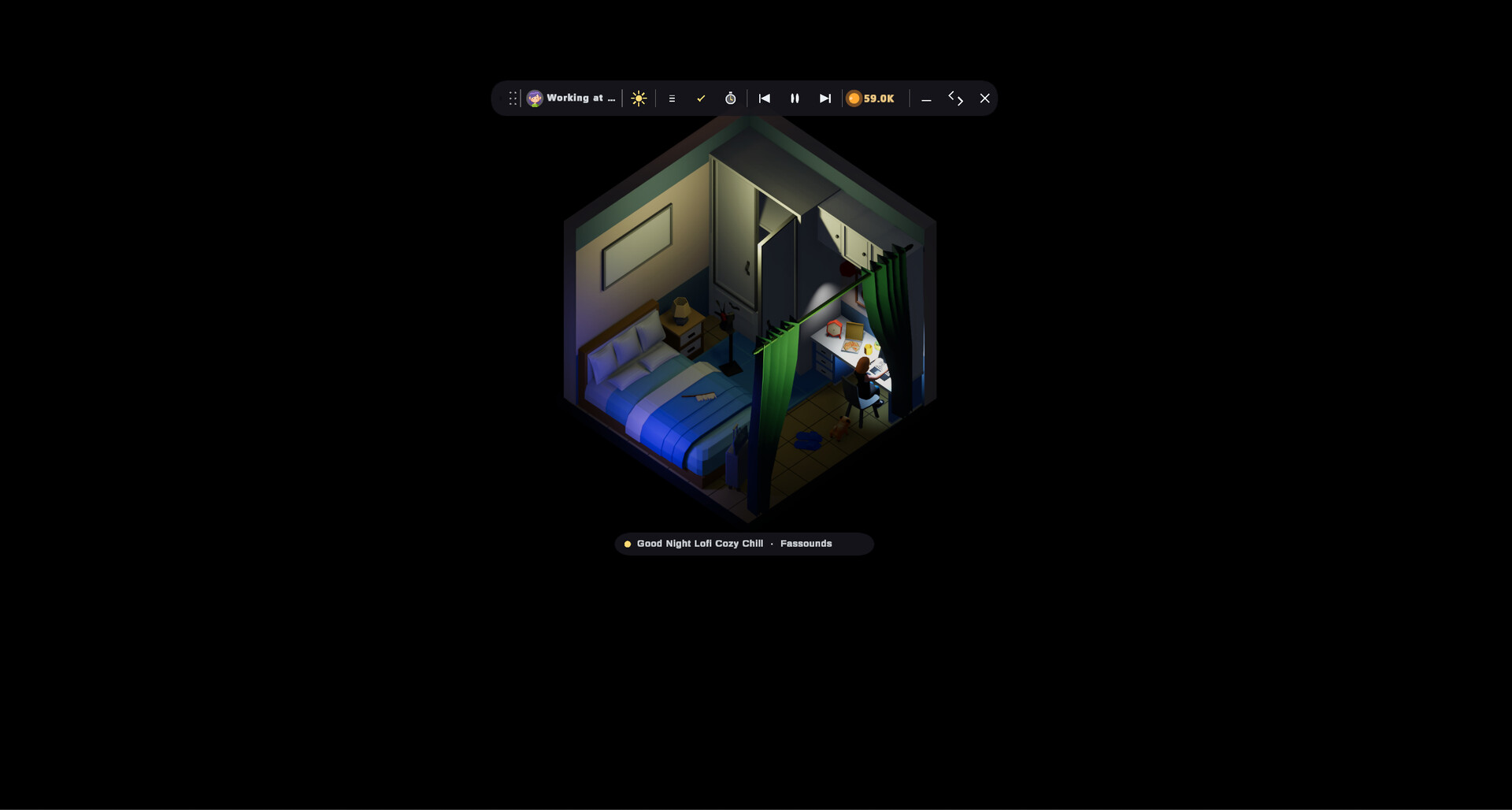
A desktop widget that displays a minimalist 3D room where your avatar studies, relaxes, and sleeps alongside ambient lo-fi music and a wandering puppy. You customize the space with different room styles and moods, then leave it running passively while you work or browse. It's designed for anyone seeking a calming, non-intrusive presence on their screen that evokes focus and comfort without demanding interaction.
About this game
A draggable 3D Lo-Fi room widget that lives on your desktop — pin it over your code, your browser, anywhere. Pick a room, pick a mood, and watch your avatar read, work, and fall asleep inside. Lo-Fi flows, a puppy ambles around. The coziest companion you'll want to keep running all day.
Players, last 37 days
Peak 2 · Low 0
Daily peak concurrent players, sampled once a night from Steam.
What players are saying
▲ Recommended0 hrs
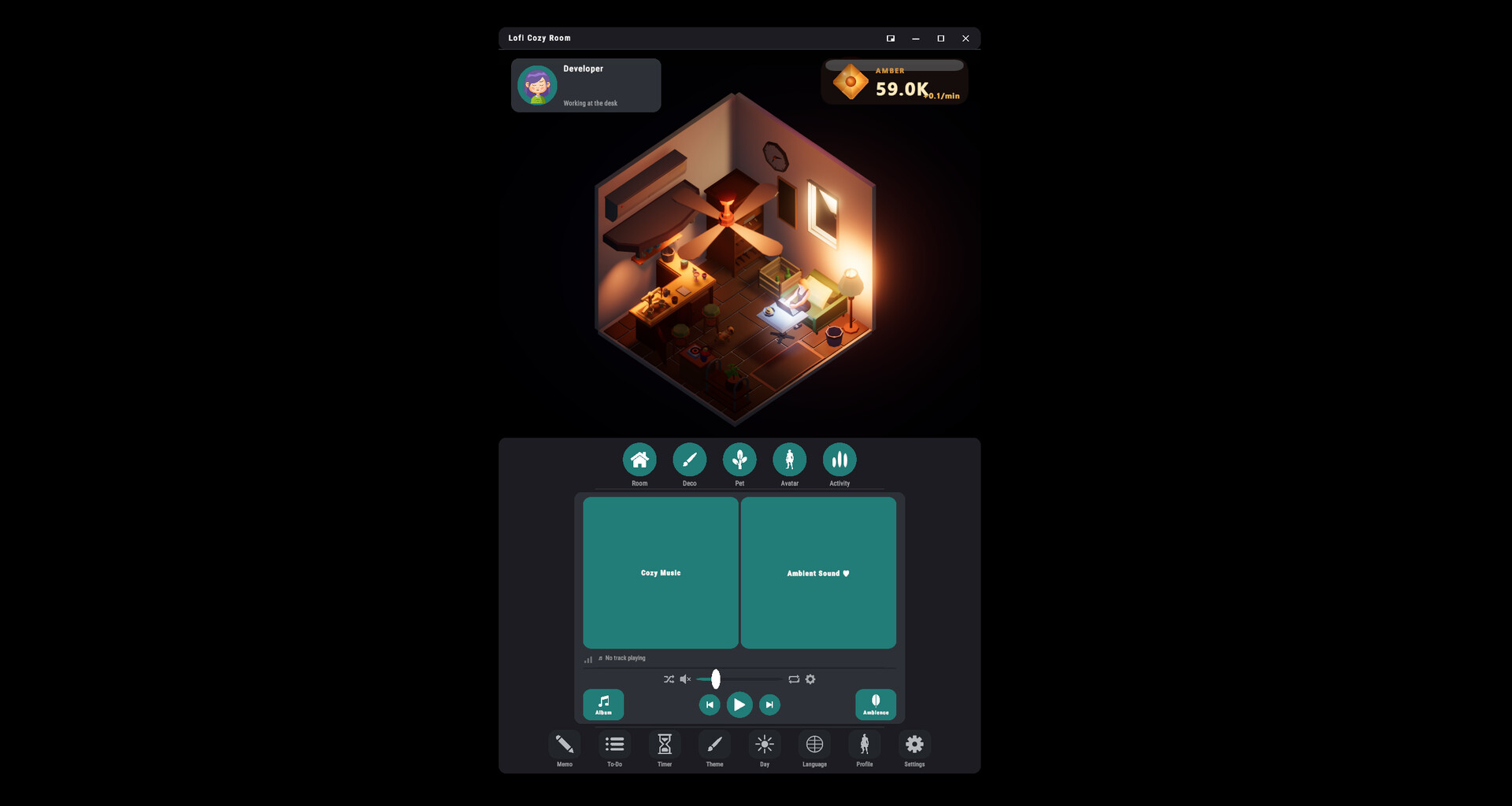
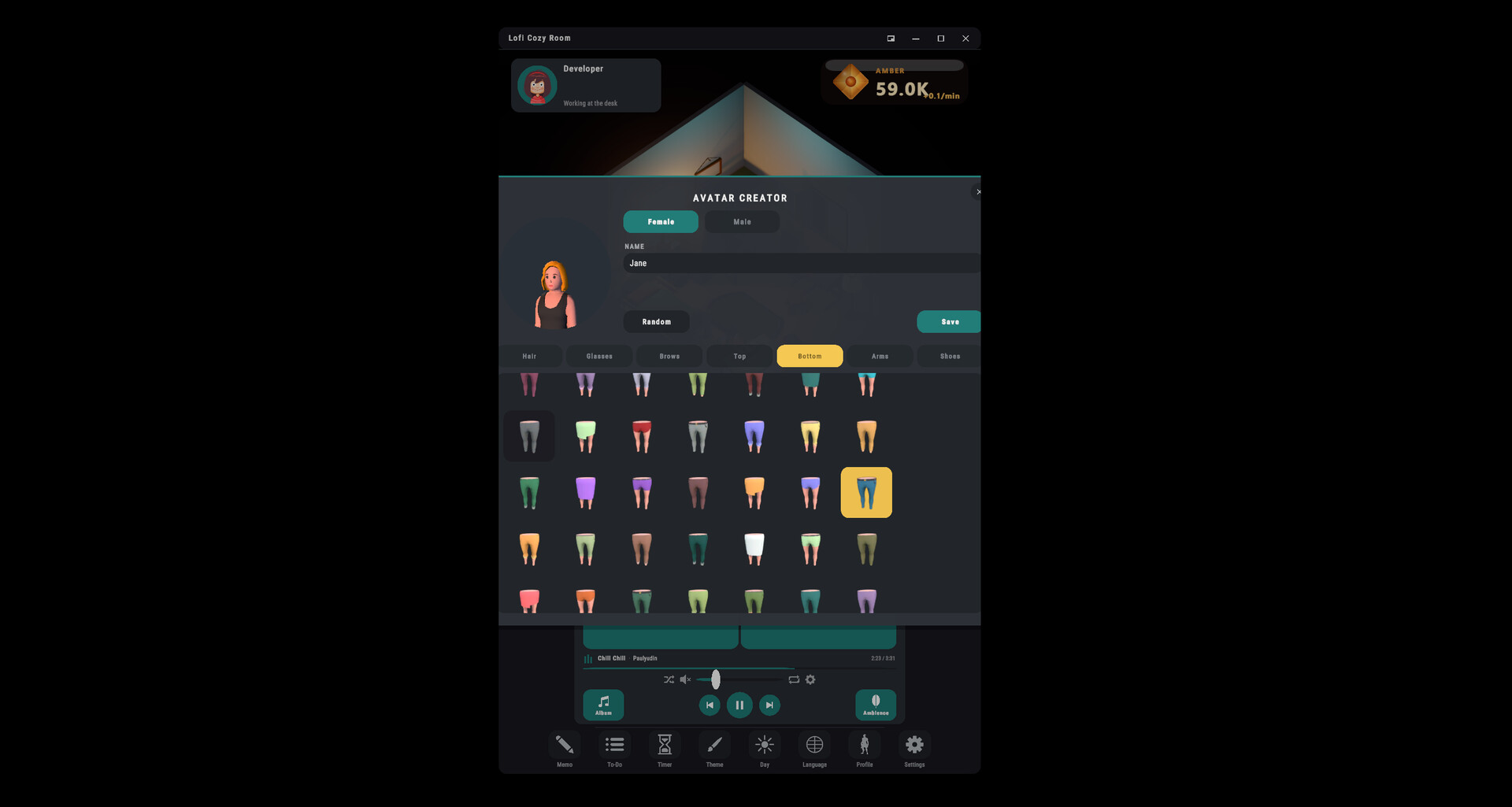
I have really been enjoying this game so far. I am a fan of this type of idle experience as I can have it playing on my auxiliary monitor while I go about my day job. I work from home and predominantly what I do is write reports which demands a fair amount of concentration. I can have this game running in the background with the pleasant LoFi music which is calming, and occasionally glancing at it and seeing my avatar, working, reading, or sleeping is very cool. You can edit the room, have a pet, change decorations, etc. You also gather "amber" which is a currency that you can then use on upgrades. Awesome idle game and I highly recommend it. Also, the solo developer is very responsive on Reddit and seems like an amazing person. Let's support this project!
What's New You can now arrange the furniture in your room exactly how you like. Press Arrange in the decor panel to start editing. Make the room yours Move, Turn, Lift, and Size furniture freely. Use Snap for clean placement, or turn it off for free placement. Undo up to 64 steps, with Reset / Reset All whenever you want to start over. Every change is saved automatically. Your avatar adapts to your layout Move a chair and your avatar will walk to its new position and sit there naturally. Pathfinding also updates around your new layout. Walls, floors, and ceilings remain fixed. Make a small adjustment or rearrange the whole room — it's your space now.
What's New Your avatar feels a little more alive in this update. Walking feels more natural No more teleporting between activities — your avatar now walks naturally to where they need to go. Movement is smoother, with more natural starts, turns, stops, and improved pathfinding. A new Autonomy button has been added at the bottom of the ACTIVITY panel. New — Autonomy Turn on Autonomy next to Stop Activity and your avatar will start making their own choices. Depending on how they feel, they'll act on their own — and may even wander into another room. They'll also show little gestures like waving, laughing, and dancing. Put on some music and they may feel like dancing a little more often. Whenever you choose an activity or furniture yourself, your choice always comes first. Guide them yourself, or simply leave them be and watch their little routine unfold.
What's New A refined timer, now in tabs The simple counter you already had is now its own tab. A new session-timer tab. A new stopwatch tab. The whole timer got a more refined, more premium look. More in the getting-started guide (page 2) In mini mode, the app is now “Always on Top” — it stays above any window on your desktop. The guide also explains the modes: on launch you see normal mode, with a row of buttons along the bottom. Of the four buttons at the top right, the leftmost switches to mini mode — press it again to switch back. Fixes Your profile name now updates the in-game name display instantly. The profile-icon purchase preview no longer shows the name — it wasn’t needed there. Fixed several names that stayed in English: avatar option names in the purchase preview, the dogs’ names, and the avatar names in the preset panel now all follow your selected language.
Posts come from Steam's official announcements feed.