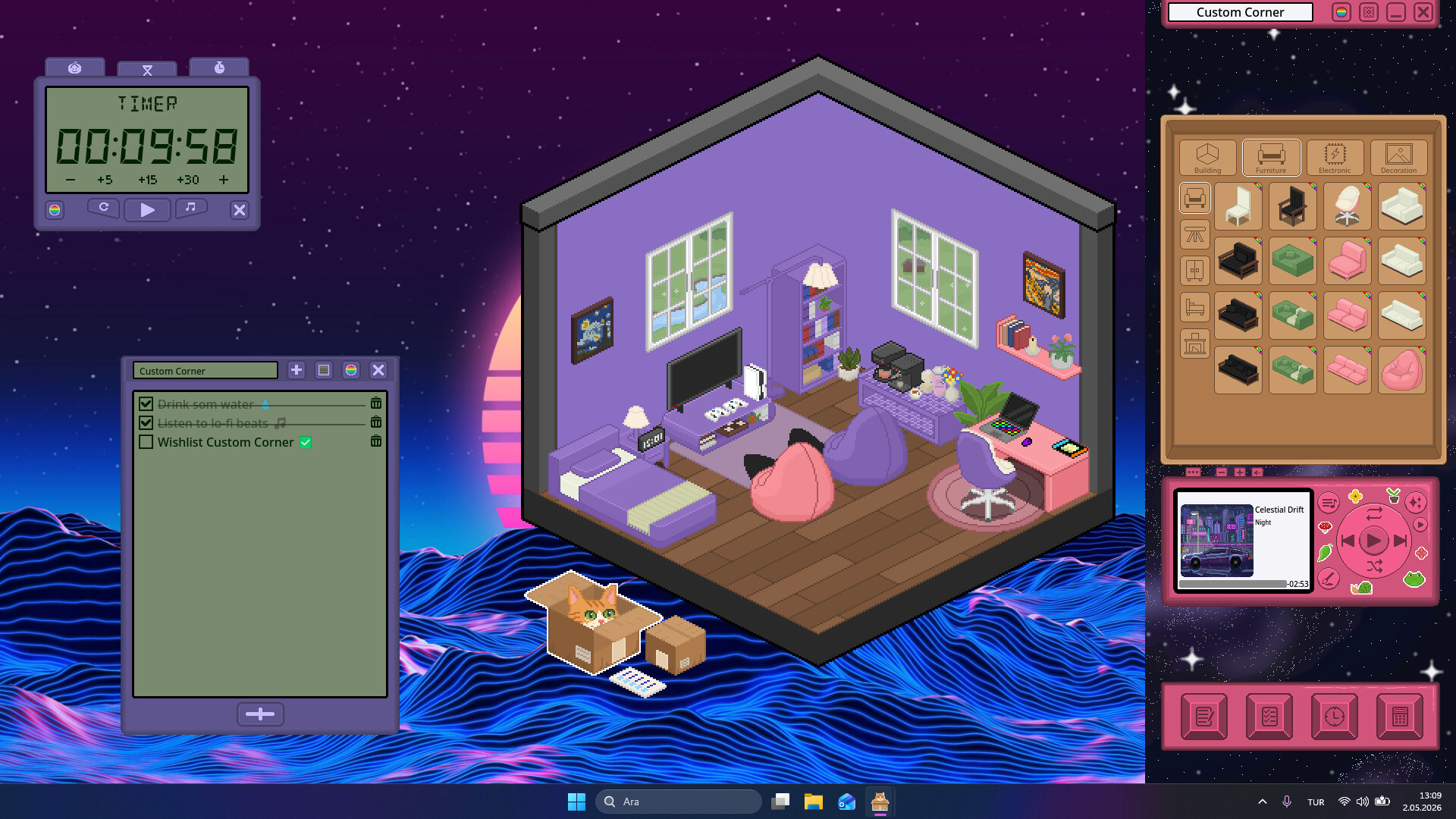
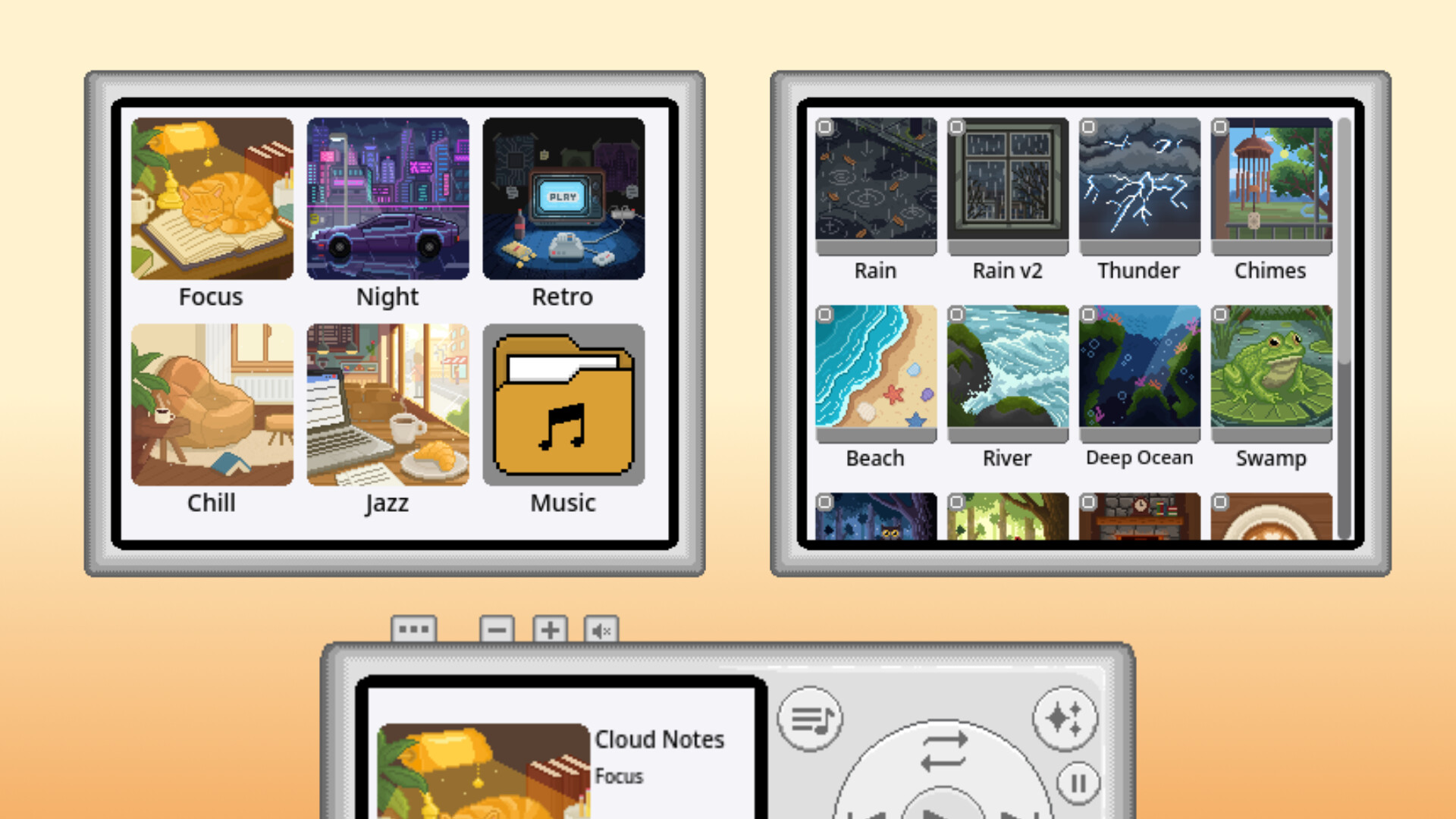
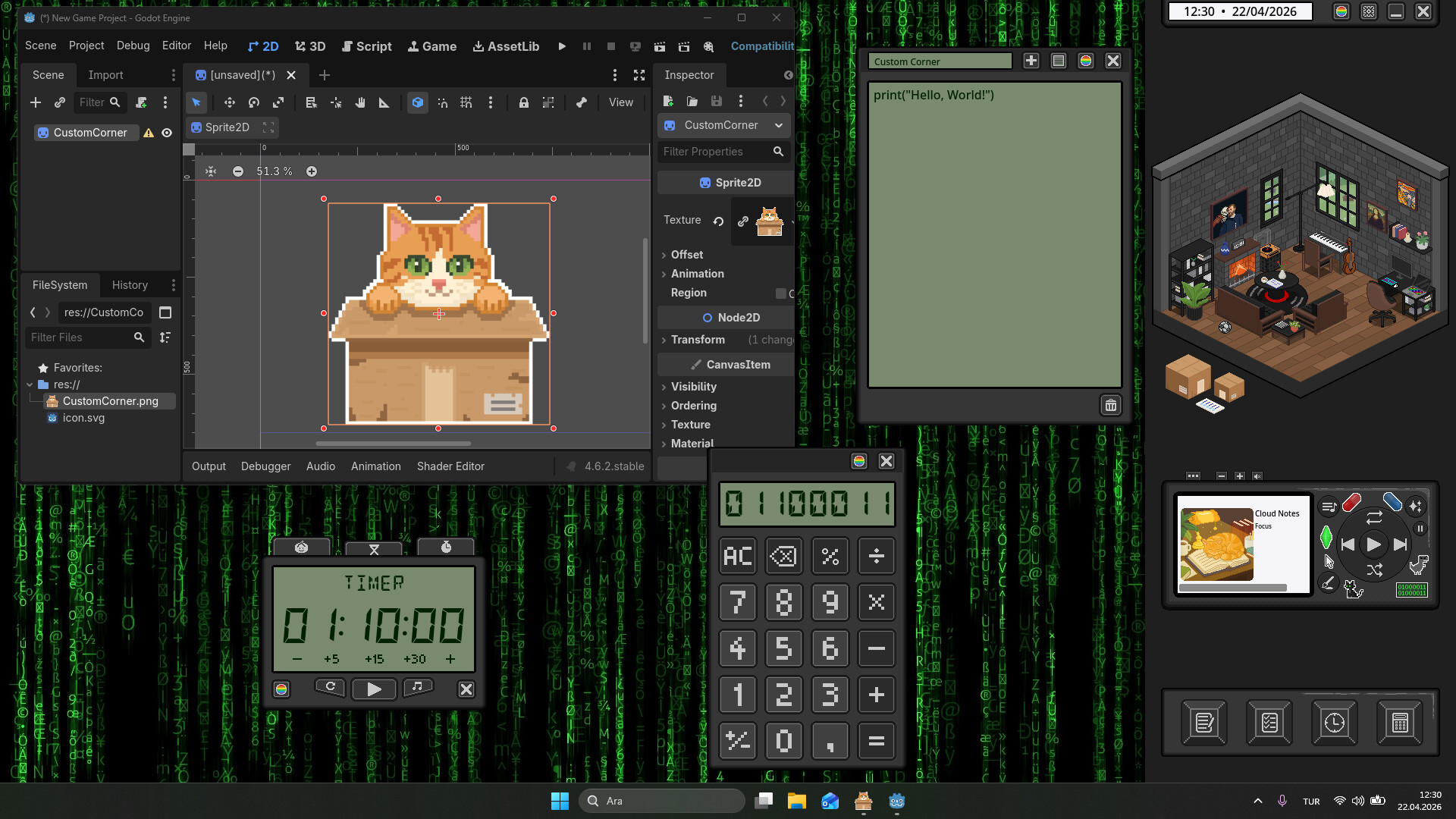
Custom Corner lets you build a personalized isometric room while lo-fi music plays in the background, doubling as a productivity tool with integrated to-do lists and focus timers. The game sits unobtrusively on your screen, offering a cozy visual companion that rewards decoration with functional task management. It appeals to anyone seeking ambient atmosphere and gentle motivation while working or studying.
About this game
Custom Corner is a cozy simulation and focus tool that runs quietly in a corner of your screen. Create your own isometric room with over 200 items and enjoy lo-fi music. Boost your productivity while working or relaxing with devices like a to-do list and focus timer.
Players, last 92 days
Peak 4 · Low 0
Daily peak concurrent players, sampled once a night from Steam.
What players are saying
▲ Recommended0 hrs
Super cute cozy game thats handy for setting a vibe and relaxing
Hello everyone! 🦇 The Halloween spirit has officially arrived in Custom Corner! It's the perfect time to light your pumpkin candles, grab a warm drink, and turn your desktop into the cutest, spookiest corner. Here are all the new additions coming to your room with this update:Update Content- 📦 44 New Items- 🖼️ 3 New App Wallpapers- 🎧 2 New Ambiance Sounds- 🎃 1 New Sticker and 1 New Charm1. New FeaturesWhat's New:- Items that have other items placed on top of them can now all be moved together.- Item previews now show the exact spot where they can be placed in real time.- Added text formatting options such as bold, italic, underline, and strikethrough to Memo.- To-Do and Memo windows can now be resized from their edges.- The calculator can now also be used with the keyboard.- Added a 10-level opacity setting to the Title Bar graphics settings.- Added a "Save" button to the settings menu that opens the game's save directory on your computer in File Explorer with a single click.- Added a "All customizations will be reset. Are you sure?" warning and a Yes/No confirmation step to prevent accidentally pressing the "Reset Save Data" button.- Changed the location of the Charm and Sticker selection screen.2. Bug Fixes\- Linked missing click sounds to all menu and UI buttons in the Title Bar.- Removed the 1.5-second save delay (debounce timer) that caused lamps/fireplaces lit by right-clicking in the room to start turned off when exiting and re-entering the game.- Ensured data is written to the disk immediately (force_save_now) when lights are turned on/off or when exiting the game.- Fixed the issue where placing an item on the upper back part of some items caused it to shift downward.- Widgets used to open in the top-left corner of the monitor; now they open in the center of whichever monitor the game is currently on.\- Fixed open widgets closing when switching to Mini Mode. Widgets now stay open in Mini Mode as well.- Long song titles in the mini player now scroll when they...
Wall painting is now simpler: clicking a wall color in the catalog now paints both walls at once. (Previously, left-click painted the left wall and right-click painted the right wall.) Improved display scaling: fixed issues with screen resolution and DPI scaling. The game now fits properly on smaller screens (e.g. 1366x768 and 1600x900), adapts correctly when moved between monitors, and the Scale setting always shows the scale that's actually in use. Clearer save menu: renamed "Main Room" to "Empty Room" and "+ New Save" to "Save Room", making it clear that saving stores your current room under a new name. Fixed incorrect Chinese localization for the "Graphics" and "General" settings tabs Thanks for playing and for all your feedback! 💛🐱
THE BIG DAY HAS ARRIVED! 🎉 Custom Corner, which we have been working on for a long time, is finally out and playable right now! Thank you so much to everyone who added the game to their wishlist, tried our demo, and supported us with their feedback throughout this process. Your support meant everything to us. Now it's your turn! Jump into the game, design your room/corner as you like, and enjoy. Don't forget to share your feedback and designs with us. Have fun playing! 🎮✨
Posts come from Steam's official announcements feed.