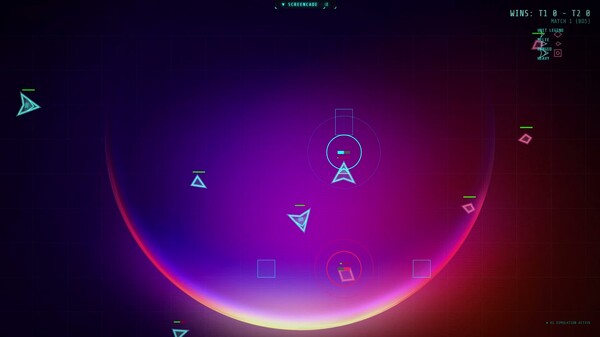
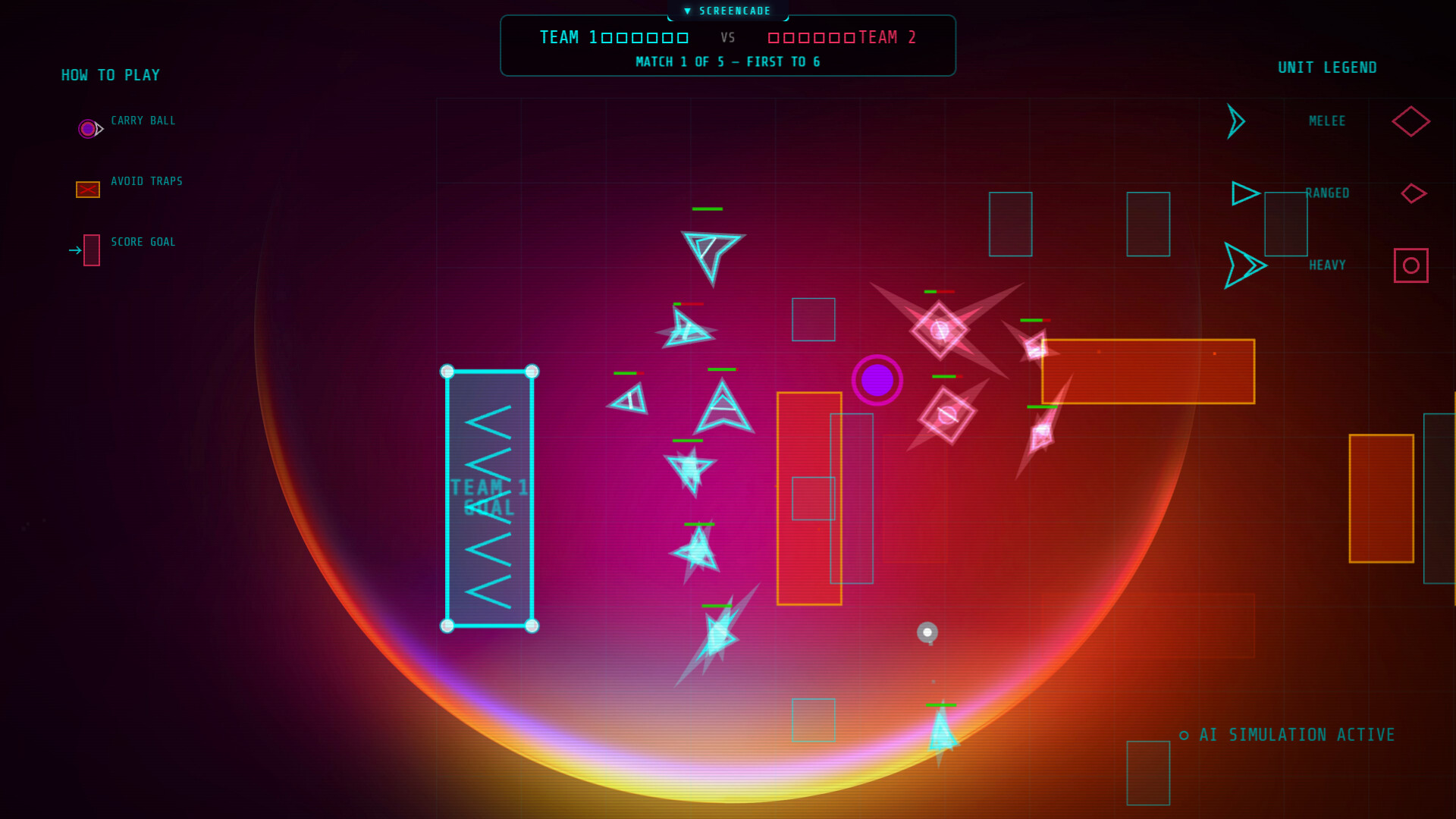
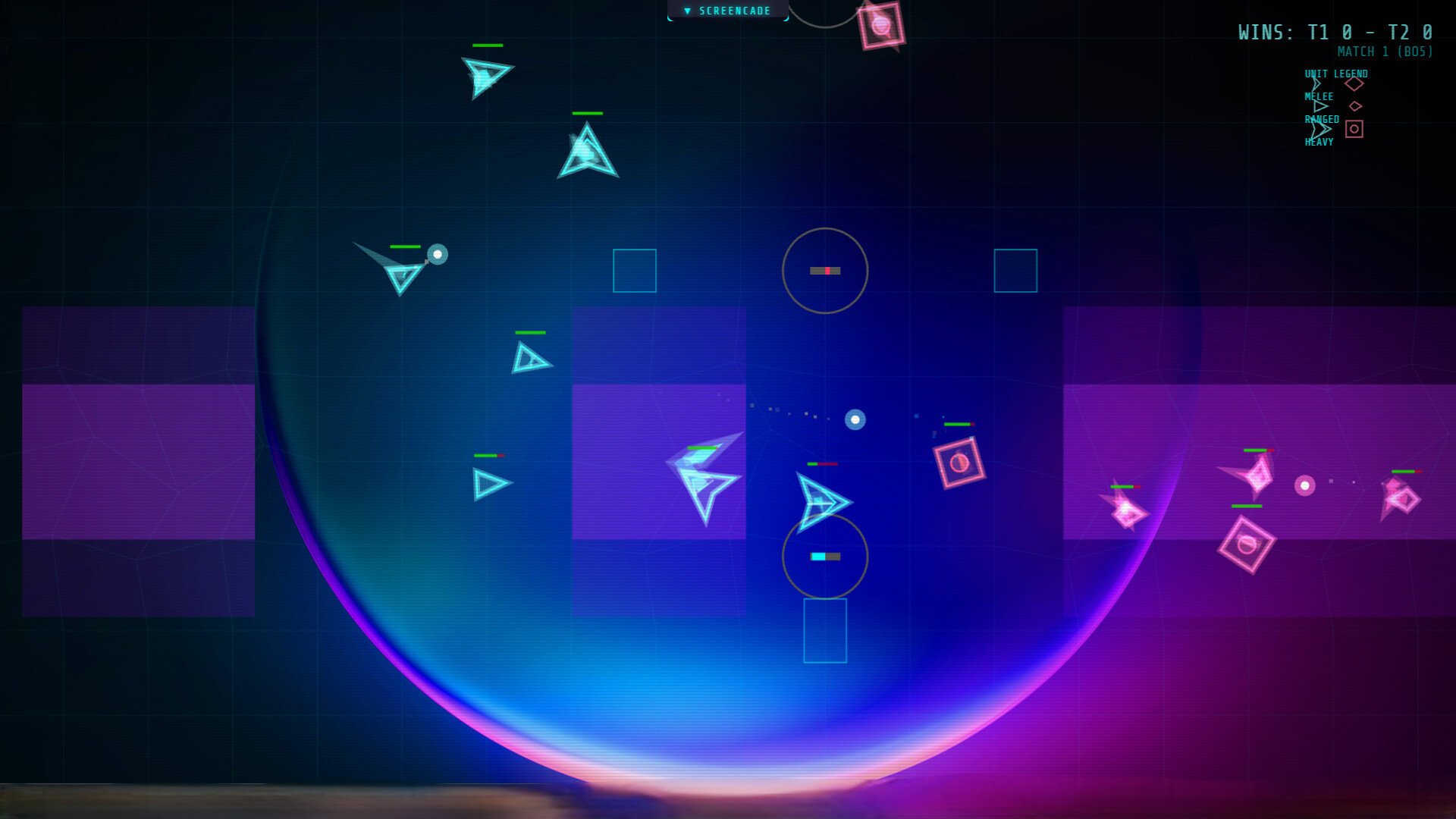
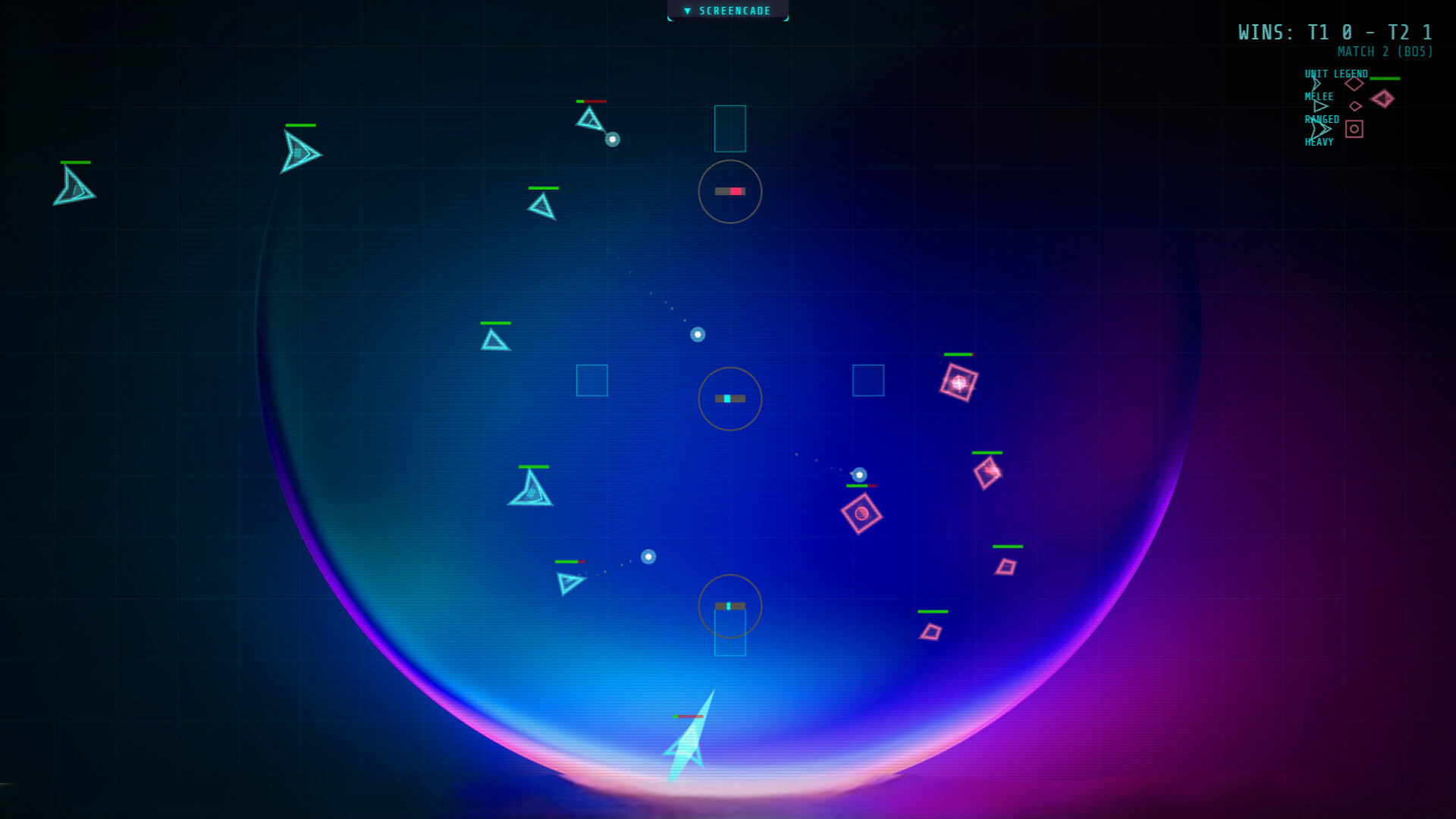
ScreenCade transforms your desktop wallpaper into an animated arcade where AI-controlled characters continuously play original neon-styled games like Void Ball. Switch between passive watching and active play whenever you want, with your performance tracked on global leaderboards—all without interrupting your workflow.
About this game
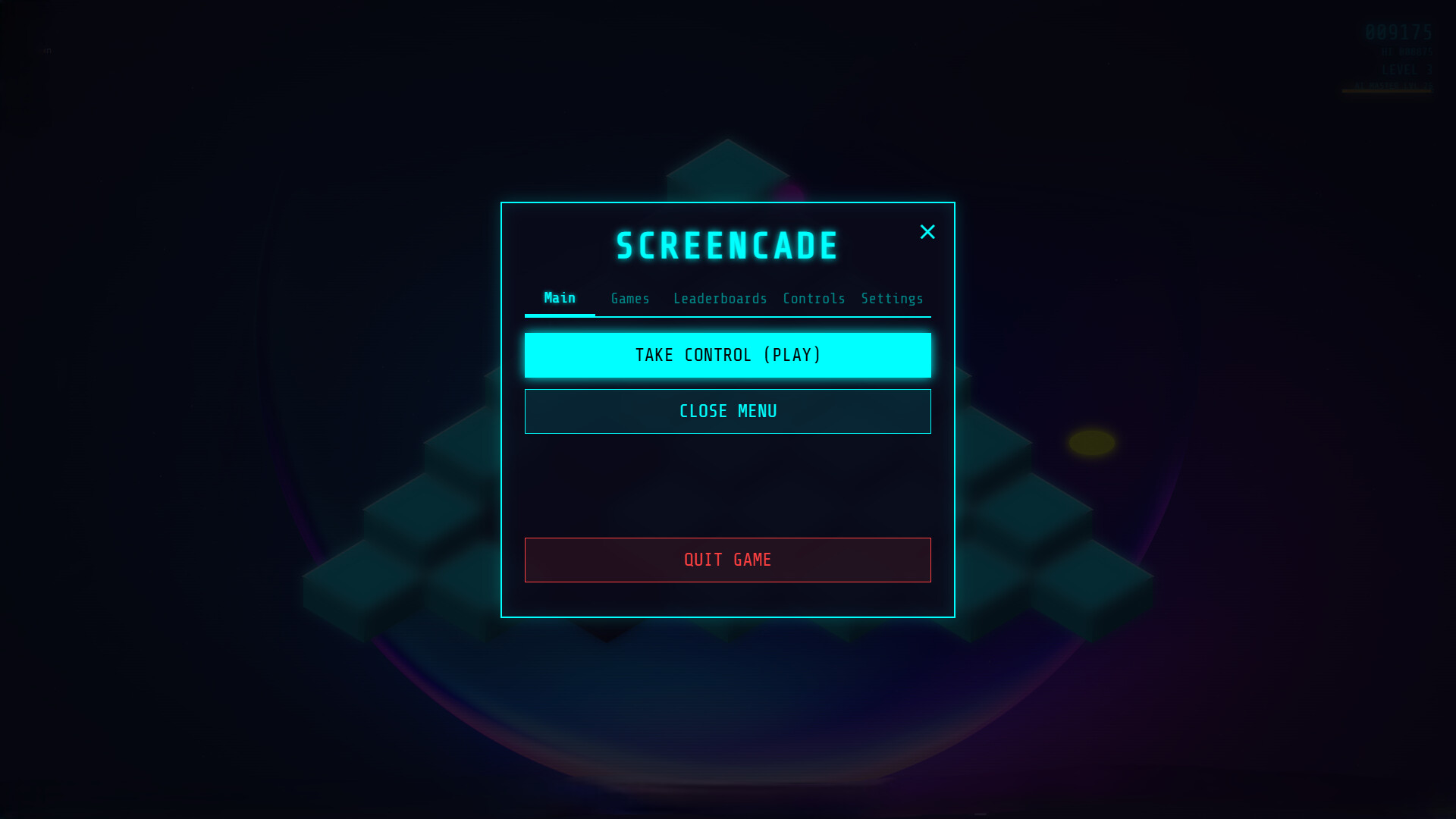
Turn your wallpaper into a living neon arcade. Watch smart AI master high-energy originals like Void Ball while you work, or jump in and take control at any time. Active play, idle vibes, and global leaderboards—all running seamlessly behind your desktop icons.
Players, last 48 days
Peak 0 · Low 0
Daily peak concurrent players, sampled once a night from Steam.
Exciting new! I have been working on some customer ASCII engine stuff on my new game Liminal Protocol (see here) and that inspired me to redo ScreenCade. I have always felt that it was just too juvenile, because of course it was my first game, so it was in some ways. I still have always loved the concept and basic games in general. I had an idea though and I have been working of completely reworking ScreenCade using not only the things I have learned, but also....with ASCIIIt's a major work in progress, but it is going much faster than I expected. I wanted to make sure everyone knew I was still working on things behind the scene too, so I am letting everyone see the very early development and follow along! Be warned! There is a ton broken, but also a ton to see! Go find the BETA in the properties of the game in your library :) Stay tuned!
Greetings Pilots,We are excited to bring you the biggest visual update to ScreenCade yet! We have completely rebuilt the user interface, updated the typography, and introduced a Dynamic Theme System so you can customize ScreenCade to match your desktop setup.1. Sleek Modern Typography & Visual RefinementsThe user interface has transitioned to a high-contrast, premium hardware-console aesthetic:New Monospace Fonts: Replaced fonts with Space Grotesk and Space Mono, providing a cleaner, sharper readout for scores, controls, and active settings.Micro-Animations & Visuals: Enjoy smooth transitions, glowing button hover states using dynamic brightness filters, and reactive status indicators.CRT overlays: Added global Dot-Matrix Overlay (pure CSS radial gradients simulating retro-arcade screens) and an inline SVG Grain Noise Filter to give the overlay panels textured, retro-future depth.2. Dynamic Theme PresetsWe have designed a central Theme Presets Manager that lets you change the visual identity of ScreenCade instantly. Swap between these handcrafted styles in the Settings menu tab:🍊 Safety Orange (Original/Default): The classic, warning-level industrial orange.💎 Cyber Cyan: An electric retro-cyberpunk blend of cyan and neon magenta.🟢 Matrix Green: The classic terminal green console aesthetic.🌸 Synthwave Pink: A warm sunset-pink and electric-blue synthwave vibe.3. Go Custom: Direct Color Customization!For those who want absolute control over their desktop aesthetic, we have added a Custom Theme Panel. Selecting the Custom preset unlocks 5 direct hex-color pickers allowing you to tailor:Background: Modify the deepest layer of the desktop wallpaper environment.Surface: Adjust the card/menu slate containers.Accent Color: Recolors active buttons, progress bars, and player units.Highlight Color: Recolors glows, thruster flames, power pellets, and weapon nodes.Secondary Color: Recolors enemy team units, obstacle barriers, and neutral elements.Your custom palettes are automati...
ScreenCade has received a major visual overhaul! This update introduces a **Dynamic Theme System** to the settings menu—allowing you to select from four retro presets (Safety Orange, Cyber Cyan, Matrix Green, Synthwave Pink) or create a fully customized color palette that persists across sessions. Alongside this, we have refactored all six game engines to support dynamic theme palettes, upgraded the global typography to Space Grotesk and Space Mono, and added high-fidelity retro dot-matrix and CRT grain noise overlays to elevate the arcade aesthetic.
Posts come from Steam's official announcements feed.