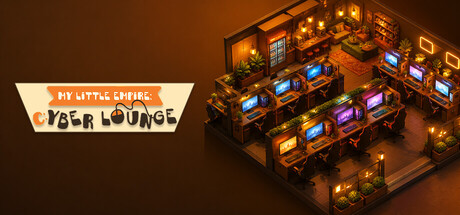
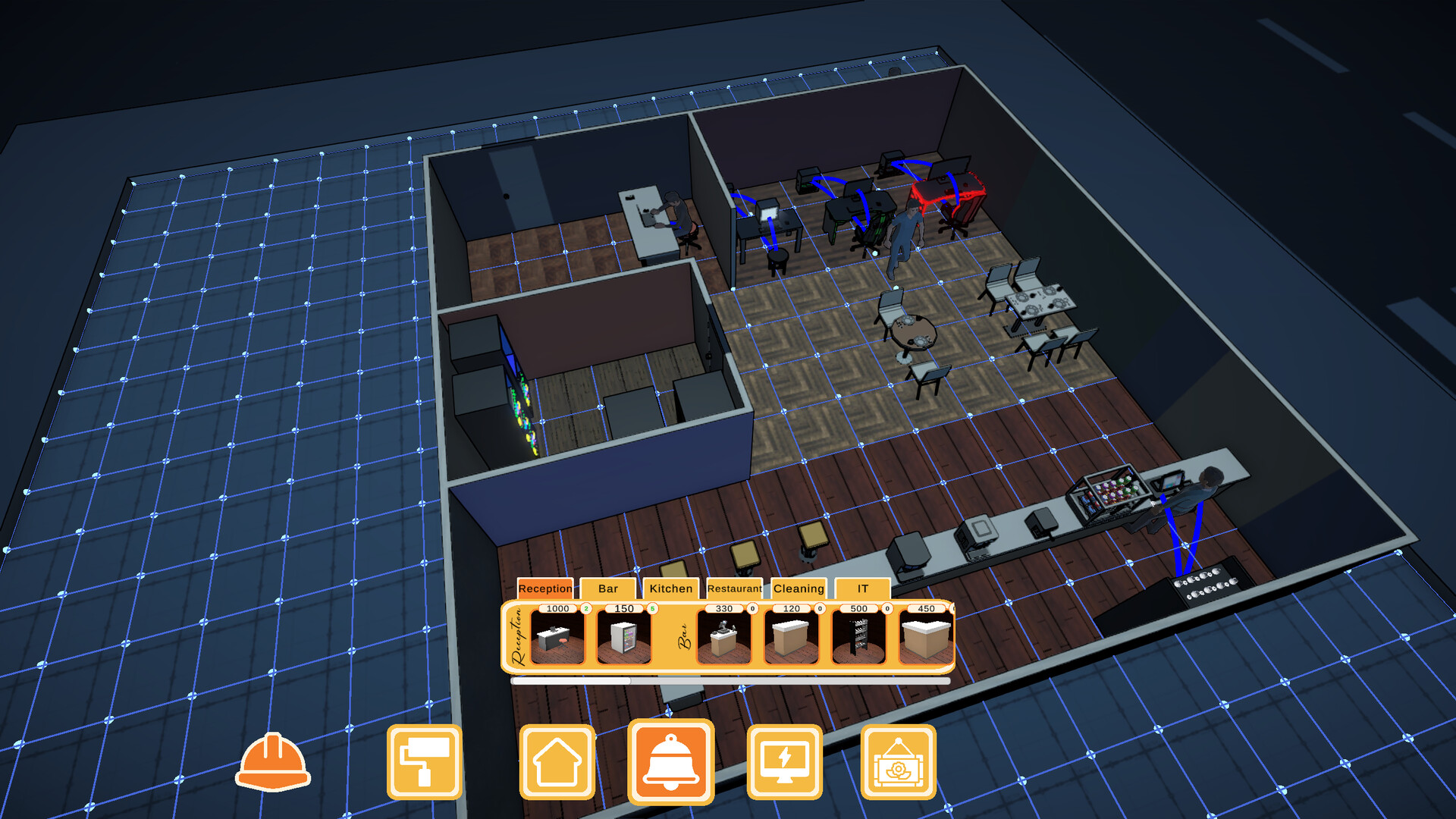
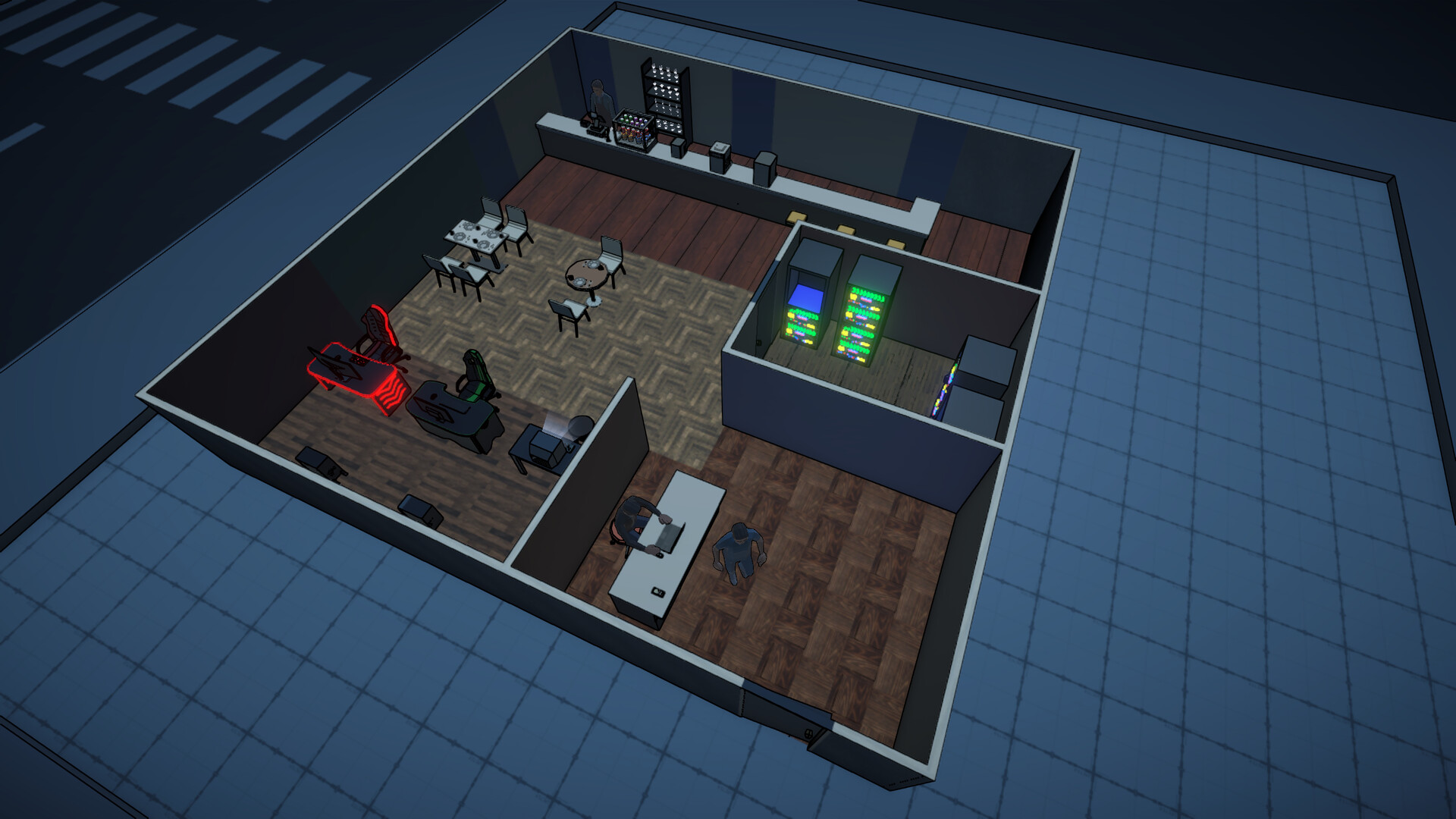
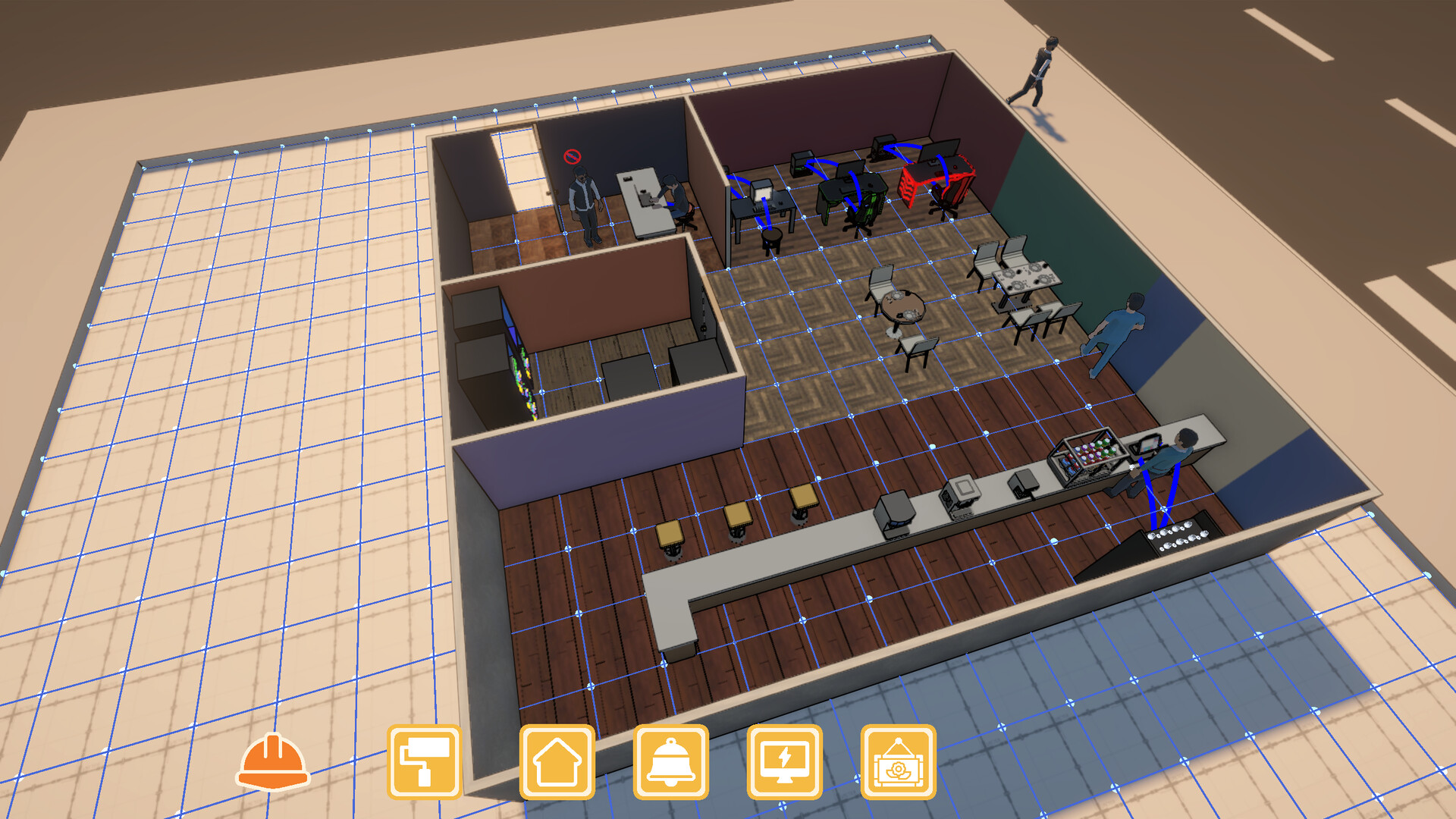
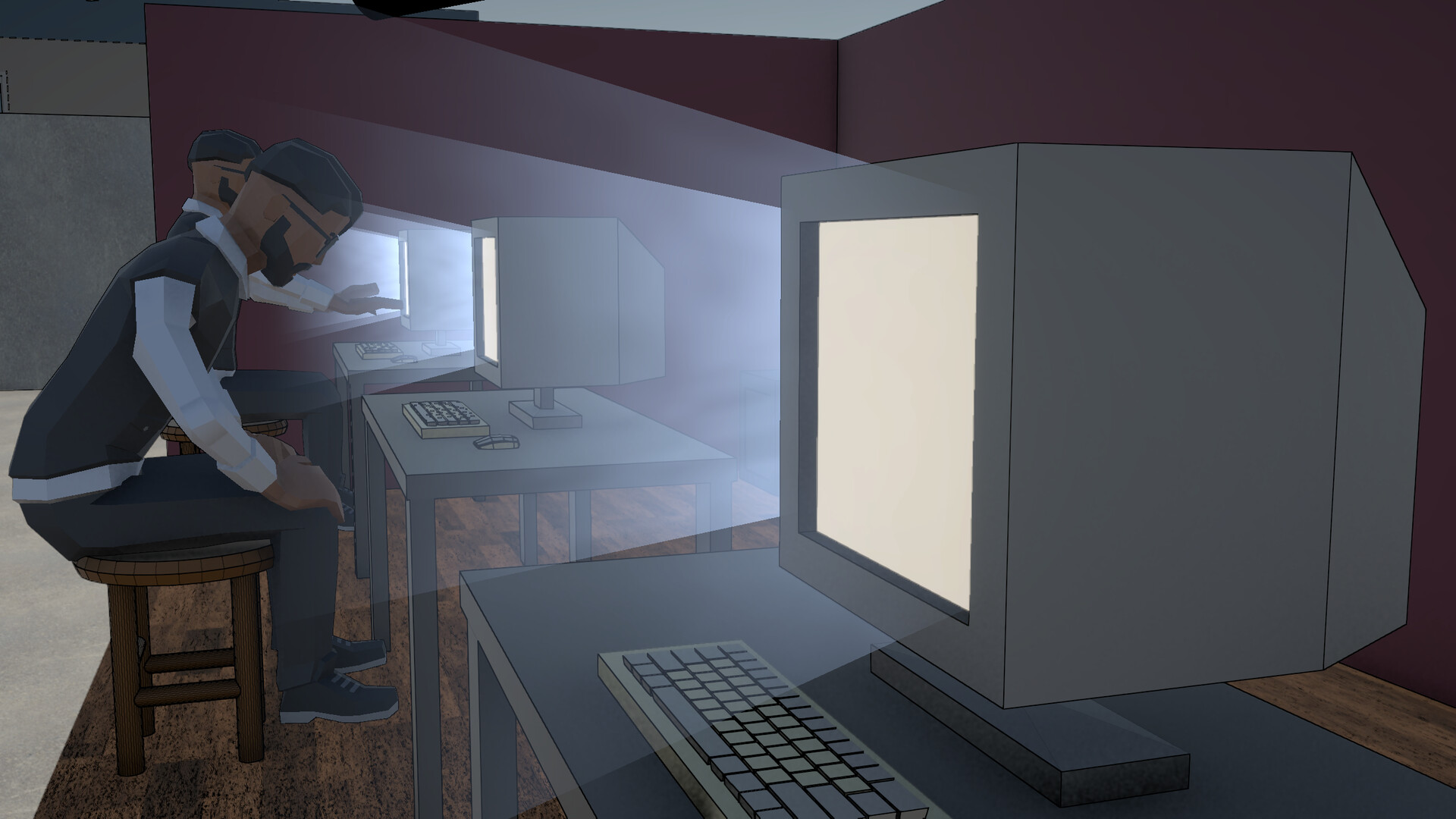
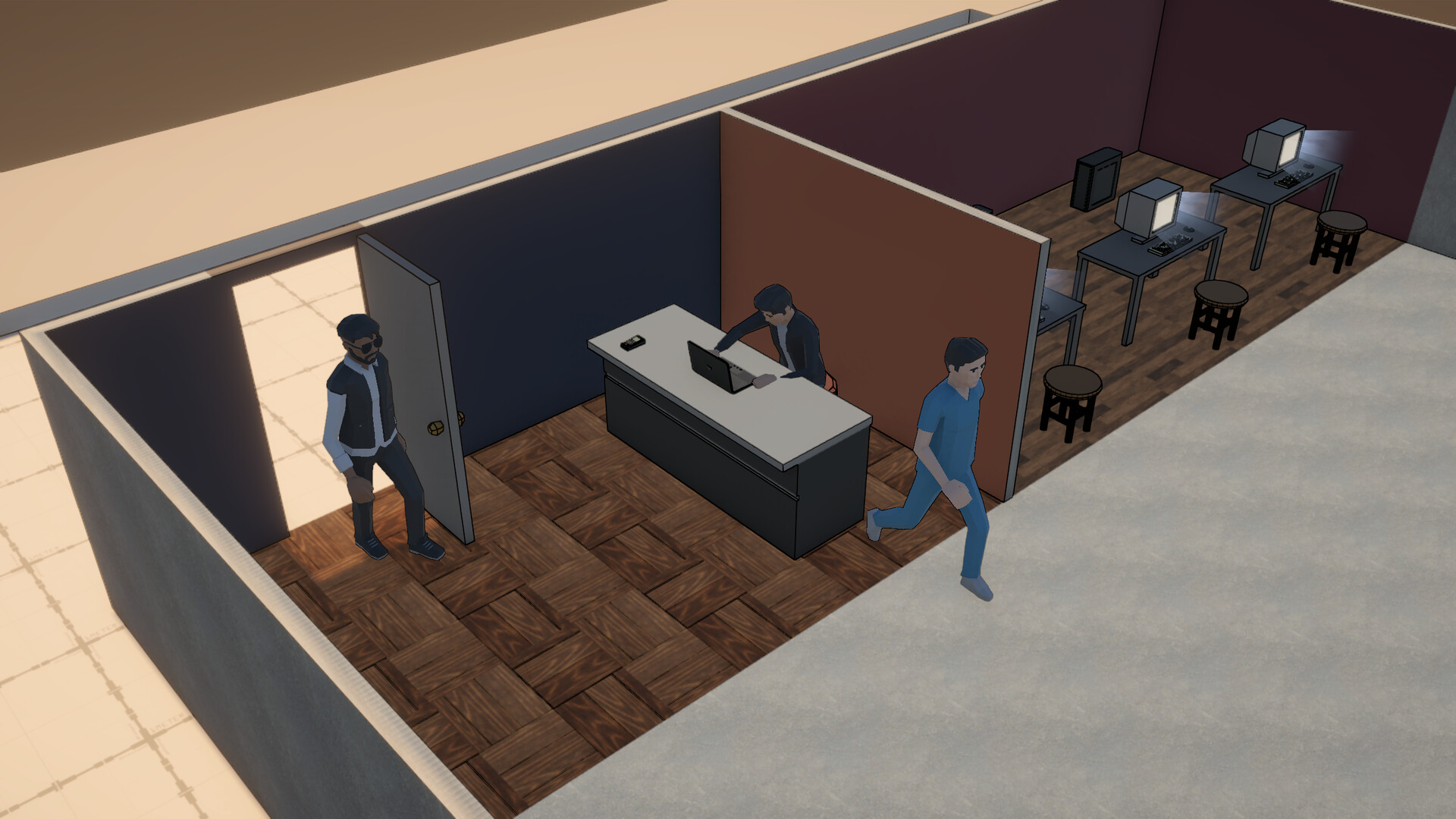
Hi everyone! Update 1.0.5 is out for the full game and the demo. Building Walls step aside. When you place furniture or paint a floor, the walls of the room under your cursor that face the camera drop to a low curb, so you can see what you are doing. Move to another room and they follow. While you paint walls, every wall stays up. Shift + click paints a whole room. On floors it fills the room up to its walls and doors. With wallpaper it covers every inner wall around the room, doors and windows included. Hold Shift to see what will be painted and what it costs before you click. The price now shows right at the cursor when you paint walls and floors. Dragging walls and foundations stops at the edge of the build area, and dragging across the whole lot no longer lags. Hints in build mode: R rotates an item, Q / E or the middle mouse button rotates the camera, Shift + click paints a room. Fixed: painting a floor that was still being built with the same color charged you twice. Staff Your staff now pick their next job themselves instead of walking back to their post after every task. A waiter carries every ready dish from the pass before going back to the desk. Tired staff take their breaks, even in a busy club. Before, waiters, cooks and bartenders only rested when there was no work at all. No more than half of a profession is on break at once, so the rest keep things running. Several workers of the same profession split the work: two people never go for the same dish, the same trash or the same broken PC, and nobody stands in someone else's spot. Waiters now carry the tray properly. Fixed: deleting the bar during an order removed the bartender; a cook held the stove forever when the kitchen ran out of food; a dish was lost when you fired the waiter carrying it (now another waiter serves it); receptionists and hackers ignored a free desk when the nearest one could not be reached. Everything else Builders no longer get stuck at the door or between furniture, and anyone w...
Hi everyone! Update 1.0.4 is out for the full game and the demo. A new intro comic How you end up running a computer club is now told by a new comic built from real night scenes of the game: a city that never sleeps, a bank that says no, a cheap lot at the edge of town, and Luna, who moves in before the walls do. It turns its own pages. You can go back a frame, click to move on, or skip it with Esc. It's available in all 14 languages. Changes and fixes Construction on your first day works through your builders' crew again. In 1.0.3, everything placed before your first client was built instantly, which was never meant to ship. The clock runs from the very first minute again. In 1.0.3, it waited at 8 AM until your first client paid. Chapter 1 of the story asks for 8 clients and $600. Achievements: "Tycoon" now unlocks at $100,000 in the bank in every mode, as its description says. In Free play it used to need $112,000, because the $12,000 you start with was subtracted. It counts the money in your bank at one moment, not everything you've earned. Also, if an achievement popped up in the game but never reached Steam, for example because Steam answered late, the game now sends it again, and ones you already earned on this computer are delivered on your next launch. Everything else from 1.0.3 stays, including the crash fix for Chinese, Japanese and Korean. Thanks for playing! Found a bug? Press Esc → Report a bug.
Hi everyone! Thank you for playing My Little Empire: Cyber Lounge in its first days! Update 1.0.3 is out for the full game and the demo. Crash fix: Chinese, Japanese and Korean The game could close at startup or when you switched the language to Simplified Chinese, Traditional Chinese, Japanese or Korean. This is fixed. We're very sorry to everyone who ran into it, and thank you to the player who told us about it. A smoother first evening The clock waits at 8 AM until your first client pays, so the first day doesn't run out while your crew builds. Your first gamer is already waiting outside and walks in as soon as the club can serve them. First Steps now go: room, builders, door, gaming PC, reception, Wi-Fi and server, staff. If the club is still closed, the sticker tells you why (for example, "Closed: hire a technician"), and it tells you when new builds are waiting for builders. The build menu opens on the tab you need for the current step. Two new steps after your first client: upgrade a PC and pet Luna. Chapter 1 of the story now asks for 8 clients and $600 (it was 15 and $1,000). A short controls hint while you build: WASD or the middle mouse button to move, the wheel to zoom, Q and E to rotate the view, R to rotate an item, right click to cancel. Clients no longer walk into a club that can't serve them yet (no technician, Wi-Fi or server) and leave unhappy. Getting into the game The intro comic now plays by itself, with Back and Next buttons. Press Esc to skip it. On your very first launch, Play takes you straight to choosing a mode. Streaming on Twitch? The game now asks after your first client instead of over the main menu. You can always connect your chat in Settings → Game. Graphics On first launch the game picks Low, Medium or High graphics for your PC. You can change it any time in Settings. Low and Medium now turn off lamp shadows at night and use simpler shadows, which helps a lot on laptops and older graphics cards. On big screens, Low renders at abou...
Posts come from Steam's official announcements feed.