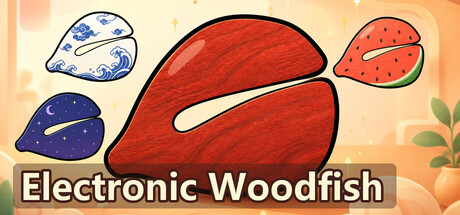
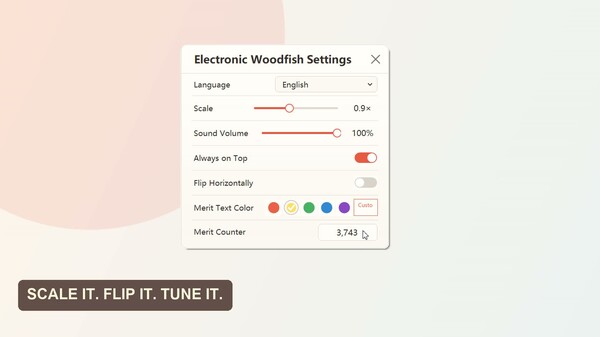
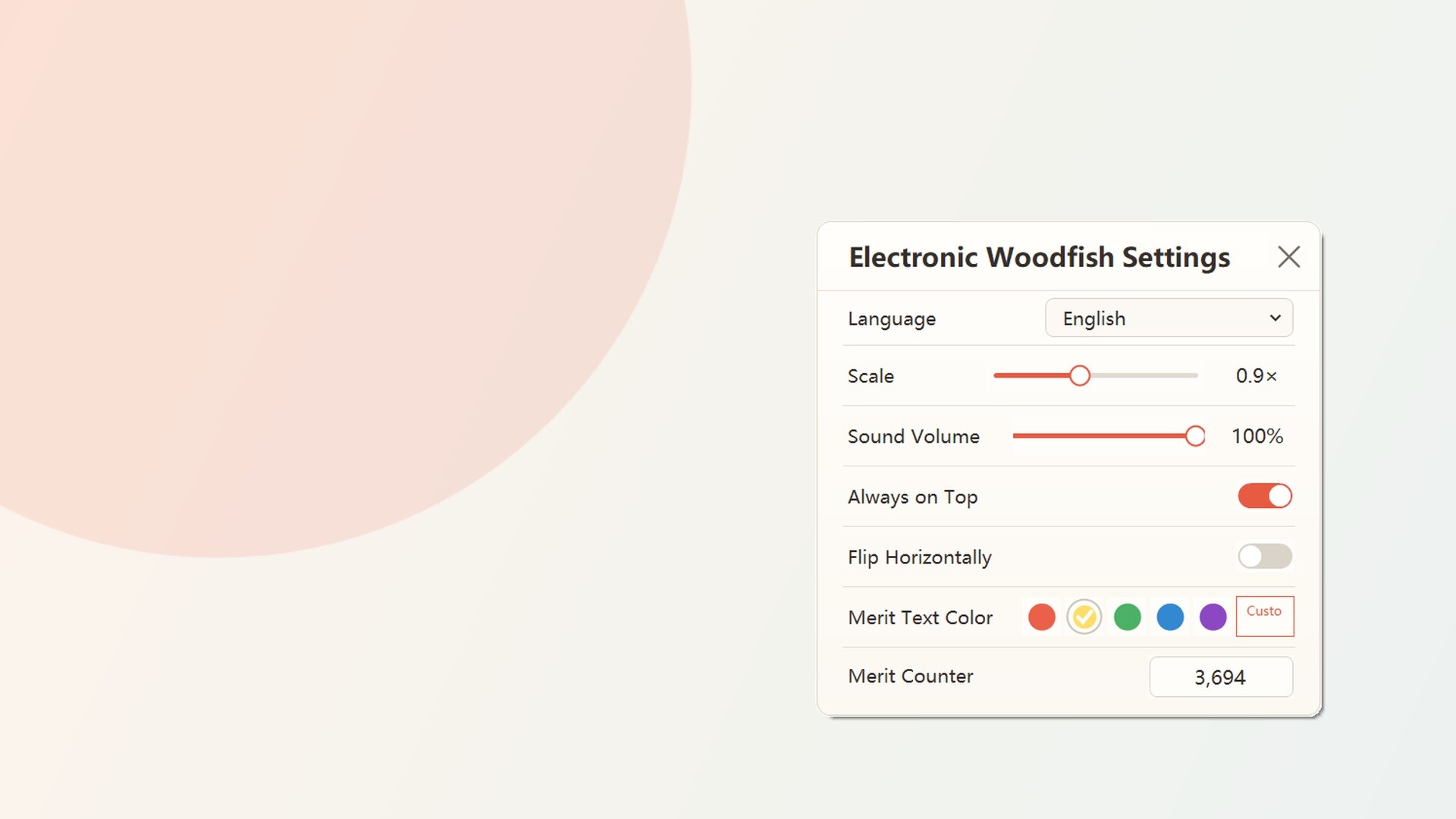
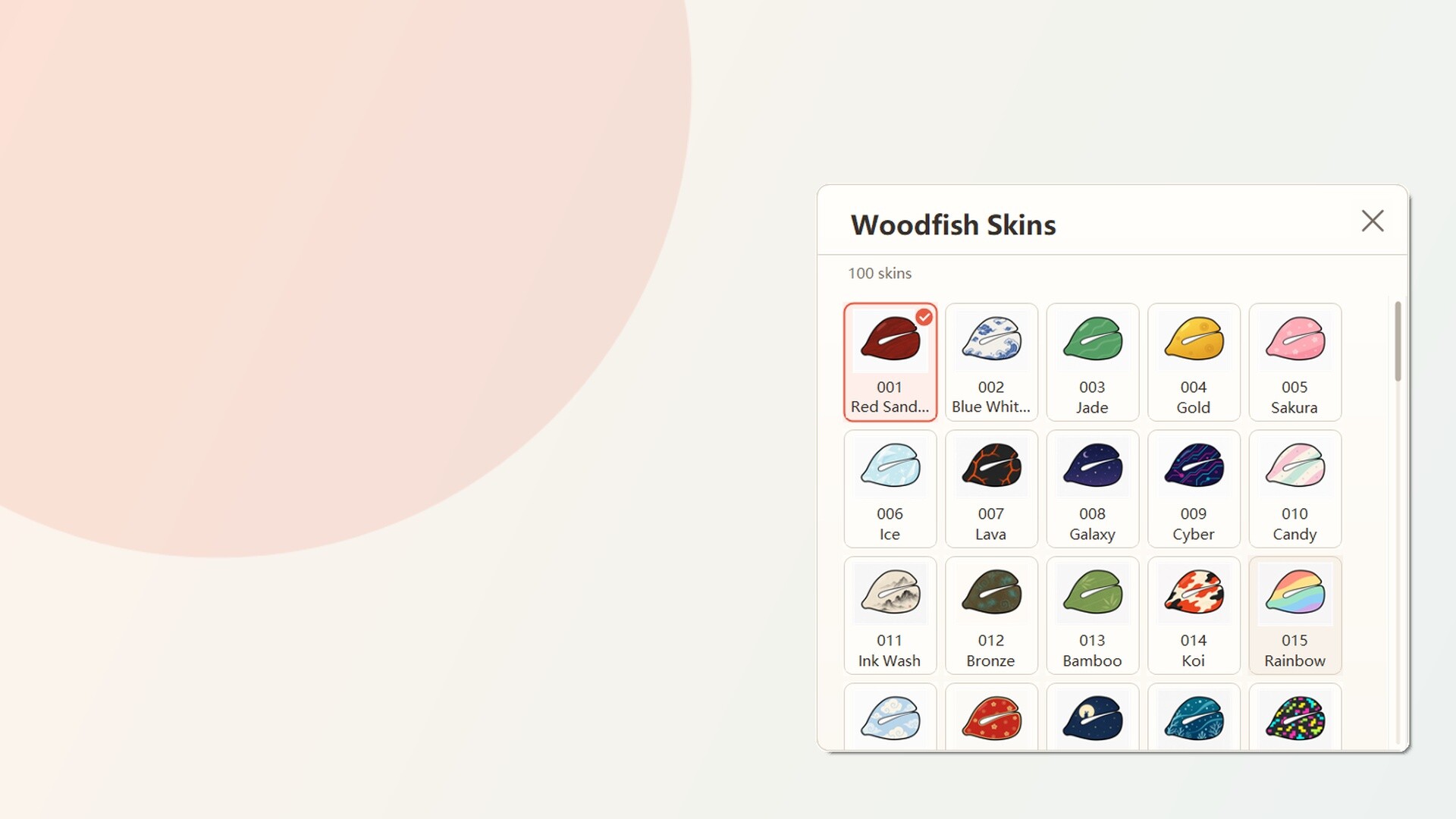
Electronic Woodfish is a minimalist desktop companion that rewards you for clicking or pressing keys with satisfying knock sounds and Merit currency. Customize your woodfish's appearance across 100 skins and adjust its scale, volume, and visual feedback to suit your workspace, creating a low-pressure idle experience that complements focused work or casual downtime.
About this game
Keep a responsive electronic woodfish on your desktop. Click it or press any key to hear a crisp knock and collect Merit, choose from 100 skins, and customize its scale, volume, always-on-top behavior, orientation, and feedback colors for a calm companion while you work, study, or unwind.
Players, last 66 days
Peak 33 · Low 16
Daily peak concurrent players, sampled once a night from Steam.
The Limited-Time Skin Event Is LiveThe new limited event skin, the Black-Iron Wanderer Woodfish, is now available to claim!Launch Electronic Woodfish through Steam during the event to add this skin to your collection for free. Once claimed, it is yours to keep and can be equipped at any time.Event PeriodAugust 10, 2026, 12:00 PM – October 29, 2026, 11:59 AMMake sure to claim the skin before the event ends. Accounts that have not claimed it by then will not be able to claim it later. Skins that have already been claimed will not expire.Event RewardBlack-Iron Wanderer WoodfishA limited event woodfish skin featuring black iron, antique-gold trim, and a deep red cloth tie. Once claimed, it will appear in the Event Skin Collection with its exclusive red event frame.How to Claim1. Launch Electronic Woodfish through Steam and sign in.2. Right-click the woodfish, or right-click the game's system tray icon.3. Select “Limited Event” from the menu.4. Click “Claim” on the event screen.After a successful claim, the button will change to “Claimed (Equip).” Click it to equip the event skin immediately.You can also view or equip the skin from:• Skin Inventory → Woodfish Skins• Collection → Woodfish Collection → Event Skin CollectionEvent Notes• Each Steam account can claim the skin once.• This is a local event collectible and is not a Steam Inventory item.• It cannot be traded, sold, or used for skin crafting.• Claim status and the currently equipped skin are saved to the game save associated with the Steam account.• Claiming the skin will not automatically replace your current woodfish. Use “Claimed (Equip)” when you want to switch.Thank you for supporting Electronic Woodfish. May this quiet but striking black-iron woodfish accompany you as you gather even more merit.
Posts come from Steam's official announcements feed.