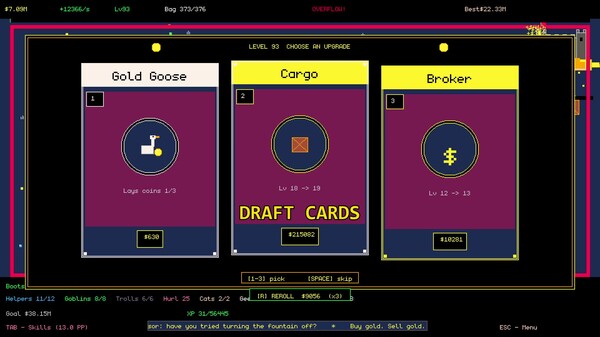
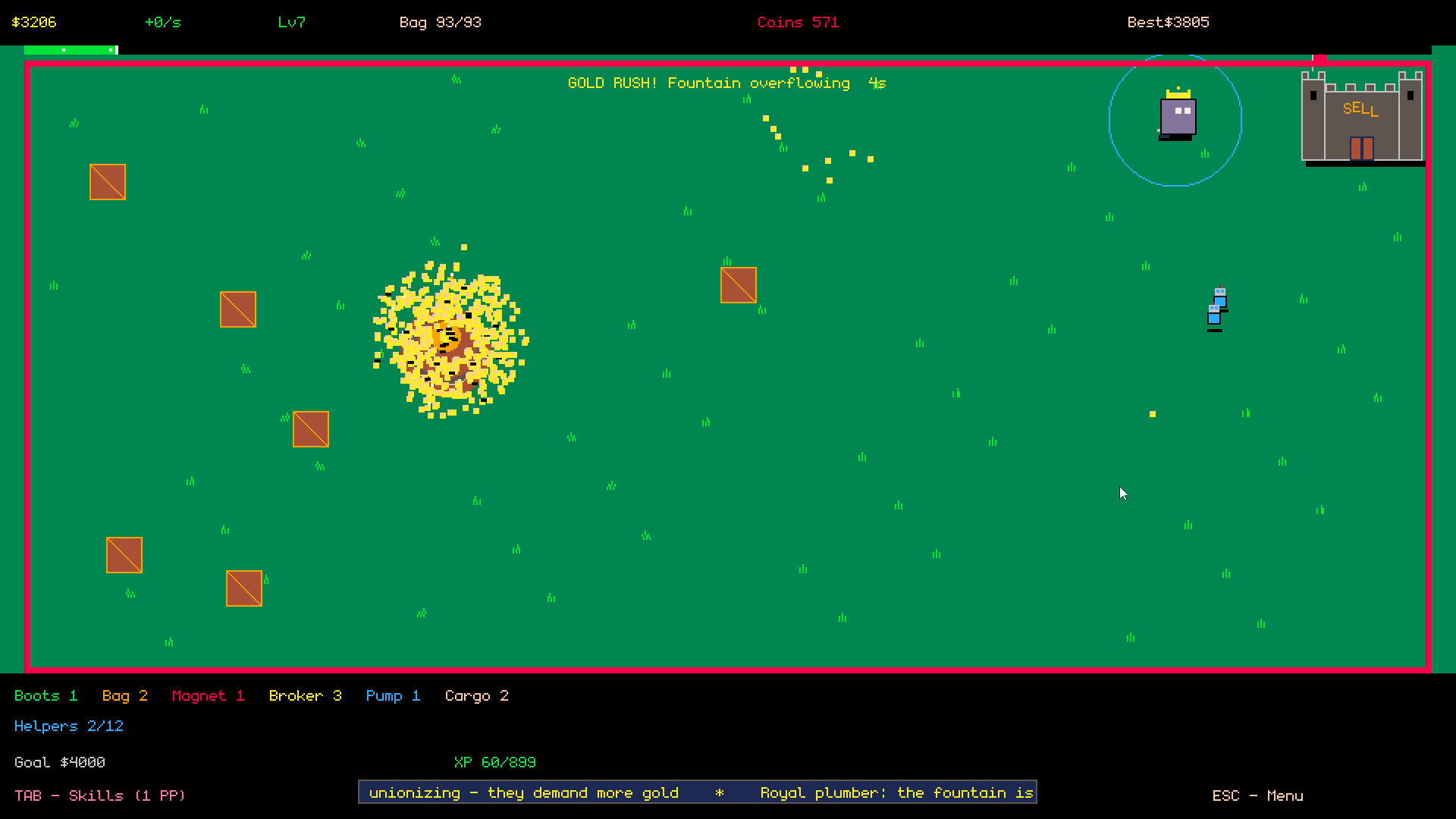
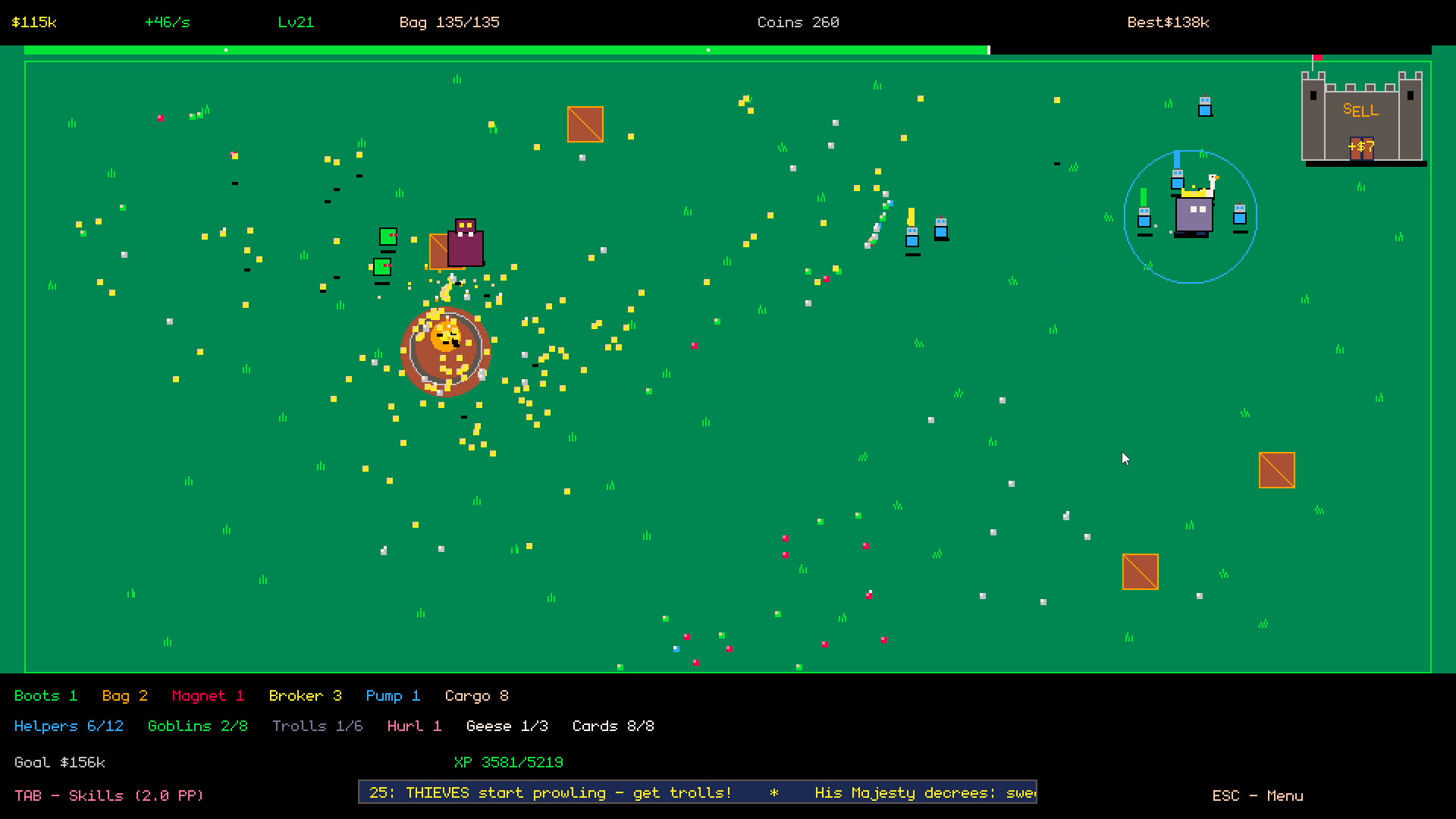
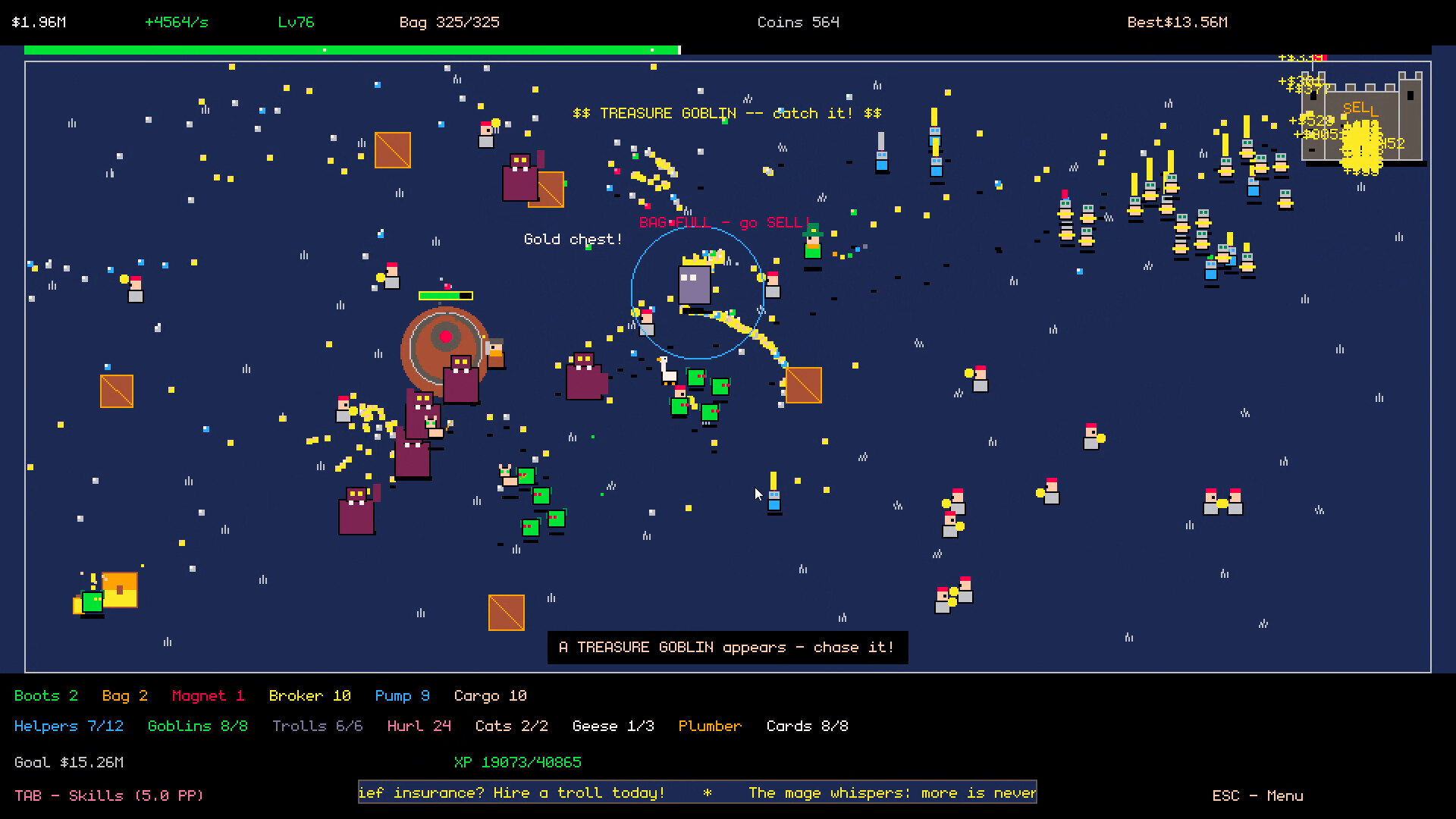
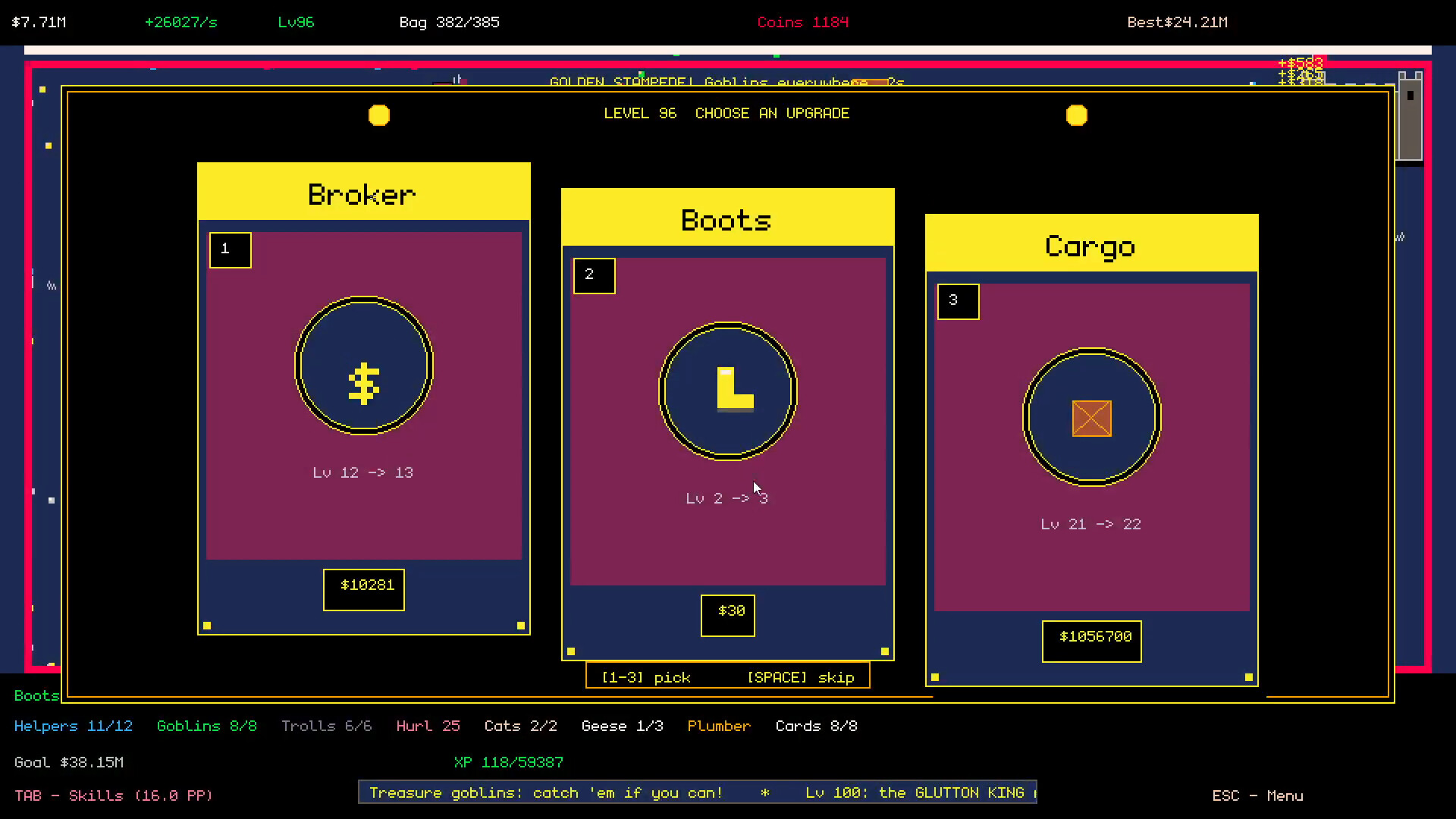
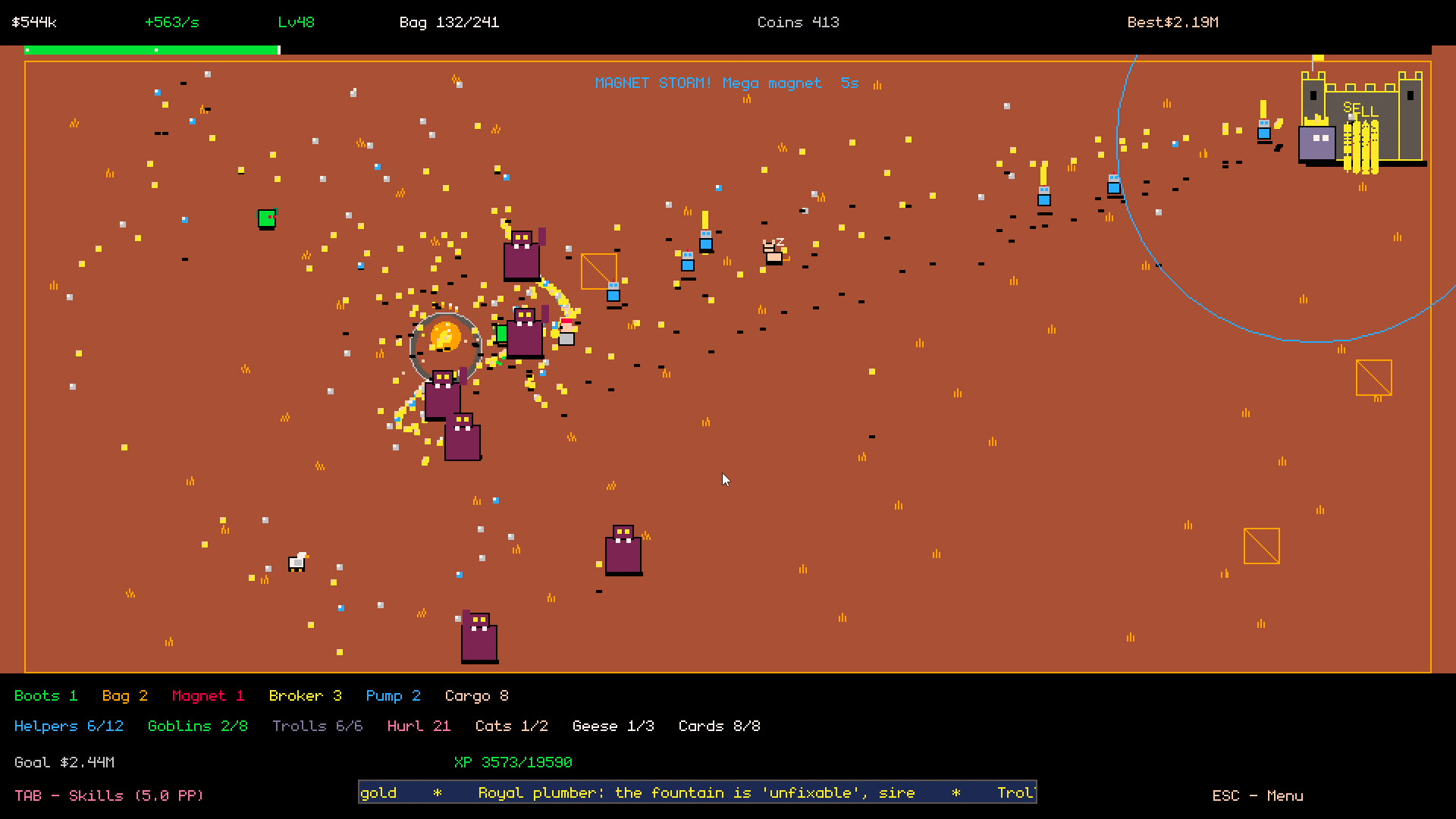
The King has a mountain of gold, a busy court, and far too much paperwork. Time to put the ledger to work. Royal Steward makes your next goal clearer, brings quest rewards together, and gives Endless players an optional helping hand with level-up choices. It also fixes several save-and-resume problems. Meet your Royal Steward After completing your first feast in the full game, open the kingdom ledger and visit Steward. Choose how your new level-up rewards should be handled: Manual: choose every card yourself, just as before. This remains the default. Balanced: favor available court members and equipment with fewer ranks. Income: prioritize Broker and Pump when they appear. Court: prioritize hiring, then Cargo and Hurl. With a strategy enabled, new reward hands resolve while you keep playing. A hand already on screen stays yours to choose. The Steward never pays for rerolls, and you can return to Manual whenever you like. {STEAM_CLAN_IMAGE}/46162720/18e8bc20b3ddee896a3ece6f4c6482234cf15ef3.png A clearer path through the gold Press TAB, or Y on a controller, to open the ledger. The new Guide shows a useful next goal and takes you to the relevant page. It also explains the difference between spendable gold, the gold in your bag, and lifetime earnings, and shows how quickly the castle unloads your cargo. {STEAM_CLAN_IMAGE}/46162720/397e62c2172839514a308b5f5cdd6a1c4b556ecb.png Ready to collect your rewards? Use Claim All Ready in Guide or Quests. Completed quests appear first, so there is less hunting through pages before you get back to your kingdom. Smoother play, safer saves Paid rerolls now save the new hand and its gold cost immediately. Unit rewards save the new court member and the resolved card together. Dinner Bell keeps its remaining effect time and cooldown when you resume. Closing the window or using Alt+F4 saves your current progress. A pending-save journal and rolling backup help recover progress if a save write is interrupted or the main save becomes unrea...
Your gold deserves a kingdom. The fountain is overflowing. The court wants work. The King wants another feast. Golden Kingdom gives you more ways to put that mountain of gold to use: six building projects, collectible relics, new royal quests, and eight named feasts with different feeding bonuses. We've also rebuilt the kingdom ledger and made every level-up card reward free. Build your Golden Kingdom Invest in six projects, each with three stages: the Royal Treasury, Goblin Guild, Grand Banquet, Royal Workshop, Royal Conservatory, and Caravan Office. Improve castle unloading, strengthen your delivery crew, speed up Troll throws, open relic slots, and prepare bigger banquets. The Caravan Office lets you fund a trip that returns your investment with a profit after 60 seconds of active play. Find relics. Make them work together. Complete 24 one-time royal quests to earn Skill Points and unlock 12 relics. Build the Conservatory to equip up to three at once, then discover six pair bonuses. Favor faster deliveries, a stronger magnet, more fountain bursts, or a hungrier King. You can change your equipped relics without paying gold. Eight feasts, an appetite that keeps growing The King returns for eight named feasts, with bonuses tied to your coin tiers, court, geese, goblins, buildings, events, and relics. Ordinary gold still counts toward every feast, and Endless continues after the eighth. Two royal abilities join your toolkit: Royal Sweep pulls nearby landed coins closer. Unlock it at level 5 and use Q. Dinner Bell briefly improves castle unloading and King feeding. Build the Grand Banquet and use E. Less friction, more room to play Free level-up rewards: choose your card without saving gold for it. Direct purchases and rerolls still cost gold. A rebuilt ledger: press TAB for buildings, equipment, skills, the court, quests, relics, feasts, and comfort settings. Bulk equipment purchases: buy one rank, ten, or the maximum you can afford, with the total price shown before...
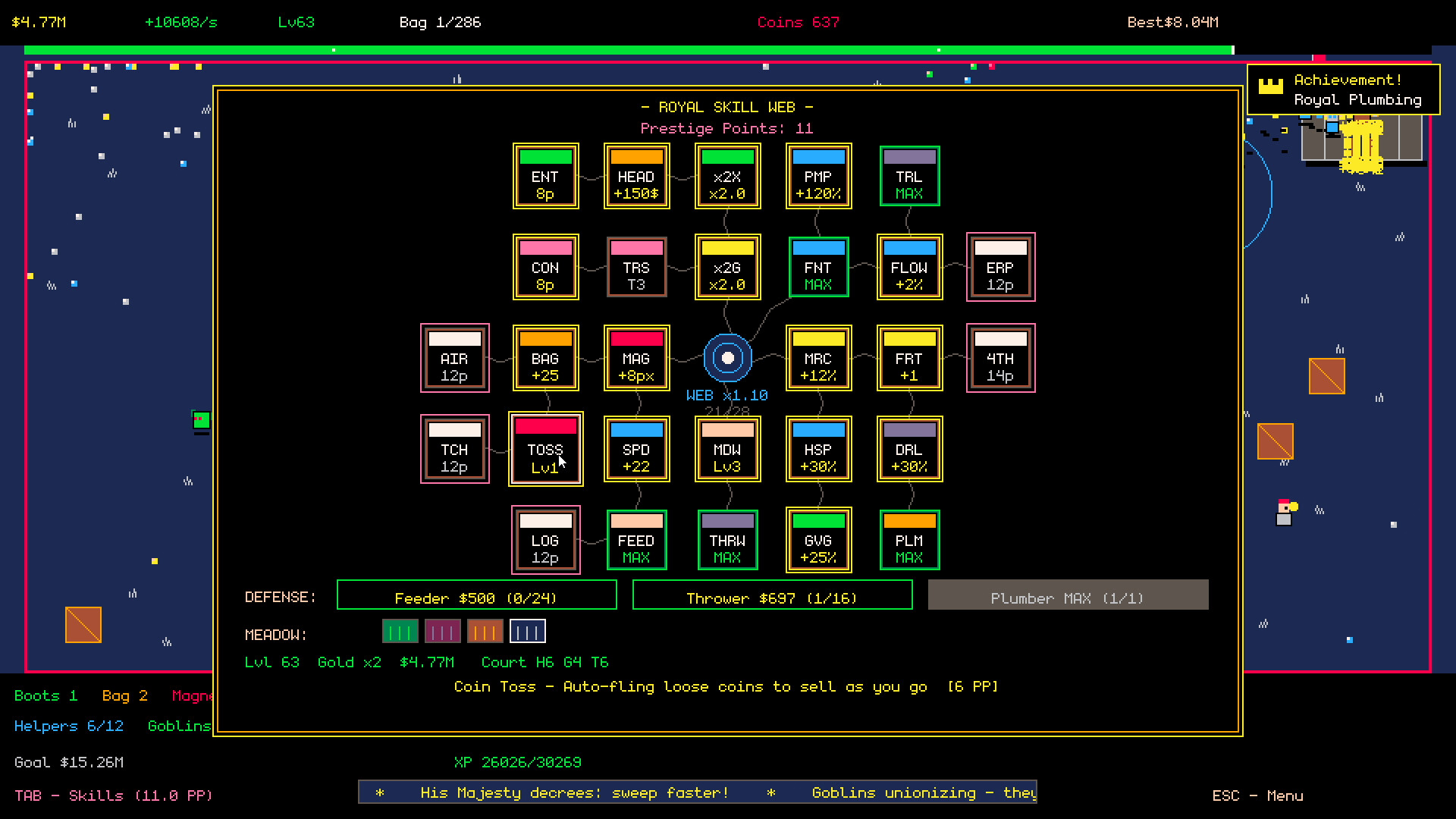
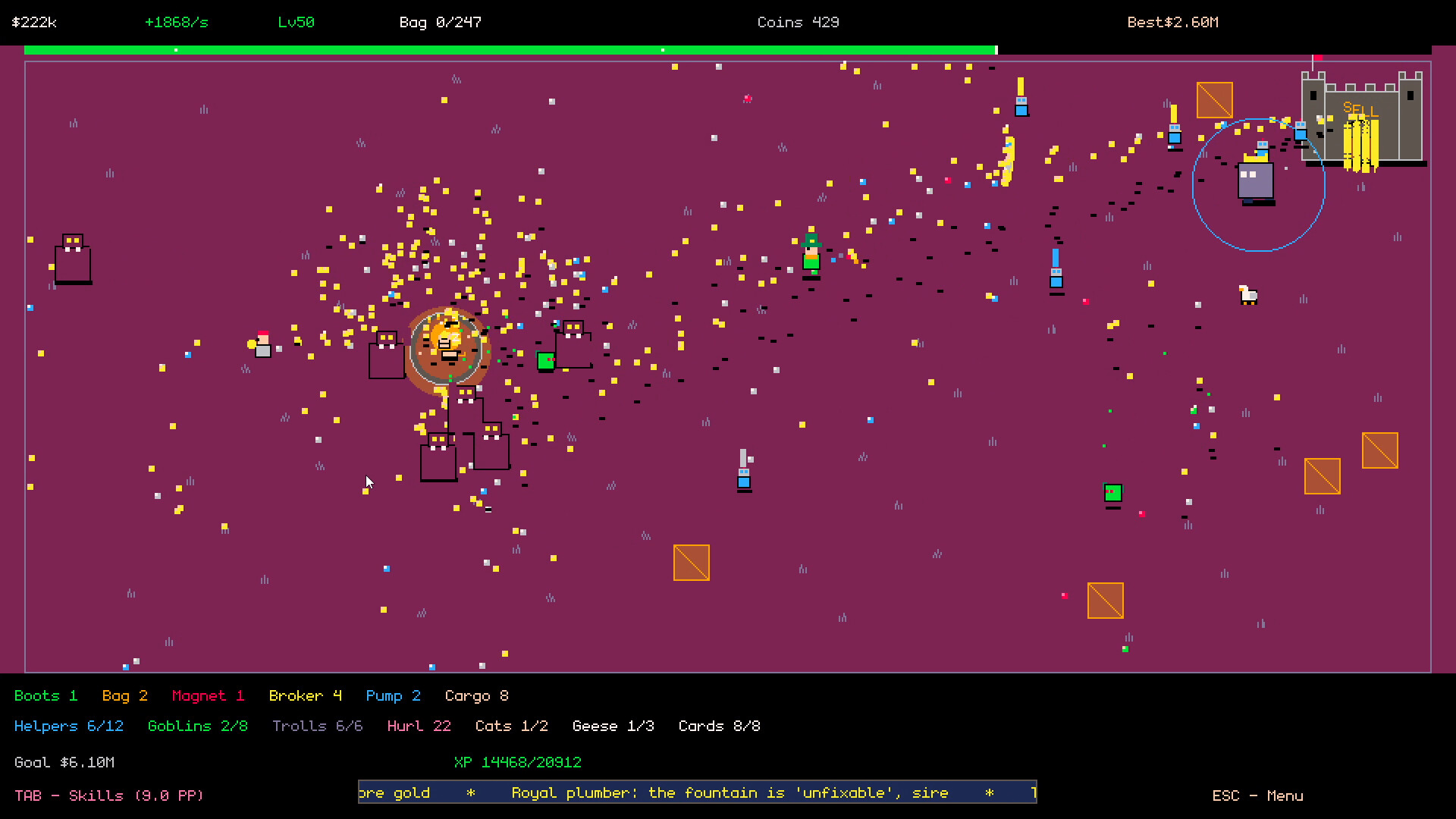
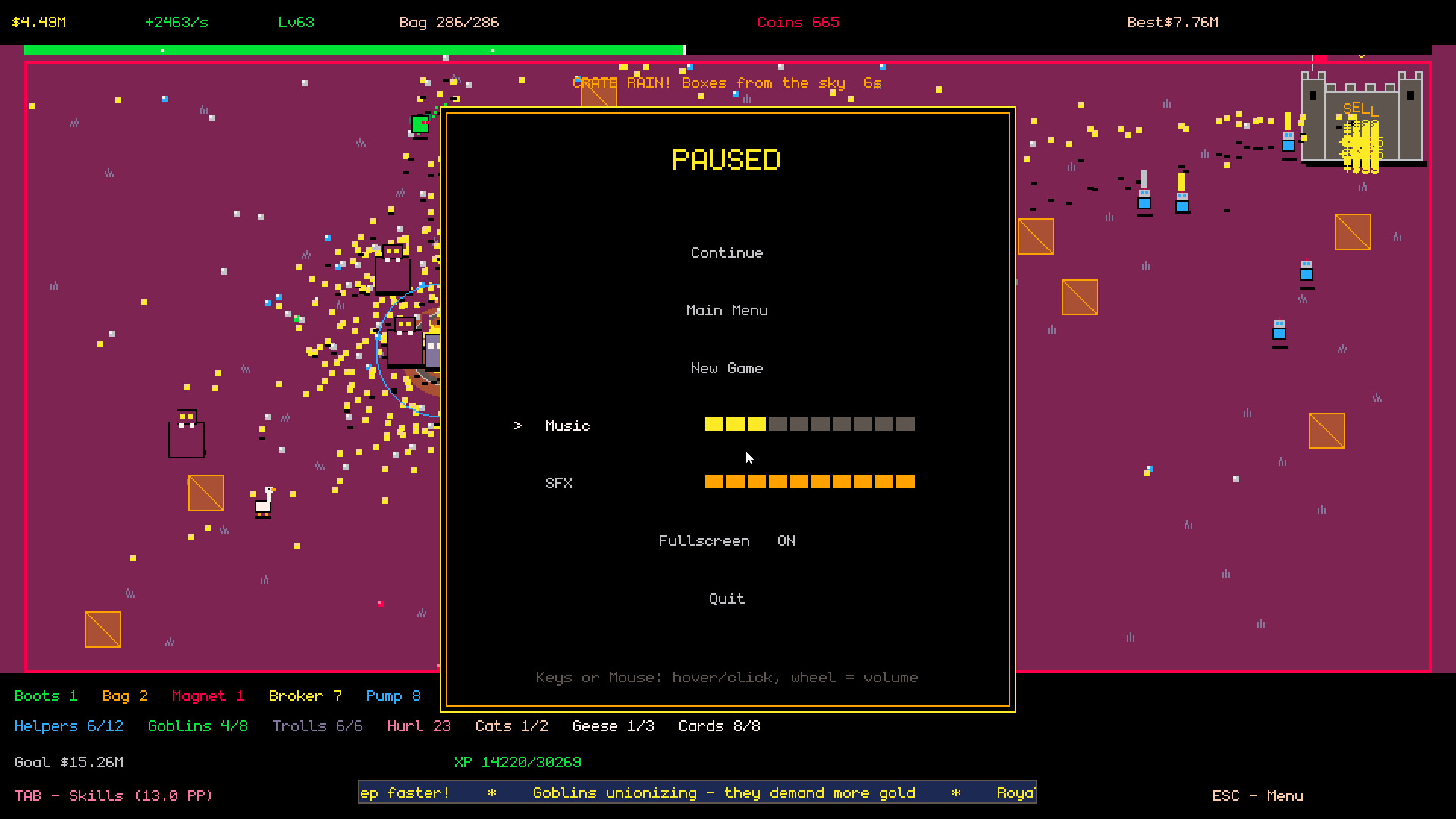
What's new Effects setting (Full / Reduced / Off) - you can now tone down the screen flashes and screen shake. Find it in the pause menu and in Options on the title screen. The new default is Reduced: full-screen color flashes are removed, shakes are softened, and blinking UI is capped for photosensitivity comfort. Off disables effects entirely, Full keeps the original look. Full controller support- the whole game is now playable on a gamepad, including menus, card drafts and the Skill Web. Stick or D-pad to move and navigate, A to confirm, B to back or skip, X to reroll a draft hand, Y to open the Skill Web, Menu to pause. Plays great on Steam Deck. Keyboard and mouse work exactly as before. The Effects option is a direct response to player feedback about harsh visual effects. Thank you for it! If anything still feels too flashy, tell us in the discussions and we will keep tuning it.