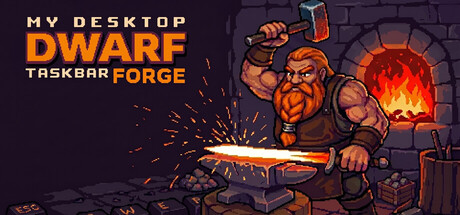
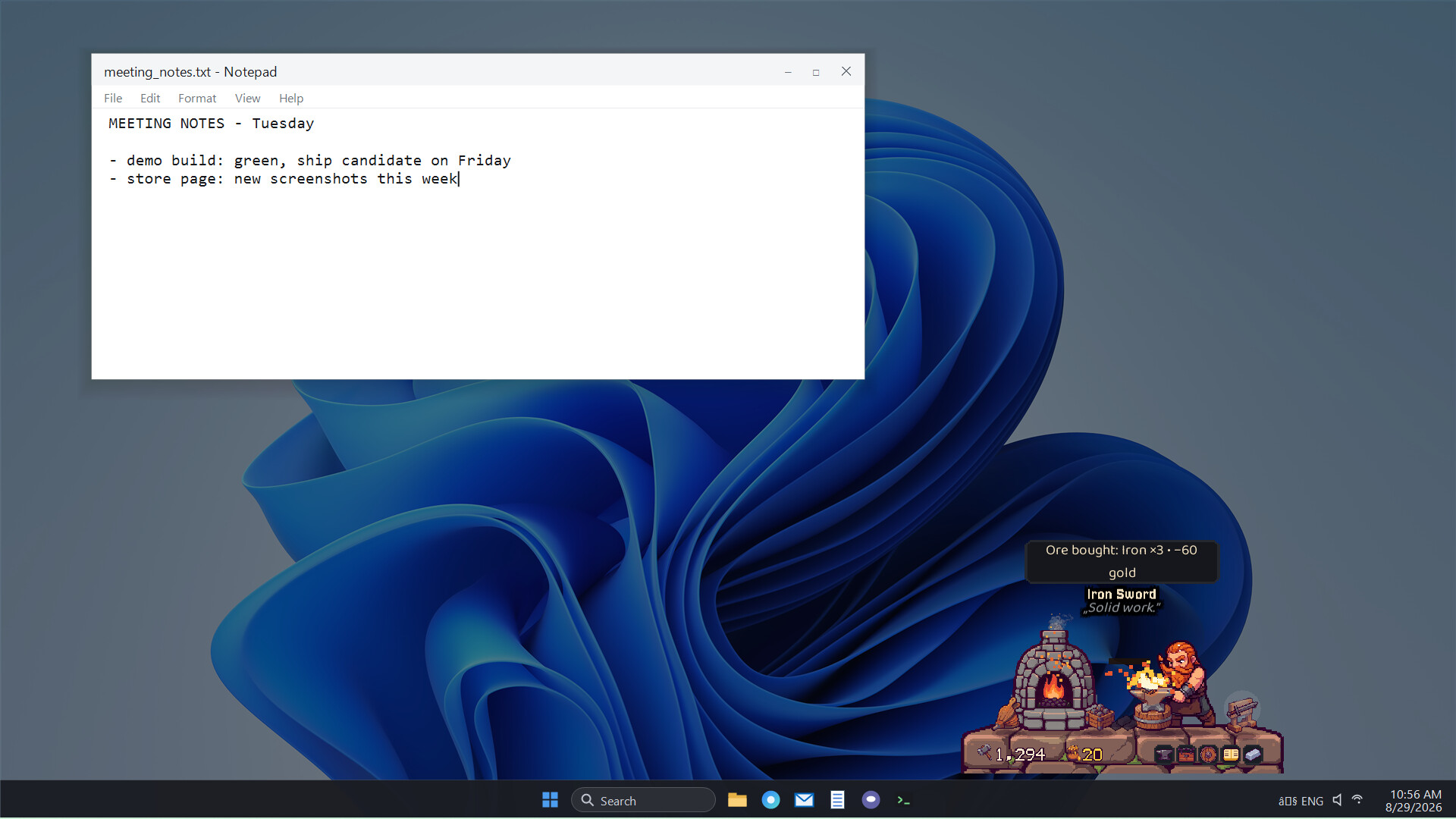
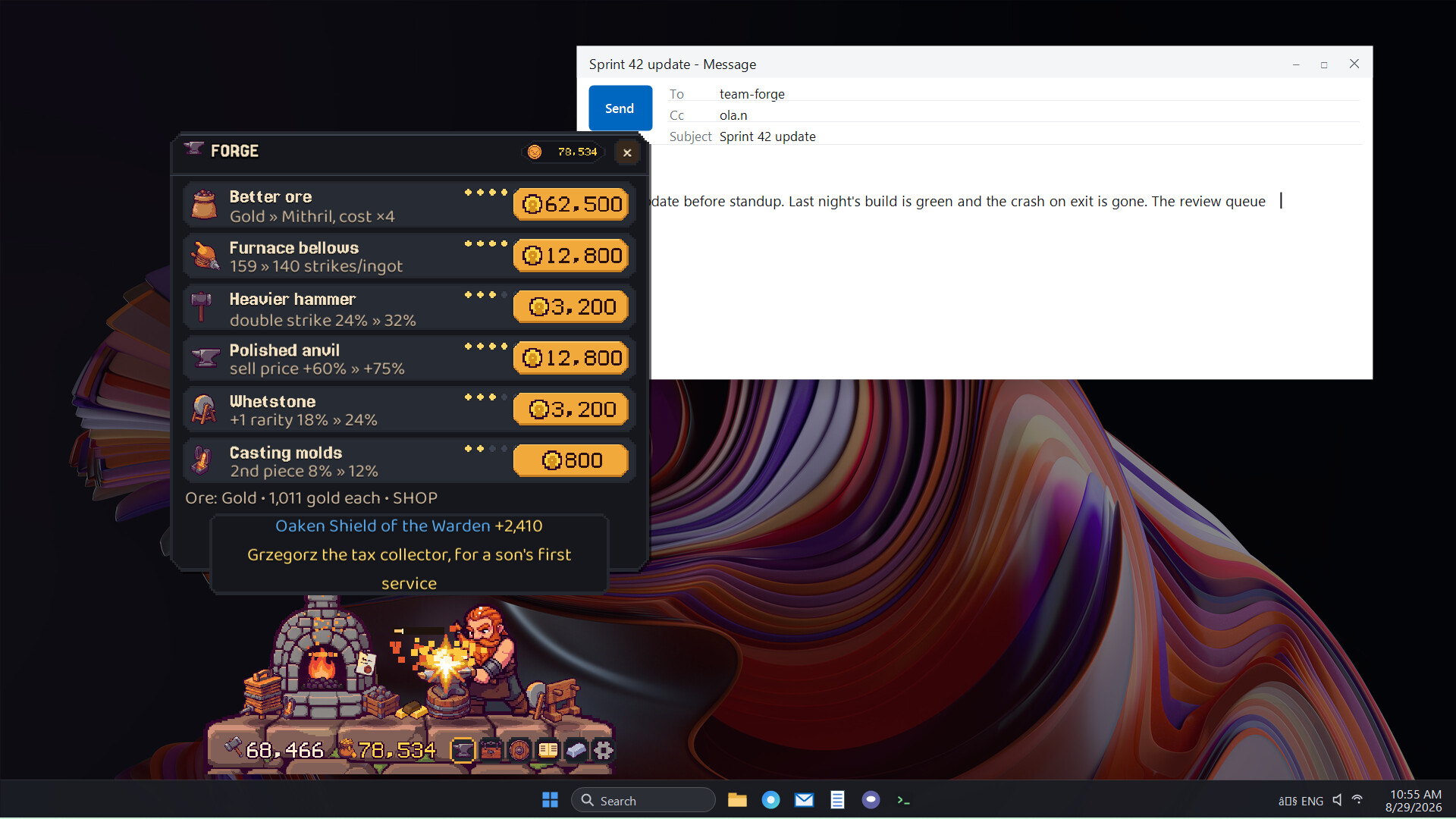
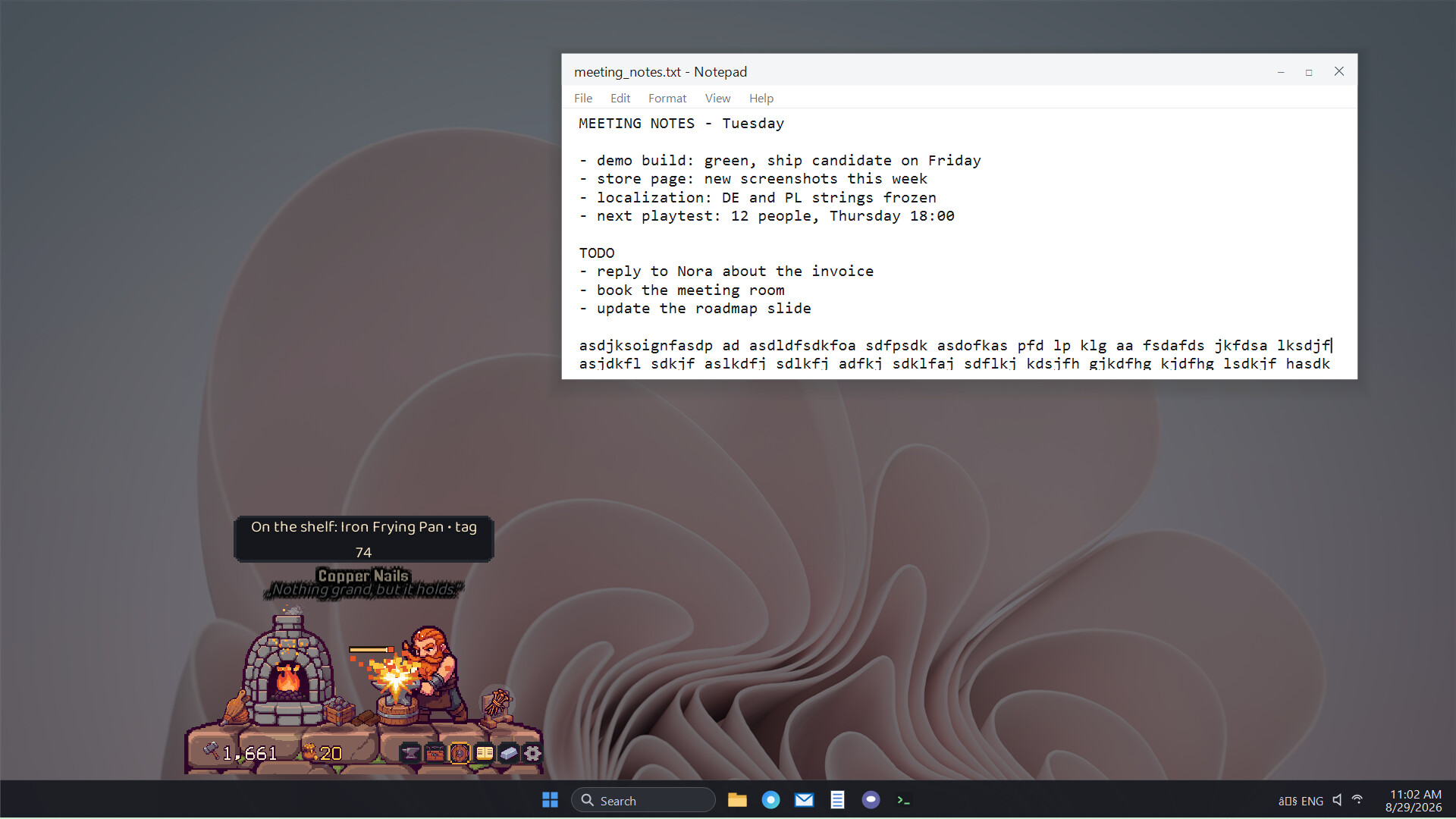
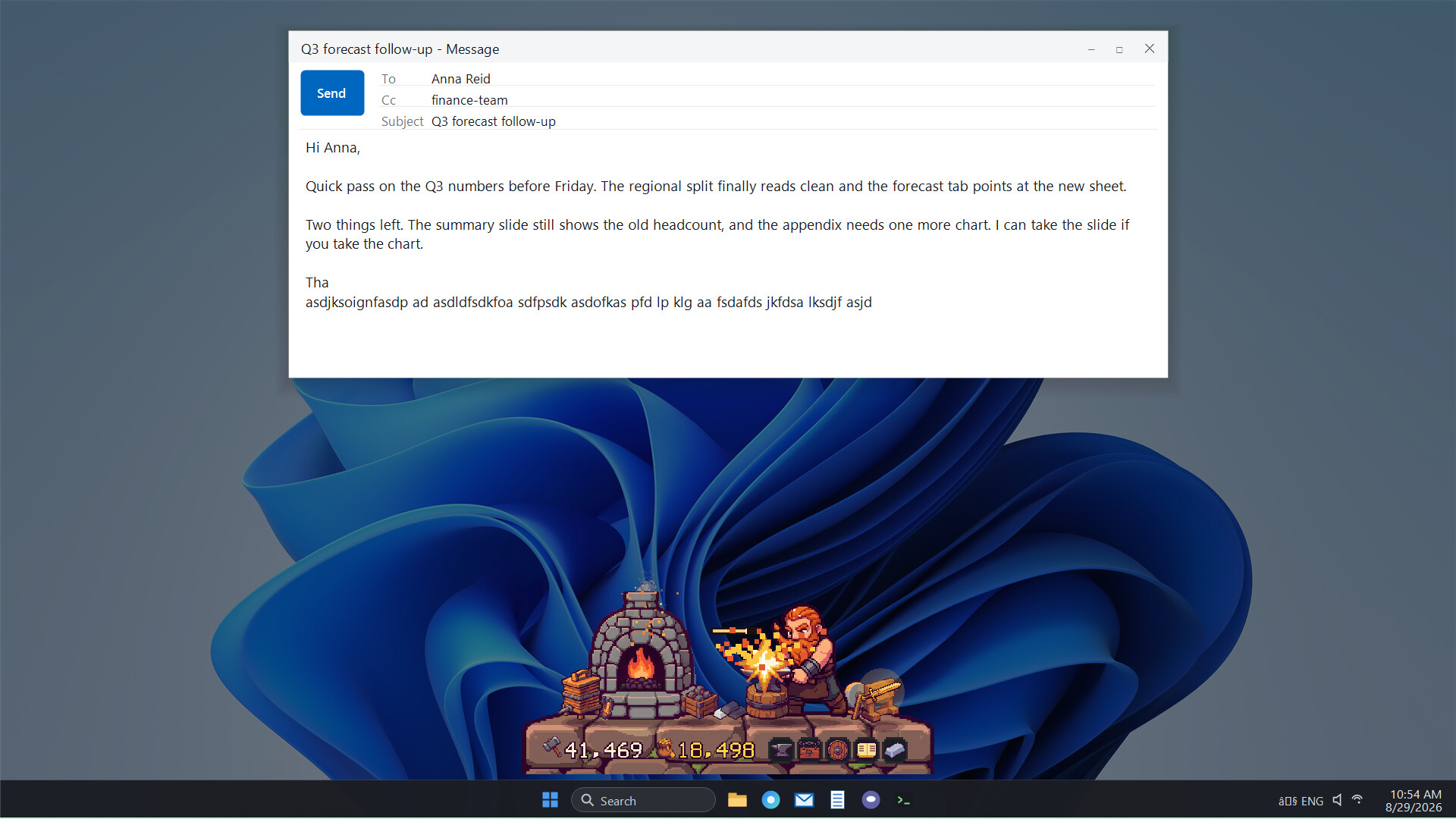
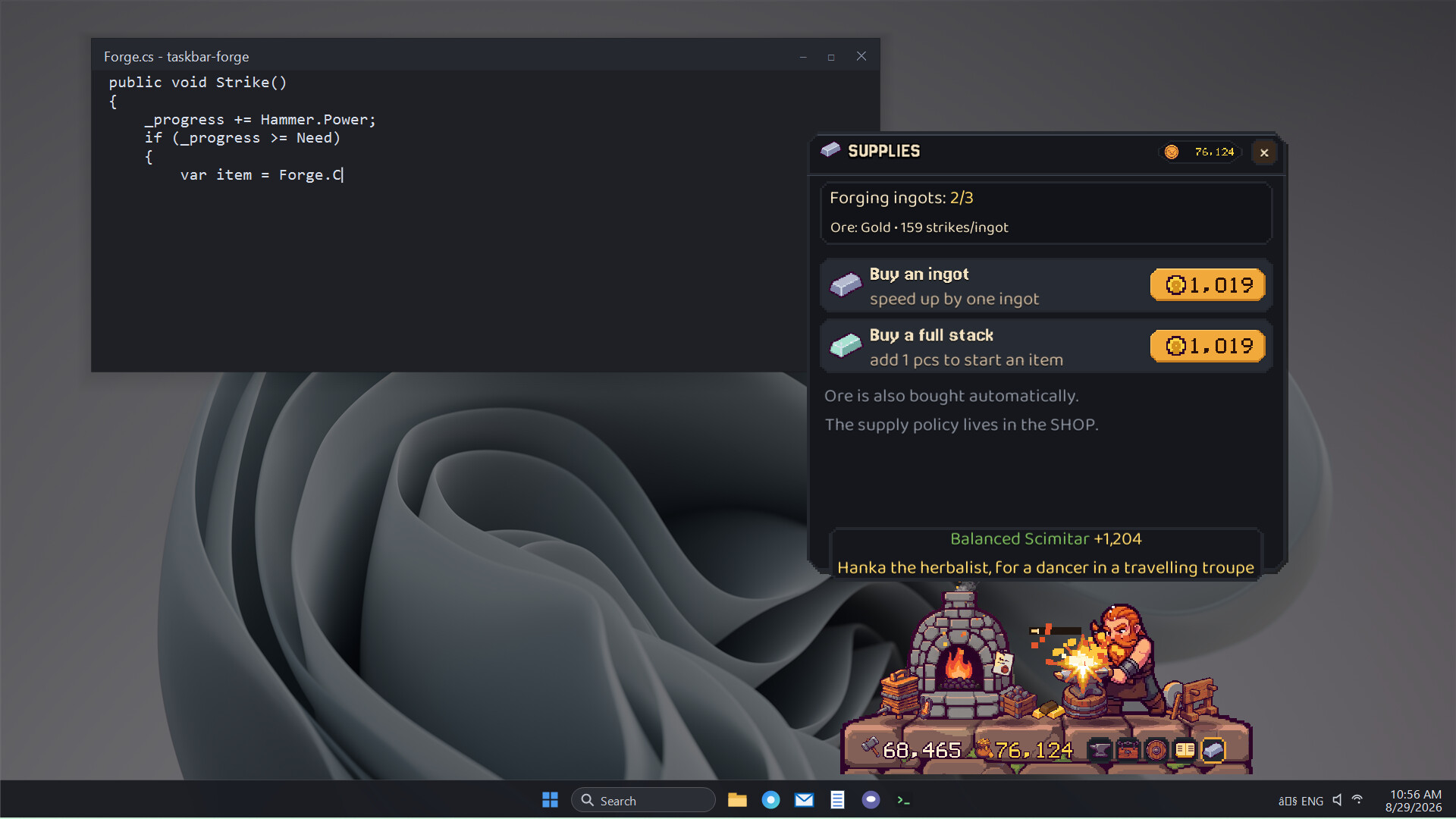
A dwarf blacksmith works your taskbar, forging items as you type—from mundane horseshoes to legendary weapons that Brygida peddles in her shop. The core loop pairs your keystrokes with Brokk's hammer strikes, creating a satisfying rhythm between active typing and incremental progress. Ideal for those who want idle game mechanics woven into everyday computer use without requiring a separate window.
About this game
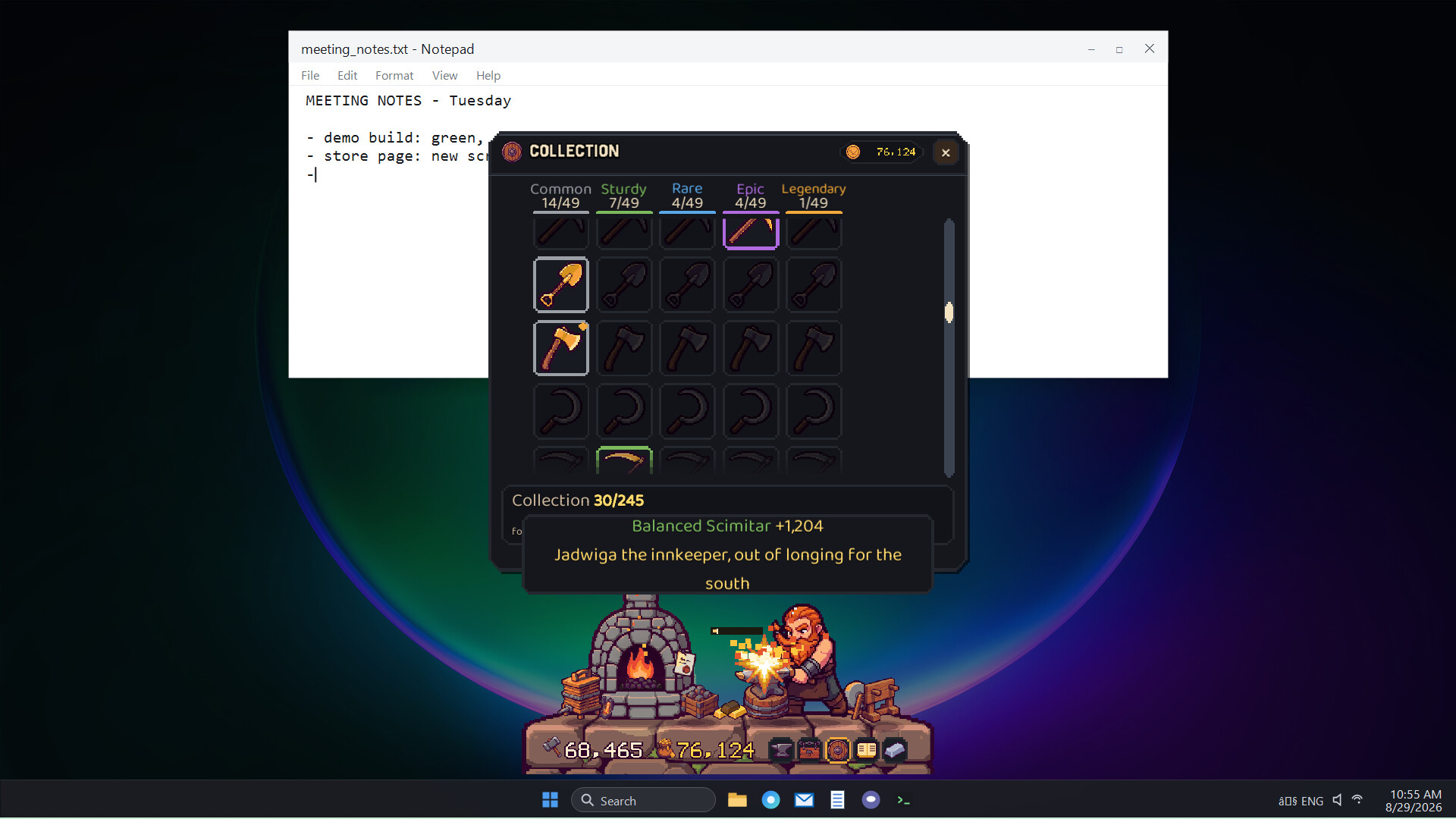
Brokk has set up a tiny forge just above your taskbar. You tap the keys, he swings the hammer. Mostly it is horseshoes or kettles, sometimes a legendary sword. Brygida sells it all in their shop. You type, he smiths. Together, the work goes faster and feels better.
Players, last 55 days
Peak 0 · Low 0
Daily peak concurrent players, sampled once a night from Steam.
My Desktop Dwarf: Taskbar Forge is part of Steam Next Fest until October 26, and the free demo is on Steam. Brokk has set up a tiny forge just above your taskbar. Every key you press is one swing of his hammer. When you pause he wipes his brow and takes a sip, and when you go for a coffee he naps on his stool. Brygida sells what he makes in their shop, and you discover new patterns as you go. The game counts key presses, never what you type, and works offline. The demo takes you through copper and bronze up to iron, and you can keep forging as long as you like. My tip for the festival: start it with your workday, leave Brokk on your taskbar and check in the evening what he made. You can also play other games or demose and keep Brokk forging in background. Play the free demo: My Desktop Dwarf Demo on Steam A wishlist on the full game helps me a lot. I read everything in the feedback thread, and bugs go to the bug reporting thread. Also in Next Fest: Motel 51: Papers, Keys & Aliens, a night shift at a motel near Area 51 where you decide which guests get a key. Try its demo or follow Press Any Key for news about both games.
Thank you for being here and for your reports in the Bug Reporting thread. This update is built on them. Mouse clicks count again while a game is fullscreen, so Brokk keeps forging whether you play with the keyboard or the mouse. The forge now has a taskbar button and an Alt+Tab entry. Pick it there to bring the forge up over your game, then click back into the game and it steps aside again. Need the forge out of the way? "Minimize the forge" in Settings, or a click on its taskbar button, tucks it into the taskbar while Brokk keeps counting your strikes. Any comments or wishes? Let me know in the Steam discussions. If they come in soon, I will try to add them before Steam Next Fest. If you like the game and have not done it yet, please add it to your wishlist and follow the game. You can also follow the publisher, Press Any Key, to know what comes next. It really helps. Thank you so much!
Thank you for being here and for your reports in the Bug Reporting thread. This small update fixes both problems described there. The forge now hides while a game or video is fullscreen on its monitor. Games stay in fullscreen and the mouse no longer escapes to a second monitor. Prefer to see it over the game? Turn on "Show over fullscreen apps" in Settings, Display tab. Your progress carries over unchanged. Any comments or wishes? Let me know in the Steam discussions. If they come in soon, I will try to add them before Steam Next Fest. If you like the game and have not done it yet, please add it to your wishlist and follow the game. You can also follow the publisher, Press Any Key, to know what comes next. It really helps. Thank you so much!
Posts come from Steam's official announcements feed.