



▲ Recommended
2 hrs
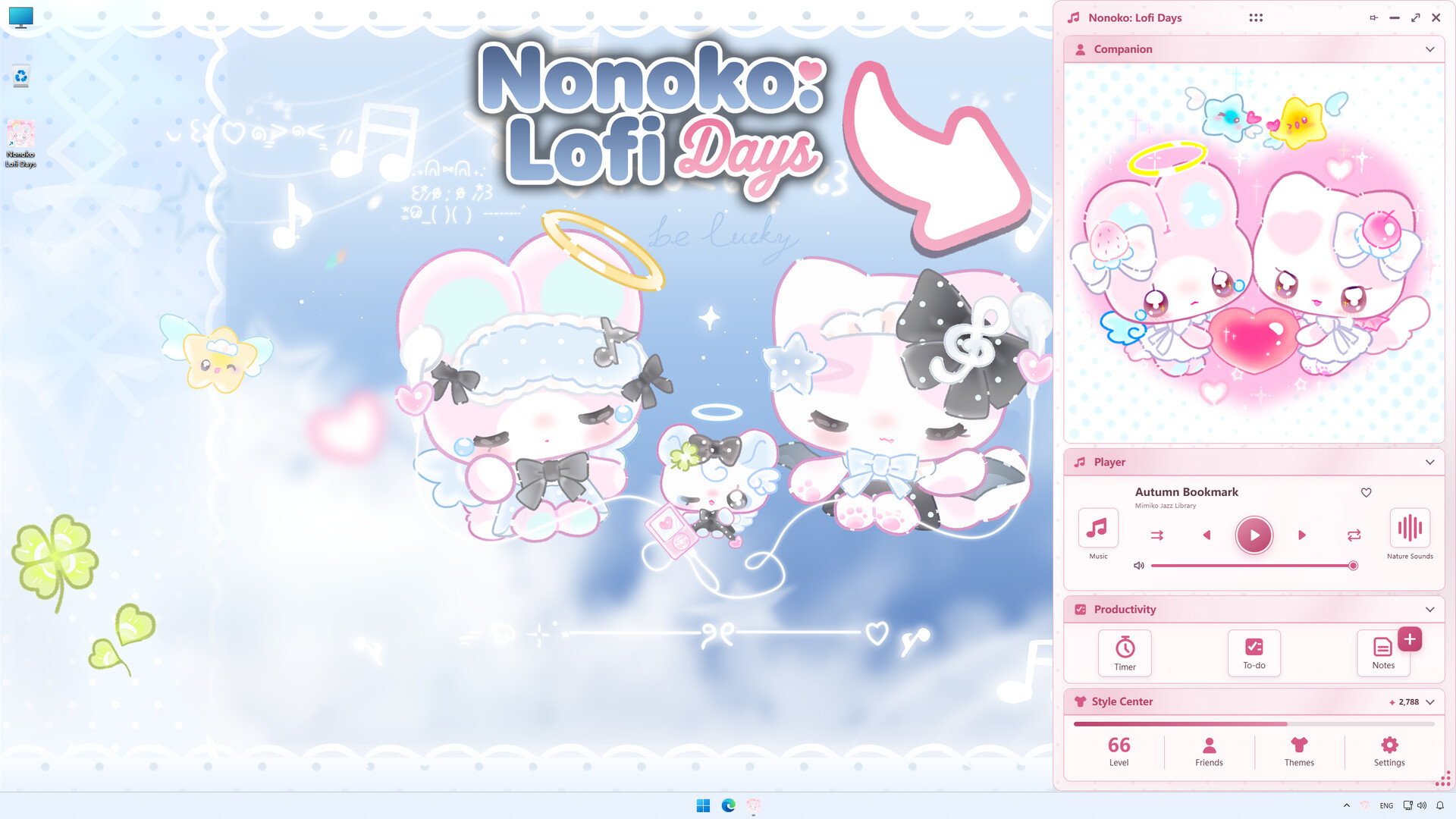
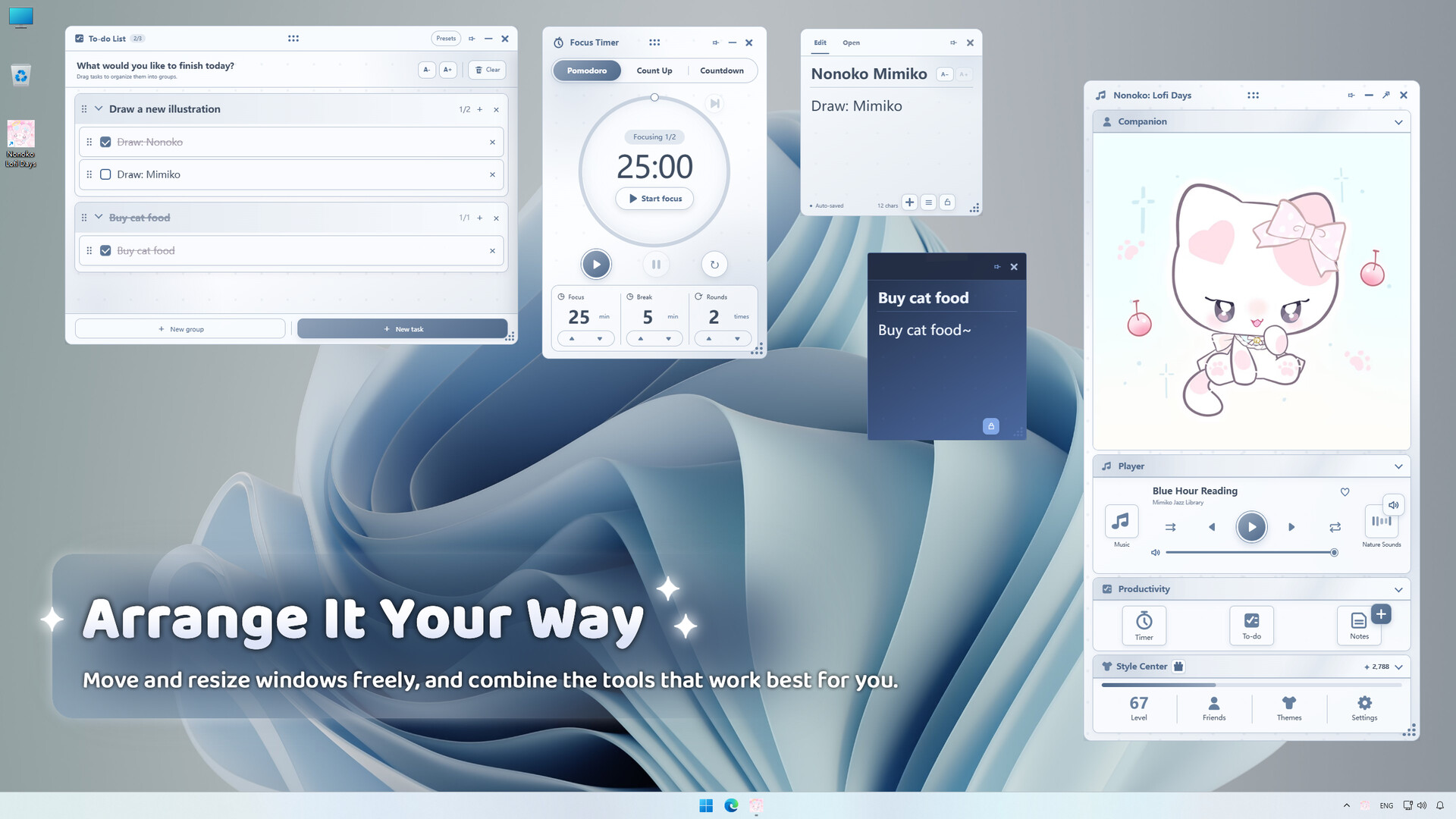
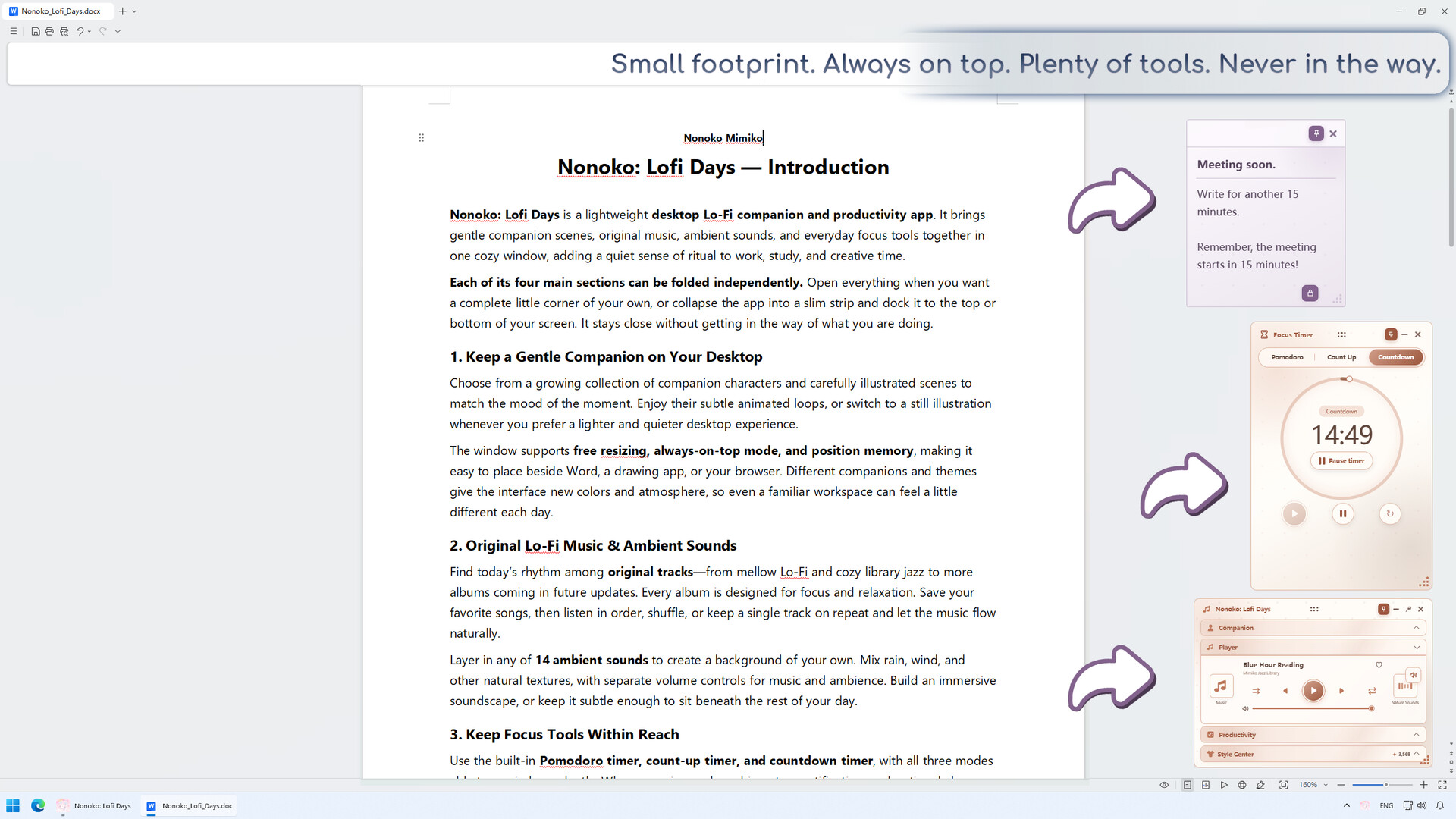
So far I think this little productivity app is really great!! Its super cute; I love the ability to change themes and unlock companions. Its nice to have all of my favorite productivity tools in one place. Having notes, and to do list all tied in will be really handy for keeping track of tasks.
I love the idea of the music player- very often I'd like to have some kind of nature sounds on top of my music while I work! However, I do think it would be nice to be able to link my own sounds and music. The bird sounds in the app have some kind of constant squeaking sound.. I'm not sure if its an insect or a frog, but it gives me a bit of a headache. Sometimes I also like to listen to subliminals in the background- It would be nice to be able to add custom mp3s for that kind of thing.
The music in the app is really cute too! It seems like its set up so they can add more in the future- at the moment theres only 14 tracks. Considering the price, its hard to complain about the small number of songs. It'd be nice to be able to link my own downloaded library of mp3s into it~ It would feel a little silly to have both this and and another music player open just so I can play my own music ^^;
I'm excited to see more companions in the future!! It might be nice also for people to be able to add their own gifs to the companion slot also!!
Overall I really like the app; the animations are really cute, I love the variety of the themes, and the concept of the app being an aesthetic productivity tool all in one is really nice. I think the types of customizations I mentioned would really help this to stick with people as a long term productivity tool. If people can customize some things then you don't have to worry about people getting tired of the same songs or nature sounds too quickly~
I love the idea of the music player- very often I'd like to have some kind of nature sounds on top of my music while I work! However, I do think it would be nice to be able to link my own sounds and music. The bird sounds in the app have some kind of constant squeaking sound.. I'm not sure if its an insect or a frog, but it gives me a bit of a headache. Sometimes I also like to listen to subliminals in the background- It would be nice to be able to add custom mp3s for that kind of thing.
The music in the app is really cute too! It seems like its set up so they can add more in the future- at the moment theres only 14 tracks. Considering the price, its hard to complain about the small number of songs. It'd be nice to be able to link my own downloaded library of mp3s into it~ It would feel a little silly to have both this and and another music player open just so I can play my own music ^^;
I'm excited to see more companions in the future!! It might be nice also for people to be able to add their own gifs to the companion slot also!!
Overall I really like the app; the animations are really cute, I love the variety of the themes, and the concept of the app being an aesthetic productivity tool all in one is really nice. I think the types of customizations I mentioned would really help this to stick with people as a long term productivity tool. If people can customize some things then you don't have to worry about people getting tired of the same songs or nature sounds too quickly~
2 found helpful
Steam ↗